 Vinter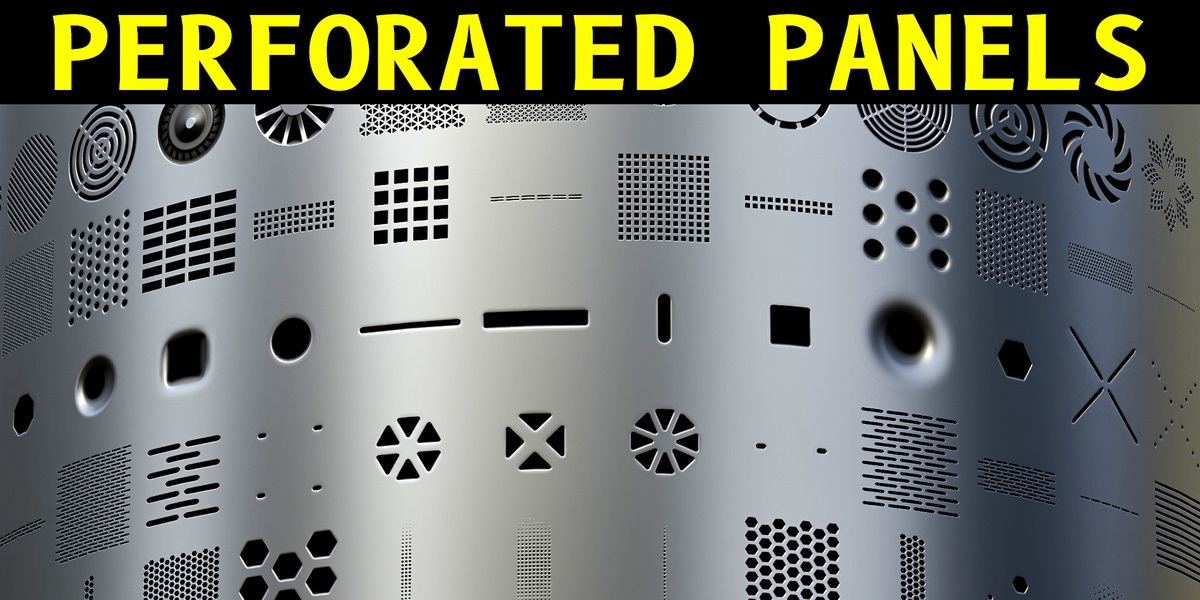


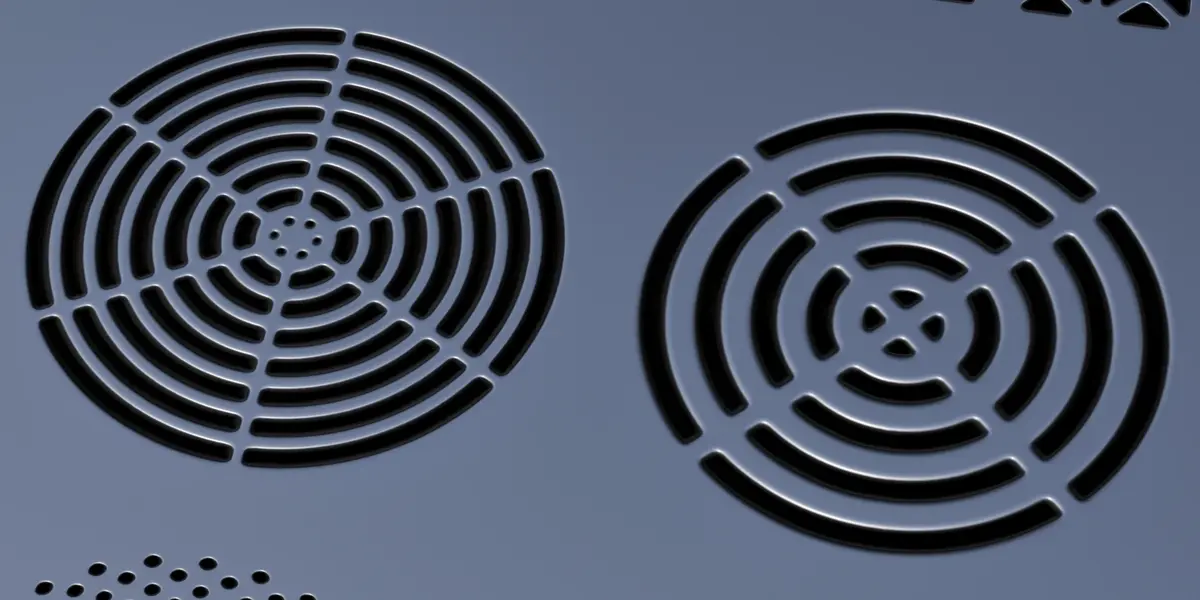
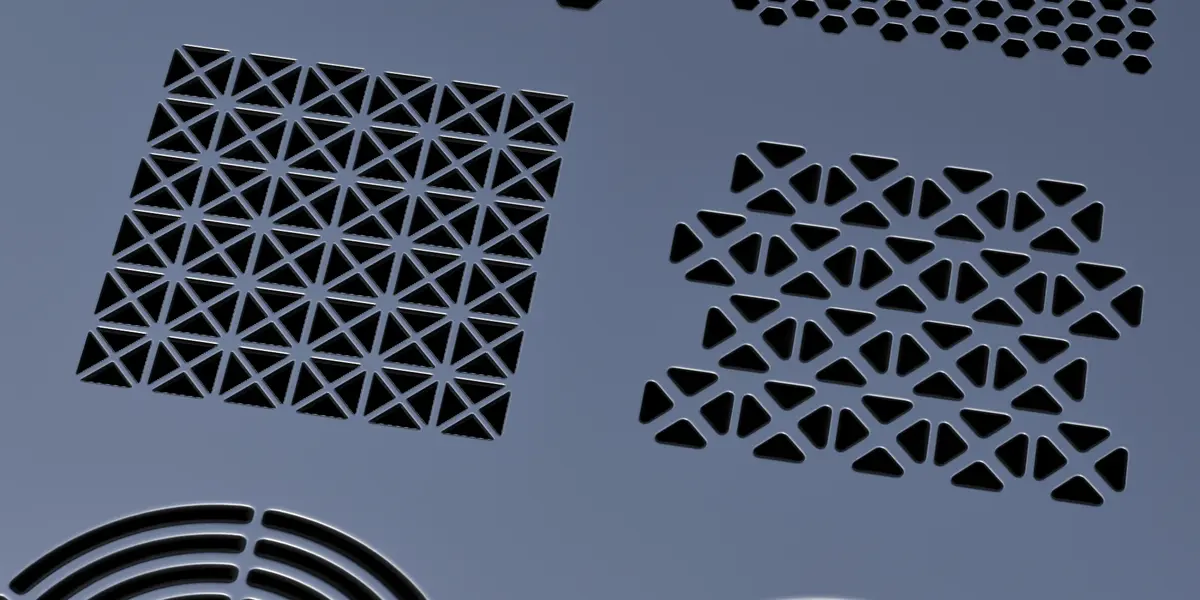
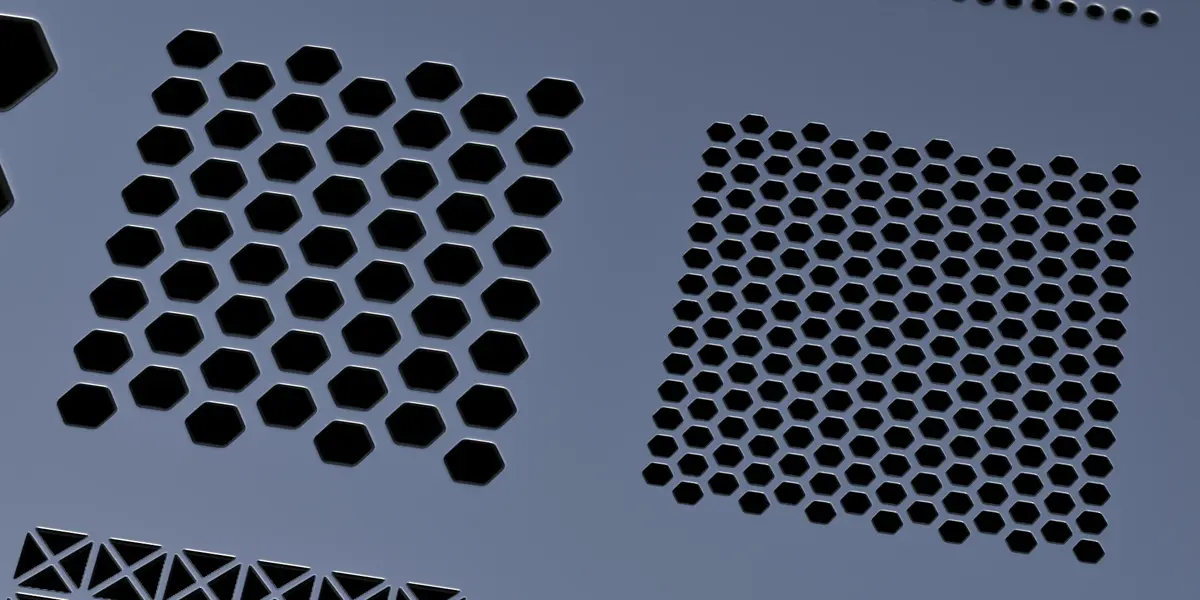
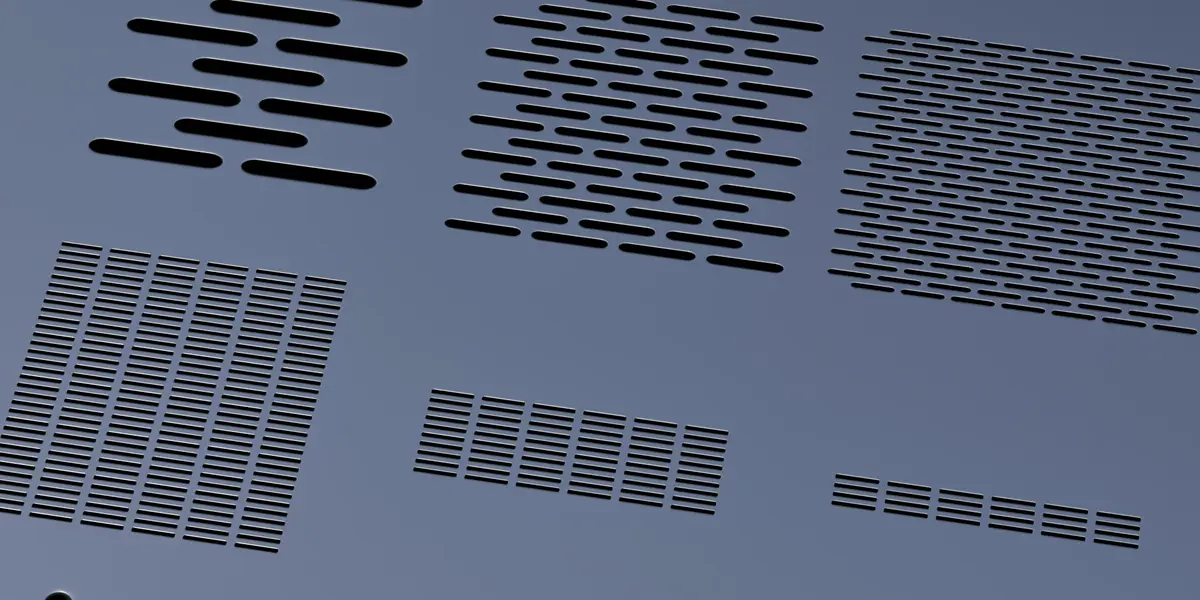
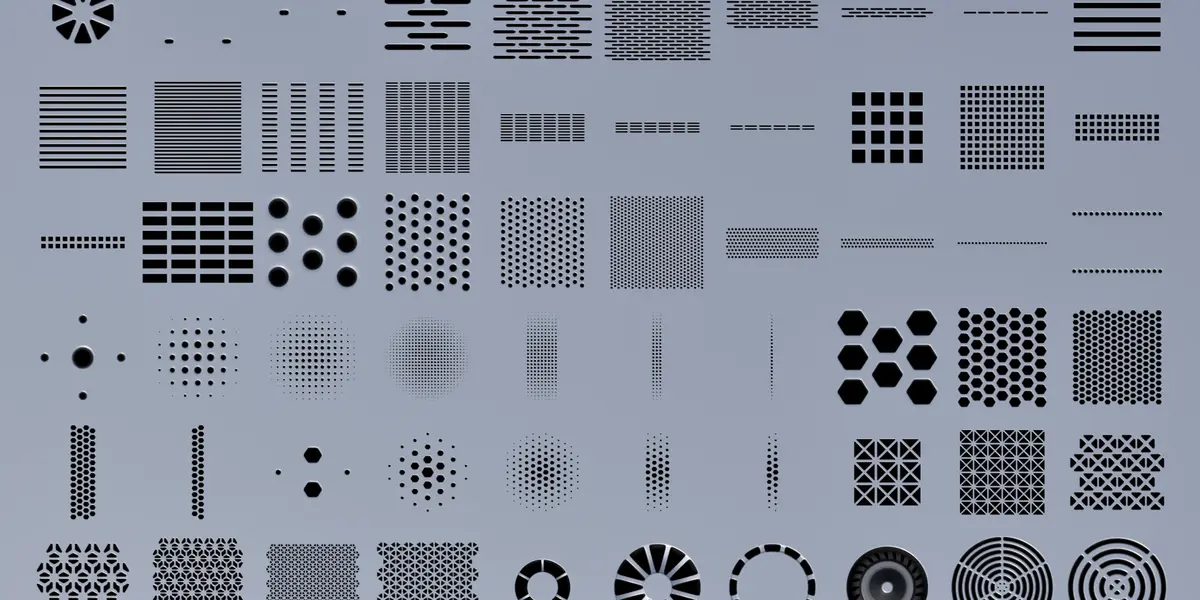
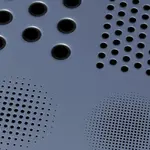
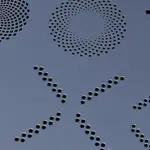

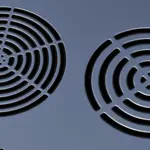
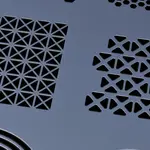
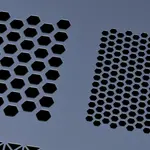
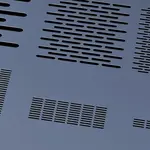
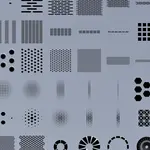
VINTER - 100 PERFORATED PANELS
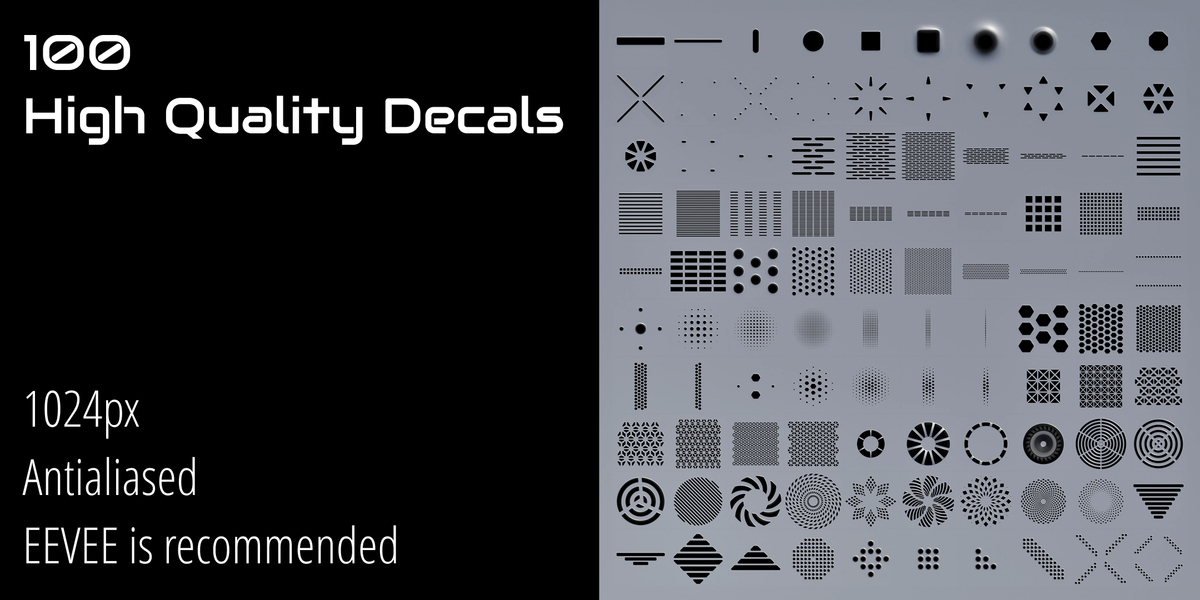
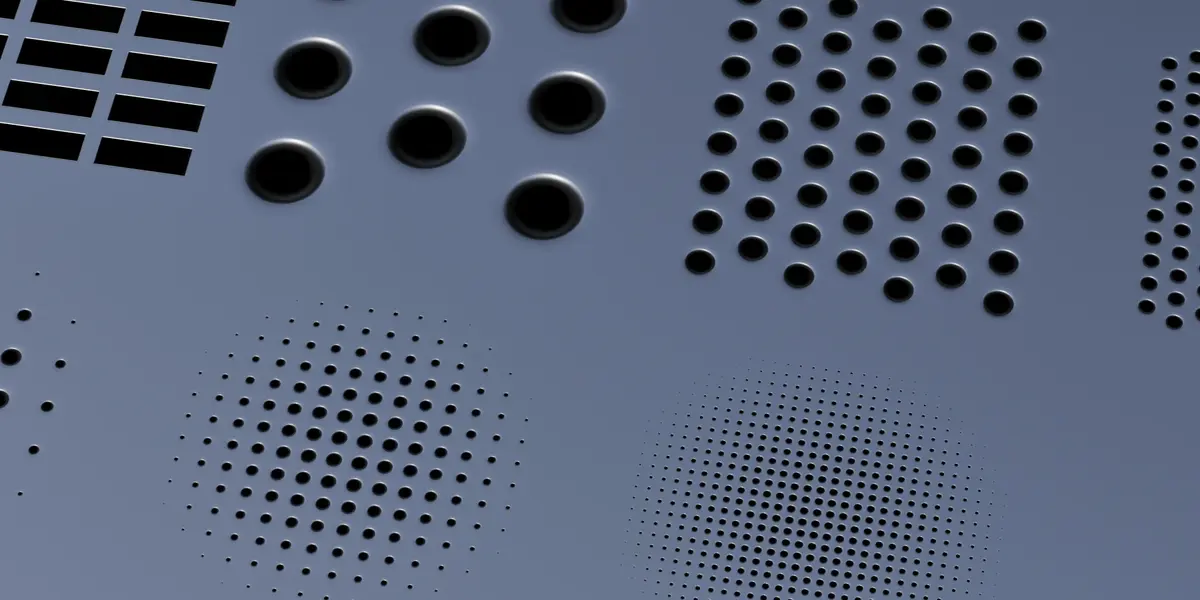
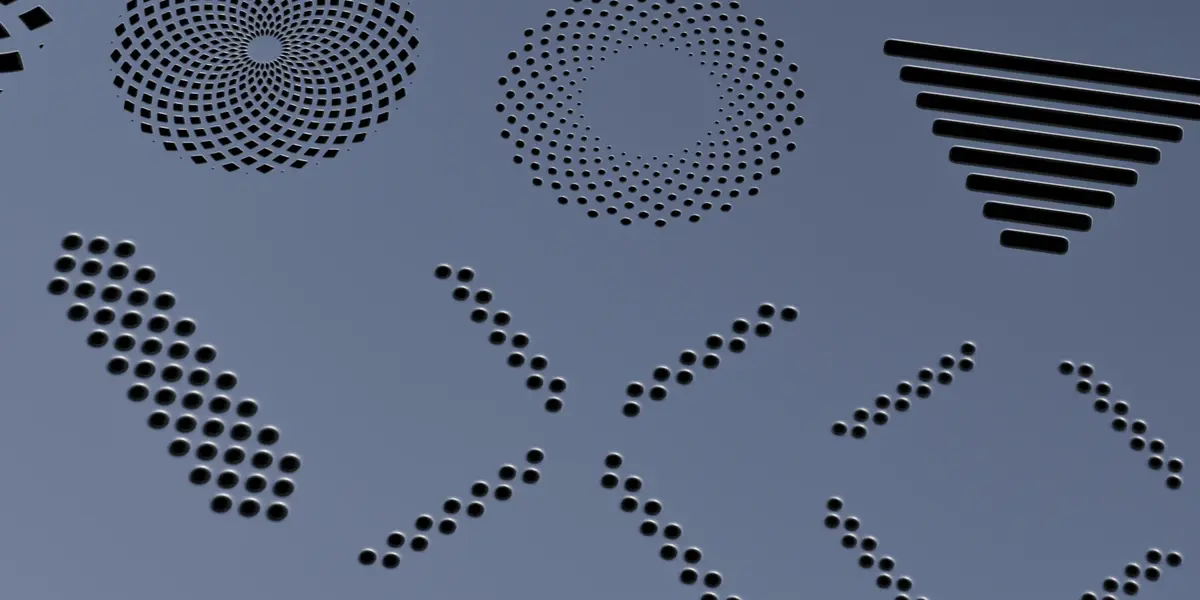
100 perforated panel, vent and grille decals for DECALmachine
WHAT'S INSIDE
- 100 decals (folders 001 to 100)
- 1024 x 1024 maps
- OpenGL normals
REQUIREMENTS
- Blender 4.3+
- DECALmachine 2.17
INSTALL
1. Copy the decal folder ("Vinter - 100 Perforated Panels") into your DECALmachine library
(default: ...\DECALmachine\Assets\Decals, or your own library path).
2. Restart Blender, or refresh the libraries in
Preferences > Add-ons > DECALmachine > Libraries.
3. Open the Decal panel (D key) and select the library.
USAGE
Insert, move, rotate and scale with the usual DECALmachine shortcuts.
Have questions about this product?
Login to message
| Dev Fund Contributor | |
| Published | about 3 hours ago |
| Blender Version | 4.3 - 5.2 |
| Render Engine Used | Cycles, Eevee |
| Misc Data | Uvs-Unwrapped, Normal-Mapped, Textured |
| License | Royalty Free |

Discover more products like this
holes decals sci fi vents detailing hard surface panels decalpack perforations ventilation decalmachine Texturing