 Vinter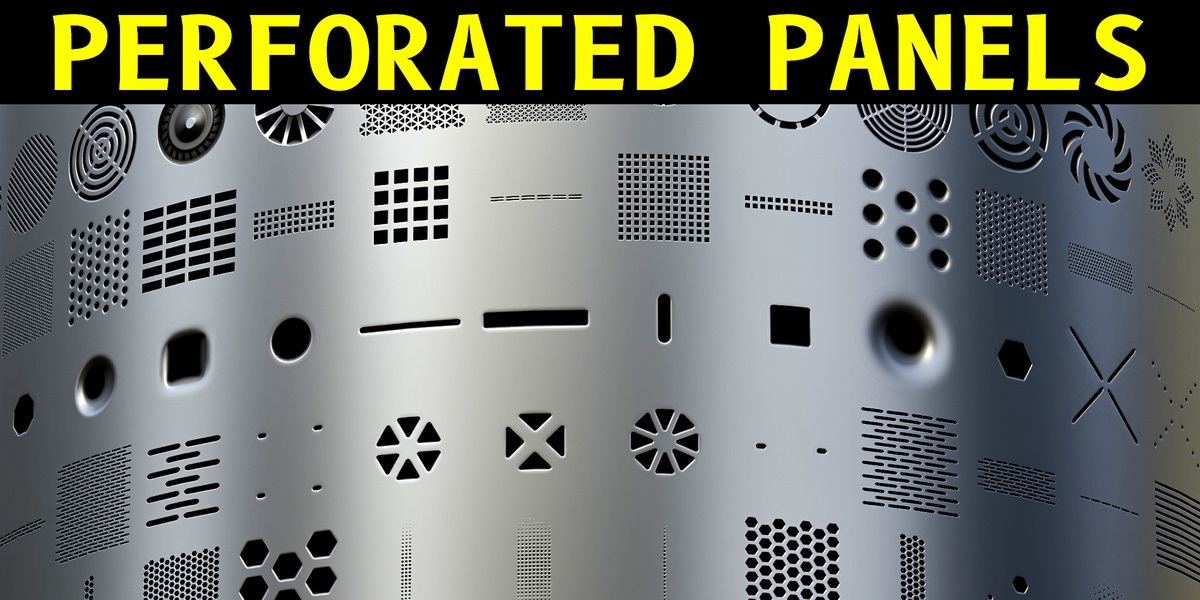
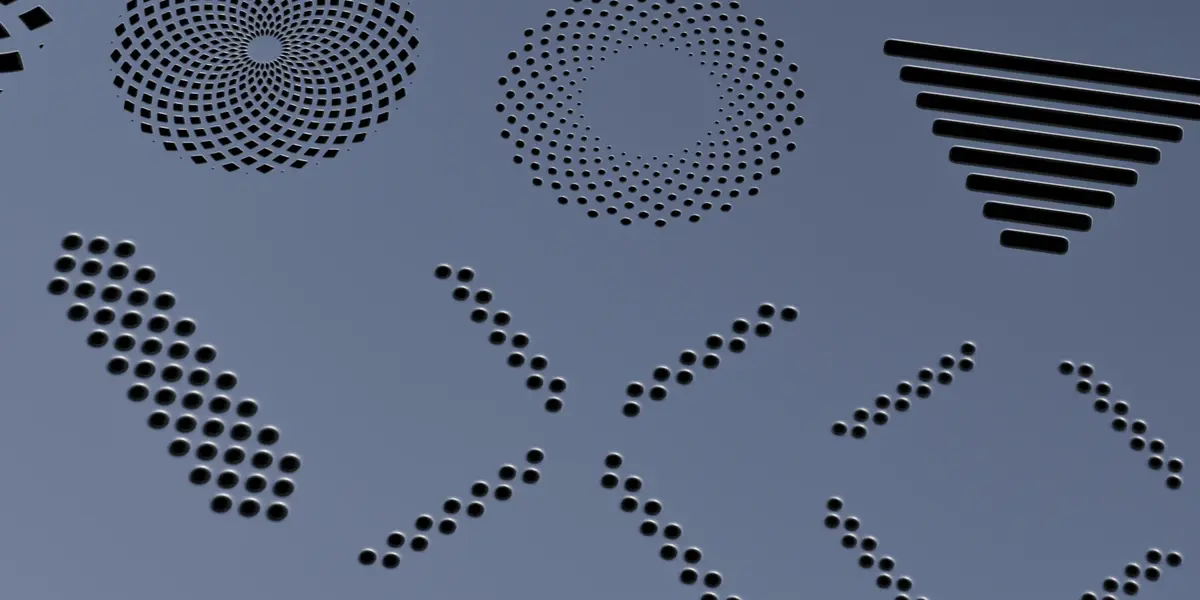
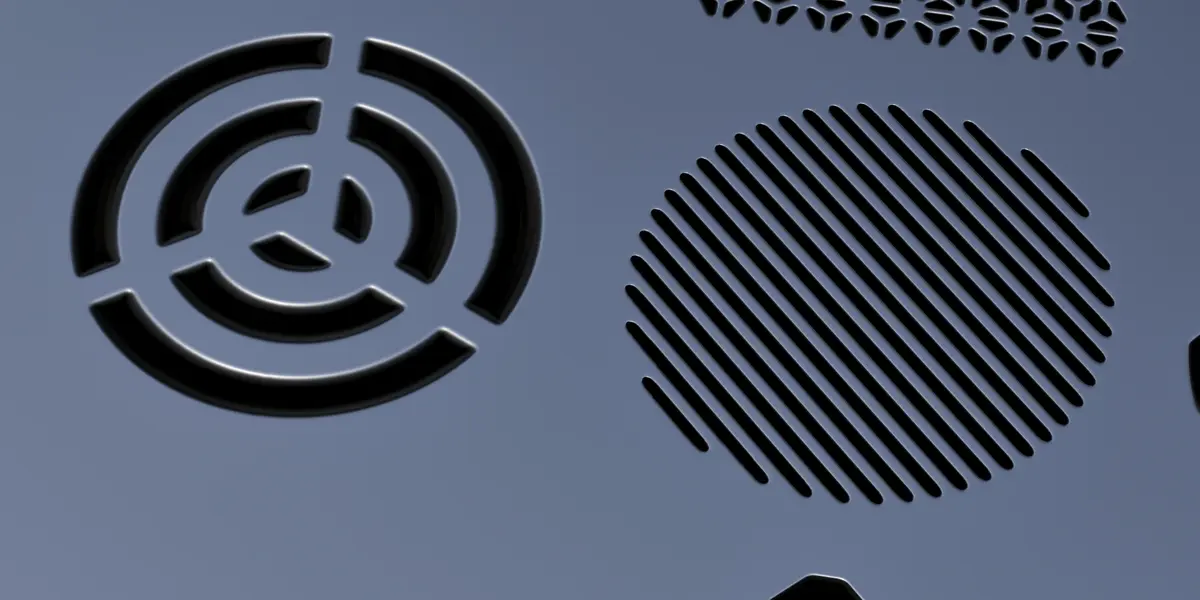
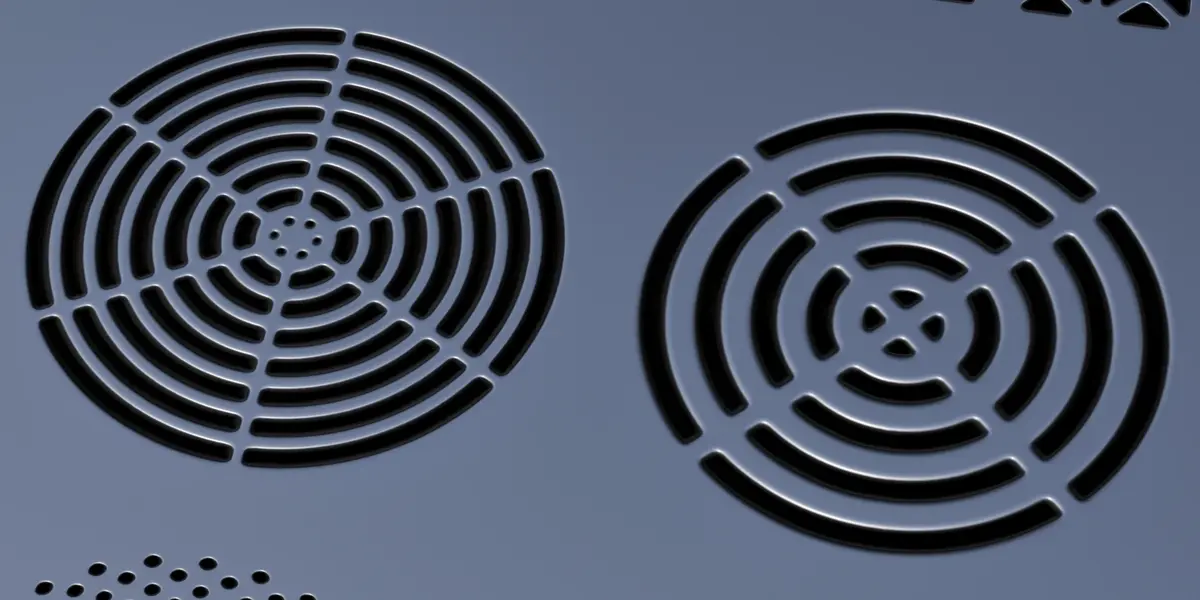
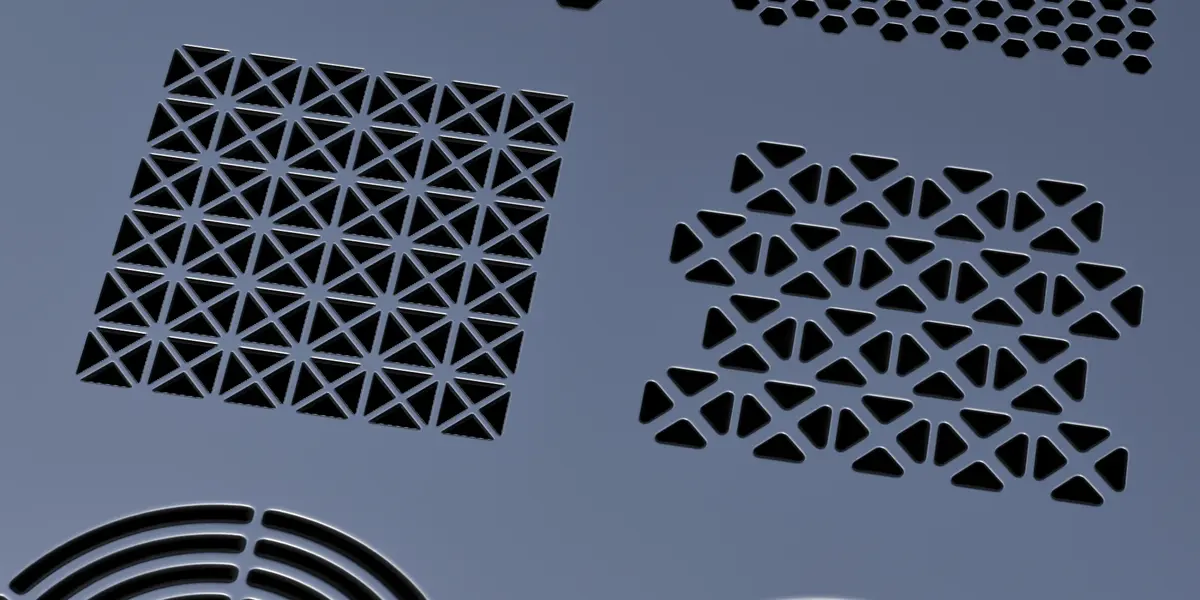
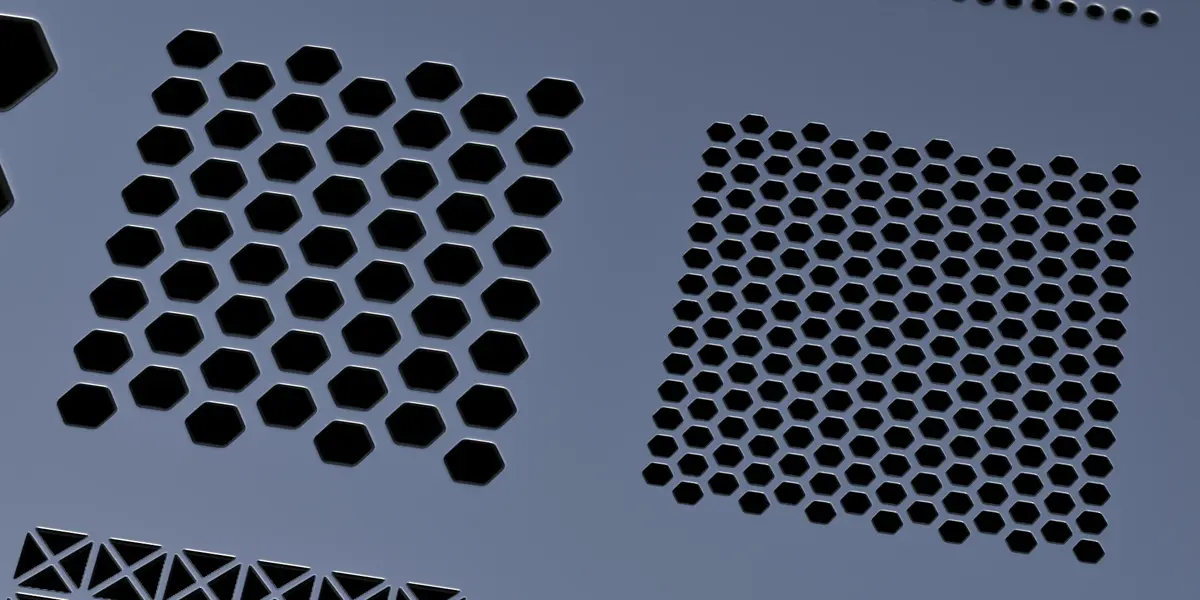
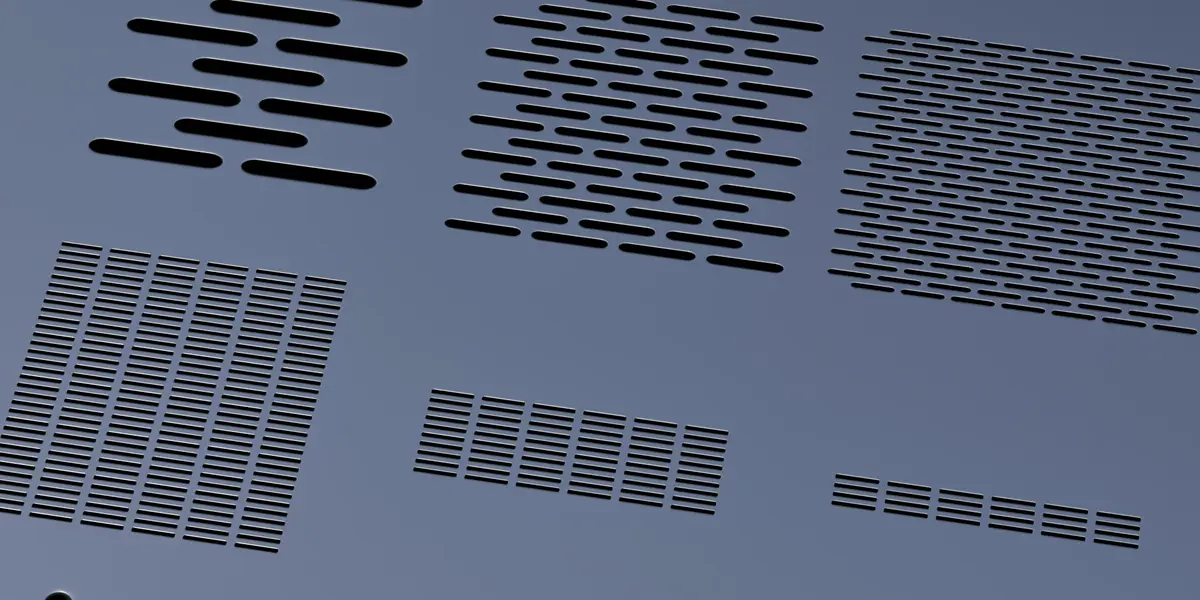
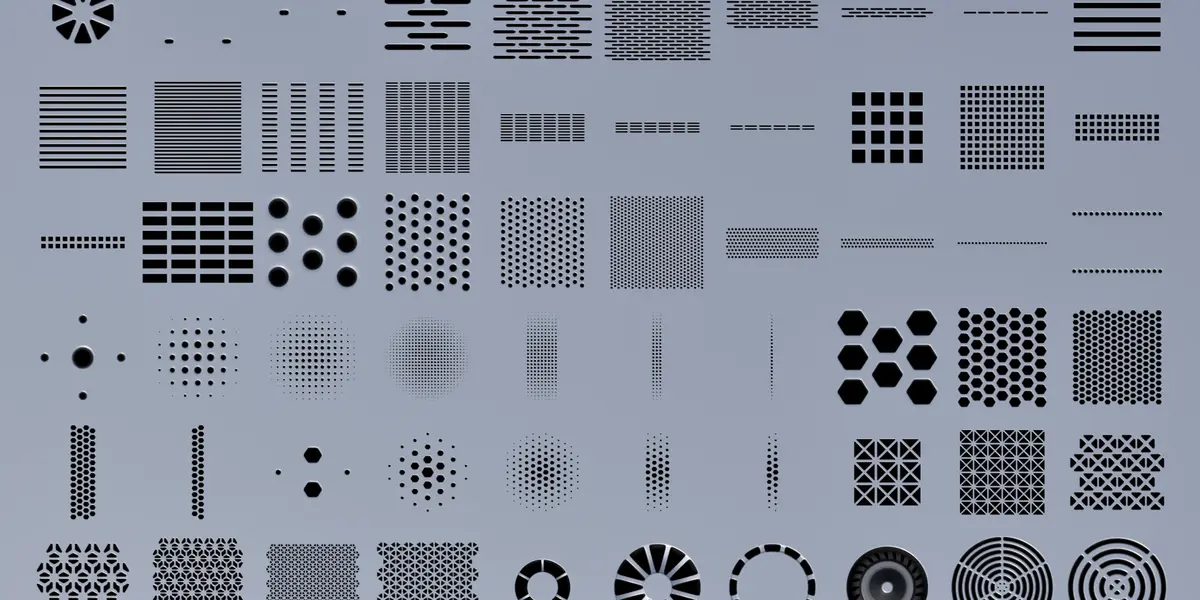
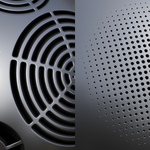
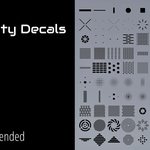
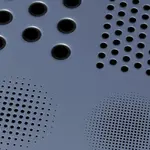
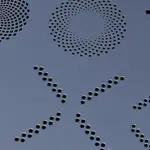

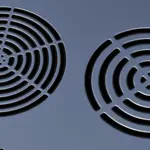
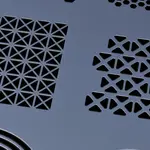
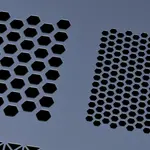
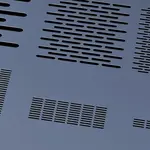
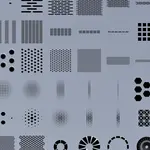
What do I need to use this pack?
DECALmachine 2.17 or higher. If you don't have the addon, the decals won't show up or work.
How do I install it?
Extract the pack, copy "Vinter - 100 Perforated Panels" folder into DECALmachine's "Decals" folder, then click Reload in the preferences (or restart Blender).
Where do the files go?
Into the "Decals" folder inside your DECALmachine Assets path. You can see that path in Edit > Preferences > Add-ons > DECALmachine.
How do I place a decal?
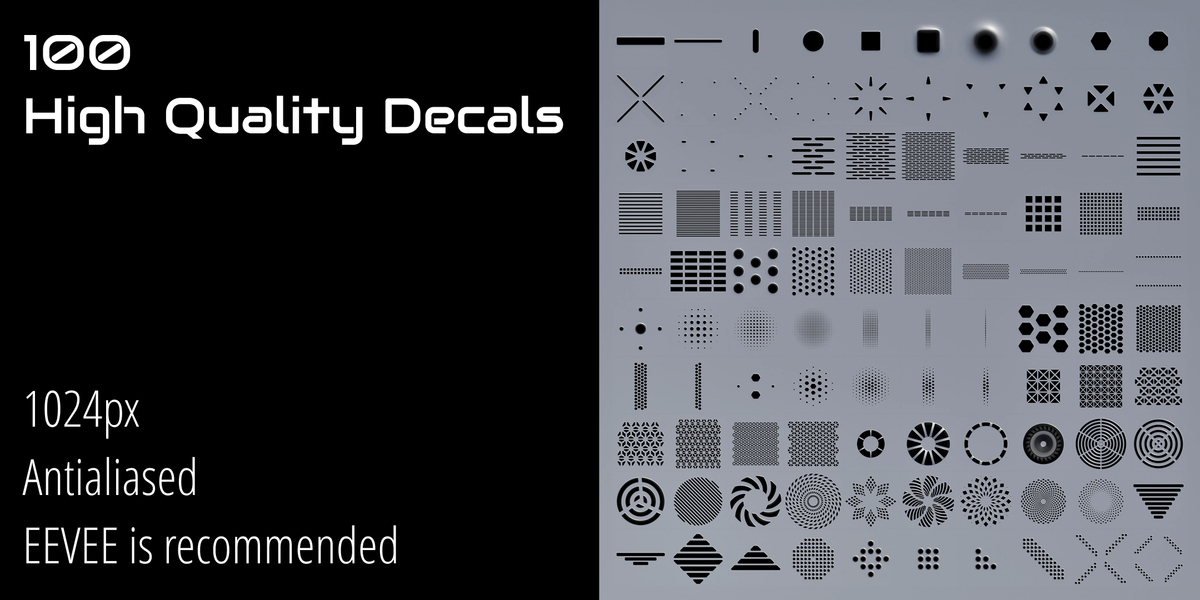
Select your object, press D to open the decal menu, pick a panel and click on the surface. Simple as that.
Do they work on curved surfaces?
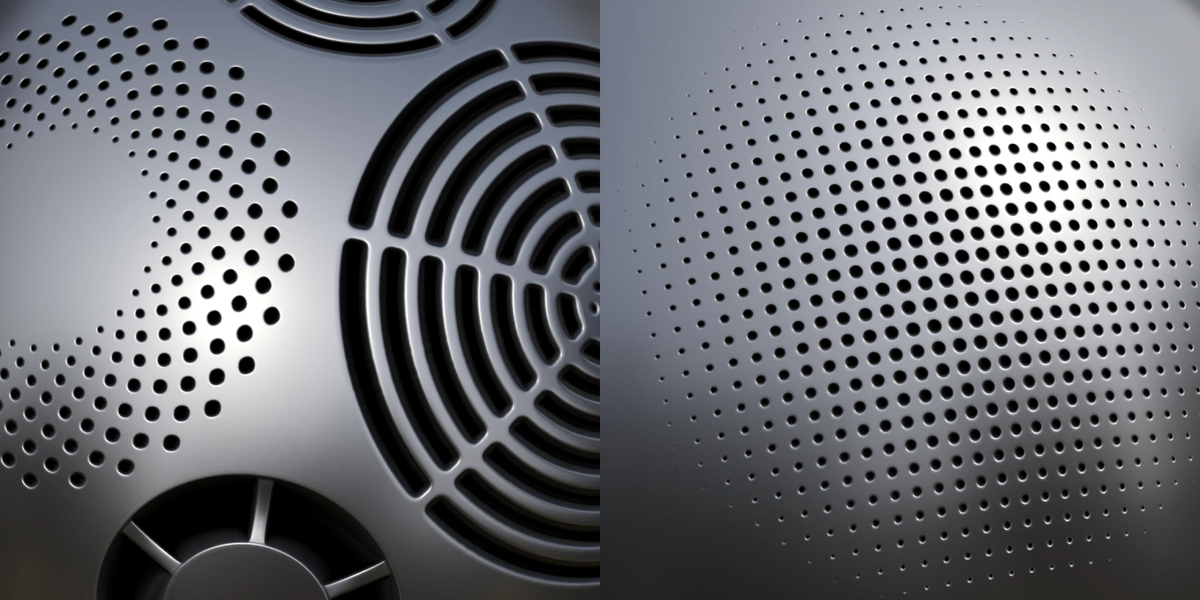
Yes. They also work on flat surfaces and follow the geometry. (Use the "(D) Project" function inside Decal Machine Panel)
Can I move, scale or rotate them?
Yes. They behave like any other decal: move, scale and rotate them as many times as you want.
Are they destructive?
No. Decals stay non-destructive, so you can adjust or remove them at any time before export.
Do they support Parallax and custom materials?
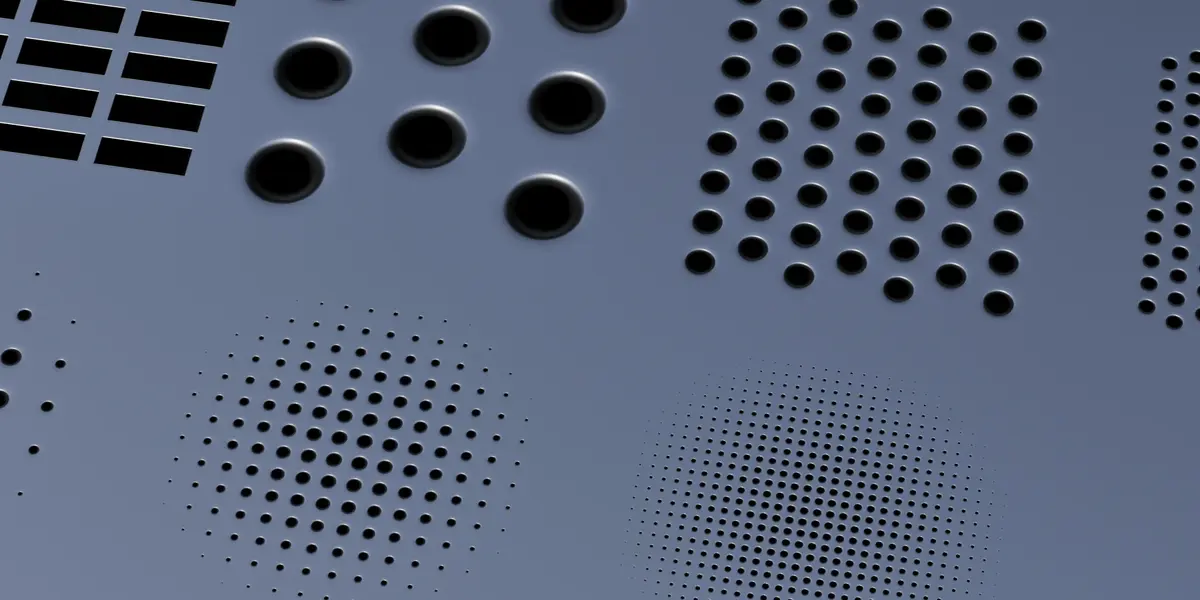
Yes. They use the standard DECALmachine maps (normal, AO/curvature/ height and masks), so Parallax and the material workflow work out of the box.
Have questions about this product?
Login to message
| Dev Fund Contributor | |
| Published | about 3 hours ago |
| Blender Version | 4.3 - 5.2 |
| Render Engine Used | Cycles, Eevee |
| Misc Data | Uvs-Unwrapped, Normal-Mapped, Textured |
| License | Royalty Free |

Discover more products like this
detailing ventilation hard surface decalpack panels sci fi decalmachine vents Texturing holes decals perforations