 Mona-Ghafourian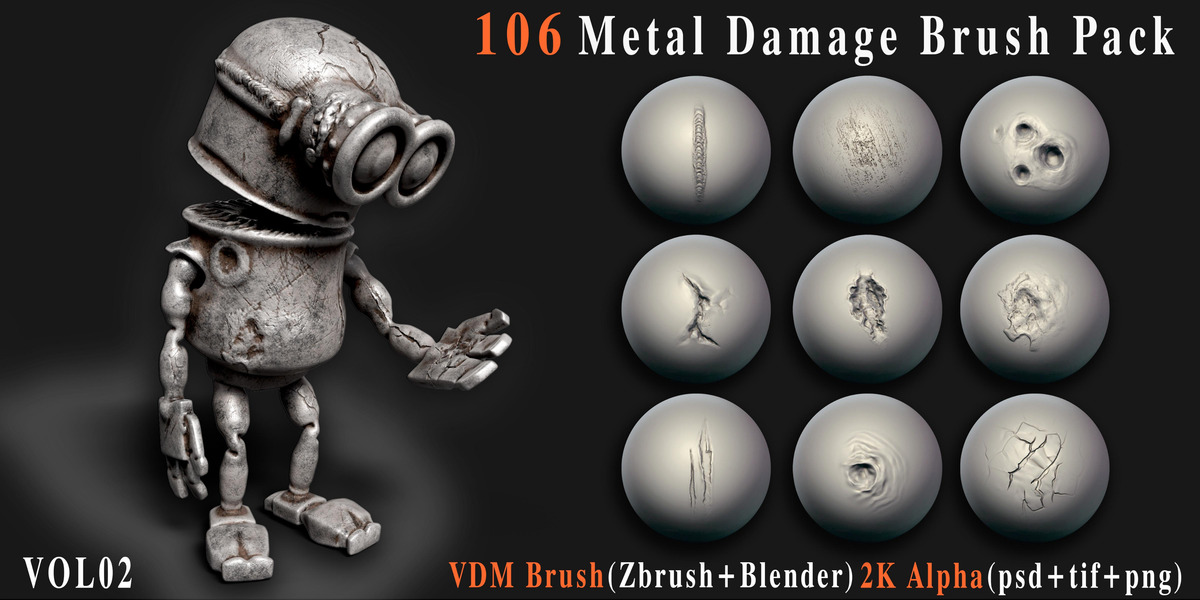


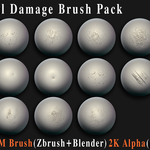
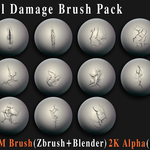
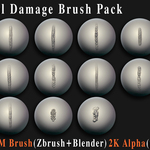
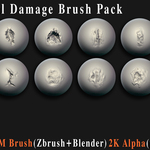
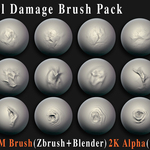
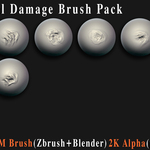
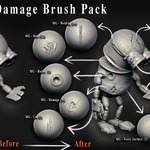
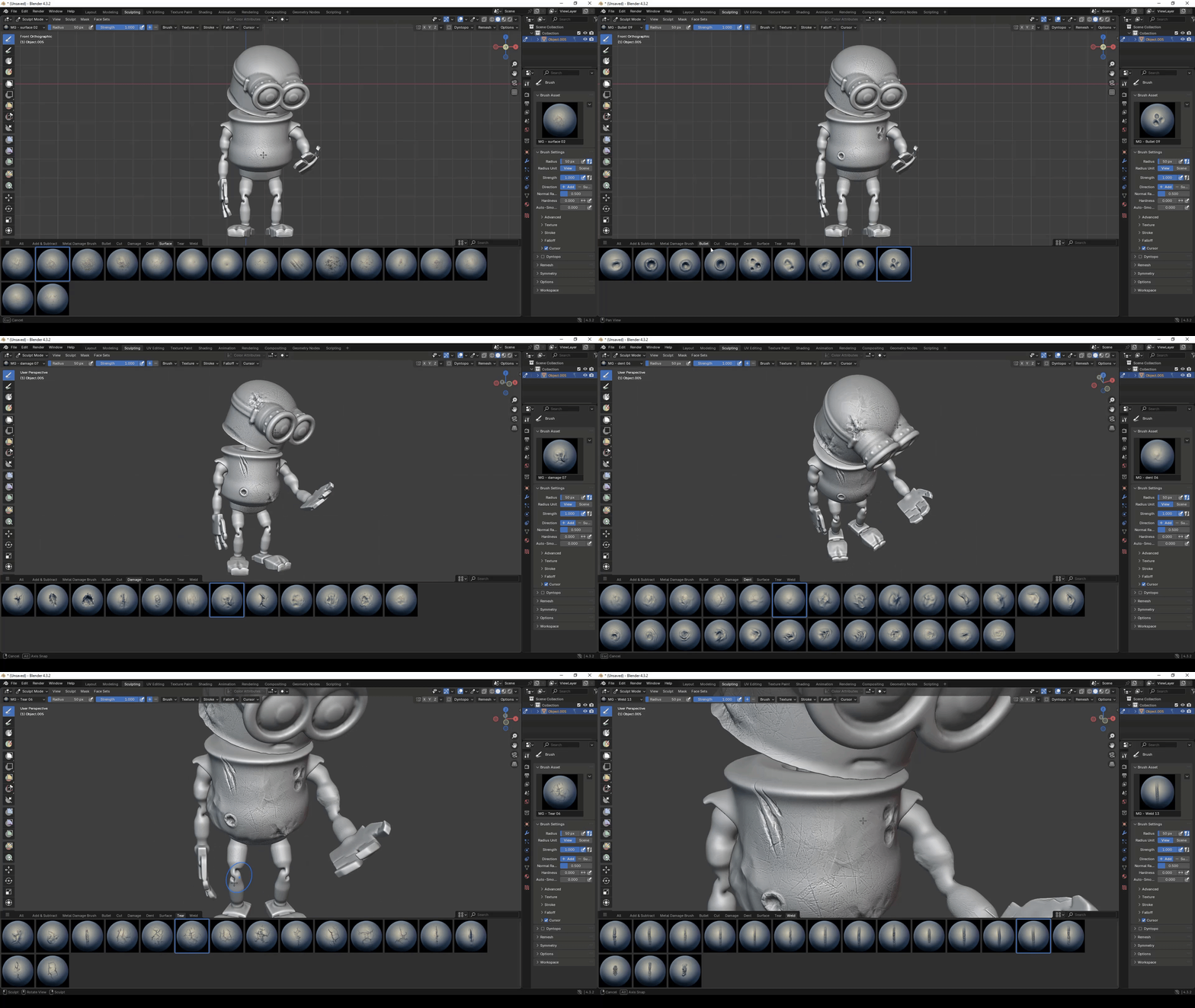
106 Metal Damage Brush Pack – VDM + Alpha – Vol.02
A professional collection of 106 high-quality metal damage brushes and alphas designed for creating realistic surface wear, impacts, cuts, dents, tears, welds and other hard-surface imperfections.
ABOUT THIS PACK
This pack contains 106 carefully designed metal damage patterns made for detailed hard-surface sculpting and texturing workflows.
Use the included VDM brushes and alpha maps to quickly add realistic damage and surface detail to weapons, vehicles, machinery, props, armor, industrial assets and other 3D models.
WHAT'S INCLUDED
METAL DAMAGE COLLECTION
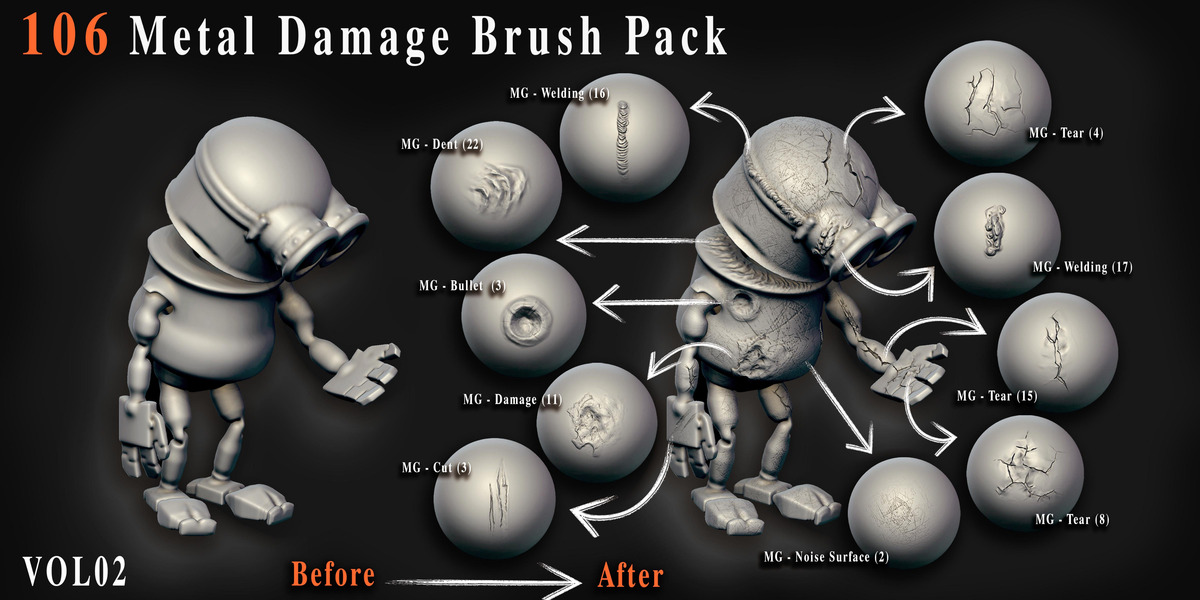
106 unique damage patterns organized into seven practical categories.
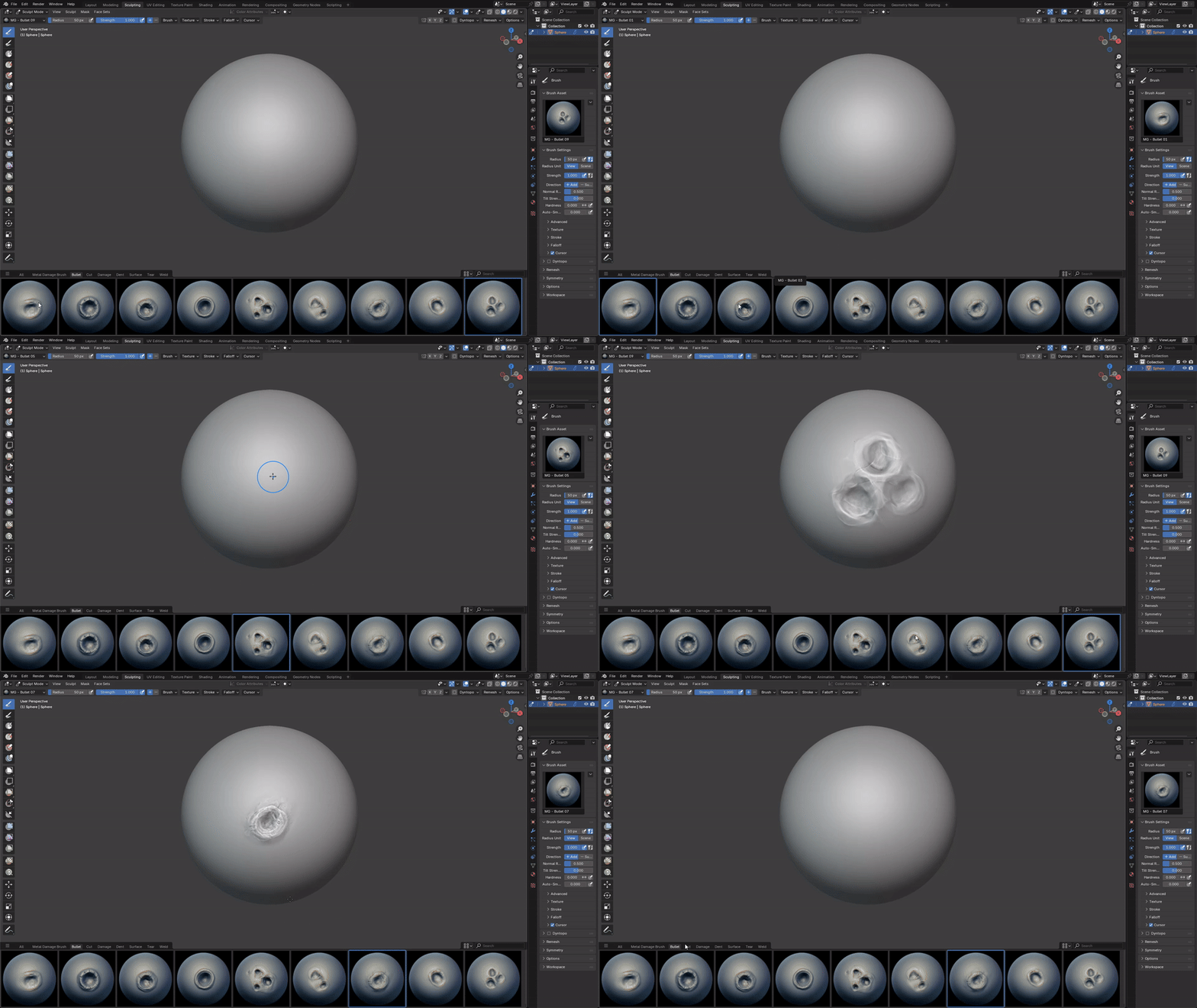
BULLET IMPACTS • 9
Bullet holes, impact marks and projectile damage.
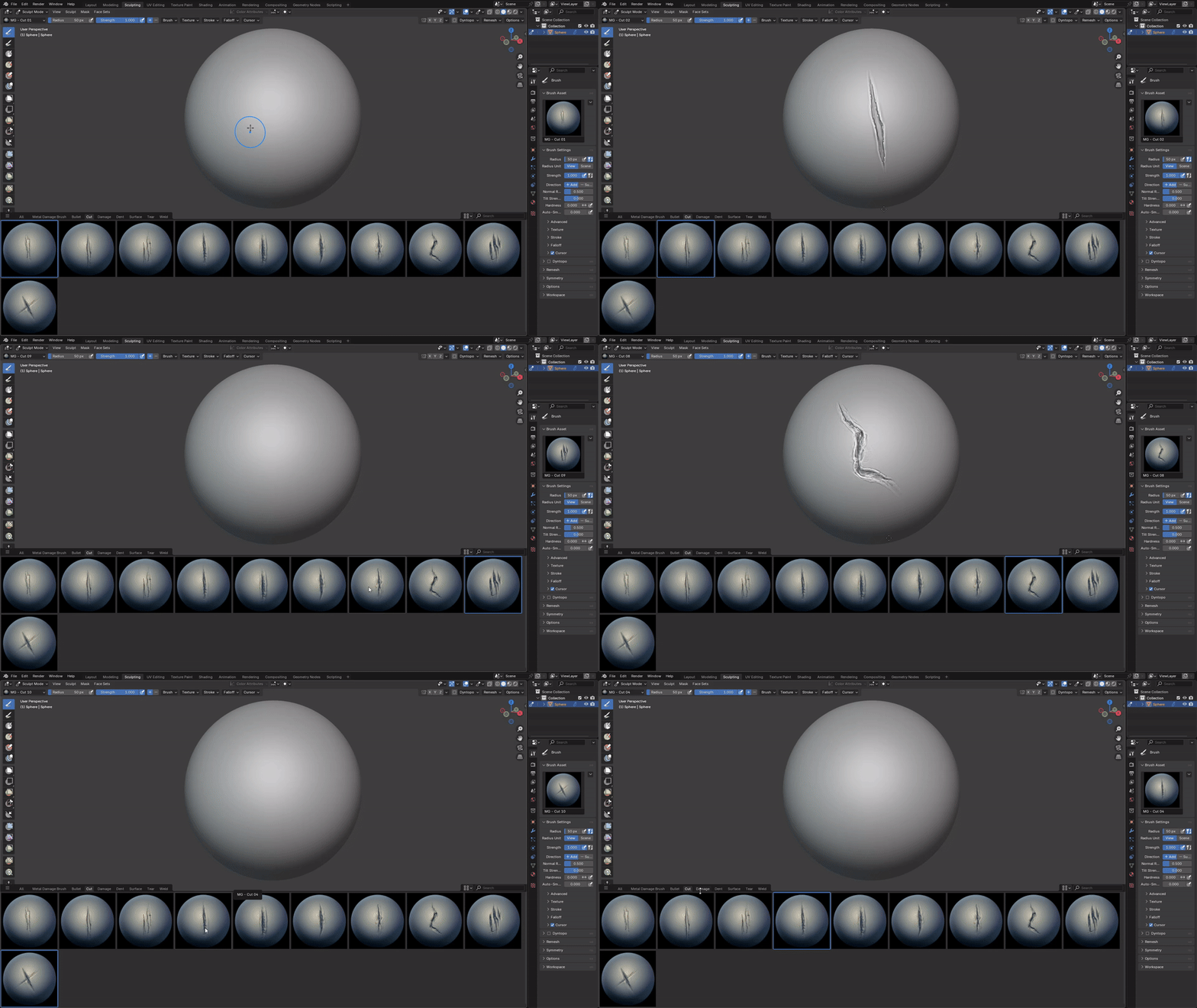
CUTS • 10
Sharp cuts, slashes and linear metal damage.
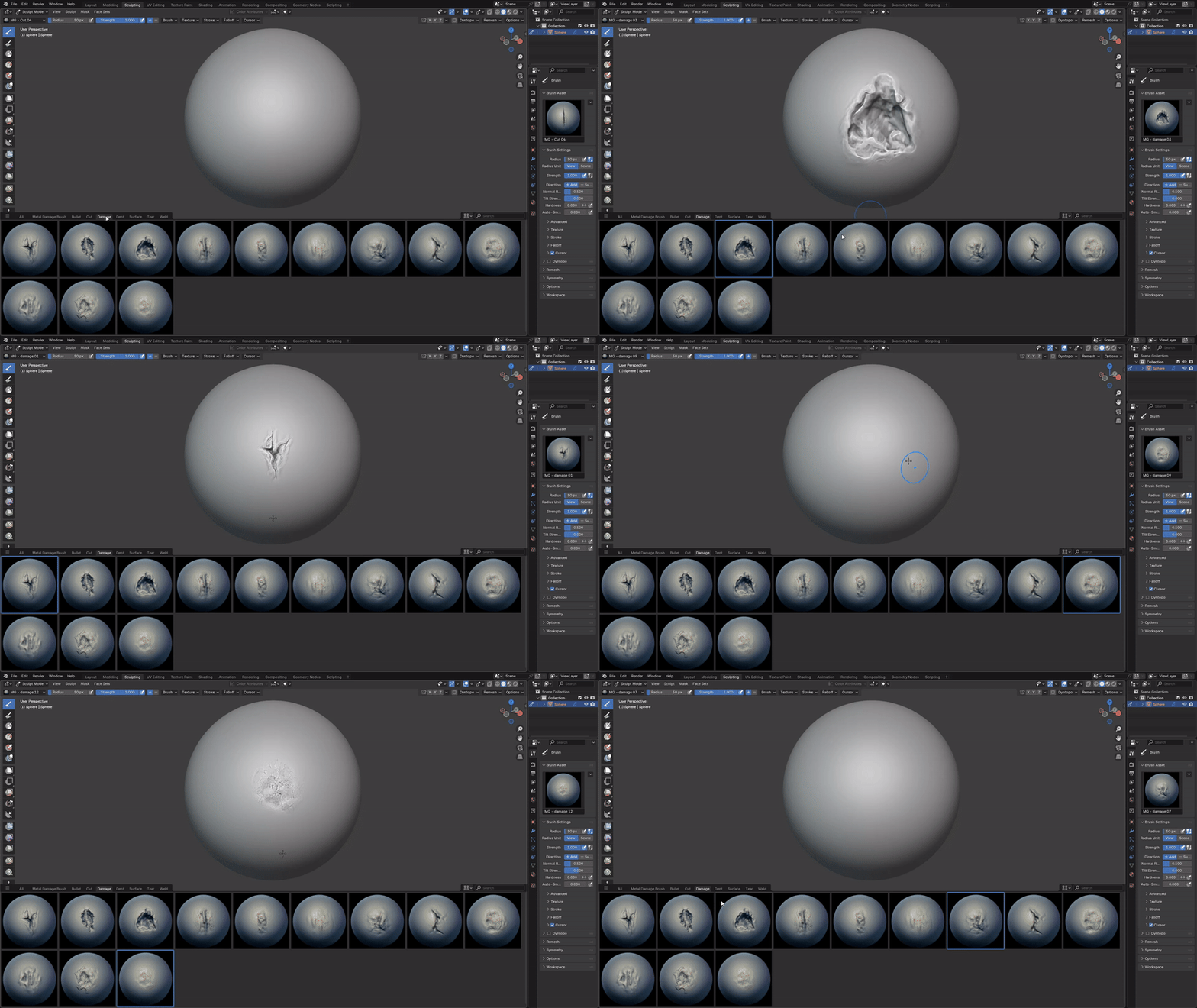
DAMAGE • 12
General hard-surface damage and broken metal forms.
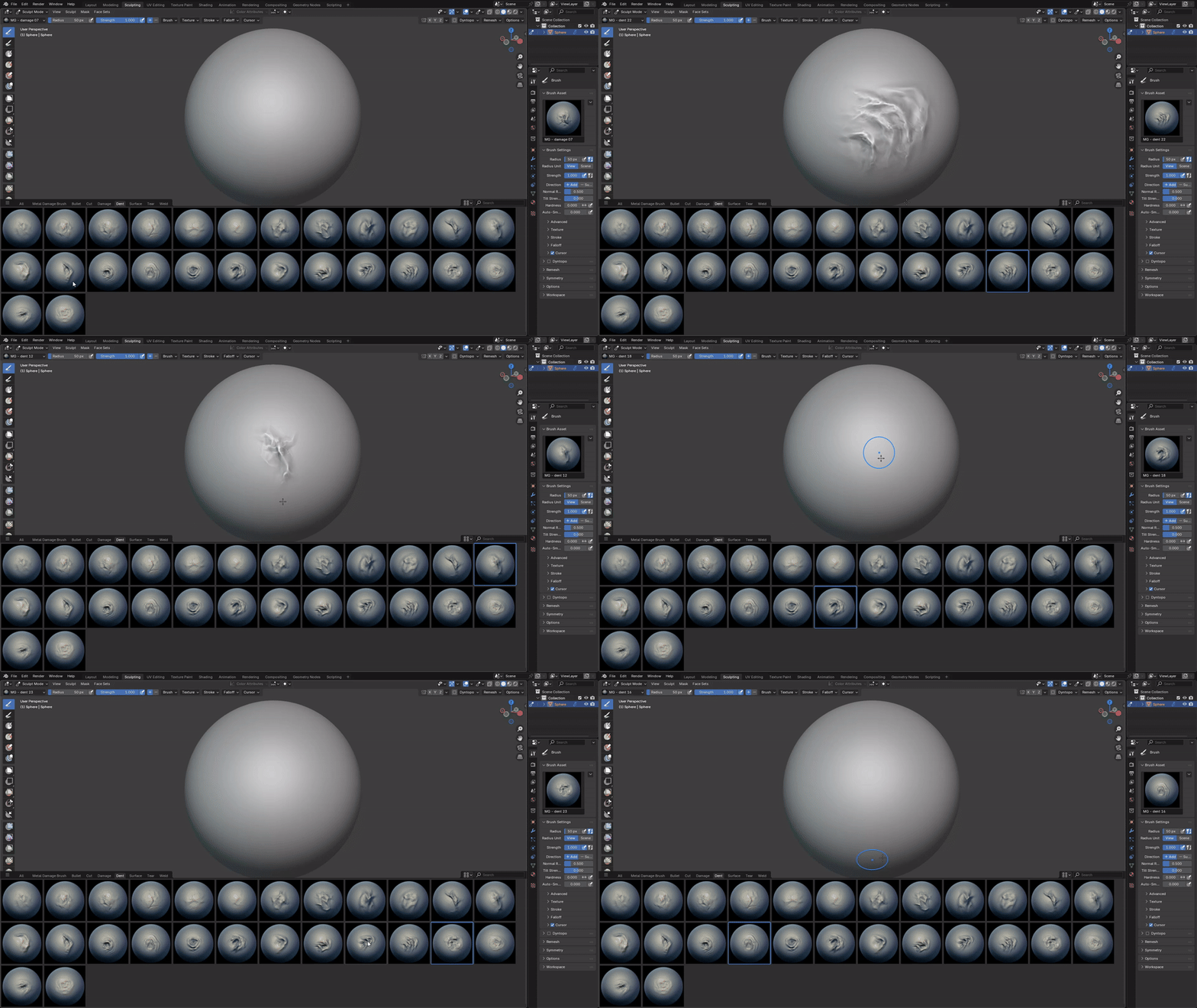
DENTS • 26
Crushed, dented and deformed metal surfaces.
NOISE SURFACES • 16
Irregular surface imperfections and rough metal patterns.
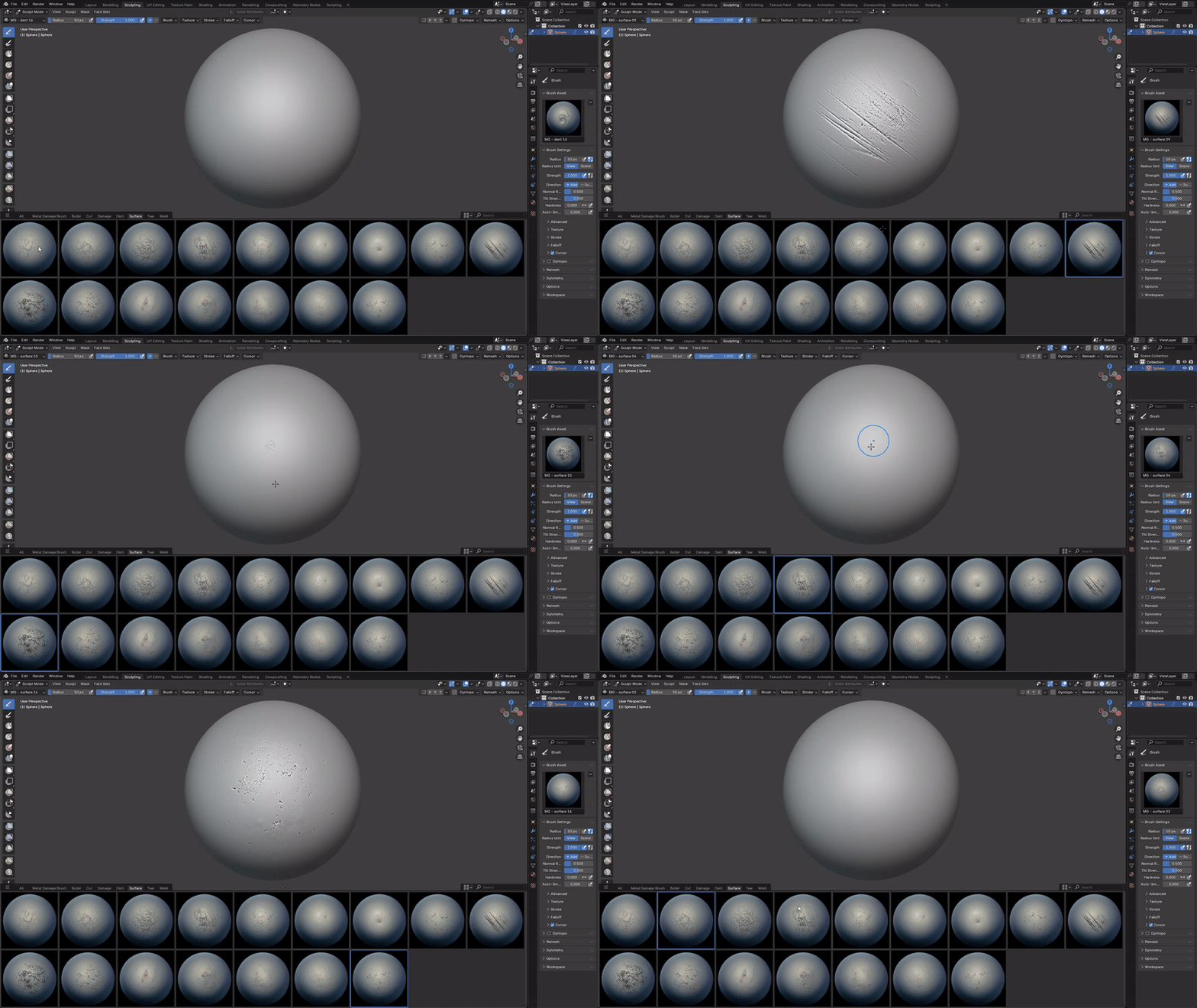
TEARS • 16
Torn, ripped and peeled metal edges.
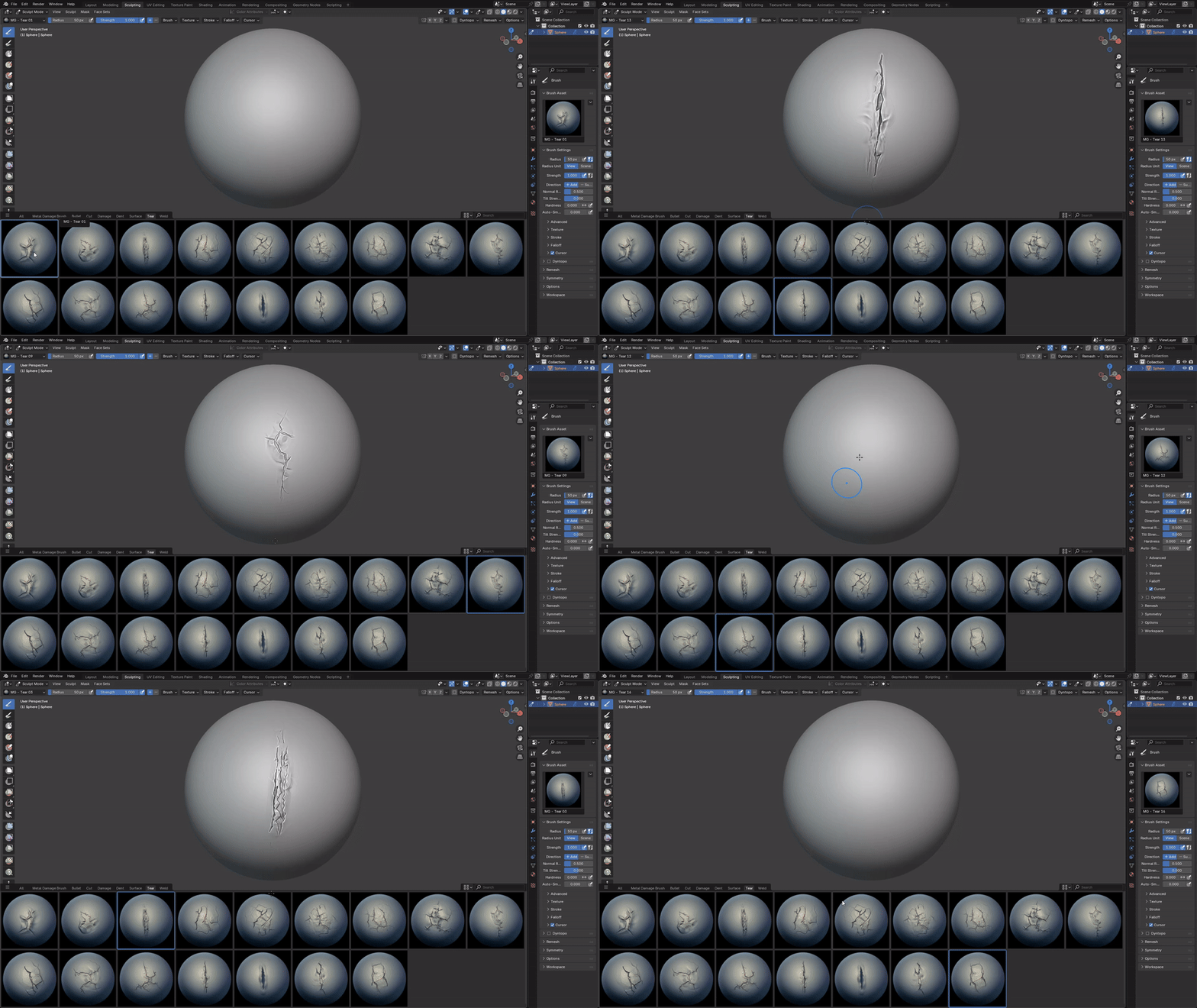

WELDS • 17
Weld seams and industrial metal surface details.
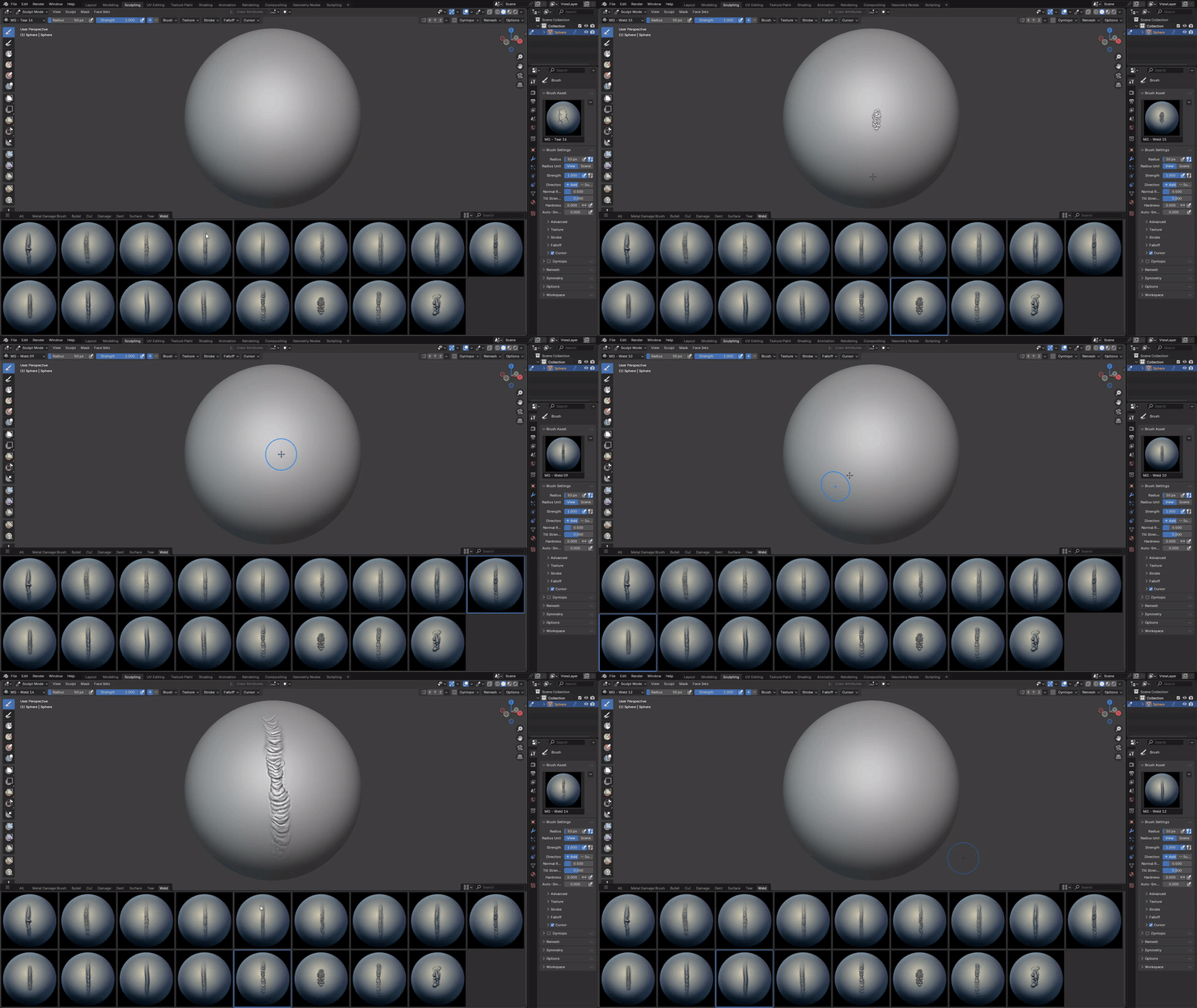
PRODUCT VIDEO
INSTALLATION
Blender
- Go to Edit → Preferences → File Paths.
- Click Add and select the Blender Asset folder.
- Press Save Preferences.
ZBrush
- Copy all .ZBP brushes.
- Paste them into the ZBrushes folder inside your ZBrush installation directory.
Example: C:\Program Files\Pixologic\ZBrush [Your Version]\ZBrushes - Restart ZBrush. The brushes will appear in the Brush palette / LightBox.
Note: The ZBrush installation path may be different depending on your ZBrush version and installation location. Use the ZBrush [Your Version] folder that is installed on your computer.
NOTE: VDM brushes and alpha maps are intended for different sculpting and texturing workflows. Use the format that best fits your software and production pipeline.
You can find other volumes at the links below:
Check out these products you might also like:
Need help? Message me — fast support.
✉️ Message Me