 Mona-Ghafourian


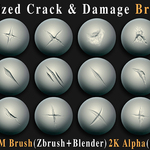
149 Stylized Crack & Damages Brush Pack - Vol01
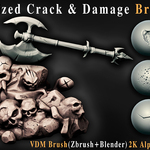
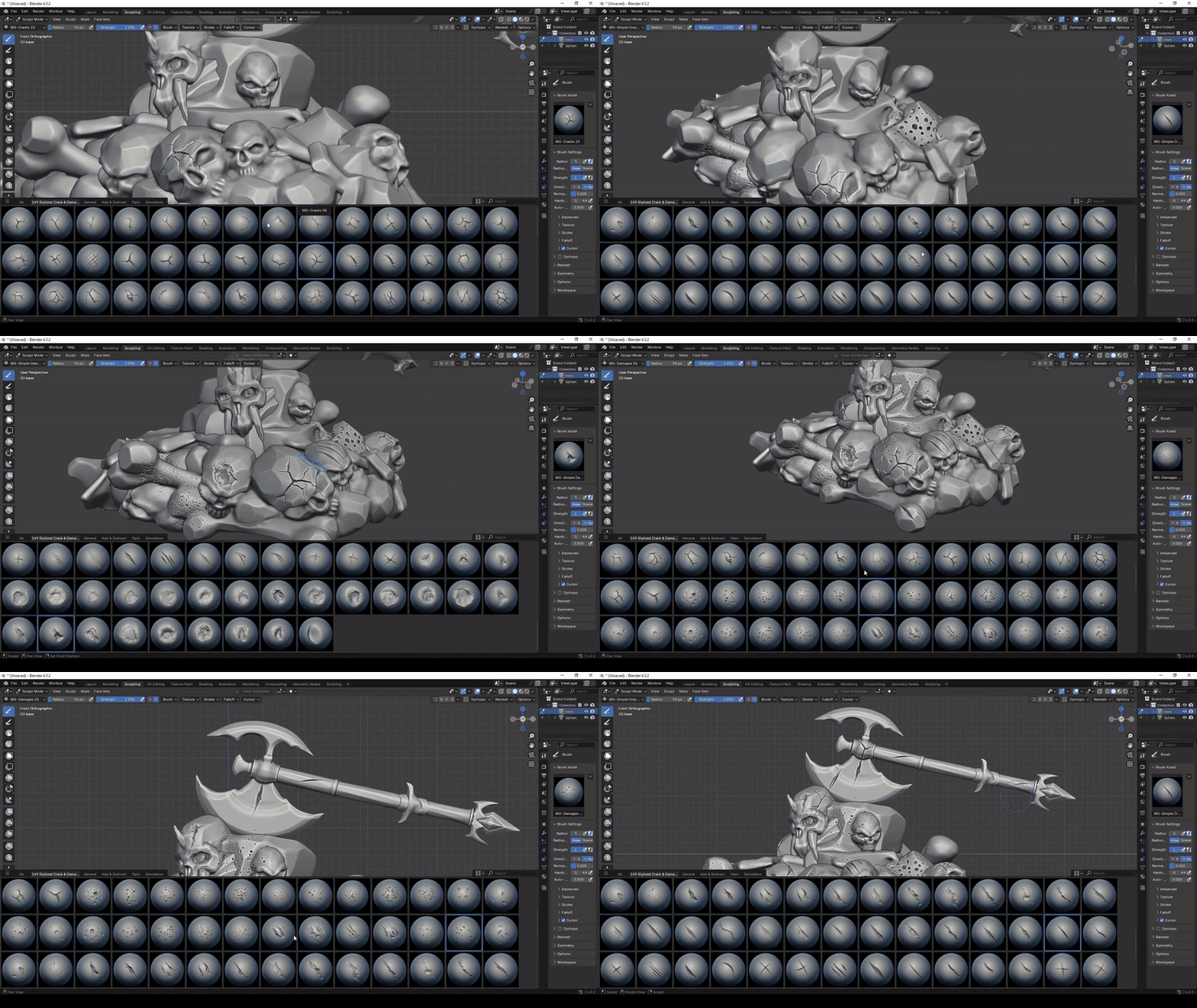
Enhance your 3D creations with this powerful collection of 149 high-quality stylized brushes, meticulously designed to add bold surface detail and artistic imperfections to your models. Whether you're working on fantasy environments, stylized props, or weathered characters, this set is built to speed up your sculpting and texturing workflow.
Includes ZBrush and Blender VDM brushes, plus 2K alphas in PSD, TIFF and PNG formats for flexible use across major 3D applications.
ABOUT THIS PACK
This pack focuses on stylized cracks, damages and surface imperfections designed to give rocks, stone, walls, props and other assets a strong hand-crafted look.
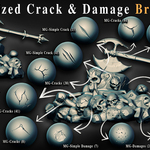
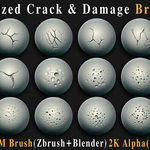
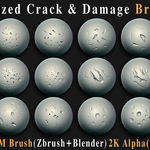
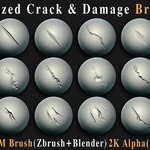
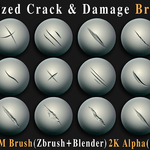
The collection includes four main styles: Cracks, Damages, Simple Cracks and Simple Damages.
WHAT'S INCLUDED
| 149 2K ALPHASHigh-quality alphas in PSD, TIFF and PNG formats. | 149 ZBRUSH VDMZBP brushes, drag-and-drop ready for ZBrush. |
| 149 BLENDER VDMBlender VDM brushes in .asset.blend format. | 149 PREVIEW IMAGESIncluded for fast browsing and selection. |
BLENDER TUTORIALShort tutorial for using the Blender files. | VERSATILE ALPHASClean black & white designs ready for alphas, stencils and masks. |
STYLIZED CRACK & DAMAGE COLLECTION
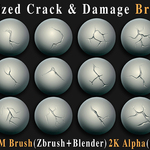
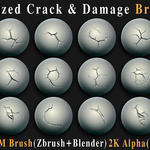
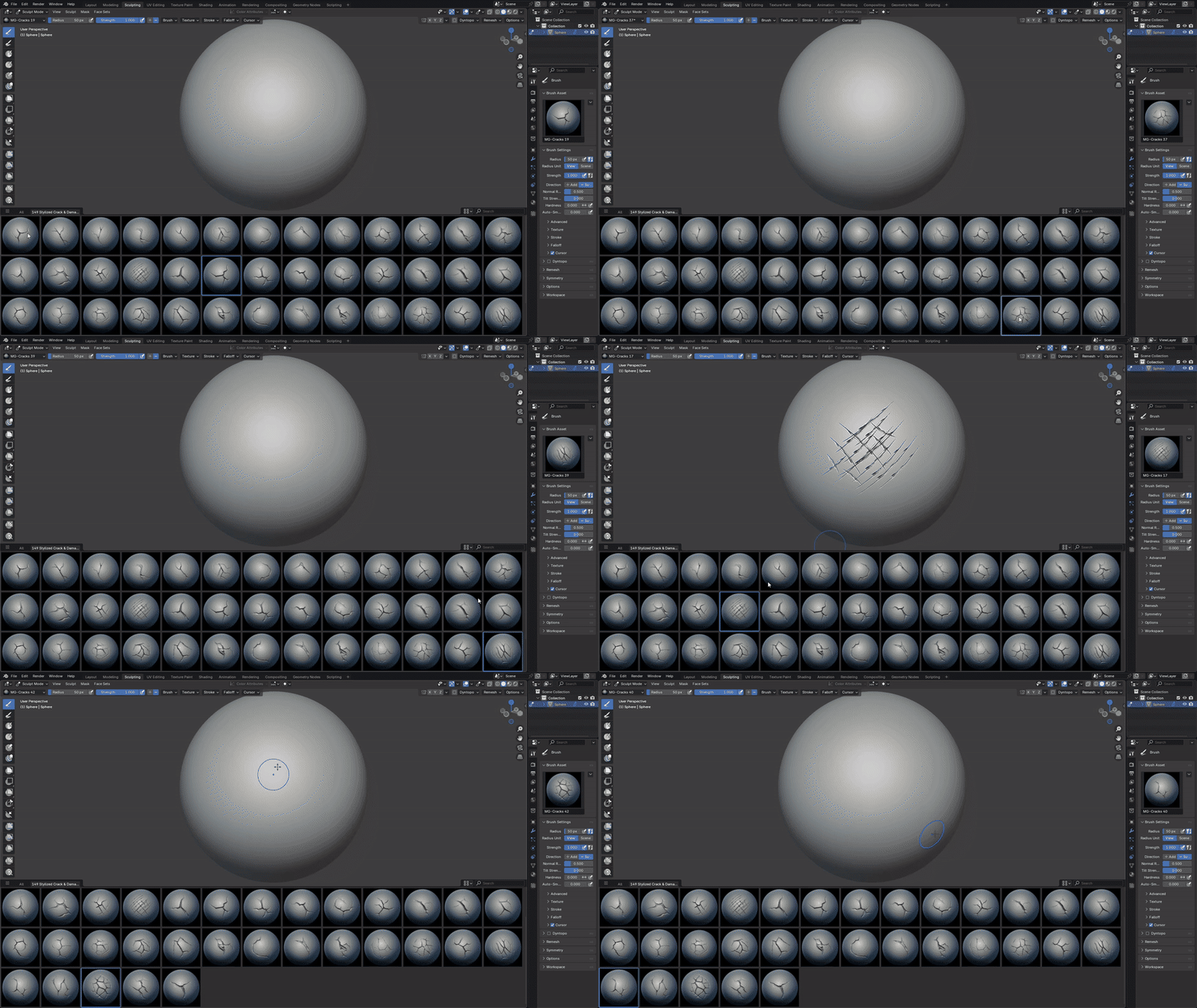
CRACKS
Bold, stylized fissures for rocks, stone, old walls and other hard surfaces.
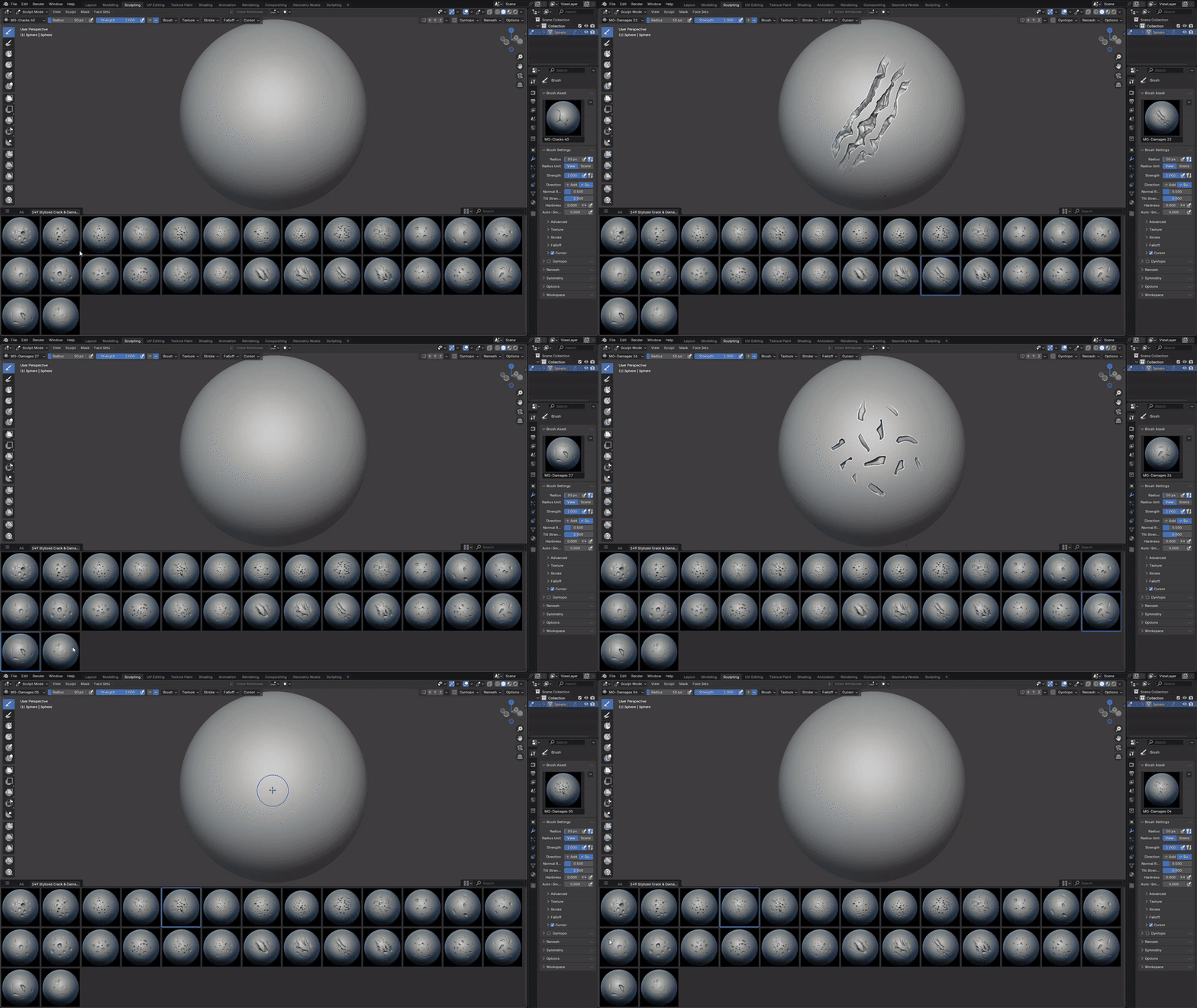
DAMAGES
Artistic chips, breaks, worn edges and strong surface damage details.
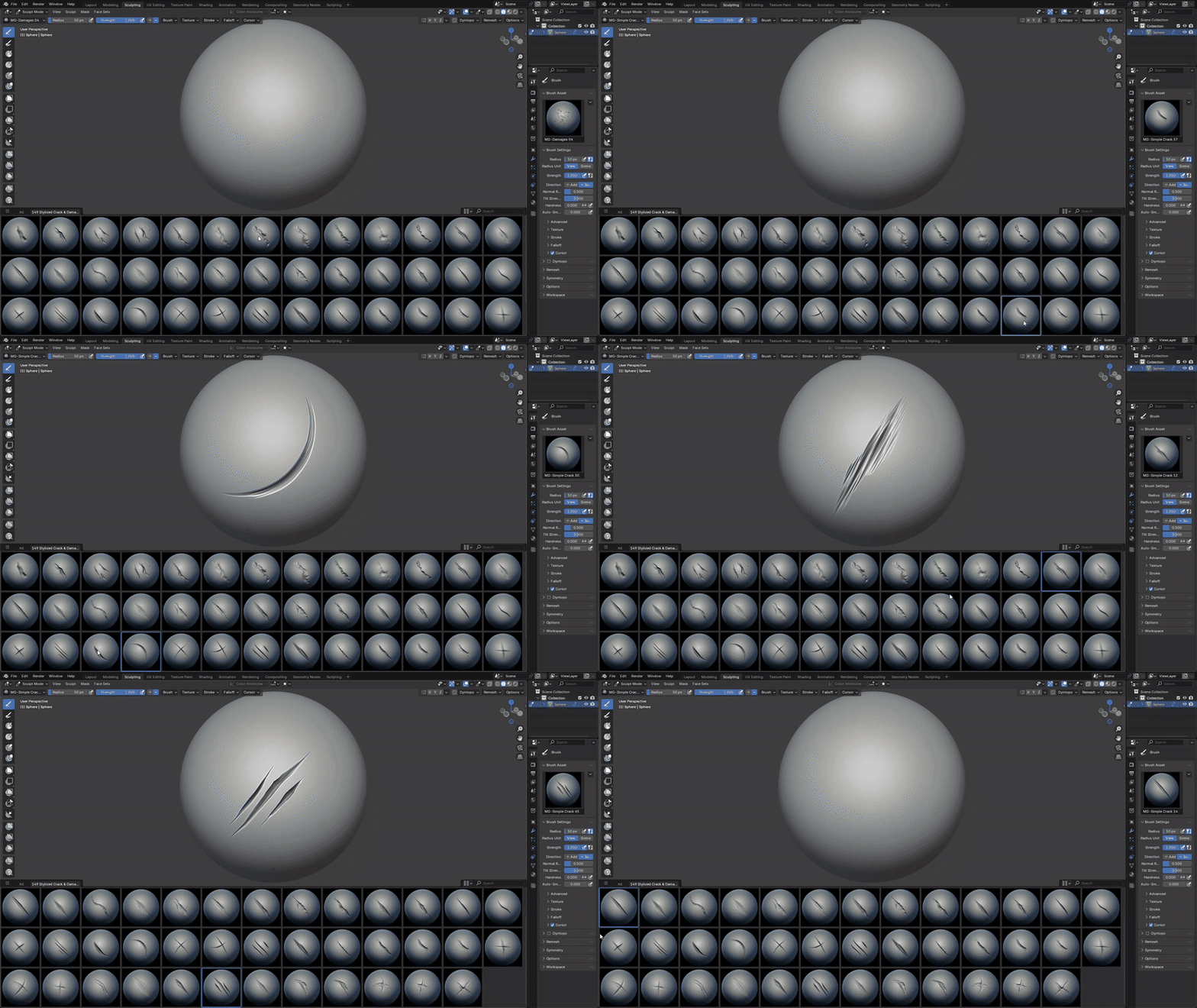
SIMPLE CRACKS
Clean and subtle cracks for minimalist or stylized surfaces.
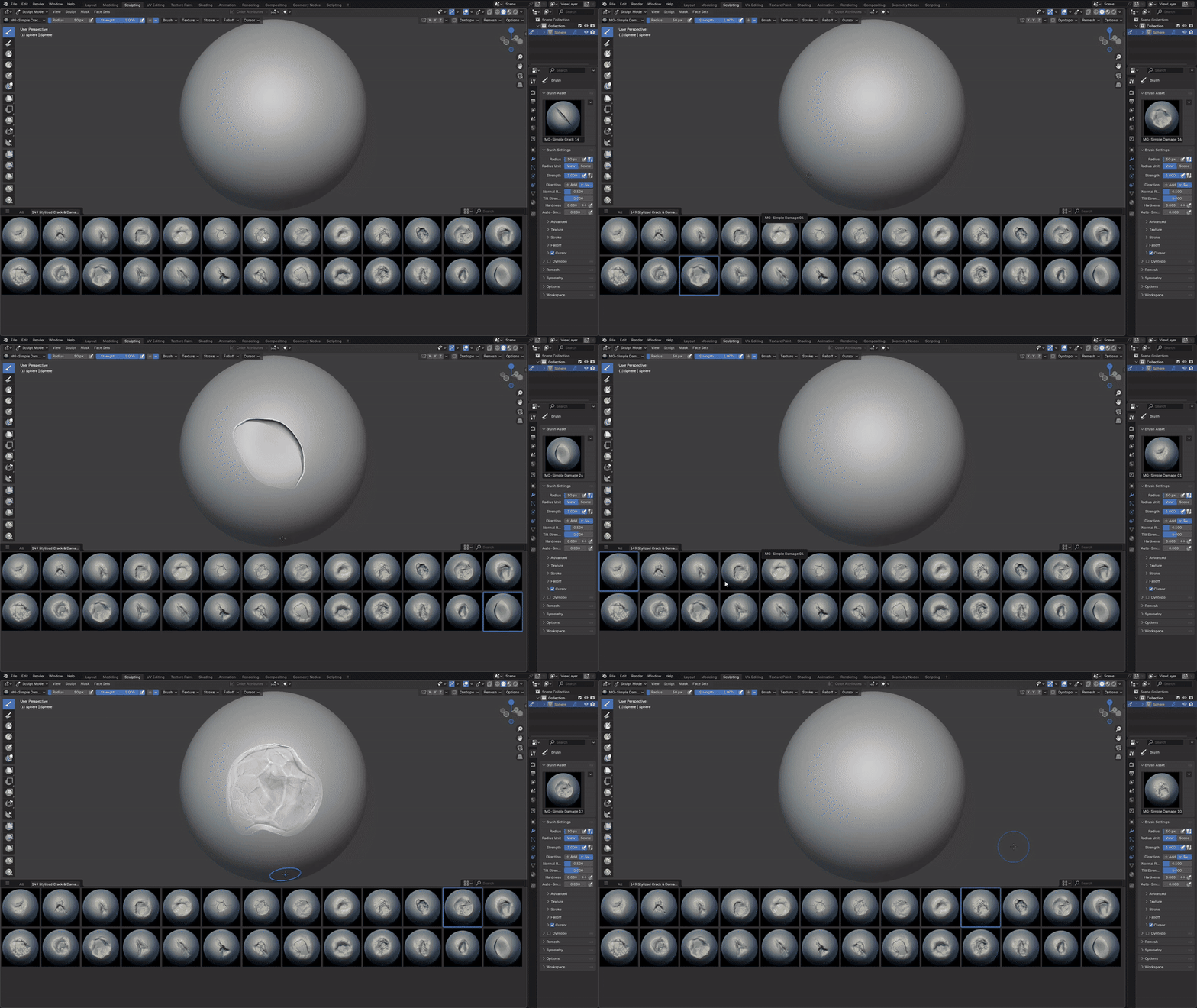
SIMPLE DAMAGES
Light imperfections and subtle wear for controlled surface detailing.
PRODUCT VIDEO
INSTALLATION
Blender
- Go to Edit → Preferences → File Paths.
- Click Add and select the Blender Asset folder.
- Press Save Preferences.
ZBrush
- Copy all .ZBP brushes.
- Paste them into the ZBrushes folder inside your ZBrush installation directory.
Example: C:\Program Files\Pixologic\ZBrush [Your Version]\ZBrushes - Restart ZBrush. The brushes will appear in the Brush palette / LightBox.
Compatibility: ZBrush files require ZBrush 2022.0.5 or newer. Blender files are optimized for Blender 4.3 and above.
Note: ZBrush VDMs are drag-and-drop ready. The included black & white alphas can also be used as masks, stencils and texture inputs in other 3D applications.
OTHER VOLUMES
RELATED PRODUCTS
MORE 3D ASSETS
Explore more brushes, alphas and 3D assets from our collection.
Need help? Message me — fast support.
✉️ Message Me