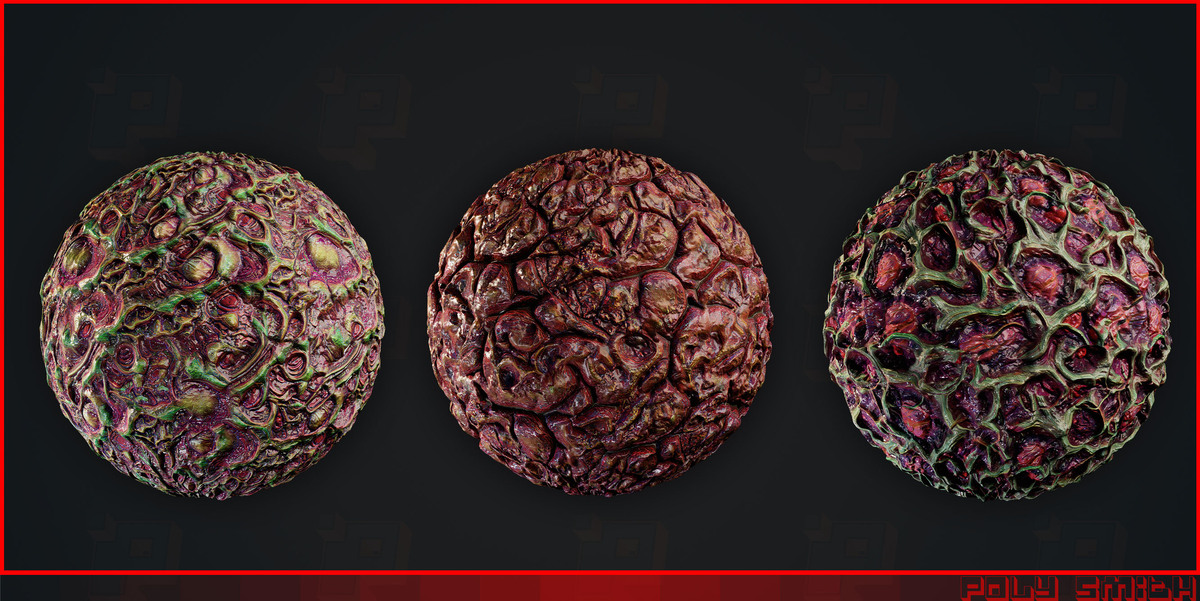
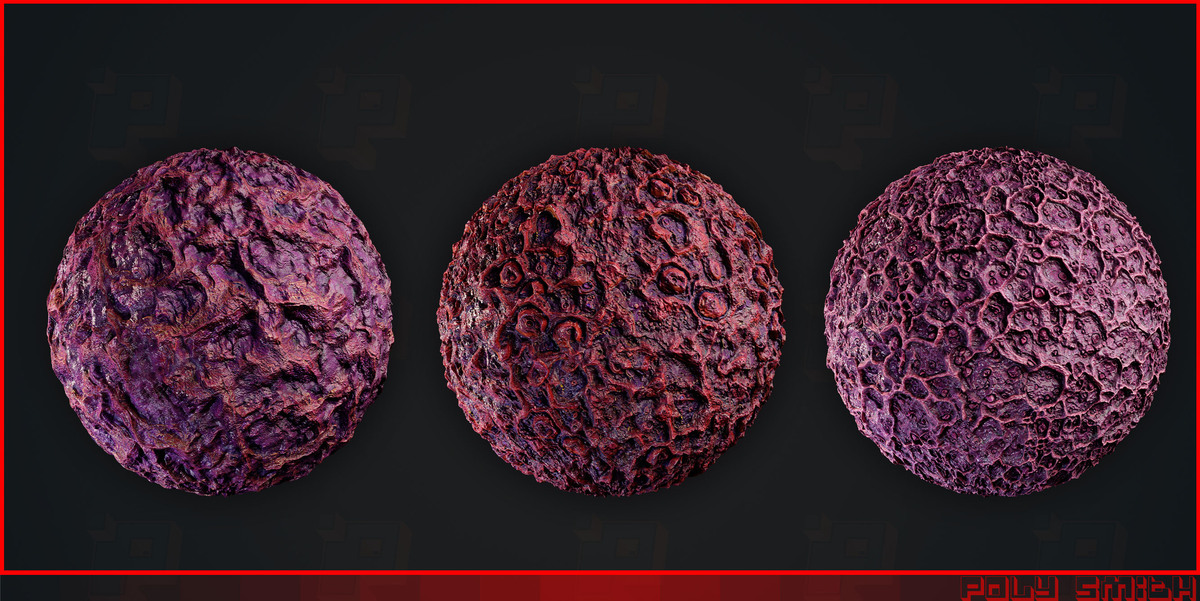
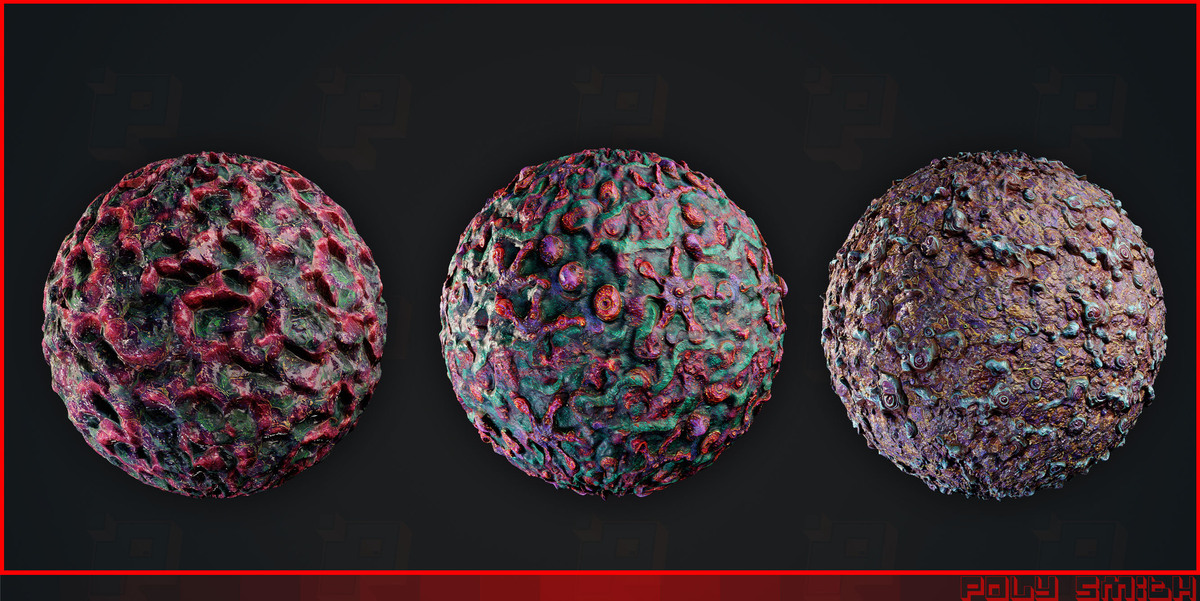
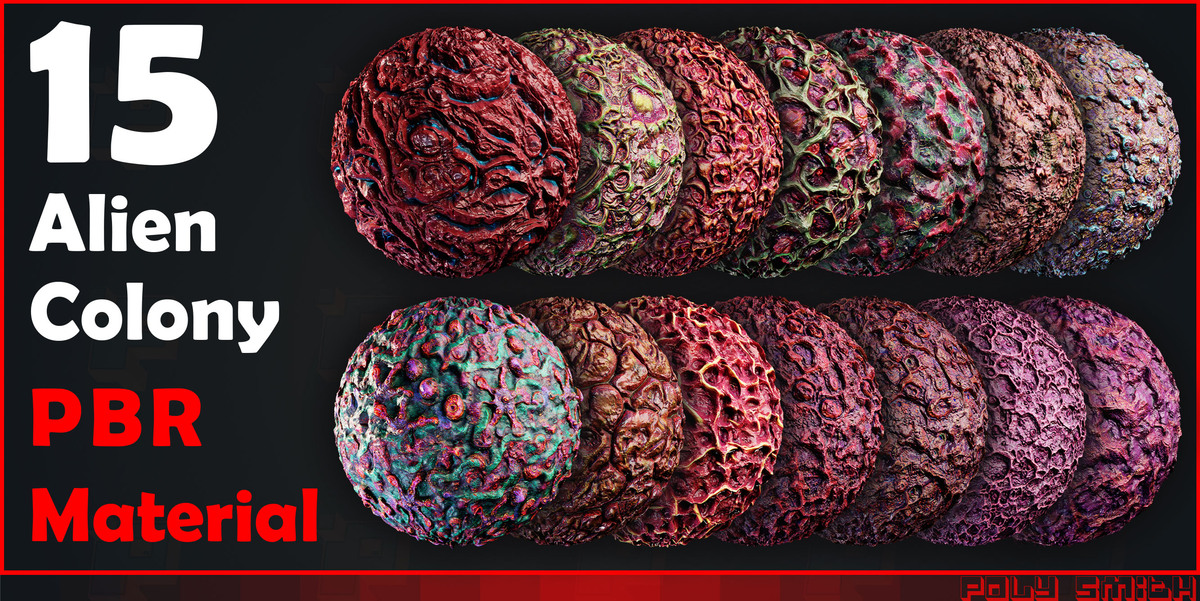
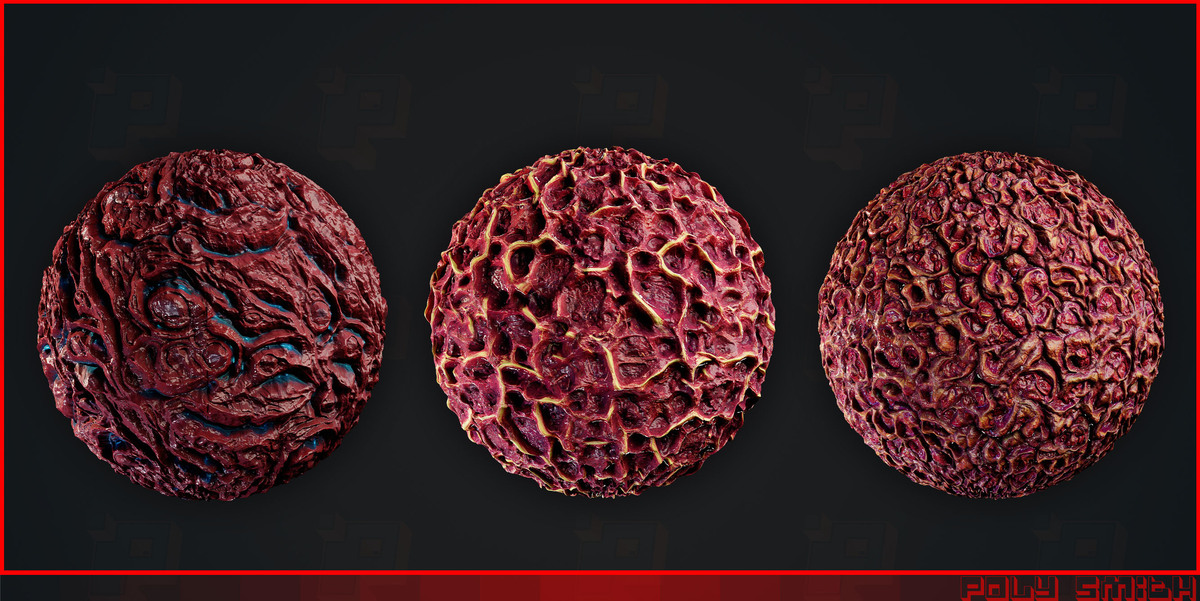
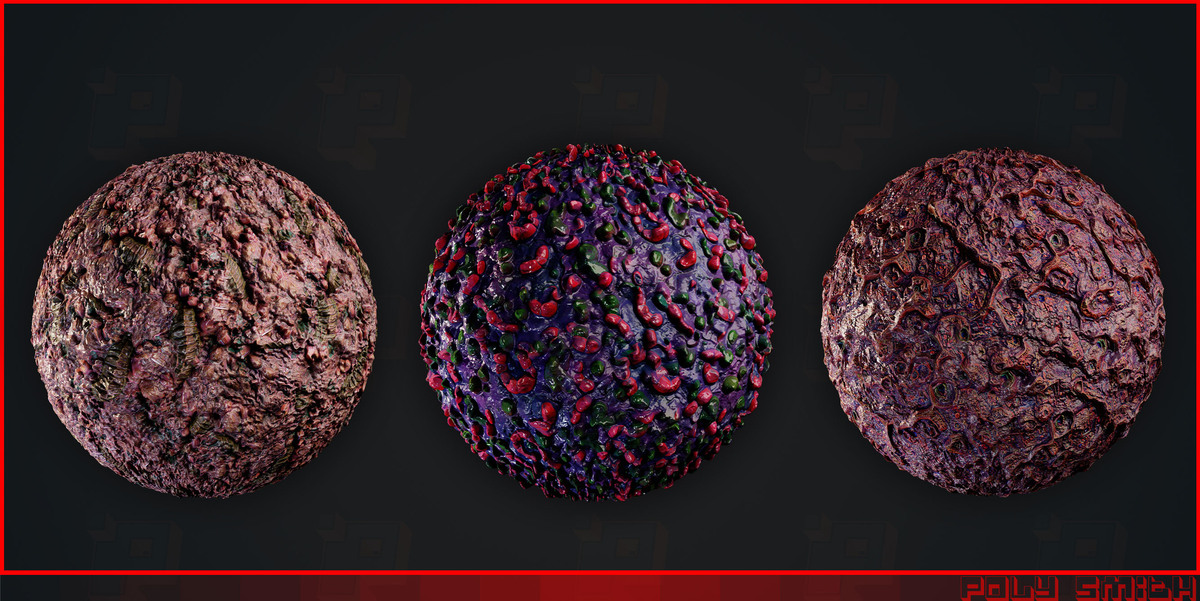
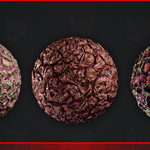
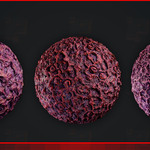
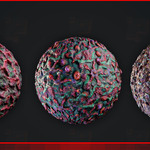
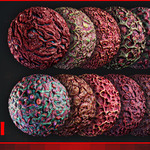
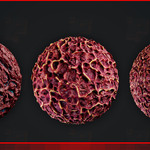
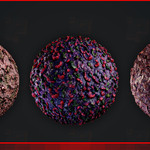
15 Alien Colony PBR Materials
 mohammad sadegh baghshahi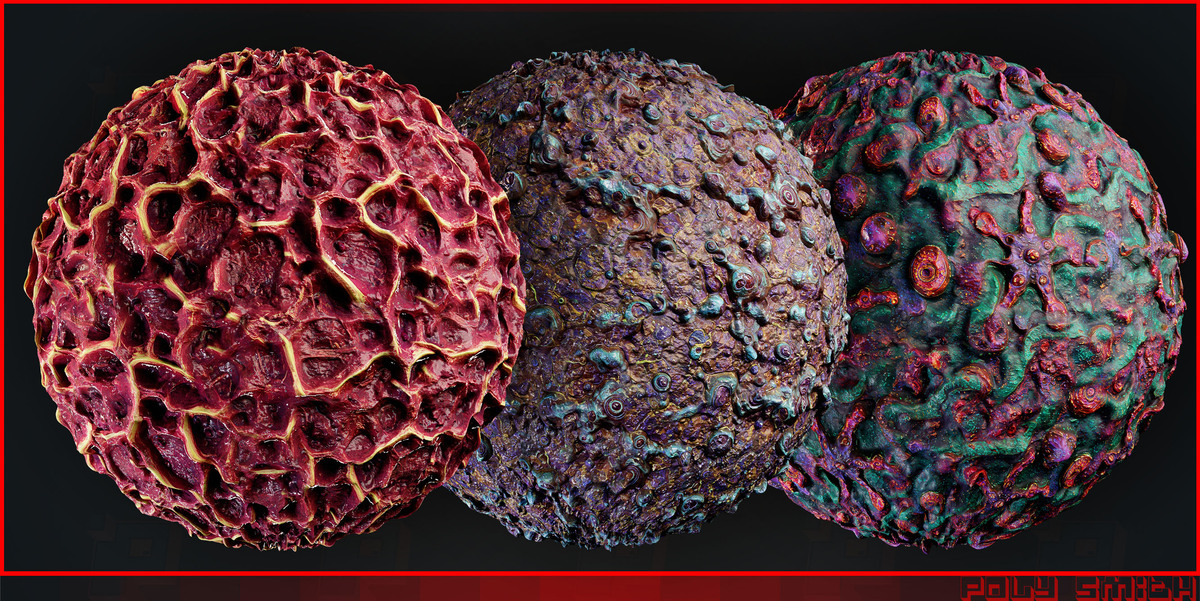
Blender – PBR Material Setup Guide
1. Import Textures
Open the Shading workspace, create a new material, and add an Image Texture node for each map.
2. Connect the PBR Maps
Connect the textures to the Principled BSDF shader:
Base Color: Connect to Base Color. Color Space: sRGB.
Roughness: Connect to Roughness. Color Space: Non-Color.
Normal: Connect through a Normal Map node, then to Normal. Color Space: Non-Color.
Height: Connect through a Bump node to Normal, or use a Displacement setup. Color Space: Non-Color.
Ambient Occlusion (AO): Color Space: Non-Color. Optionally combine it with Base Color using a Mix Color node set to Multiply.
3. Improve the Results
UV Mapping: Ensure the model has proper UVs. Adjust texture scale and mapping to achieve the desired detail.
Normals: Recalculate face normals after editing or tessellation if shading artifacts appear. In Edit Mode, select all faces and press Shift + N.
Shading: Use Shade Smooth where appropriate. Enable Auto Smooth or use Smooth by Angle in versions where available, to preserve sharp edges.
Height Detail: Adjust Bump Strength and Distance carefully to avoid exaggerated surface effects.
Tessellation / Displacement: Ensure sufficient mesh subdivisions for actual displacement. Recalculate normals after geometry changes if necessary.
Lighting: Use good lighting and Material Preview or Rendered view to evaluate the material.
4. Final Notes
Use sRGB for Base Color and Non-Color for data maps (Roughness, Normal, Height, and AO).
For normal maps, use the correct tangent-space convention for your texture and renderer. If the surface appears inverted, check the normal map format.
Displacement behavior depends on the material, mesh density, and render engine settings.
Enjoy creating your environments!
Have questions about this product?
Login to message
| Dev Fund Contributor | |
| Published | about 5 hours ago |
| Blender Version | 2.6x - 5.2 |
| Render Engine Used | Arnold, Blender-Internal, Blender-Game-Engine, Cycles, Eevee, Freestyle, Luxrender, Mental-Ray, Octane, Vray, Yafaray |
| Misc Data | Normal-Mapped, Textured |
| License | Royalty Free |

Discover more products like this
#3DModel #ClothModel #DigitalClothing #FantasyClothing #ZBrushBrushes #Blender3D #MarvelousDesigner #3dsMax #PBRTextures #4KTextures #GameAssets #3DClothing #FabricModel #ClothSimulation #ZBrushSculpt #BlenderBrushes #CGI #3DRendering #3DArtist #GameDev Blender shader biomechanical blender material surreal alien Node Material Giger Style cosmic futuristic dead sci fi