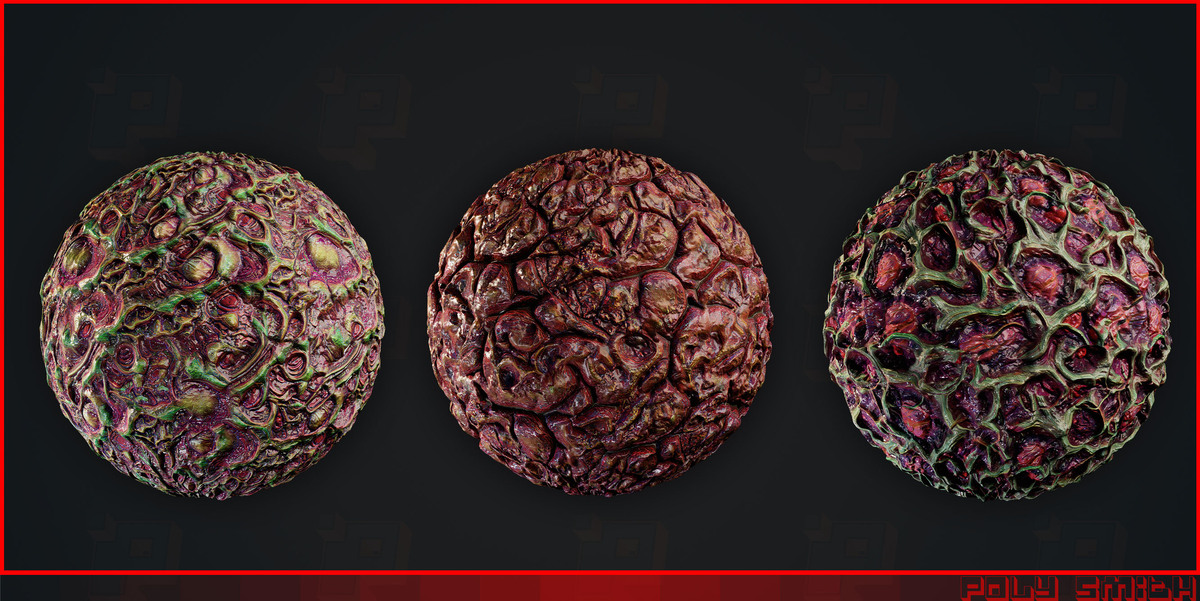
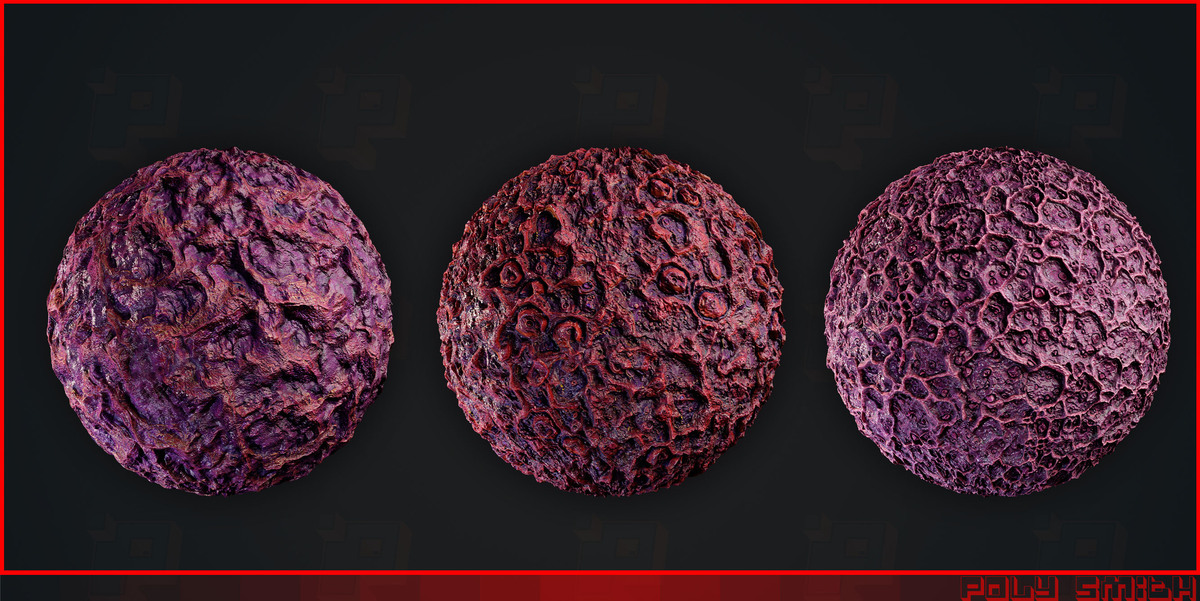
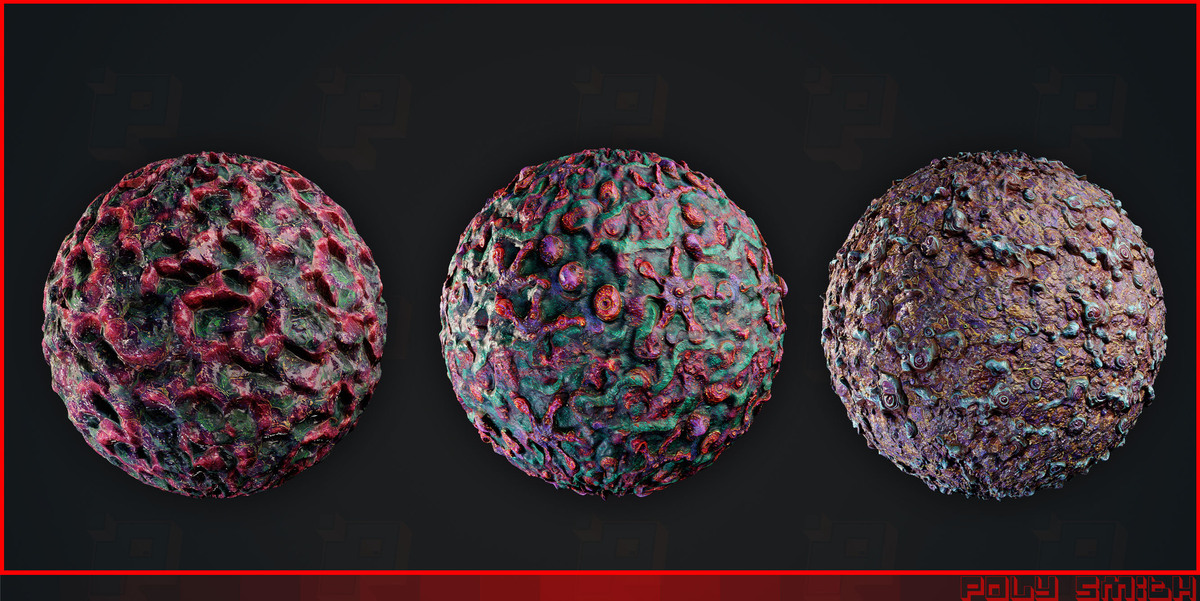
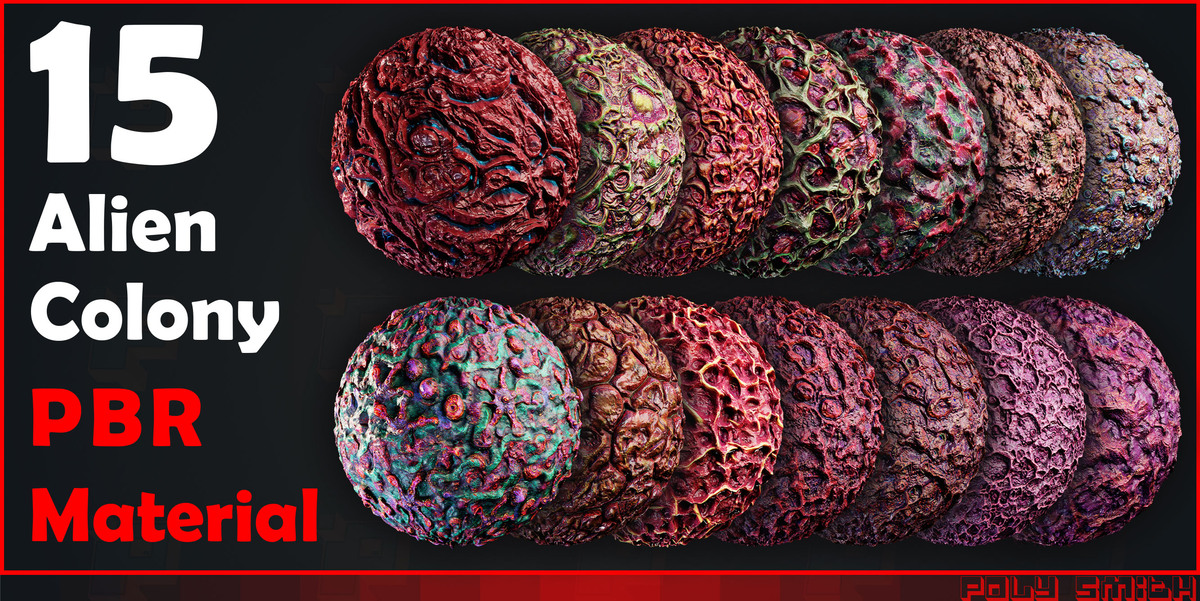
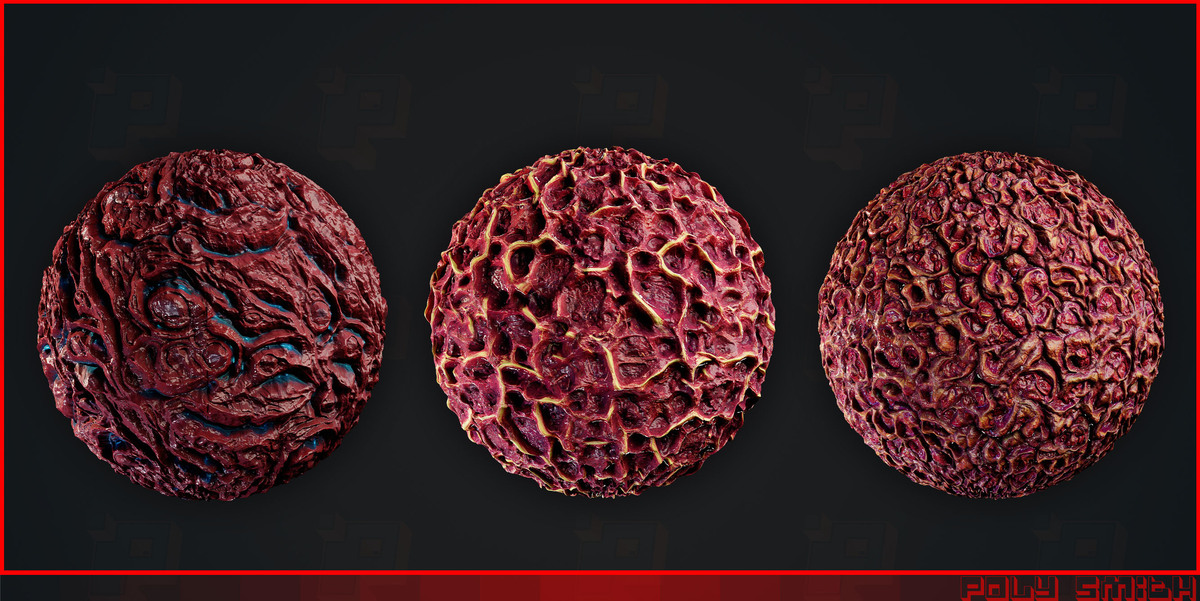
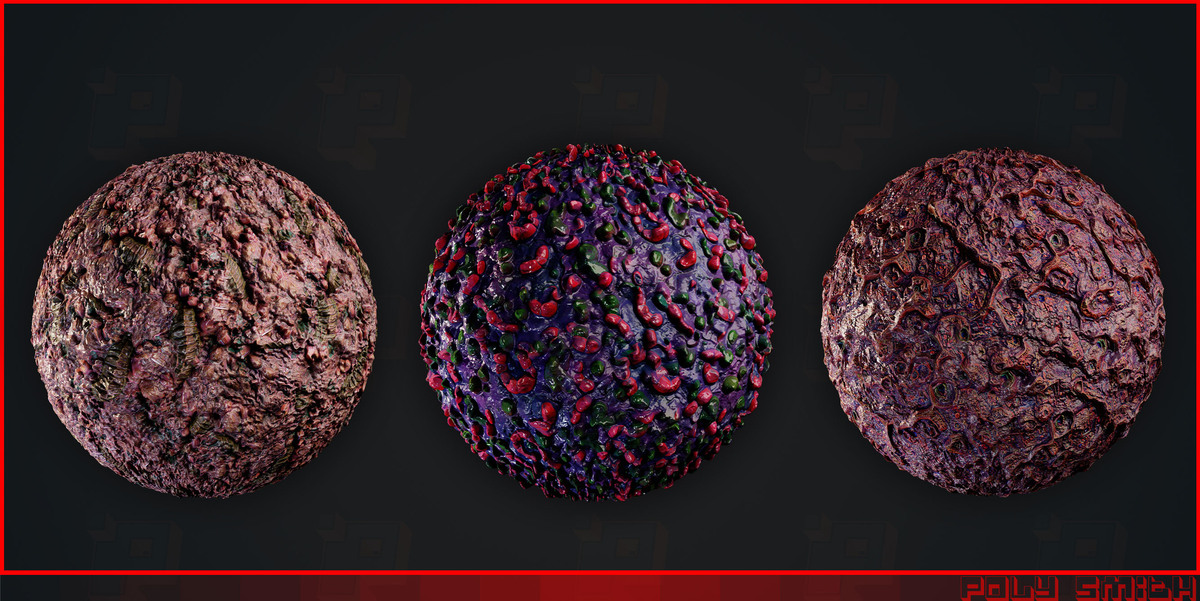
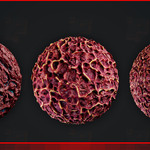
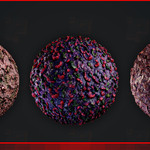
15 Alien Colony PBR Materials
 mohammad sadegh baghshahi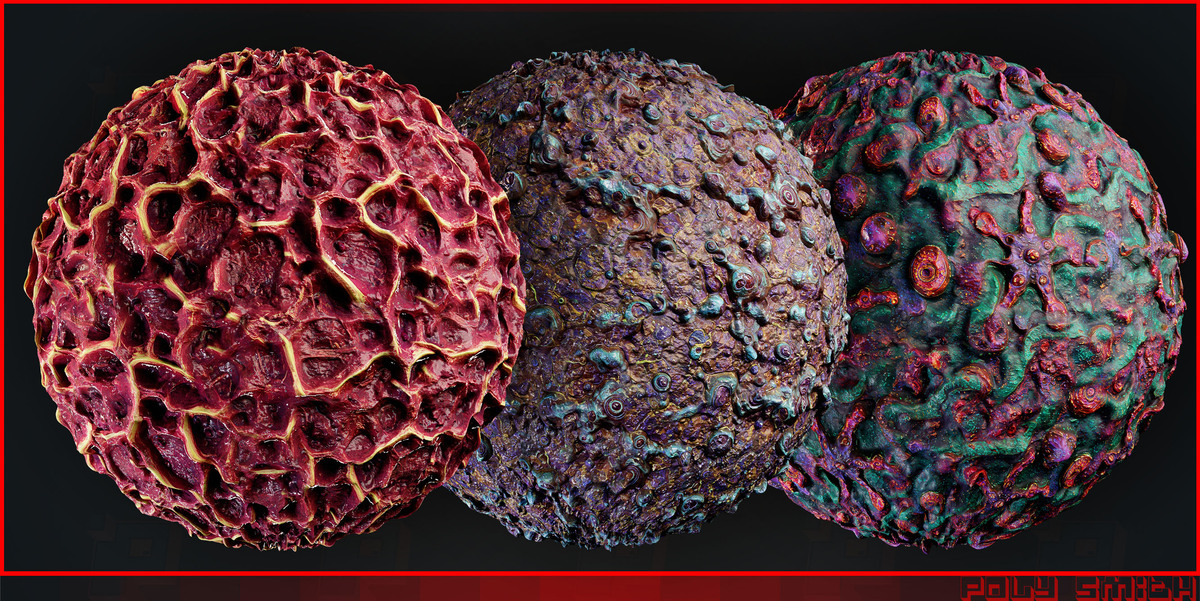
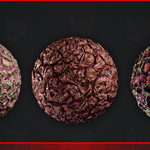
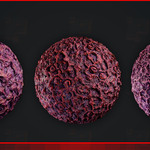
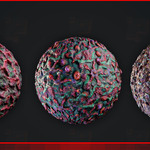
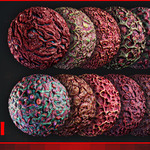
Can I use these materials in game engines?
PBR textures can be used in compatible engines such as Unity and Unreal Engine. Material node setups and displacement behavior may need to be adjusted for each engine.
Can I use these materials on any 3D model?
Yes, provided the model has suitable texture coordinates or UV mapping. Results depend on the model's shape, UV layout, and texture scale.
Do I need to recalculate normals after tessellation or mesh editing?
Not always. If shading artifacts appear after geometry changes, enter Edit Mode, select all faces, and press Shift + N to recalculate normals outside. This corrects inconsistent face orientation but does not fix every shading issue.
Why does my material look too shiny or too rough?
Check the Roughness map connection and ensure its color space is set to Non-Color. Adjust the material's roughness only after confirming the map is connected correctly.
Why does my material have visible seams?
Verify that the texture is seamless and that the UV mapping is correct. Ensure all maps use consistent coordinates, scale, and rotation.
Why does my material look different in Eevee and Cycles?
The two render engines support different rendering features and may produce different results. Check the lighting, color management, and displacement settings in each engine.
Why does my Height Map have no visible effect?
A Bump node changes surface shading without modifying geometry. True displacement requires a suitable material setup and sufficient mesh detail. Check the displacement settings for your render engine.
Why is my texture stretched or too large?
Check the object's UV mapping and adjust the texture scale using the Mapping node. Keep the same coordinates and scale for all texture maps.
Why does my Normal Map look inverted or incorrect?
Set the Normal texture to Non-Color and connect it through a Normal Map node. If the surface still looks inverted, check whether the map uses the OpenGL or DirectX convention. Blender normally uses OpenGL; DirectX maps may require green-channel inversion.
Why does my material look flat or lack surface detail?
Why does my material look flat or lack surface detail?
Check that the Normal or Bump map is connected correctly. Adjust its strength carefully and use appropriate lighting to reveal surface details.
Have questions about this product?
Login to message
| Dev Fund Contributor | |
| Published | about 5 hours ago |
| Blender Version | 2.6x - 5.2 |
| Render Engine Used | Arnold, Blender-Internal, Blender-Game-Engine, Cycles, Eevee, Freestyle, Luxrender, Mental-Ray, Octane, Vray, Yafaray |
| Misc Data | Normal-Mapped, Textured |
| License | Royalty Free |

Discover more products like this
blender material Node Material #3DModel #ClothModel #DigitalClothing #FantasyClothing #ZBrushBrushes #Blender3D #MarvelousDesigner #3dsMax #PBRTextures #4KTextures #GameAssets #3DClothing #FabricModel #ClothSimulation #ZBrushSculpt #BlenderBrushes #CGI #3DRendering #3DArtist #GameDev futuristic sci fi alien dead Blender shader biomechanical surreal cosmic Giger Style