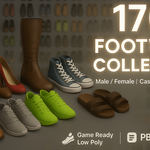
170+ Shoes Mega Pack - Footwear Models Collection For Game Development & Animation
 blenderustad


Are the shoes rigged, and which file should I use for my engine?
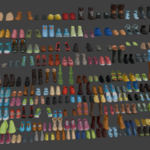
The models are not pre-rigged — they're clean, game-ready meshes that are "ready for sculpting, rigging & animation," so you fit them to your character and parent or skin them to your existing foot bones. For engines: use Shoes 2.fbx for Unreal or Unity, Shoes 2.glb for Godot, web viewers or glTF pipelines, and Shoes 2.obj + Shoes 2.mtl for a neutral transfer into any other DCC app. Keep the .blend as your source for editing materials and topology.
2. What's the difference between Shoes file and Shoes Category Vise?
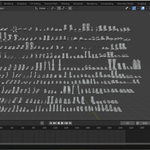
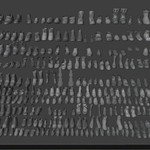
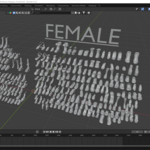
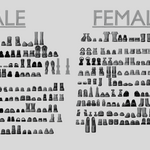
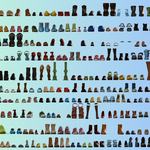
They contain the same 170+ models. Shoes 2 is a flat scene with everything in one place — quickest for browsing the whole set. Shoes Category Vise ("Category Wise") splits the models into named collections by style — boots, sneakers, heels, sandals, formal, slides, and so on — so you can locate and append one style family at a time. Use the category file to plan, then append only what you need into your project.
$69
Have questions about this product?
Login to message
| Sales | 10+ |
| Published | over 1 year ago |
| Blender Version | 2.6x - 4.5 |
| Render Engine Used | Arnold, Blender-Internal, Blender-Game-Engine, Cycles, Eevee, Freestyle, Luxrender, Mental-Ray, Octane, Vray, Yafaray |
| Misc Data | Textured |
| License | Royalty Free |
