 Jean-Marie Rudent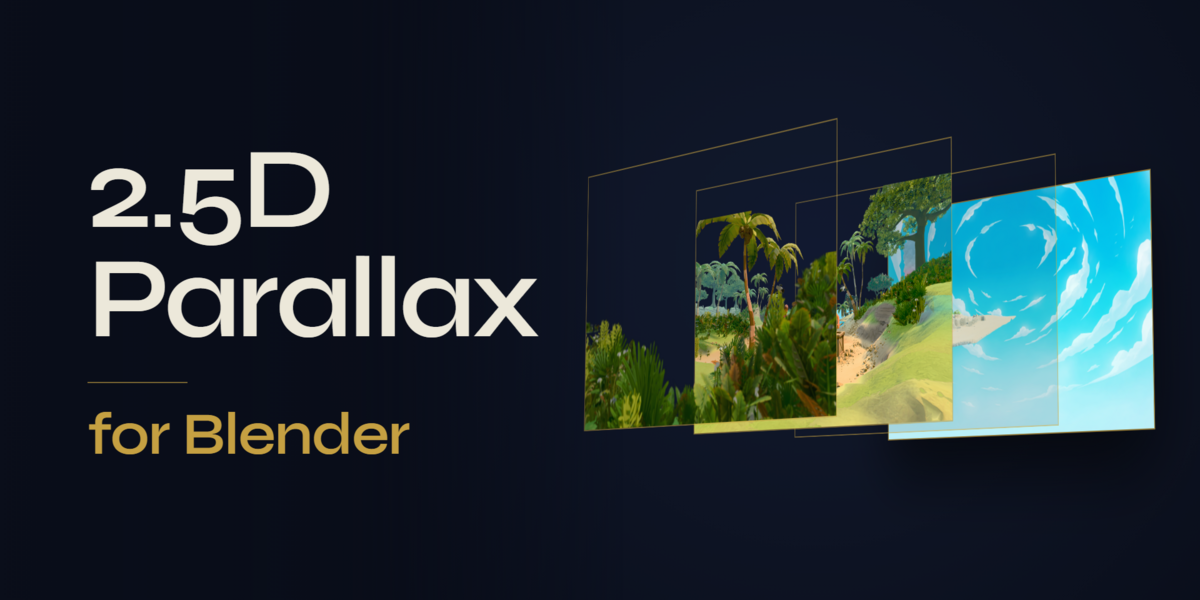


BLENDER ADD-ON · 2.5D PARALLAX
Parallax Layers
Key art in. Motion out.
Your key art is already layered. Parallax Layers turns the layers you export from Photoshop into a full 2.5D scene in one click, with a camera ready to move. At rest, the render is your PSD.
One-click import · Photoshop-accurate blending · No empty edges
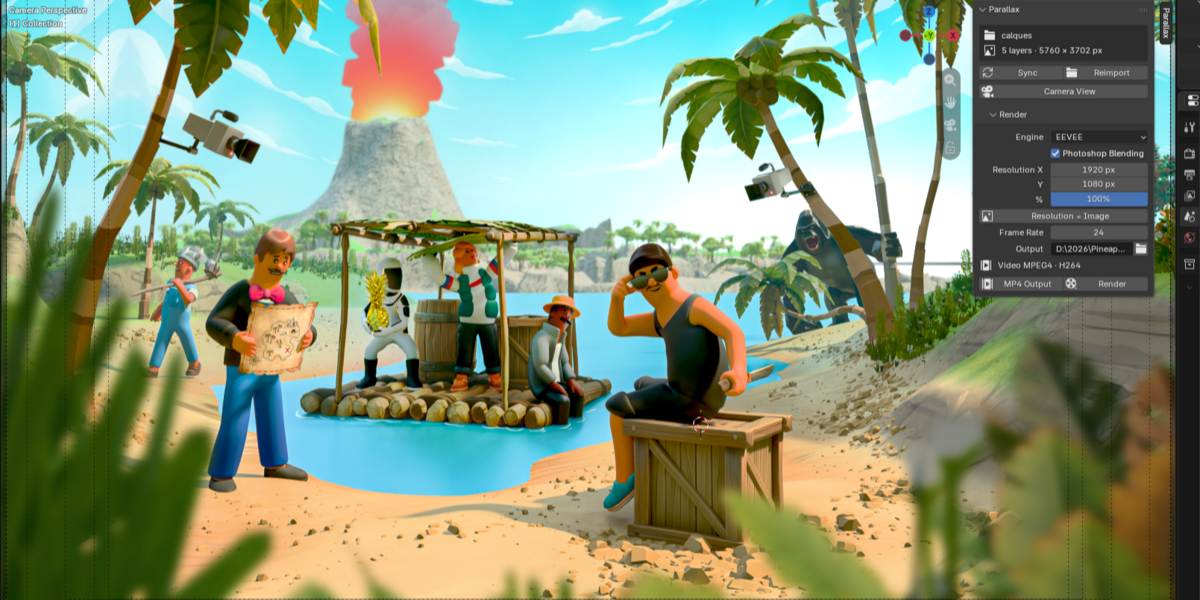
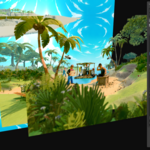
A layered key art, rendered in EEVEE: push-in, truck and float, with depth of field.
01 · IMPORT
One folder in, your PSD framed in Blender.
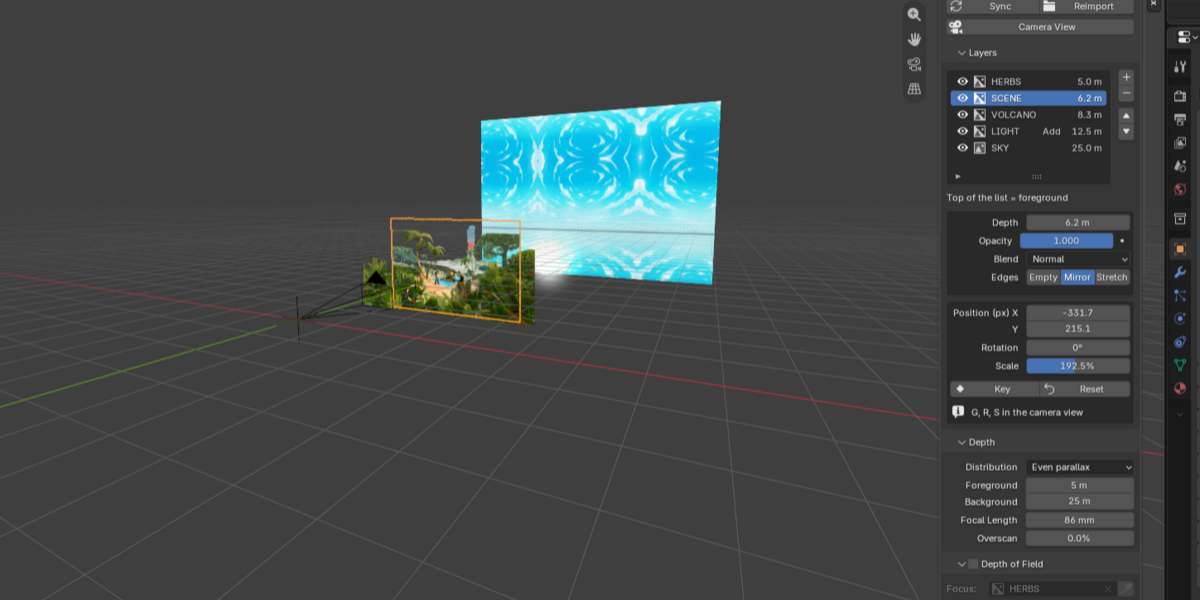
Export your layers from Photoshop, pick the folder. Every layer lands on its own full-frame plane, the camera and the resolution are taken from your canvas, and the render is set up for EEVEE.
02 · DEPTH
Real depth, layer by layer.
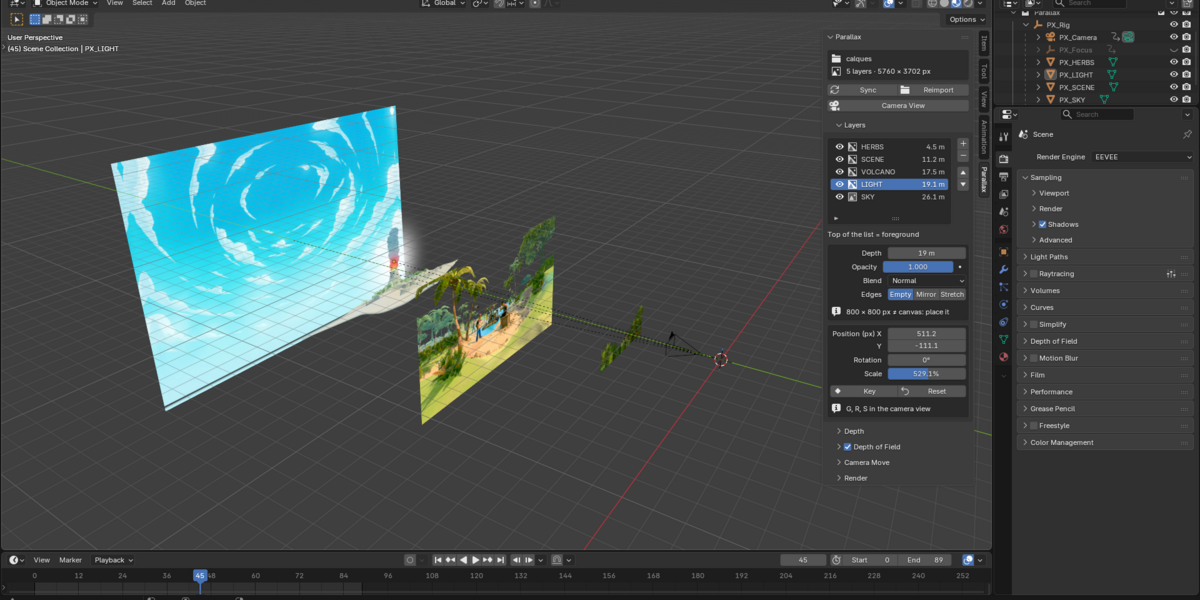
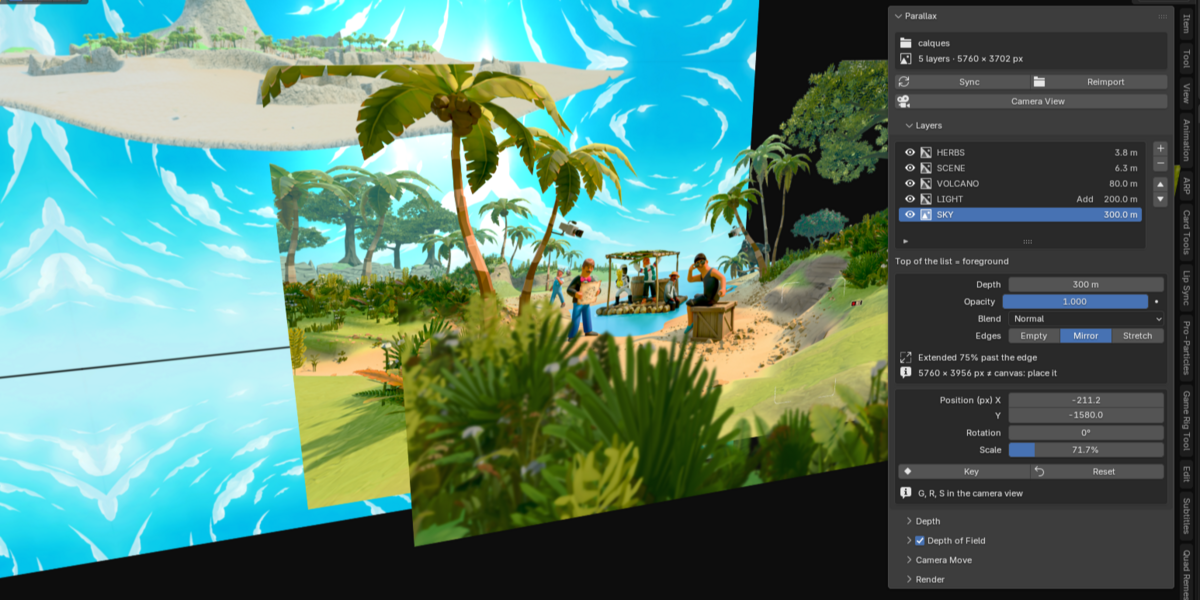
Push each layer back in space, or let the add-on spread them for you. Move, rotate and scale any layer in Photoshop pixels, right in the camera view.
GRS
03 · FRAMING
Change the depth. The framing holds.
Each plane is scaled so it fills the frame exactly, from the foreground to the sky. Move a layer deeper and it keeps its place on screen. No rescaling by hand, ever.
04 · CAMERA MOVES
Four moves. One click each.
Pick a move, press Apply. Moves stack, and they stay plain keyframes you can tweak in the Graph Editor like any other animation.
PUSH-IN
The camera moves in, the foreground grows faster than the background.
PULL-OUT
Start close, end on your composition.
TRUCK
Slide left, right, up or down across the depth.
FLOAT
A slow drift that loops seamlessly. Made for animated store backgrounds and wallpapers.

The Camera Move panel, with the live edge status.
05 · FAITHFUL TO THE PSD
It looks like your PSD. Really.
Blender blends in linear light, so semi-transparent mist, glows and soft shadows come out lighter than what you painted. Parallax Layers blends the Photoshop way, with Normal, Add, Screen and Multiply.
0.2 / 255
Average difference between the render at rest and the flat image, in our tests.

First and last frame of the same shot: at frame 1 the render is your PSD.
06 · EDGES
No more empty borders.
When the camera moves, layers that touch the frame can reveal their edge. Check Edges scans the whole animation, frame by frame, and extends those layers just enough with a mirror or stretch fill. Your composition at rest does not change.
CHECK EDGESFILL WITH MIRROR
07 · DEPTH OF FIELD
Focus on any layer. Pull focus to another.
Blender's usual depth of field does not work on transparent planes. Parallax Layers sets up a real lens blur in EEVEE, shows the blur of every layer in pixels before you render, and animates a rack focus between two layers.

Focus on the characters

Same frame, focus on the foreground
08 · WHY NOT BY HAND
The client changed the PSD? Press Sync.
You can build a parallax scene with image planes. You just have to rebuild it every time.
BY HAND
PARALLAX LAYERS
Setup
One plane per layer, sized one by one
One click, framed like your PSD
New depth
Rescale to keep the framing
The framing holds
Mist and glows
Lighter than painted
As painted
PSD updated
Swap every image
Sync: depths, moves and keys stay
Sync even survives Photoshop renumbering your files: each layer is found by name.
WHAT YOU GET
One add-on, one tab, your whole layer stack.

Five Photoshop layers, one click: camera, resolution and full-frame planes.

parallax_layers-1.2.1.zip, installed from Edit > Preferences > Add-ons > Install from Disk.
The Parallax tab in the N panel: layers, depth, depth of field, camera moves, render.
Reads PNG, TIFF, WebP, JPG, TGA and EXR layers. One-click MP4 output.
Pure Python, no dependencies. Free updates for version 1.x.
It does not open .psd files: export your layers first (File > Export > Layers to Files, Trim Layers off).
09 · TRAILER
From a layer folder to a moving key art.
BLENDER 5.0+ · TESTED ON 5.2 LTS · EEVEE AND CYCLES · GPL
Make your key art move.
Parallax Layers for Blender, $12.
Free updates for version 1.x.
