Blender 2.5D Parallax Addon
 Jean-Marie Rudent


Which Blender version do I need?
Blender 5.0 or later.
Does it work with Cycles?
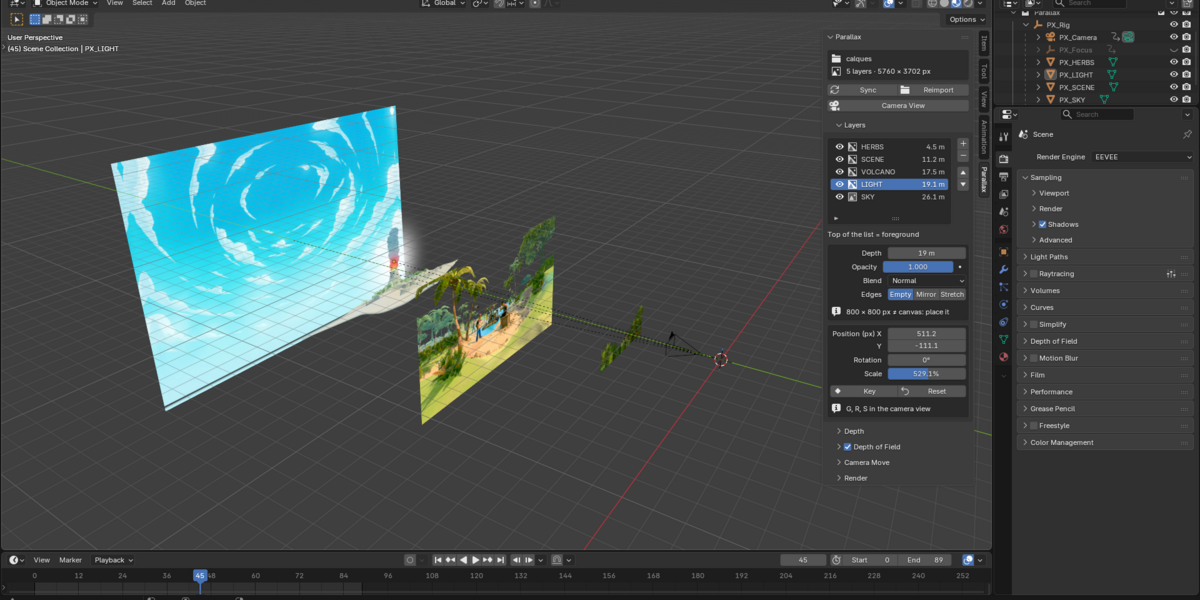
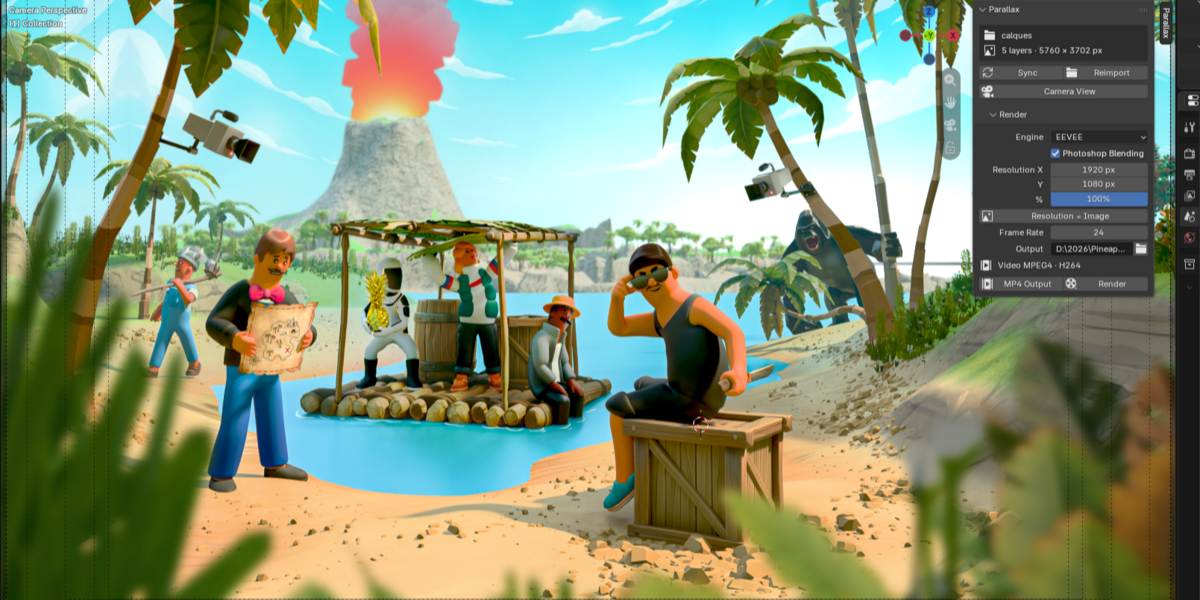
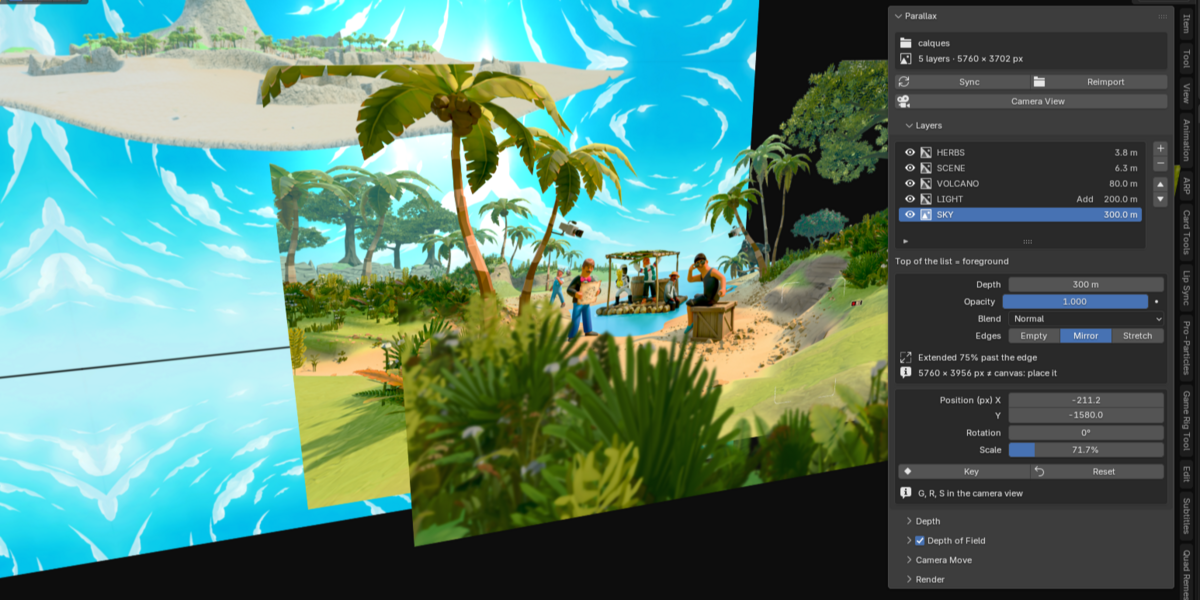
The scene is set up for EEVEE, which renders these flat layers fast and looks identical to Photoshop. Depth of field is tuned for EEVEE.
I edited my illustration. Do I have to start over?
No. Export the layers again to the same folder and press Sync. The images are reloaded and your depths, positions and camera move are kept.
I see an empty border during the camera move. What do I do?
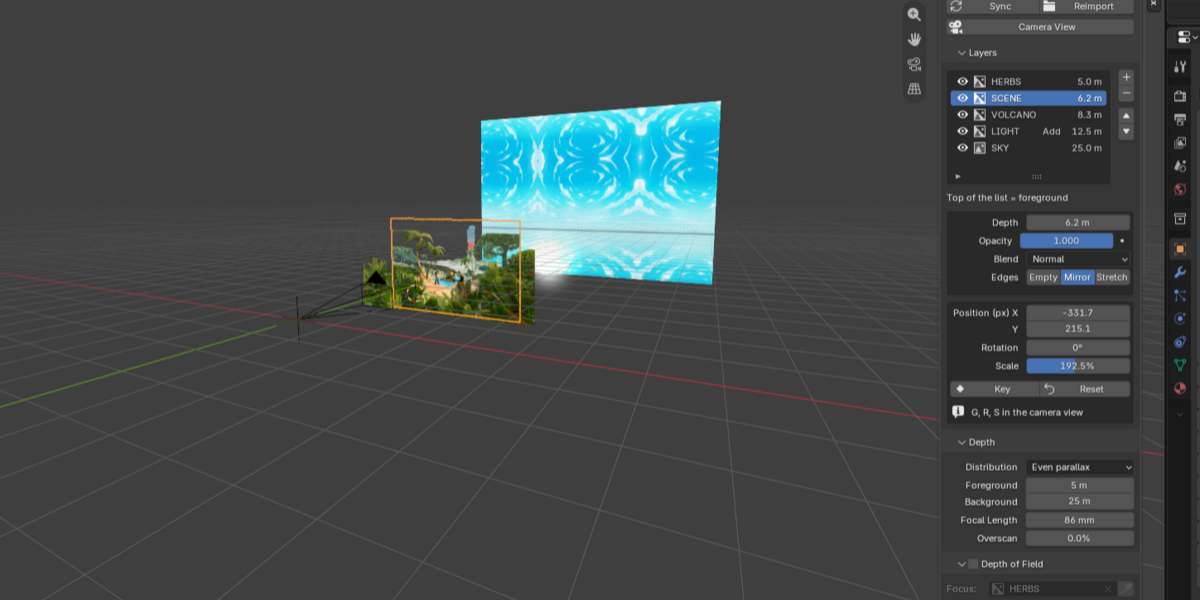
Press Check Edges, then Fill with Mirror. The add-on extends the layers that touch the frame so no edge shows during the whole animation.
How many layers can I use?
As many as you like. Fewer, well-separated layers (foreground, subject, middle ground, sky) give the strongest parallax.
Can I animate the layers themselves?
Yes. Position, rotation, scale and opacity can be keyed on each layer, on top of the camera move.
What license is it under?
GPL-3.0-or-later, like Blender. You can use it in commercial projects.
Does it read PSD files directly?
No. Export your layers from Photoshop with File > Export > Layers to Files, as PNG-24 with transparency and "Trim Layers" unchecked, so every PNG has the full canvas size. Any software that exports full-canvas PNG layers works (Krita, Affinity, Procreate...).
 Included
Includes 12 months of
- Support from Jean-Marie Rudent
- Product updates
Extend this product’s Support Period +12 months: 50% of product price
Have questions before purchasing?
Login to message
| Blender Extension Compatible | Yes |
| Published | 3 days ago |
| Blender Version | 5.0 - 5.2 |
| Extension Type | Add-on |
| Render Engine Used | Cycles, Eevee |
| License | GPL |
Discover more products like this
trailer Motion design parallax 2.5d photoshop illustration layers depth of field steam camera animation key art matte painting