 CarOnium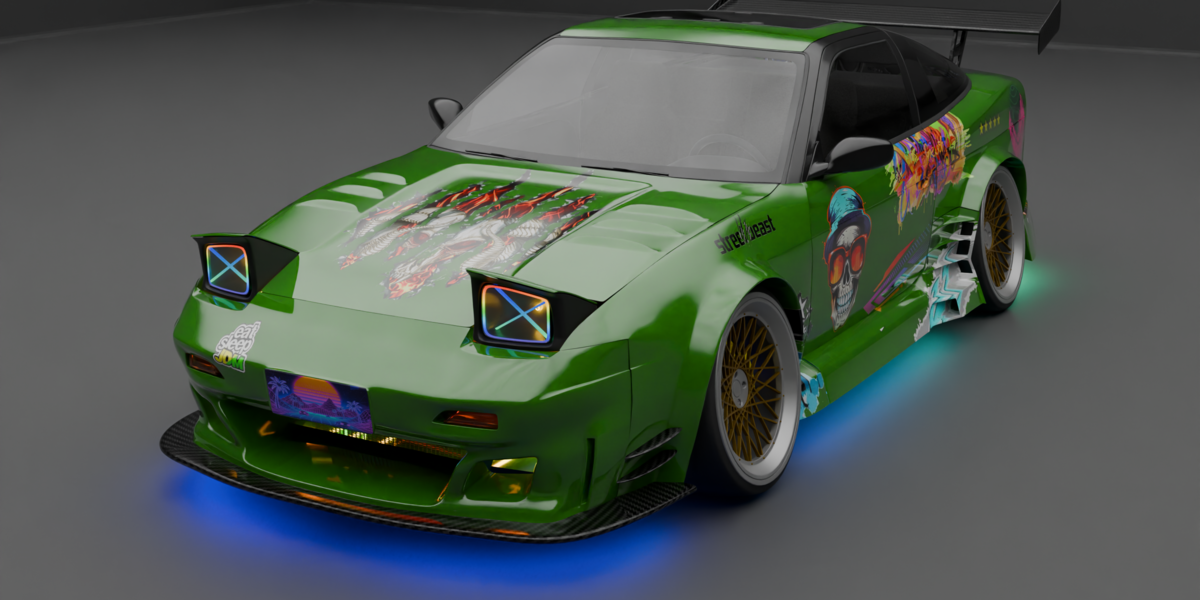
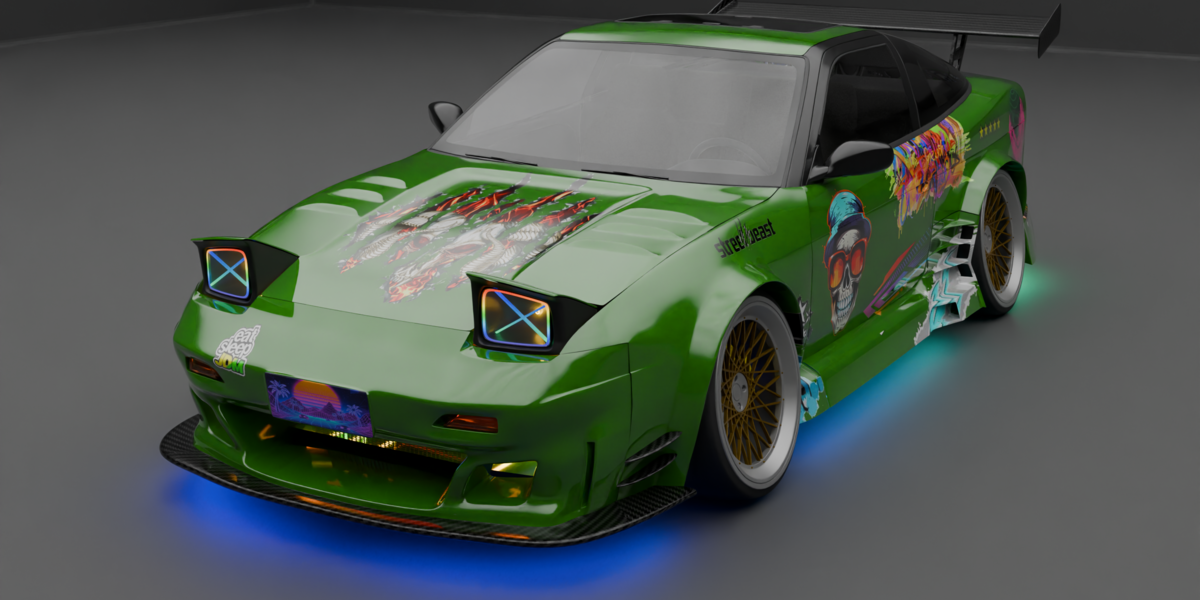
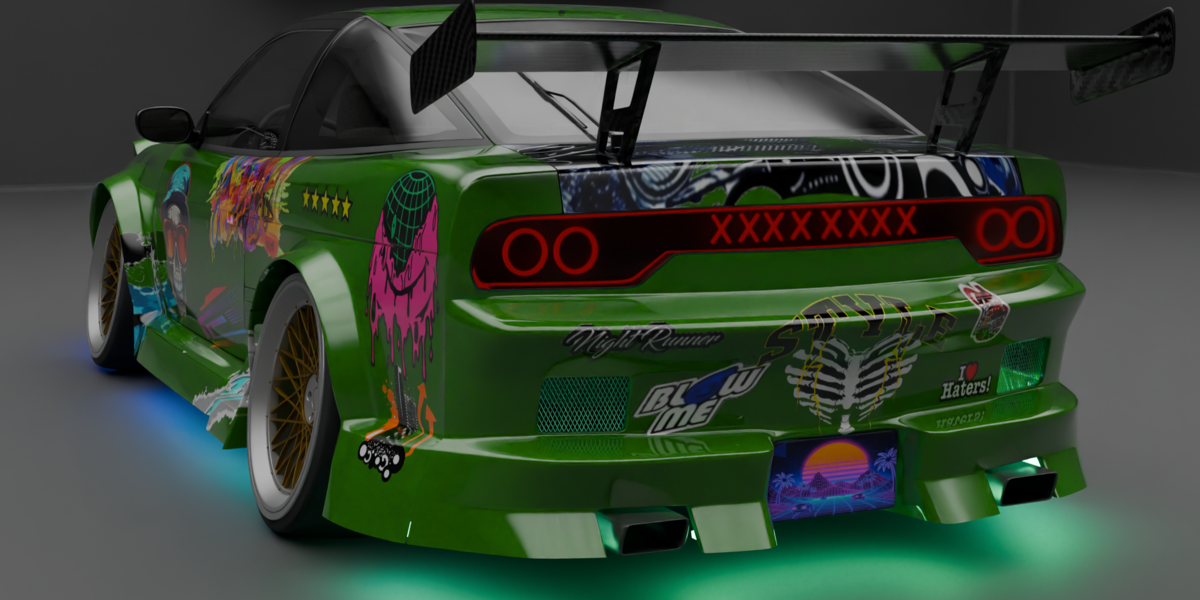
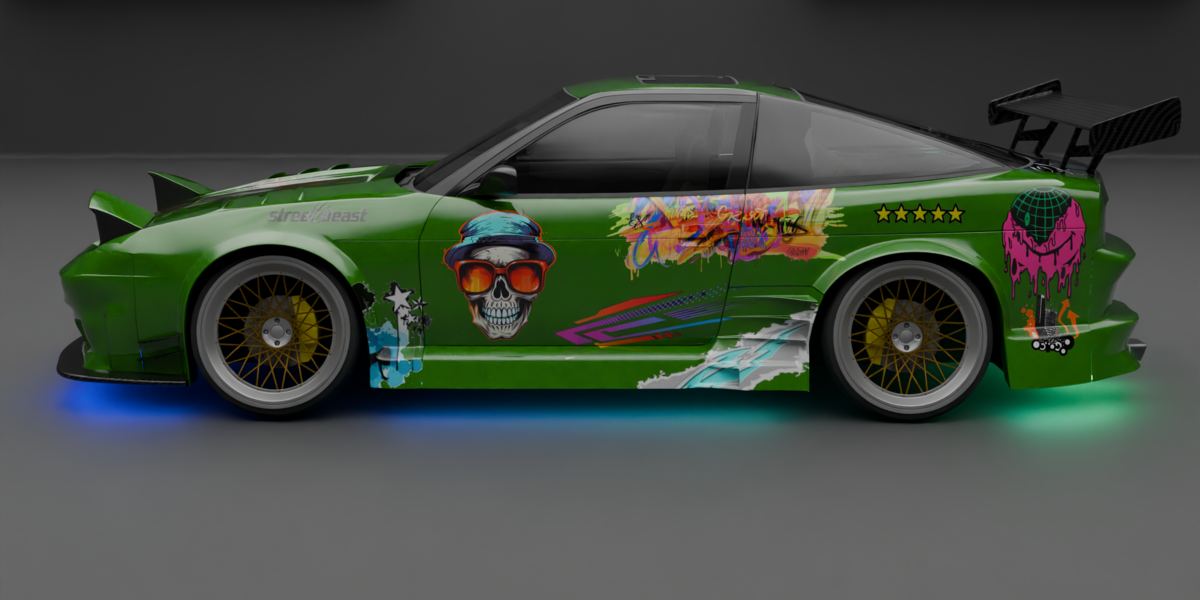
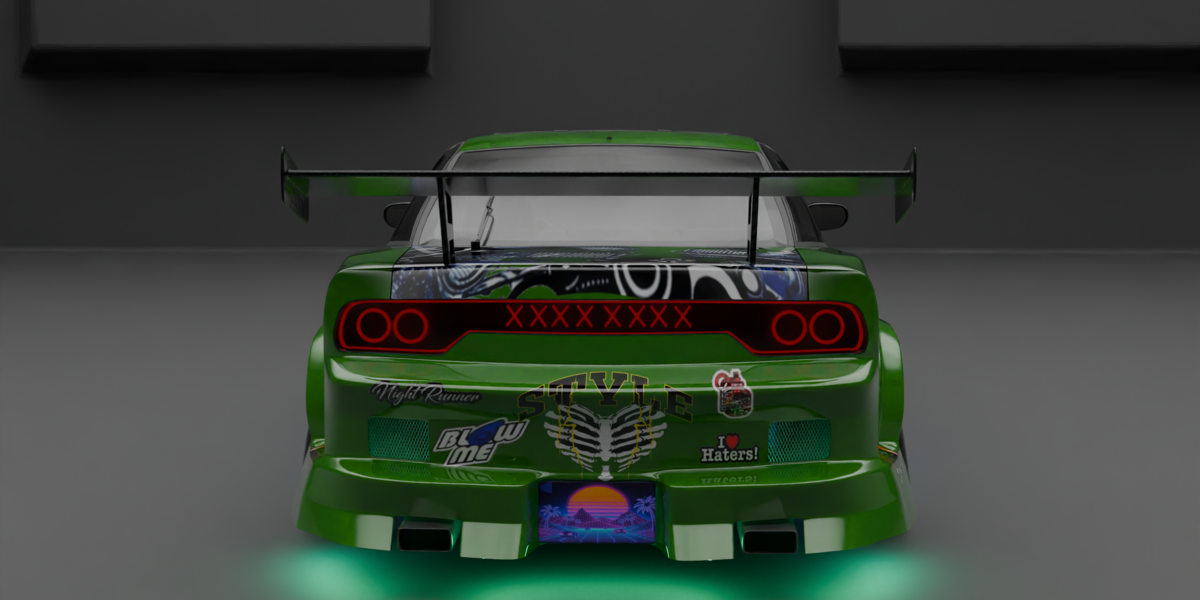
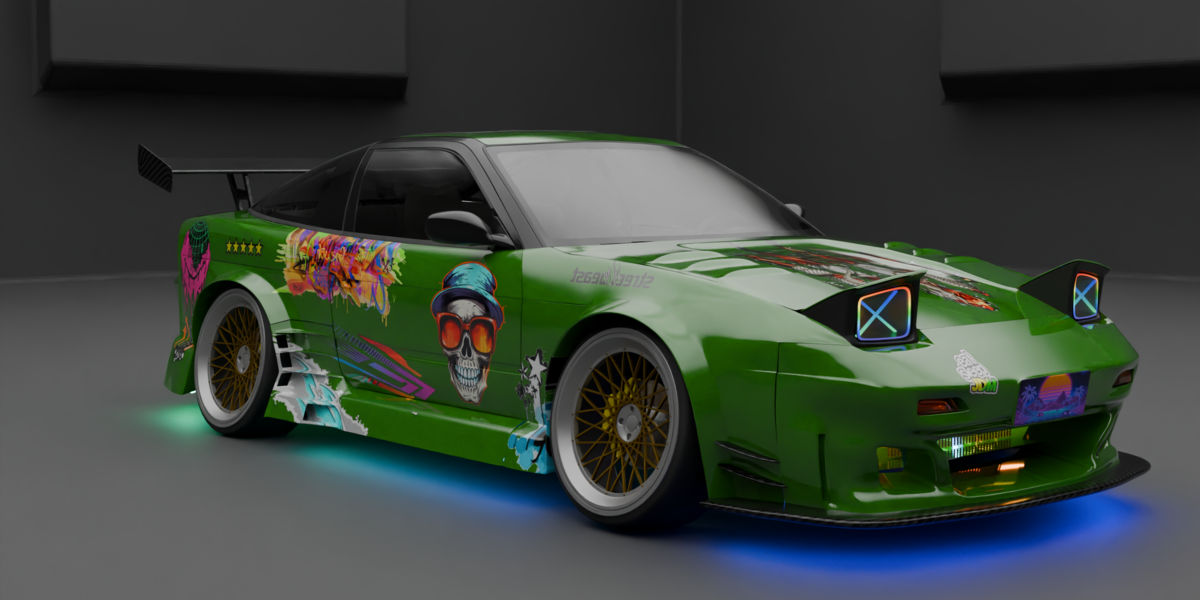
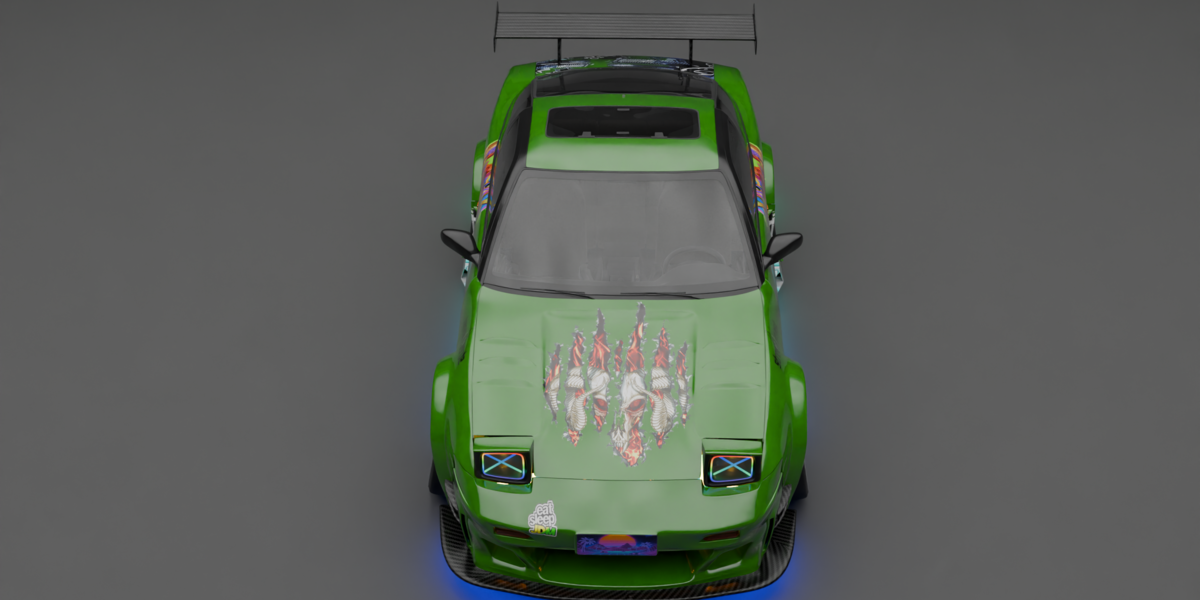
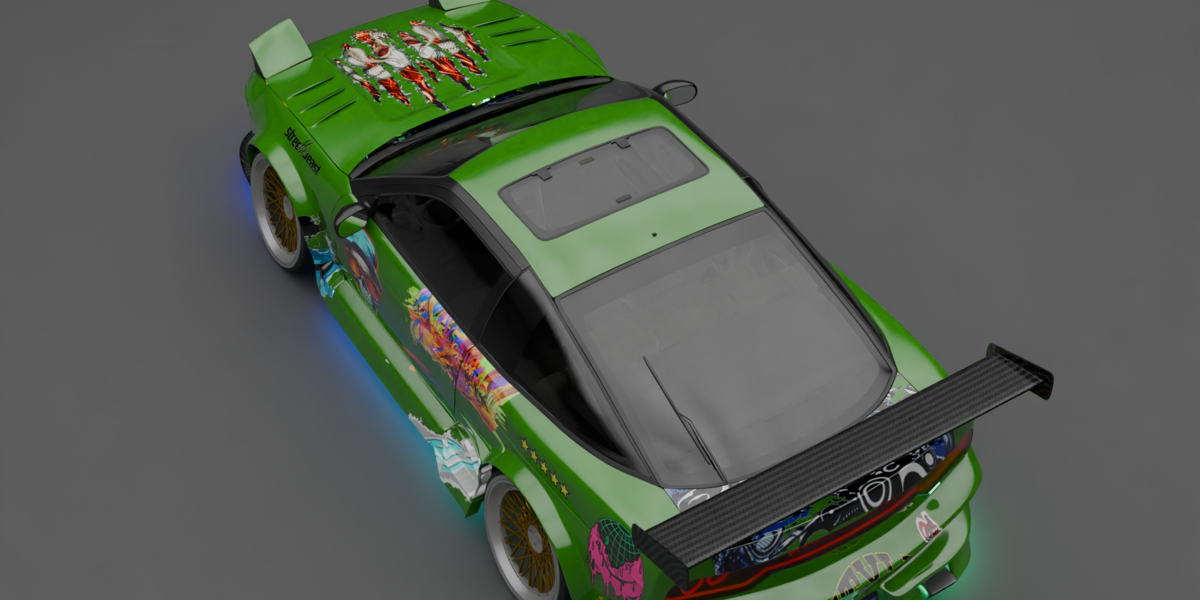
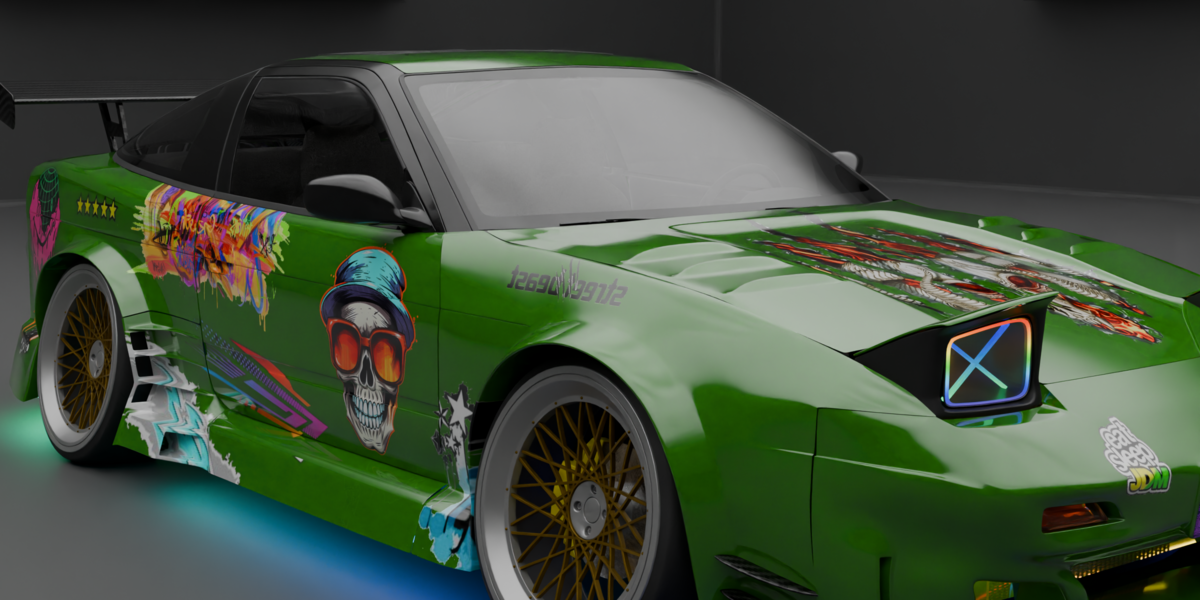
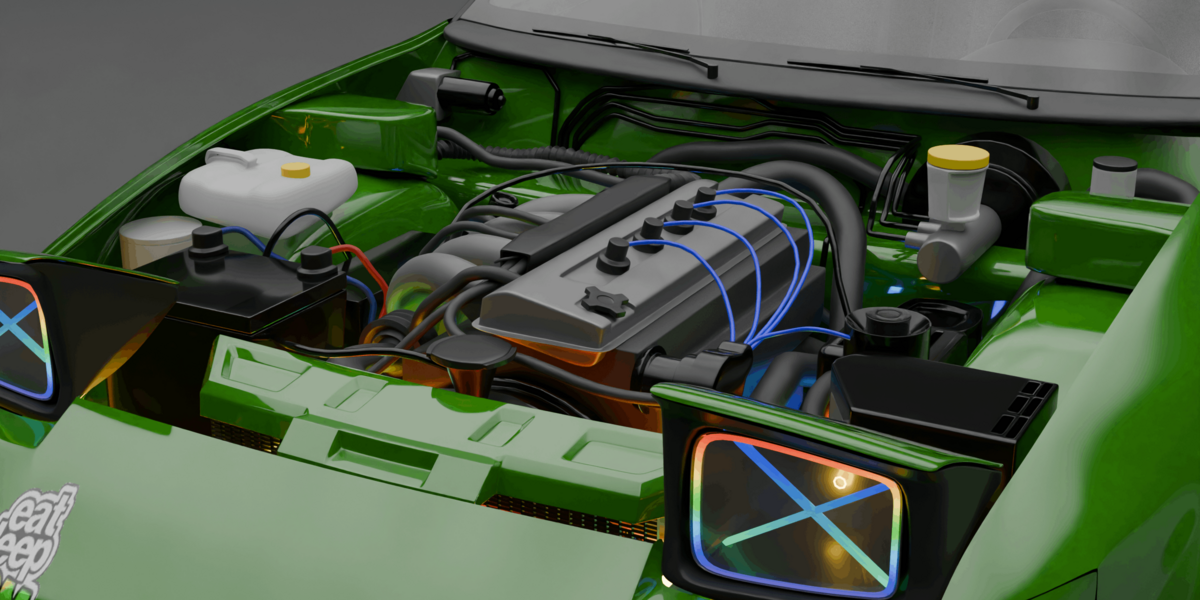
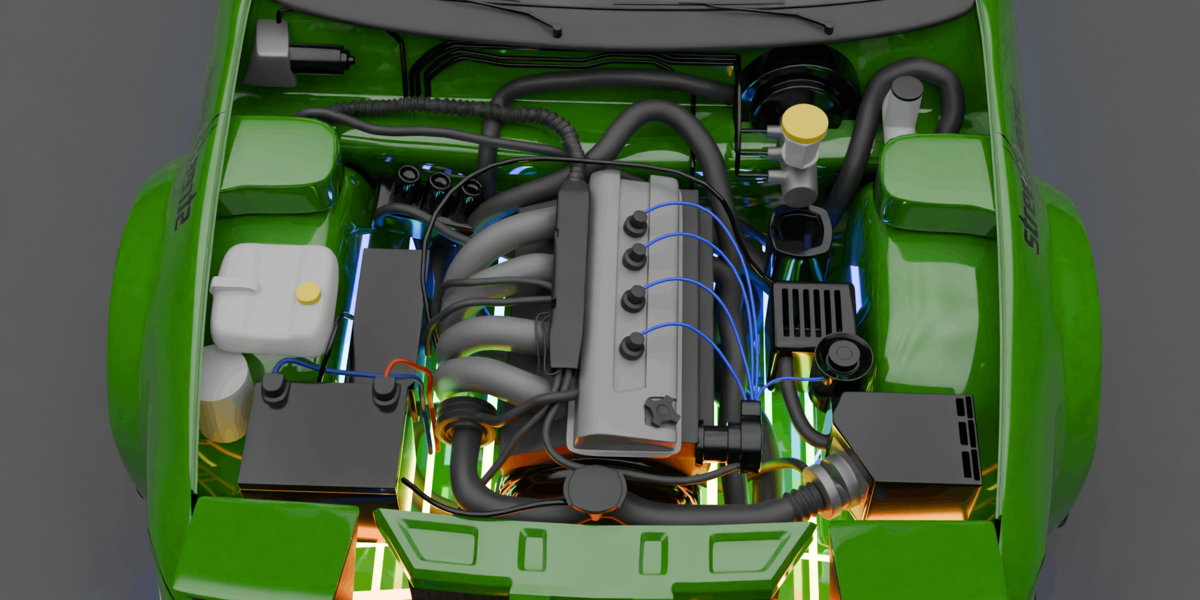
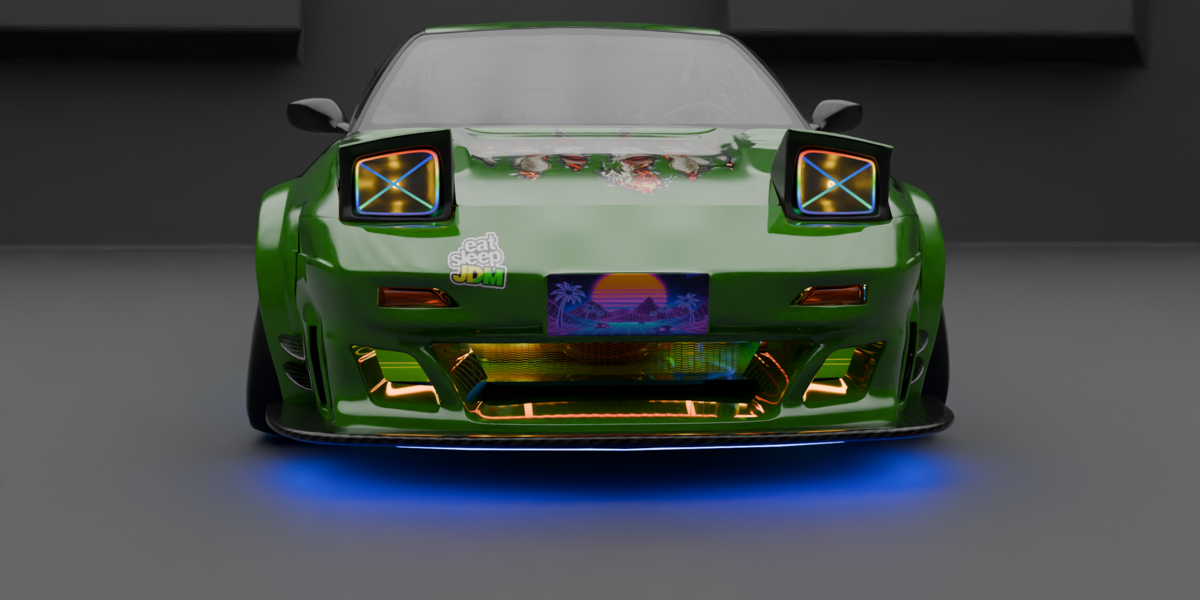
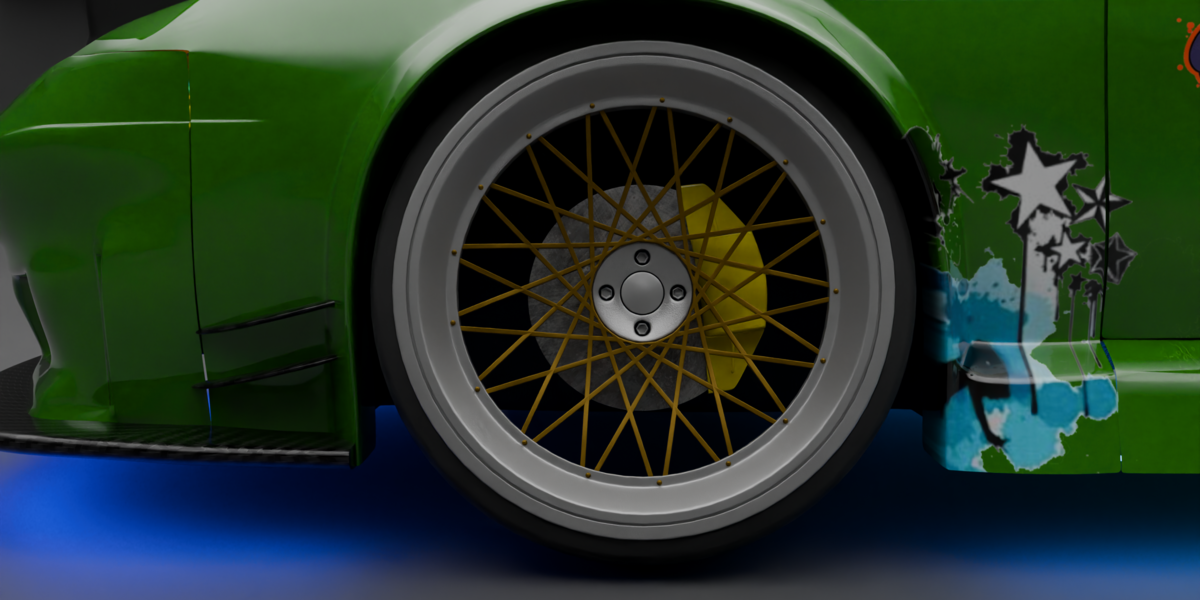
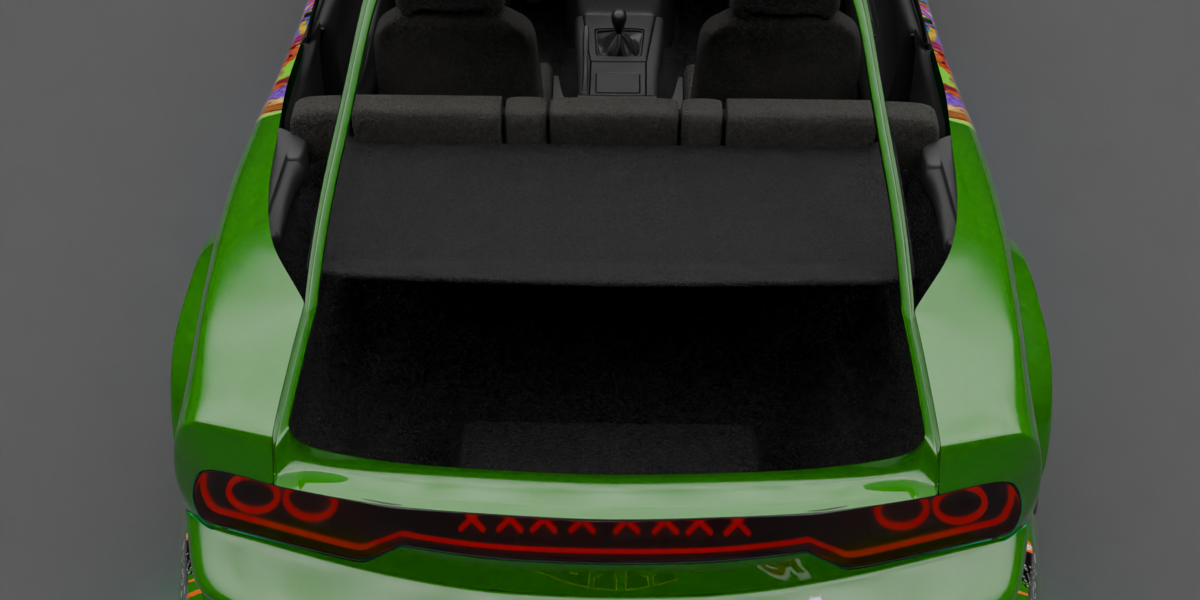
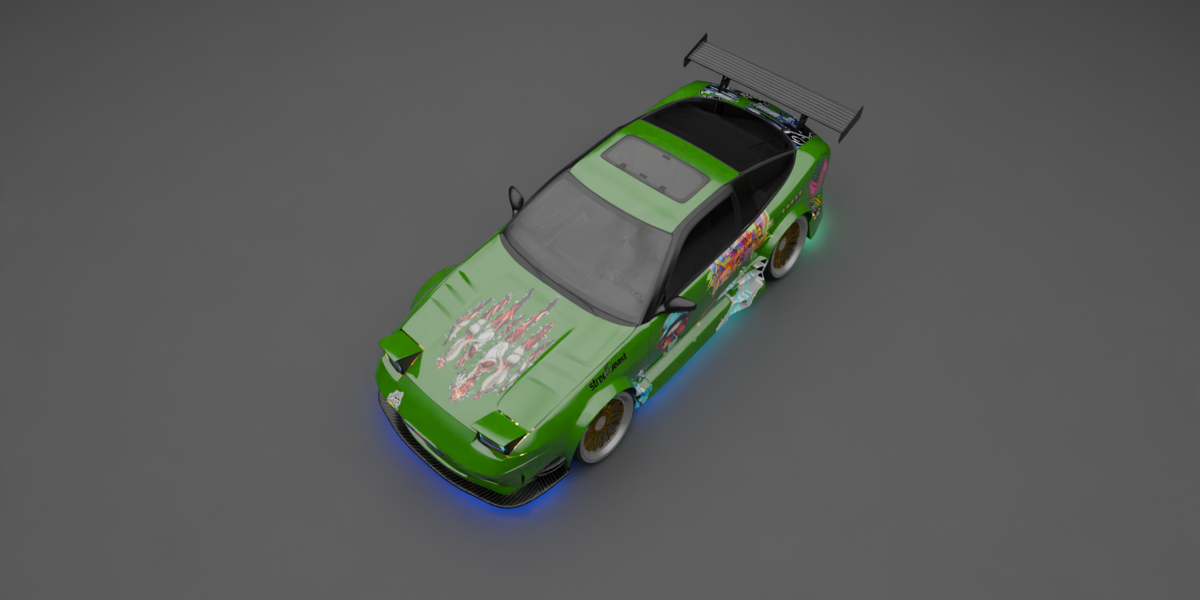
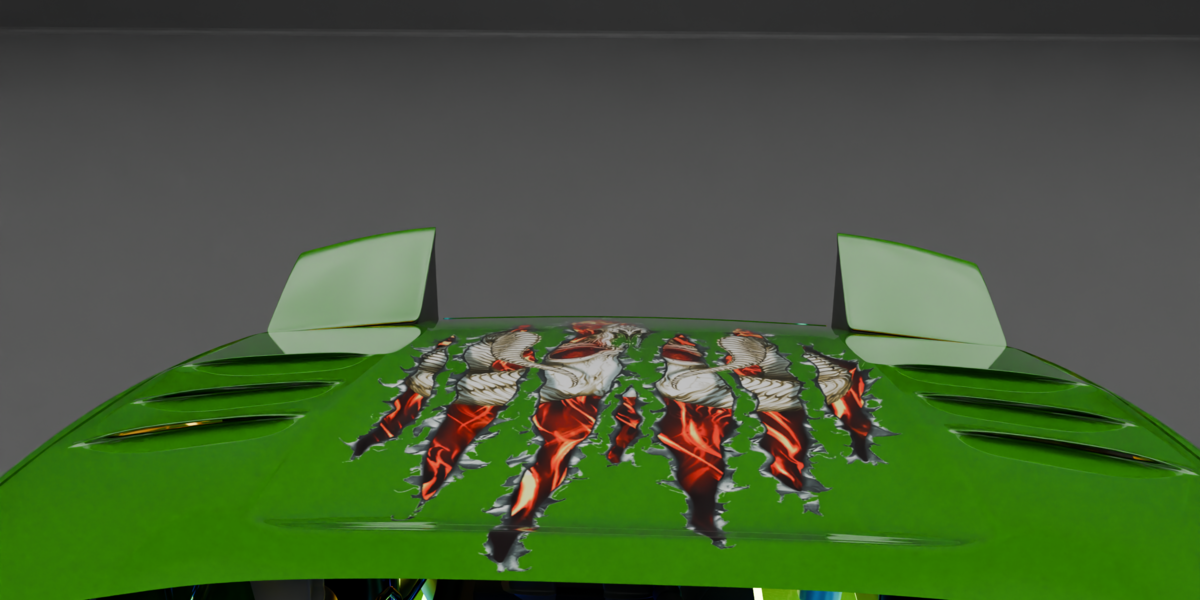
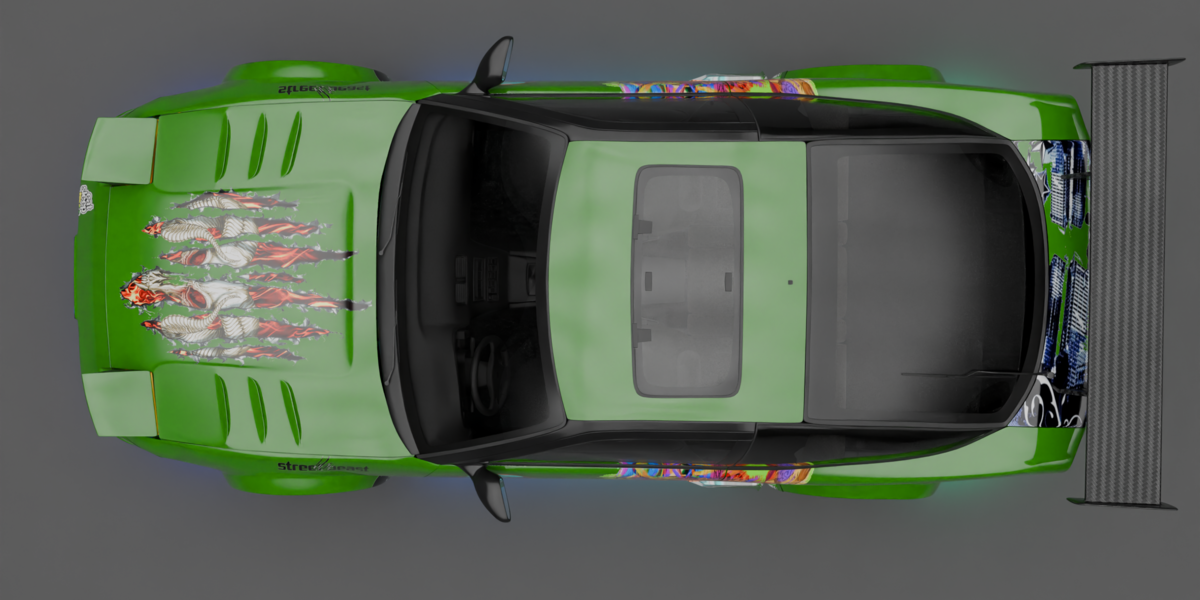
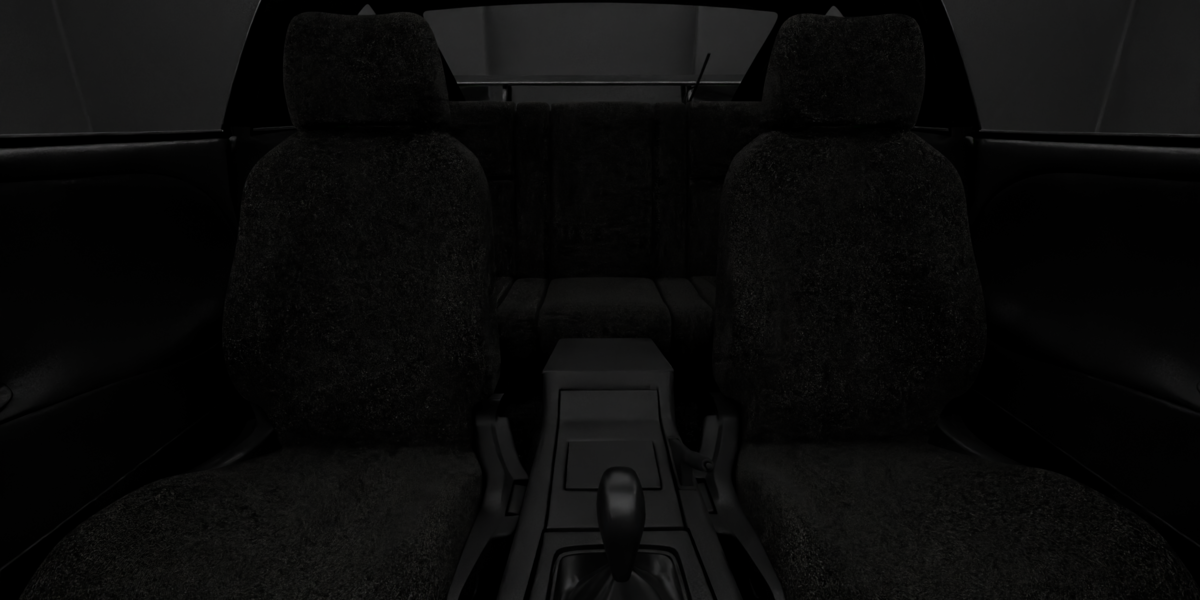
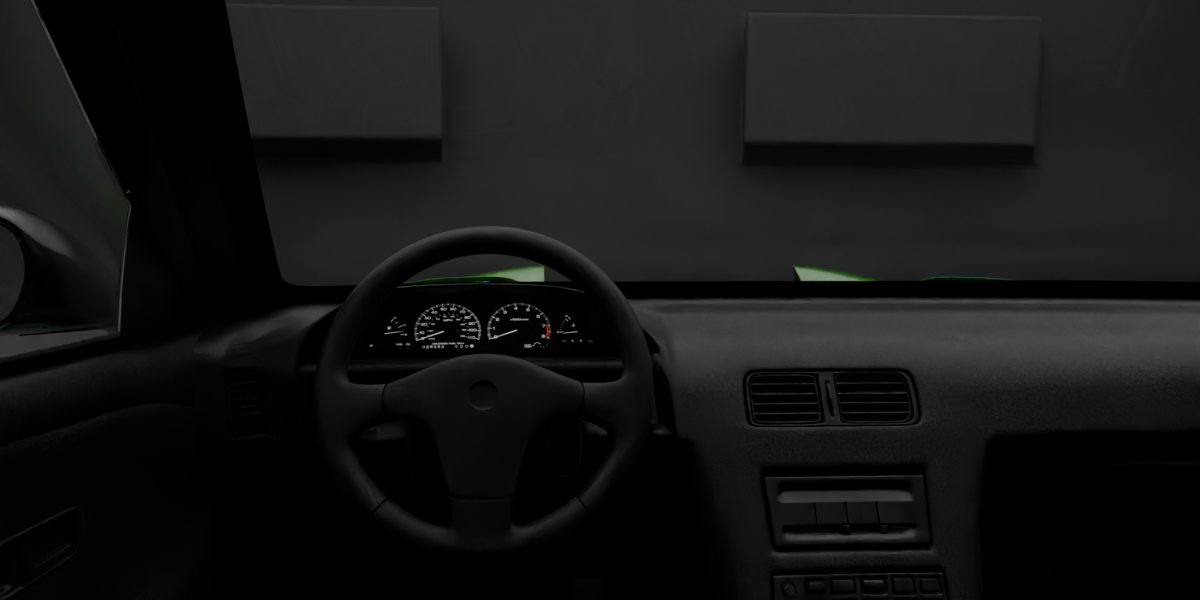
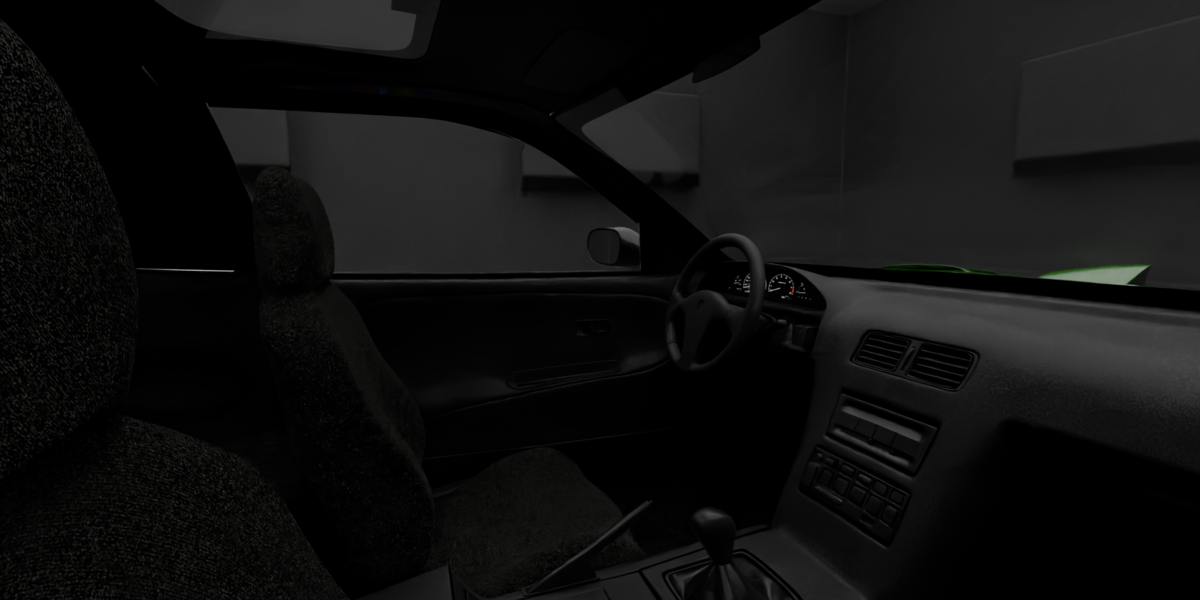
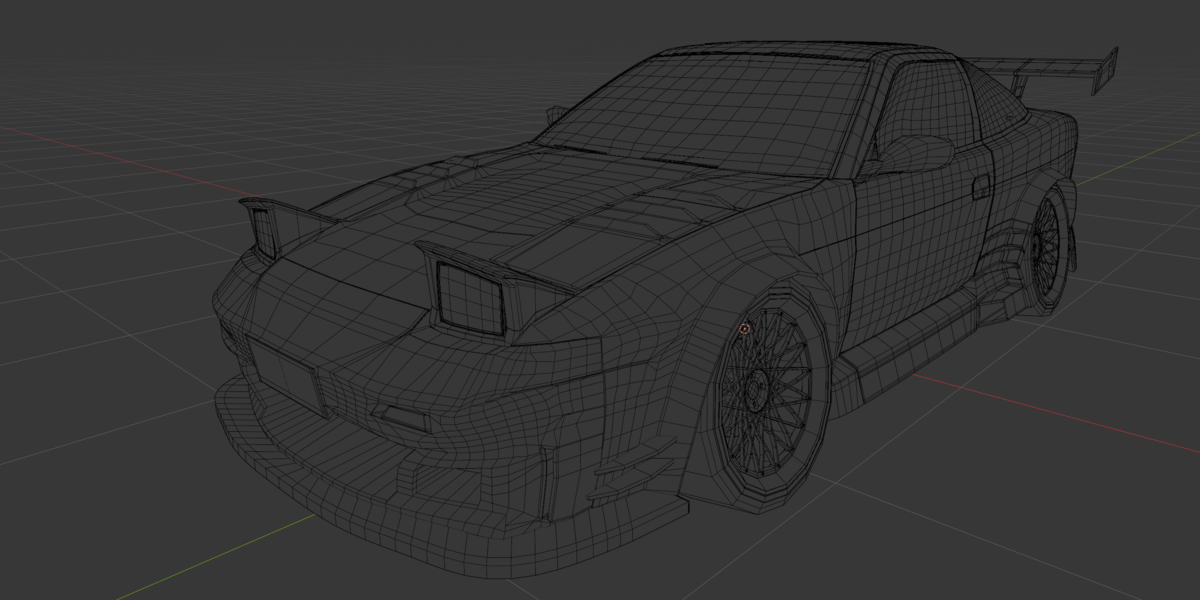
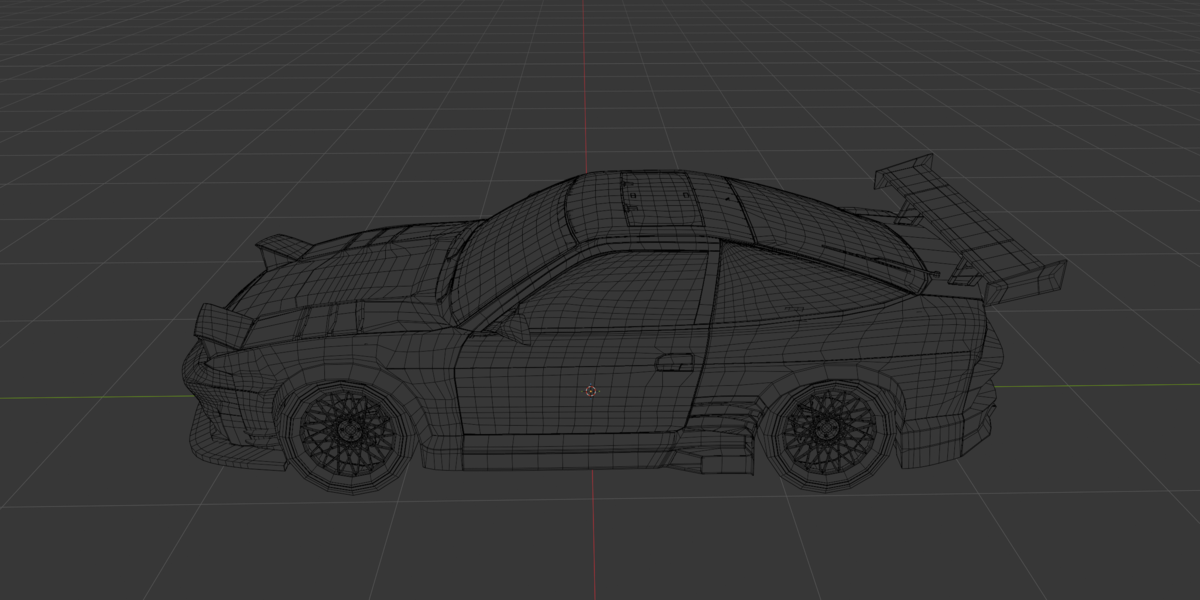
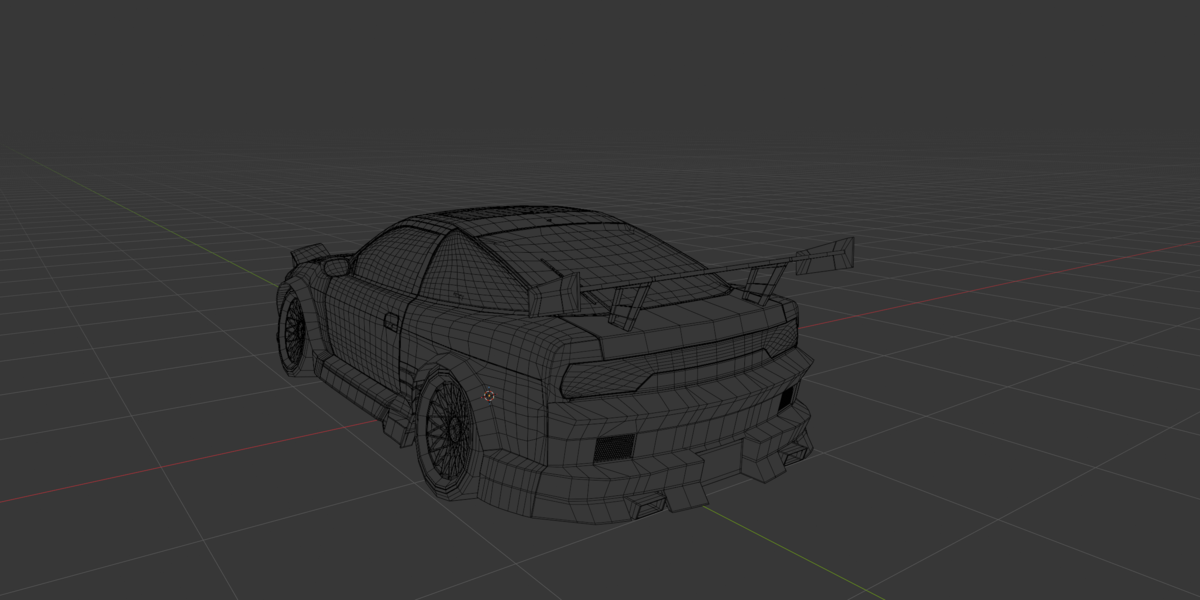
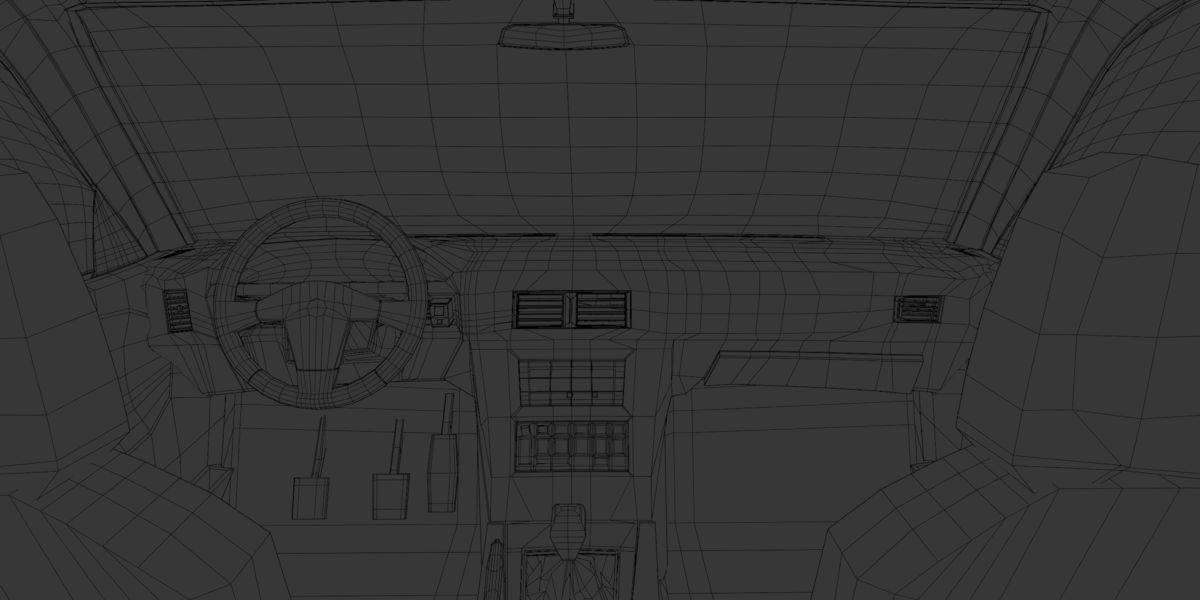
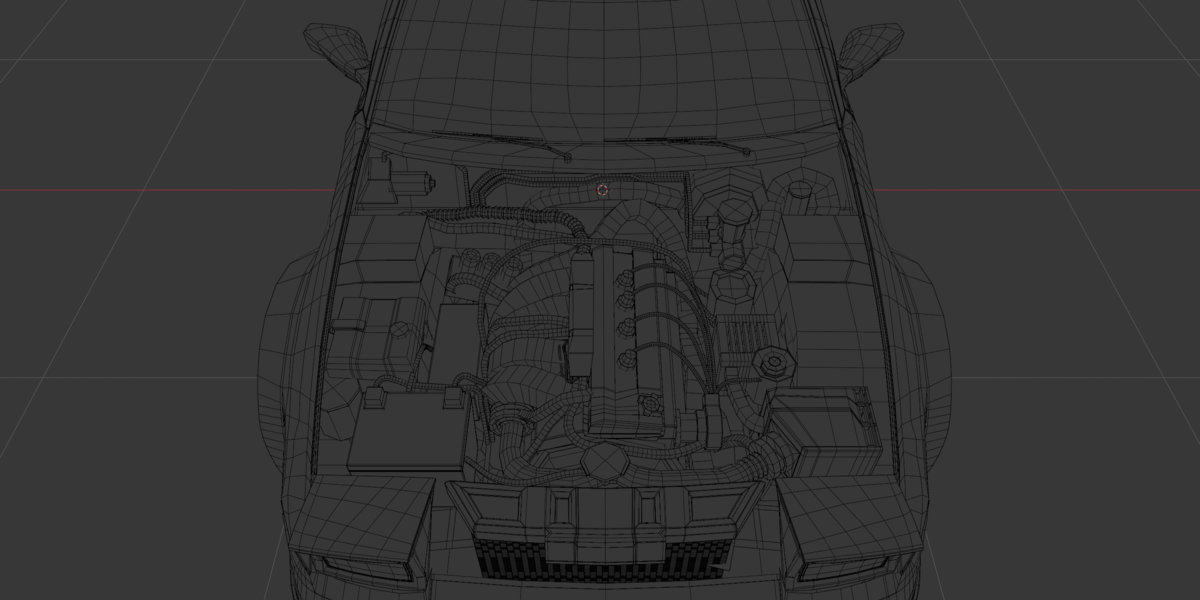
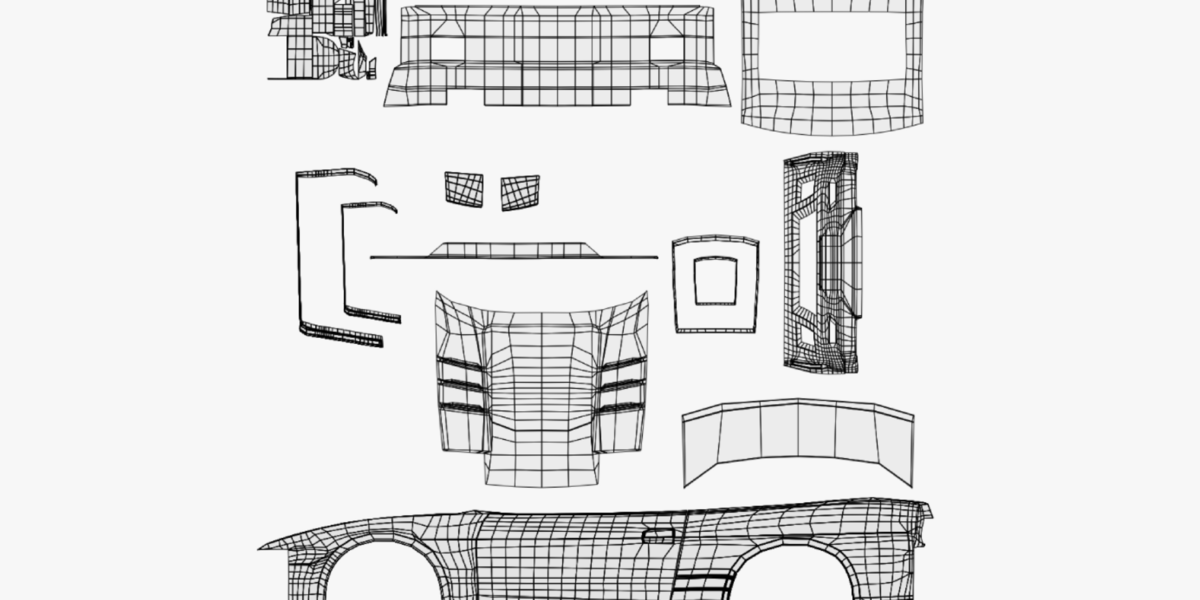
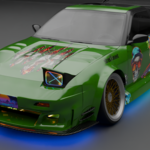
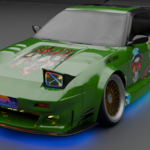
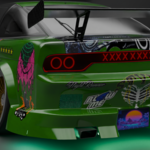
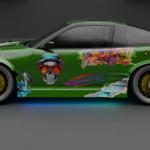
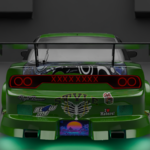
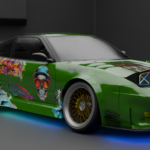
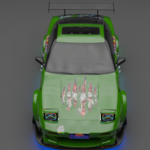
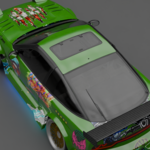
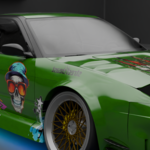
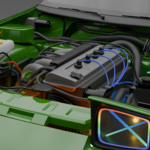
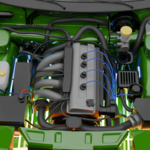
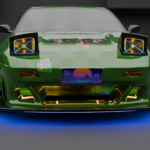
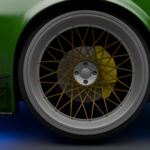
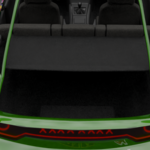
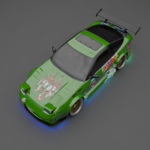
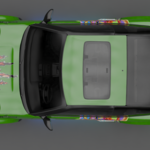
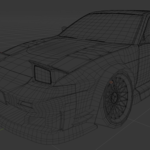
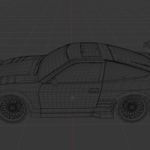
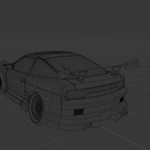
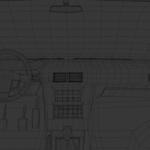
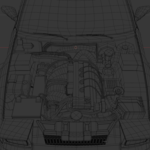
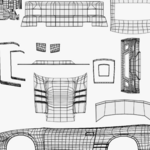
240SX (S13) — Model Documentation & Guide
Thank you for purchasing the 240SX (S13) stock 3D model! This documentation covers file structure, scale, material workflows, and tips for customizing or optimizing the vehicle in Blender.
1. Package Contents
-
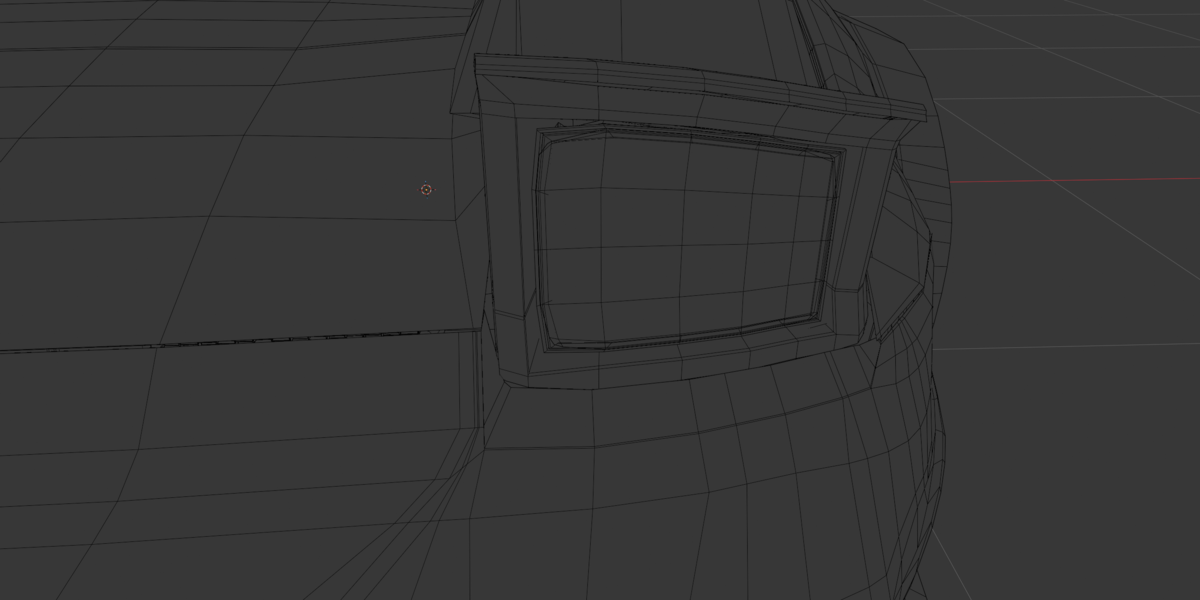
Blender version: All live modifiers, you can increase or decrease subd for LODs.
- GLB, USDC, OBJ, FBX and Textures file available for inter software compatibility
2. Materials & Textures
Render Engine Compatibility: Pre-configured for both Cycles and Eevee.
PBR Workflow: Uses standard Principled BSDF shaders with shared texture sets to maximize VRAM efficiency.
-
Paint Color Customization:
Select any painted body component (e.g.,
Body_Hood).Open the Shader Editor.
Locate the Base Color input on the primary paint material node to change the car color effortlessly.
3. Rigging & Animation Preparation
While the model comes unrigged, it is structured for fast and easy rigging:
Separate Modular parts for easy rigging and parenting.
4. Support & Customization
If you encounter any issues with the file, need assistance, or are looking for custom modifications (custom body kits, rim designs, tuner parts, or custom liveries), feel free to get in touch:
Custom Freelance Work: Available for custom 3D automotive modeling and asset by emailing at [email protected]
Have questions about this product?
Login to message
| Published | about 11 hours ago |
| Blender Version | 4.0 - 5.2 |
| Render Engine Used | Cycles, Eevee |
| Misc Data | Uvs-Unwrapped, Normal-Mapped, Textured |
| License | Royalty Free |
Discover more products like this
PBR s13 jdm full-interior drift car 240sx Tuner-car rig-ready Sports car Engine bay subdivision-ready car model