 NAKIGRAL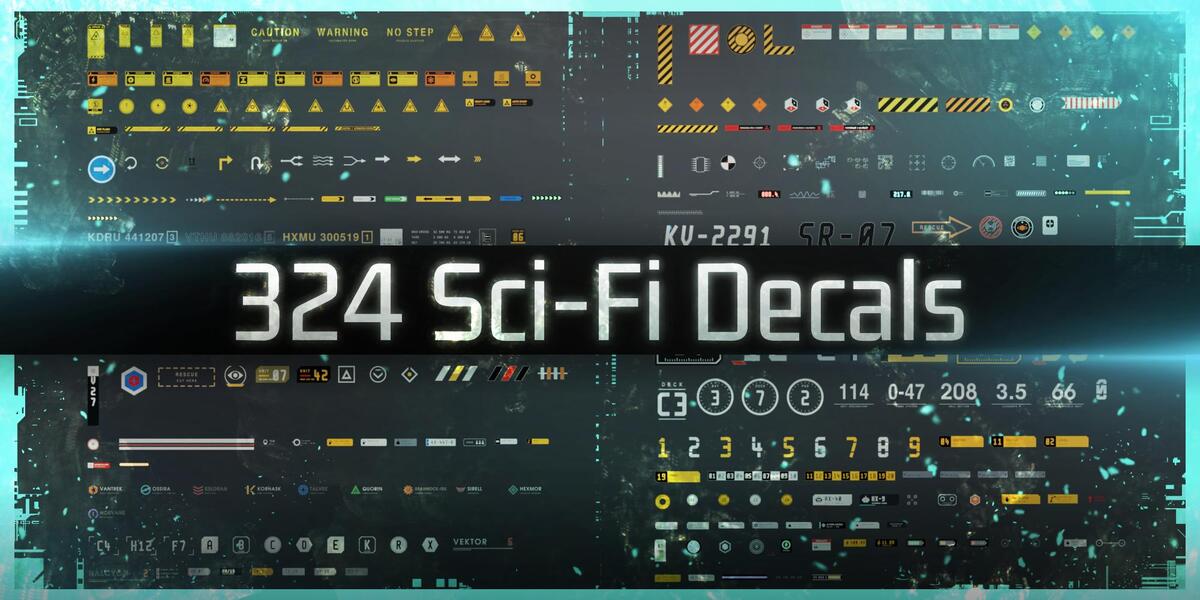
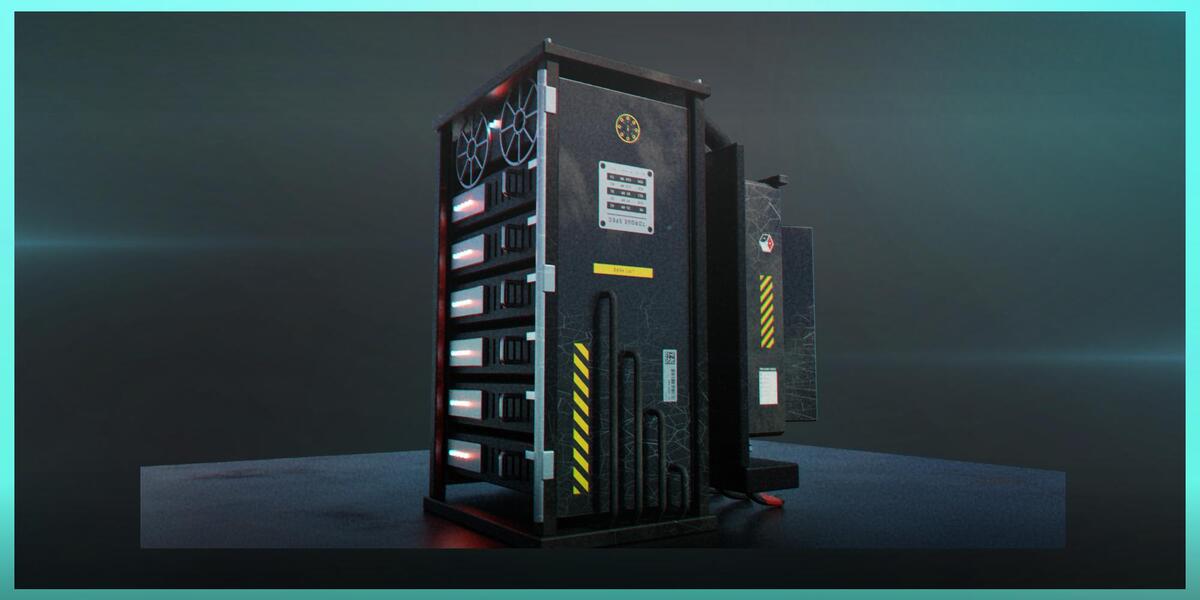
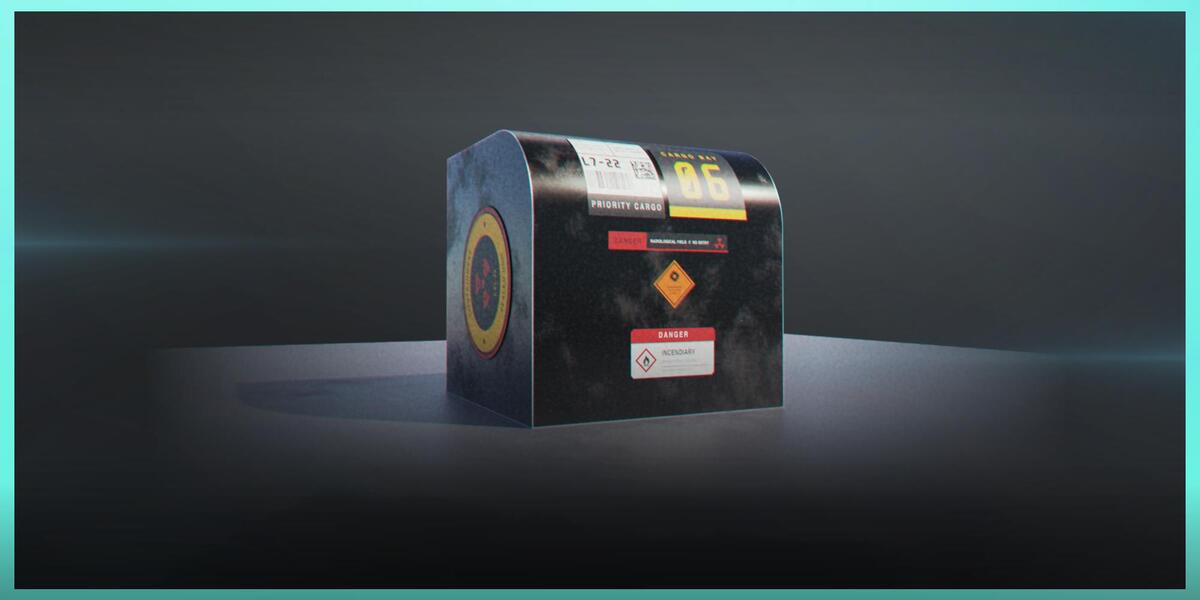
1. What is included in NAKIGRAL — Sci-Fi Decals?
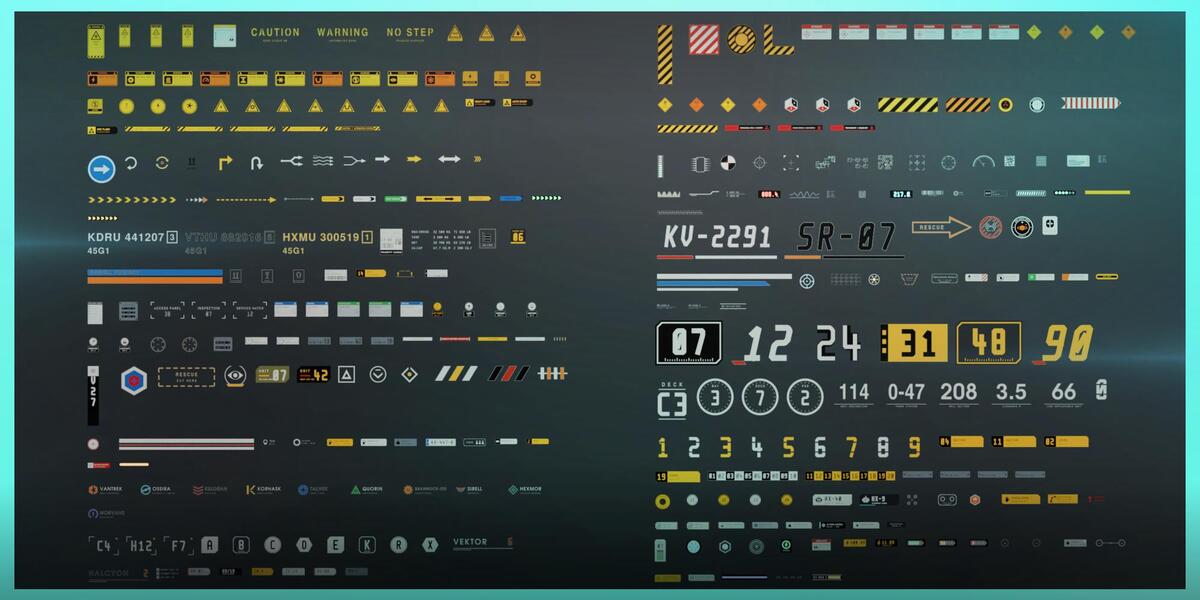
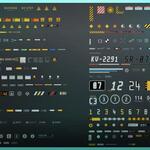
The product includes 324 original decals organized into 13 categories, a Blender Asset Browser library, high-quality texture atlases, adjustable material wear controls, supporting materials and node groups, and NK Decal Tools v2.1.1.
2. Do I need NK Decal Tools to use the decals?
No. The decal collection can be used directly through Blender's Asset Browser. NK Decal Tools is an optional companion extension for adapting compatible decals to curved surfaces.
3. How do I install the decal library?
Extract the main product archive and add the folder containing the provided .blend file under Edit → Preferences → File Paths → Asset Libraries. Then select the library in Blender's Asset Browser.
4. How do I install NK Decal Tools?
Open Edit → Preferences → Get Extensions, select Install from Disk, and choose the supplied extension ZIP. Enable the extension and access it through 3D Viewport → Sidebar → NK Decals.
5. Can the decals be used on curved surfaces?
Yes. NK Decal Tools can automatically or manually adapt compatible decals to nearby curved mesh surfaces. Complex geometry may require additional adjustments.
6. Can I customize the appearance of the decals?
Yes. The included materials feature adjustable wear controls, allowing you to create cleaner or more weathered surface details.
7. Does the product work with Cycles and Eevee?
Yes. The decals and materials have been tested with both Cycles and Eevee.
Have questions about this product?
Login to message
| Published | 3 days ago |
| Blender Version | 4.5 - 5.2 |
| Render Engine Used | Cycles, Eevee |
| Misc Data | Textured |
| License | GPL |
Discover more products like this
decal tool decals decal pack sci fi assetlibrary Industrial Decals science fiction Scifi Decals industrial asset library decal asset