3D Onion Skinning
 Cosmo Mídias




Documentation: https://cosmomidias.com/widgets/Onion-UI-widget.html
Known Issue: Dropbox or Google Drive folders prevent the add-on to manage the cache files.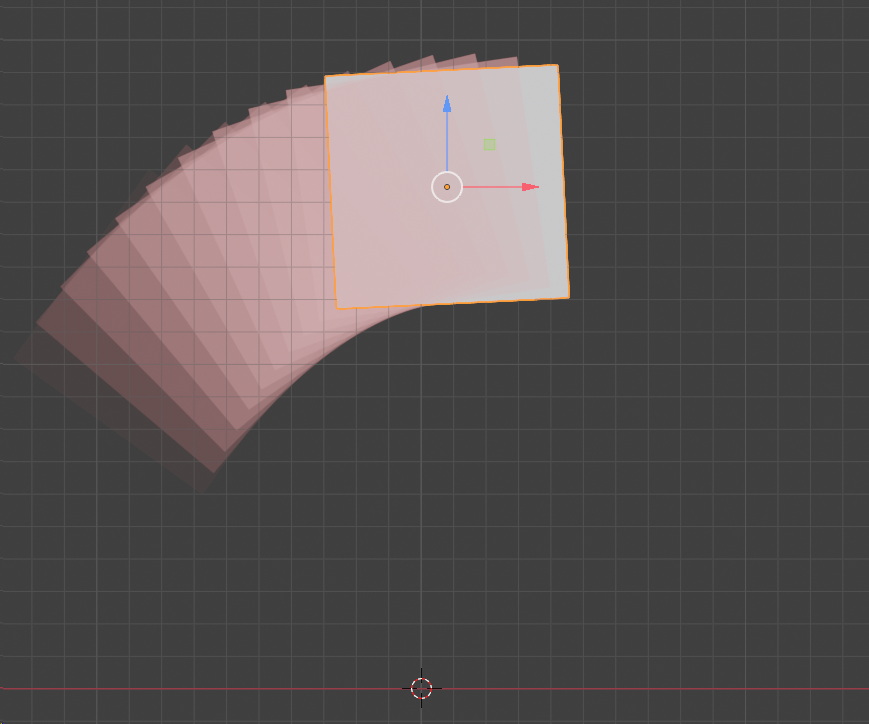
If you are seeing only the Frames Before Onion Skins, make sure you are on Blender 4.5 firstly (or 4.5.4 on Windows). If the problems persists this should be the Bake Path is set on a Dropbox or Google Drive folder.
How to solve?
Good
thing is that you can edit the location where the cache files are going
to be manage, and since they are onion skinning cache files (written
and destroyed regularly), it is better even don't create them on the
Dropbox folder anyways as it does not make sense.
You can keep
your .blend file where it is (Dropbox or Google Drive) and point the Bake Path somewhere else
(best is a place where you have enough disk space and a quick disk like a
solid state drive for best writing/read speeds):
1. Select the Onion-Skinning-Generator object in the Outliner;
2. Go to Modifier's Tab;
3.
Point the Bake Path to somewhere ideal that is not ruled by
Dropbox, Google Drive, etc. (Note the default was a relative path of your
.blend file)
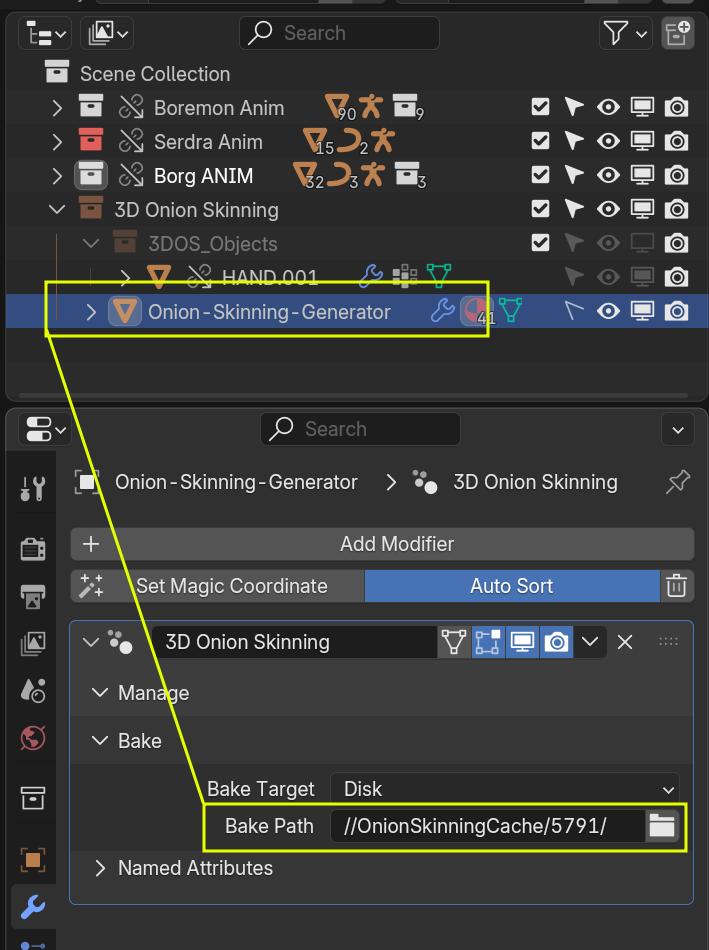
If the problem persists, contact us and send the Console/Terminal outputs spawned during the operation.
 Included
Includes 12 months of
- Support from Cosmo Mídias
- Product updates
Extend this product’s Support Period +12 months: 50% of product price
Have questions before purchasing?
Login to message
