3D Print Shader
 Jim Morren
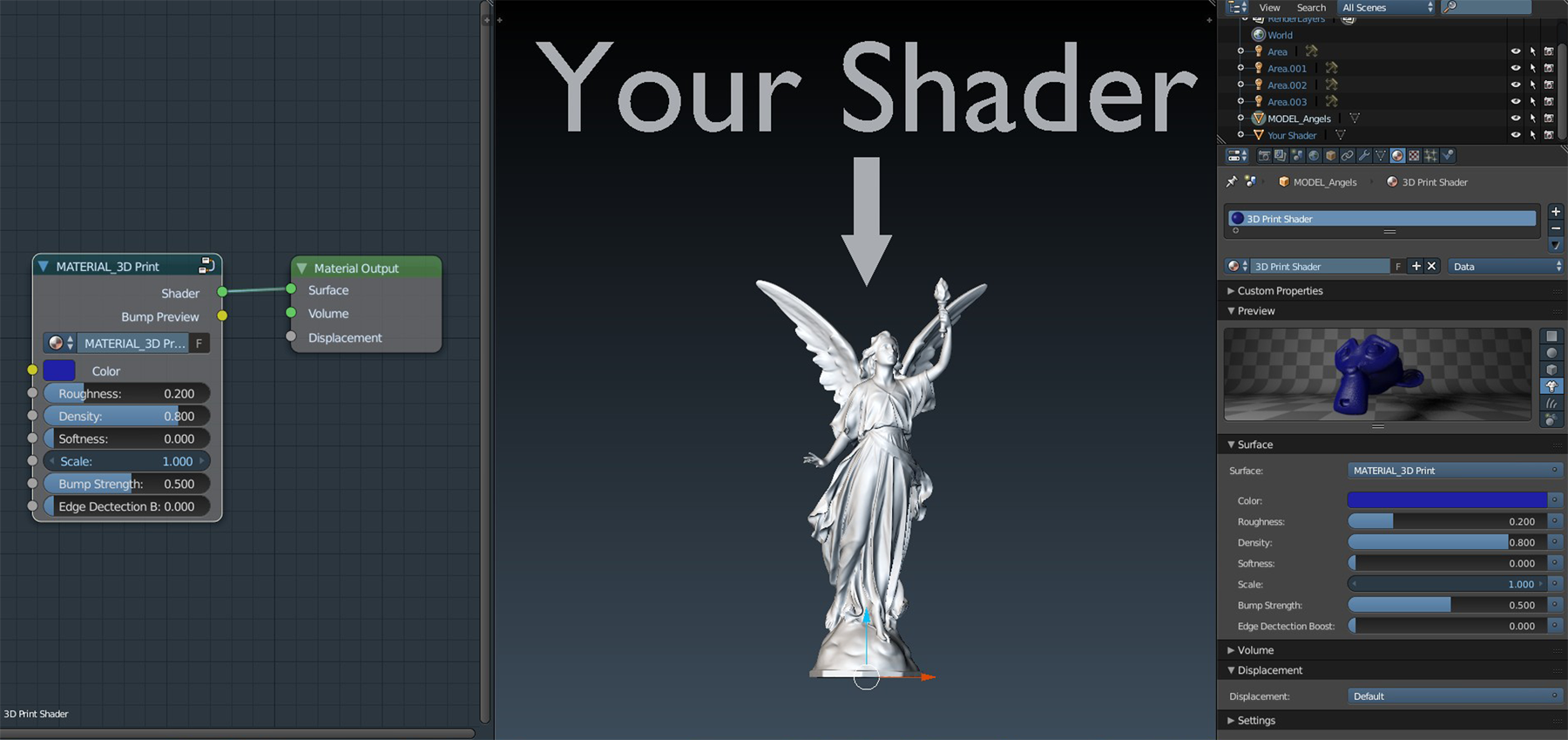
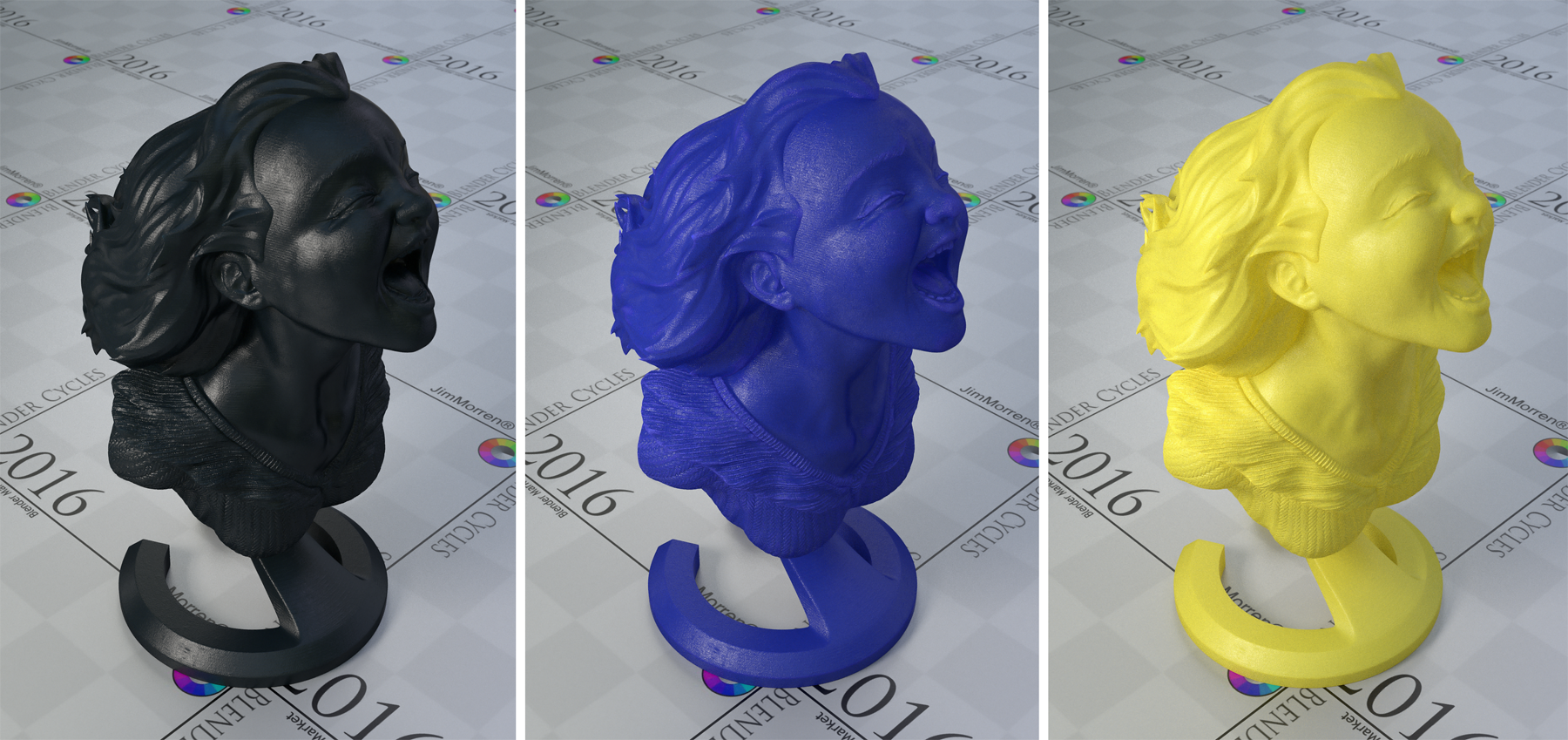
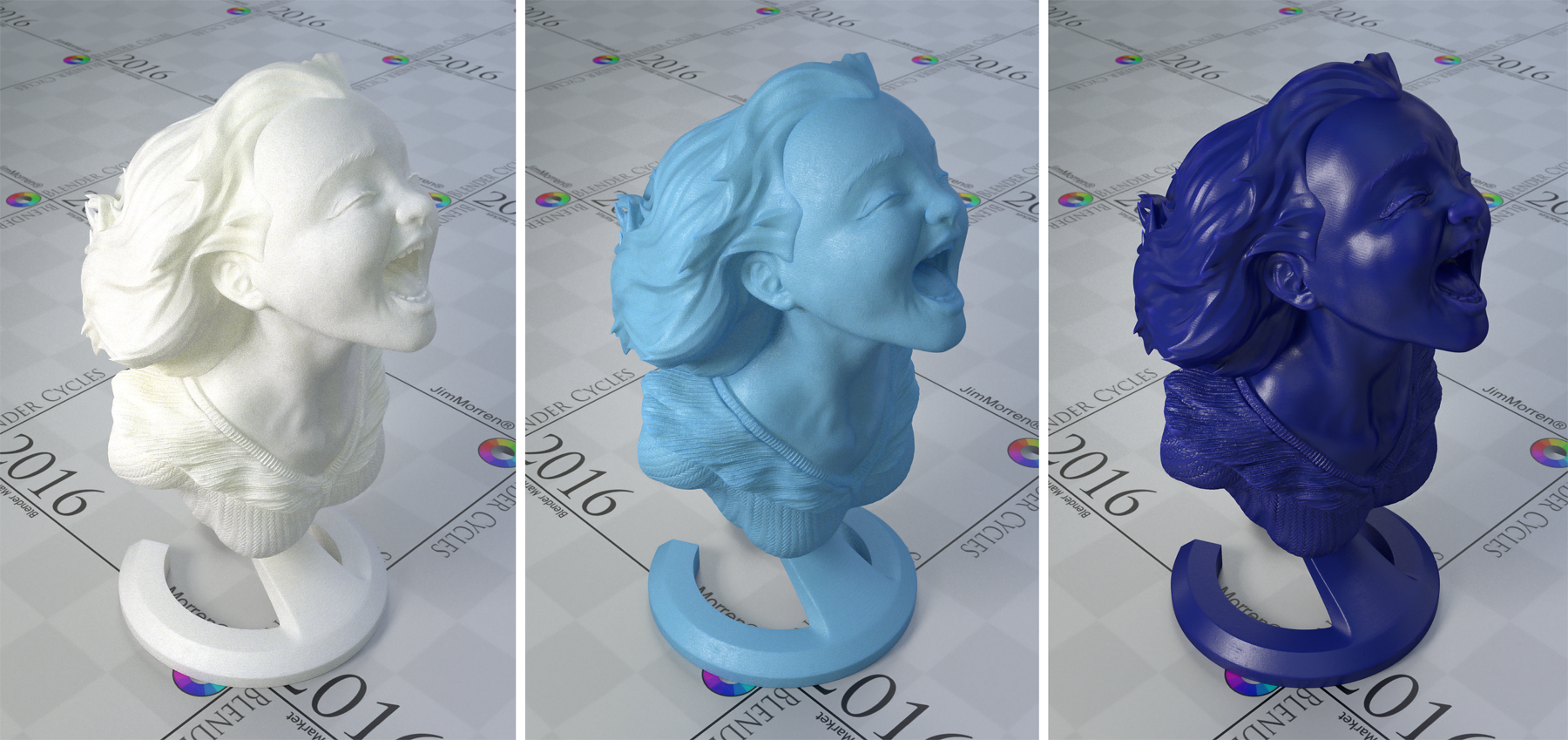
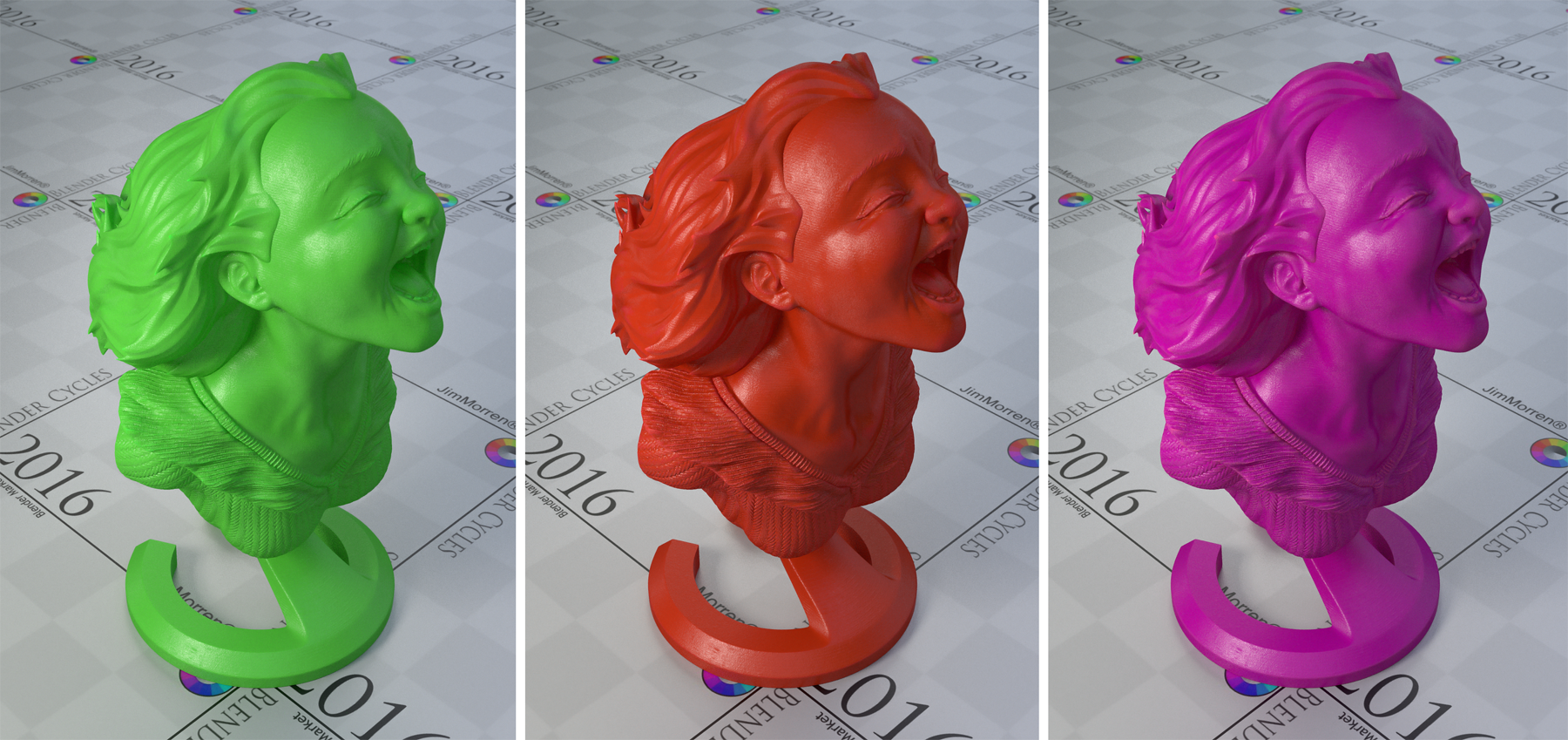
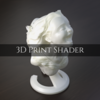
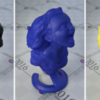
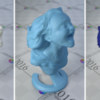
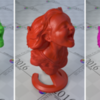
How To Use The Shader:

- Color: Controls the color
- Roughness: Controls the Roughness of the material
- Density: Controls the density/thickness of the material
- Softness: Controls the softness of the materials surface
- Scale: Controls the scale/size of the model/printing lines
- Bump Strength: Controls the bump strength
- Edge Detection Boost: Boosts the Detection of sharp edges (the higher you boost the more inaccurate)
How To Import The Shader Into You Scenes:
- Export the "3dprintshader.zip" to you desired location
- Open your own blender scene
- Append [Located in the 'FILE' tab on the Top Left]
- Go to your Extracted Folder
- Open the .blend file
- Go to 'Materials' and Select and Double Click '3D Print Shader'
- The Shader is now Imported to your Material Library
Happy Blending ;)
$1.95
Have questions about this product?
Login to message
| Sales | 60+ |
| Rating | 1 ratings |
| Dev Fund Contributor | |
| Published | over 10 years ago |
| Blender Version | 2.9, 2.83, 2.82, 2.81, 2.8, 2.7x, 2.79, 2.78, 2.77 |
| License | Royalty Free |
Discover more products like this
spring18 spring23 spring26 dev-fund anniversary spring27 summer27 spring29 bfcm21 summer22 bfcm25 print bfcm22 spring20 spring25 printing summer20 summer24 spring22 bfcm18 spring21 jim morren bfcm17 summer28 BFCM Cycles summer23 spring28 summer26 Shader spring24 bfcm27 bfcm29 summer21 bconf16 bfcm28 bfcm23 bfcm24 cyber16 summer29 summer25 bfcm26