 3D Texel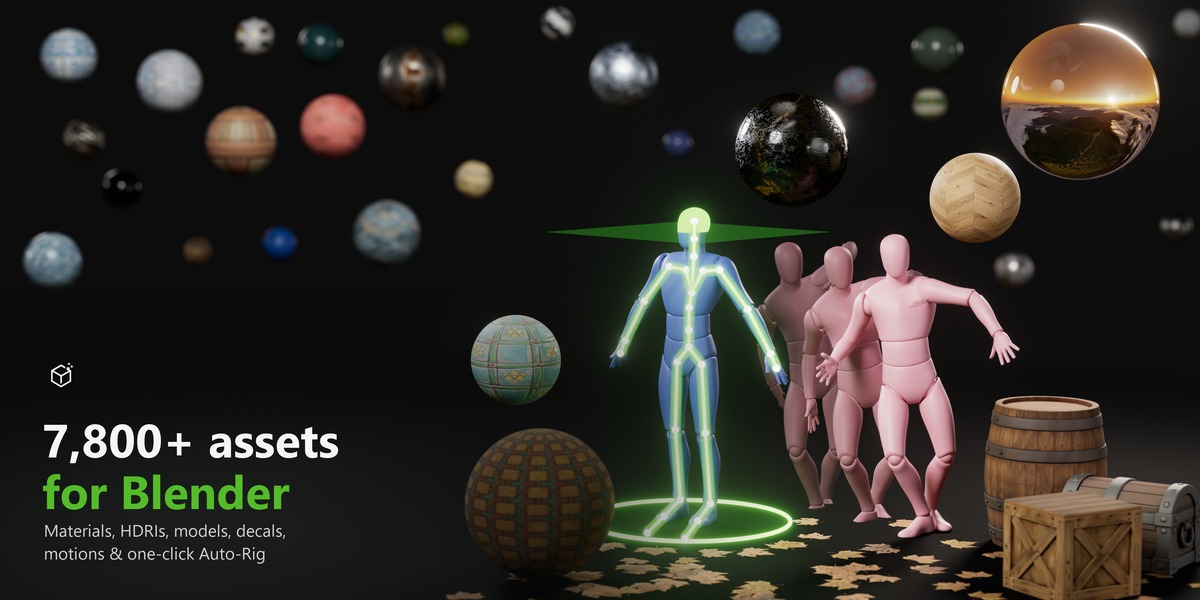
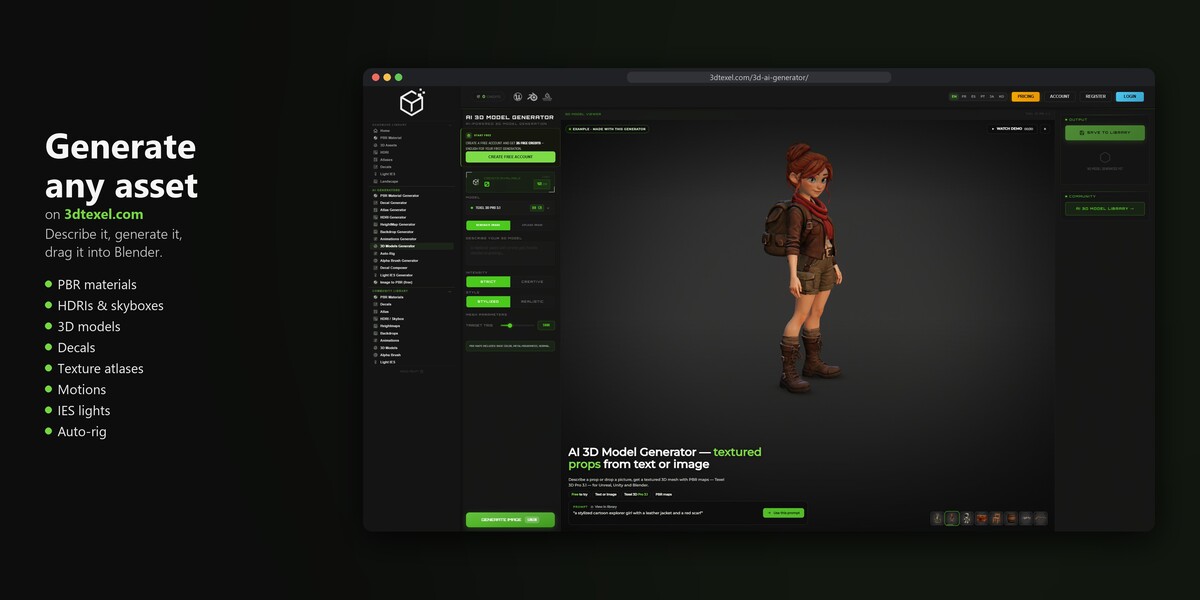
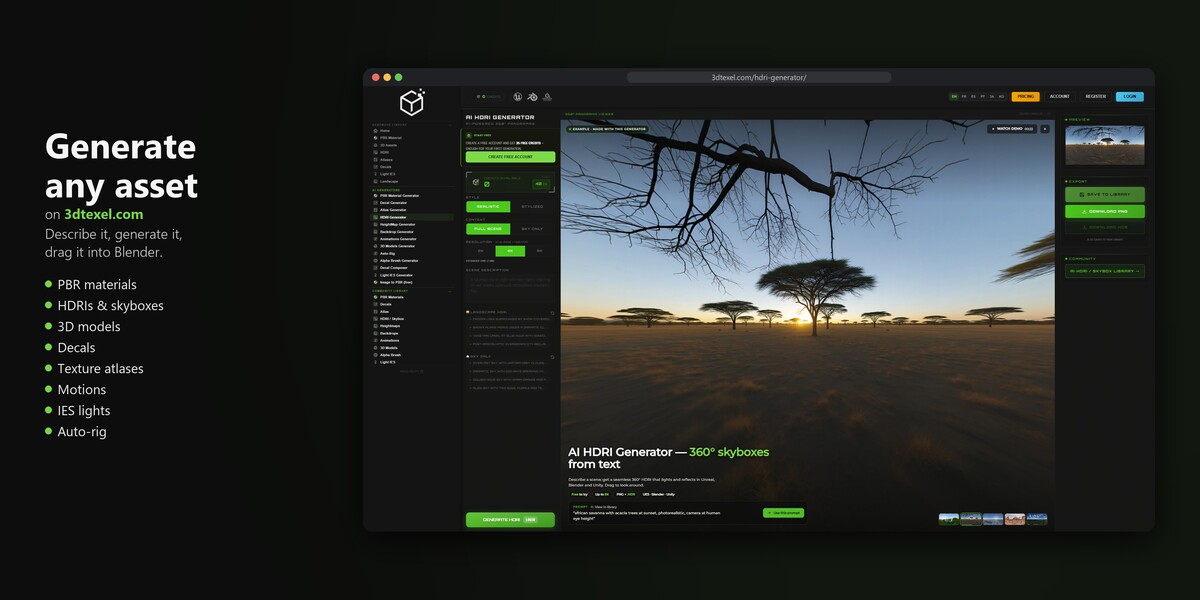
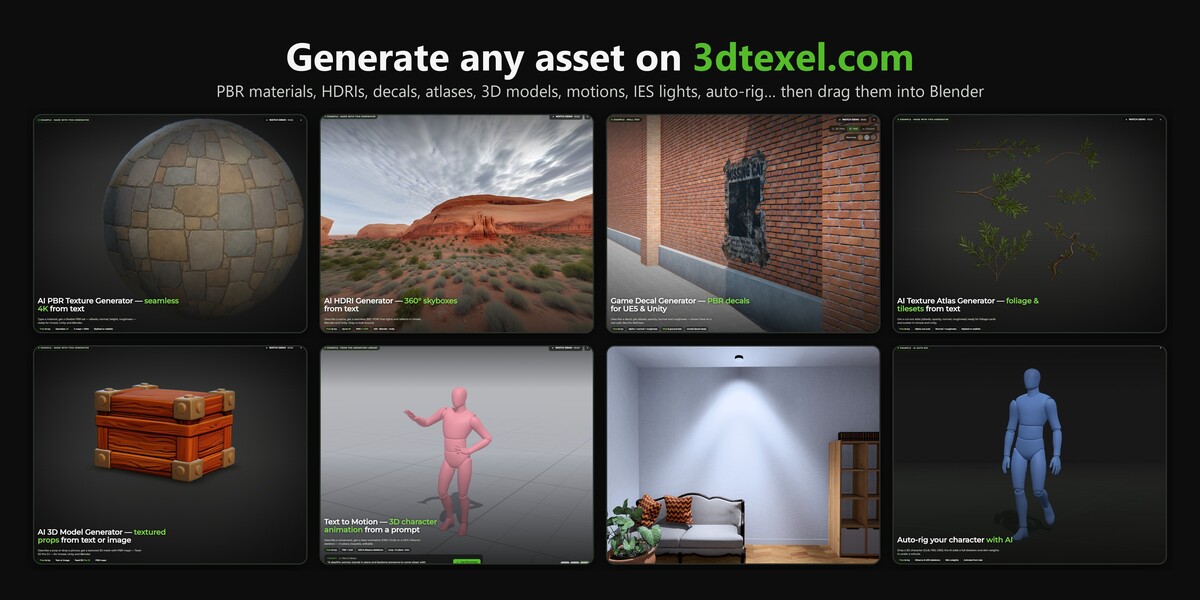


The whole 3dtexel.com library inside Blender, plus one-click Auto-Rig
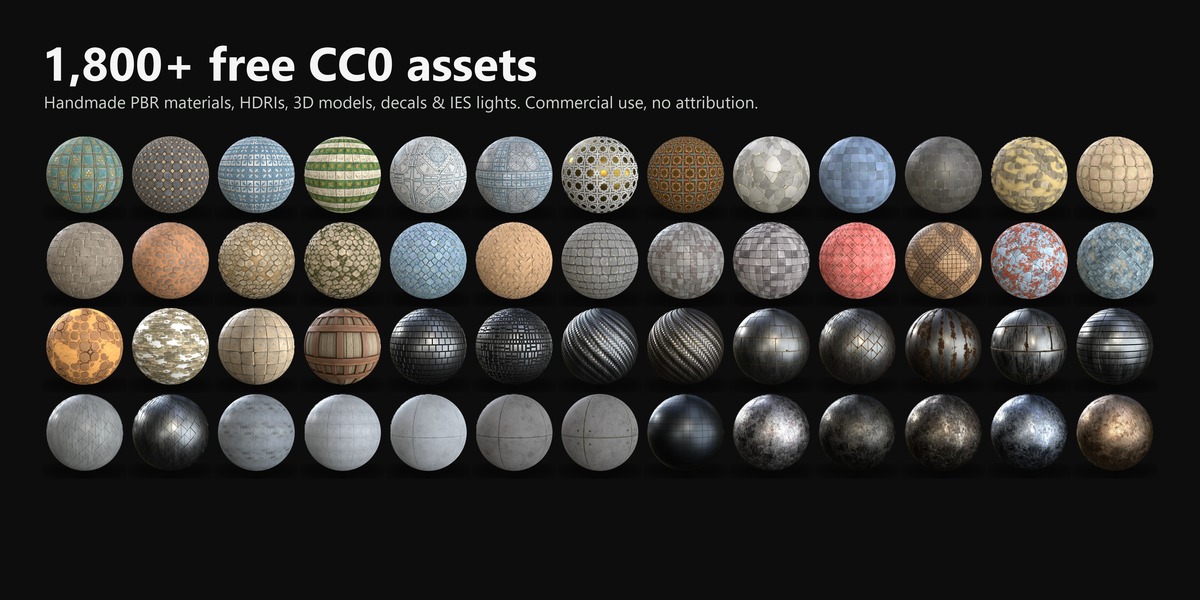
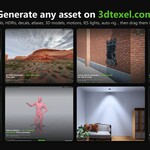
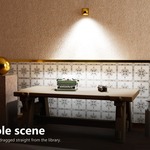
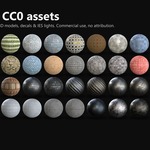
3D Texel connects Blender to the whole 3dtexel.com library: 7,800+ PBR materials, HDRIs, 3D models, decals, atlases, IES lights and character motions, one search away in your 3D viewport. Over 1,800 of them are handmade and free under CC0. Find one, drag it into your scene, render.
A library worth browsing
| Asset type | Free (handmade, CC0) | Community library |
|---|---|---|
| PBR materials (26 categories, realistic or stylized) | 1,079 | 279 |
| HDRIs (skies, sunsets, night, studios, cities…) | 49 | 451 |
| 3D models | 300 | 71 |
| Decals (graffiti, leaves, rust, posters…) | 286 | 600 |
| Texture atlases (leaves, foliage) | 18 | 295 |
| IES light profiles | 130 | 32 |
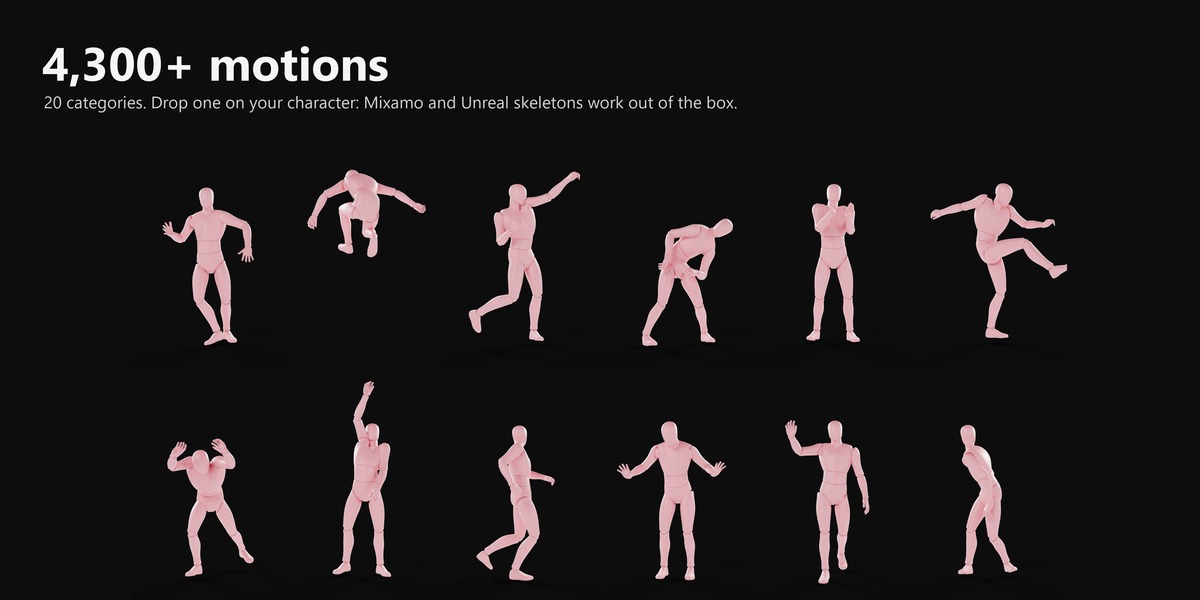
| Character motions (dance, combat, locomotion, sports… 20 categories) | – | 4,300+ |
The handmade library is CC0: use it in any project, commercial included, no attribution. The Community library is made on 3dtexel.com by the 3D Texel community, under the 3D Texel License; those assets use 3D Texel credits, and the ones you already own never cost anything again.
Generate anything you can't find
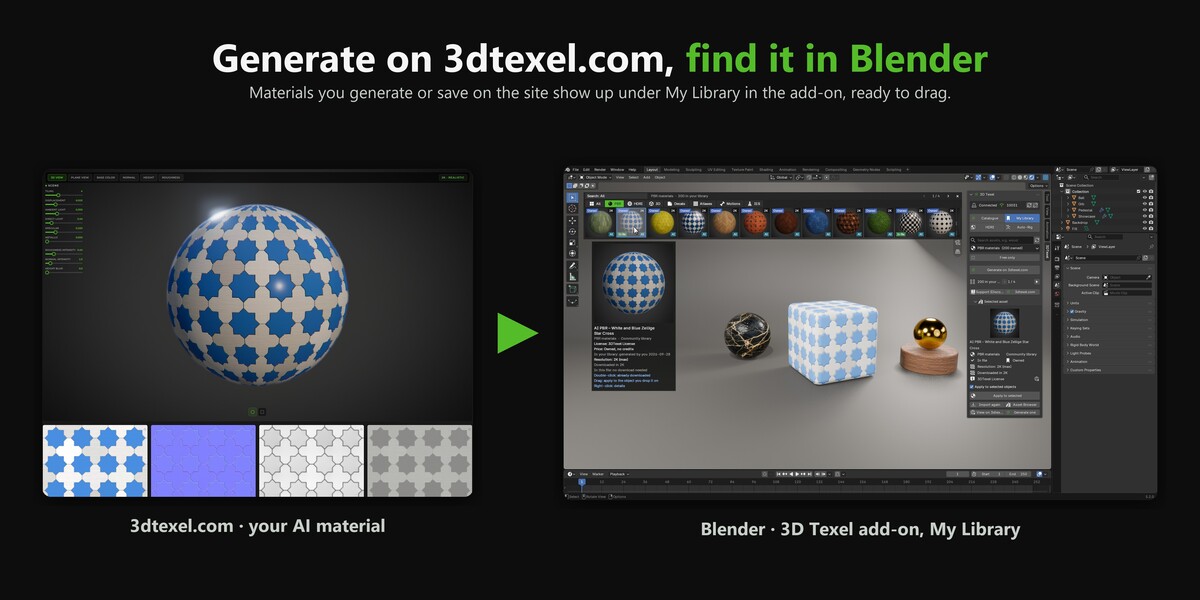
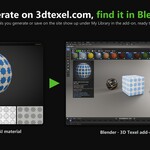
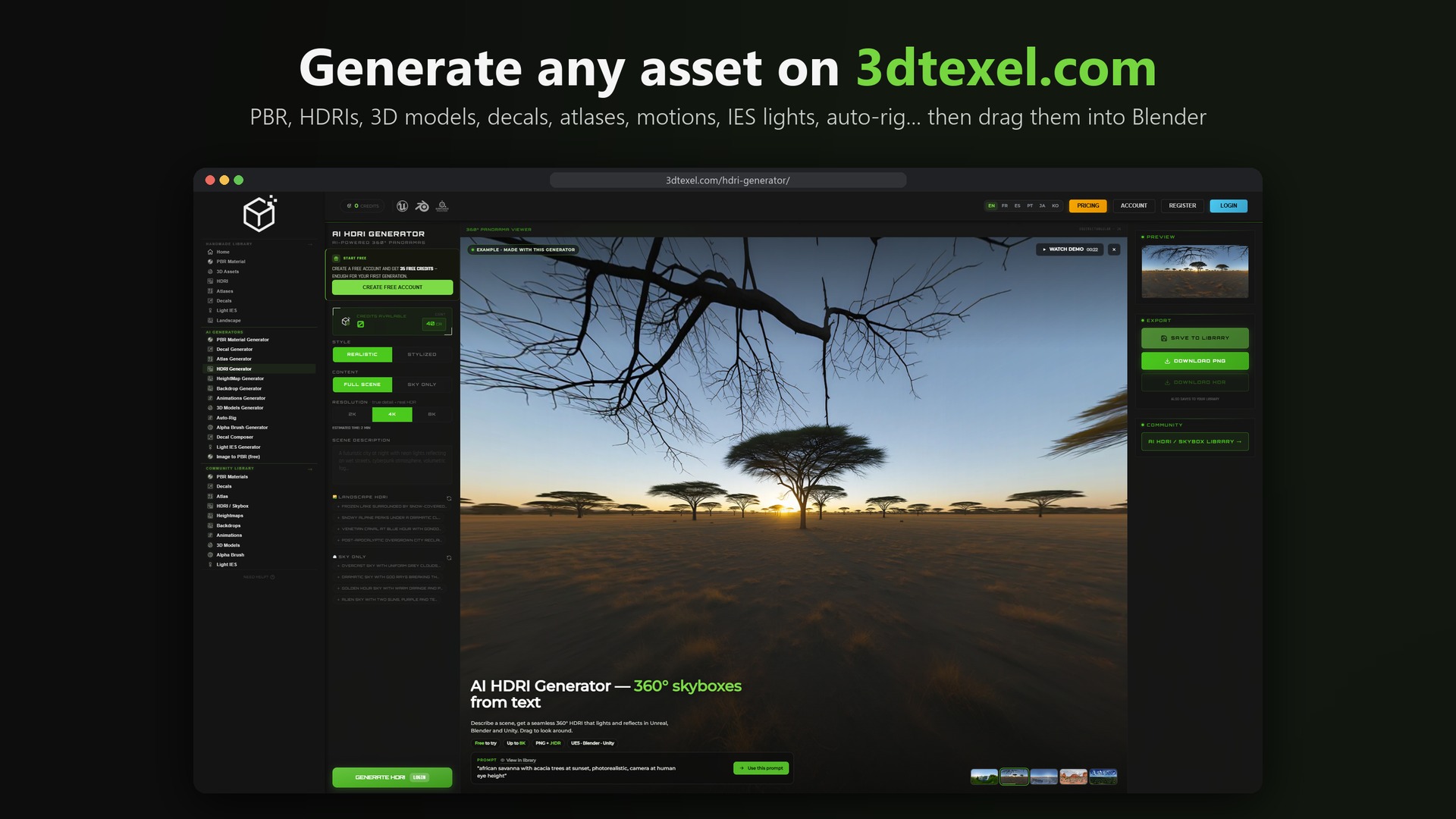
Everything in the library can also be generated on 3dtexel.com: PBR materials, HDRIs, decals, atlases, IES lights, 3D models and motions, as many as you need. Click Generate on 3dtexel.com in the panel, create your asset, and it shows up in My Library, ready to drag into Blender.
Browse without leaving the viewport
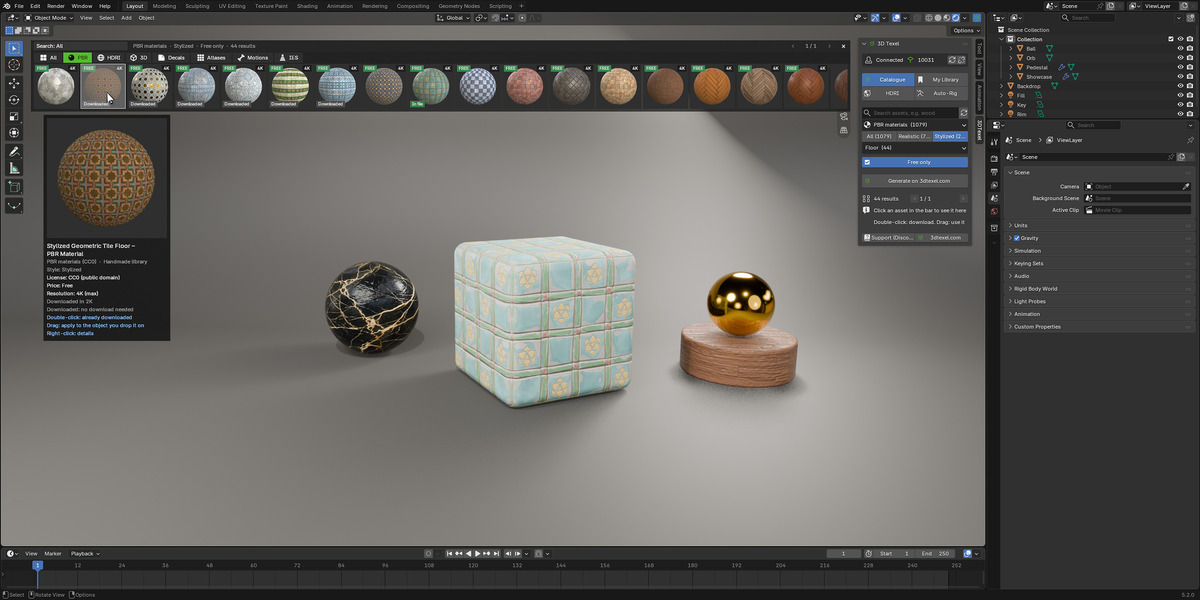
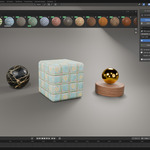
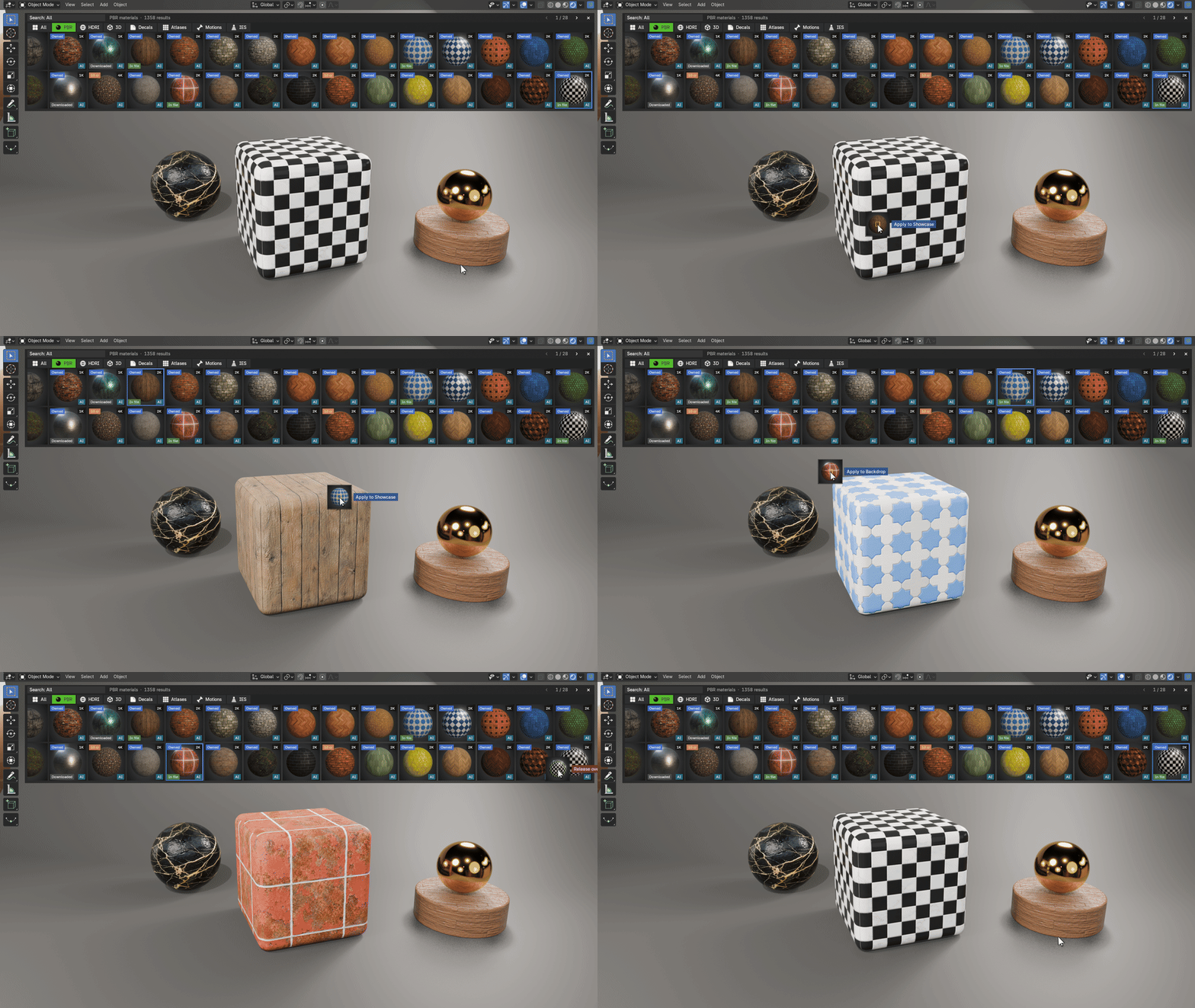
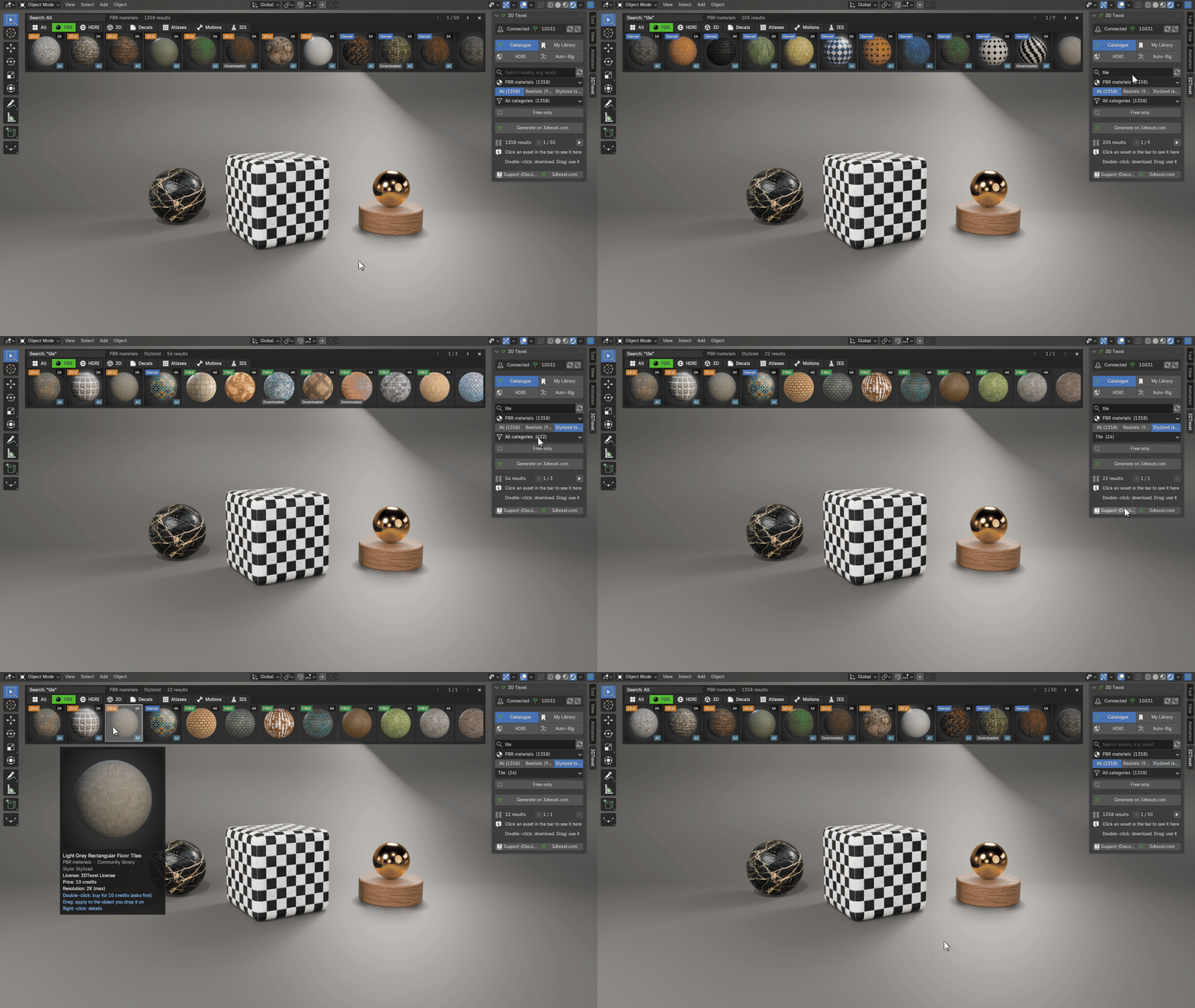
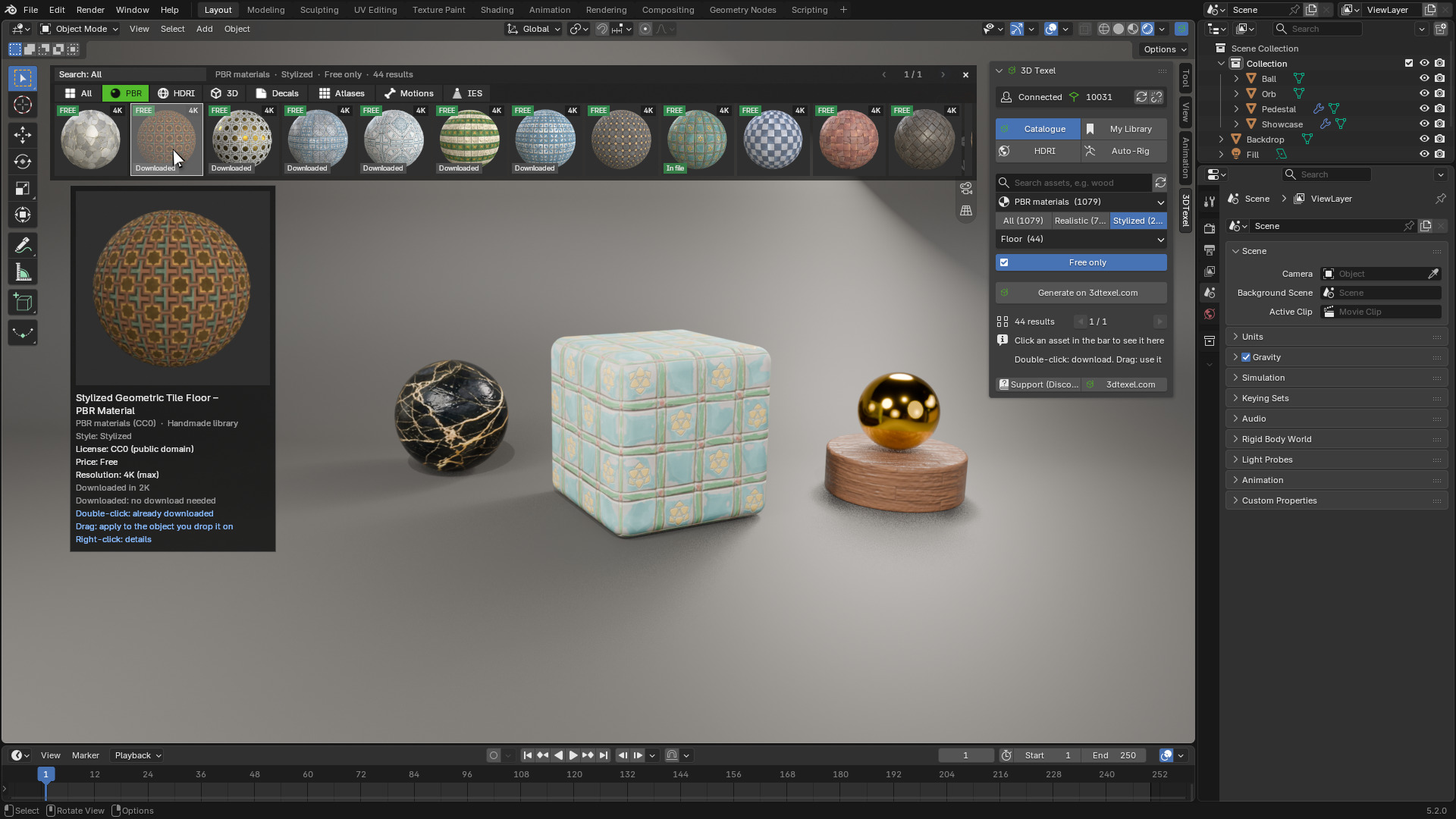
An asset bar opens at the top of the 3D viewport, with one tab per asset type. Type a word, pick a category, switch between Realistic and Stylized, or tick Free only. Hover a thumbnail for a large preview with its licence, resolution and price.
Drop it where you want it
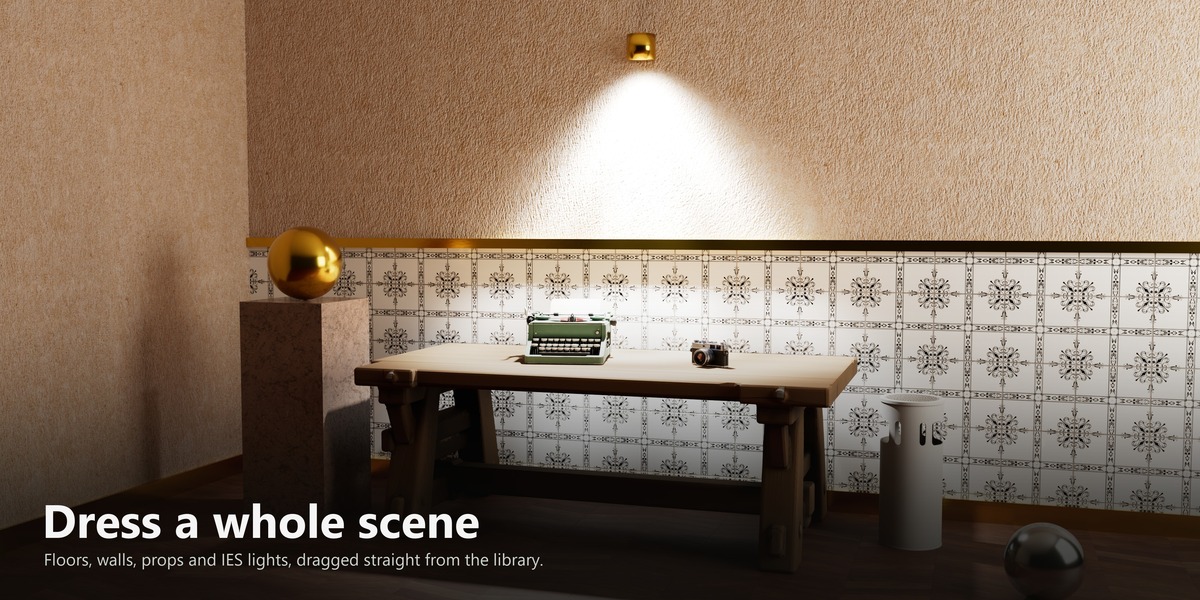
- Materials onto an object
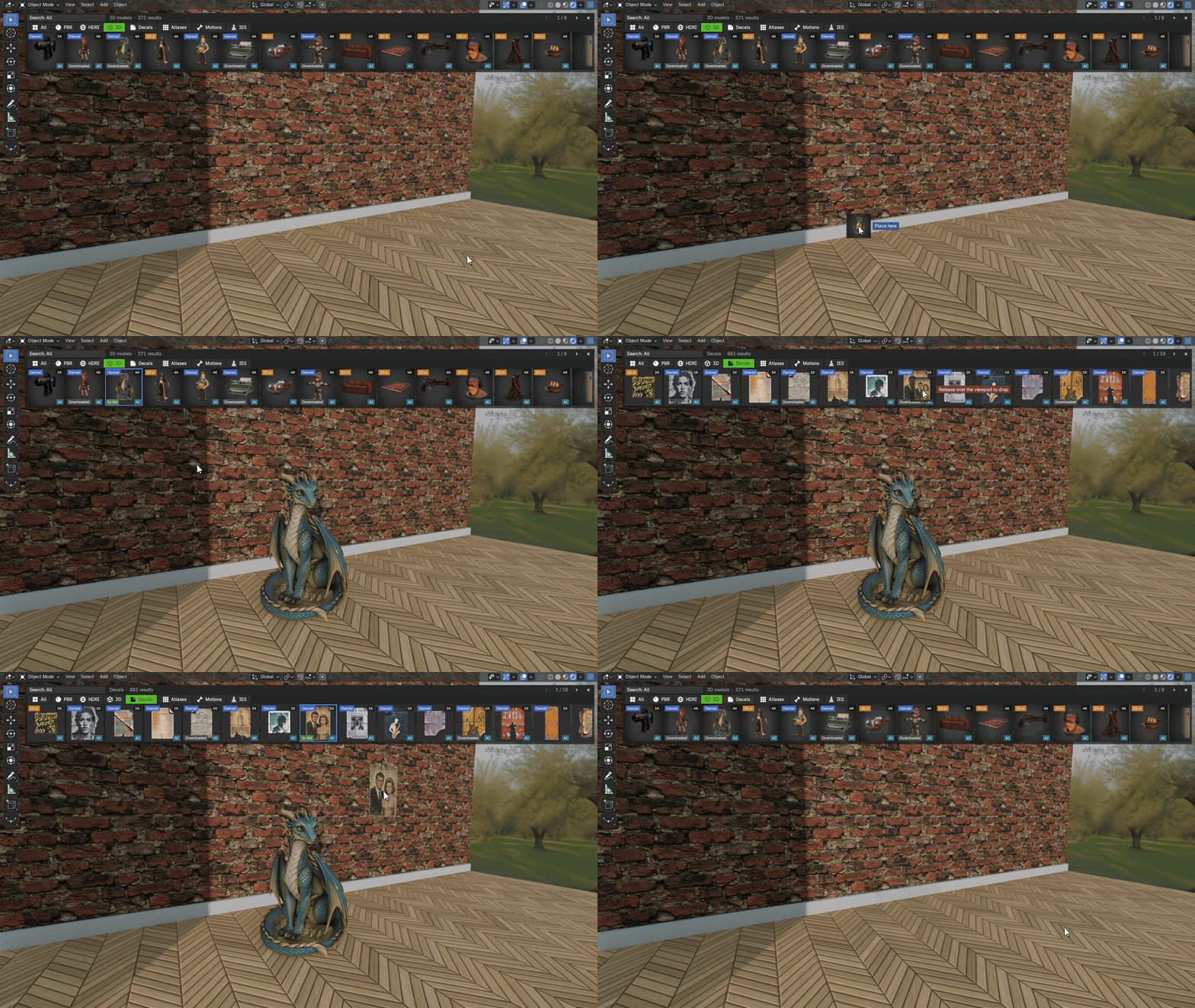
- 3D models onto the ground, exactly where you release the mouse
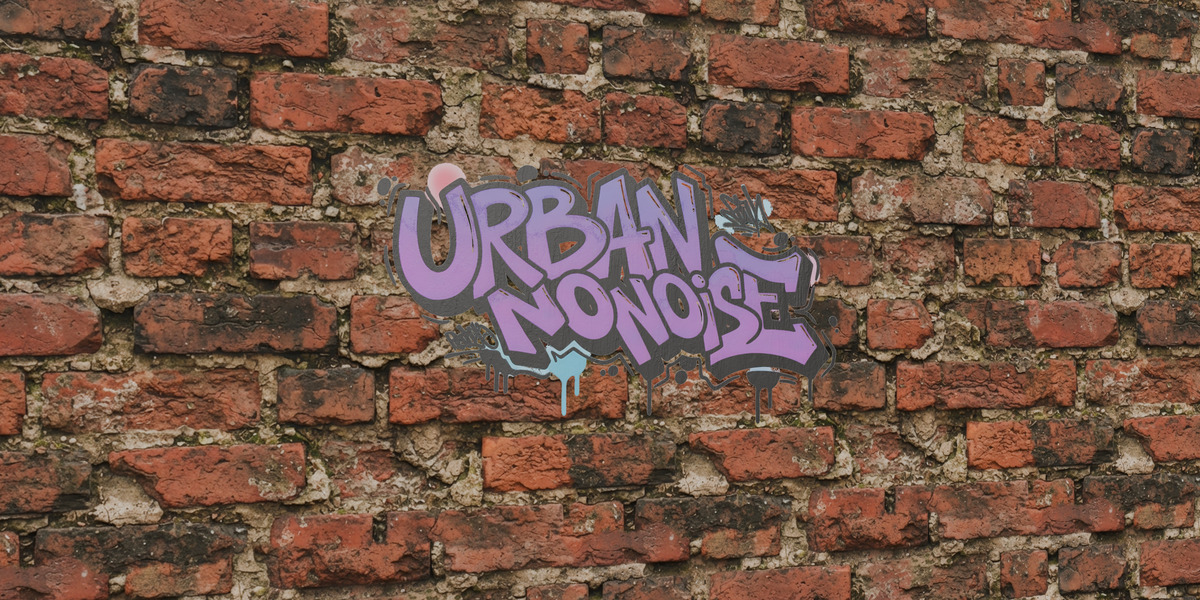
- Decals onto a wall: they stick like a sticker and follow the surface
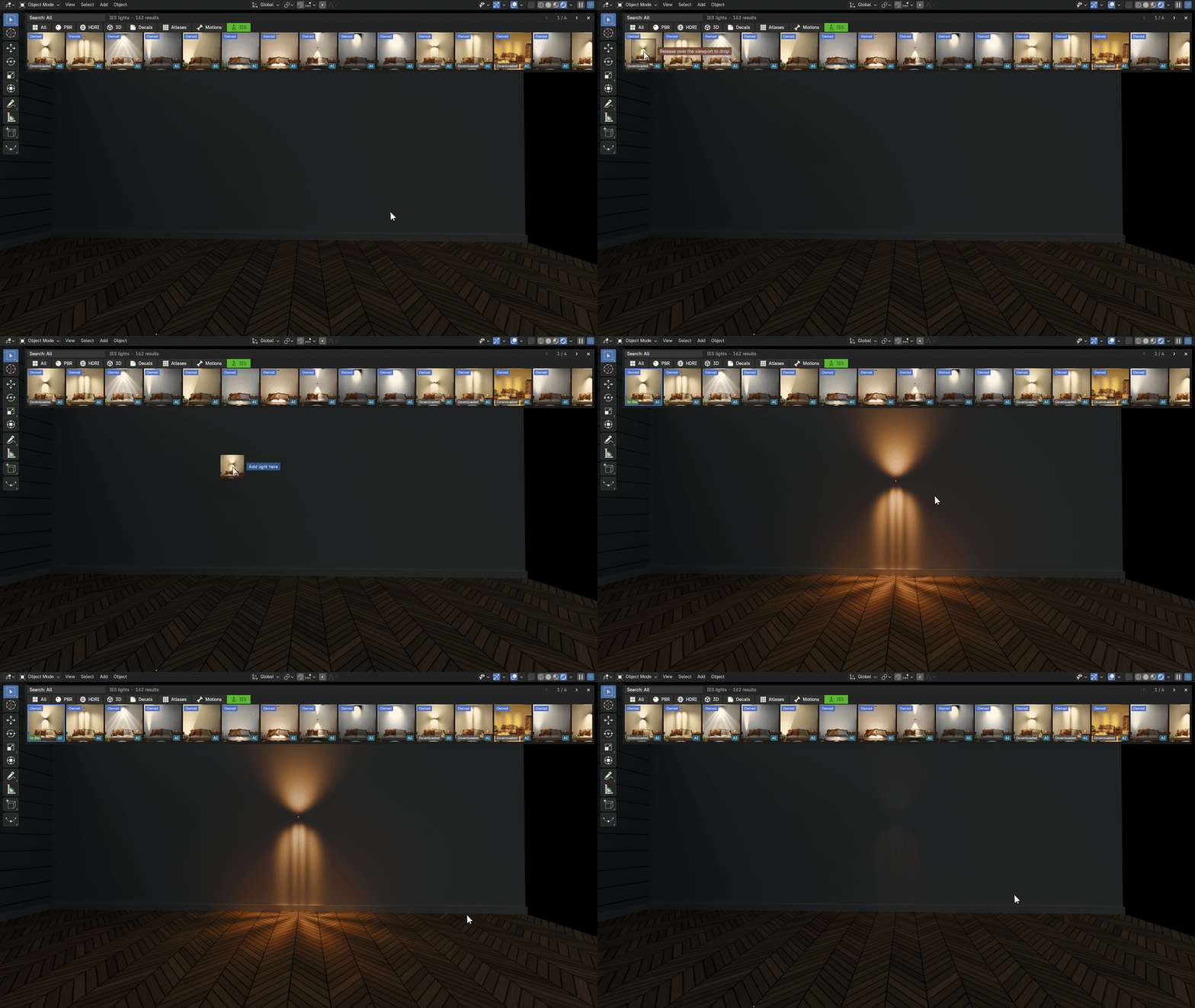
- IES lights into the scene, with their real light shape
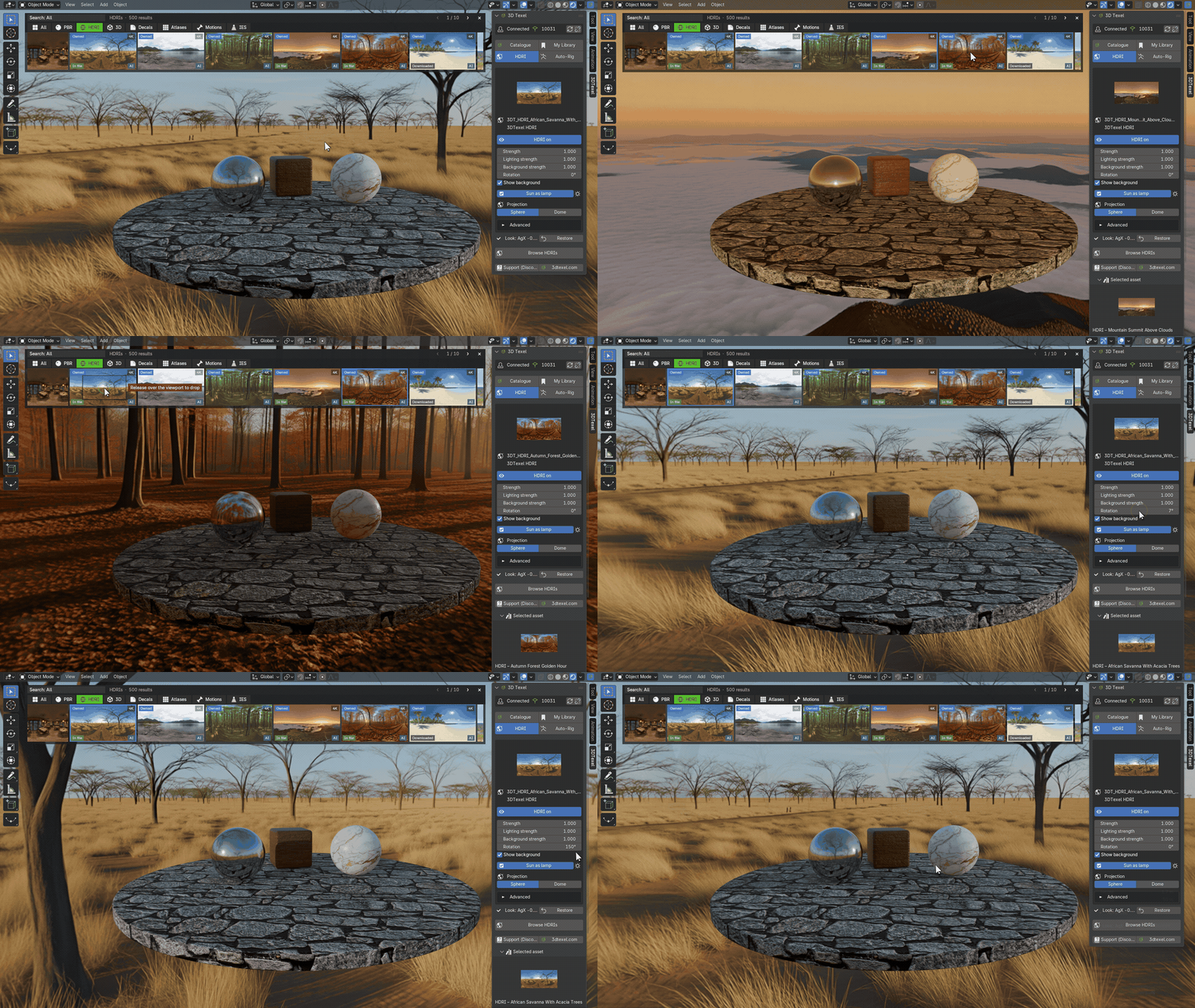
- HDRIs: double-click to set as world
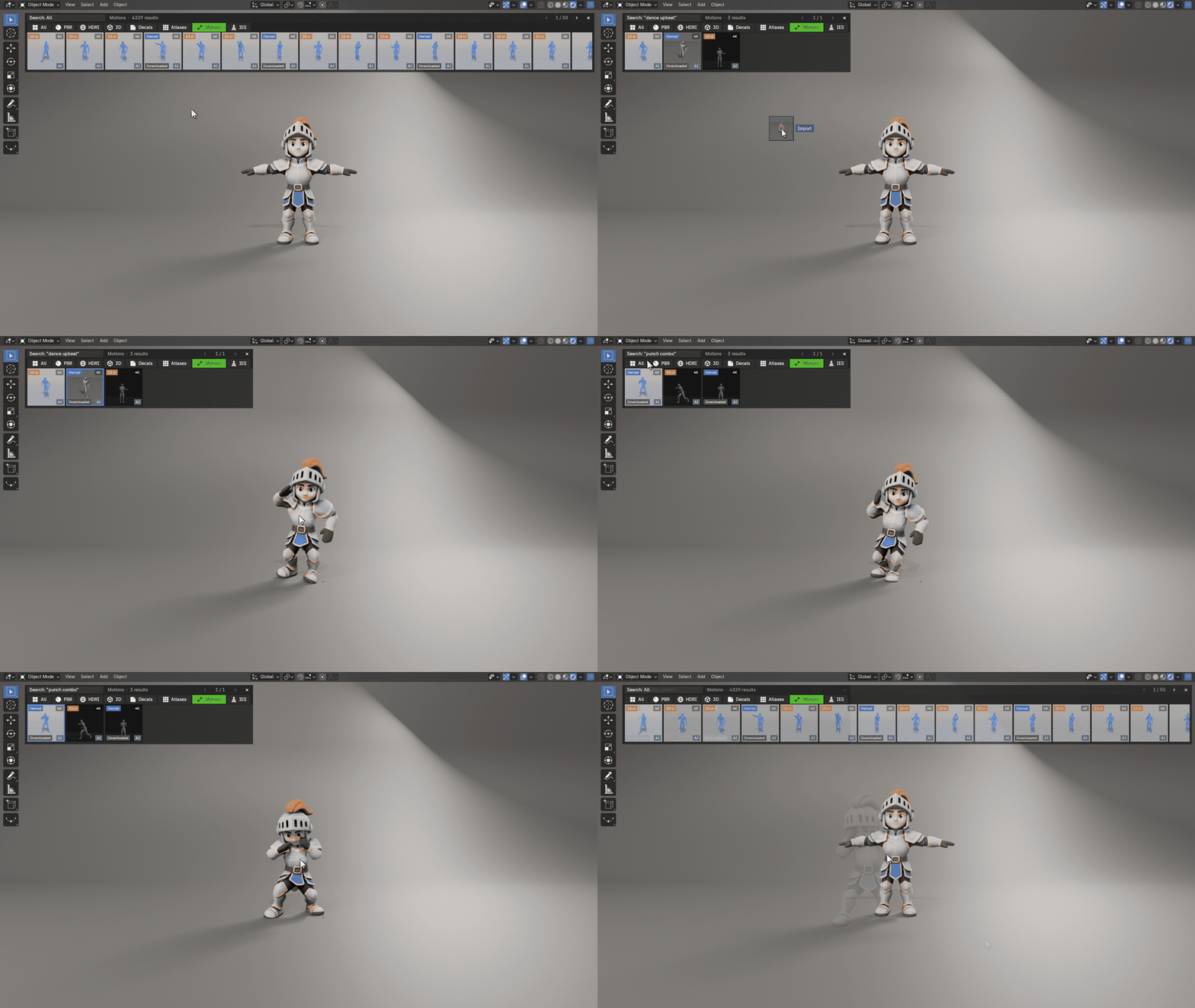
- Motions onto your character
HDRIs that light and ground your scene
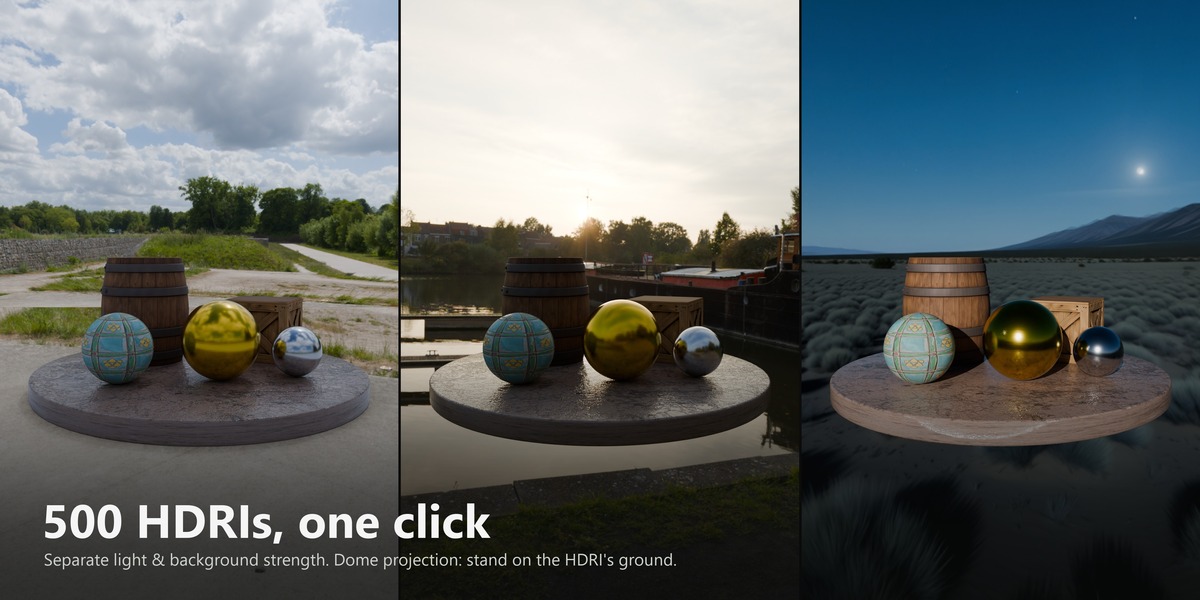
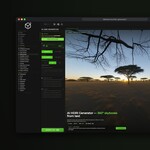
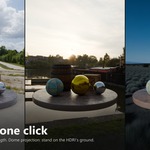
Lighting and background strength are separate, so you can dim the sky without dimming the light. Rotate the sun in one slider. Switch the projection to Dome and your objects stand on the HDRI's own ground. Cycles and EEVEE.
Tweak it right in the panel
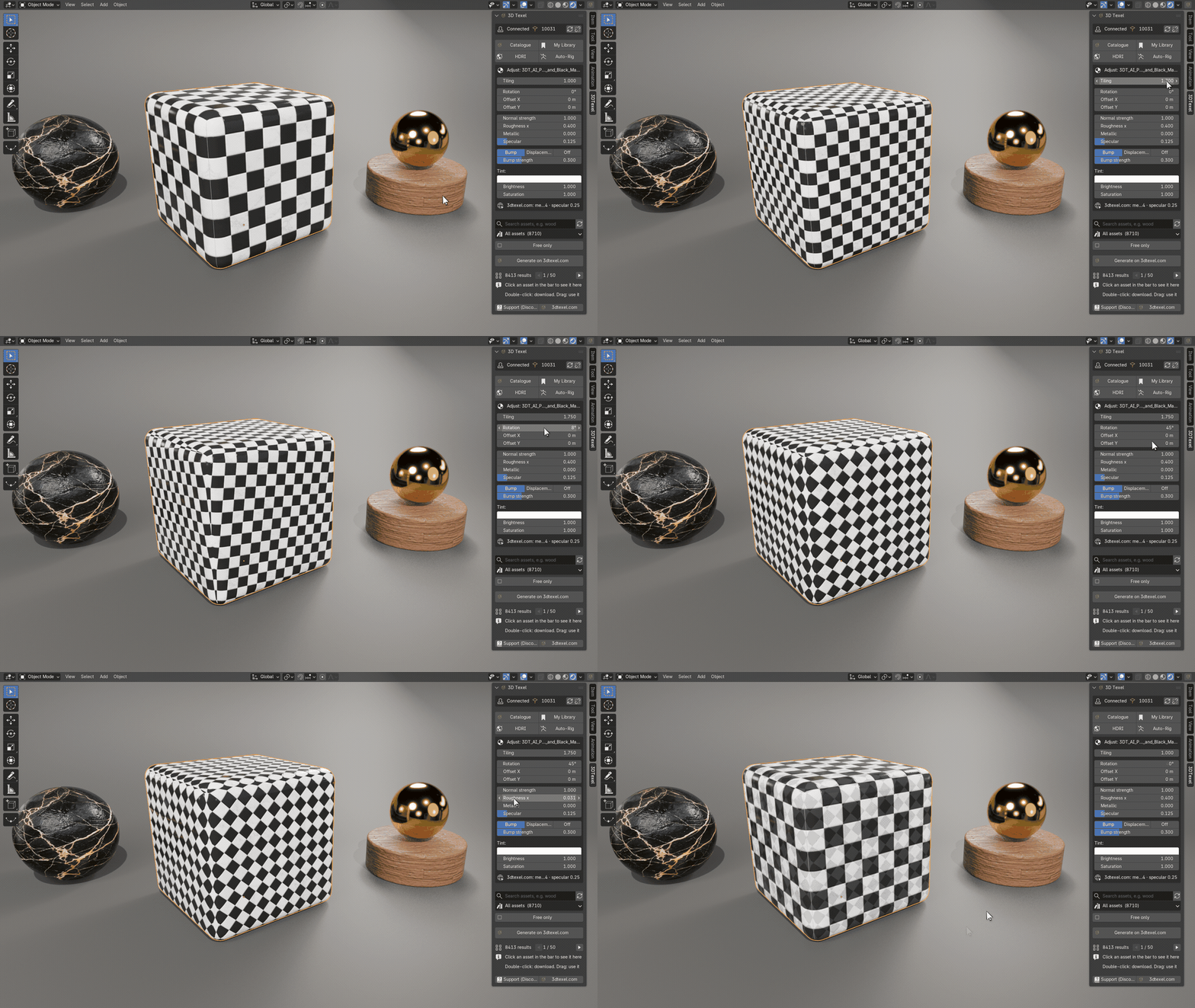
Select an object and the Adjust panel shows what you can change: tiling, rotation, offset, normal and bump strength, roughness and tint for materials; opacity and size for decals; power, colour and radius for IES lights. No node editing needed.
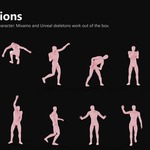
4,300+ motions on your own character
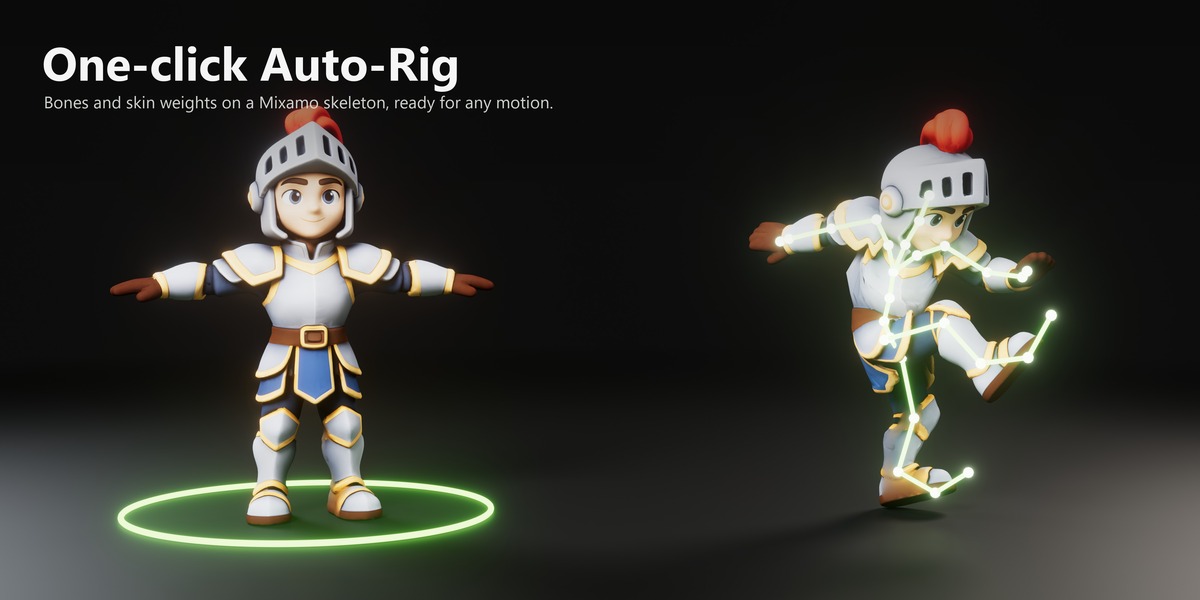
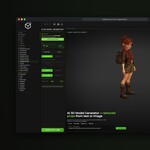
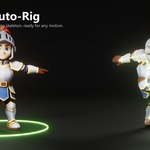
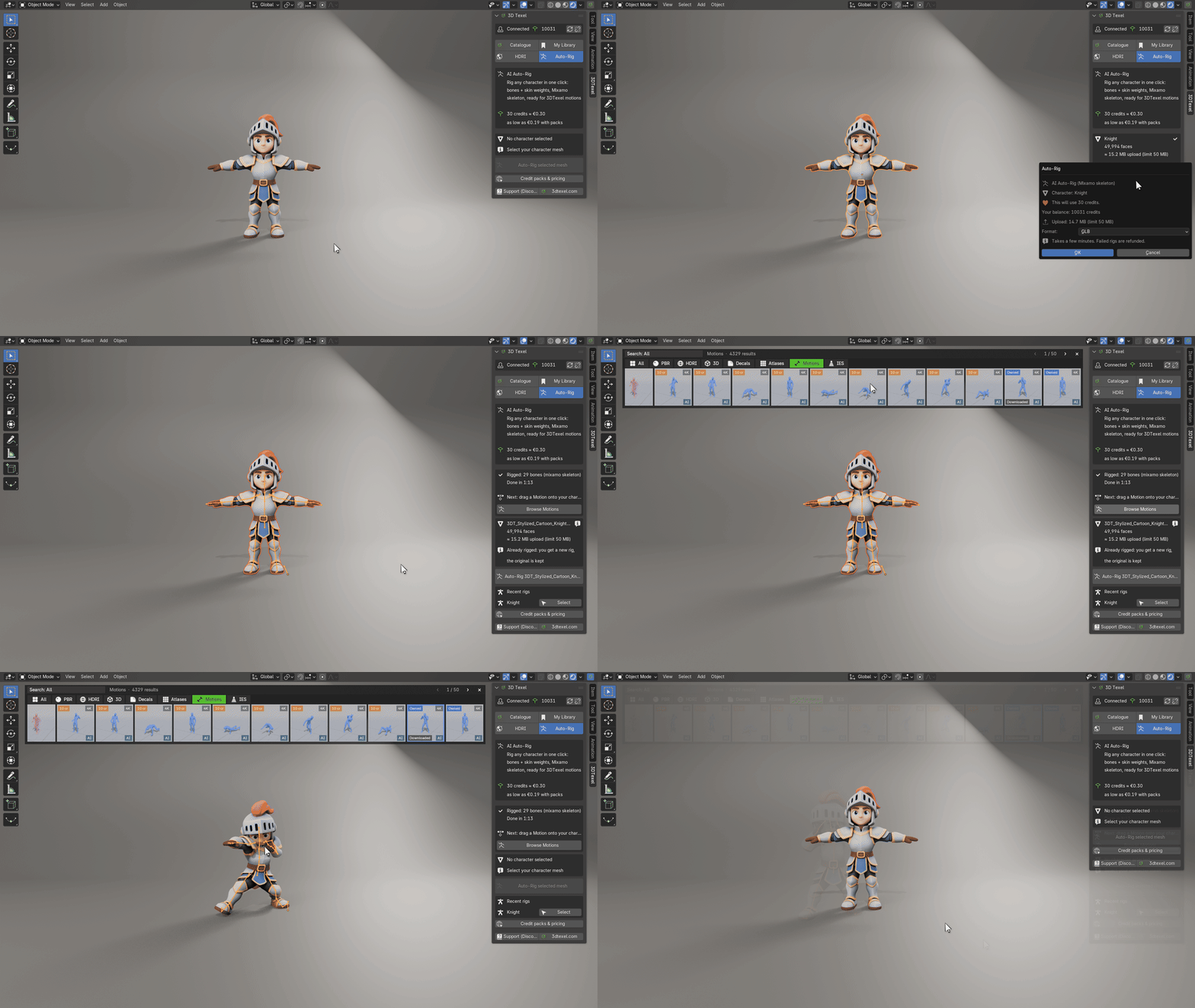
Select a character mesh and press Auto-Rig: it comes back rigged (bones and skin weights, Mixamo skeleton), at the same place and size. Your original stays in a hidden "3DTexel Originals" collection. Then drop a motion on it and it plays on your own armature. Mixamo and Unreal mannequin skeletons work out of the box. A rig costs 30 3D Texel credits (about €0.30), and you always confirm the price first.
Everything in your Asset Browser
Every download is also saved to a "3DTexel" library in Blender's Asset Browser, so you can reuse it in any file, even offline. My Library lists everything you own or generated on 3dtexel.com.
Compatibility
- Blender 4.2 to 5.2 (installs as an Extension: Edit > Preferences > Get Extensions > Install from Disk)
- Cycles and EEVEE
- Requires Allow Online Access and a free 3D Texel account to download
Documentation and support
Full documentation: 3dtexel.com/blender-plugin/docs
Questions, bugs or ideas: join the 3D Texel Discord, or use the Support (Discord) button in the add-on panel.
