 3D Texel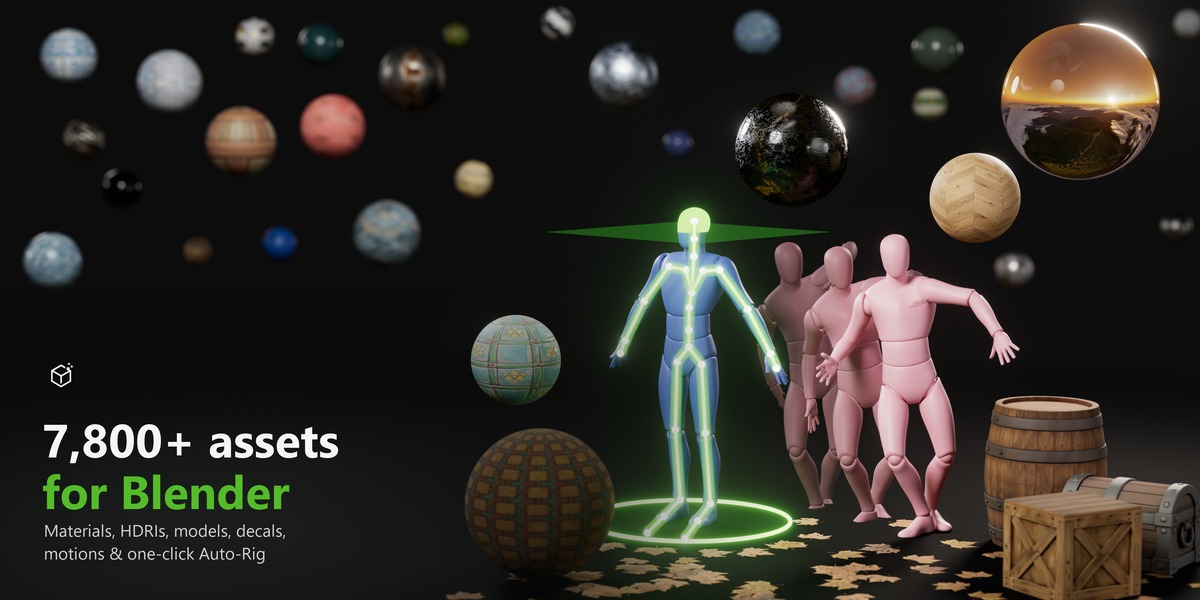
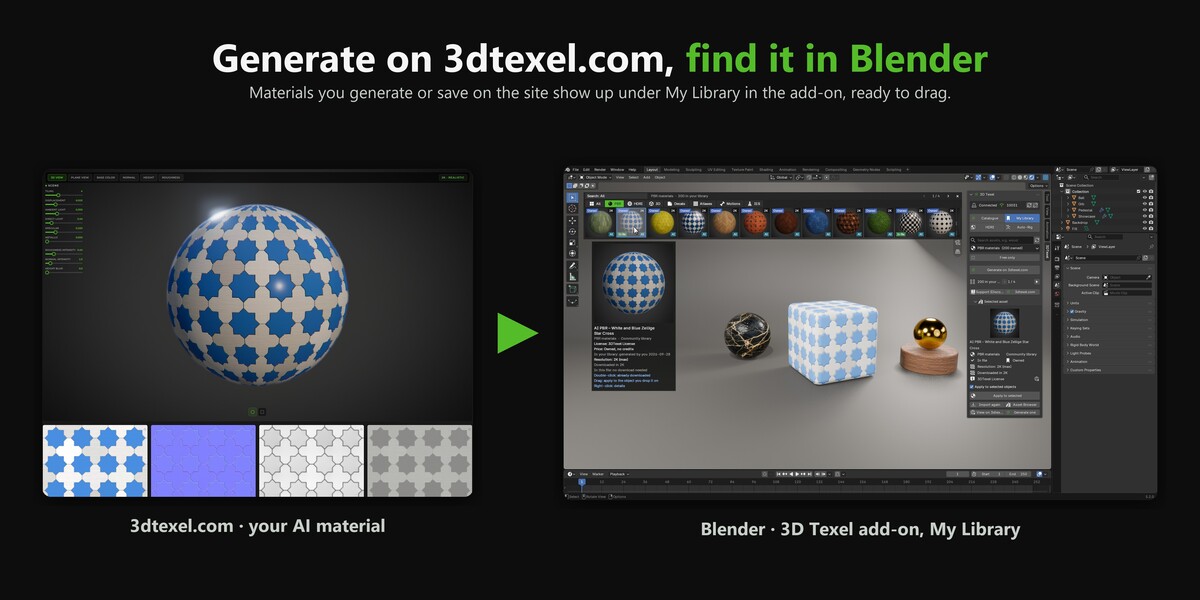
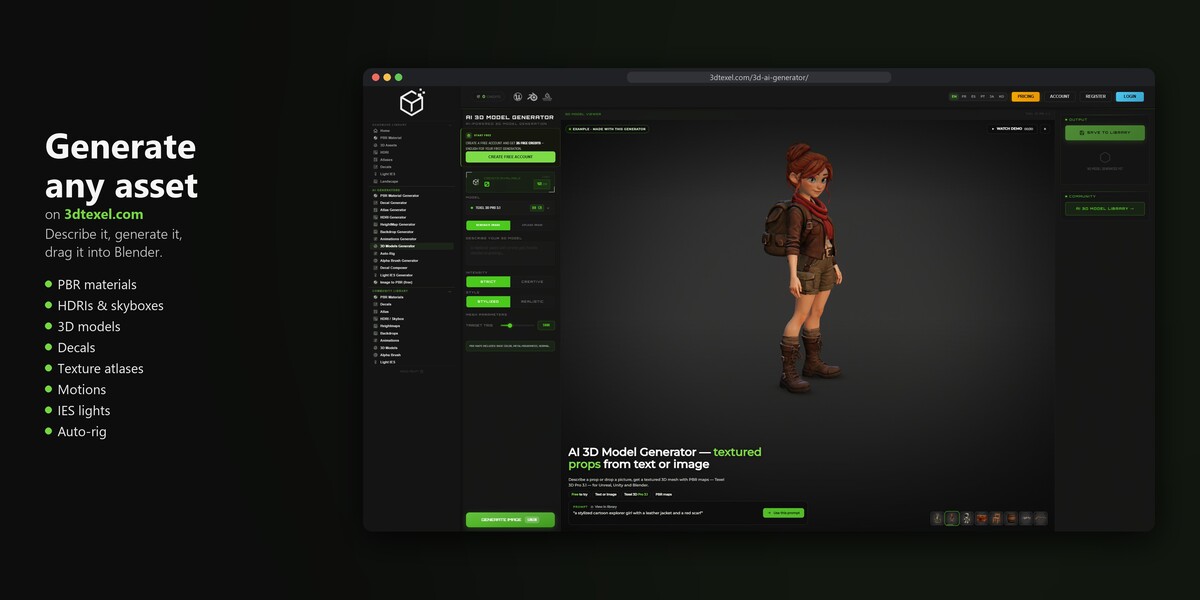
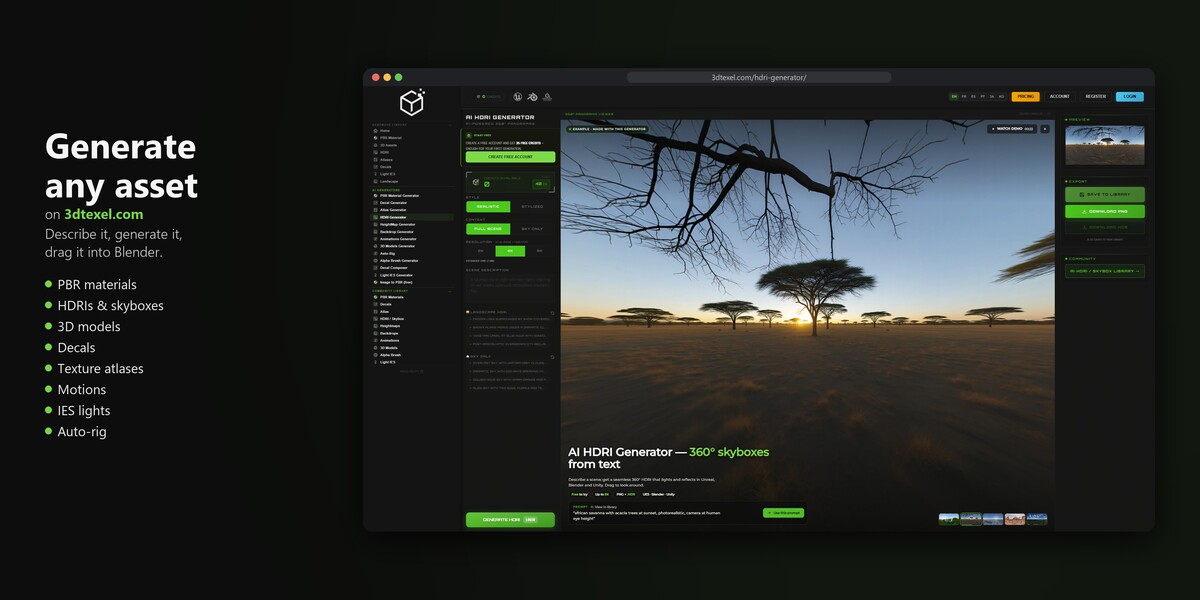
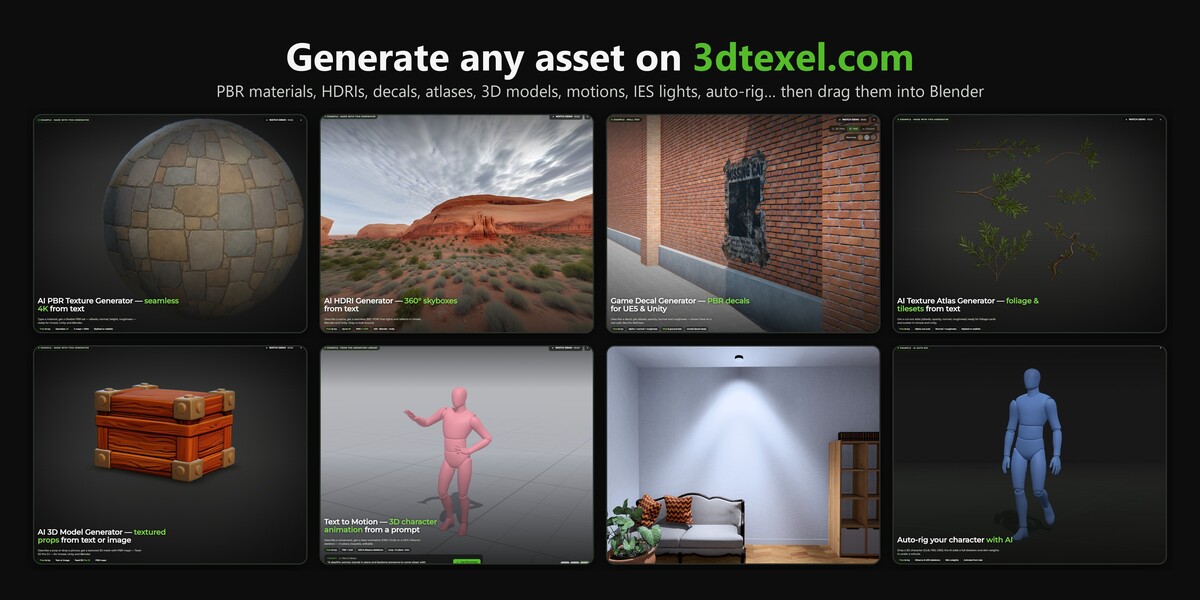
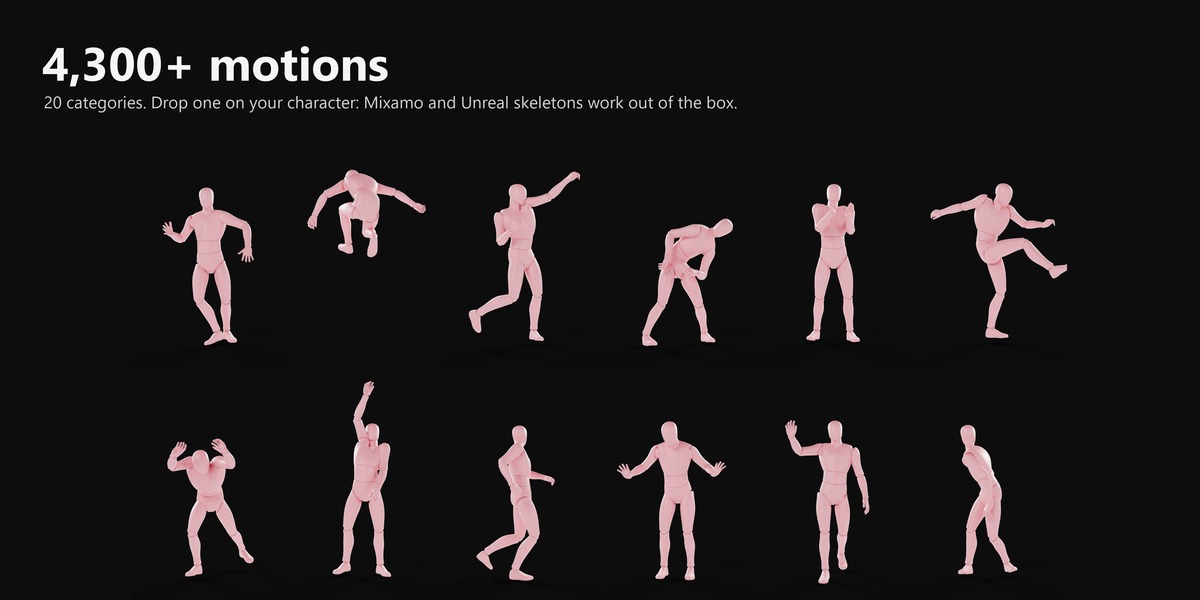
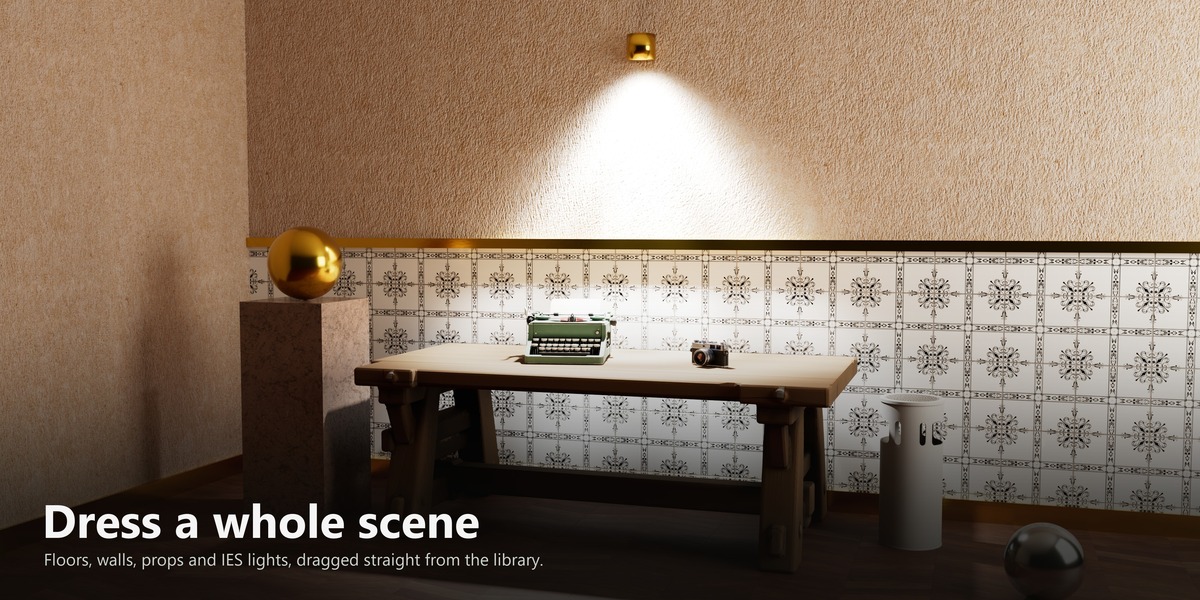
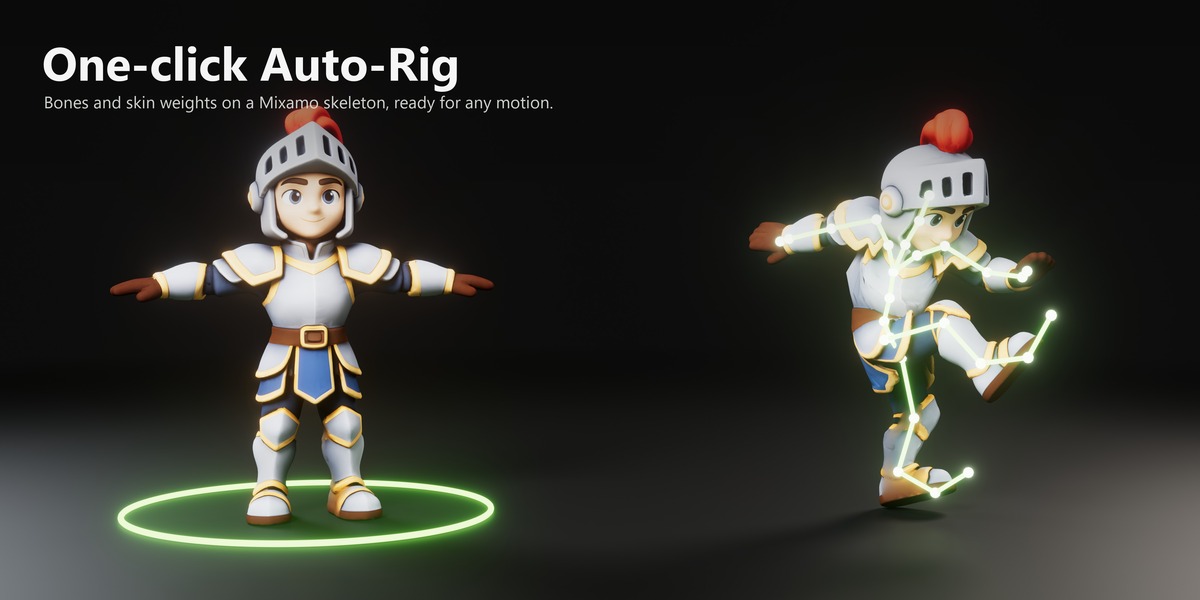
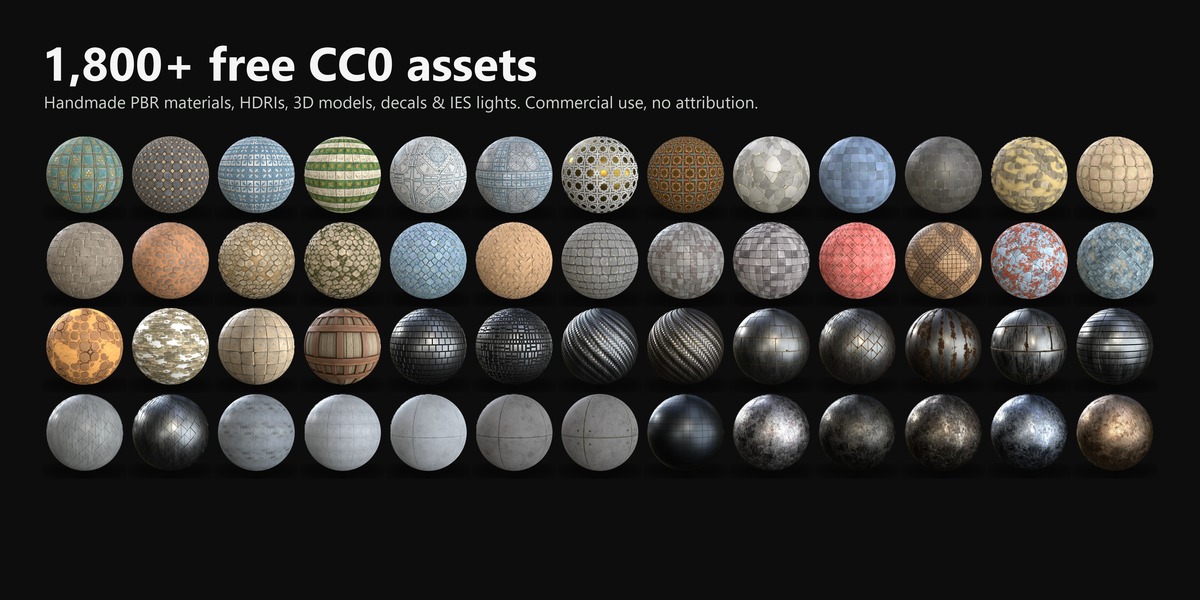
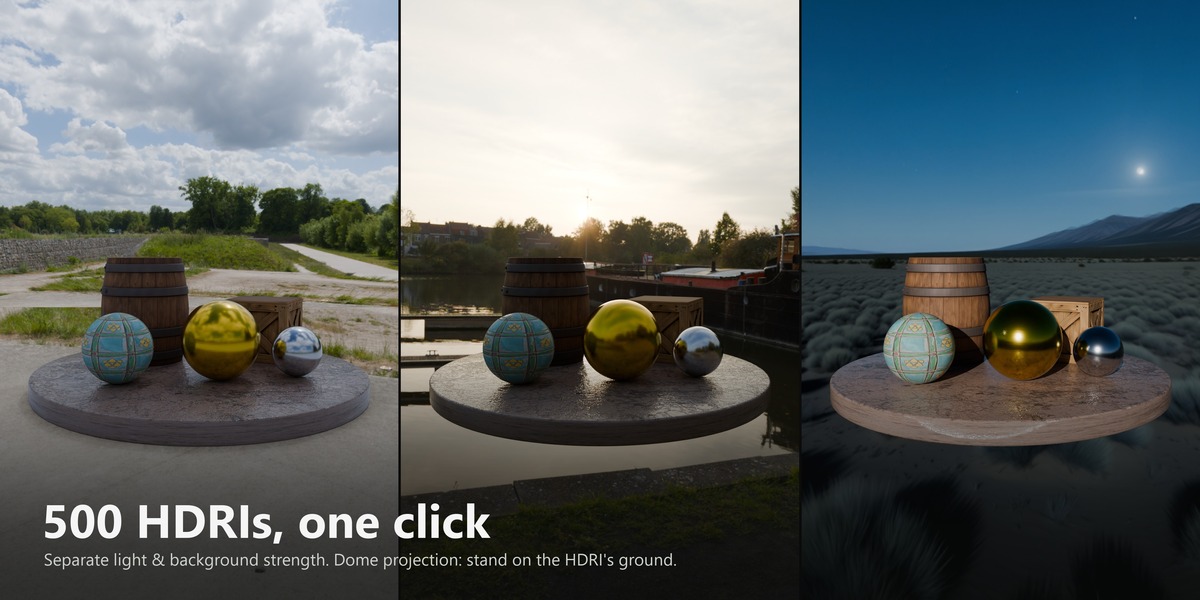
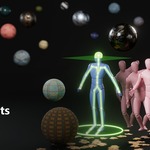
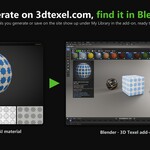
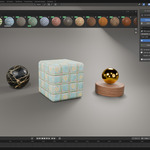
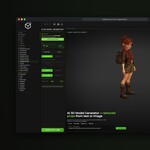
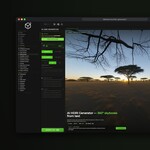
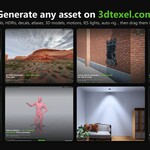
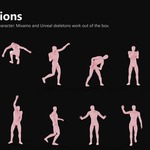
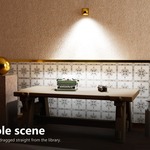
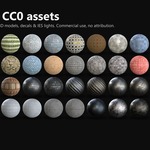
New name: 3D Texel Asset Library.
- The add-on now shows as 3D Texel Asset Library in Blender's Add-ons and Extensions lists. Nothing else changes: same features, same settings, and the panel is still in the 3D Texel tab of the sidebar.
File: texel3d-1.0.7.zip (Blender 4.2 to 5.2)
Models stand on the floor, small fixes.
- 3D models land on their feet: a dropped model now rests on the surface where you release it, whatever its pivot point (models with a centred pivot used to sink into the floor).
- Decal size preference: "Decal plane size" now also scales decals dropped onto objects (1 m = the usual 0.5 m sticker).
- Account loads when Blender opens a .blend directly (double-click on a file): credits and Owned badges appear, and downloads started while a file opens finish normally.
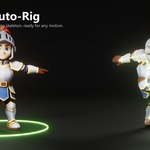
- Auto-Rig dialog: the credits line uses the 3D Texel credits icon.
File: texel3d-1.0.6.zip (Blender 4.2 to 5.2)
Type tabs, automatic metallic, AI Light IES.
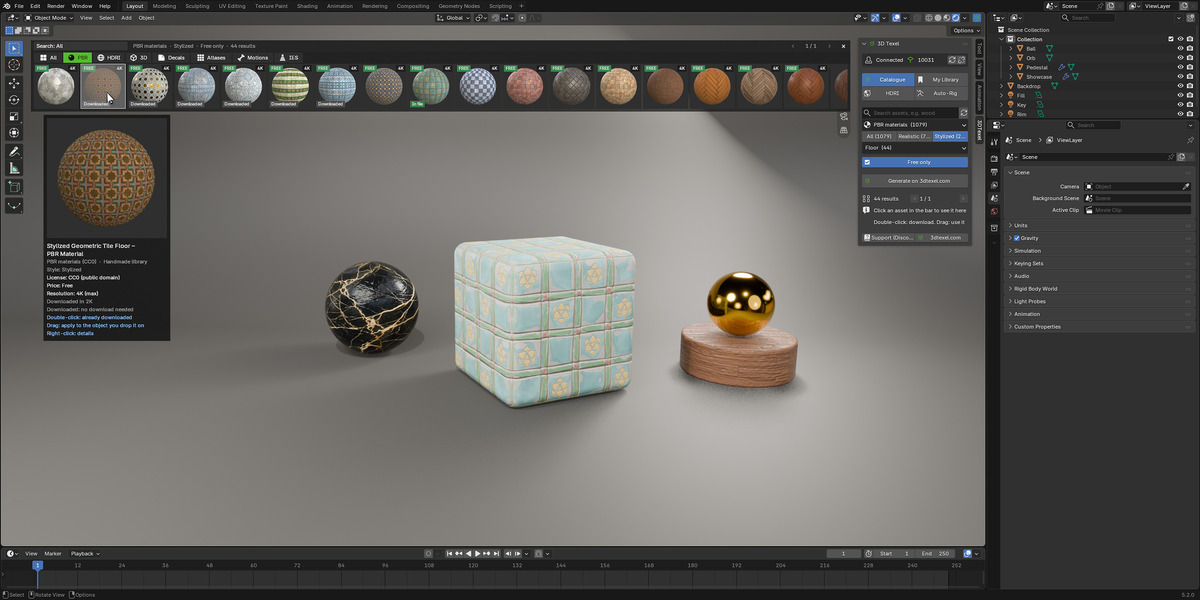
- Type tabs in the asset bar: All, PBR, HDRI, 3D models, Decals, Atlases, Motions and IES, one click each.
- Materials match 3dtexel.com: metallic, roughness and specular settings from the site are applied automatically (brushed steel arrives as metal). Metallic slider limited to 0–1.
- Stronger Bump that visibly responds to its slider.
- Community Light IES: IES profiles made on 3dtexel.com join the 130 free ones, with a luminaire filter (downlight, spot, wallwasher…). Lights come in with the right power and colour temperature.
File: texel3d-1.0.5.zip (Blender 4.2 to 5.2)
Better materials and HDRIs, cleaner panel.
- Adjust at the top: select an object and its material, decal or light controls are right under the main buttons.
- One Tiling control (the separate UV scale option is gone); new materials always start at 1.0.
- Metallic slider, and metallic maps are used when the asset has one.
- Bump by default; true Displacement adds the subdivision it needs, so faces no longer split in Material Preview.
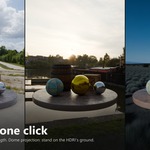
- Sun as lamp for AI HDRIs: the sun becomes a real Blender sun lamp with sharp shadows, like on 3dtexel.com.
- Match 3DTexel viewer look: one click to get the same colour response as the website viewer (and Restore).
- Style (Realistic / Stylized) and category filters, grouped asset types, Free only, readable armatures on import, auto-rig uploads reduced automatically when too large.
File: texel3d-1.0.4.zip (Blender 4.2 to 5.2)
$5
Have questions about this product?
Login to message
| Blender Extension Compatible | Yes |
| Published | 4 days ago |
| Blender Version | 4.2 - 5.2 |
| Extension Type | Add-on |
| Render Engine Used | Cycles, Eevee |
| License | GPL |

Discover more products like this
hdri pbr-materials auto-rig drag and drop asset library asset-browser 3d models cc0 decals rigging textures mixamo