50 Cloud Light Gobo Alpha Pack Vol.04 | 4K Smart Gobo Material System for Blender
 Dilara Tok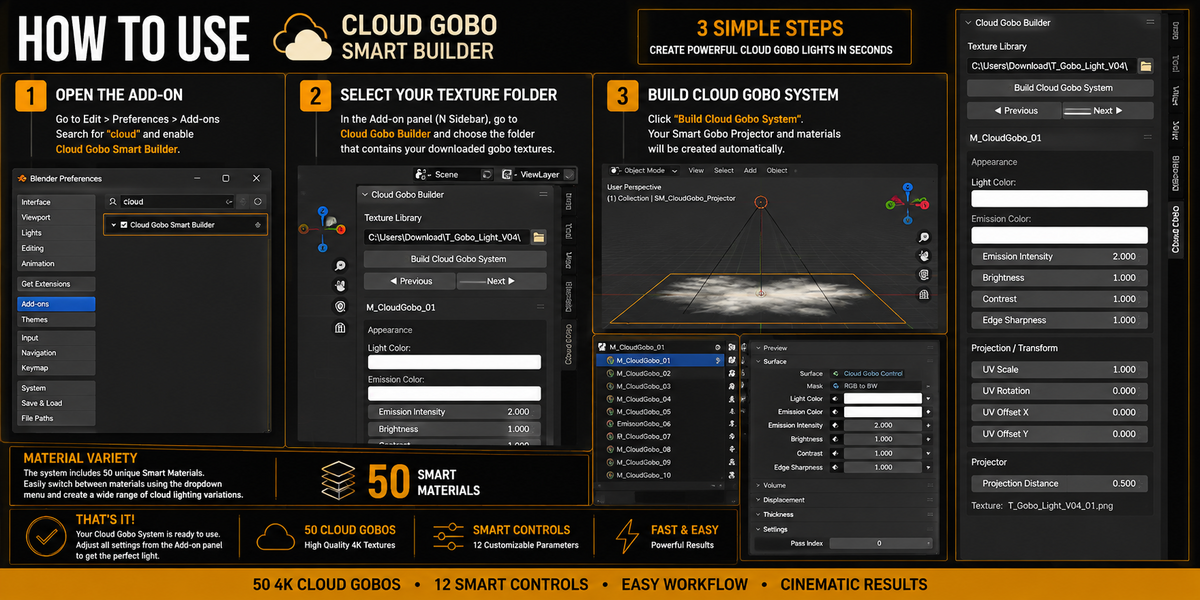


How do I use the Cloud Gobo Smart Builder?
Install and enable the included Blender add-on, select the folder containing the gobo textures, and click “Build Cloud Gobo System.” The system automatically creates the projector and ready-to-use materials.
Does the pack include the gobo textures?
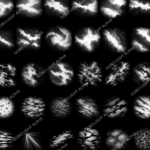
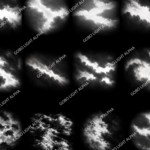
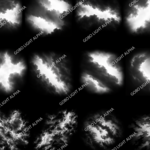
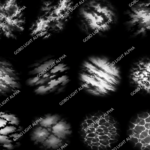
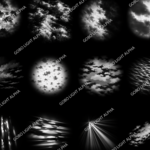
Yes. The package includes 50 unique Cloud Gobo textures in 4096 × 4096 (4K) resolution, along with the Smart Gobo system.
Can I customize the gobo lighting?
Yes. The system includes 12 customizable controls, including Light Color, Emission, Brightness, Contrast, Edge Sharpness, UV Scale, Rotation, Position, and Projection Distance.
Can I switch between the 50 gobo variations?
Yes. The system automatically creates 50 ready-to-use Smart Materials, allowing you to quickly switch between different cloud gobo patterns.
Does it work with both Eevee and Cycles?
Yes. The Cloud Gobo system is designed for use in Blender with both Eevee and Cycles, making it suitable for real-time previews as well as high-quality rendered scenes.
Have questions about this product?
Login to message
| Published | about 2 months ago |
| Blender Version | 2.8 - 5.2 |
| Extension Type | N/A |
| Render Engine Used | Cycles, Eevee |
| License | GPL |
Discover more products like this
cloud shadows 4k textures Environment Lighting cinematic-lighting light projection Lighting light gobo procedural material gobo cloud gobo blender addon Smart Material