50 Coffee Tables – Blender Asset Library
 VORMESH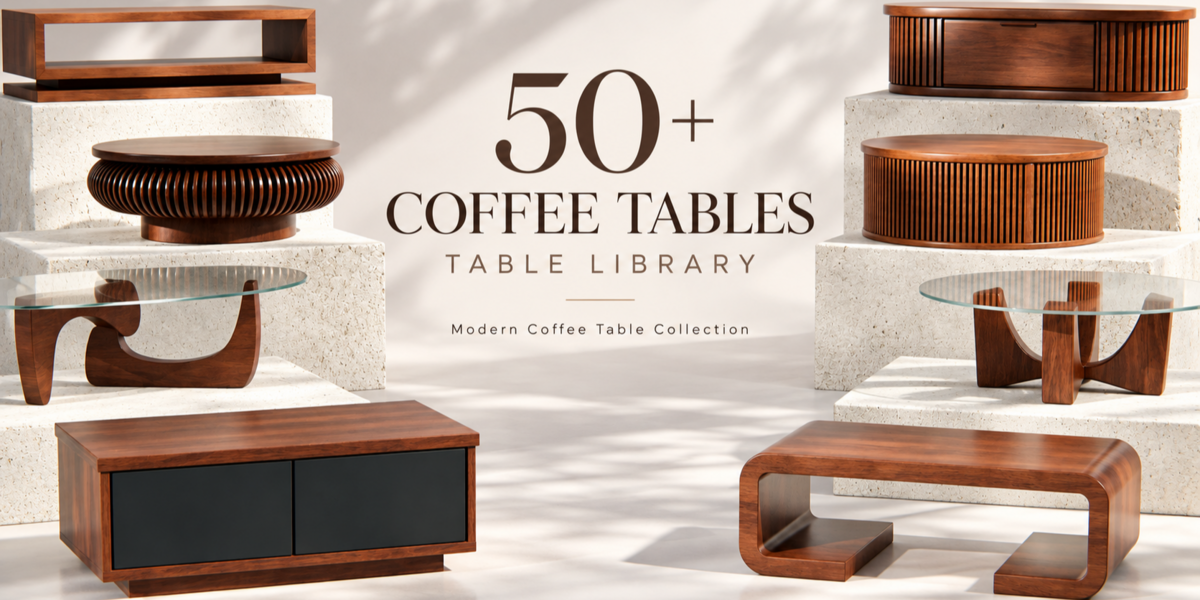
BLENDER ASSET LIBRARY — DOCUMENTATION
50 Coffee Tables
Everything you need to start using the collection.
 |  |  |
WHAT'S INCLUDED
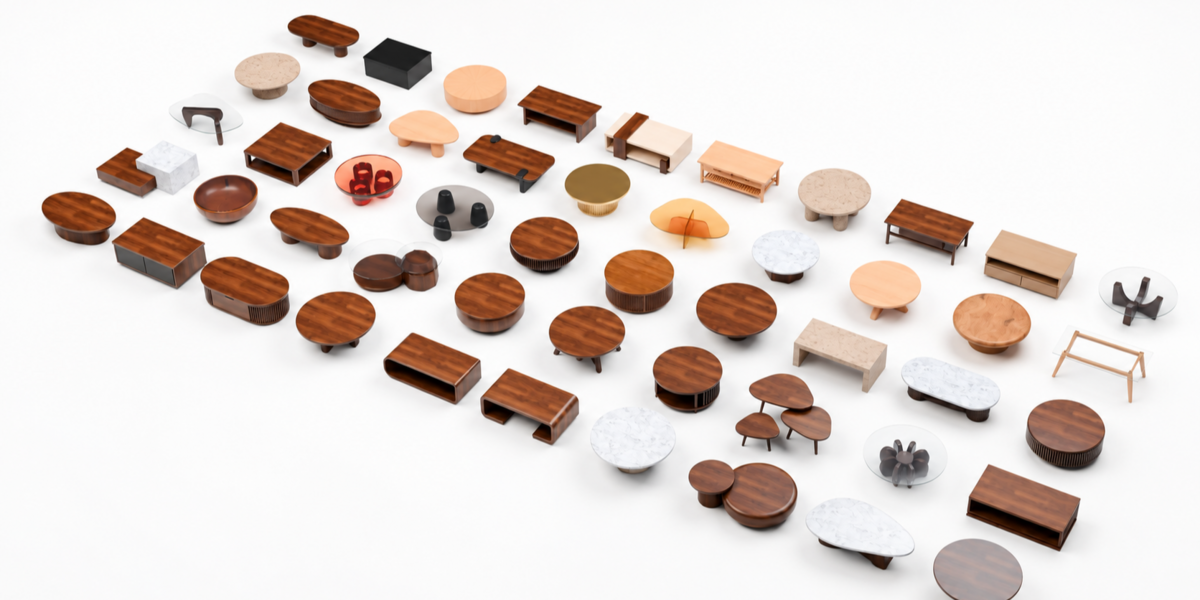
50 ready-to-use furniture assets
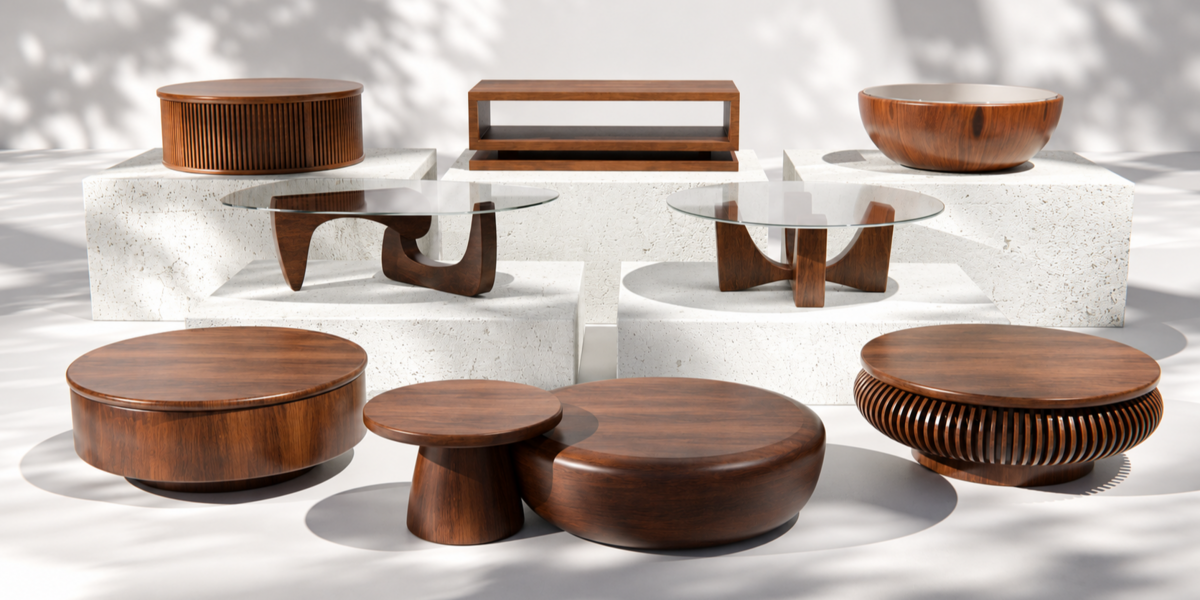
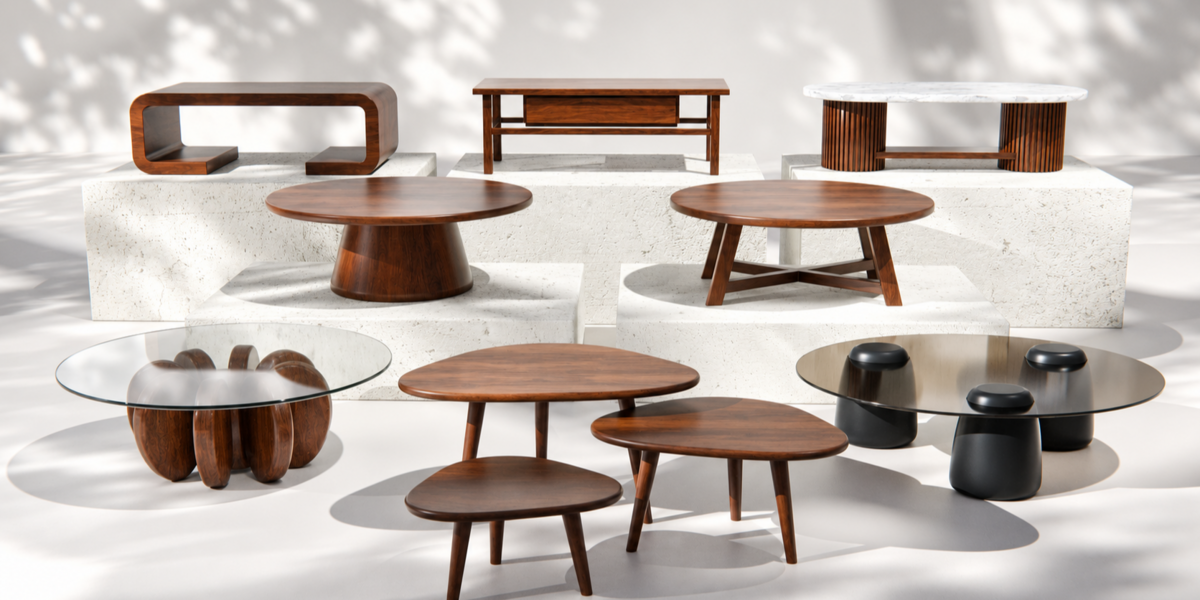
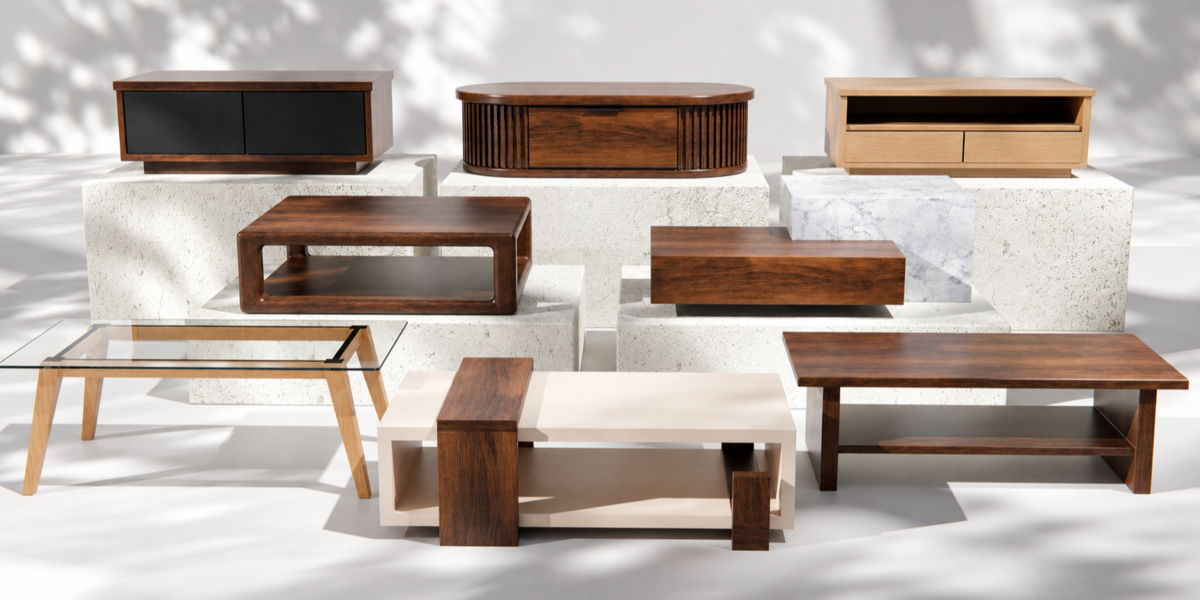
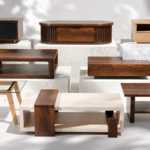
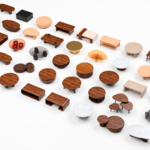
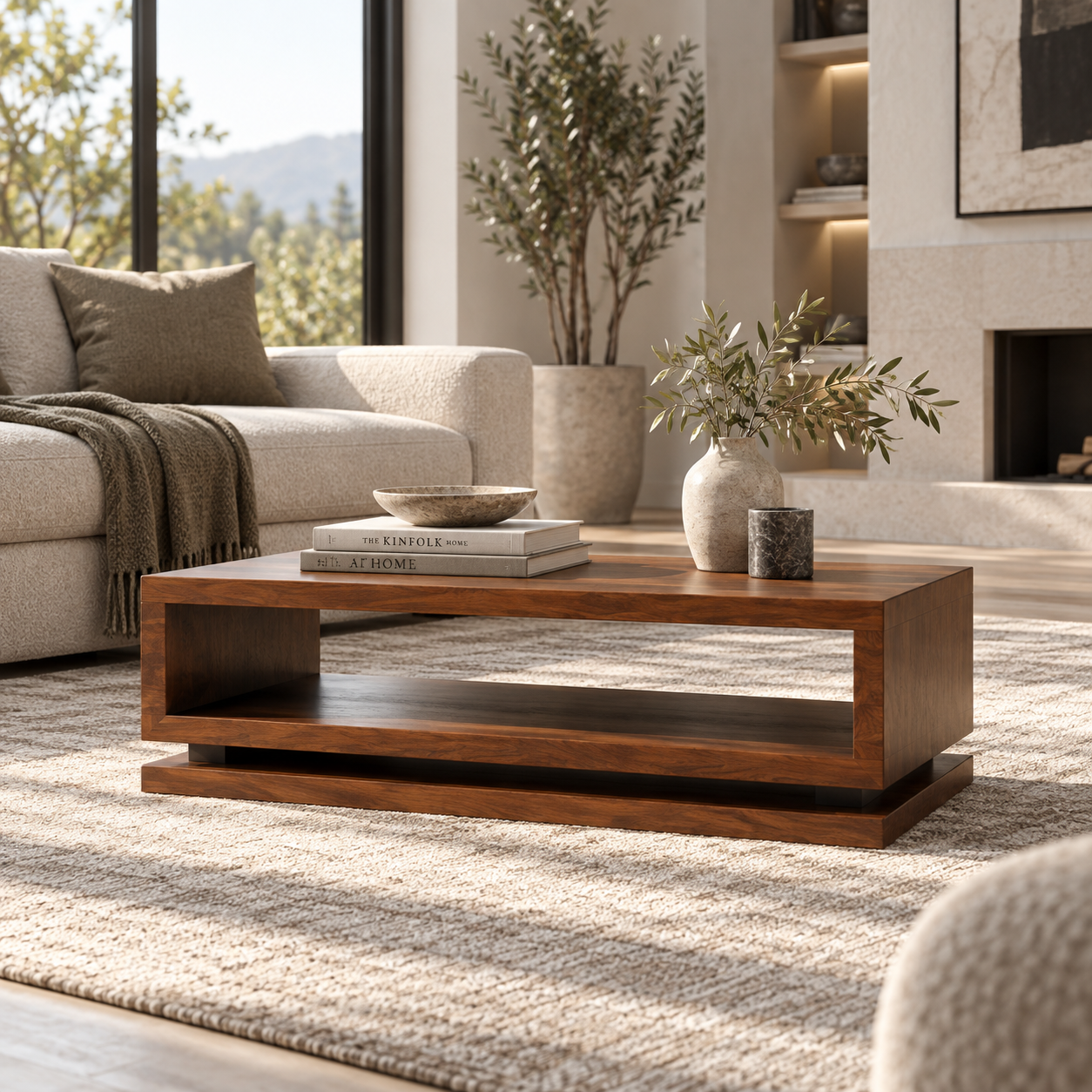
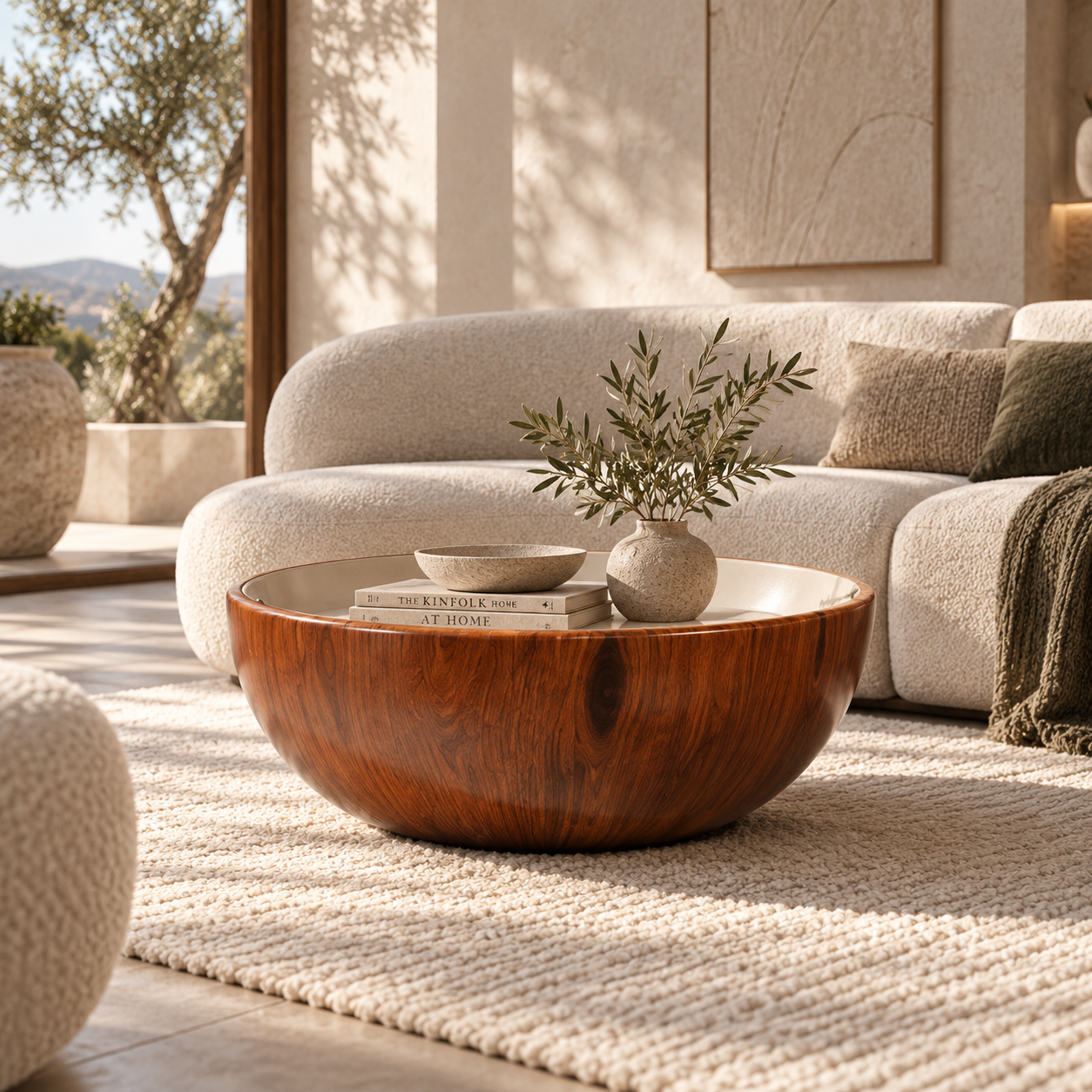
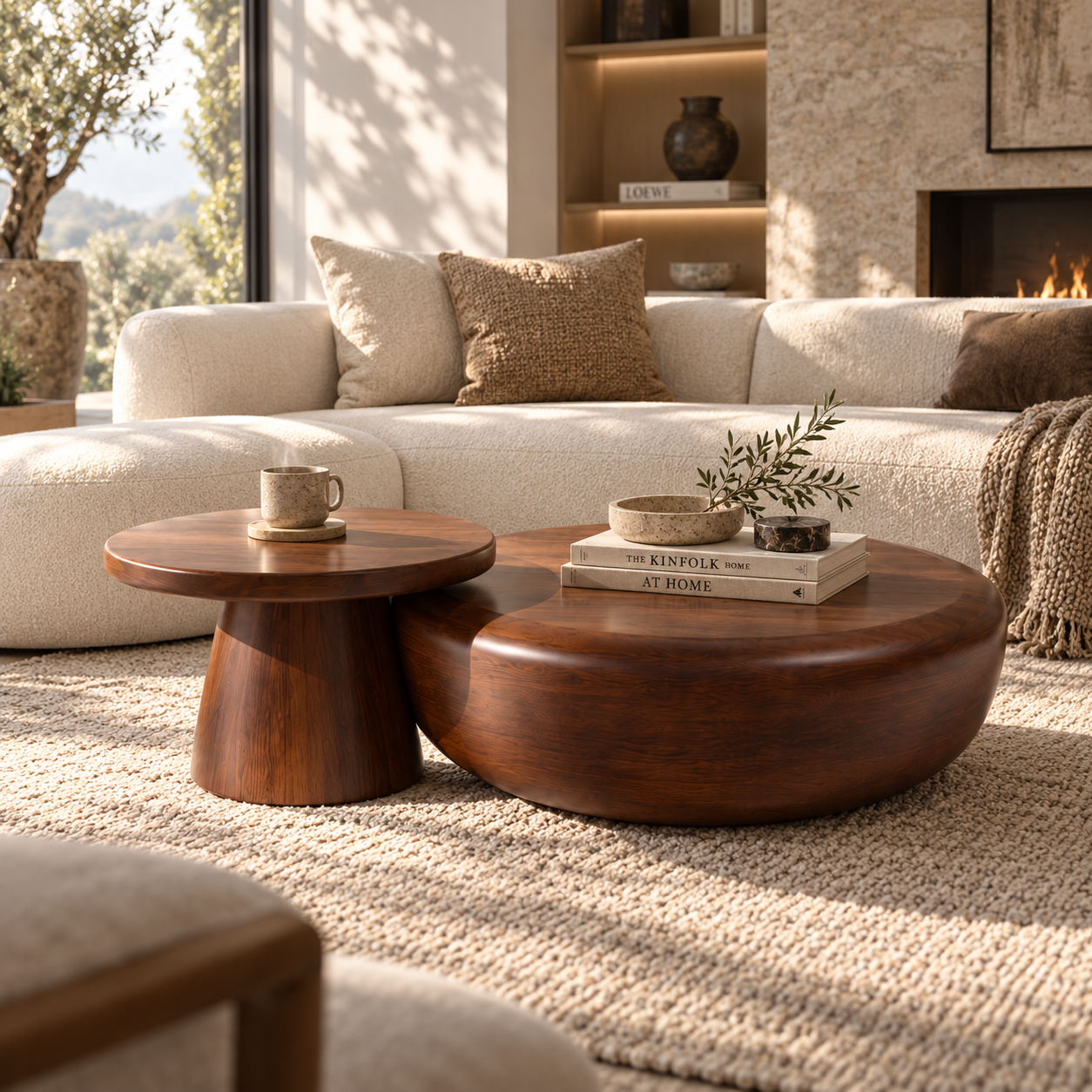
The library contains 50 individual coffee table models covering modern, minimalist, sculptural, glass, marble, stone, slatted and storage-based designs.
50 assets · Individual previews · Organized catalogs · Editable materials
ASSET BROWSER READY
Browse. Drag. Drop.

Every table is prepared as an individual Blender asset and can be accessed directly through the Blender Asset Browser.
Select the table you need, drag it into your scene and continue working.
INSTALLATION
Add the library to Blender
1. Download and extract the ZIP to a permanent folder.
2. Open Blender and go to:
Edit → Preferences → File Paths → Asset Libraries
3. Add the extracted Coffee Tables library folder.
4. Open the Asset Browser and select the library from the menu.
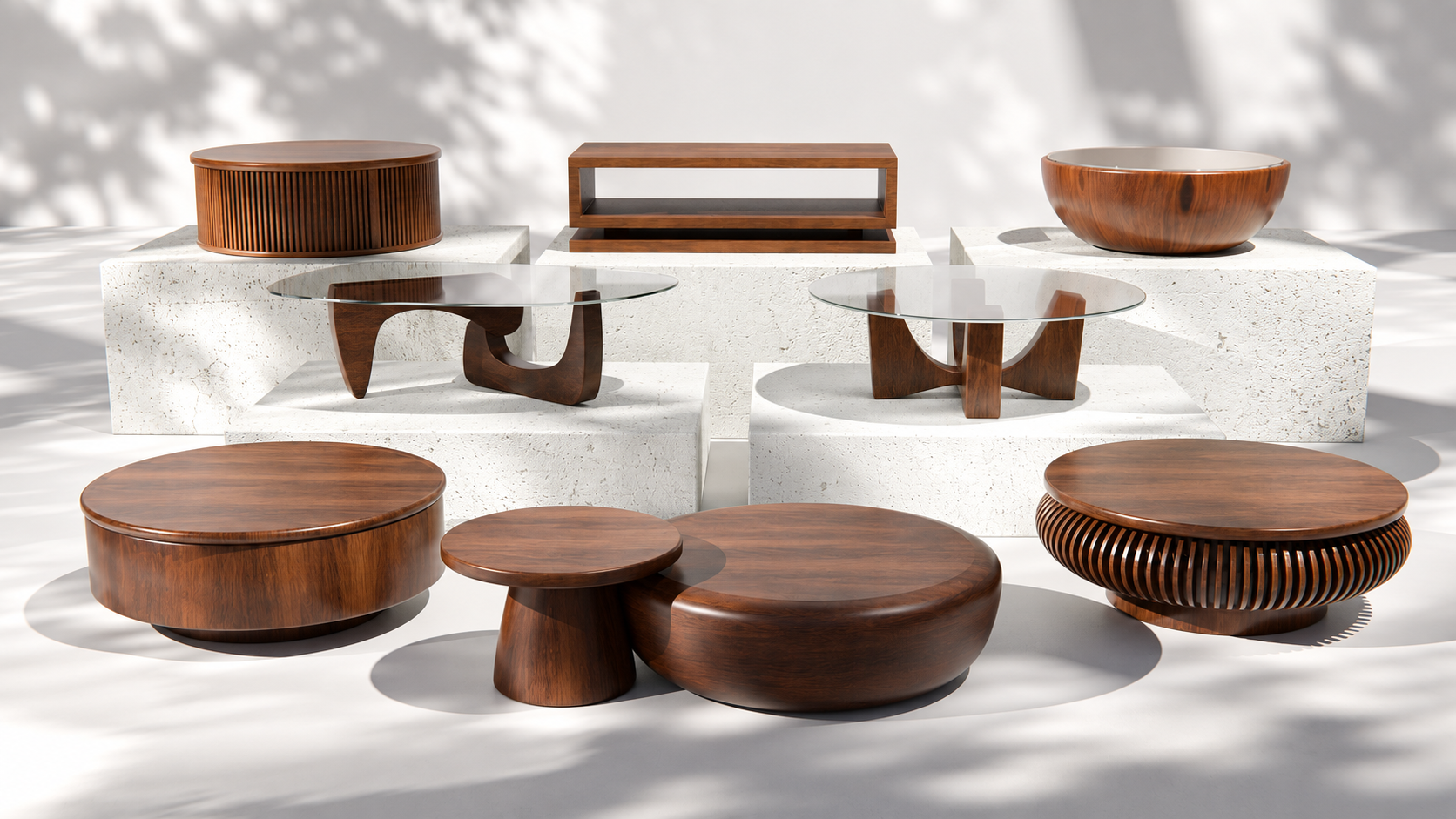 | MATERIALS & TEXTURESEditable inside BlenderThe collection includes a variety of materials such as wood, glass, marble, stone and metal. Materials remain editable so colors, roughness and other properties can be adjusted to match your project. |
ORGANIZED FOR A FASTER WORKFLOW
The collection is divided into organized catalogs, making it easier to browse different styles and quickly find the right table for your scene.
MADE FOR INTERIOR SCENES
From quick staging to detailed visualization
Ideal for living rooms, architectural visualization, interior renders, furniture presentations, product visualization and environment design.
READY TO USE
50 TABLES. READY WHEN YOU NEED THEM.
Less searching. Faster interiors.
Have questions about this product?
Login to message
| Published | 15 days ago |
| Blender Version | 4.5 - 5.2 |
| Render Engine Used | Cycles, Eevee |
| Misc Data | Uvs-Unwrapped, Normal-Mapped, Textured |
| License | Creative Commons |
Discover more products like this
wood furniture Marble Interior architecture coffeetable blender modern table 3Dmodel livingroom Glass