Blender Procedural






🔥 Ultimate Generators Addon V2
+50 Nodes effects, simulations & generators and one click asset library integration!

What You Get
- 🔹 Easy ZIP install & enable via Preferences → Add-ons
- 🔹 “Add Asset Library” button auto-registers the V2 +50 library
- 🔹 “List Geometry Nodes” loads all 50+ setups in a dropdown
- 🔹 “Append to Active Object” links the chosen node group instantly
- 🔹 Real-time parameter controls in the sidebar under “Geometry Node Settings”
How This Addon Differs from “Ultimate Generators Bundle V2 +50”
The Ultimate Generators Bundle V2 +50 is purely an asset library of procedural Geometry Nodes setups and simulation presets. It requires manual registration in Blender’s Asset Libraries and manual appending of node groups.
This Addon, however, automates the entire workflow:
- Auto-Register Library: One-click button instead of manual Preferences setup.
- Quick Setup Access: Browse all node setups from a sidebar panel instead of Asset Browser.
- Instant Append: Append selected effect directly to your active object with a single click.
- Live Controls: Adjust parameters in the same panel without opening Geometry Node Editor.

Installation & Usage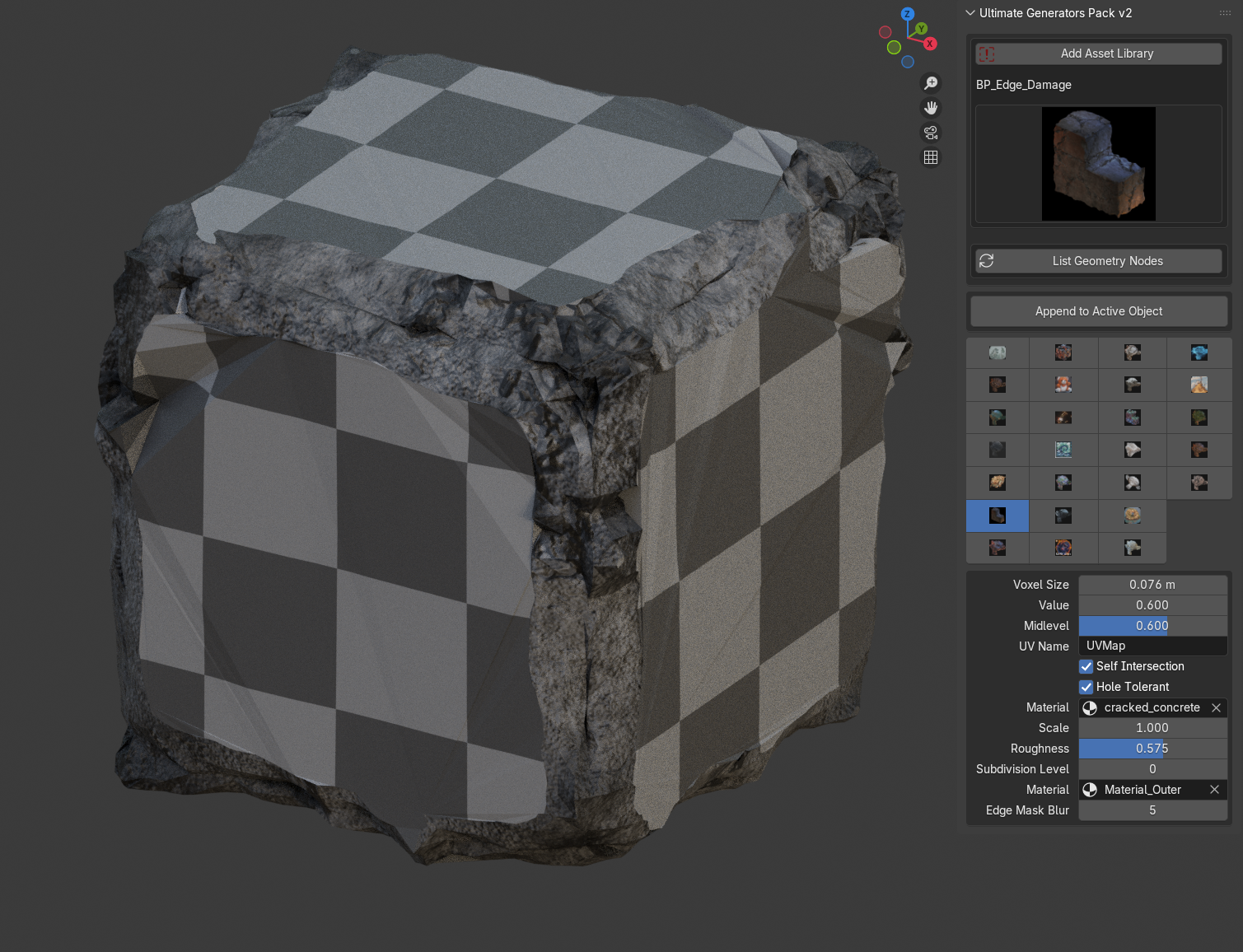
- Install Addon: Edit → Preferences → Add-ons → Install → Select ZIP → Enable “Ultimate Generators Bundle V2 Addon”.
- Add Asset Library: In 3D View sidebar, open “Ultimate Generators” panel → Click “Add Asset Library”.
- List & Select: Click “List Geometry Nodes” → Choose an effect from the dropdown.
- Append & Customize: Select object → Click “Append to Active Object” → Tweak settings under “Geometry Node Settings”.

Why Install This Addon?
- ⚡ Streamlines library setup & node appending
- 🔧 All-in-one sidebar panel for maximal efficiency
- 🚀 Live adjustments without extra windows
- 🎨 Keeps your workflow smooth & focused
Supercharge your procedural workflow add the Ultimate Generators Addon to your cart now!




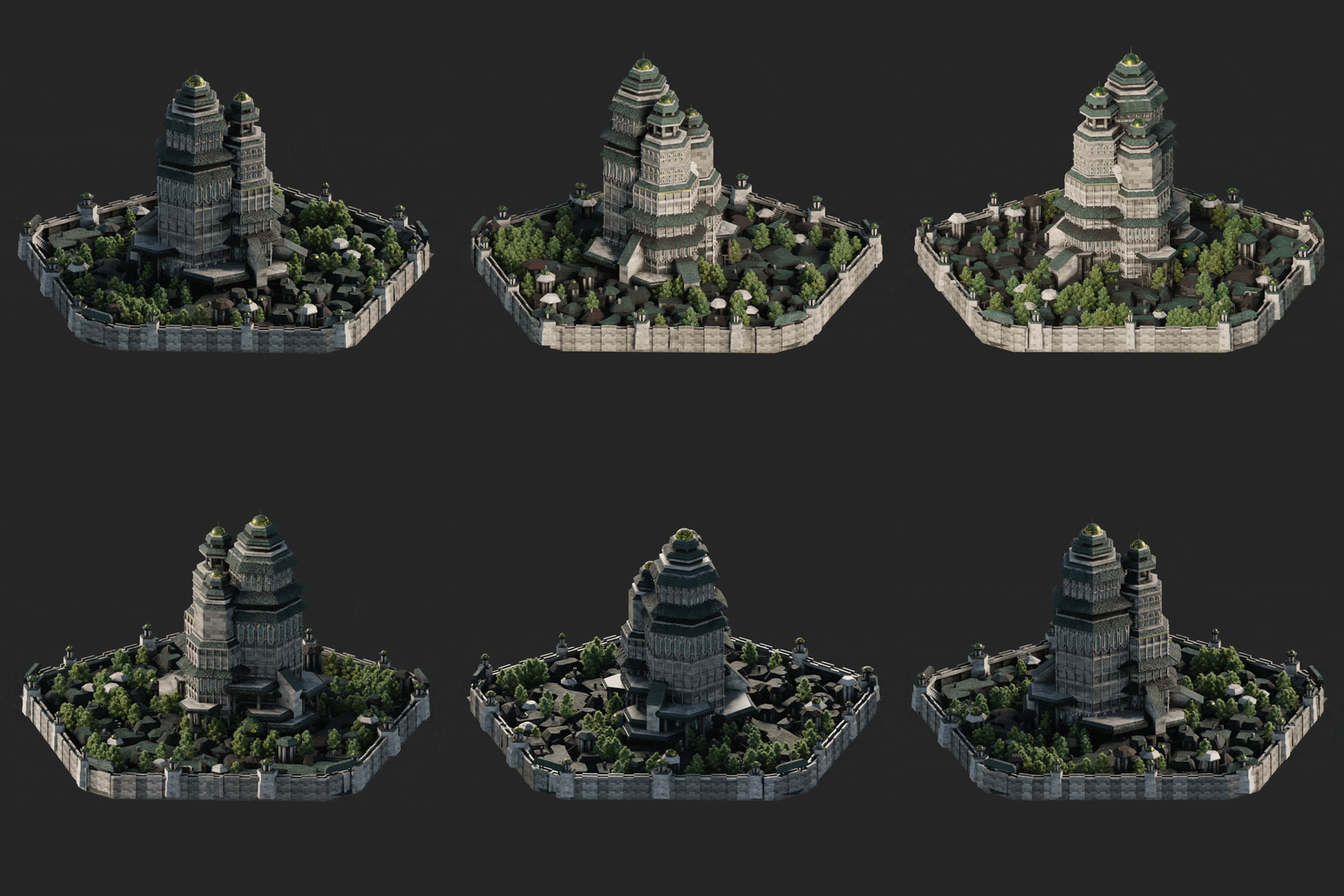

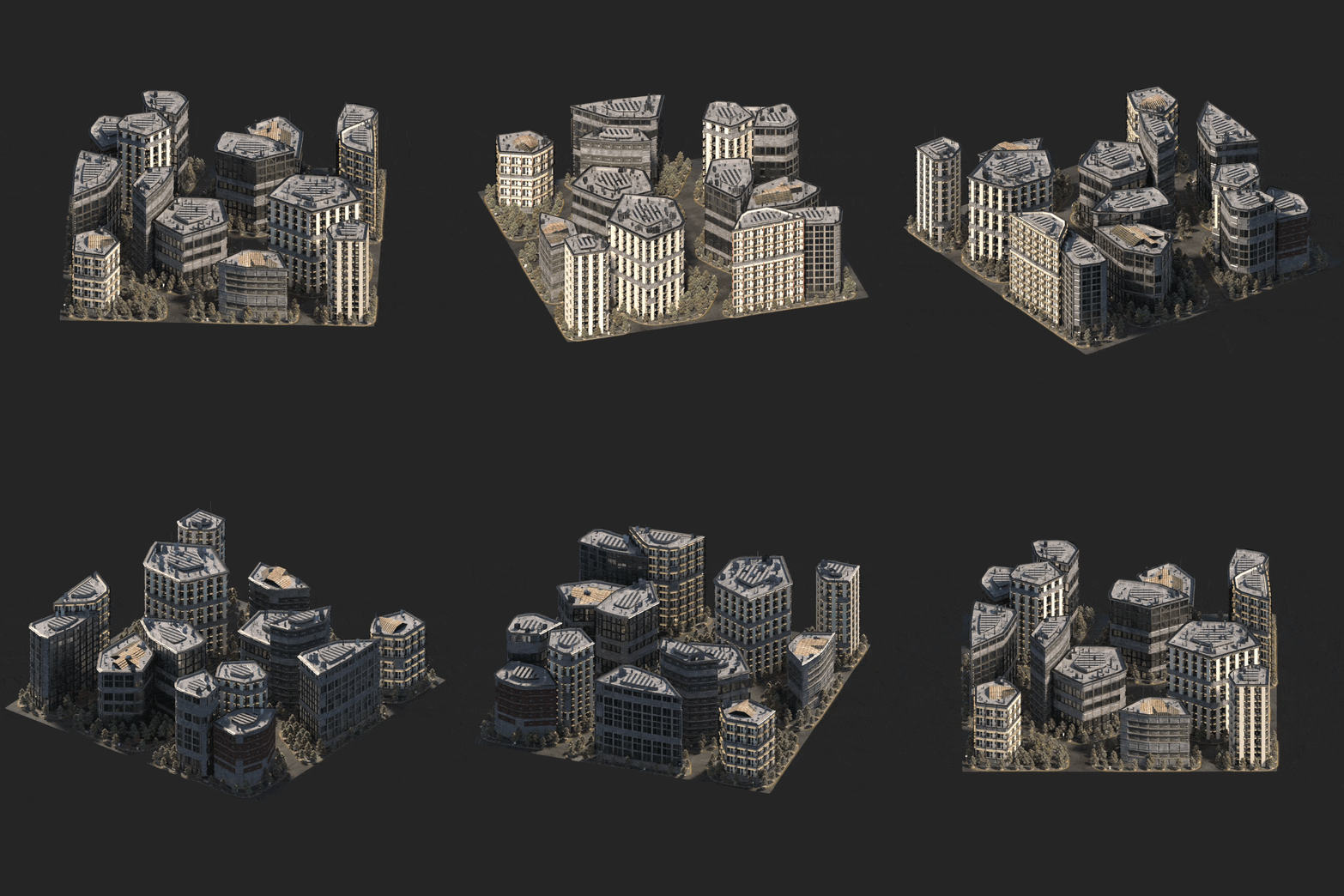


You Can Check My Other Blender Procedural Addons Below: