50 Procedural Generators Addon V2
 Blender Procedural




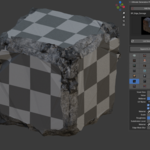

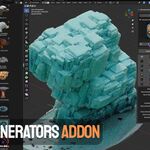
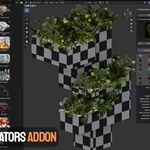

EASY INSTALLATION OF THE ADDON:
Install
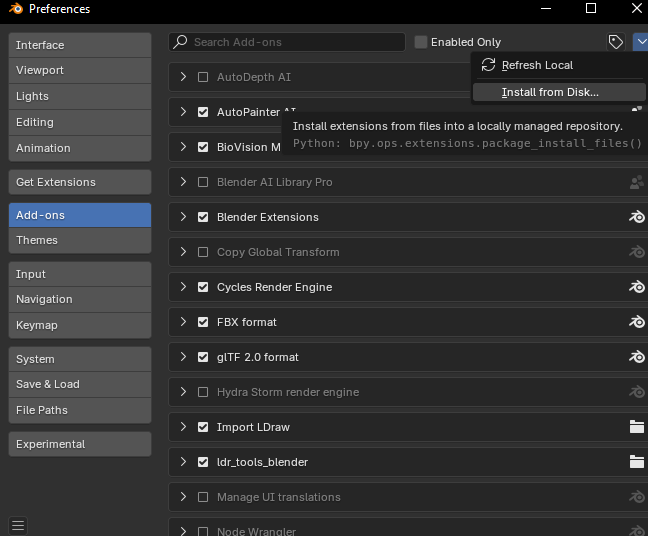
ultimate_generators_pack_v2_1.0.1.zip 1.83 GB
Then click:
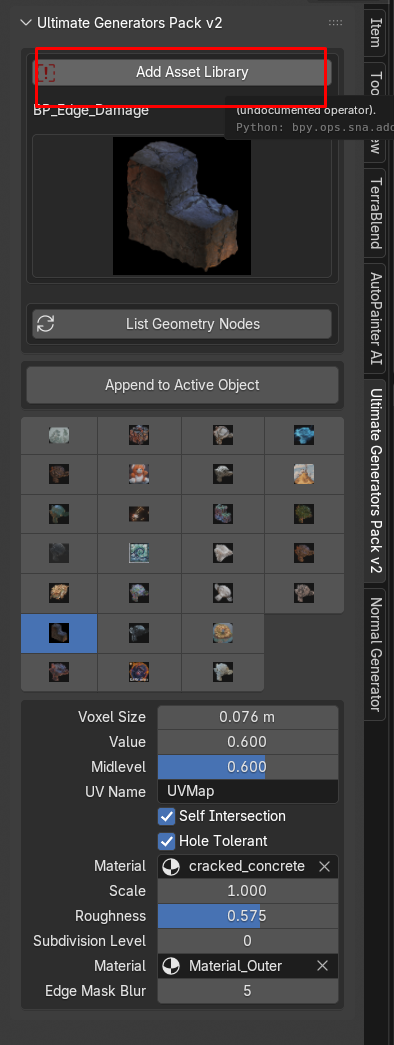
Installation & Setup
Follow these simple steps to add the 🔥 Ultimate Generators Bundle V2 +50 asset library into Blender.
- Unzip the Downloaded Package:
Locate the downloaded ZIP and extract it. You will get a folder named
UltimateGeneratorsBundleV2. - Open Blender Preferences:
In Blender, go to Edit → Preferences (Windows/Linux) or
Blender → Preferences (macOS). - Navigate to Asset Libraries:
In the Preferences window, select the File Paths tab, then scroll down to Asset Libraries. - Add New Library:
Click the + Add button. In the file browser, navigate to and select the
UltimateGeneratorsBundleV2folder, then click Accept. - Save Preferences:
At the bottom left of the Preferences window, click Save Preferences to keep your new asset library.
Usage Tips
- Open the Asset Browser (Shift+F1) to browse & drag‑and‑drop assets into your scene.
- Customize node setups by opening the node group in the Geometry Node Editor.
- Refer to the demo files included in the library for example scenes and settings.
Discover more products like this
addon asset library geometry nodes procedural stylized effects VFX blender asset library simulation city builder generators Blender geometry nodes pack Fluid-simulation simulation-nodes