 Mona-Ghafourian


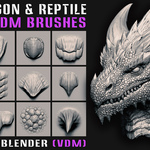
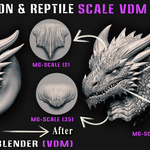
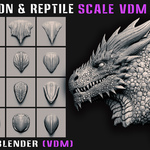
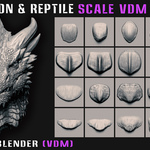
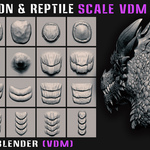
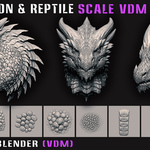
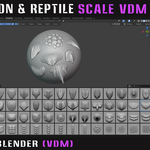
64 Dragon and Reptile Scale VDM Brushes for ZBrush and Blender — built for creature sculpting, skin detailing, and detailed surface design.
Build detailed dragon, reptile, and creature surfaces with a collection of 64 ZBrush VDM Brushes and 64 Blender VDM Brushes. The collection is designed to help creature artists create scale patterns, skin structures, and detailed surface forms directly inside their sculpting workflow.
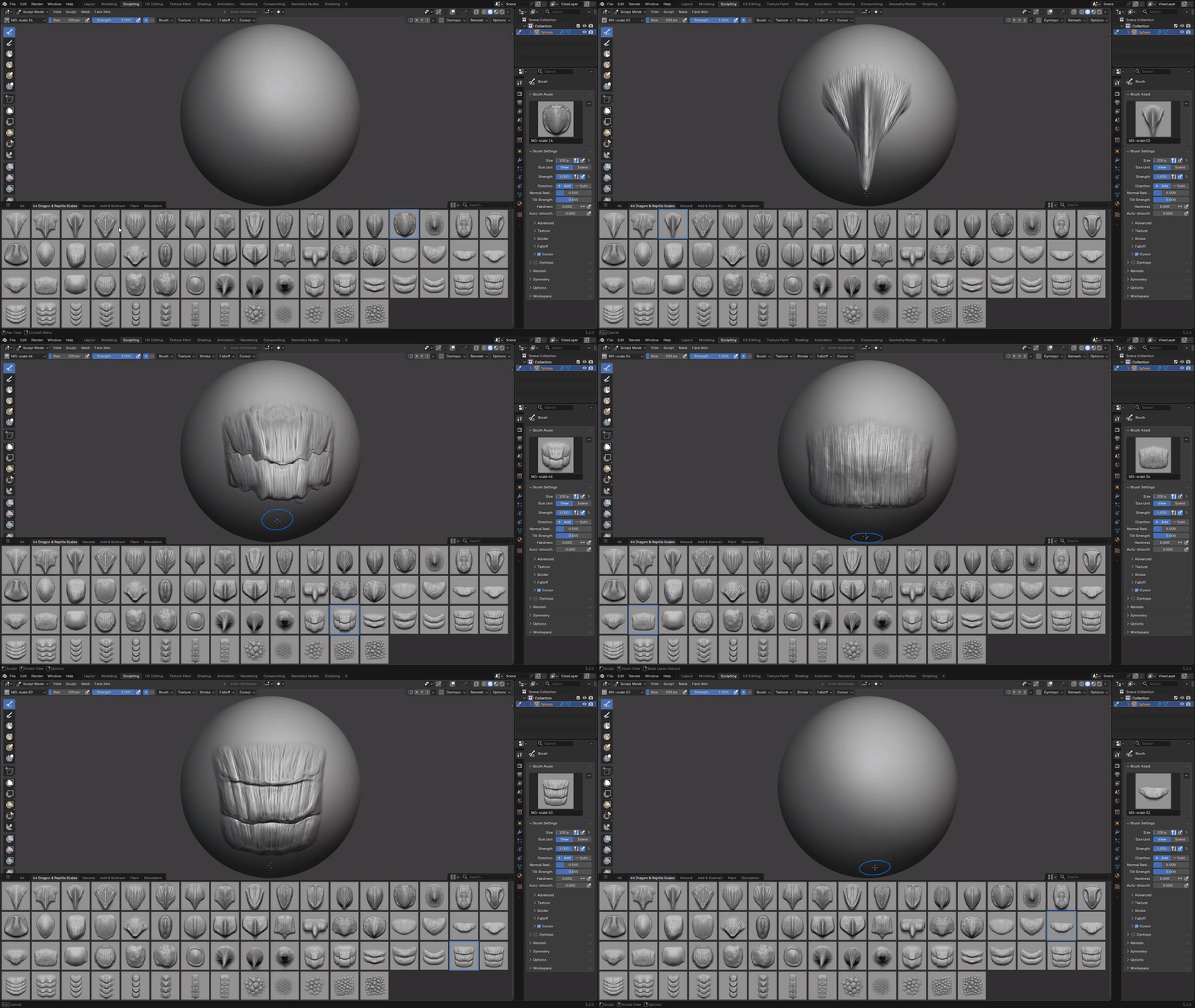
VDM Brushes in Action
Sculpt dragon and reptile scale detail directly onto your mesh with 64 Blender VDM Brushes.
Features
✓ 64 ZBrush VDM Brushes (.ZBP)
✓ 64 Blender VDM Brushes (.blend)
✓ Preview Images
✓ Short Blender VDM Tutorial for the VDM brush workflow
Compatibility
ZBrush: ZBrush 2023.2.2 or later.
Blender: Blender 4.3 and above.
Creature Sculpting Workflow
Use the VDM brushes to directly sculpt scale forms and skin details onto your mesh. The collection is suitable for dragon design, reptile skin, monster design, character sculpting, and digital creature sculpting.
Installation
Blender
- Go to Edit → Preferences → File Paths.
- Click Add and select the Blender Asset folder.
- Press Save Preferences.
ZBrush
- Copy all .ZBP brushes.
- Paste them into the ZBrushes folder inside your ZBrush installation directory.
Example: C:\Program Files\Pixologic\ZBrush [Your Version]\ZBrushes - Restart ZBrush. The brushes will appear in the Brush palette / LightBox.
Note: The ZBrush installation path may be different depending on your ZBrush version and installation location. Use the ZBrush [Your Version] folder that is installed on your computer.
Watch the VDM Brushes in Action
See how the dragon and reptile scale VDM brushes are used in Blender and ZBrush.