 ASHISH KUMAR MAURYA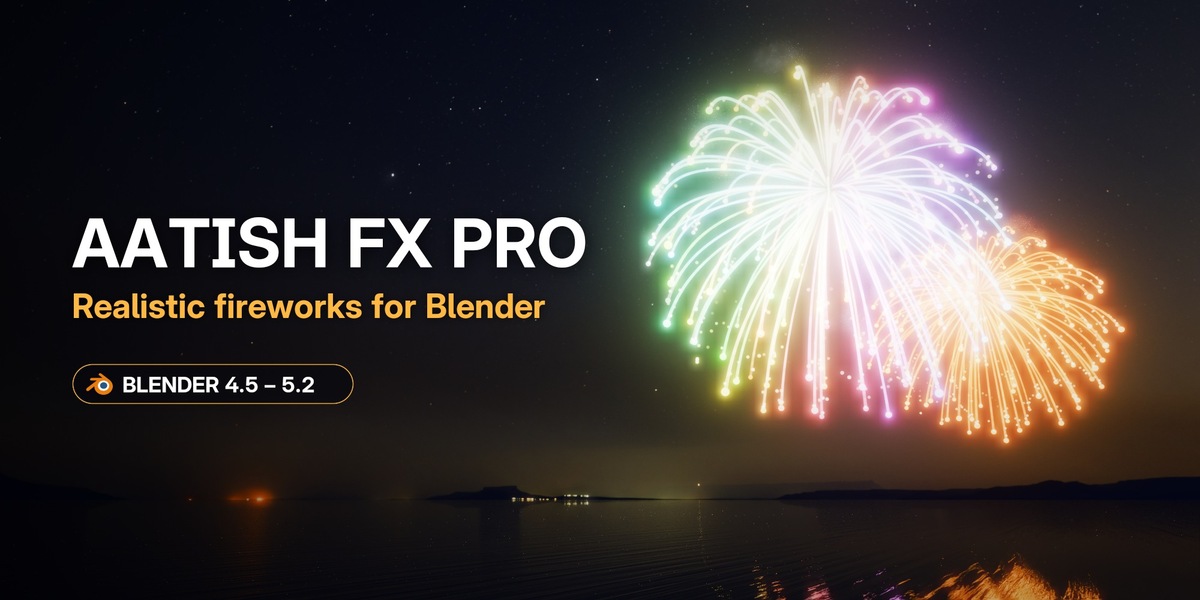
Real fireworks, right inside Blender.
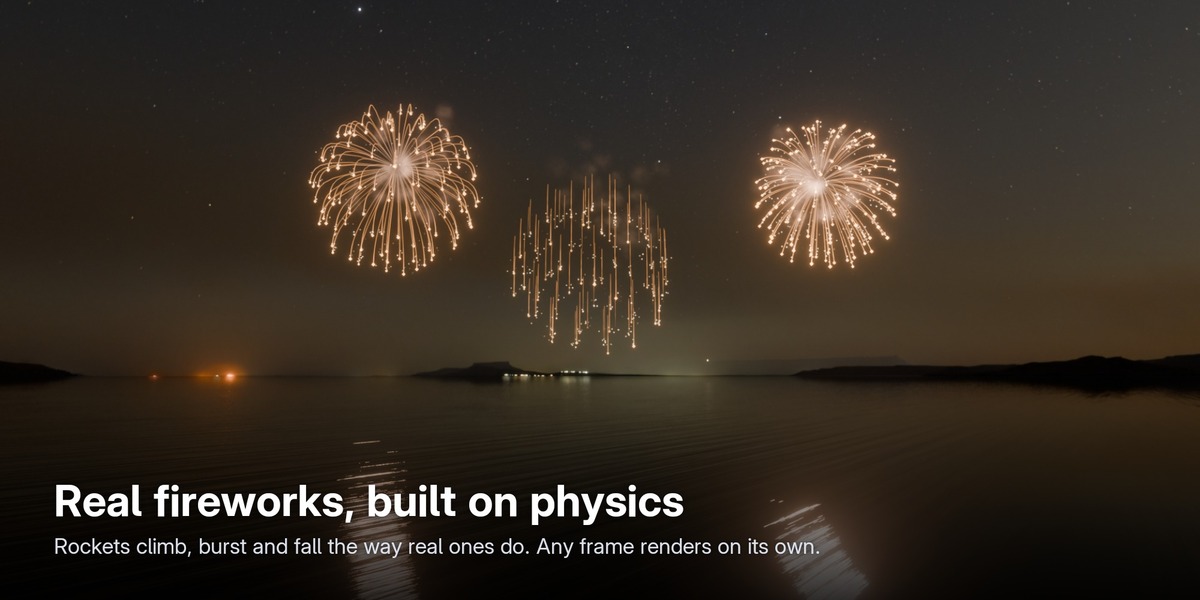
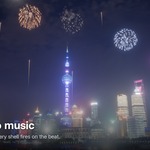
Aatish FX Pro creates realistic, physics-driven fireworks with Geometry Nodes. Pick a preset, click Create Fireworks and press play: rockets climb, burst, trail and fall the way real ones do, with smoke, glitter, light on your scene and real recorded sound. Every frame renders on its own, so there is no baking, no simulation cache and no waiting.
Works with Blender 4.5 LTS, 5.1 and 5.2, in EEVEE and Cycles.
Two editions
- Aatish FX Lite (free, download on BlendKit): one-click 3D fireworks with 12 classic shells (peonies and chrysanthemums in many colours, two-tone, big and small), rockets, trails and glow, placed in front of your camera at real scale. Brightness, size, gravity, show speed, start time and variation, a starry night sky and bloom in one click, and MP4 rendering. Same look in EEVEE and Cycles.
- Aatish FX Pro (this product): everything in Lite, plus everything described below: 250+ presets, festivals, text and picture fireworks, ground crackers, real sound, music sync, the Realistic look, smoke, scene lighting, Light FX, the per-firework editor and all render formats.
Not sure yet? Try Aatish FX Lite for free on BlendKit, and upgrade to Pro when you need more.
Why Aatish FX Pro
- Physics, not sprites. Every star is launched, slowed by air and pulled by gravity, so bursts look and move like the real thing from any camera angle, even when the camera flies through them.
- Fast to use. One click makes a complete show with a camera, a night sky and bloom, framed in your camera view.
- Renders anywhere. Saved files render on any machine or render farm, even without the add-on installed.
- Everything in one place. Presets, festivals, text, ground crackers, sound, music sync and rendering, all in one sidebar tab.
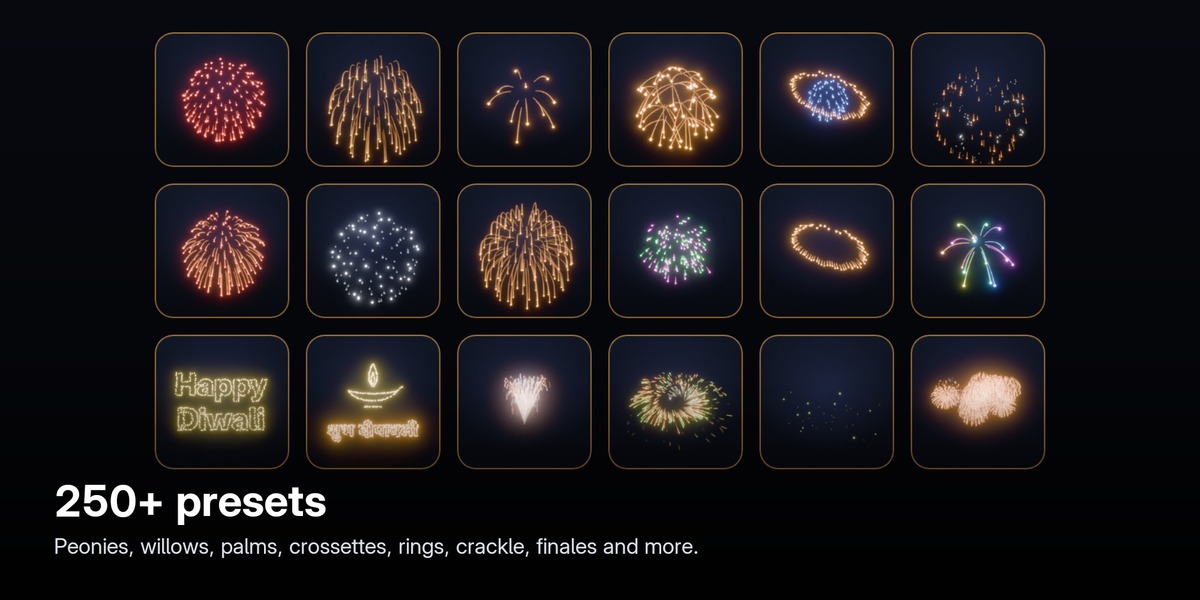
250+ presets
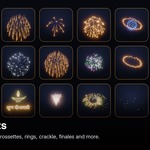
Peonies, chrysanthemums, willows, kamuro, palms, crossettes, rings and planets, crackle and glitter, strobes, colour change, spirals, comets, mines, sweeps, finales and combos. Every preset has its own thumbnail. Browse by category, search by name, colour or style, star your favourites, or let Surprise pick one. Save any show as your own preset, with a thumbnail, in My Presets.
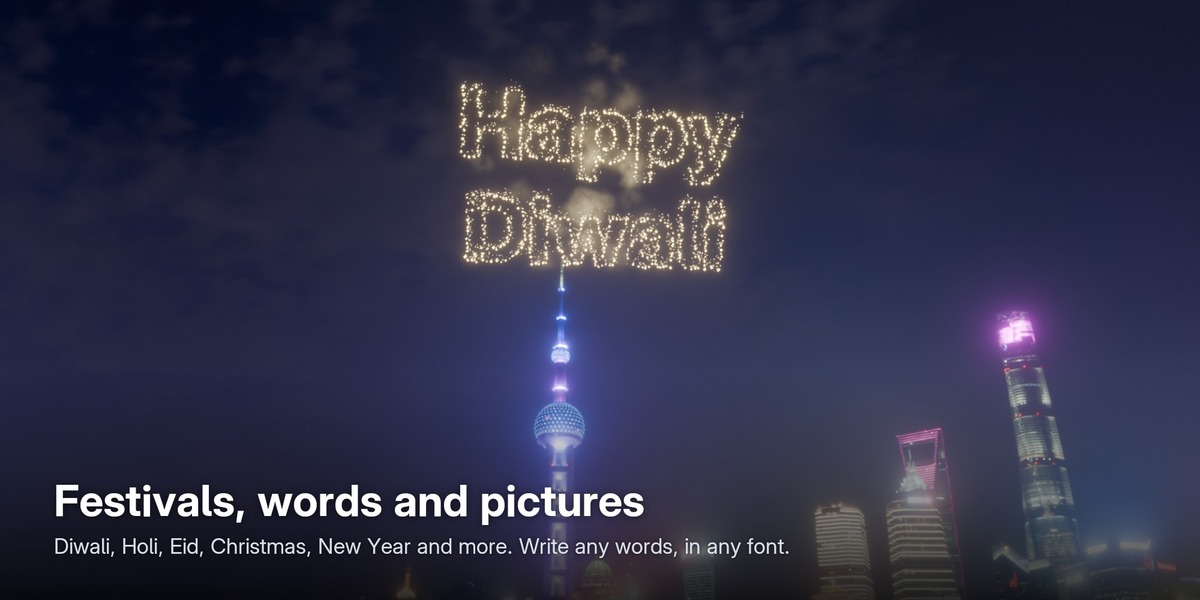
Festivals, words and pictures
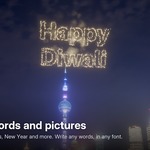
Thirteen festival collections: Diwali, Holi, Ganesh Chaturthi, Navratri and Dussehra, Independence Day, Eid, Christmas, New Year, weddings, birthdays, Valentine's Day, Lunar New Year and the 4th of July. Each gathers its shows, pictures and greetings, and a full show never mixes two festivals.
Text fireworks write any words in the sky with any font file, including Hindi and other languages, in one colour or as rainbow letters. Picture fireworks include hearts, stars, a diya, Om, Ganesh, Lakshmi, a Christmas tree, a cake and many more.
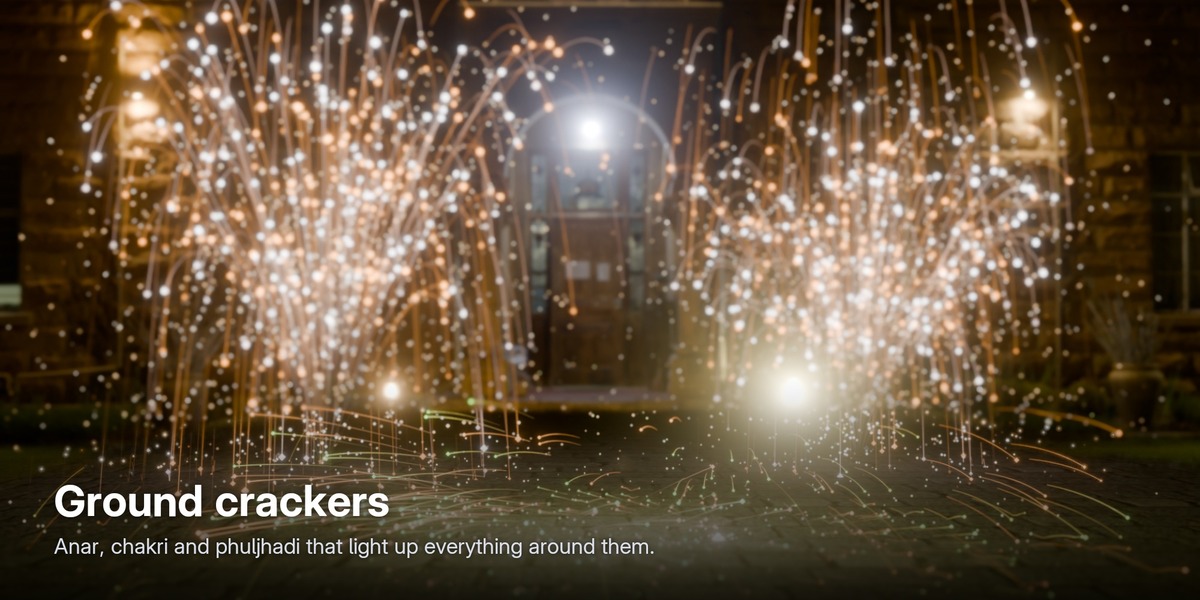
Ground crackers
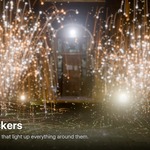
Anar fountains, chakri wheels, phuljhadi sparklers, mines, comets, fans and sweeps stand on the ground and can light up everything around them. Attach to Object puts any firework on a moving object, such as a sparkler in a hand or a fountain on a boat; sparks already in the air stay behind as it moves.
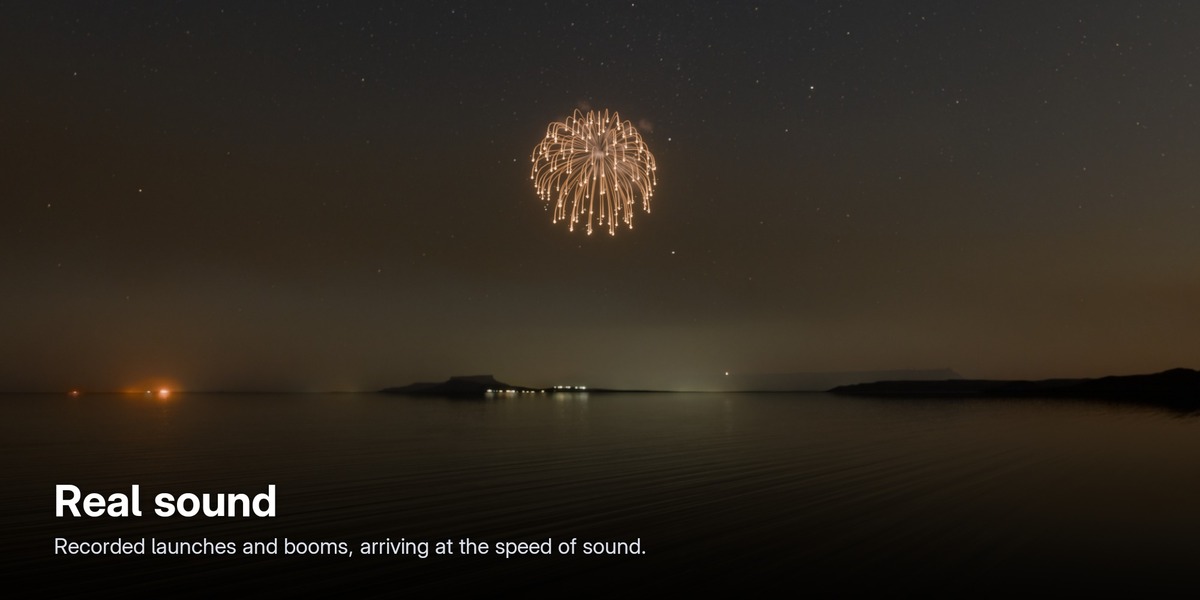
Real sound
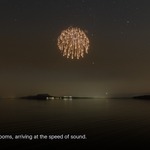
Every firework gets real recorded sound: launches, whistles, near and distant booms, crackle, fountains and sparklers. Each sound arrives late by its distance, at the speed of sound, gets quieter far away and pans left or right with its position. The sounds are placed in Blender's Video Sequencer, so they are part of your rendered video.
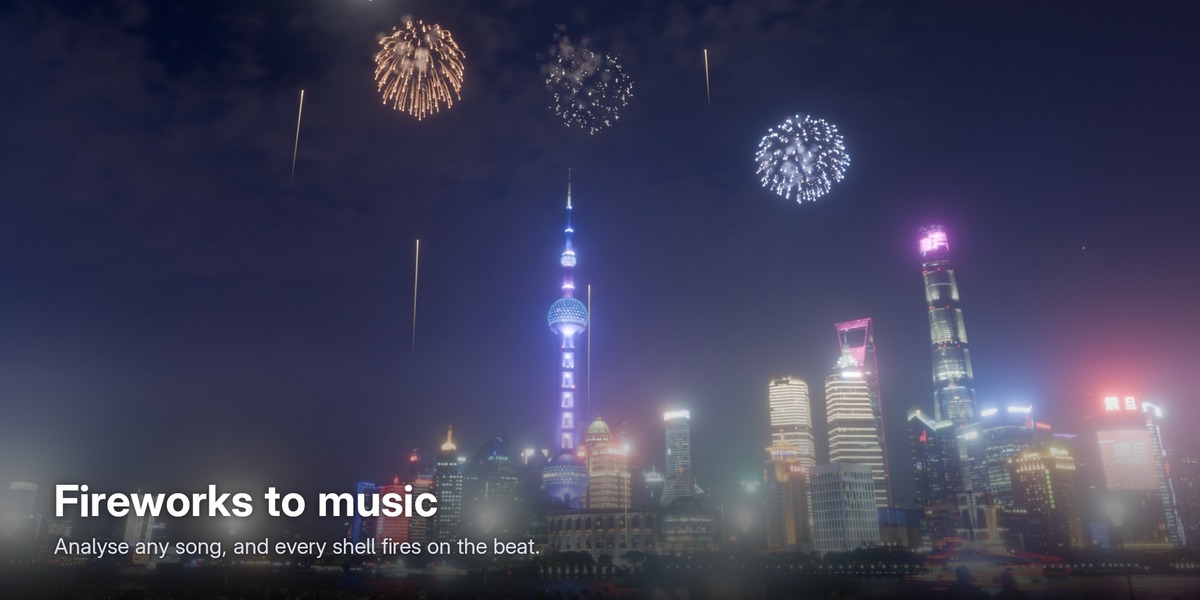
Fireworks to music
Choose a song and click Analyse: Aatish FX finds the tempo, the beats and the bars, and marks the bars on the timeline. Fireworks to Music builds a show that fires on the beat and grows with the loudness, with an optional finale. Any show can be snapped to the beat later.
A realistic look
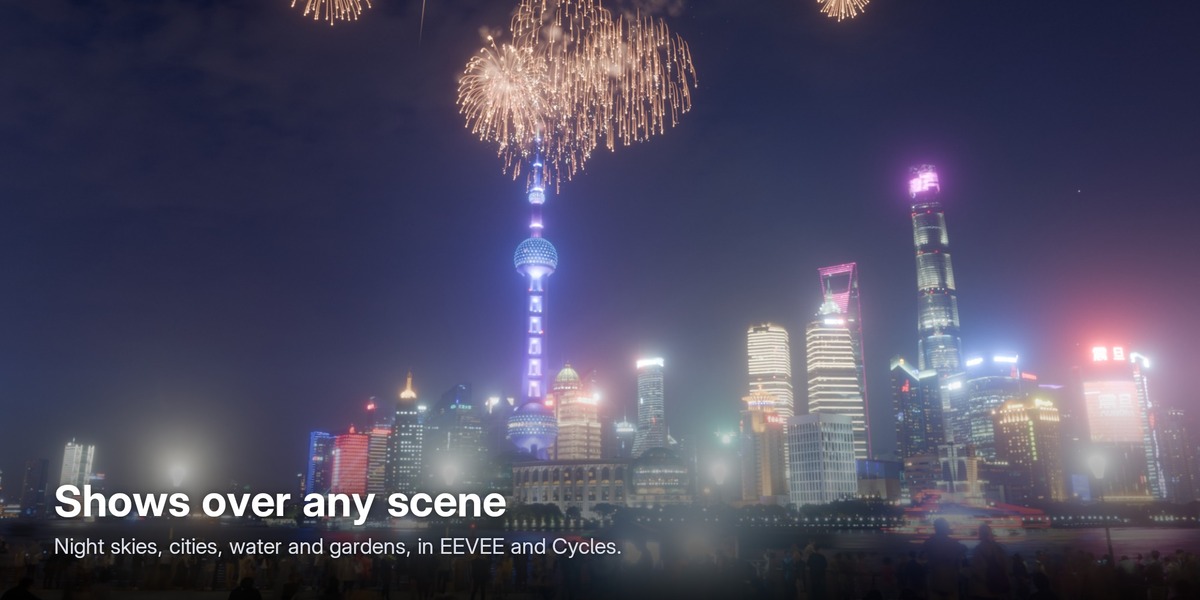
Switch between Clean and Realistic in one click. Realistic adds glitter sparks, twinkle, stars that cool from white to red, falling embers and size variation, each with its own slider. Add smoke that drifts with the wind and haze over the sky, real lights at every burst that colour the ground, water and buildings around them, and camera looks for Video, Cinema or a Long Exposure photograph.
Full control
- Edit every firework in a list: its time and its preset. Add, remove, jump to it, or snap it to the beat.
- Recolour a whole show, shuffle colour combinations, or go back to the preset colours.
- Change brightness, size, start time, show speed and variation.
- Advanced: gravity, ground bounce, trail quality, a fast viewport mode and a Solo Firework view.
- Split a show into one object per firework, or merge shows together.
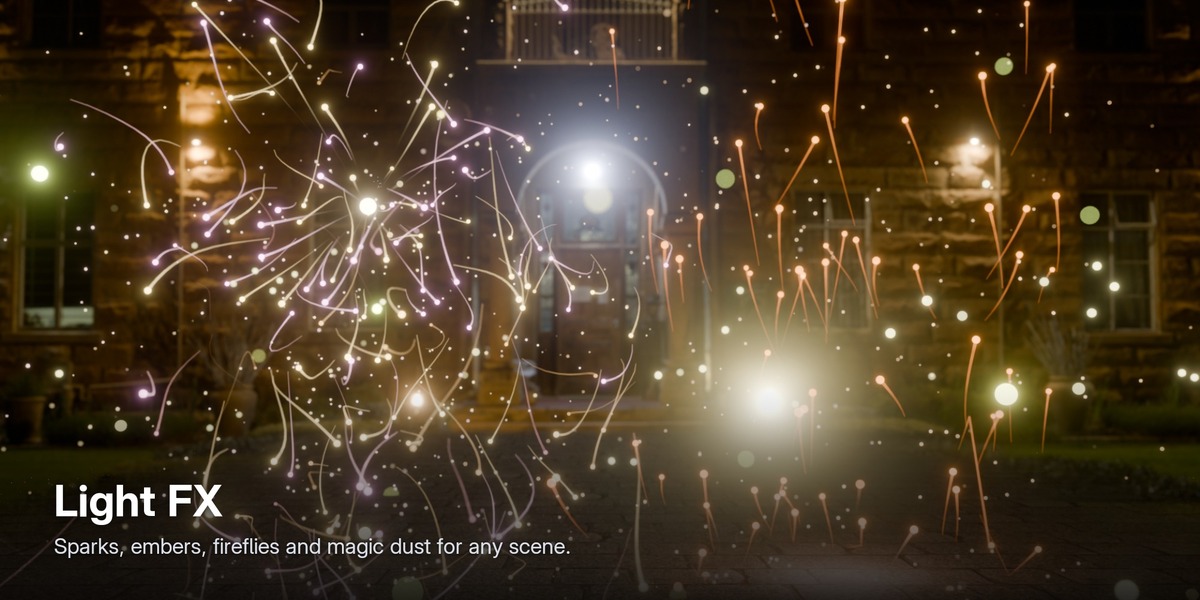
Light FX
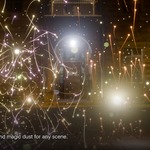
Not just the night sky: grinder and welding sparks, fire embers, fireflies, magic dust and floating dust, with buoyancy, wind and turbulence, for any scene.
Render-ready
- Formats: MP4 with sound, ProRes 4444, PNG or WebM with transparency, or OpenEXR.
- Sizes: 16:9, 9:16 (Shorts and Reels), 1:1 and 4K in one click; the camera moves so every firework stays in frame.
- Batch: render several formats in one go, or one clip per firework or per show.
- Backgrounds: night sky, black, transparent (for compositing) or your own world. Bloom glow, firework colour and reflections in one click; motion blur in Cycles.
- Game engines: export any firework as a sprite sheet.
Every feature explained
An 8-minute tutorial goes through every panel, step by step: install, the Create panel, the library and festivals, text, look, smoke, lights, sound, attach, exposure, colours, timing, the Fireworks list, music, rendering and tools.
Aatish FX Lite (free): promo and tutorial
Made for
Motion designers, VFX and compositing artists, architectural and product visualisation, festival, wedding and event videos, social media content, music videos, and game developers who need firework sprite sheets.
Requirements
- Blender 4.5 LTS, 5.1 or 5.2. Tested on 4.5.5, 5.1.2 and 5.2.2 (Windows).
- EEVEE or Cycles, on CPU or GPU. For close-ups, Cycles on a graphics card draws every spark perfectly round.
- No internet connection, account, registration or extra downloads needed.
What's included
- aatish_fx_pro-0.1.0.zip, the add-on, with 251 presets and thumbnails, 27 real sound recordings, festival pictures and greetings.
- A complete User Guide inside the add-on: click the ? button in the Aatish FX panel. It works offline.
Installation
- Download aatish_fx_pro-0.1.0.zip (don't unzip it).
- In Blender: Edit → Preferences → Get Extensions → ⌄ (top right) → Install from Disk…, and pick the zip.
- In the 3D Viewport, press N and open the Aatish FX tab.
Using the free Aatish FX Lite? Disable it before installing Pro; Pro includes everything in Lite.
FAQ
Does it work in EEVEE and Cycles?
Yes, both. EEVEE is the fastest. For close-ups, Cycles on a graphics card draws every spark perfectly round.
Does it work on macOS and Linux?
The add-on is pure Python and Geometry Nodes, with no compiled parts, but it has only been tested on Windows so far.
Can I render on a render farm?
Yes. The fireworks are saved in your .blend file, so it renders on any machine, even without the add-on installed.
Is the sound included in my rendered video?
Yes. The sounds are placed in the Video Sequencer and are mixed into MP4 renders.
Can I use the renders in commercial work?
Yes. The sound recordings are CC0. Six animal pictures (dragon, dolphin, elephant, unicorn, eagle and swan) are based on CC BY 3.0 icons from game-icons.net; if you publish fireworks made from those six, credit game-icons.net.
Can I composite the fireworks over my own footage?
Yes. Choose the Transparent background and render ProRes 4444, PNG or WebM to keep the transparency.
The viewport is slow with a big show.
Keep Light Viewport on (Selected Show → Advanced). The final render always uses full detail.
Support
Email [email protected], or message me through Superhive. Please include your Blender version and operating system.
The add-on is GPL-3.0-or-later. The sound recordings are CC0. Third-party picture credits are listed in CREDITS.md inside the zip.
