Aatish FX Pro - Realistic Fireworks
 ASHISH KUMAR MAURYA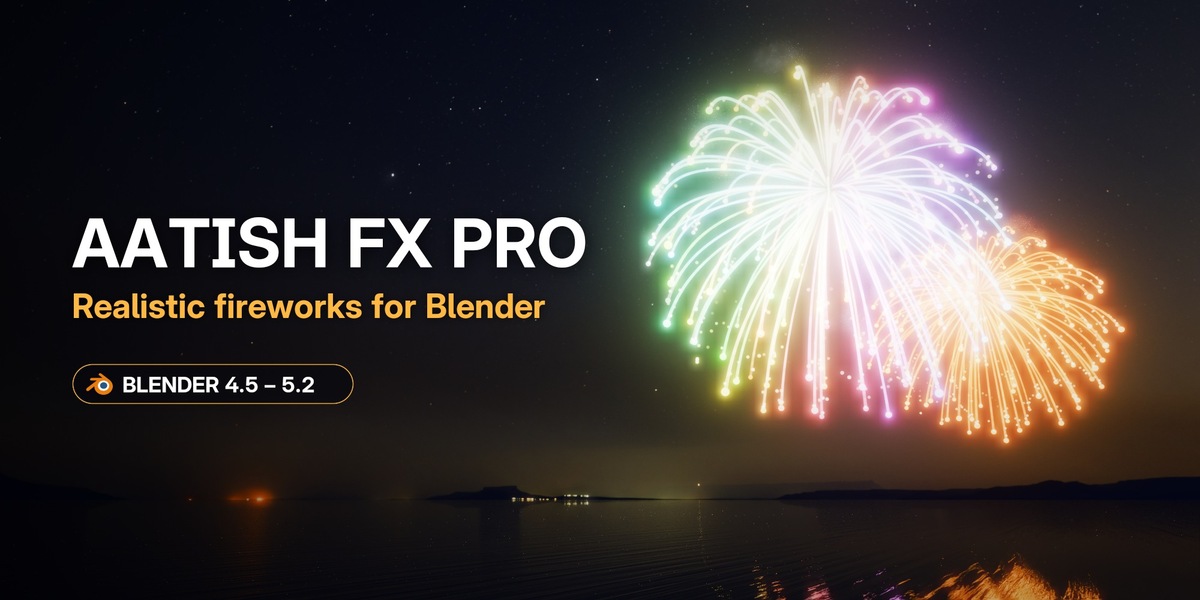

Getting started
- Download aatish_fx_pro-0.1.0.zip. Don't unzip it.
- In Blender: Edit → Preferences → Get Extensions → ⌄ (top right) → Install from Disk…, and pick the zip.
- In the 3D Viewport, press N and open the Aatish FX tab.
- Pick a preset and click Create Fireworks. A camera, a night sky and bloom are added for you. Press play.
Using the free Aatish FX Lite? Disable or remove it first; Pro includes everything in Lite.
A complete User Guide is built in: click the ? button in the Aatish FX panel. It works offline.
Video tutorials
- Aatish FX Pro, every feature step by step: youtube.com/watch?v=ZwnePi3rJkU
- Aatish FX Lite (free): youtube.com/watch?v=pYsY-5xhDxo
Panels
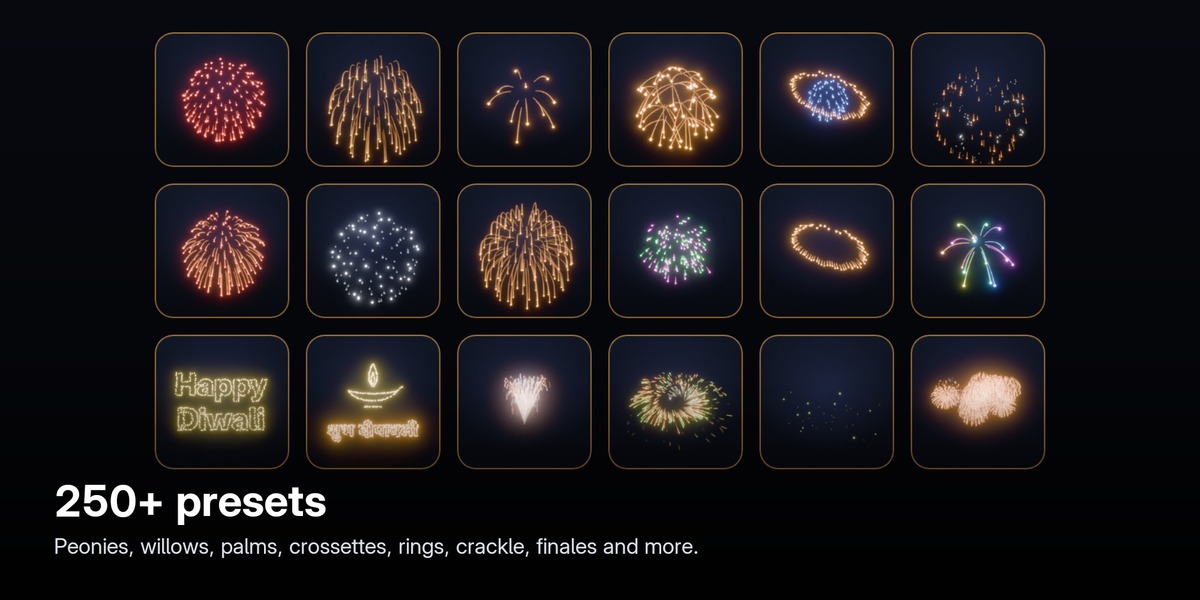
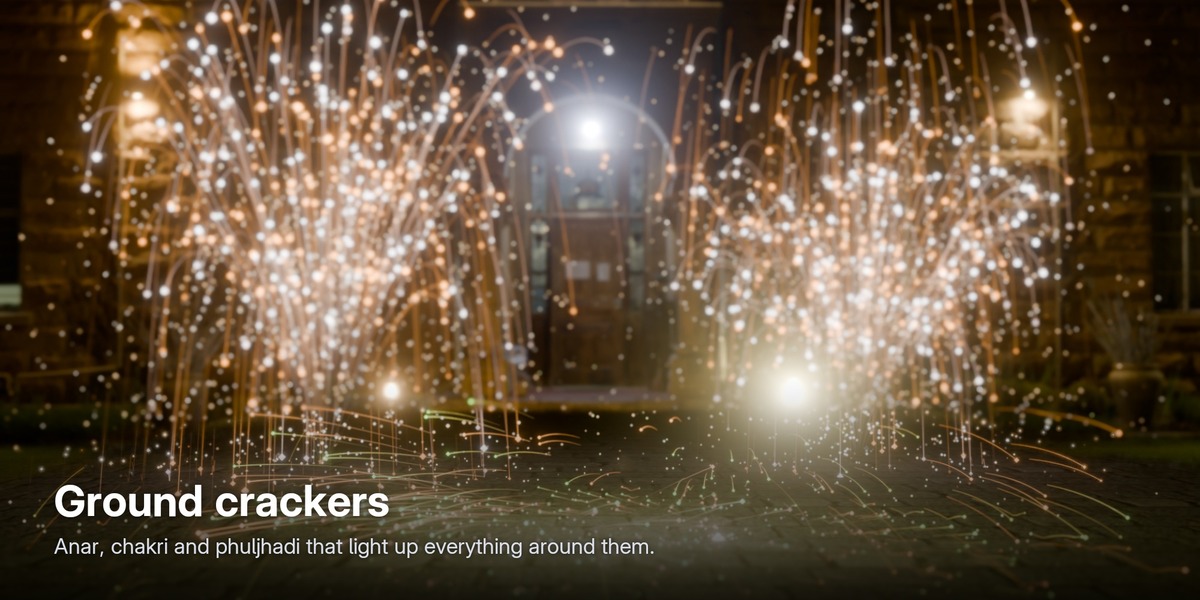
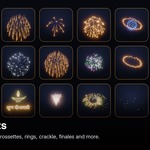
- Create and Library: 250+ presets with thumbnails, categories, search, favourites, Surprise, and your own presets in My Presets.
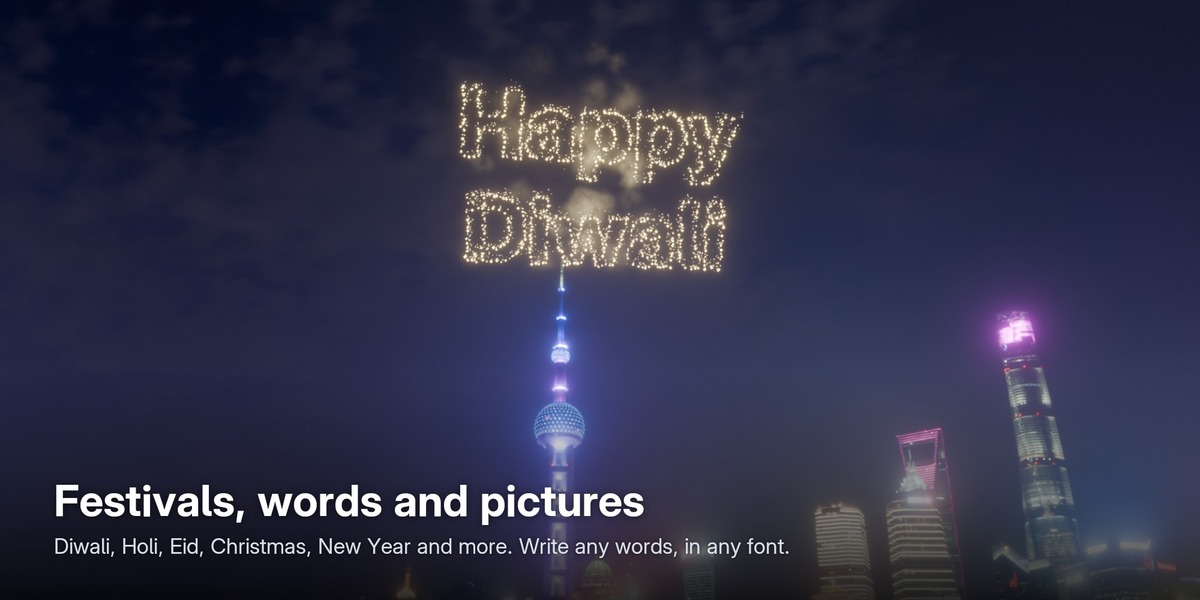
- Festivals: 13 festival collections with their own shows, pictures and greetings.
- Text and Pictures: write any words with any font (including Hindi), or pick a picture firework such as a heart, diya, Om or Christmas tree.
- Look: Clean or Realistic, with glitter, twinkle, cooling stars, embers and size variation. Smoke, scene lights and camera looks (Video, Cinema, Long Exposure).
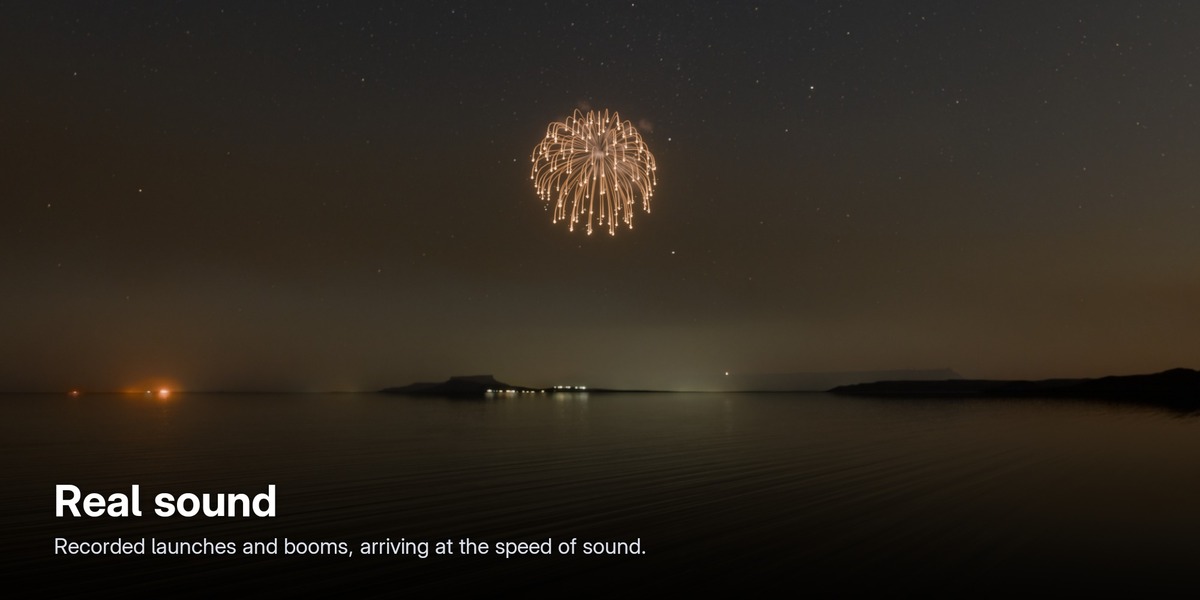
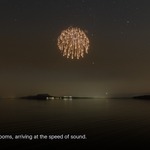
- Sound: real recorded sound, delayed by distance, quieter far away and panned by position, placed in the Video Sequencer.
- Attach: put any firework on a moving object, such as a sparkler in a hand.
- Fireworks list: edit the time and preset of every firework, add, remove, jump to or snap to the beat. Recolour, shuffle colours, split or merge shows.
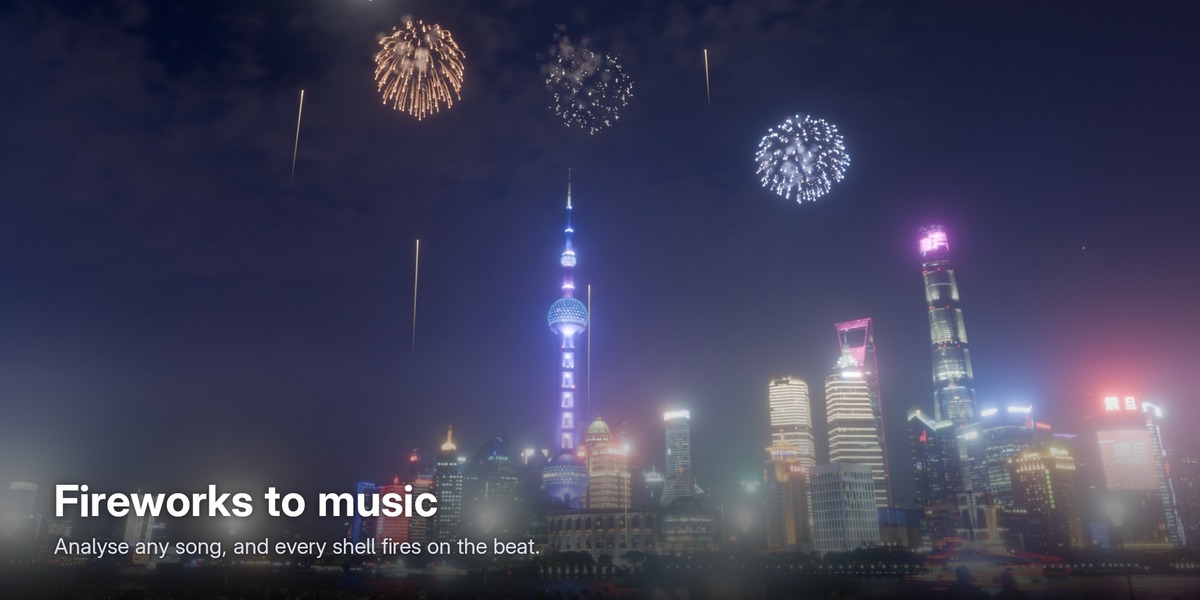
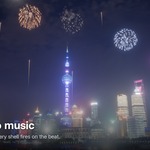
- Music: Analyse a song, then Fireworks to Music builds a show on the beat with an optional finale.
- Render: MP4 with sound, ProRes 4444, PNG, WebM or OpenEXR; 16:9, 9:16, 1:1 and 4K; batch renders; transparent backgrounds; sprite sheets for game engines.
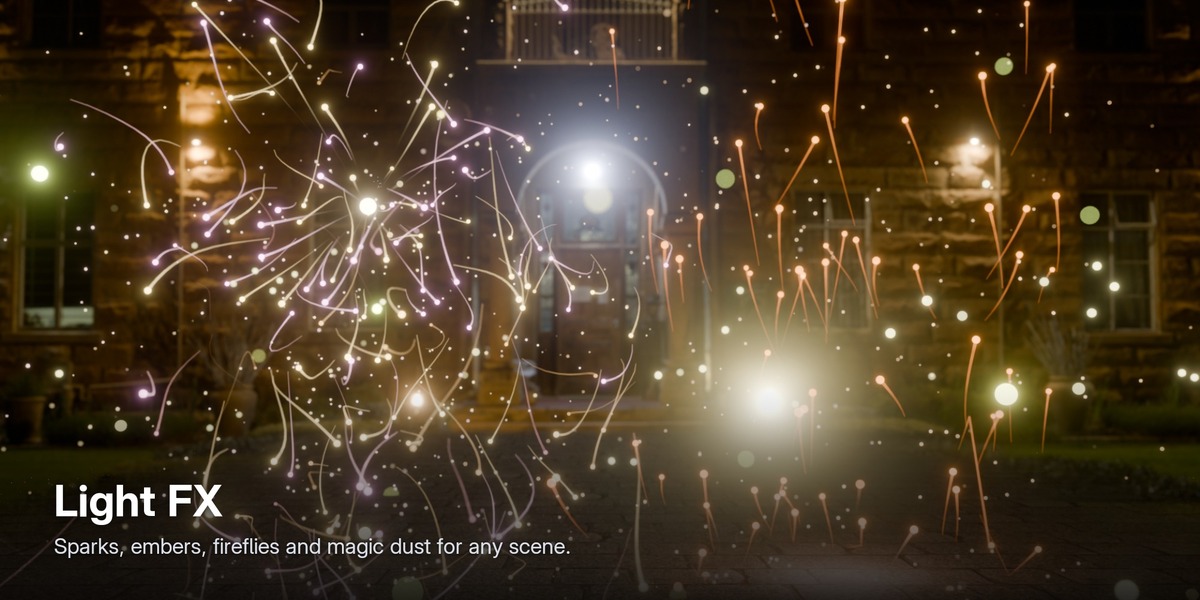
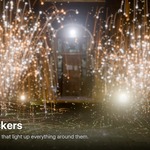
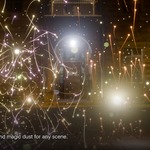
- Light FX: grinder and welding sparks, embers, fireflies, magic dust and floating dust.
Tips
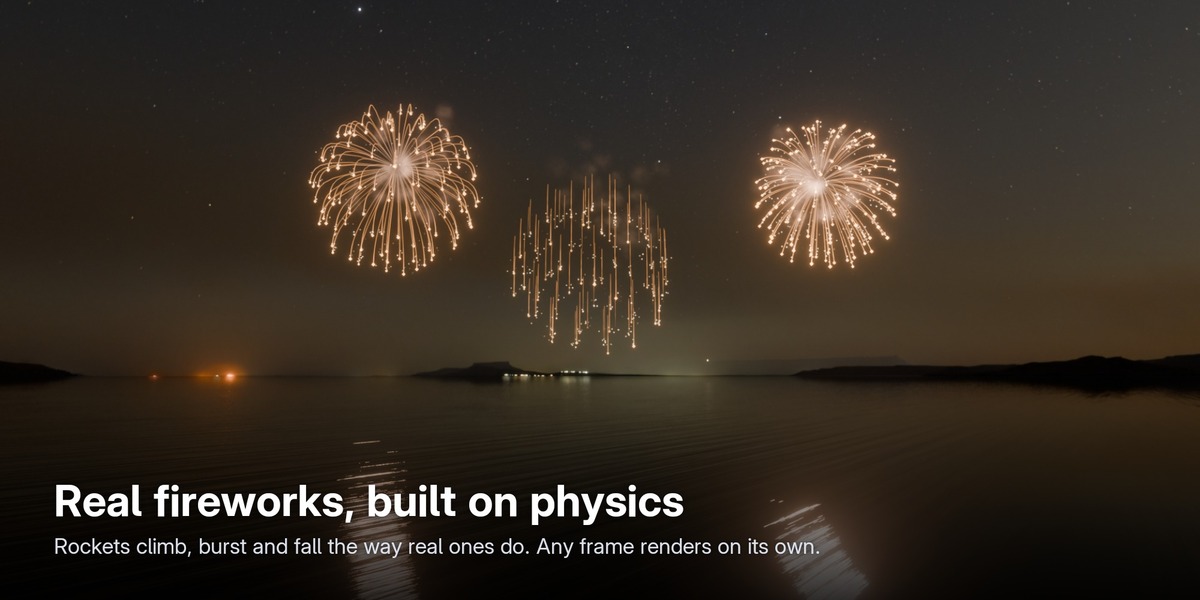
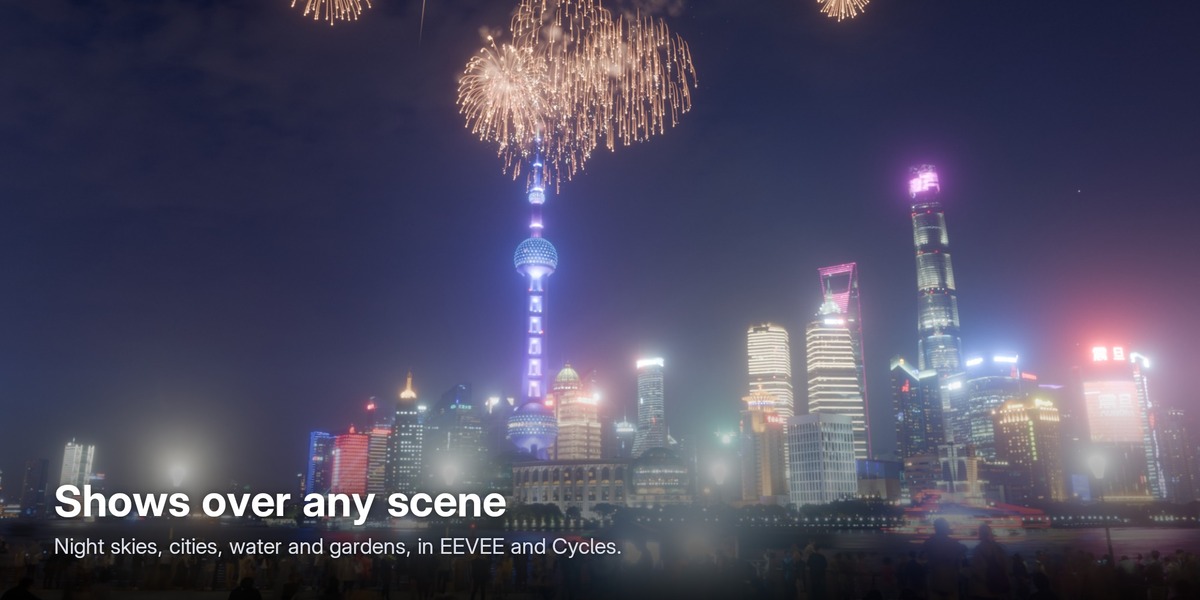
- EEVEE is the fastest way to preview and render. For close-ups, Cycles on a graphics card draws every spark perfectly round.
- Keep Light Viewport on (Selected Show → Advanced) for smooth playback of big shows. Final renders always use full detail.
- Use the Transparent background with ProRes 4444, PNG or WebM to composite fireworks over your own footage.
- Saved .blend files render on any machine or render farm, even without the add-on installed.
Requirements
- Blender 4.5 LTS, 5.1 or 5.2. Tested on 4.5.5, 5.1.2 and 5.2.2 (Windows).
- EEVEE or Cycles, on CPU or GPU.
- No internet connection, account or extra downloads needed.
Support
Email [email protected], or message me through Superhive. Please include your Blender version and operating system.
Have questions about this product?
Login to message
| Blender Extension Compatible | Yes |
| Published | 2 days ago |
| Blender Version | 4.5 - 5.2 |
| Extension Type | Add-on |
| Render Engine Used | Cycles, Eevee |
| License | GPL |

Discover more products like this
sparks fireworks particles diwali geometry nodes Music Sync celebration sound firework procedural VFX new year