 Jonas Mangelschots


Action Overlay
Real-time visual feedback for your Blender workflow.
What is it?
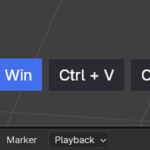
A screencast key logger and property tracker that displays your inputs and scene changes as an on-screen overlay. Perfect for tutorials, streaming, or just keeping track of what you're doing.
Features
- Keystroke Logging — Displays keyboard shortcuts and mouse inputs in real time
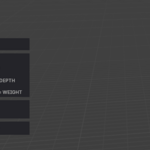
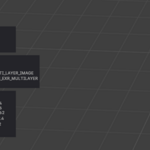
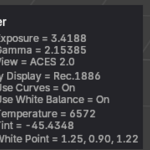
- Property Tracking — Monitors changes to modifiers, constraints, materials, render settings, physics, particles, and more
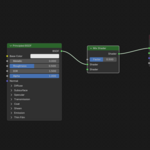
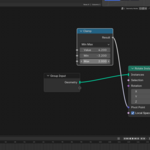
- Multi-Editor Support — Works across 3D Viewport, Node Editor, Image Editor, and other Blender workspaces
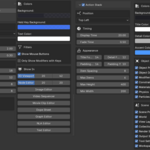
- Customizable Display — Configure what gets tracked and how it's shown
Coverage
Most core Blender features are tracked including:
- Object & mesh properties
- Modifiers & constraints
- Materials & shader nodes
- Render & output settings
- Physics & particles
- Scene & world settings
Some features may not yet be tracked. Feel free to request additions.
What's Included
- Add-on zip file
Installation
- Download the zip file (don't unzip)
- Blender → Edit → Preferences → Add-ons
- Install from Disk → Select zip file
- Enable "Action Overlay"
- Access via N-panel
Links