 ADC - Automotive Design Community


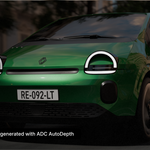
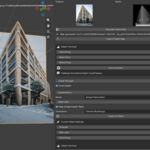
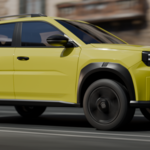
💬 BUILT BY AN ARTIST — TALK TO THE CREATOR Not sure if ADC AutoDepth is right for your workflow?AutoDepth was built from real automotive and architectural visualization workflows — and I'm personally available to help you get the most out of it. Have a specific image in mind? Send it to me and I'll let you know if AutoDepth can handle it. Not sure which mode to use? Tell me what you're trying to create and I'll point you in the right direction. Need help getting started? I'm happy to help you set up your first workflow and answer questions about the addon. 💬 Talk to the creator |
| 1-Click
2D → 3D geometry
|
100%
Local & private
|
GPU
Accelerated (CUDA)
|
Free
Updates for life
|
WHY AUTODEPTH?
Built for real production, not for demos
Designed for artists who want production-quality backgrounds in minutes instead of hours. AutoDepth was developed by an automotive visualization artist and tested on real production projects — where quality, speed and flexibility actually matter.
MAIN FEATURES
Everything you need to turn flat images into 3D
| 🧠
100% Local AI
Generate unlimited depth maps directly on your computer. No subscriptions. No cloud processing. No credits.
|
⚡
GPU Accelerated
Runs the AI model locally using your own GPU for fast depth generation and a seamless Blender workflow. Optimized for NVIDIA GPUs.
|
| 🔐
Your Data. Your Machine.
Your images never leave your computer. No uploads, no cloud, no subscriptions — just a fast, private, fully local AI workflow inside Blender.
|
💡
Real Geometry
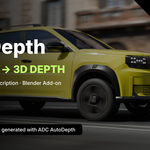
Unlike fake parallax effects, AutoDepth generates actual displaced geometry that reacts naturally to lighting, reflections, shadows and depth of field.
|
🎥 PRODUCTION READY Built for automotive, architecture and concept artFrom automotive visualization to architectural previz and concept work, AutoDepth is built to hold up under real production pressure — not just to look good in a demo reel.
|
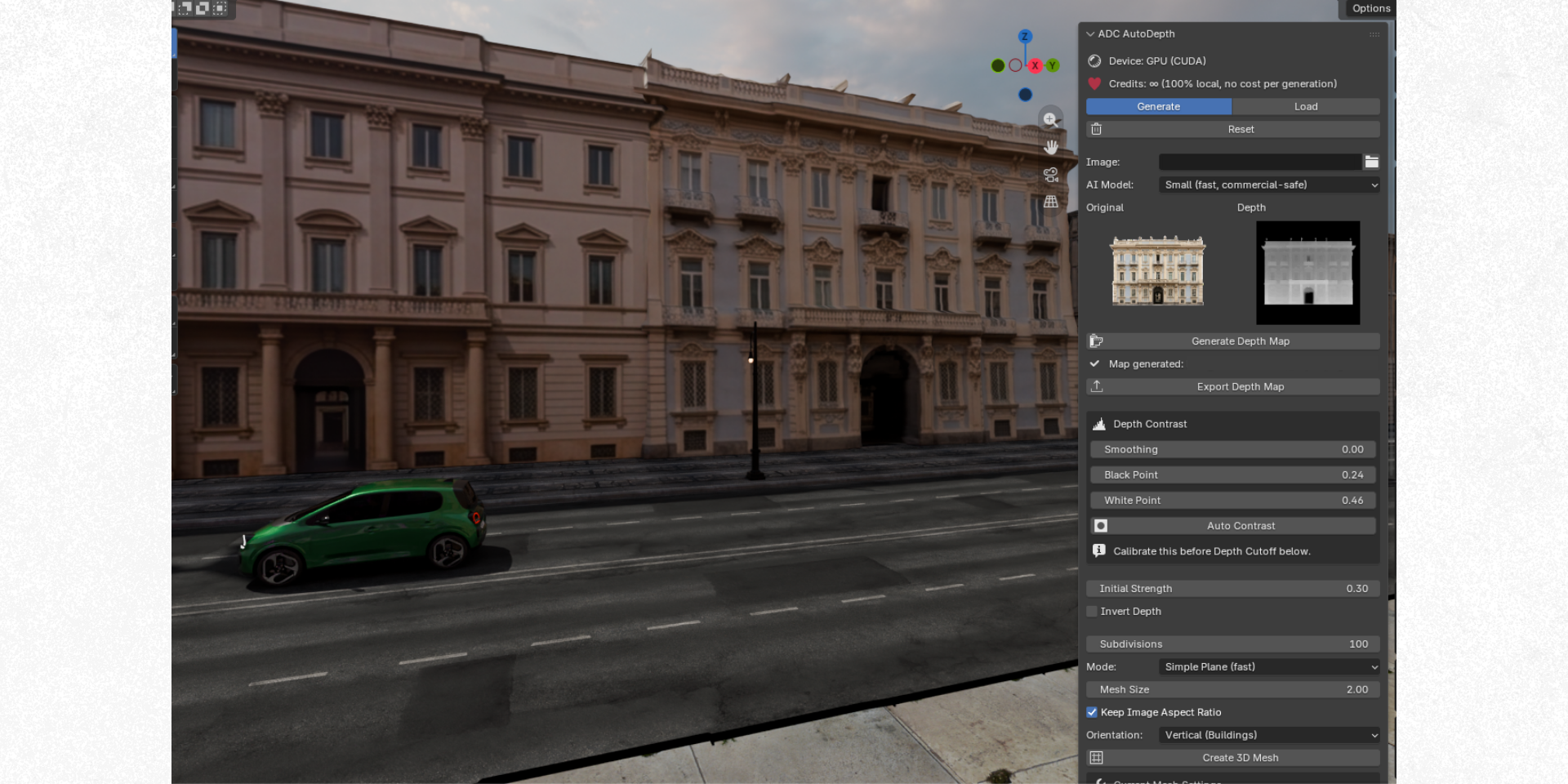
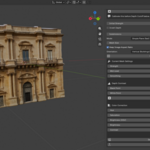
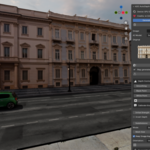
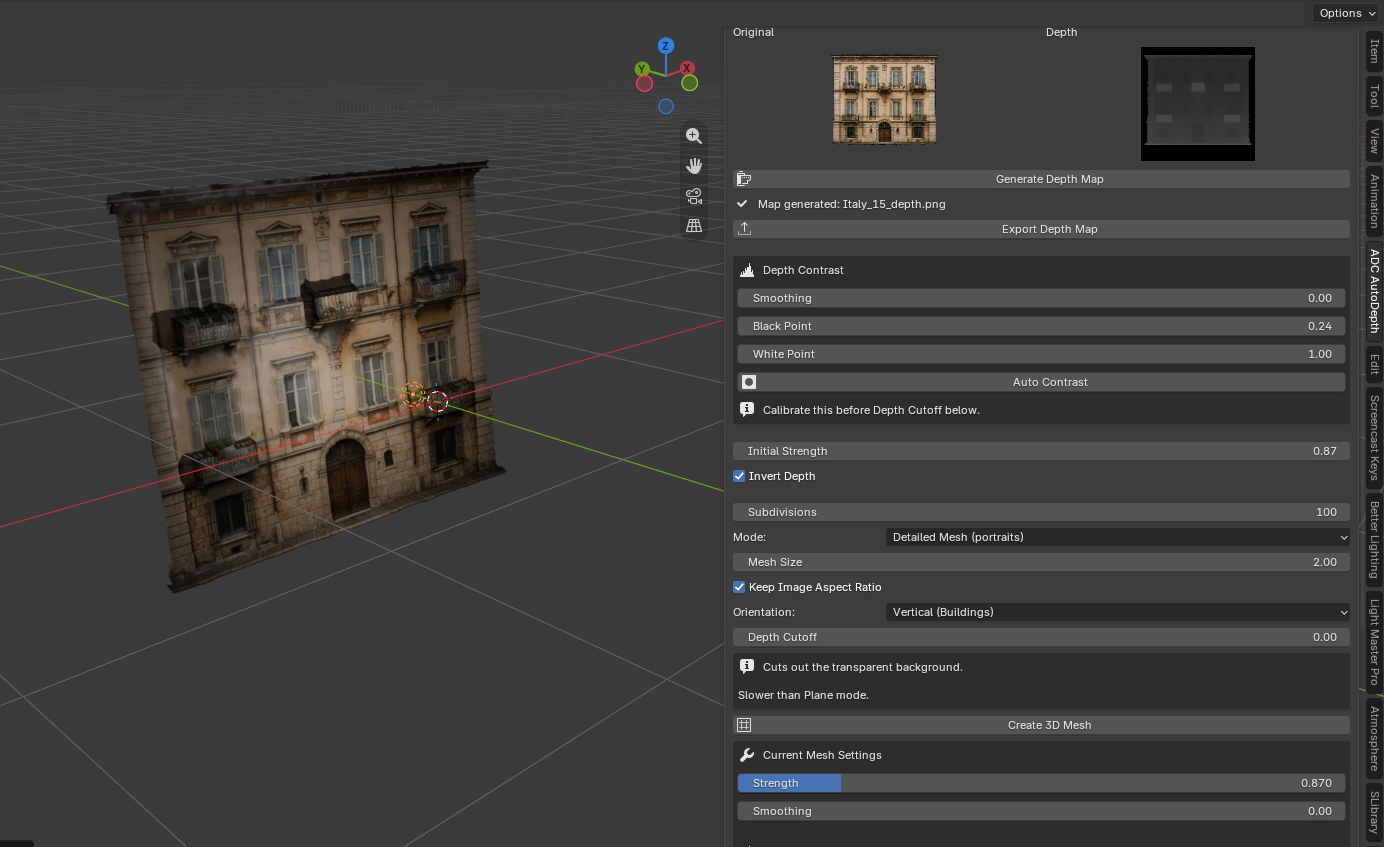
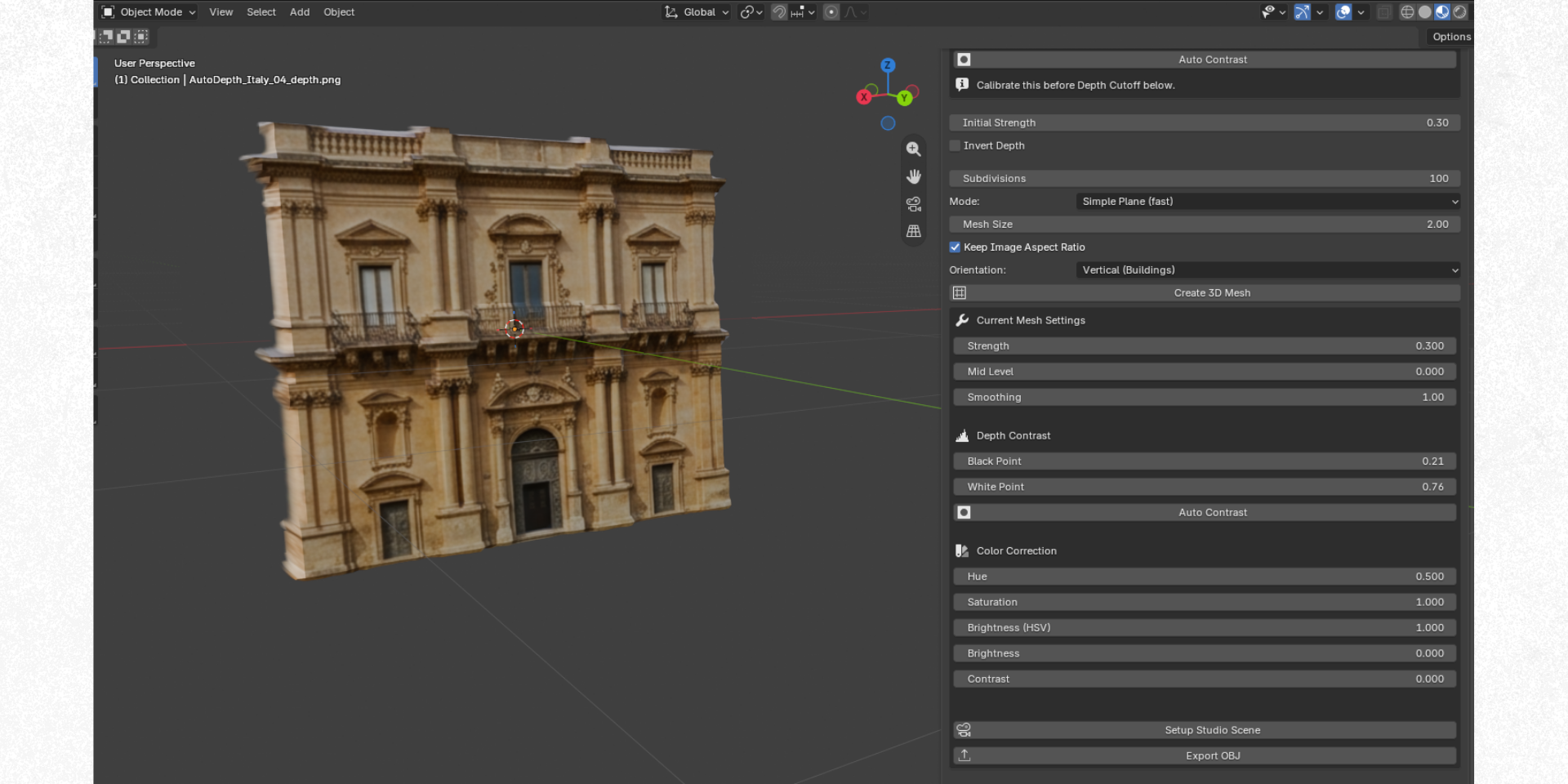
🏗️ THREE MESH MODES One tool, three ways to build geometrySimple Plane — fast displacement, ideal for terrain and landscapes. Detailed Mesh — cuts out transparent backgrounds, perfect for portraits and cutouts. Perspective Mode — true camera unprojection for interiors, hallways and streets, turning a flat photo into true 3D geometry that holds together like a real scene when you orbit around it.
|
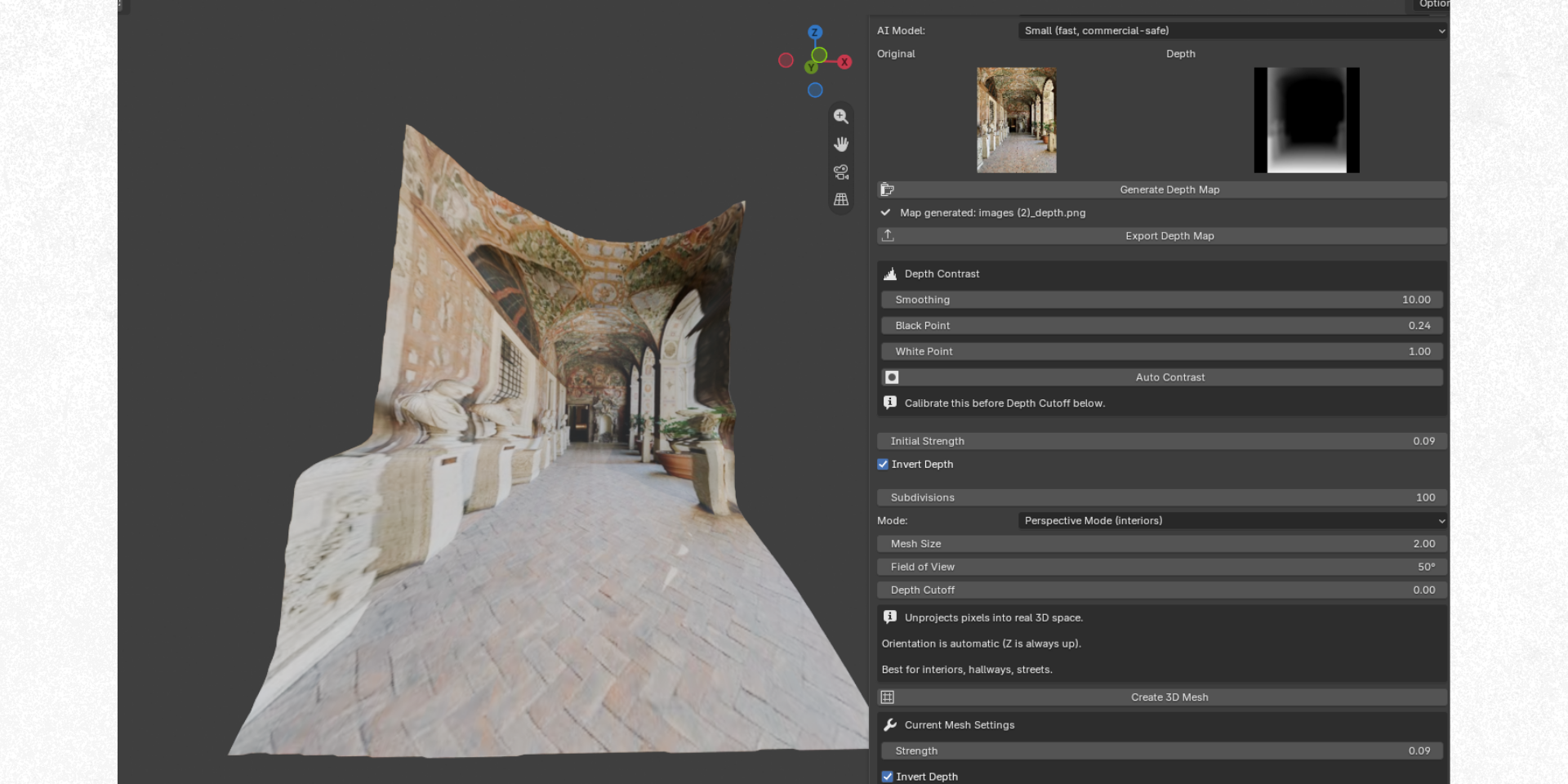
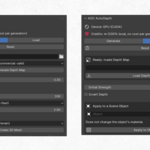
| 🖼️ ONE CLICK STUDIO Auto-framed camera, 3-point lighting and a scene that's ready to render — the moment your mesh is generated. |
🏾️ LIVE ADJUSTMENTS Tweak strength, smoothing, contrast and color correction after the mesh is created — no need to regenerate.
|
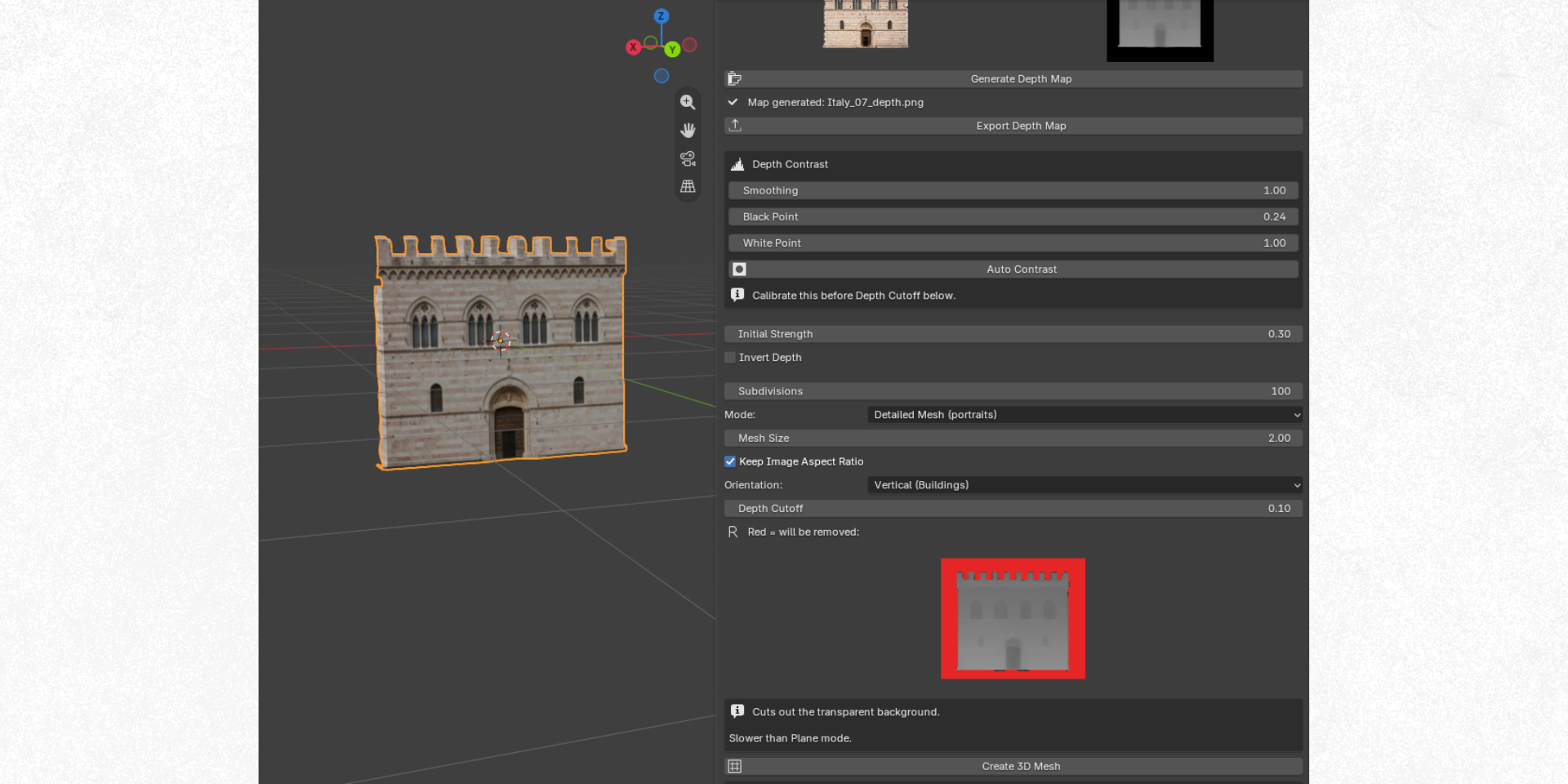
✂️ DEPTH CUTOFF Isolate a subject from a busy backgroundA live preview shows exactly what will be removed before you commit — so cutting a subject out of a cluttered scene takes seconds, not layers of masking.
|
REAL RESULTS
Real workflows. Professional results.
AutoDepth has been used by automotive artists working on high-end visualization projects for brands such as Stellantis, Renault and Porsche. From concept visualization to advertising environments, artists use this workflow to turn 2D references into detailed 3D assets ready for professional rendering.
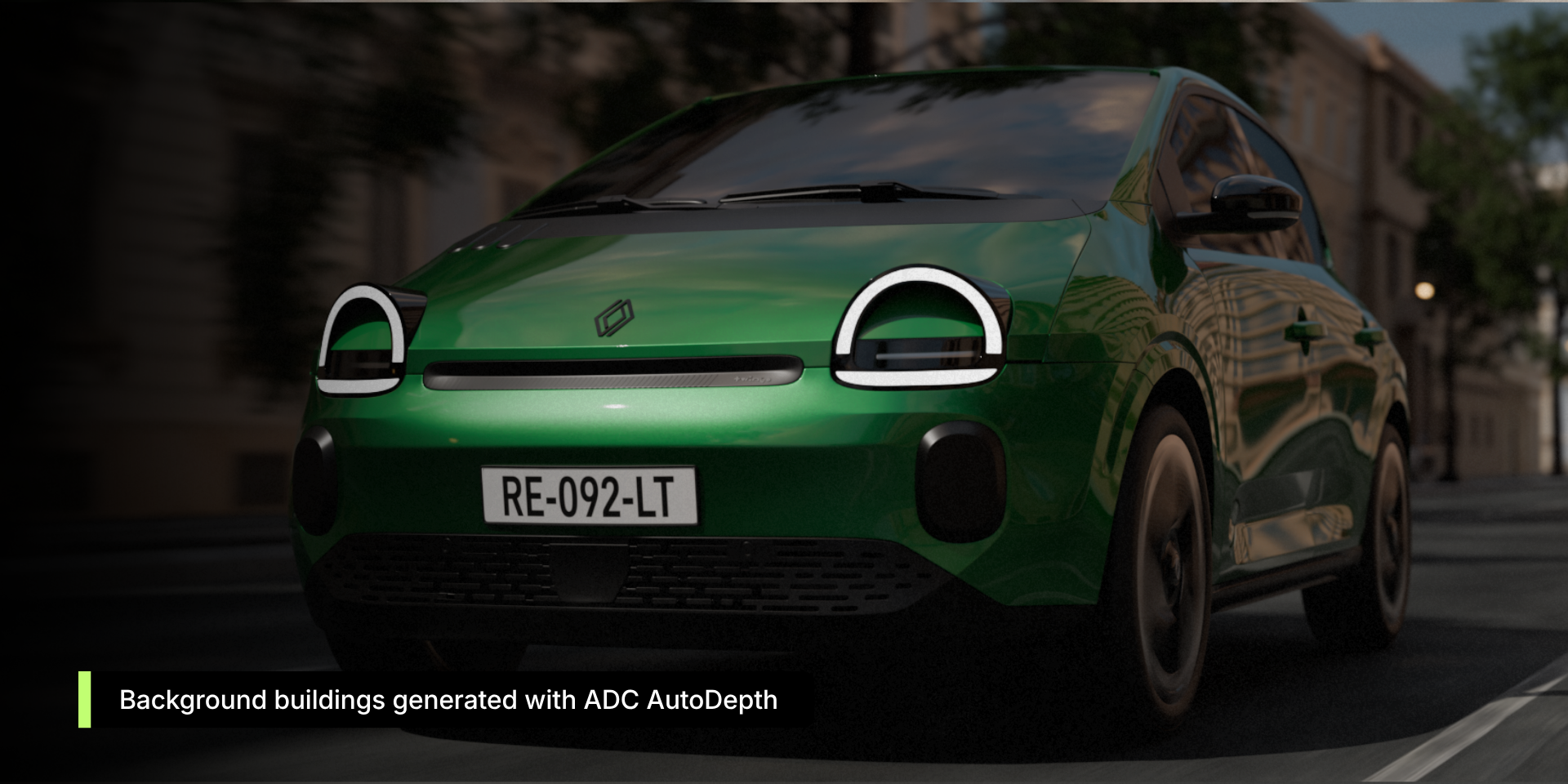
Create faster. Render better.Stop modeling backgrounds. Start creating them. AutoDepth brings AI-powered depth generation directly inside Blender, with a workflow designed for real production. |
AUTODEPTH CITY PACKS
Professional background collections
Every facade is optimized for depth generation and ready to drop into your workflow.
 Italy Pack
|
 France Pack
|
 Detroit Pack
SOON
|
 Mexico Pack
SOON
|
 Cuba Pack
SOON
|
 Brazil Pack
SOON
|
REQUIREMENTS
* Internet connection required only for initial setup — works 100% offline afterward. |
||||||
