 ATDIGIT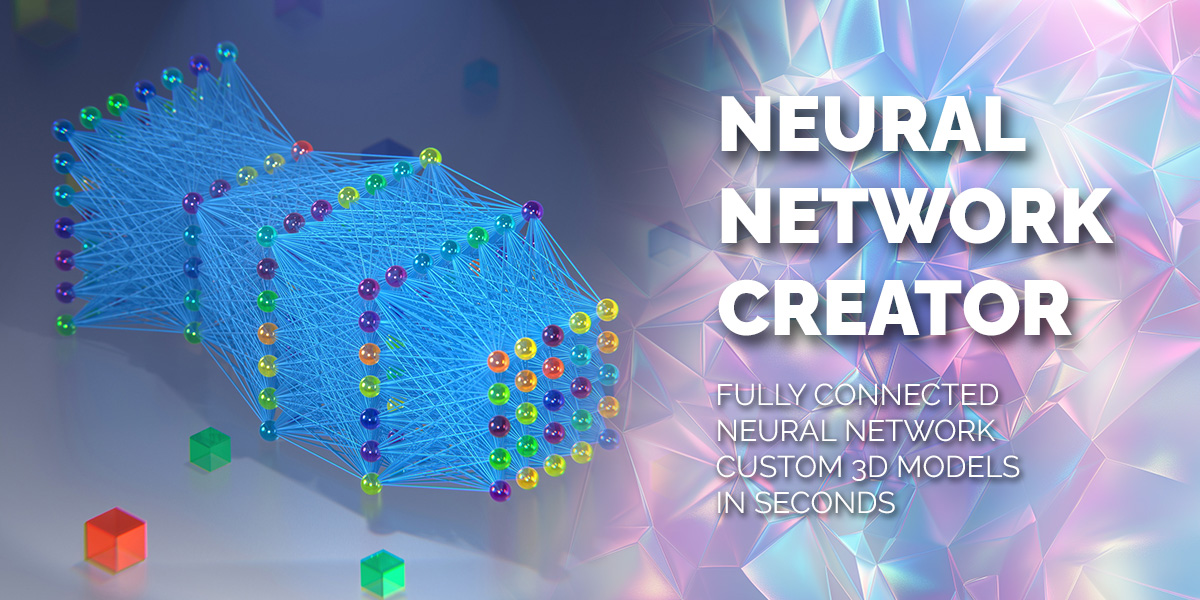


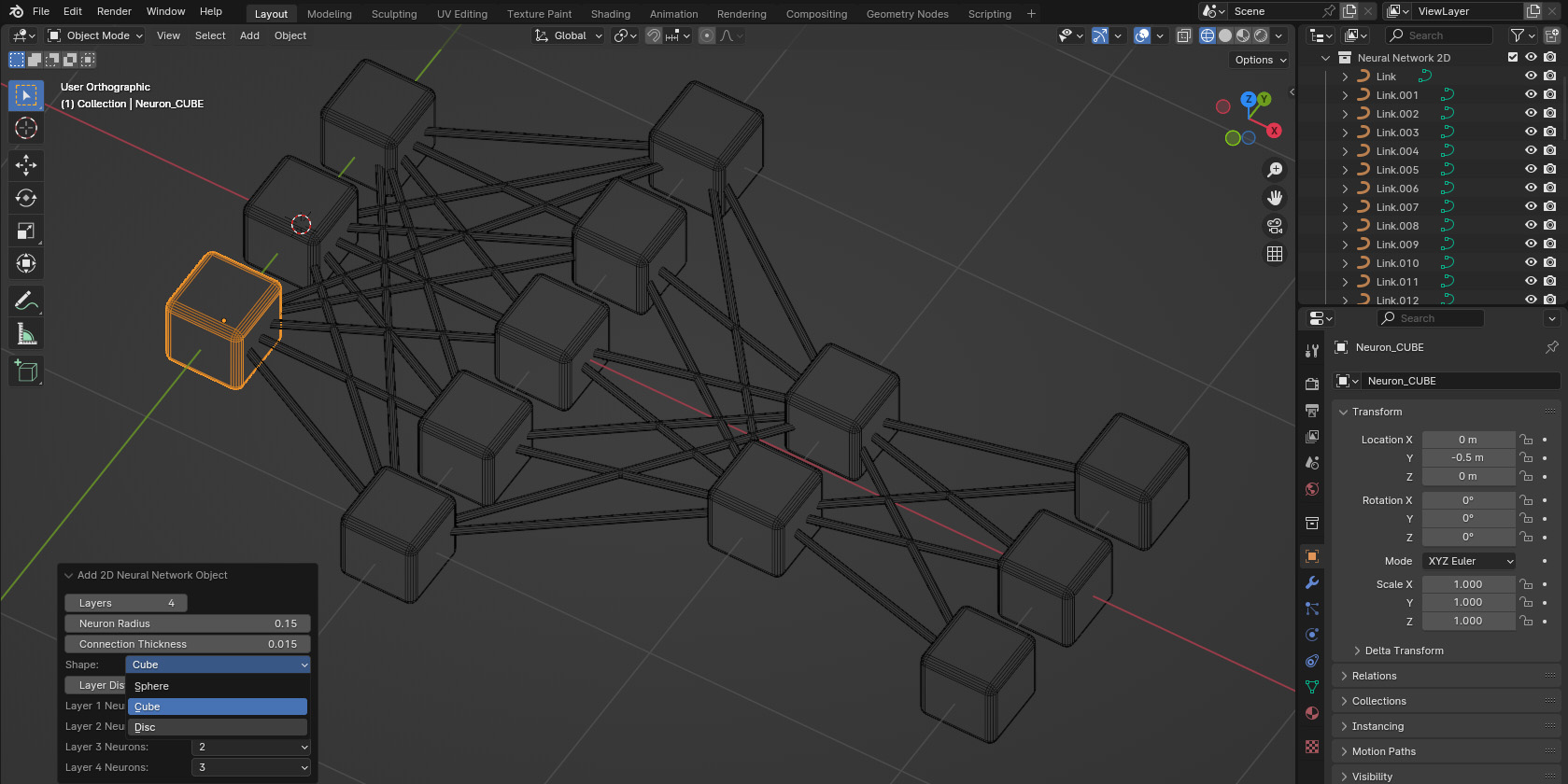
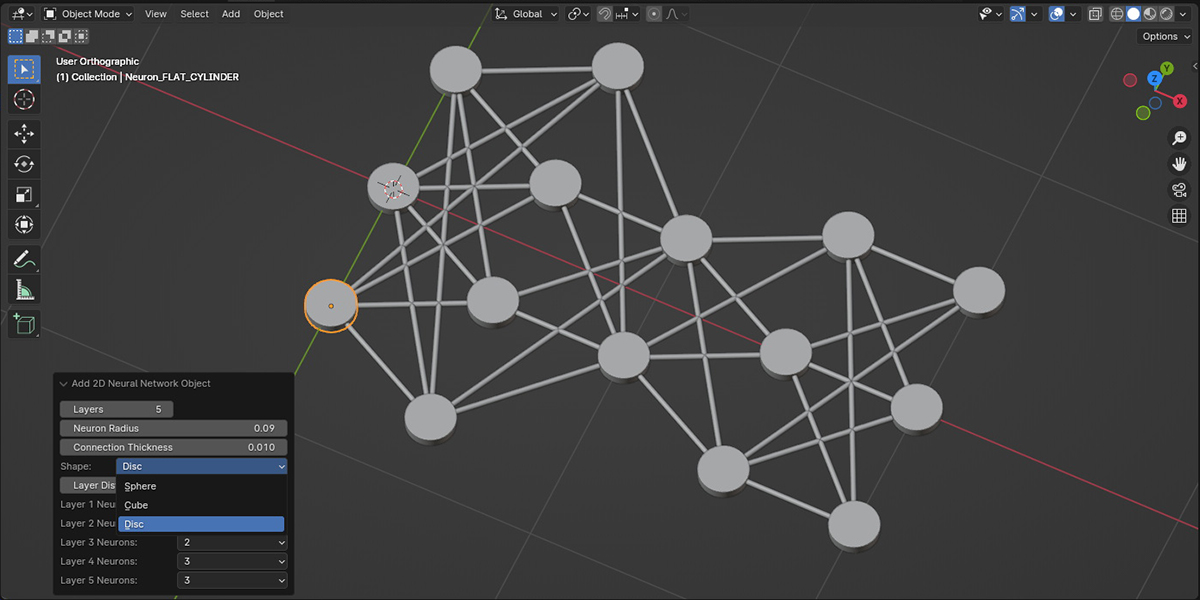
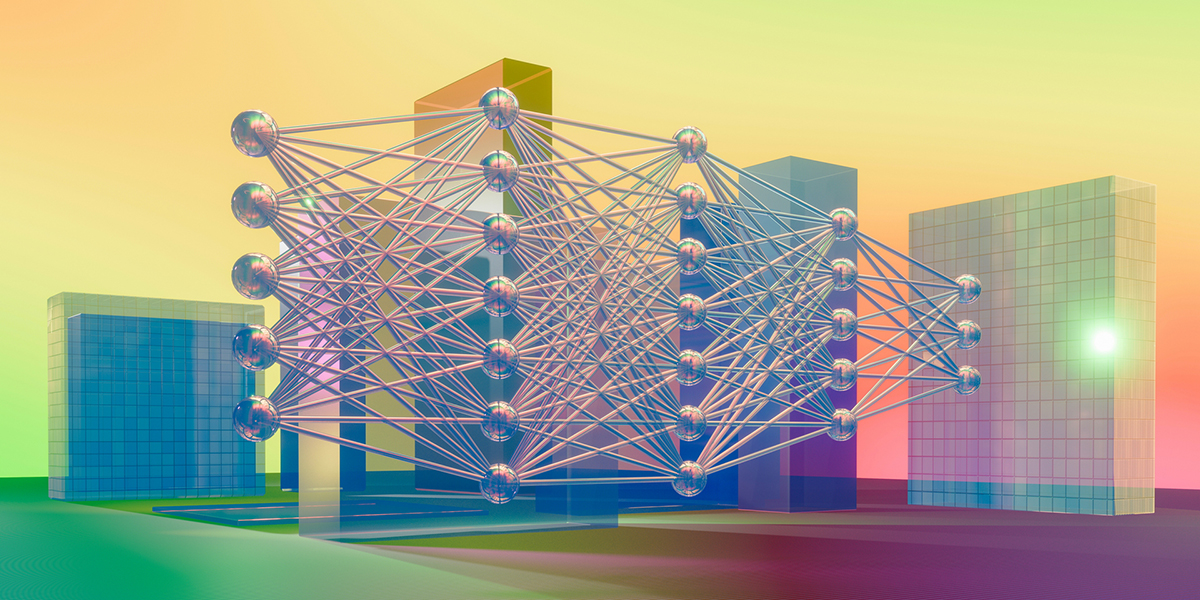
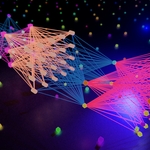
Add mesh: Neural Network Creator
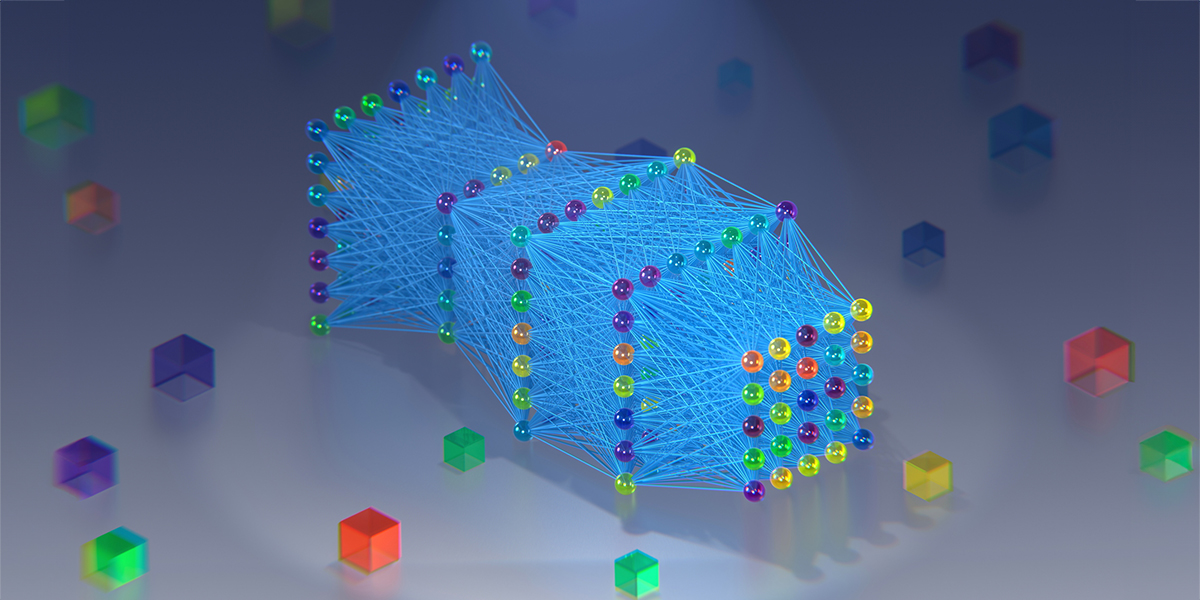
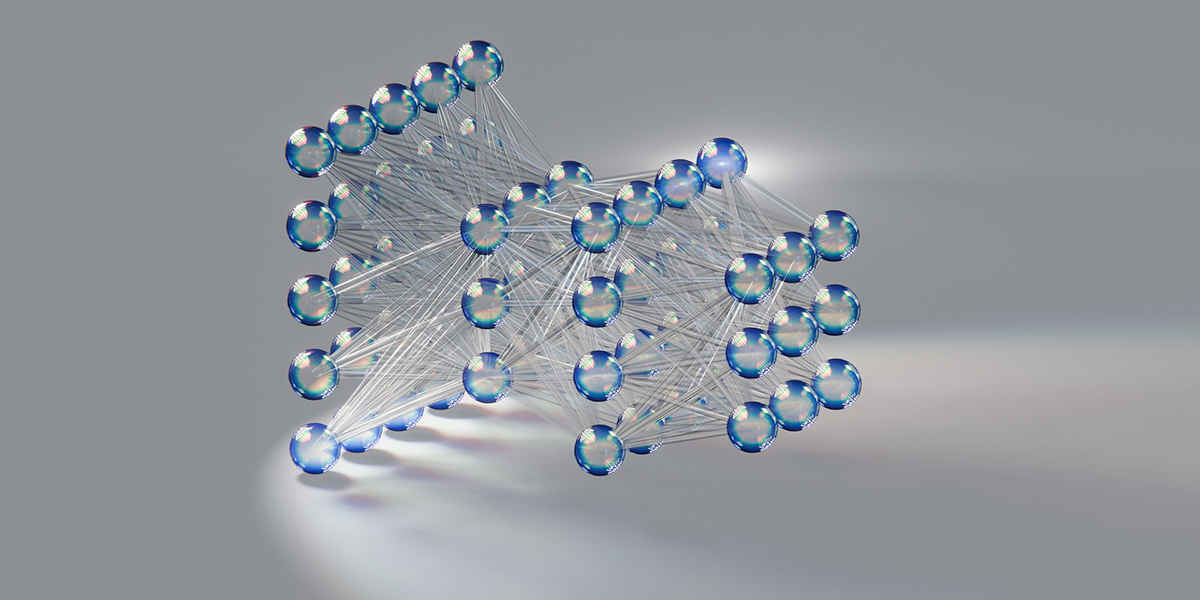
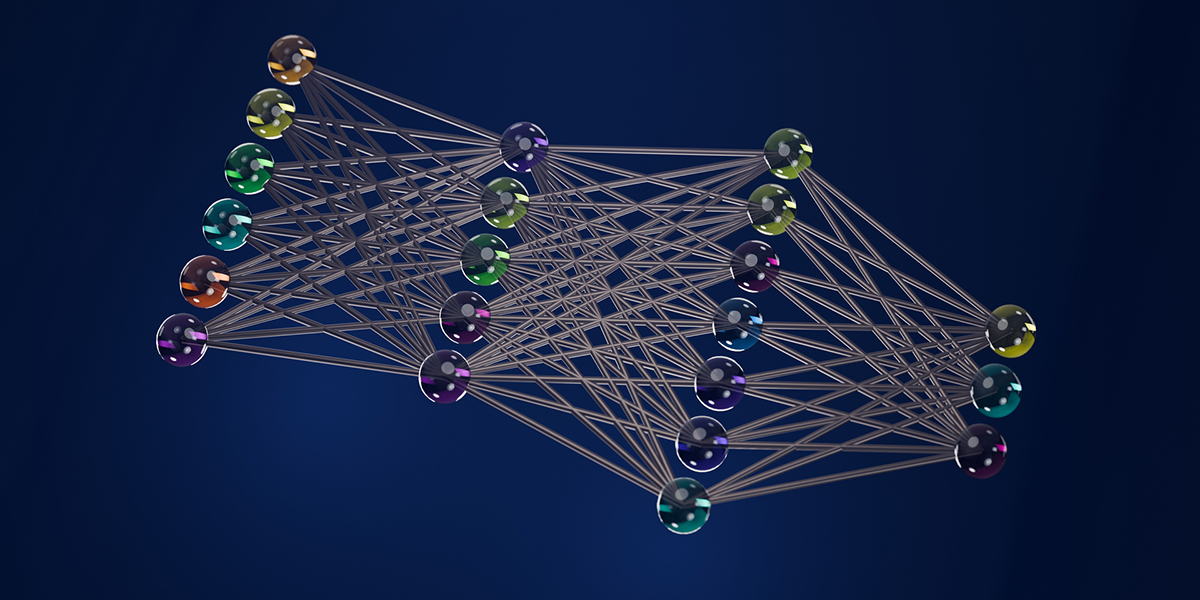
Unleash the power of neural networks in your Blender projects with the Neural Network Creator! This innovative addon specializes in generating fully connected neural network structures, which can be seamlessly visualized and customized with a simple click. Ideal for AI enthusiasts, data scientists, and 3D artists looking to incorporate neural network aesthetics into their work, this tool is designed to save you time and spark creativity.
Three Ways to Create Neural Networks:
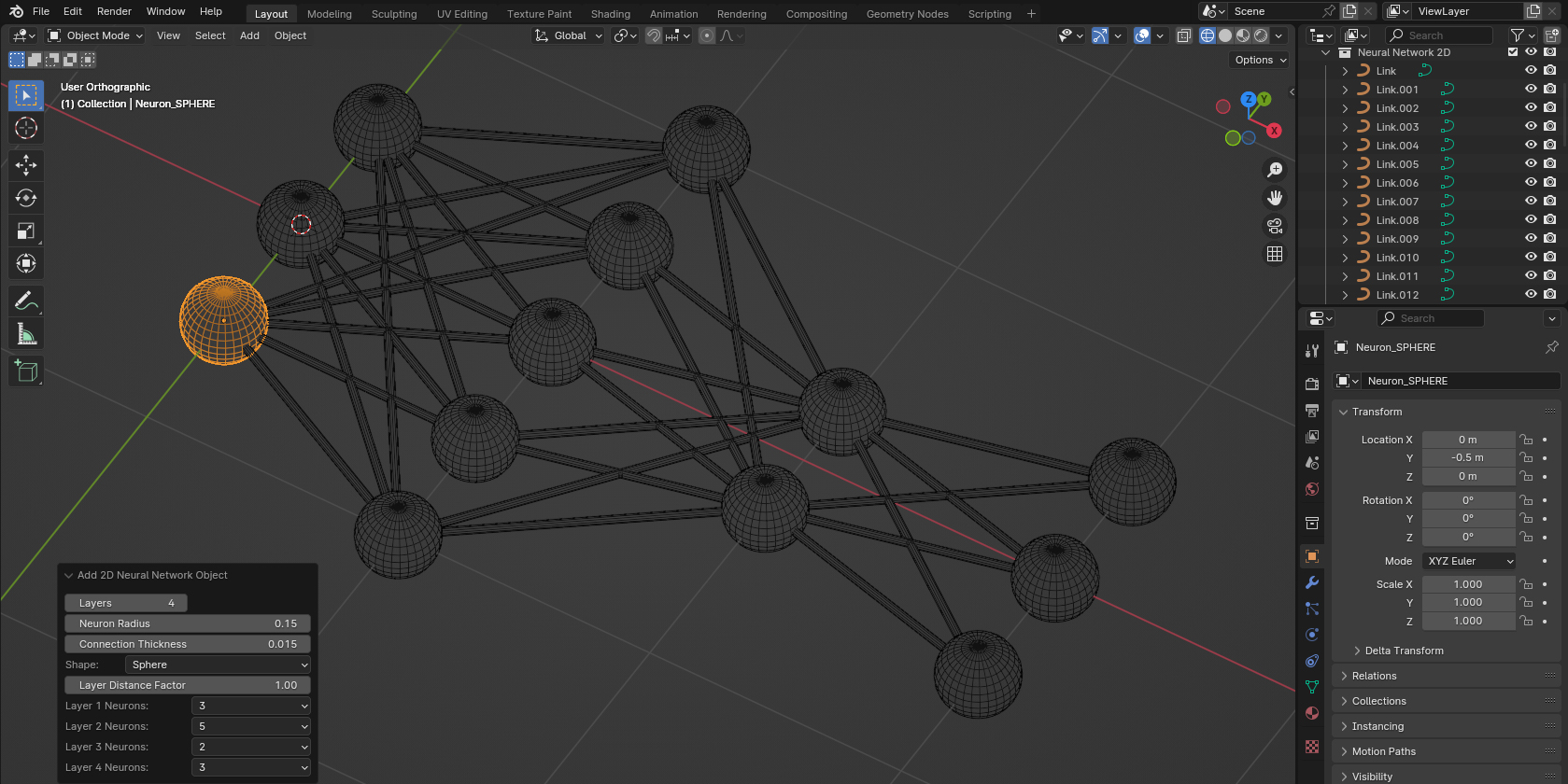
- 2D Neural Network (Quick Mode): Create flat neural network structures instantly. Up to 30 layers, up to 10 neurons per layer. Perfect for diagrams and 2D visualizations.
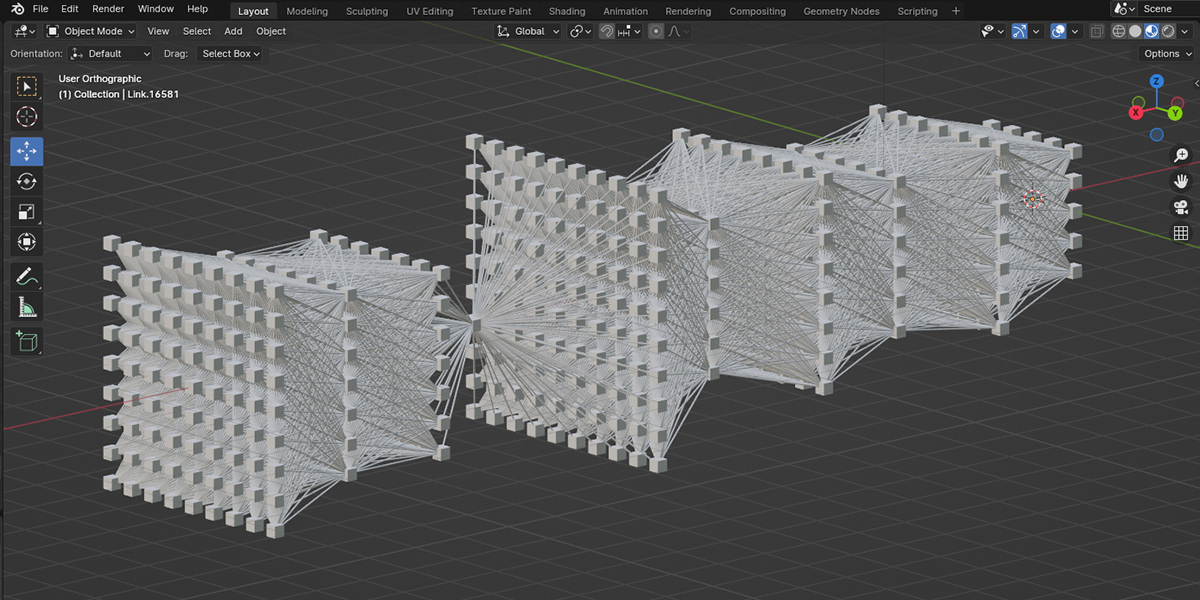
- 3D Neural Network (Quick Mode): Generate volumetric neural network structures instantly. Up to 20 layers, up to 100 neurons per layer. Ideal for complex 3D scenes and animations.
- Geo Neural Network (NEW — Advanced Mode): Non-destructive Geometry Nodes-based network with unlimited possibilities. No limits on layers or neurons — only your computer's performance sets the boundary.
Features (Quick Mode — 2D & 3D):
- Fully Connected Networks: Create detailed, fully connected neural networks with the freedom to edit connections as needed.
- Extended Layer Limits: Up to 30 layers for 2D and 20 layers for 3D networks.
- Multiple Neuron Shapes: Choose from spherical, cubic, and disc-shaped neurons.
- Adjustable Layer Distance: Fine-tune the spacing between layers with the 'Layer Distance Factor'.
- Instance Flexibility: Neurons are created as instances — edit one to change all.
- Individual Synapse Customization: Synapses are separate objects for individual styling.
- Collection Organization: Each network is placed in its own collection for easy management.
Geo Neural Network — Unlimited Possibilities:
The new Geo Neural Network uses Blender's Geometry Nodes system, giving you unprecedented creative freedom:
- Non-Destructive Workflow: Modify your network at any time without starting over. All parameters remain editable.
- Unlimited Layers & Neurons: Add as many layers and neurons as you need — the only limit is your computer's performance.
- Any Neuron Shape: Use any mesh object as a neuron shape — complete freedom in design.
- Full Material Control: Apply custom materials to any layer with complete flexibility.
- Layer Offset (Shift X/Y): Move layers horizontally and vertically relative to each other — impossible in Quick Mode!
- Distance Control: Set precise distance from center for each layer independently.
- Intuitive Node Layout: The node structure visually mirrors the neural network structure — each Layer node corresponds to a layer in the network.
Installation Instructions:
- Download the Addon: Click the download button to receive the .zip file. Do not unzip.
-
Install
in Blender:
- Open Blender and go to Edit -> Preferences.
- Navigate to the Add-ons section.
- Click Install… and select the .zip file.
- Activate the Addon: Check the box next to 'Neural Network Creator' to activate.
Using the Addon:
- In the 3D Viewport, go to Add -> Mesh.
- Select: 2D Neural Network, 3D Neural Network, or Geo Neural Network.
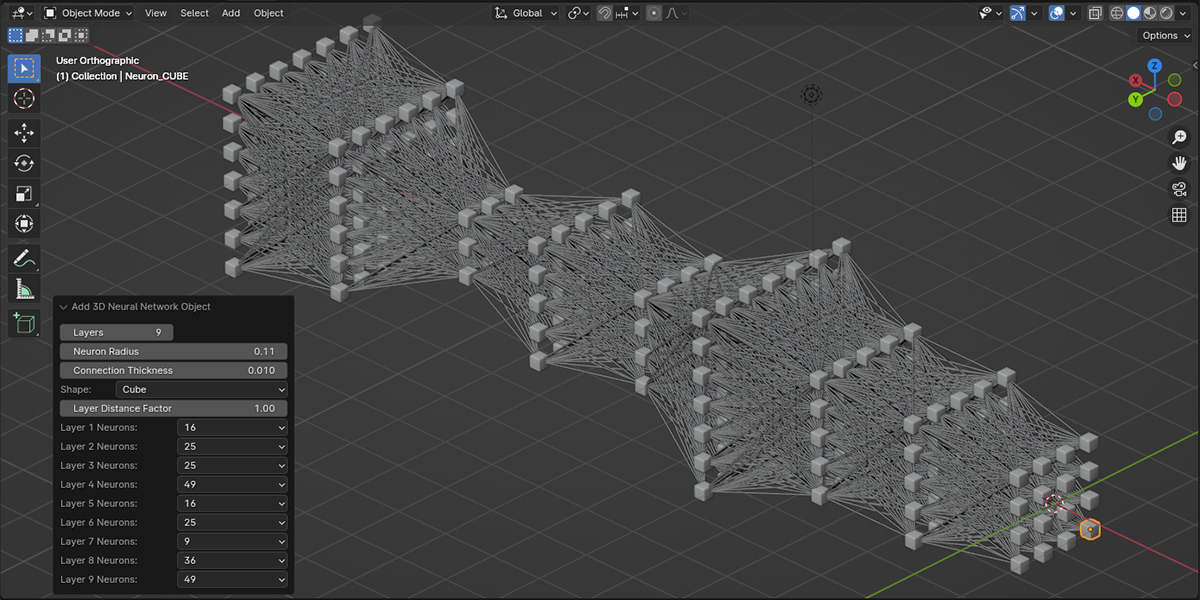
- For 2D/3D: adjust parameters in the operator panel (bottom-left).
- For Geo: open the Geometry Nodes editor to customize your network.
Enjoy exploring the capabilities of 'Add mesh: Neural Network Creator' and bring
the power of neural network visualization into your Blender projects!
2.0.5 Update: Geometry Nodes Neural Network & Blender 5.0 Support
What's New
- ✅ NEW: Geo Neural Network — Non-destructive Geometry Nodes-based network with unlimited layers and neurons
- ✅ Layer Offset — Shift layers horizontally/vertically (Geo mode only)
- ✅ Any Neuron Shape — Use any mesh object as neuron (Geo mode)
- ✅ Extended Limits — 30 layers for 2D, 20 layers for 3D (Quick mode)
- ✅ Blender 5.0 — Full compatibility
Compatibility
- ✅ Blender 5.0 - Fully supported
- ✅ Blender 4.4 - Fully supported
- ✅ Blender 4.3 - Fully supported
- ✅ Blender 4.2 - Fully supported
This addon continues to be actively maintained and updated to support the latest Blender releases.