 ATDIGIT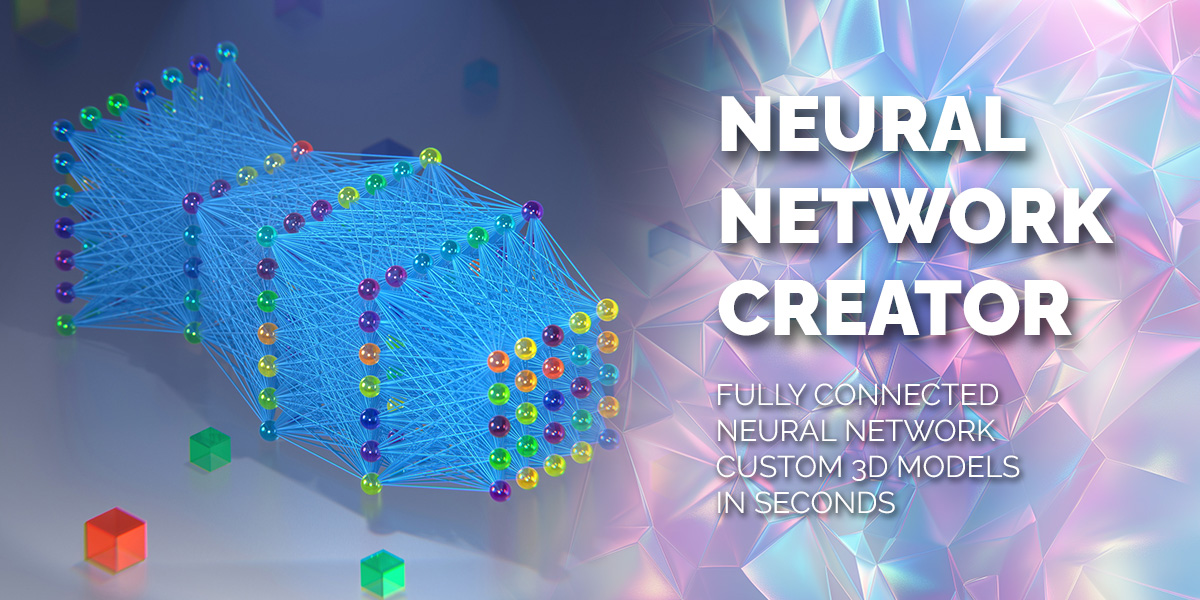


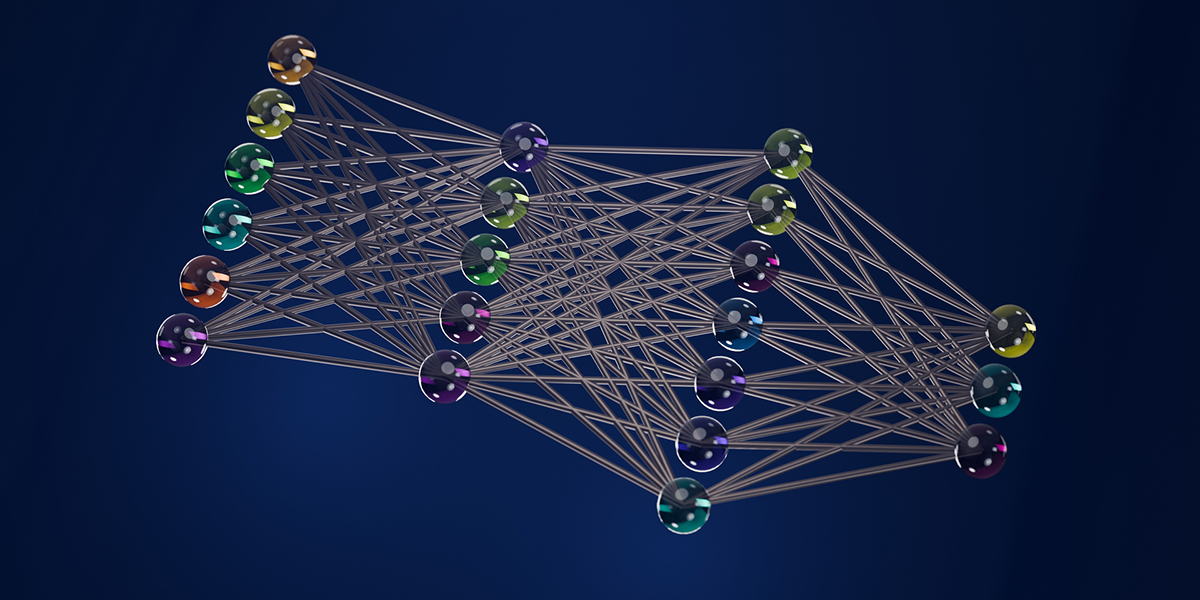
What is the ‘Add mesh: Neural Network Creator’ addon?
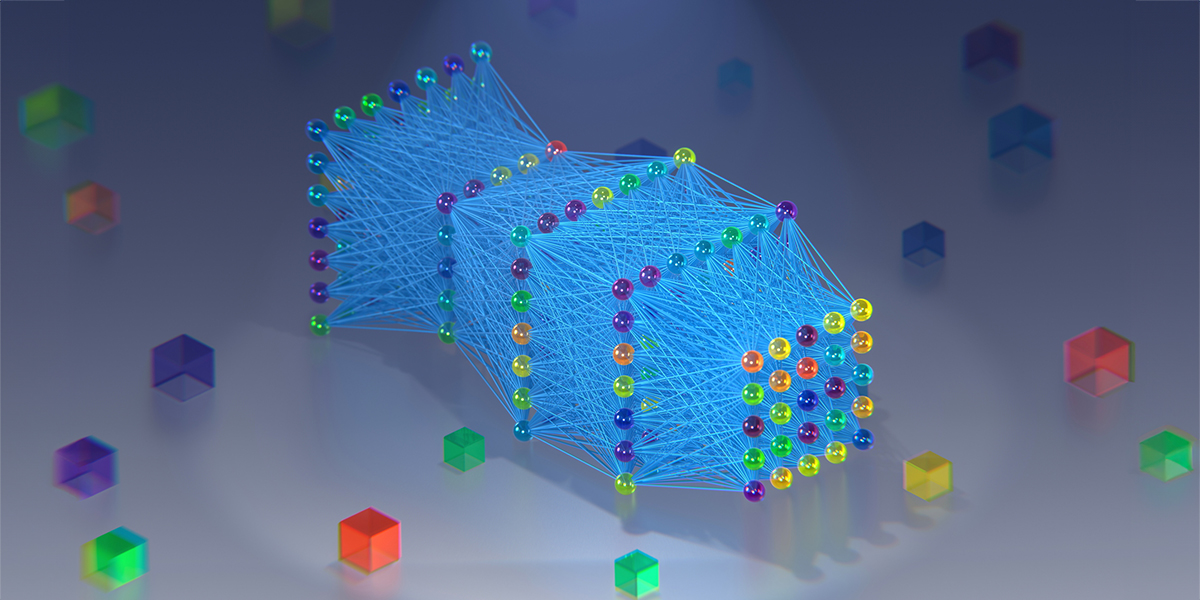
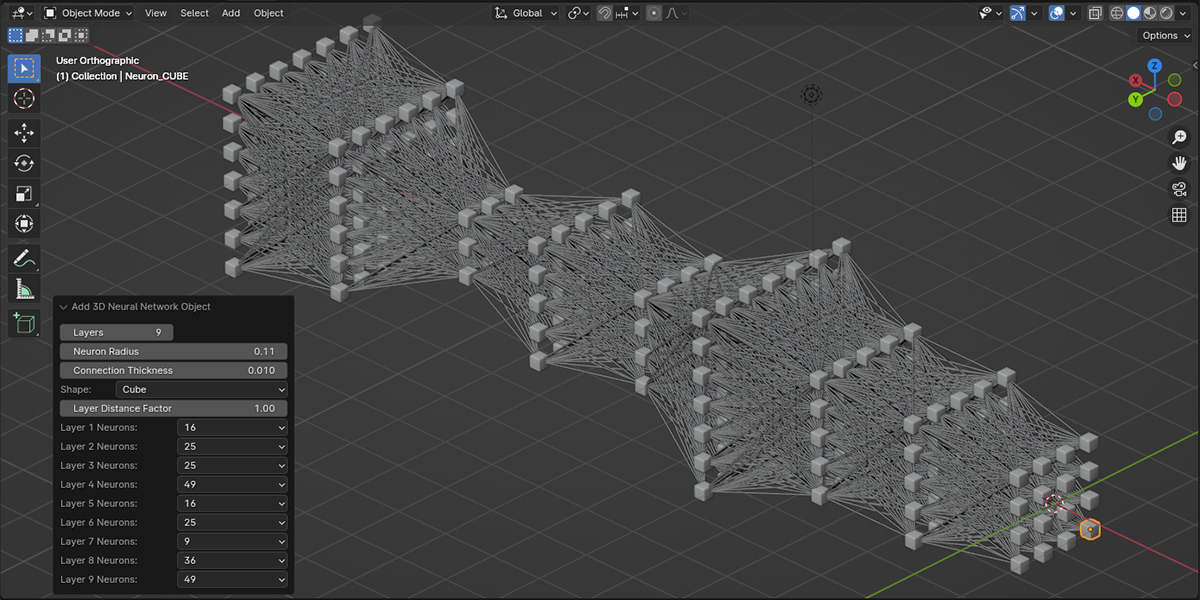
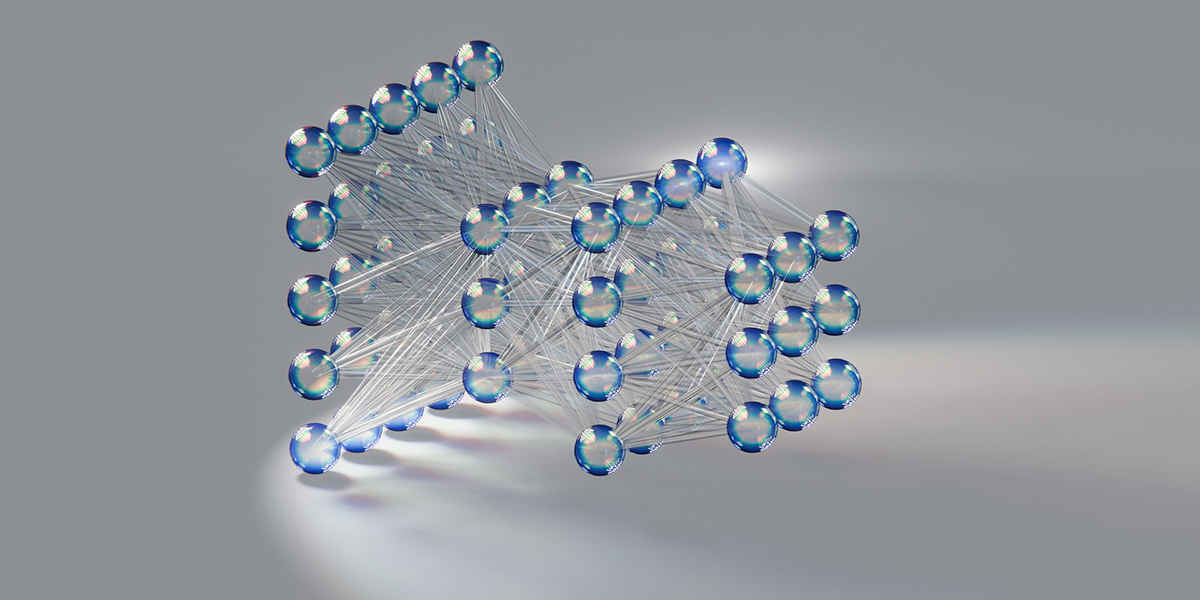
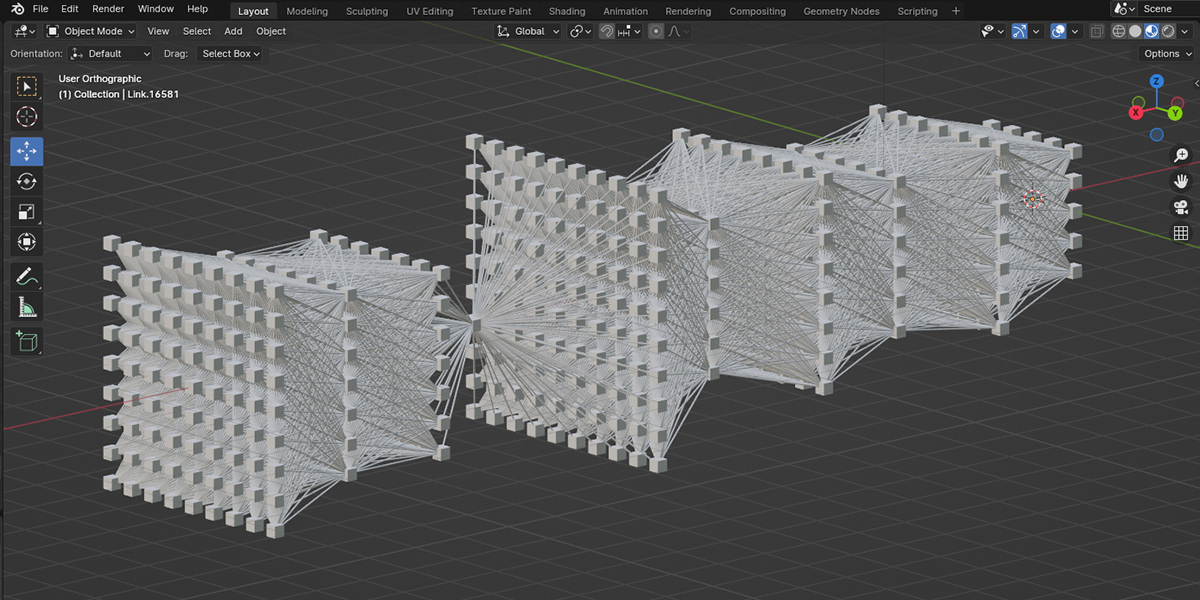
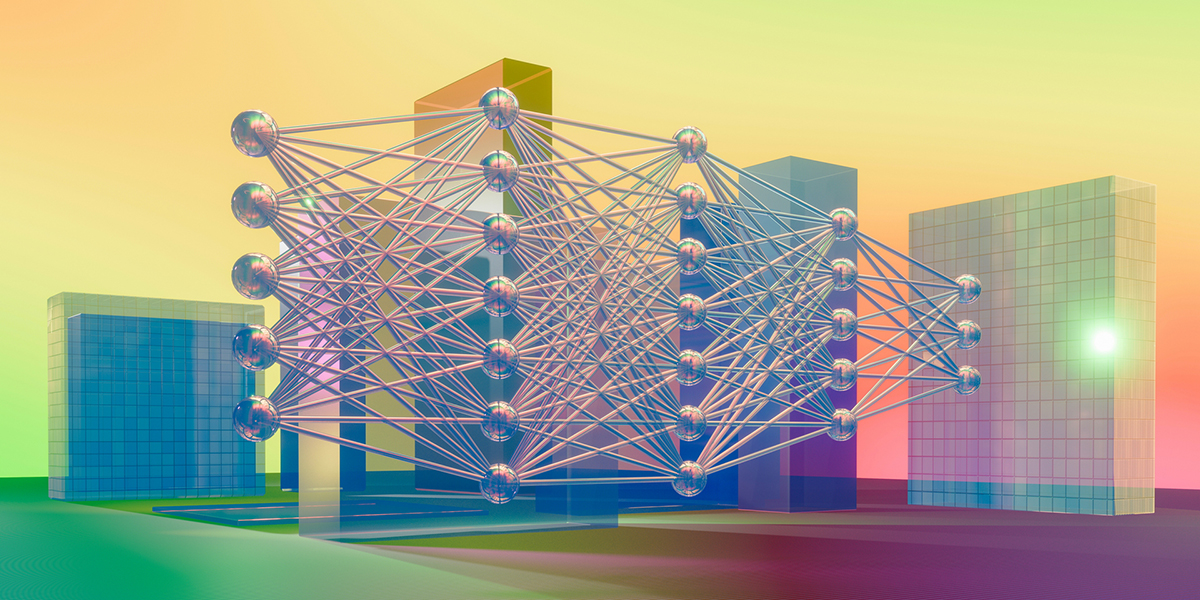
It is a Blender tool for generating fully connected neural network structures. It offers three distinct modes: 2D Neural Network (flat), 3D Neural Network (volumetric), and the new Geo Neural Network (procedural/Geometry Nodes-based). It's designed for artists, AI enthusiasts, and scientists who need high-quality visualizations. (Updated in v2.0.5 to include the Advanced Geo Mode).
How do I install the addon?
In Blender 4.2 or newer, the easiest way is to simply drag and drop the downloaded .zip file directly into the Blender window.
Alternatively, you can go to Edit -> Preferences -> Add-ons -> click the 'Install...' button (top right) -> select the downloaded .zip file -> activate the checkbox.
Are there any limits on the number of layers?
It depends on the mode:
- 2D Quick Mode: Up to 30 layers.
- 3D Quick Mode: Up to 20 layers.
- Geo Mode: UNLIMITED. You can add as many layers as your computer's hardware can handle.
Can I change the shape of the neurons?
Yes. You have two ways depending on the mode:
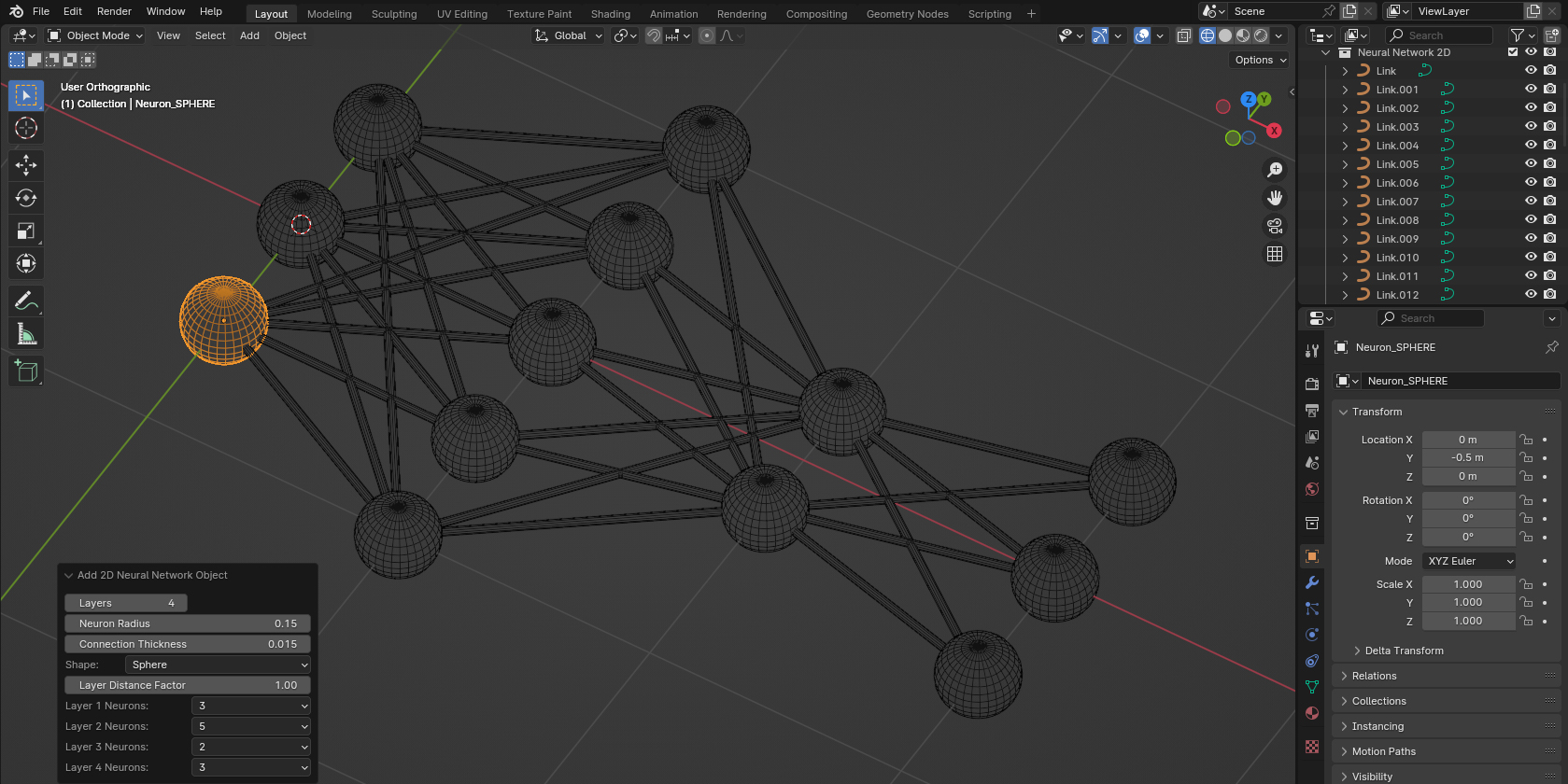
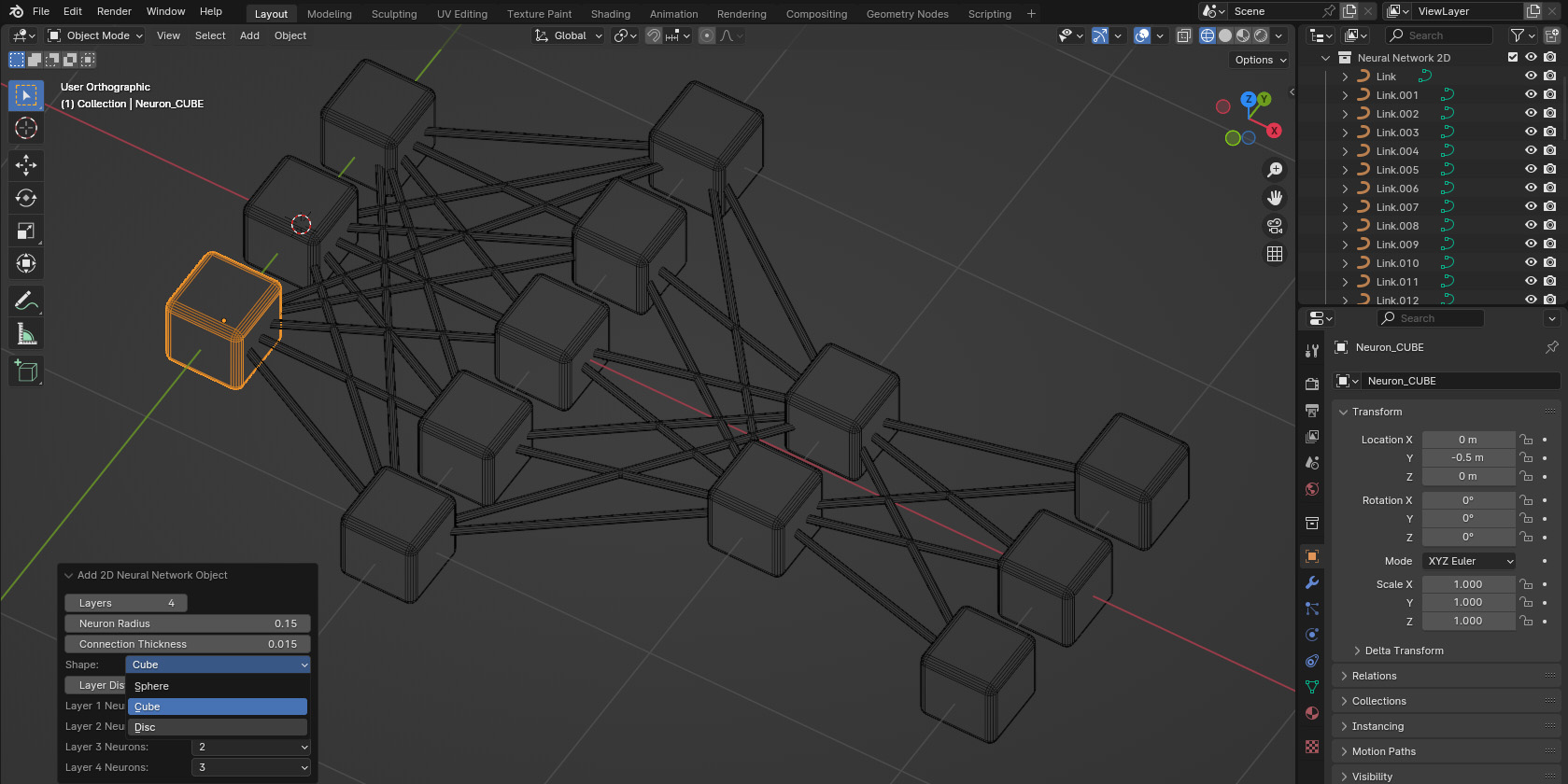
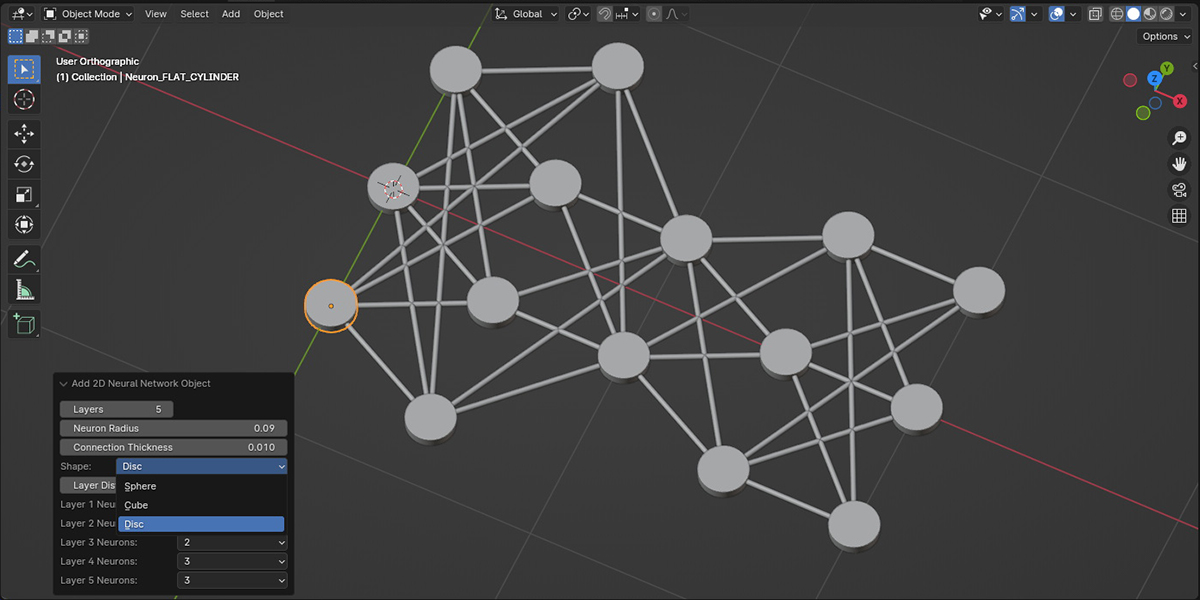
- Quick Mode (2D/3D): Choose from Sphere, Cube, or Disc presets. To customize further, enter Edit Mode on a neuron instance — all neurons will update automatically.
- Geo Mode: You can plug ANY mesh object into the node tree to use as a neuron shape instantly without entering Edit Mode.
What makes the Geo Neural Network special?
It is entirely non-destructive. You can change neuron counts, distances, shapes, and offsets long after the network is created. It visually mirrors the network structure in the node editor, making it intuitive to extend.
Can I shift layers relative to each other?
Yes! This is a unique feature of the Geo Neural Network. Each Layer node has "Shift X" and "Shift Y" parameters, allowing you to create non-linear, more dynamic network layouts that are impossible in standard modes.
How do I use the ‘Layer Distance Factor’?
This setting controls the spacing between layers. In Quick Mode, it's set during creation. In Geo Mode, it's a dynamic parameter on each Layer node that you can adjust non-destructively at any time.
Are future updates included with my purchase?
Yes! Purchasing the addon includes all future updates (like this major v2.0.5 release). You will be notified through Blender Market when a new version is ready for download.
How can I manage multiple neural networks in my scene?
- Quick Mode: The addon automatically creates a separate collection for every new network. This keeps your Outliner organized, even if you have thousands of neurons and synapses.
- Geo Mode: The entire network is created as a single, consolidated object. This makes it extremely easy to manage, duplicate, and move multiple networks without cluttering your Outliner.
Where can I get support if I have issues or questions?
Please reach out through the Blender Market messaging system for any support queries or assistance.
$14.99
Have questions about this product?
Login to message
| Sales | 60+ |
| Dev Fund Contributor | |
| Published | over 2 years ago |
| Blender Version | 4.2 - 5.0 |
| License | GPL |
Discover more products like this
tech visualization 3d modeling computational art fully connected networks neural network visualization artificial intelligence Blender Market data-science neural network creator neural network 3D visualization blender tools educational tool ai tech art 3D Design scientific visualization blender addon machine-learning neuron shapes