 Phorge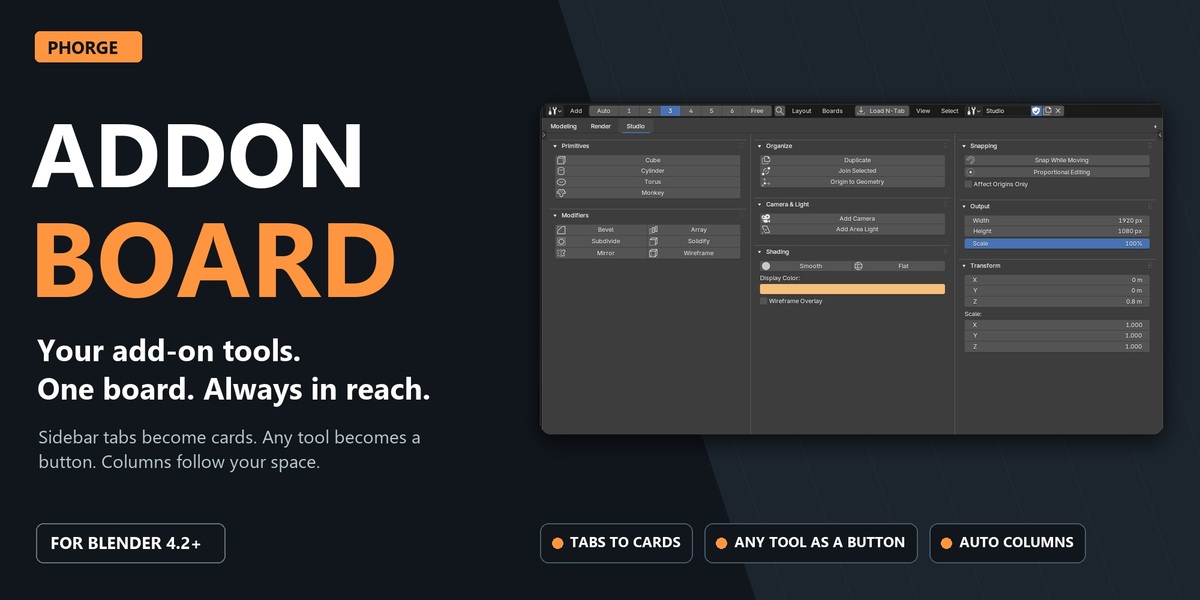
Stop hunting through sidebar tabs.
Your favourite add-ons each live in their own narrow N-panel tab. You open one, scroll, close it, open the next, and the sidebar keeps covering your model. Addon Board gives those tools a home of their own: a dedicated Blender editor where the panels you use become cards, laid out in columns, next to your viewport or on a second monitor.
One click turns a sidebar tab into a board. Any operator can become a button with your own label. Boards switch like tabs and save themselves. Nothing is rebuilt or copied: the cards draw the real panels from your installed add-ons and run their real operators in your 3D View.
Your add-on tools. One board. Always in reach.
See it in action
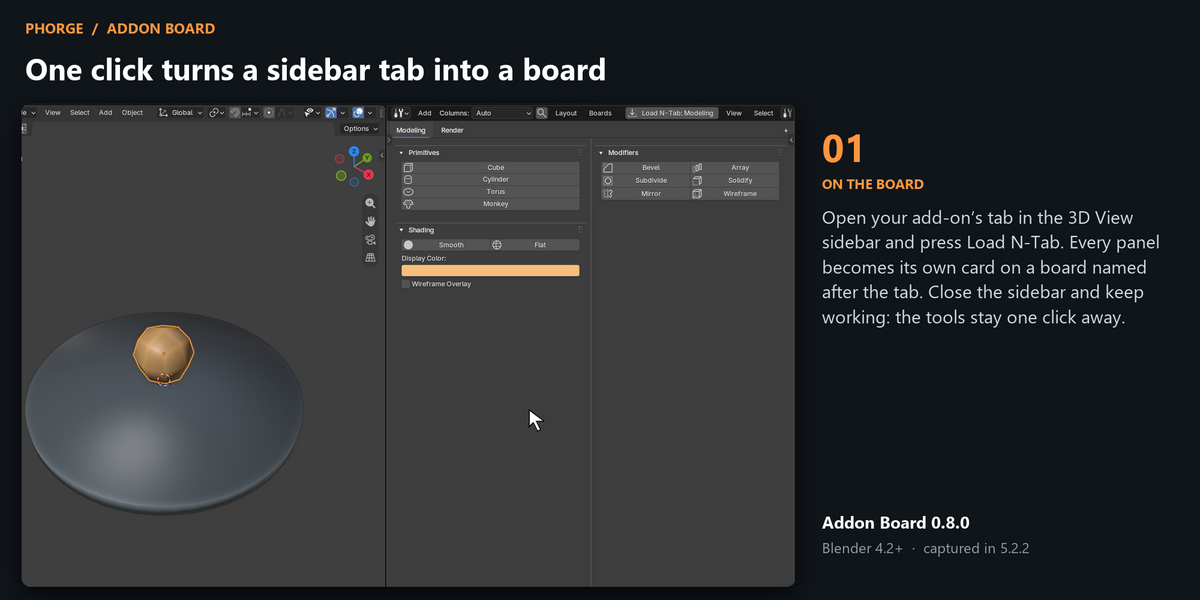
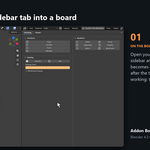
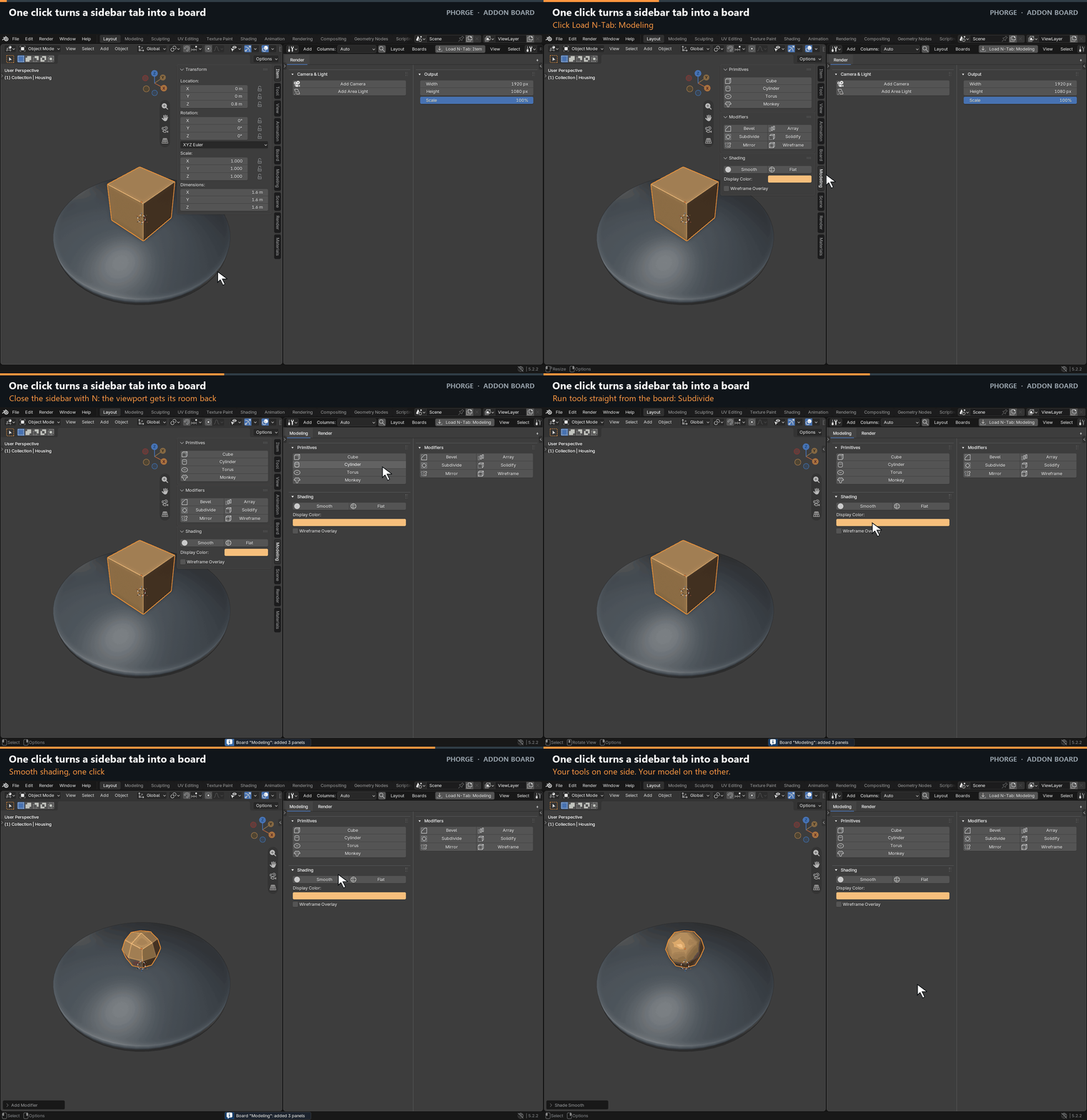
One click turns a sidebar tab into a board
Open your add-on’s tab in the 3D View sidebar and press Load N-Tab. Every panel becomes its own card on a board named after the tab. Close the sidebar and keep working: the tools stay one click away.
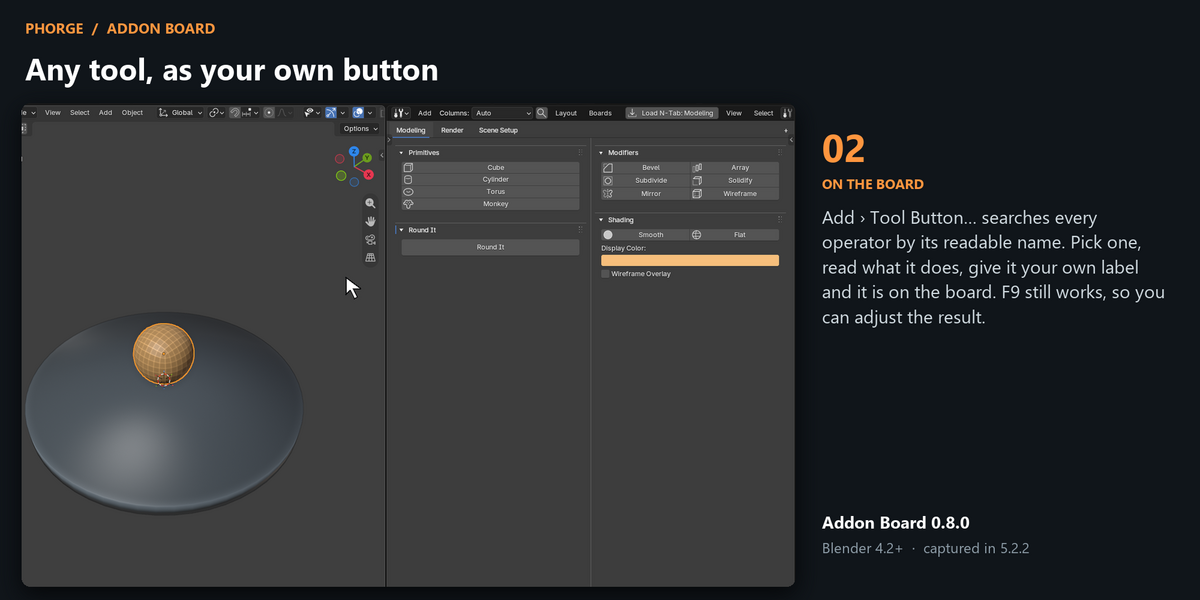
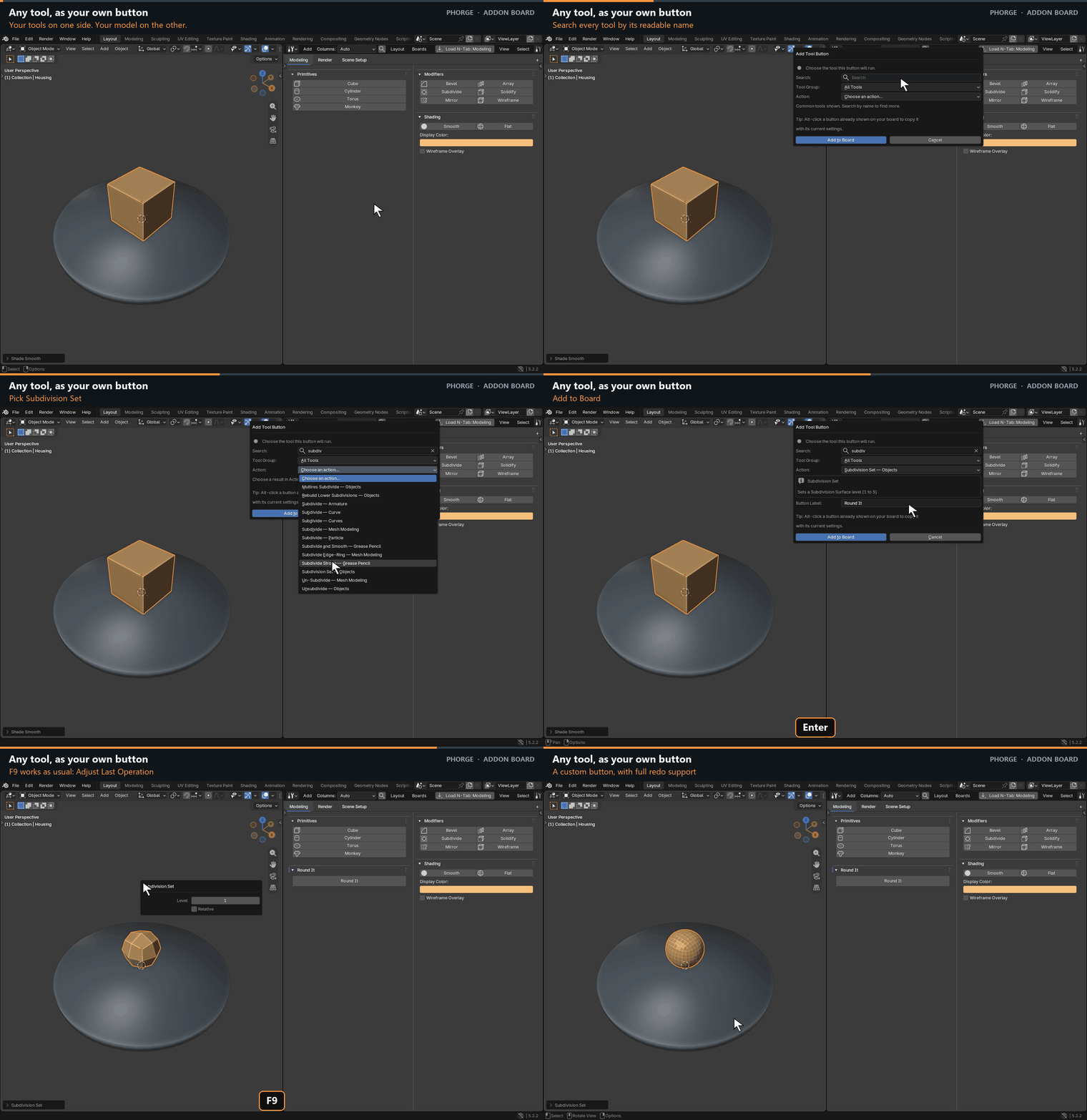
Any tool, as your own button
Add › Tool Button… searches every operator by its readable name. Pick one, read what it does, give it your own label and it is on the board. F9 still works, so you can adjust the result.
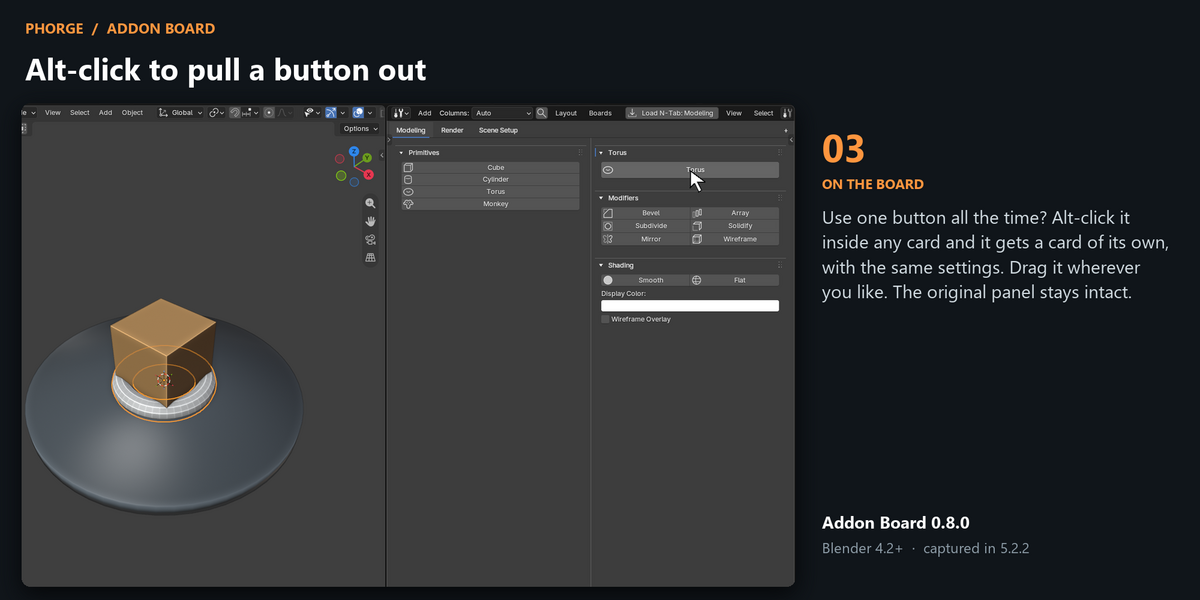
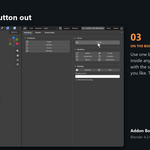
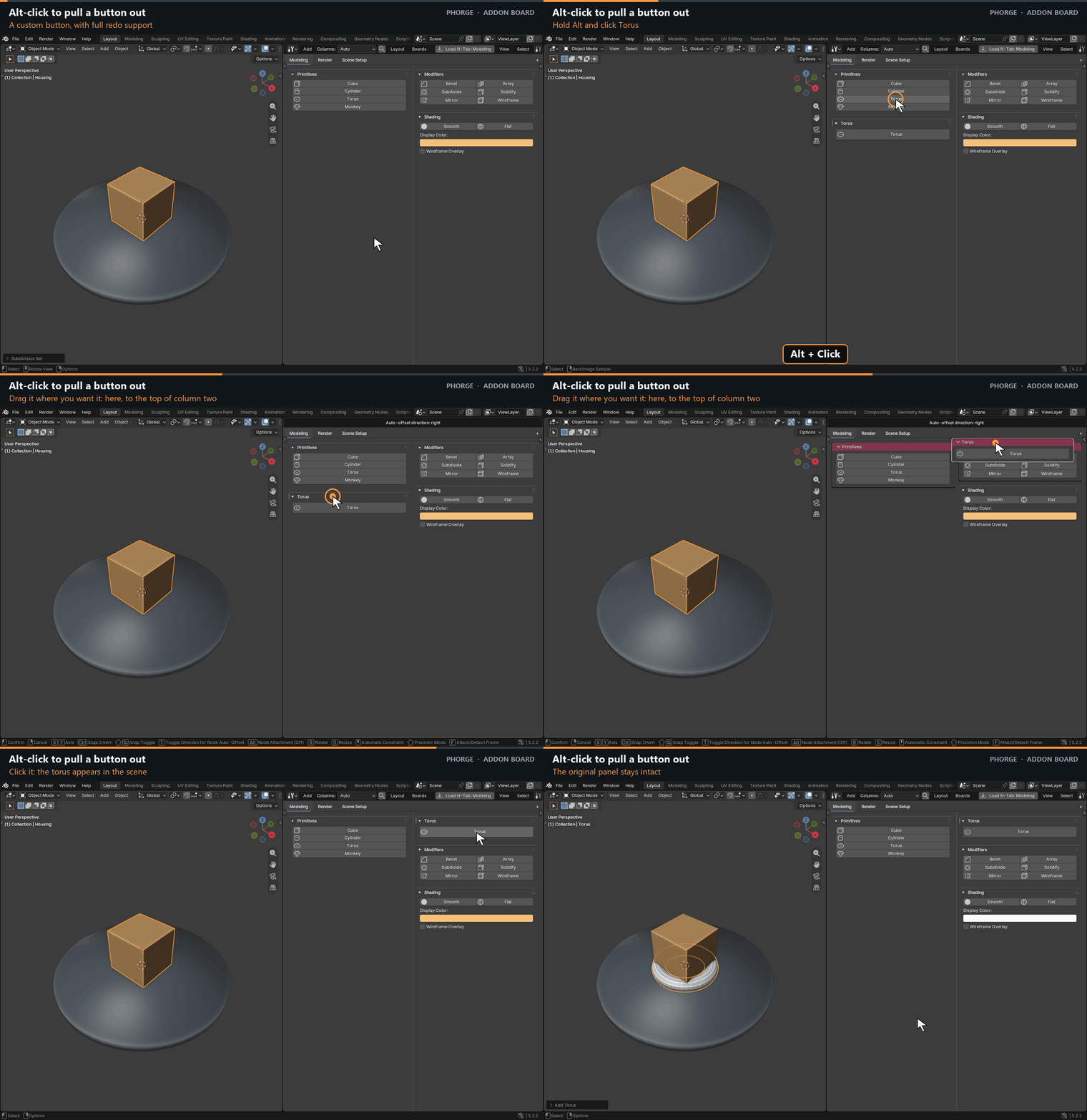
Alt-click to pull a button out
Use one button all the time? Alt-click it inside any card and it gets a card of its own, with the same settings. Drag it wherever you like. The original panel stays intact.
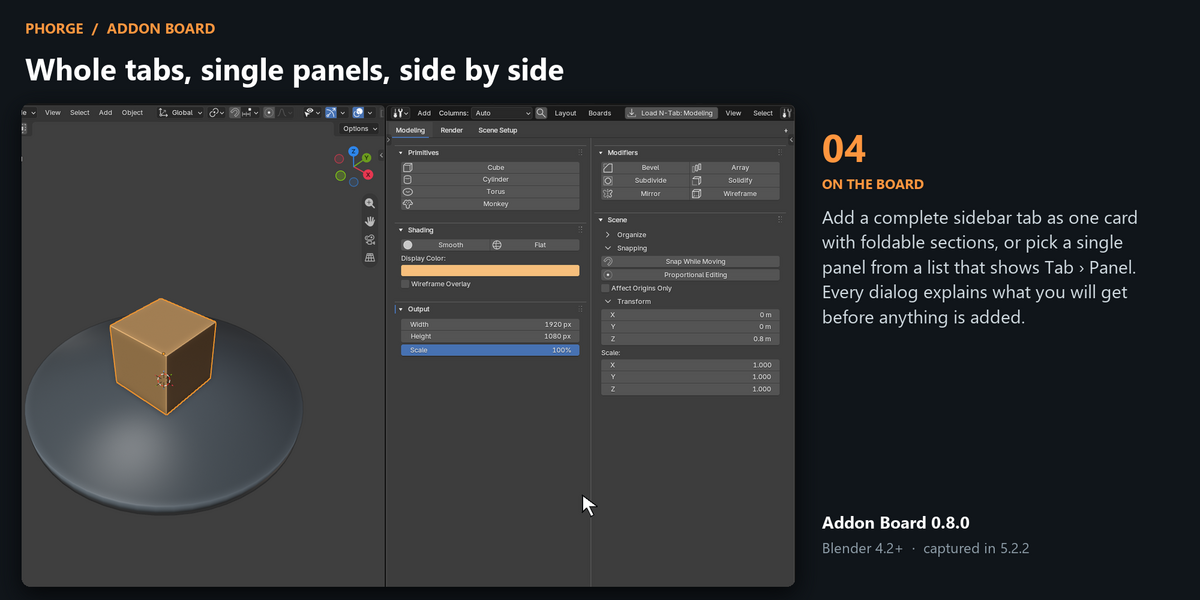
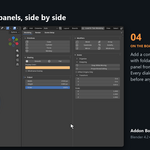
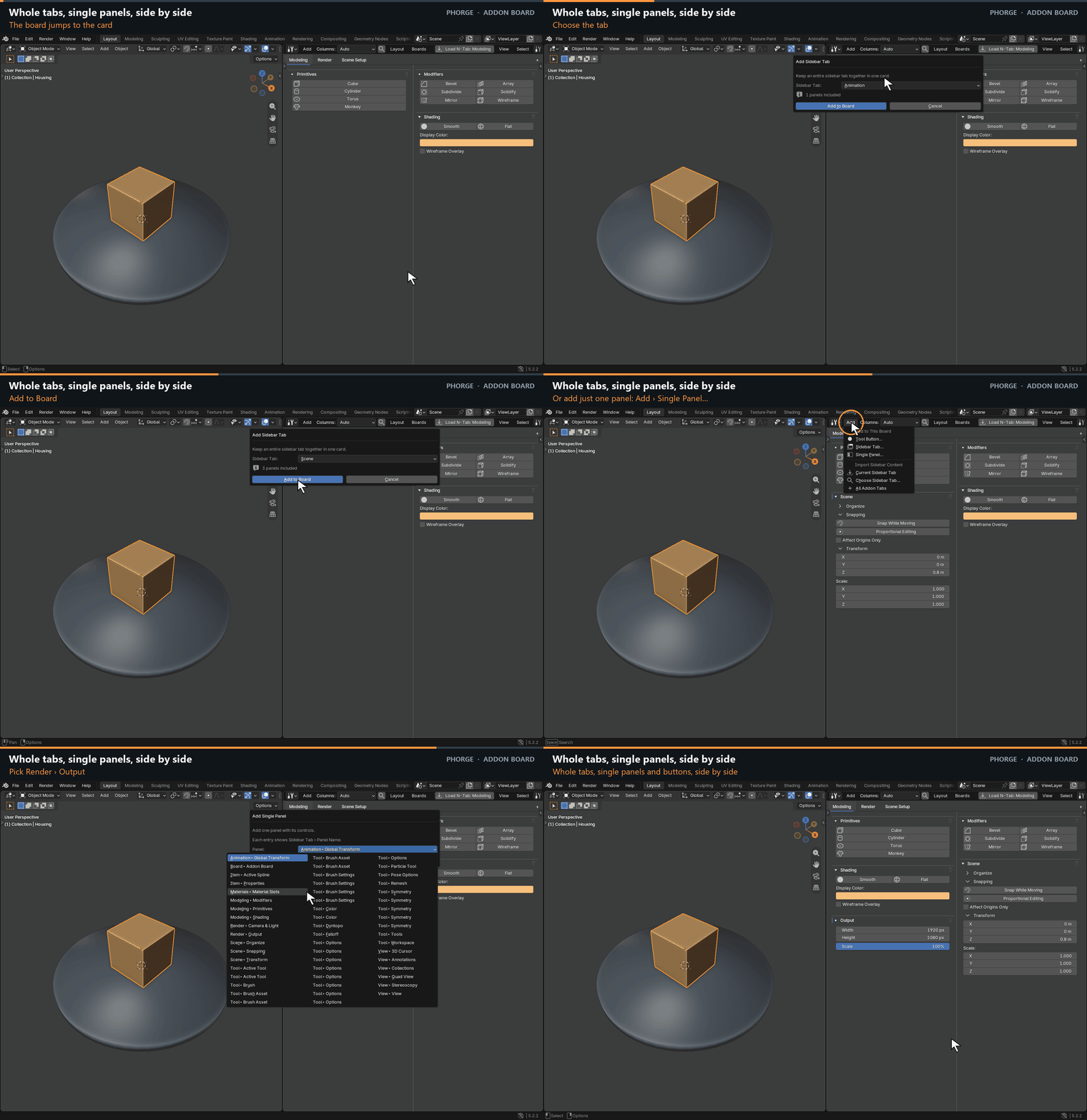
Whole tabs, single panels, side by side
Add a complete sidebar tab as one card with foldable sections, or pick a single panel from a list that shows Tab › Panel. Every dialog explains what you will get before anything is added.
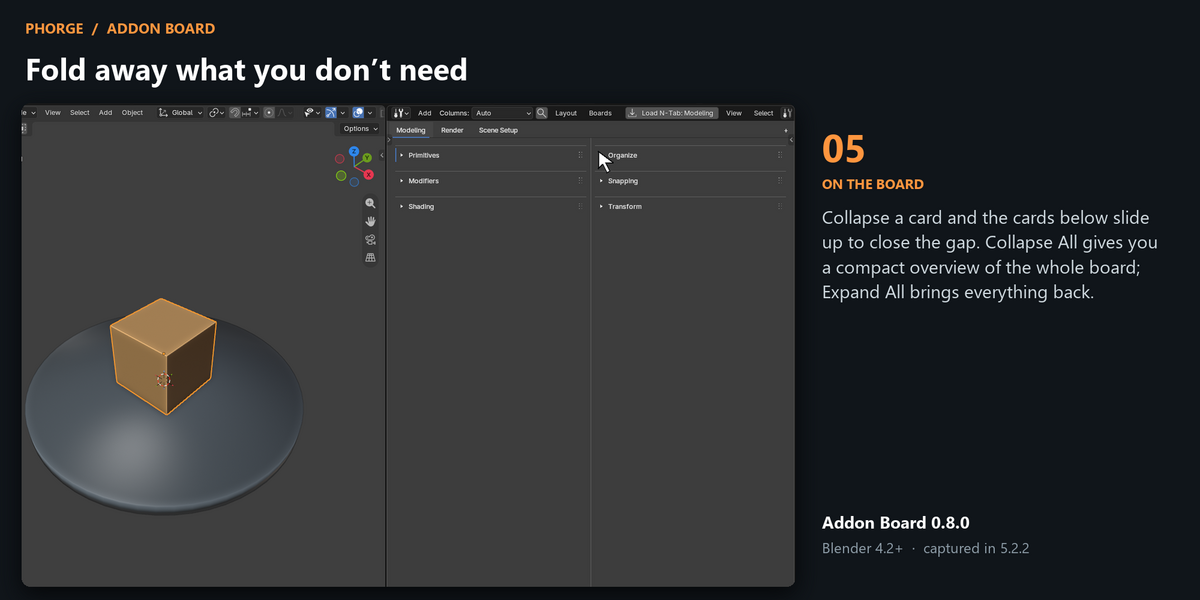
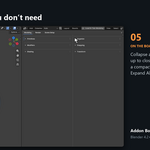
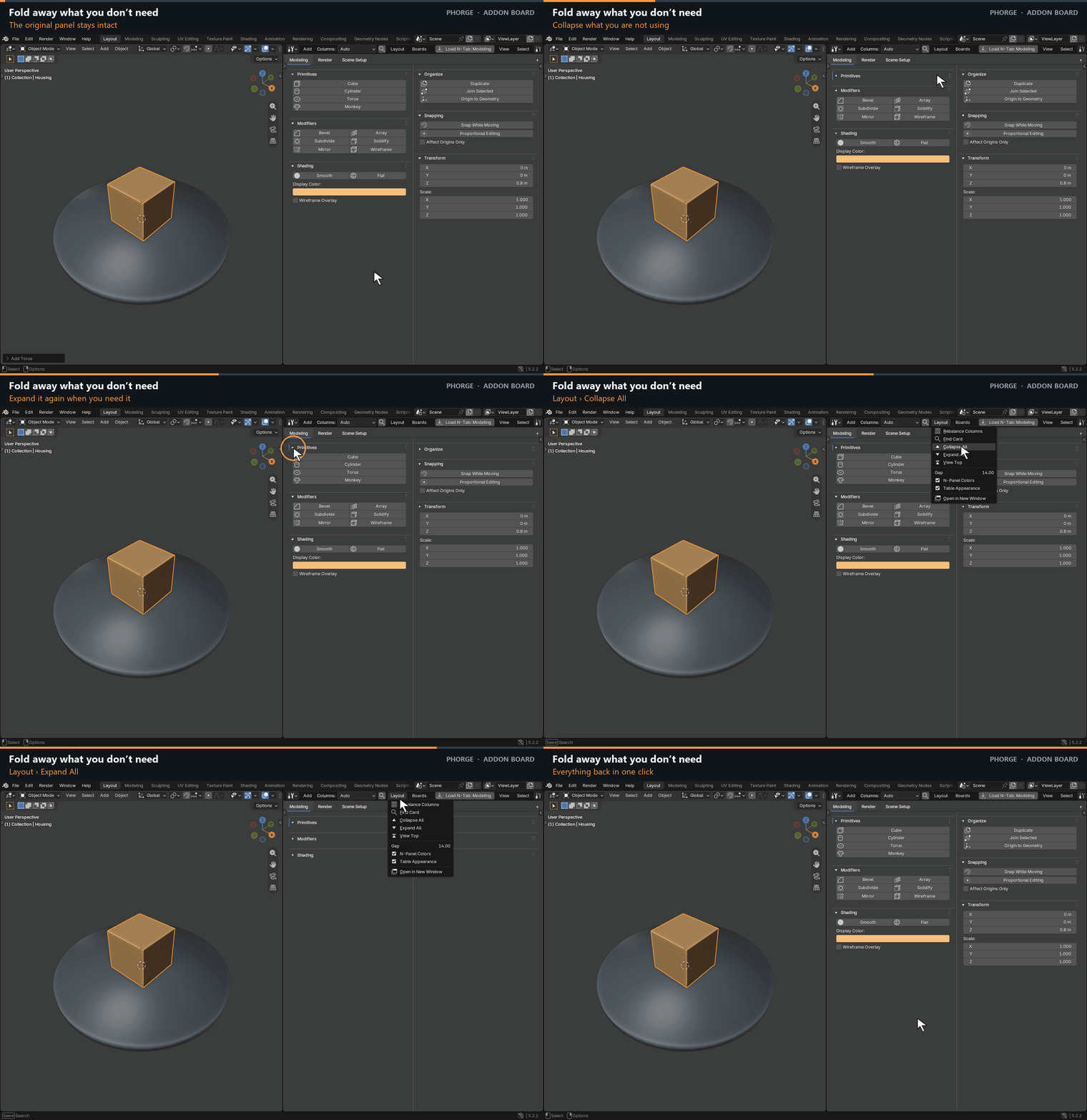
Fold away what you don’t need
Collapse a card and the cards below slide up to close the gap. Collapse All gives you a compact overview of the whole board; Expand All brings everything back.
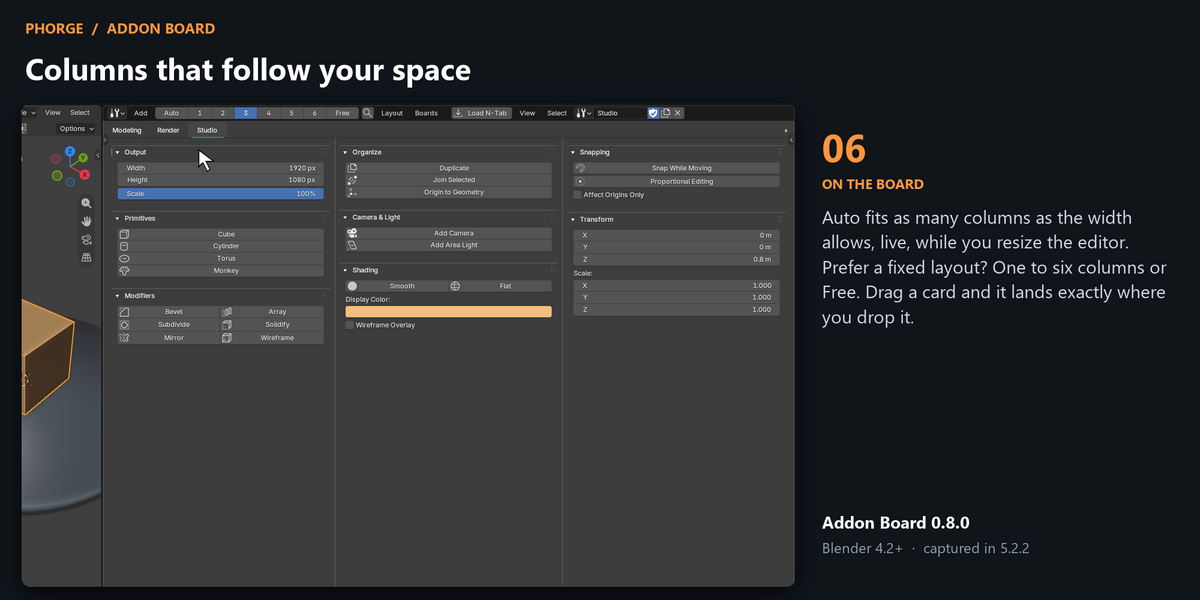
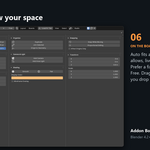
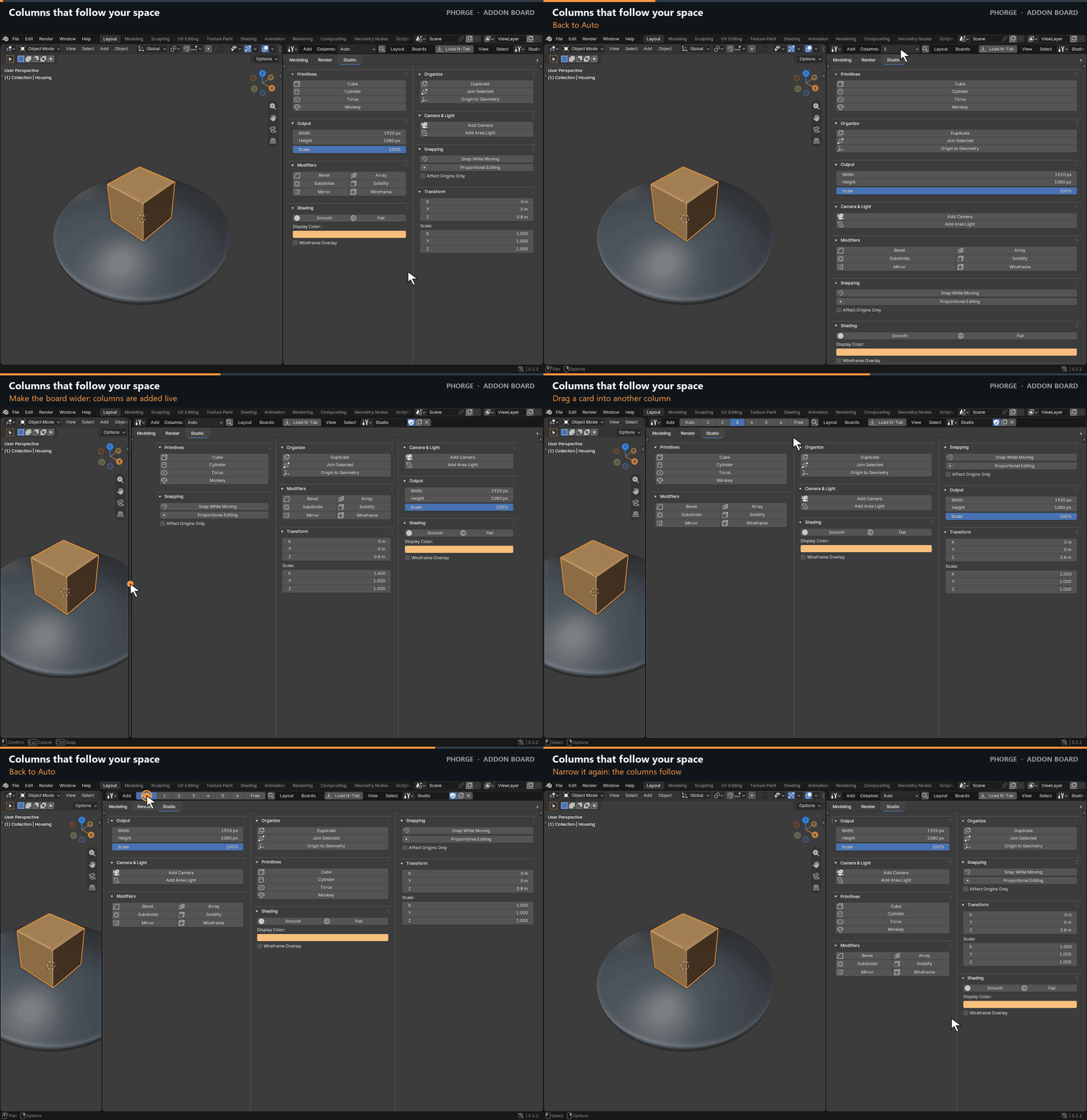
Columns that follow your space
Auto fits as many columns as the width allows, live, while you resize the editor. Prefer a fixed layout? One to six columns or Free. Drag a card and it lands exactly where you drop it.
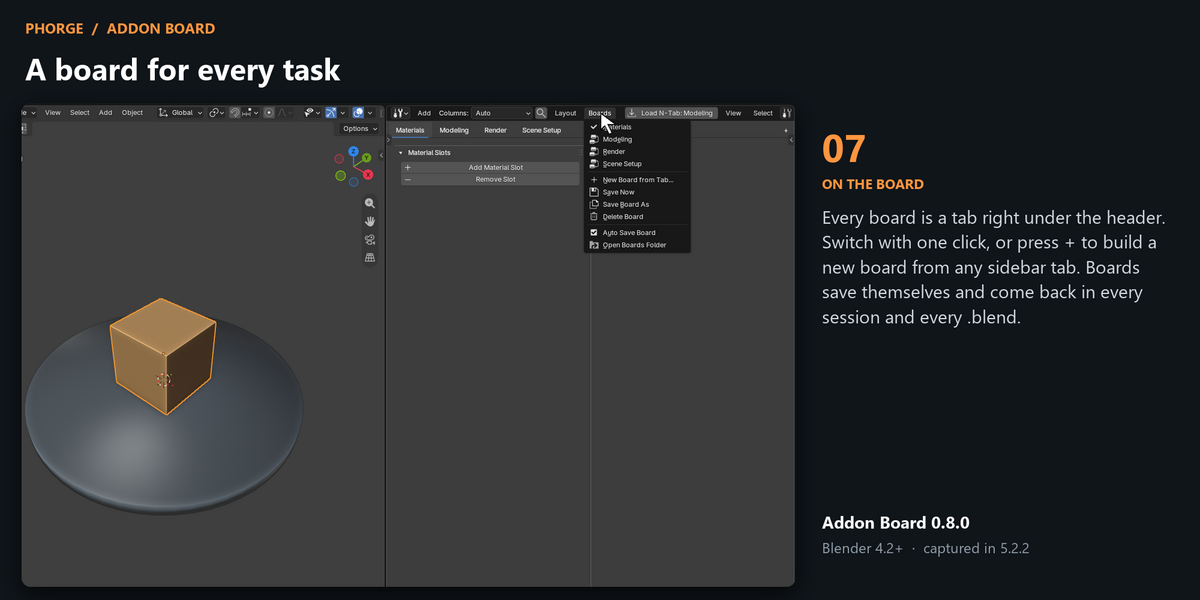
A board for every task
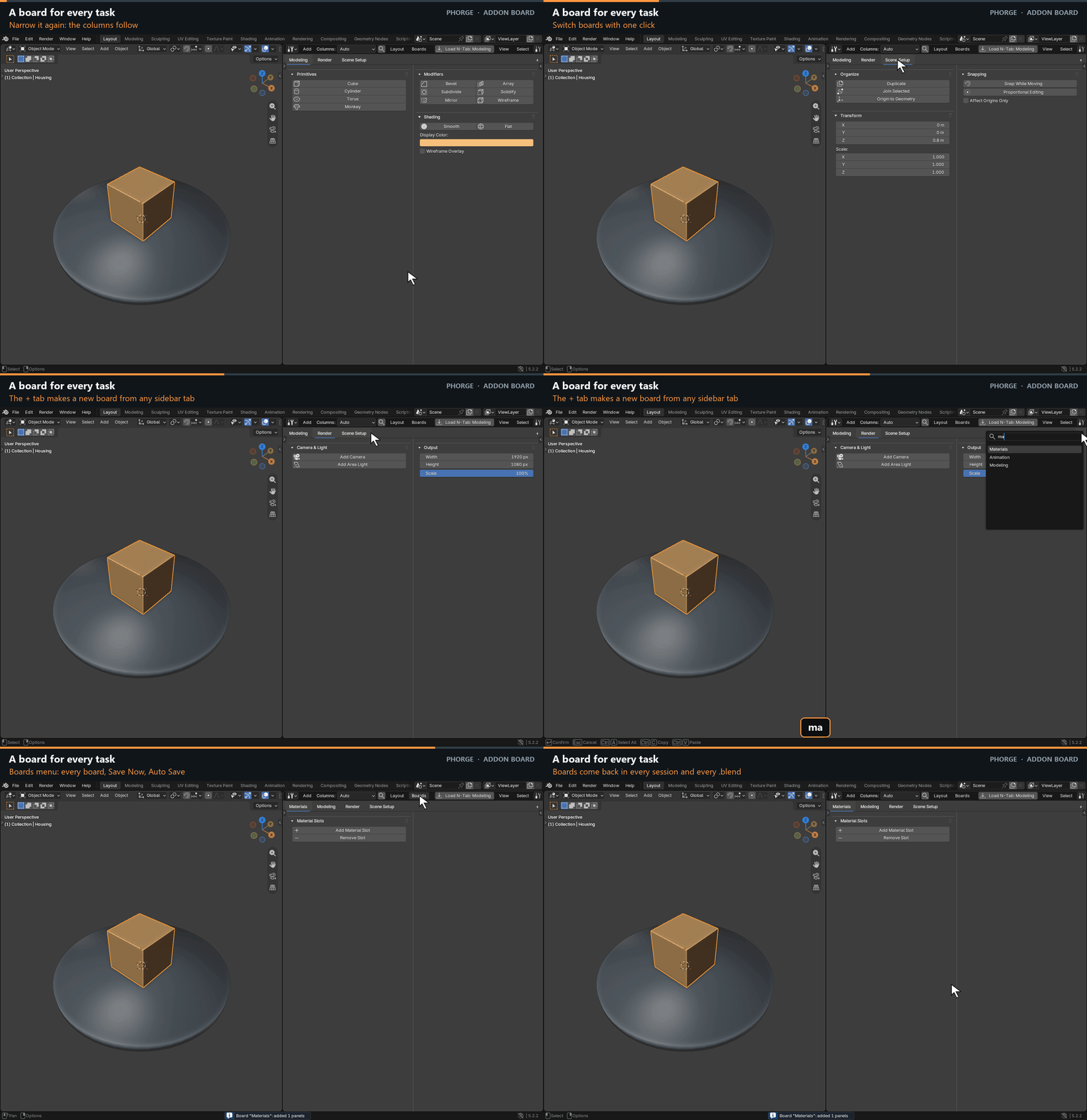
Every board is a tab right under the header. Switch with one click, or press + to build a new board from any sidebar tab. Boards save themselves and come back in every session and every .blend.
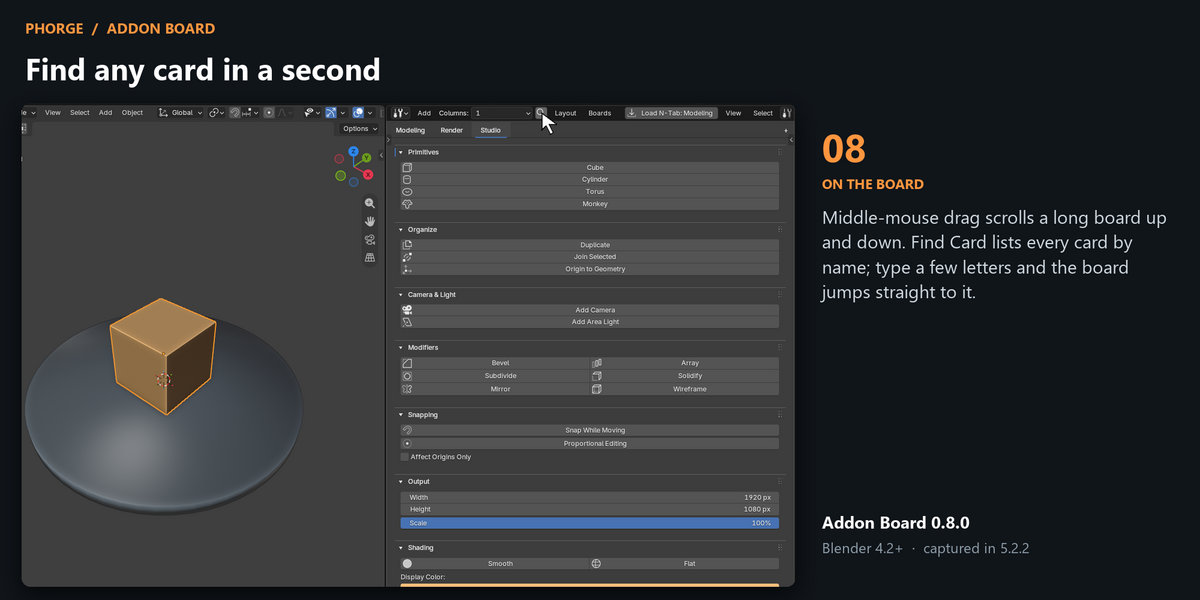
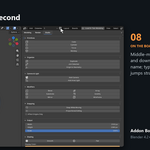
Find any card in a second
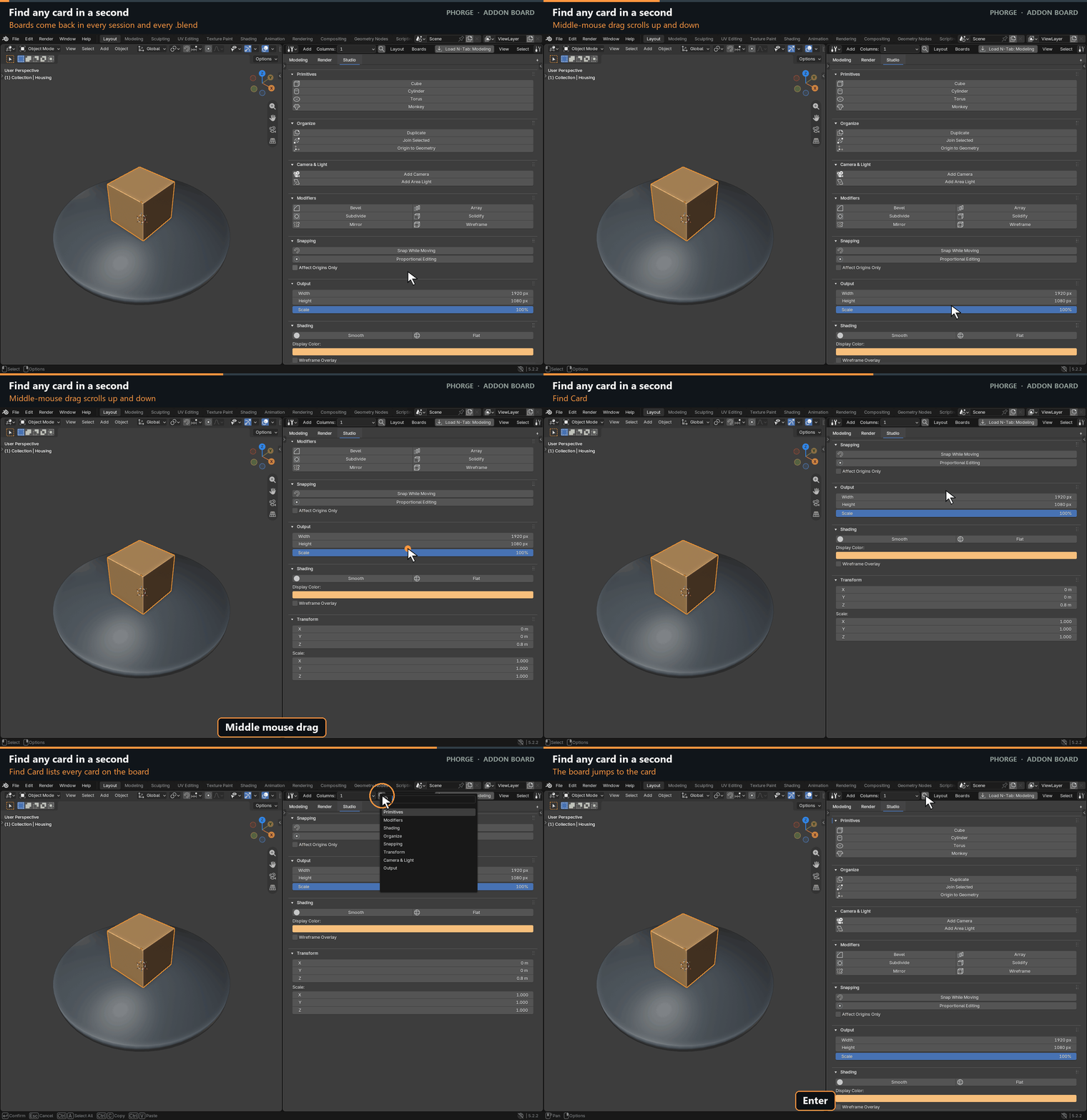
Middle-mouse drag scrolls a long board up and down. Find Card lists every card by name; type a few letters and the board jumps straight to it.
What’s new in 0.8
- Board tabs under the header: every board one click away, plus a + tab for new boards.
- Add › Tool Button…: search tools by readable name, filter by group, read the description, set your own label.
- Add › Sidebar Tab… and Single Panel…: clear dialogs; cancelling leaves the board untouched.
- F9 / Adjust Last Operation works for tools run from the board.
- Stable layout while you tweak values in the redo panel.
Everything in Addon Board
- A dedicated editor with Tab, Panel and Button cards.
- Load N-Tab, Choose Sidebar Tab and All Addon Tabs import.
- Auto columns that follow the editor width, 1–6 fixed columns or Free layout.
- Drag cards between columns; collapse cards and sections; Collapse All / Expand All.
- Alt-click extraction of any button into its own card.
- Find Card search, middle-mouse vertical scroll, wheel scroll and Shift+wheel zoom.
- Named boards with Auto Save, Save Now and restore in every session and .blend file.
- Open Here or Open in New Window for a second monitor.
- Table appearance that matches Blender’s own N-panel colours.
Before you buy
Requires Blender 4.2 or newer; the demonstrations were recorded in Blender 5.2.2. Addon Board shows Python-defined 3D View sidebar panels; panels written in C inside Blender (such as Item › Transform) cannot be shown. Tools that need a particular mode or selection behave as they do in their own panel. Keep a 3D View open for viewport tools.
You get Addon Board itself, not the add-ons you organise with it. The demo tabs in the animations (Modeling, Scene, Render, Materials) are temporary sample panels that use Blender’s own operators; they are not included. Install the Extension ZIP with Install from Disk.
Build your board once. Reach every tool in one click, every session.