Addon Doctor
 Synapse Nodes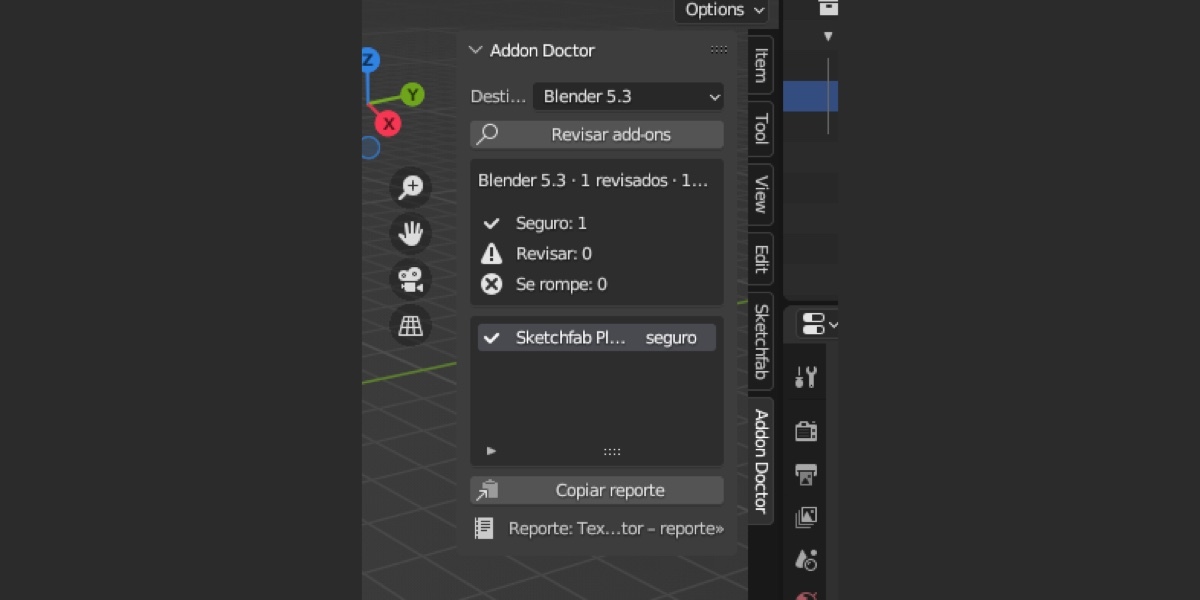
1. Install
Blender 4.2 or newer (extension): download addon_doctor-0.1.0.zip and do not unzip it. Drag it onto the Blender window and confirm, or use Edit › Preferences › Get Extensions › ∨ › Install from Disk…. Accept the permissions it asks for: reading files (to read your installed add-ons) and the clipboard (to copy the report).
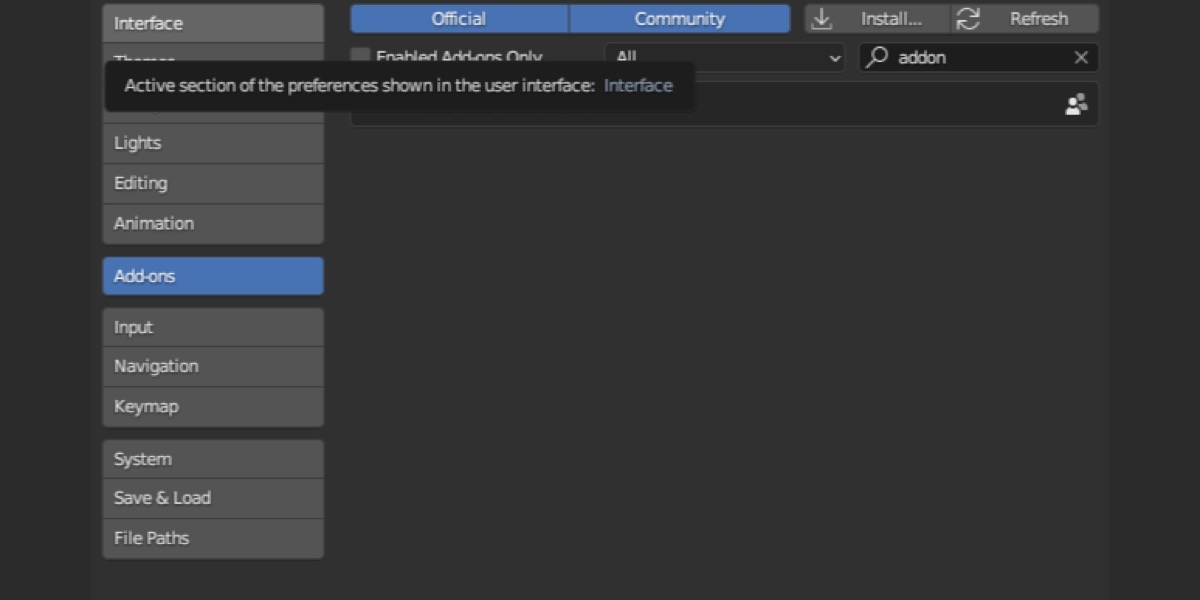
Blender 3.6 to 4.1 (legacy add-on): download addon_doctor-0.1.0-legacy-blender-3.6-4.1.zip and do not unzip it. Go to Edit › Preferences › Add-ons › Install…, choose the zip and press Install Add-on. Then enable the checkbox next to “User Interface: Addon Doctor”.
2. Check your add-ons
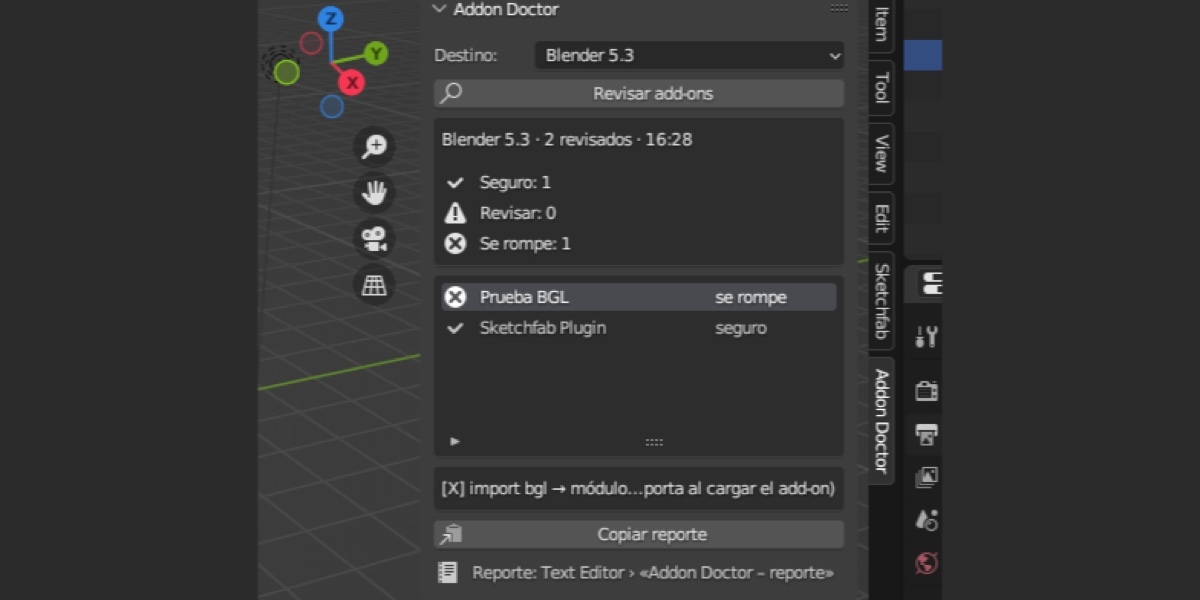
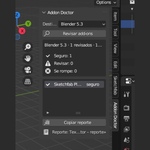
- Hover over the 3D Viewport, press N and open the Addon Doctor tab.
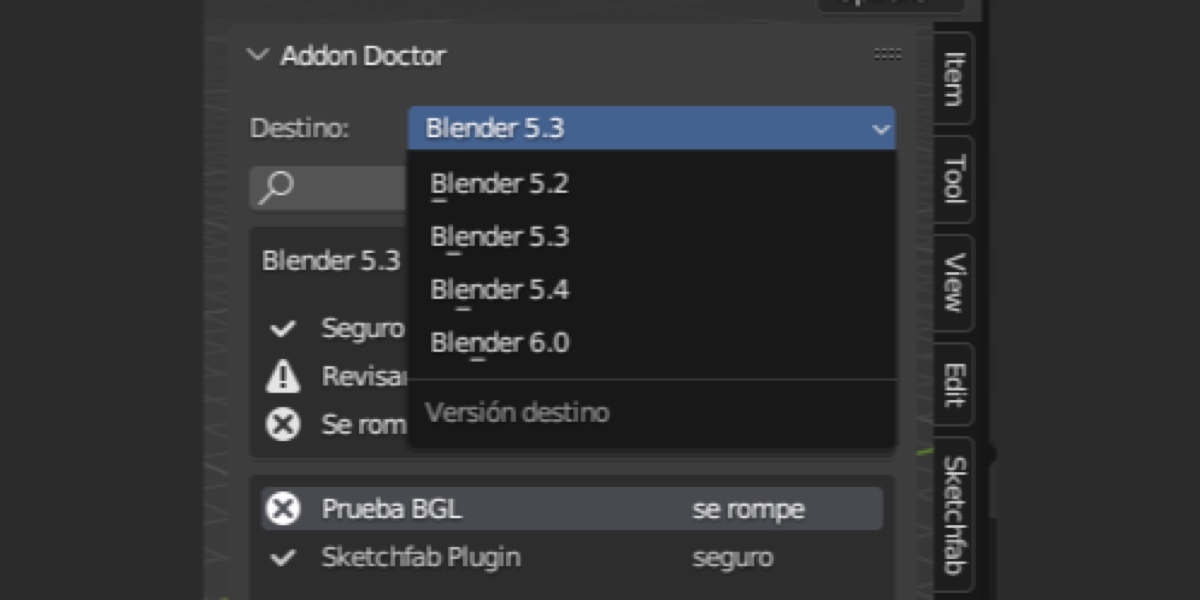
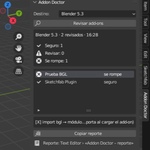
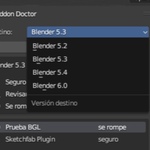
- In Destino, pick the version you plan to move to: 5.2, 5.3, 5.4 or 6.0 (5.3 by default).
- Press Revisar add-ons. Blender stays busy until the check ends; with many add-ons it can take a while.
- The box shows how many add-ons are seguro (safe), revisar (check) and se rompe (breaks). Select an add-on in the list to see its reasons.
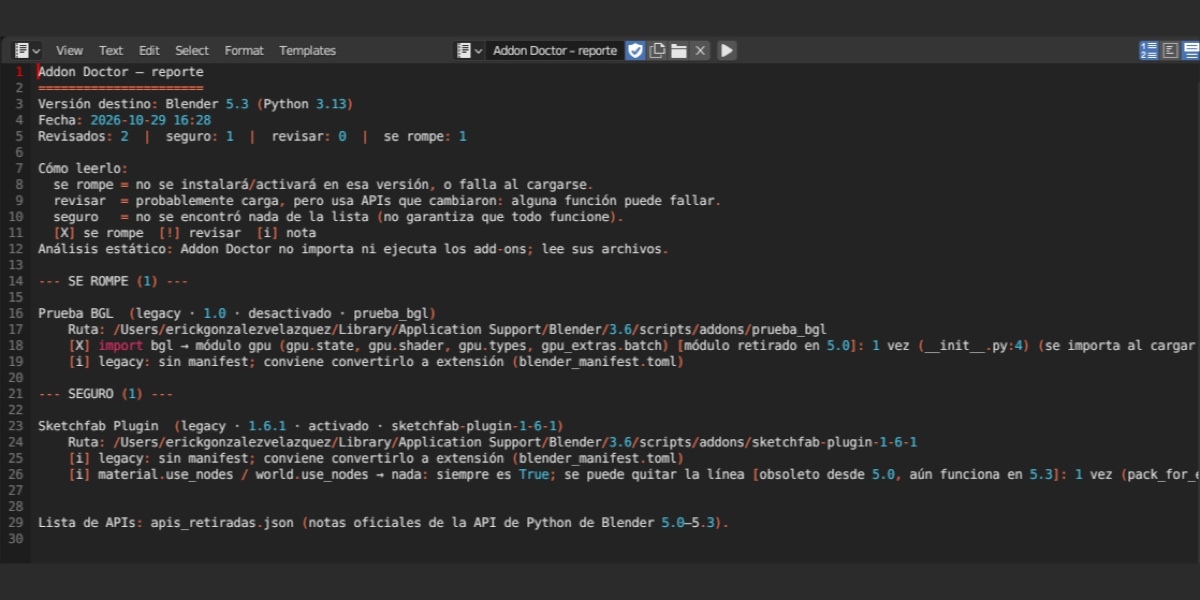
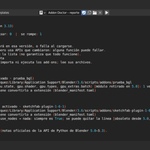
- For the full report, open a Text Editor (for example in the Scripting tab) and choose the text “Addon Doctor – reporte”.
- If you change Destino, press Revisar add-ons again.
3. Reading a finding
Each reason starts with [X] (breaks), [!] (check) or [i] (note), says what changed and what replaces it, and gives the file and line. Open that file at that line to confirm it. Common false positives: code behind a version check, generic variable names, text inside strings or docstrings, and keys of the add-on’s own dictionaries.
4. Blender 3.6 to 4.1
These versions have no extension repositories, so Addon Doctor checks the legacy add-ons folders, including any folder there that has a blender_manifest.toml. Python 3.10 has no TOML reader, so the manifest is read with a simplified reader and the report says so.
5. Uninstall
Go to Edit › Preferences › Add-ons (or Get Extensions in 4.2 and newer), search “doctor”, disable it and remove it. The text “Addon Doctor – reporte” stays in your .blend file until you delete it from the Text Editor.
6. Requirements
Blender 3.6 or newer. Pure Python, no extra libraries, no internet connection.
Have questions about this product?
Login to message
| Blender Extension Compatible | Yes |
| Published | 2 days ago |
| Blender Version | 3.6 - 5.2 |
| Extension Type | Add-on |
| License | GPL |

Discover more products like this
version check extensions migration upgrade python api add-on checker diagnostics compatibility