Advanced Scene to Python Exporter
 Metanoid18

Installation
This is a Blender 4.2 extension. Install it from the Extensions panel.
- Open Blender and go to Edit, then Preferences, then Get Extensions.
- Click the dropdown arrow at the top right of that panel and choose Install from Disk.
- Pick
scene_to_python-2.9.0.zipand confirm. Do not unzip the file first. - Blender installs and enables it. If the checkbox is empty, go to the Add-ons tab and tick Advanced Scene to Python Exporter.
- In the 3D Viewport, press N to open the sidebar, then click the Scene Export tab.
Requirements
Blender 4.2 or newer, 64-bit. Installed as an extension, which is what Blender 4.2 and later use. No third-party Python packages, no external assets, no network access. Nothing leaves your machine.
First export
- Scope. Selected Objects (Recursive) takes the selection and everything parented under it. Visible Objects takes what is on screen. All Scene Objects takes everything.
- Export Style. Exact Replica embeds the real mesh data so the rebuild matches the source. Generator Script rebuilds recognised primitives with bpy.ops calls and live modifier stacks, which makes the output readable and editable.
- Precision. Decimal places for coordinates and properties, from 1 to 8, default 6.
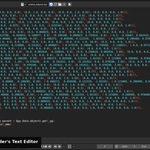
- Export. Export to Text Block puts the script in the Blender Text Editor. Save .py File writes it to disk. Export ZIP (Chunked) writes numbered chunk files for a large scene.
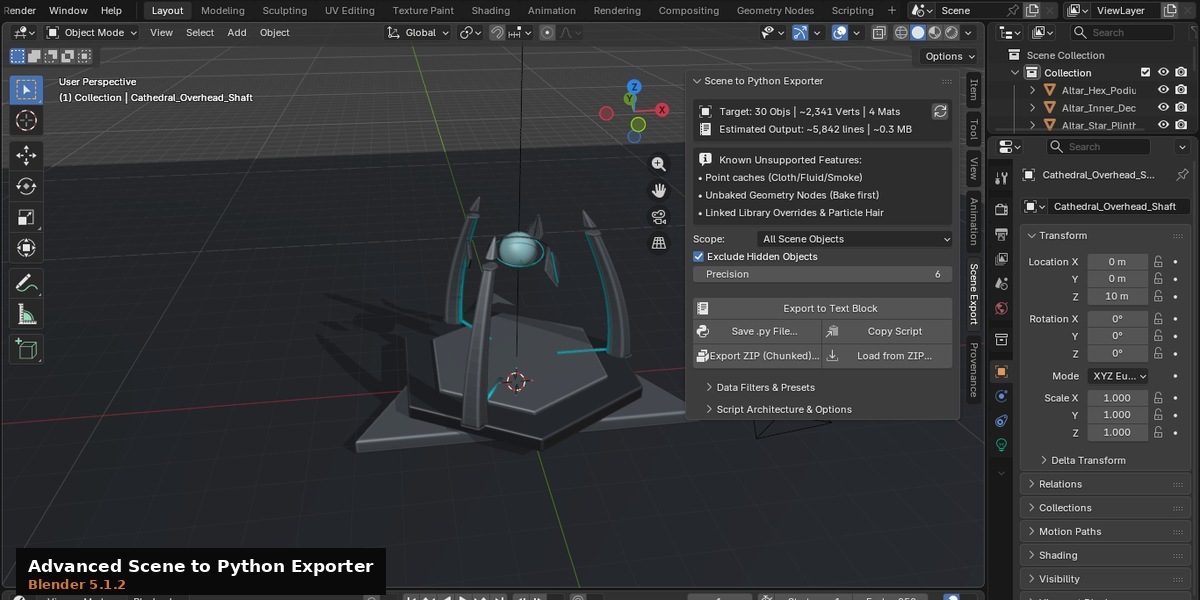
The stats readout at the top of the panel shows the object count, vertex count, material count, and an estimate of the output size. If it says Stats not calculated, click the circular arrow beside it.
Rebuilding the scene
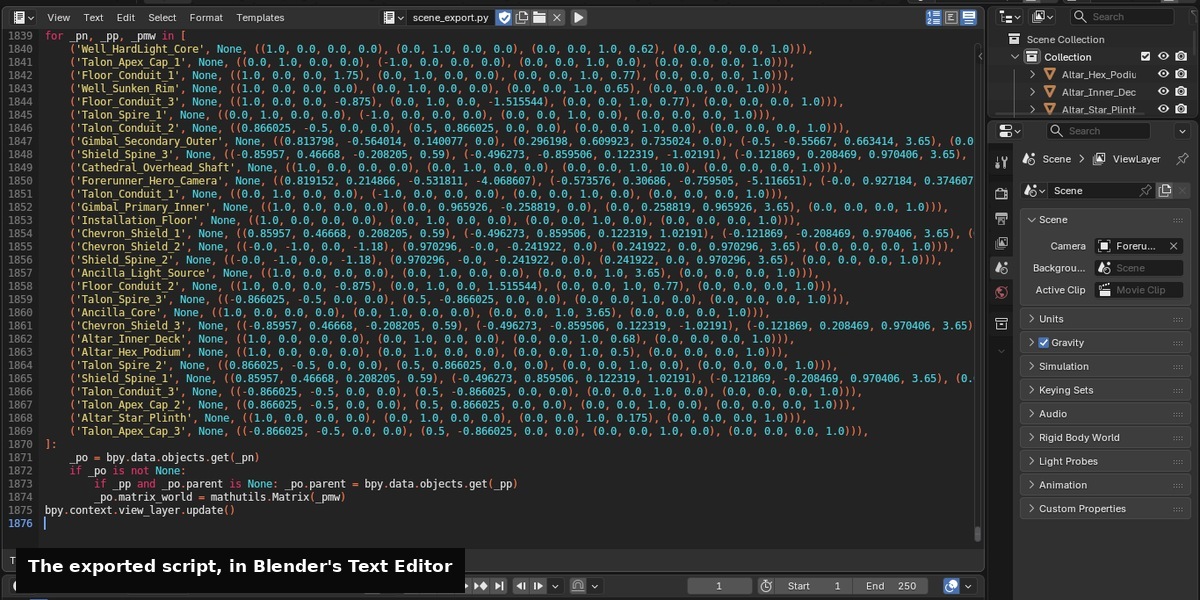
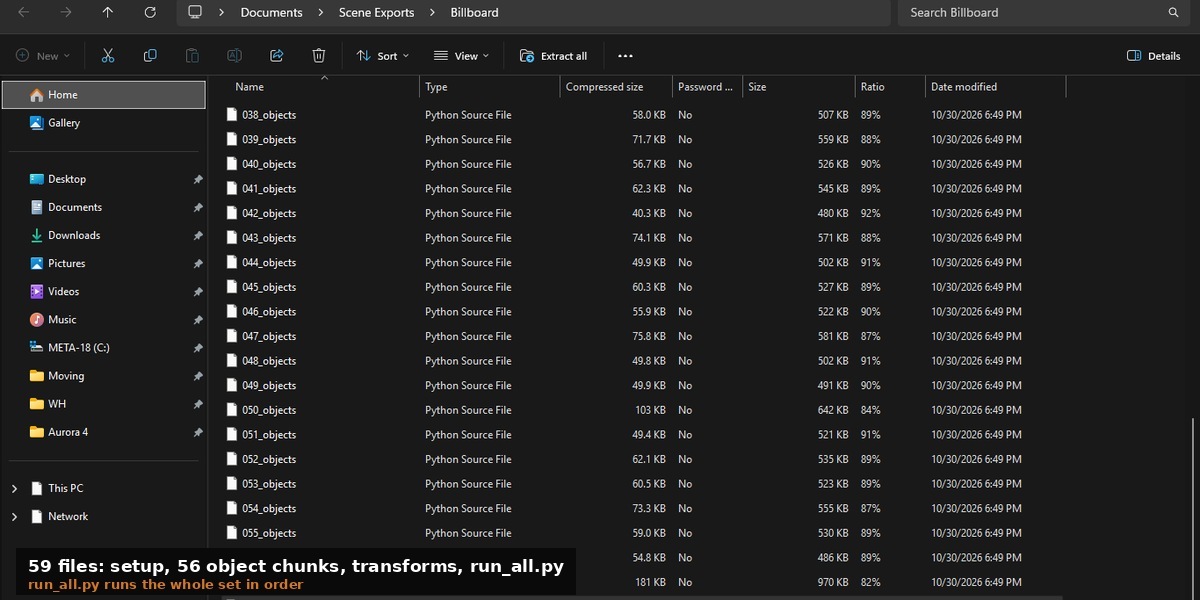
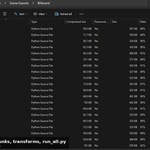
Run the script from the Blender Text Editor with Run Script, or run the .py file you saved. For a chunked export, run run_all.py from the folder. It runs each chunk in order.
The panel
The Scene Export tab holds three sections.
- Scene to Python Exporter has the stats readout, Scope, Exclude Hidden Objects, Precision, and the export buttons.
- Data Filters and Presets limits what gets exported: materials, curves, vertex groups, transform animation, modifiers, armatures, colour attributes, drivers, constraints, the world and custom properties. Presets set the whole group at once.
- Script Architecture and Options holds the export style, texture embedding, deduplication settings and the scene reset option. Clean Scene Reset clears the target scene before the rebuild, which matters if you run a script into a file that is not empty.
Large scenes
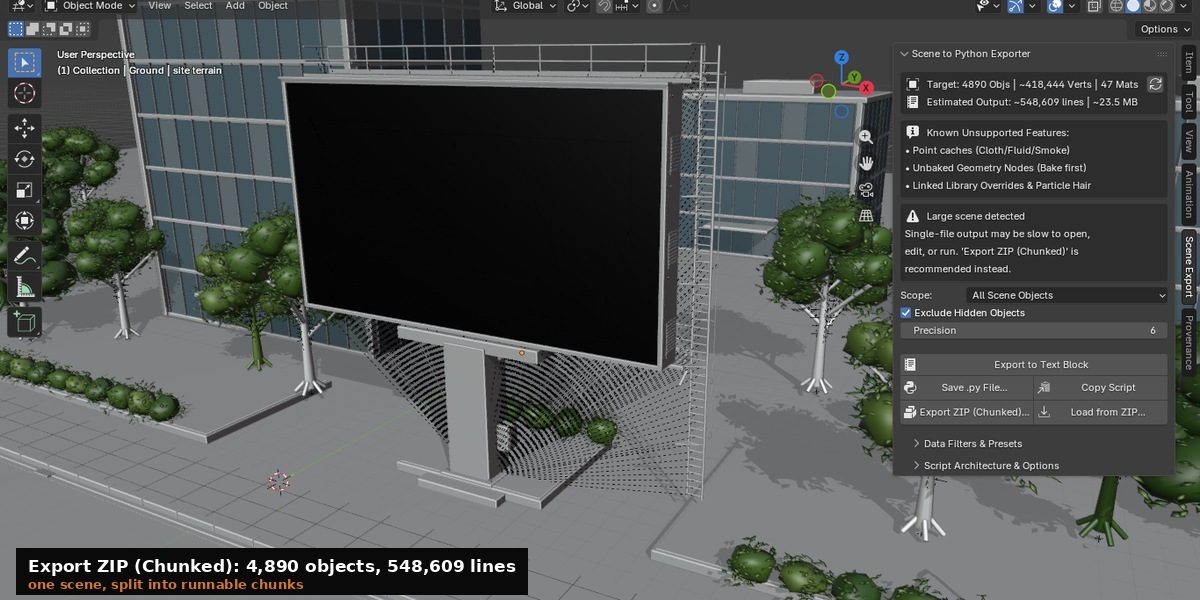
The single-file path writes a scene as one script, and one script that size is slow to open and slow to run. A scene of a few thousand objects crosses the point where the panel warns you and recommends chunked export.
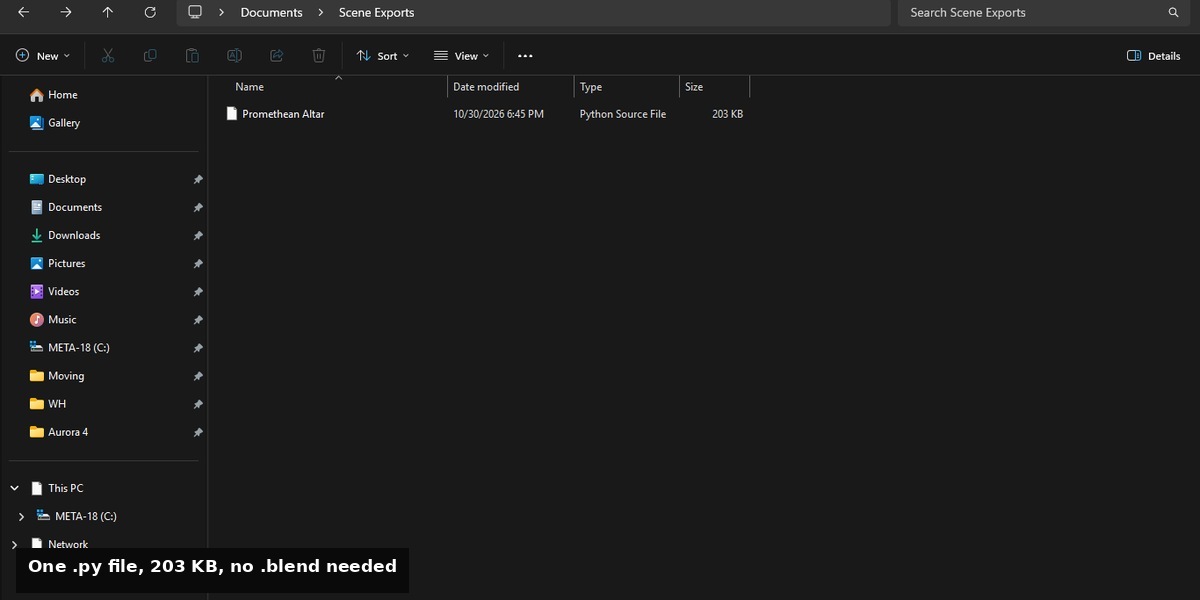
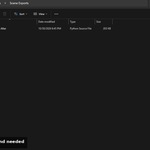
Export ZIP (Chunked) writes a folder of numbered scripts: 000_setup.py, then 001_objects.py upward in batches, then the constraint pass, then 990_transforms.py, with run_all.py to run the set.
If texture embedding pushes the estimated size past 50 MB, the export stops and asks you to confirm first. The checkbox for that appears in the same warning box.
What is not exported
Point caches from cloth, fluid, smoke and similar simulations. Geometry Nodes output that has not been applied or baked. Linked Library overrides and particle hair. The panel lists these in a box so you can check before exporting.
Troubleshooting
- Empty script, or a warning that no objects were found. The Scope filter excluded everything. Switch to All Scene Objects and refresh the stats.
- Textures missing after a rebuild. Textures were not embedded. Turn on texture embedding in Script Architecture and Options, or keep the texture files in the same relative paths.
- Rebuild is slow to open in the Text Editor. The scene is too large for one script. Use Export ZIP (Chunked).
Version support
Requires Blender 4.2 or newer. Tested on 4.2.0 and 5.2.2. Updates are free for existing customers.
Have questions about this product?
Login to message
| Blender Extension Compatible | Yes |
| Published | 4 days ago |
| Blender Version | 4.2 - 5.2 |
| Extension Type | Add-on |
| Render Engine Used | Cycles |
| License | GPL |
Discover more products like this
developer tools Export automation pipeline Import-Export Scripting Python