Advanced Scene to Python Exporter
 Metanoid18



Where do the generated files go?
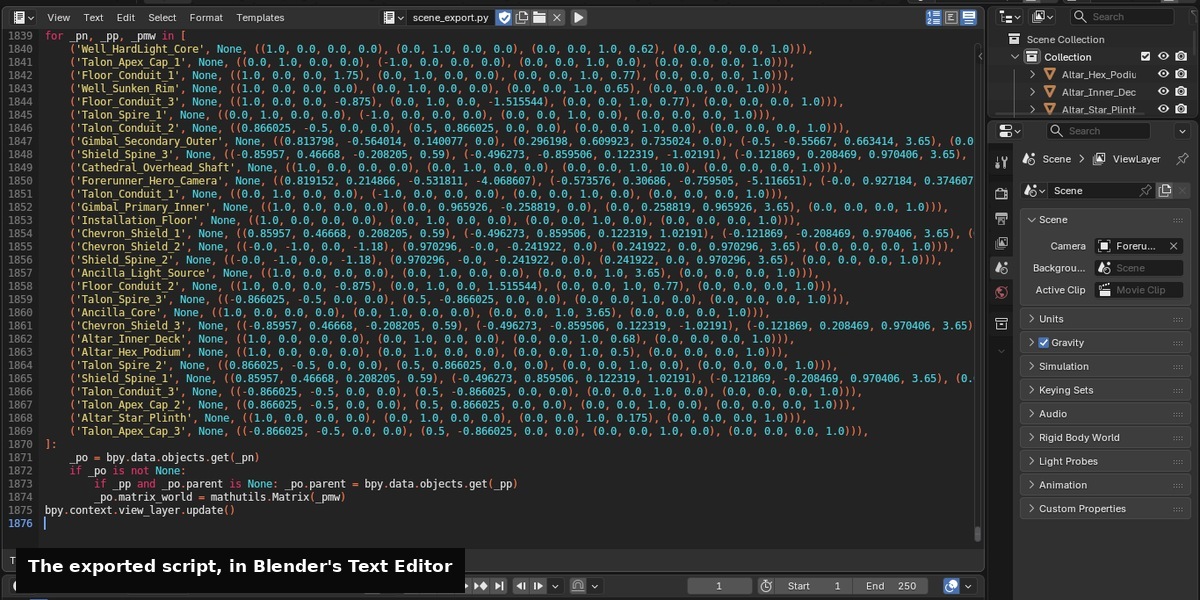
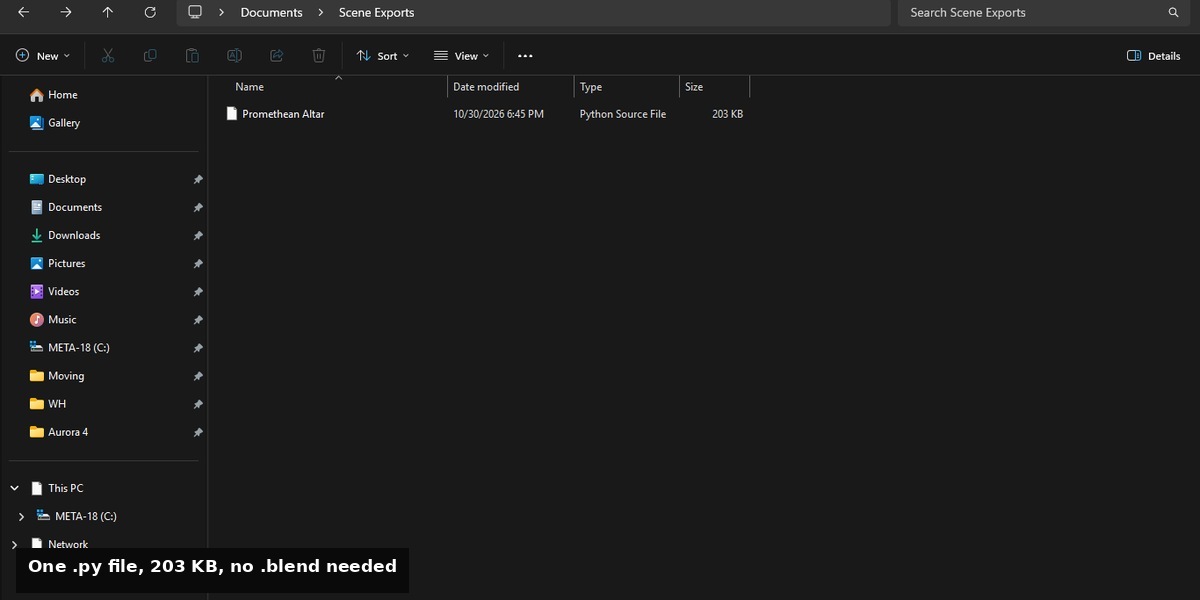
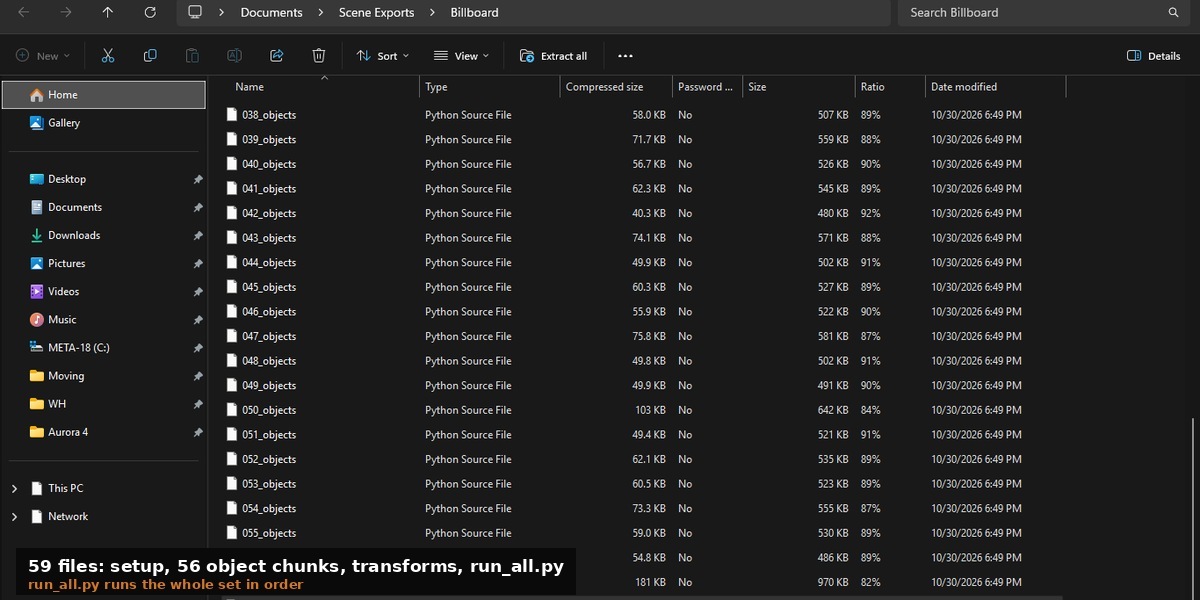
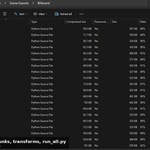
Wherever you choose in the save dialog. Export to Text Block keeps the script inside the .blend as a text block. Export ZIP (Chunked) writes the chunk files and run_all.py into the folder you pick.
Does it work with linked library files?
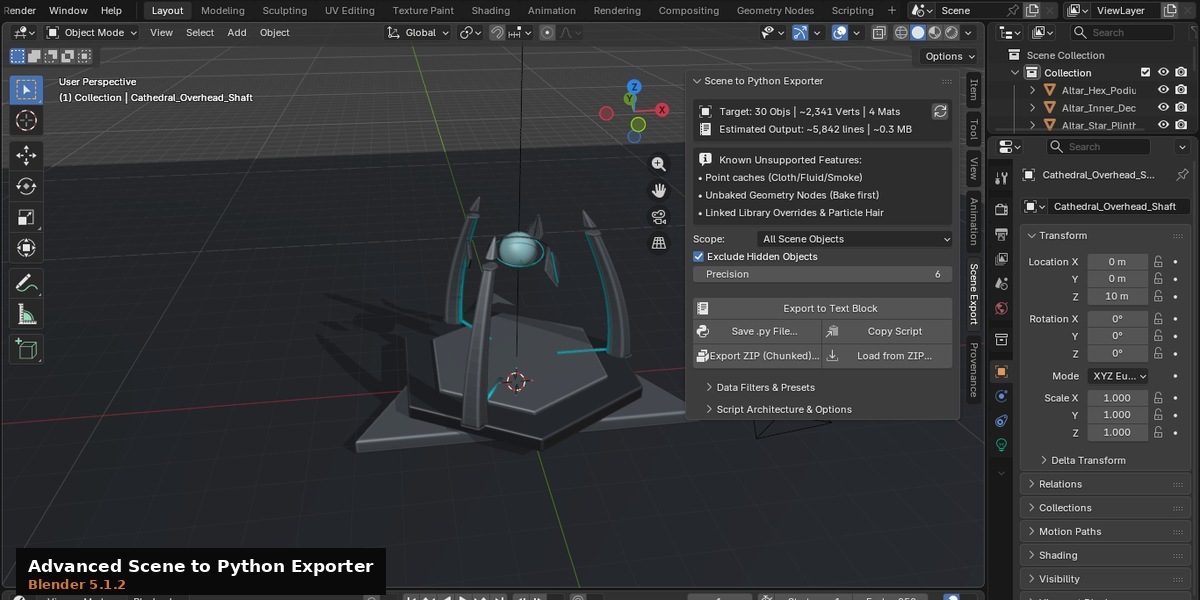
Not fully. Linked Library overrides are not exported, so a scene that depends on them will come back incomplete. Apply or make the library local first.
Do I need to know Python?
Not to use it. Reading the output helps if you want to edit the generated script.
Which Blender versions work?
4.2 and newer, verified on 4.2.0 and 5.2.2.
Does it need an internet connection?
No. Nothing leaves your machine.
What is not exported?
Simulation and point caches, Geometry Nodes output unless it is applied or baked first, complex multi-target cyclic driver expressions, linked library overrides, particle hair and emitters, and VSE strips and compositor node trees. The add-on lists these in its panel as well.
My scene is huge and the export is slow.
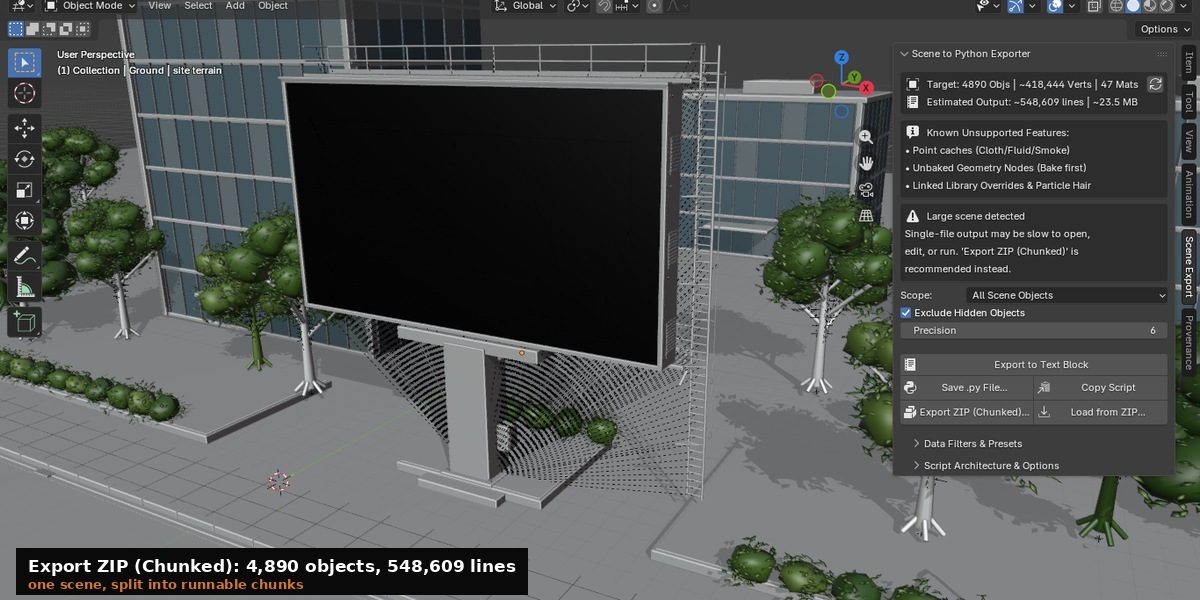
Use Export ZIP (Chunked). One text block at that size is slow to open in Blender and slow to run. The chunked export splits it into numbered files with a runner.
Which export style should I use?
Generator Script if you want a script you can read, edit and re-run. Exact Replica if you want the scene back unchanged and do not care how the file looks.
Does the rebuilt scene match the original exactly?
With Exact Replica, yes. The rebuild tested byte-equal to the source on Blender 4.2.0 and 5.2.2. With Generator Script, recognised primitives are rebuilt with bpy.ops calls and live modifiers, and anything unrecognised falls back to embedded data. The scene still comes back, the script just reads as a rebuild rather than a copy.
Have questions about this product?
Login to message
| Blender Extension Compatible | Yes |
| Published | 4 days ago |
| Blender Version | 4.2 - 5.2 |
| Extension Type | Add-on |
| Render Engine Used | Cycles |
| License | GPL |
Discover more products like this
automation Scripting pipeline Import-Export Export developer tools Python