 JuanBautista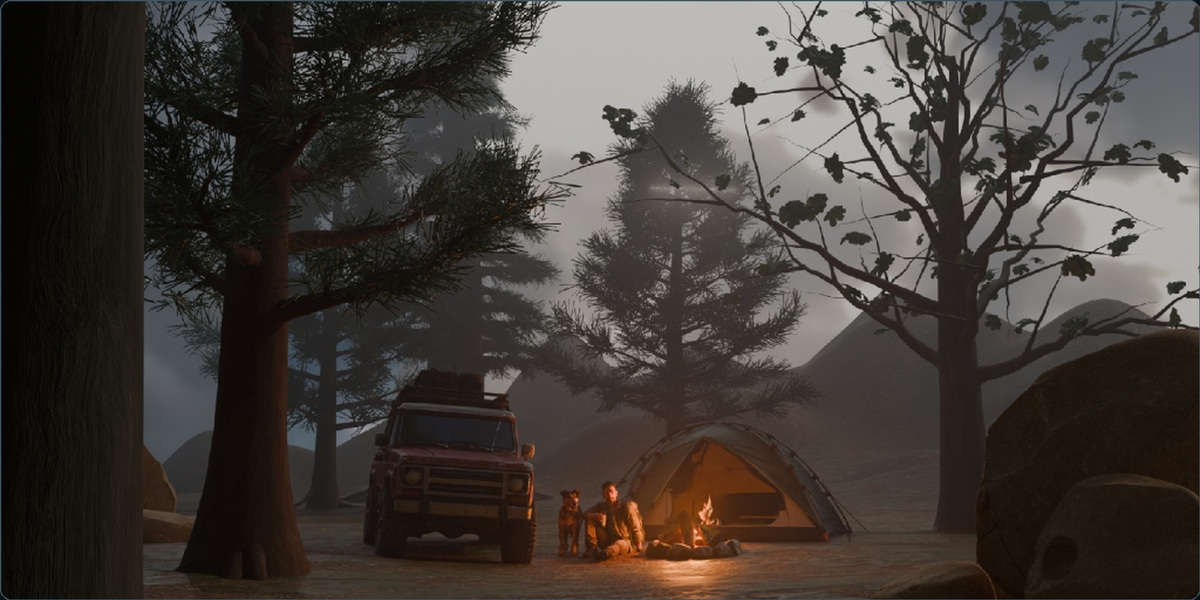
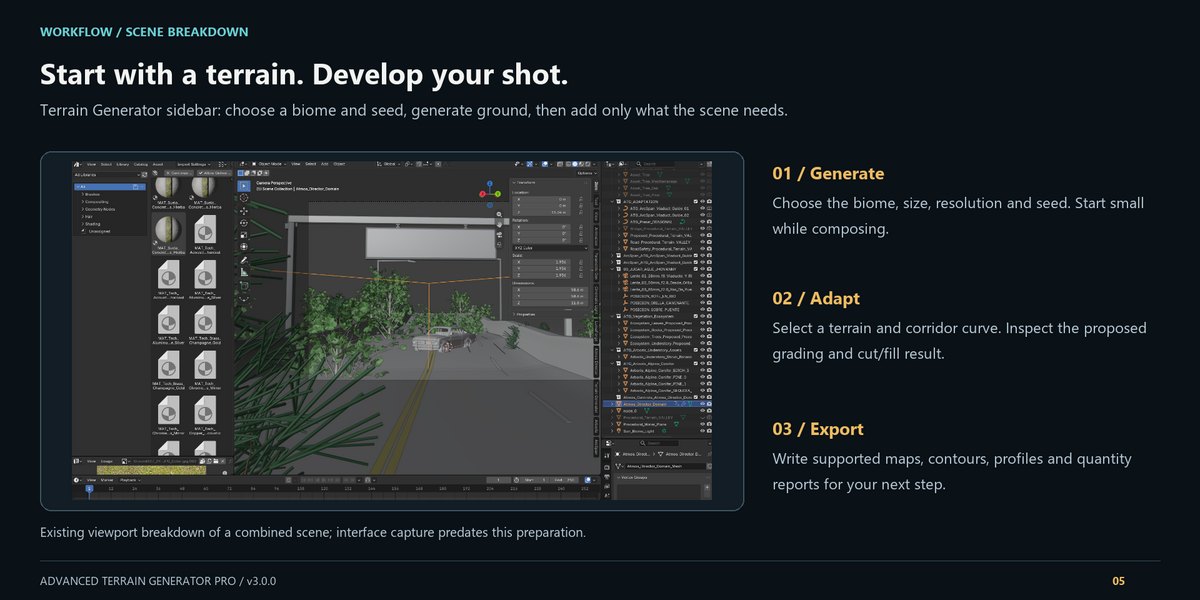
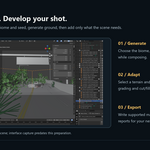
Start with the ground your scene needs. Advanced Terrain Generator Pro combines procedural landscapes, corridor grading and built-in ecosystem tools in Blender. Generate a landform or import supported elevation data, shape the route through it, then develop the environment around your composition.
Shape the landscape
- Create mountain, dune, canyon, volcano and valley terrains with seed, size and resolution controls.
- Develop the surface with hydraulic and thermal erosion and organized terrain tiles.
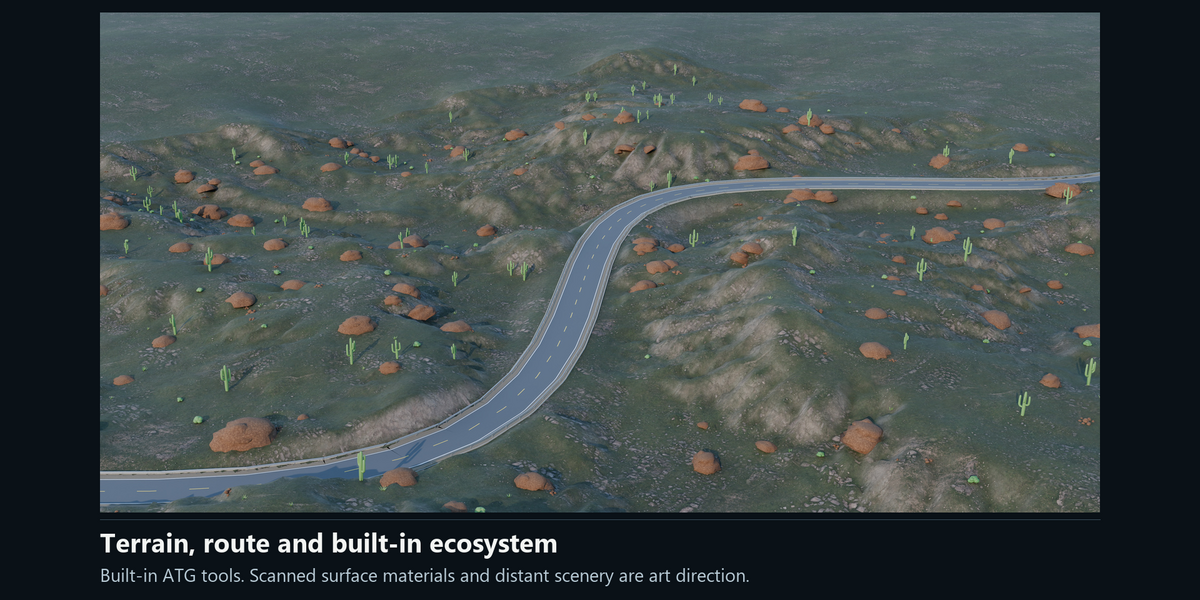
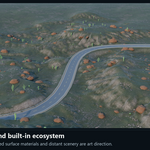
- Populate the scene with ATG's built-in vegetation, understory, rocks and leaf litter.
Connect terrain and infrastructure
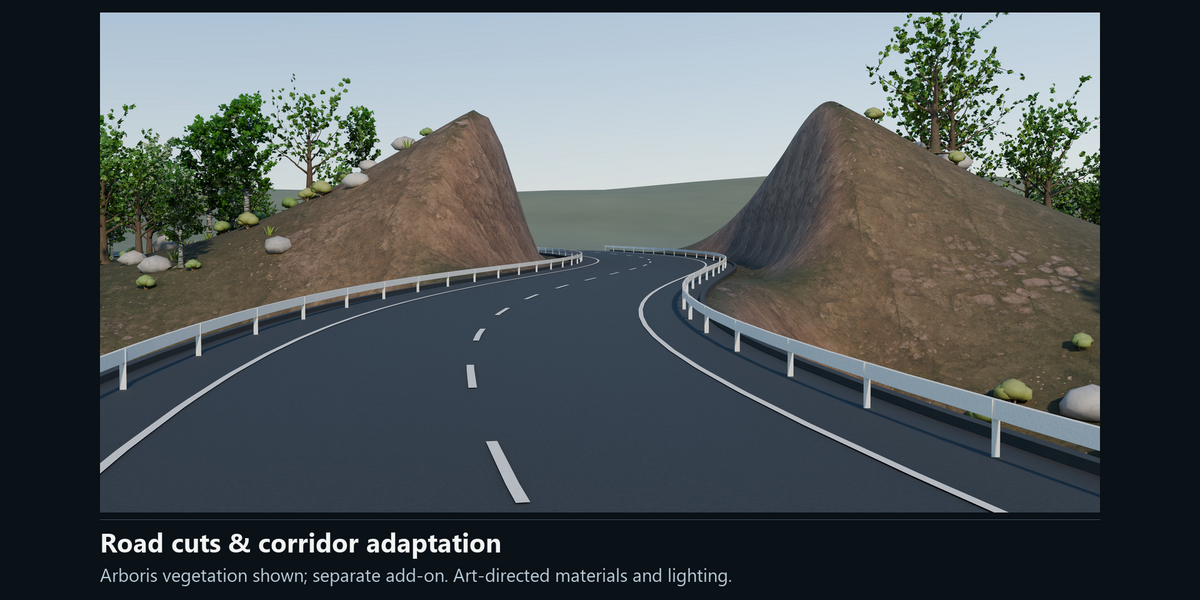
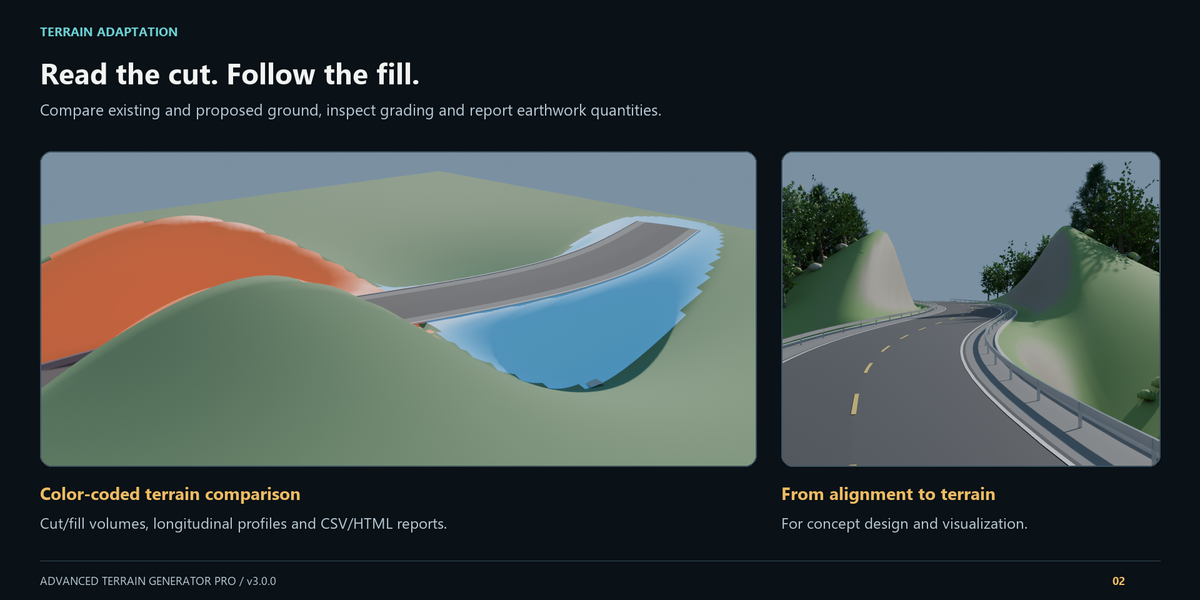
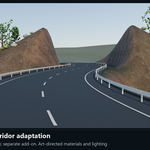
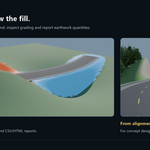
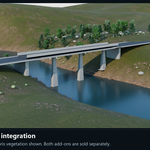
Adapt ground to an open road or railway curve. Compare existing and proposed surfaces, inspect color-coded cut/fill, and generate roadway, railway, pad, street and supporting infrastructure geometry. Save the scene and rebuild managed outputs as the design develops.
Tree placement, scale, altitude-limit and preset edits use Apply Tree Changes when the pending-change notice appears. Existing rock and leaf layers have interactive controls. Botanical materials and prototypes may be shared between scenes in one .blend; use separate files for independent procedural looks.
Bring in supported elevation data
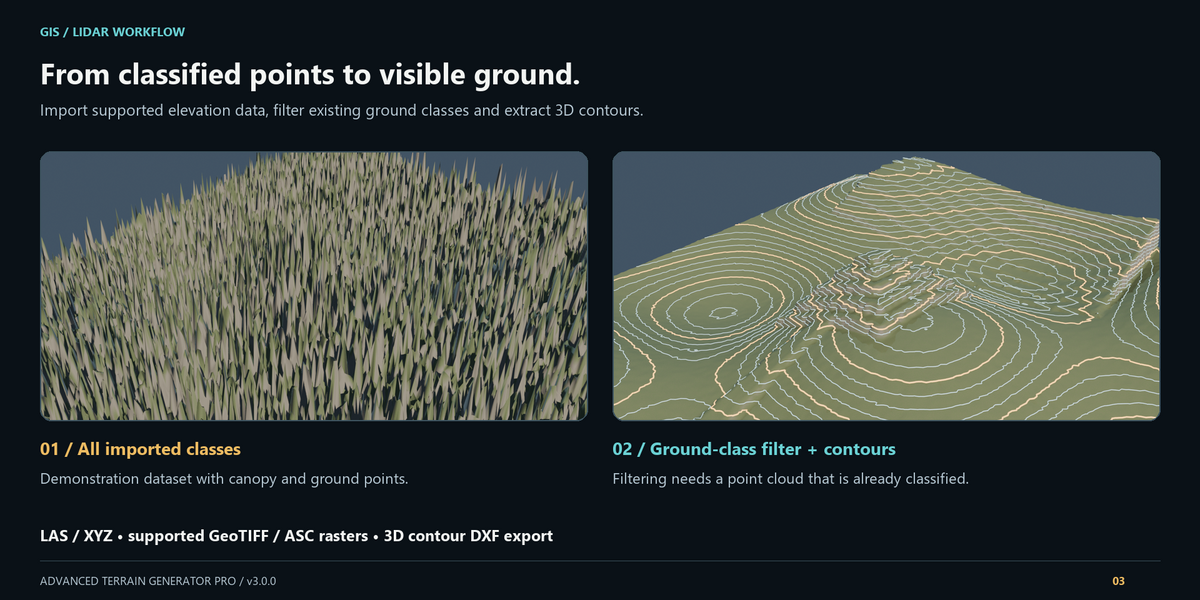
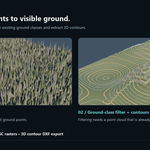
Import uncompressed LAS, XYZ text points, supported single-band GeoTIFF rasters and ESRI ASCII grids. Ground-only LAS filtering selects existing Class 2 points; it does not classify an unclassified cloud or recover unmeasured ground. Compressed LAZ is unsupported.
The GeoTIFF importer supports the documented subset of sample types, compression and layouts. Source CRS/origin metadata can be retained, but the importer does not perform general CRS, UTM or datum reprojection. Check the format table in Documentation before preparing your data.
Inspect and share your proposal
Export supported terrain maps, contours/DXF, LandXML, SVG profiles and CSV/HTML reports. IFC4X3_ADD2 provides a geometry/quantity snapshot of terrain and supported managed infrastructure, rather than parametric corridor alignment or engineered cut/fill solids. Tunnels use labeled proxies. Check files in your receiving application.
ATG is intended for environment visualization and concept development. Quantities, hydrology, stability indicators and costs are simplified aids that require independent professional validation for engineering use.
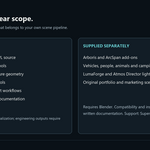
Optional integrations — sold separately
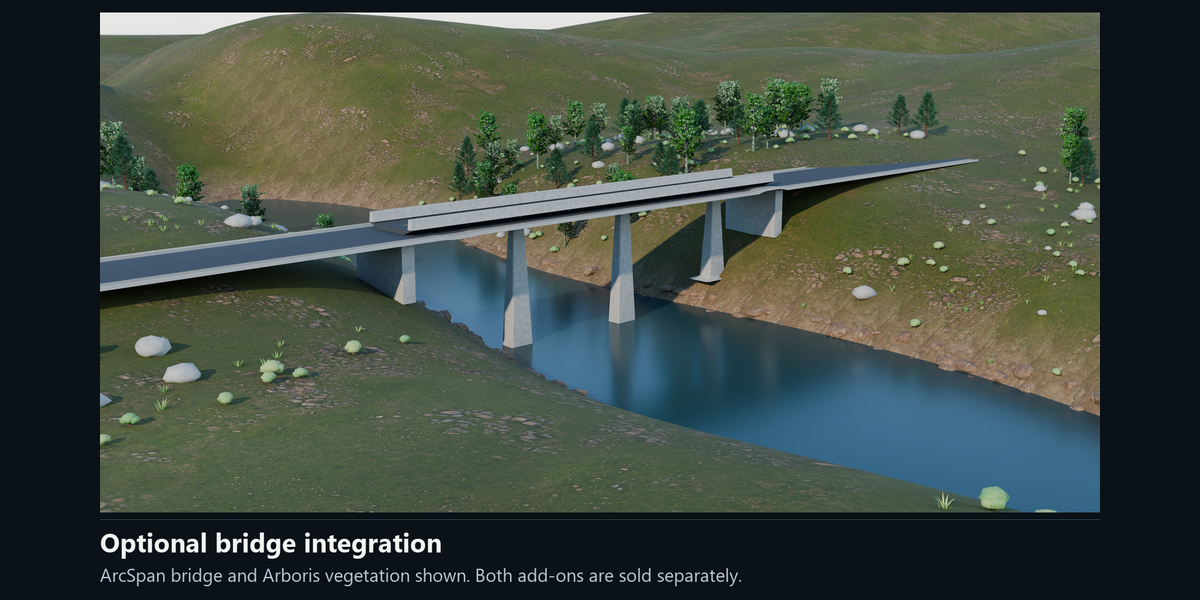
Arboris adds its procedural tree species, seasonal controls and forest-instancing workflow through a separate compatible installation.
ArcSpan upgrades detected bridge spans through a separate compatible installation.
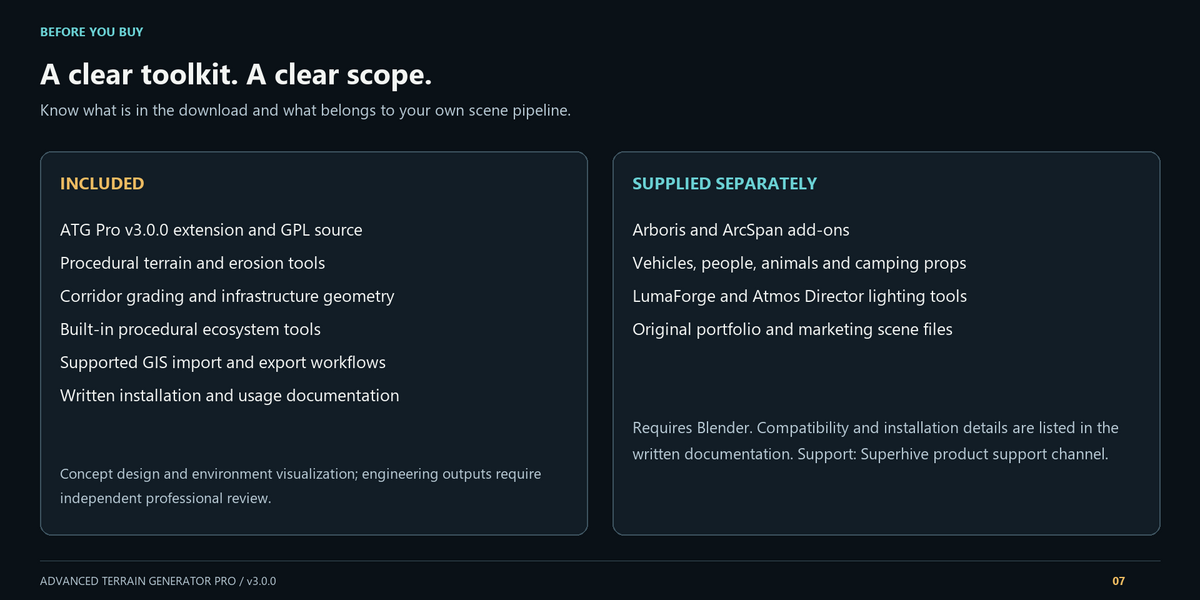
ATG includes its own procedural ecosystem and core infrastructure tools for standalone use. Neither optional add-on nor its license is part of this purchase.
Included in the download
- Advanced Terrain Generator Pro v3.0.0 installable extension.
- Python source under GPL-2.0-or-later.
- Written installation, workflow, format-limit and troubleshooting documentation.
Gallery and additional assets
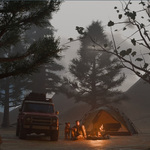
Gallery images are art-directed examples. Optional add-ons, scanned surface materials, lighting and scene composition contribute to the result. Vehicles, characters, camping props, original portfolio/marketing .blend scenes and other scene dressing are not included. LumaForge and Atmos Director add-ons/licenses are also supplied separately. A gallery composition is not a one-click default result.
Requirements and verified compatibility
Manifest minimum: Blender 5.0.0. Standalone workflows, native installation and fresh-process reopening were checked in Blender 5.0.1 and 5.2.1 on Windows. Optional Arboris/ArcSpan checks were performed on 5.2.1 Windows. Compatibility beyond those builds and operating systems is unverified.
Start at a moderate resolution and increase terrain detail, erosion work and vegetation density as your composition develops. Memory and processing needs grow with scene complexity.
Installation and support
Keep advanced_terrain_generator_pro_v3.0.0.zip intact and install it through Preferences → Install from Disk. Enable ATG, open the 3D Viewport sidebar with N, and select Terrain Generator. Documentation provides the complete installation and first-terrain workflow.
For help, use the Superhive product support channel and include ATG version, Blender build, operating system, exact steps and the full error message.