BLENDER ADDON · VERTEX COLOR
Advanced Vertex Paint
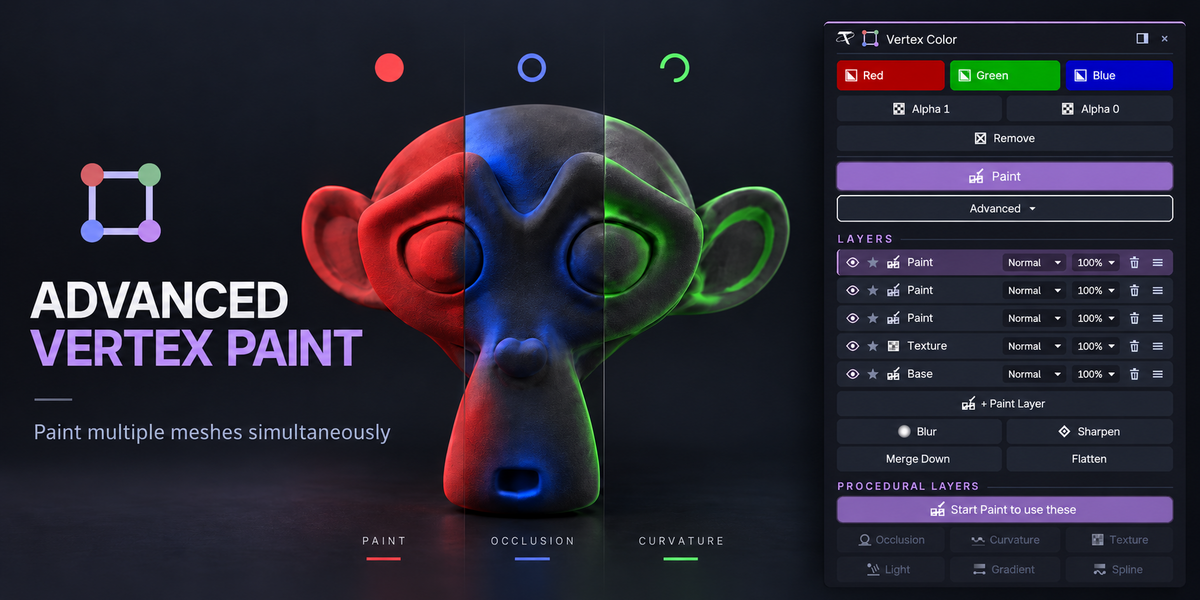


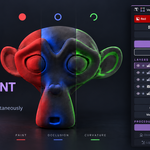
Vertex color for real work. Fill, set alpha and remove color across many meshes in one click, and paint every selected mesh at once with Blender's own Vertex Paint brushes. Pro adds Photoshop-style layers and procedural color from occlusion, curvature, textures and a light that follows your mouse.
⚠ Pure Blender, and nothing to configure. No game engine, no external tool, no network use of any kind. One package covers Blender 3.3 to 5.2: a modern extension on 4.2+, a classic add-on on 3.3 – 4.1. Windows, macOS and Linux. Install one edition at a time — Basic and Pro cannot be enabled together.
BASIC OR PRO
One listing, two editions. Pick one when you buy — each comes as Individual, Team or Studio.
BASIC
Advanced Vertex Color
Color many meshes at once.
●Red, Green and Blue fill across every mesh you edit
●Alpha 1 / Alpha 0 and Remove, keeping the color
●Paint every selected mesh at once, with every Vertex Paint brush


●Gradient and Spline, editable until you apply

●A floating card you can dock, resize and summon with your own shortcut
★ PRO
Advanced Vertex Color Pro
Everything in Basic, plus:

●Photoshop-style layers: 13 blend modes, opacity, eye and solo

●Blur, Sharpen, Merge Down and Flatten



●Procedural layers: raycast Occlusion, Curvature, Texture projection

●A Light that follows your mouse, with real shadows
●Gradient and Spline as layers you can edit later
★ PRO ONLY
Everything above, plus layers and procedural color.
Tachyon Studio
Questions, bug reports and feature requests —
join the Discord.
GPL-3.0-or-later · Copyright 2026 Tachyon Studio.
 Tachyon Studio