Blender Easy


Advanced Wireframe Tool
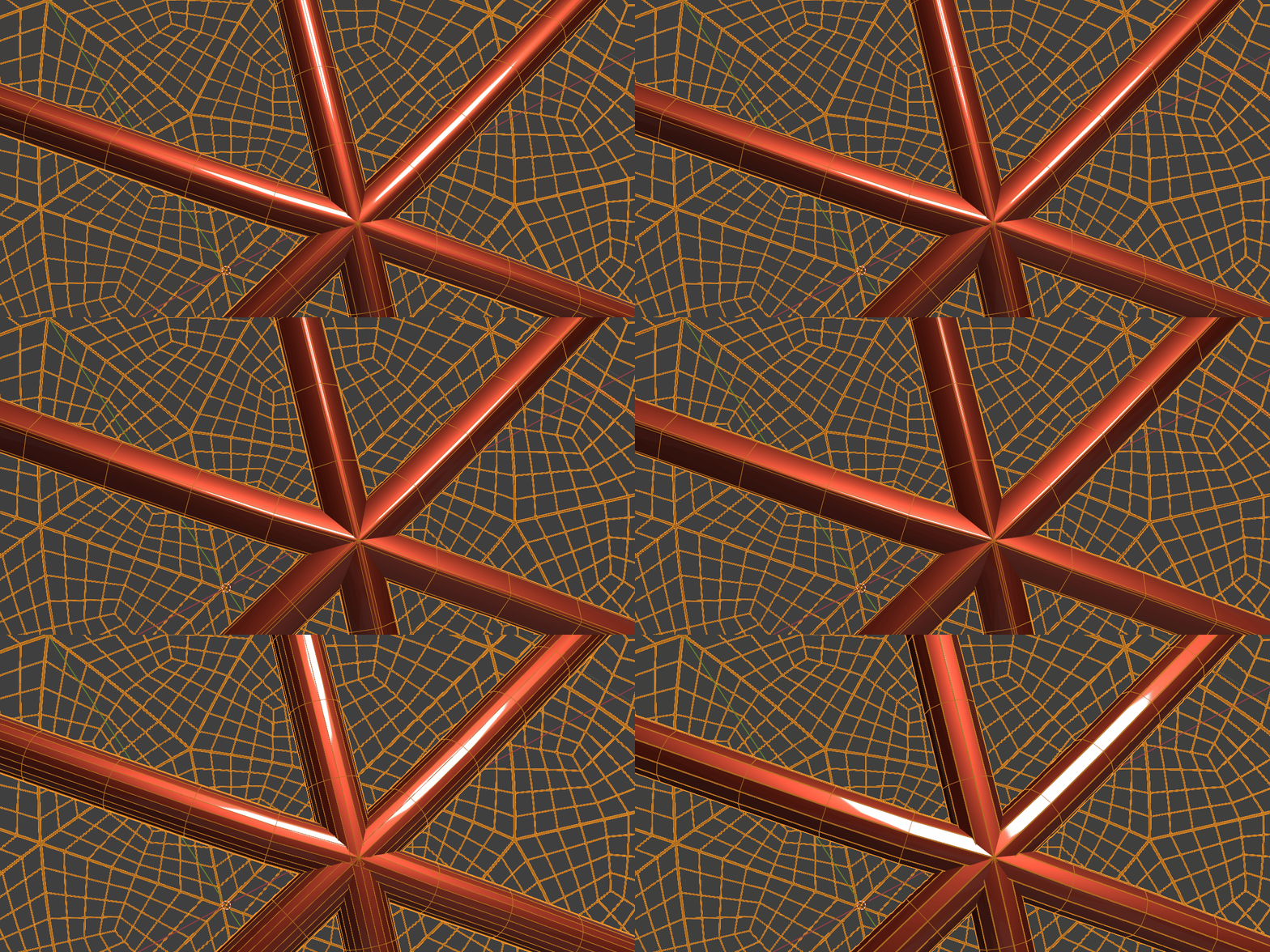
Generate wireframes like never before with a powerful and flexible system designed for high-quality rendering. Showcase your meshes with precision and control using a wide range of advanced features.
Apply wireframes to entire collections and render seamlessly in both Eevee and Cycles. For best results, combine with hair curves for optimized rendering performance.
Camera Optimization
Remove geometry not visible to the camera using the Camera Culling feature. For best results, triangulate your mesh before generating wires.
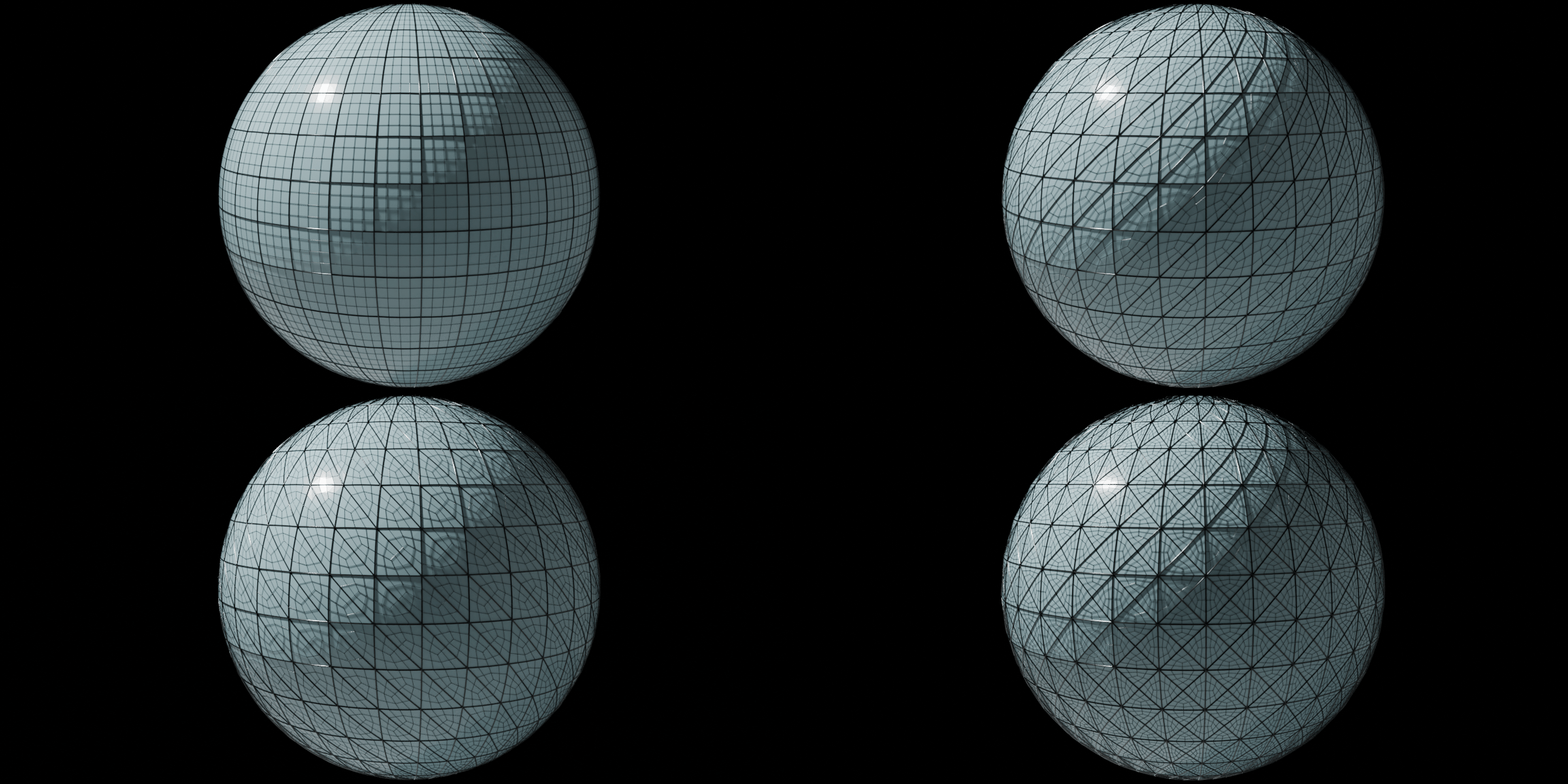
Adaptive Thickness
Automatically adjust wire radius based on face area for more natural and detailed results.
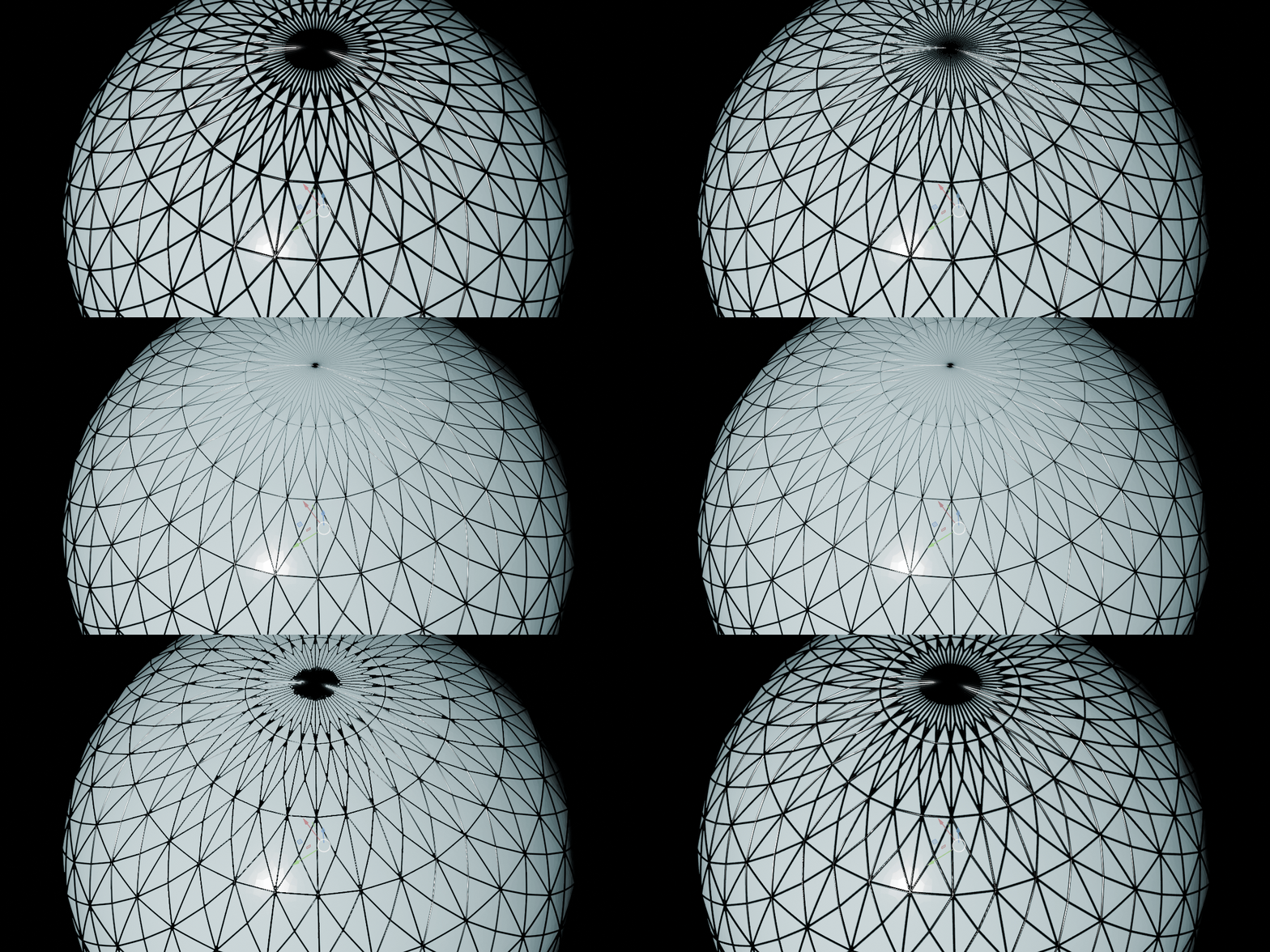
Subdivision Display
Visualize mesh subdivisions clearly for better topology control and presentation.
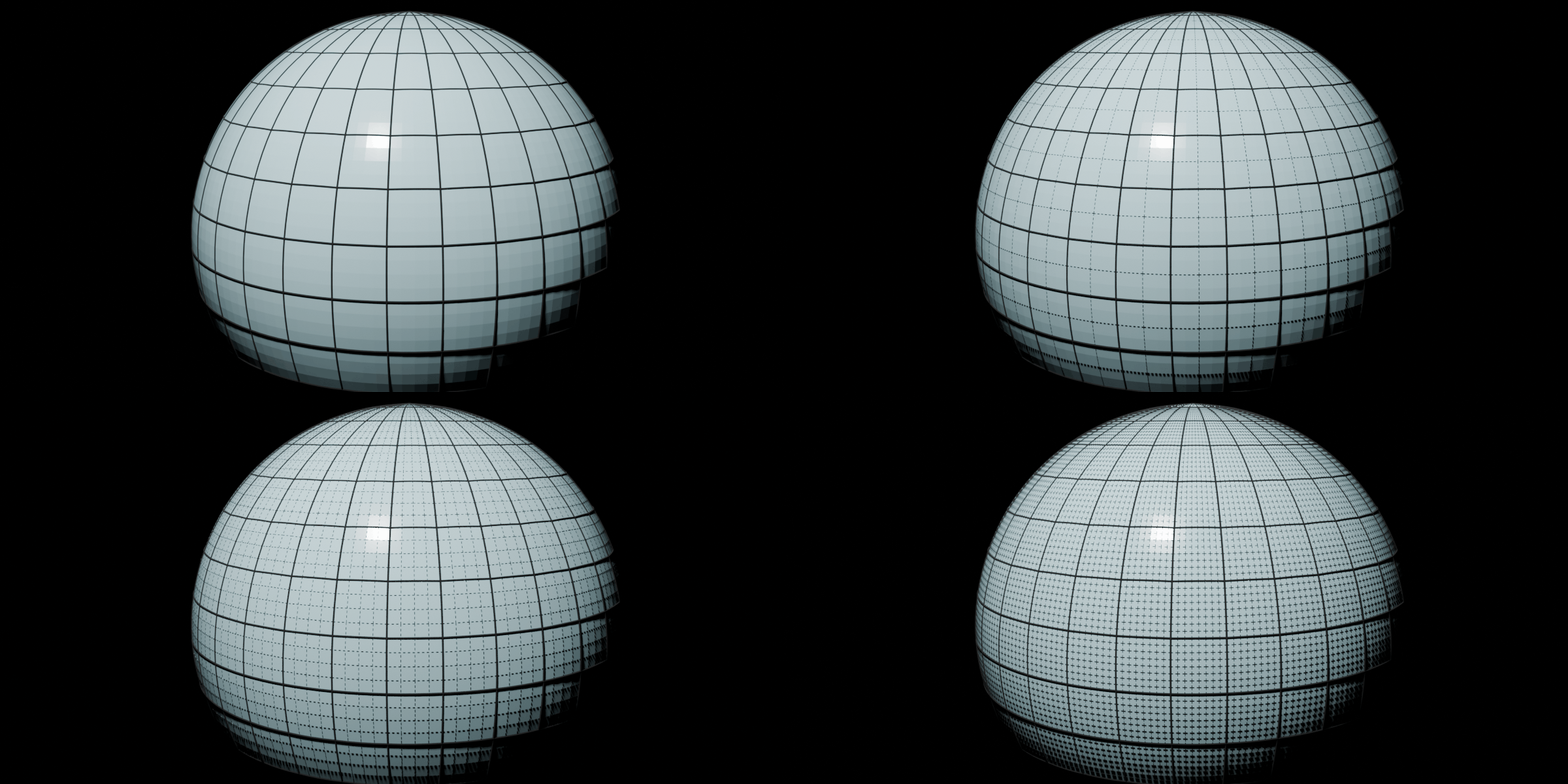
Edge Control
Split subdivision edges for enhanced customization and stylization.
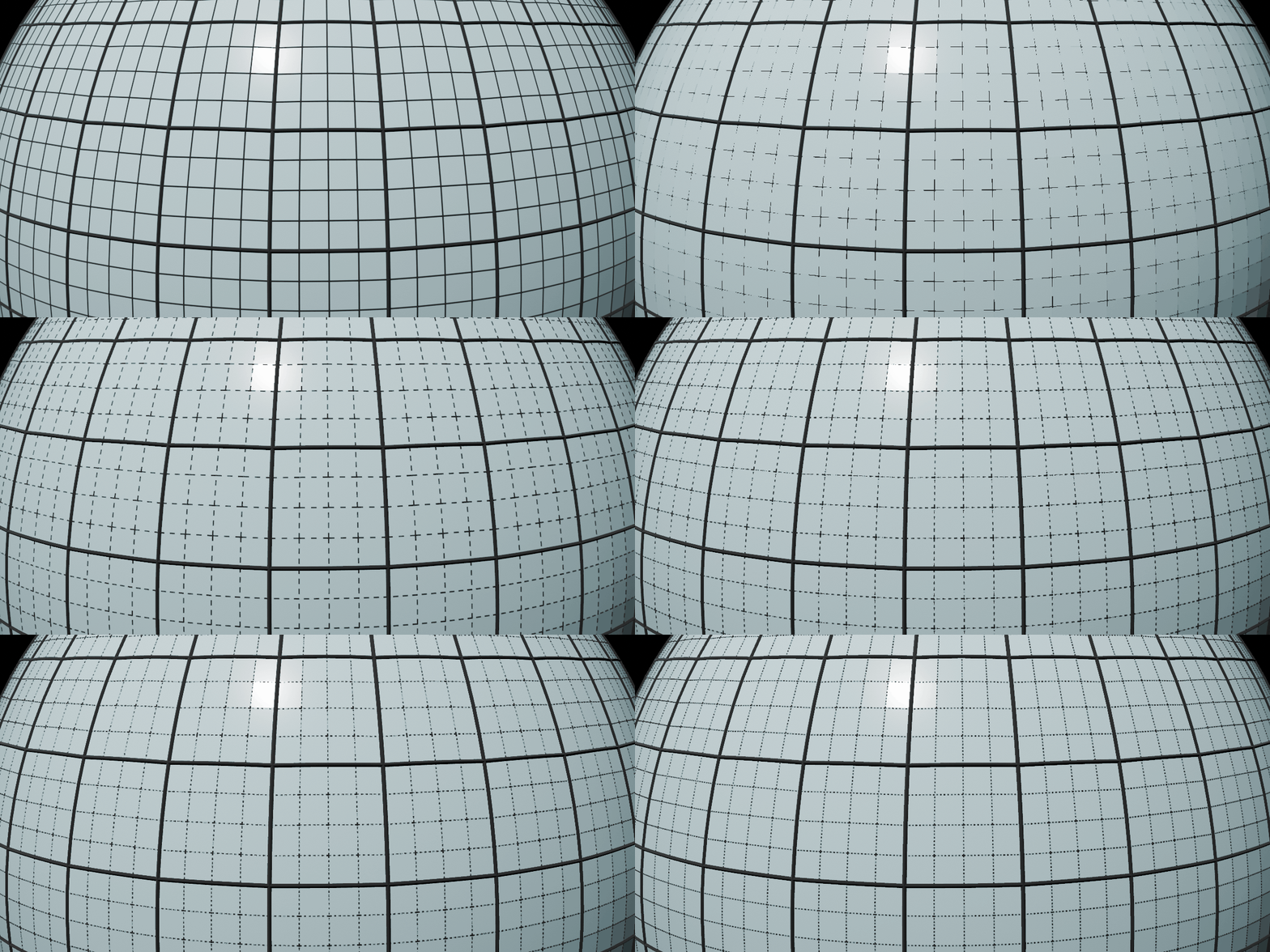
Vertex Customization
Add points to vertices or replace them with custom mesh objects.
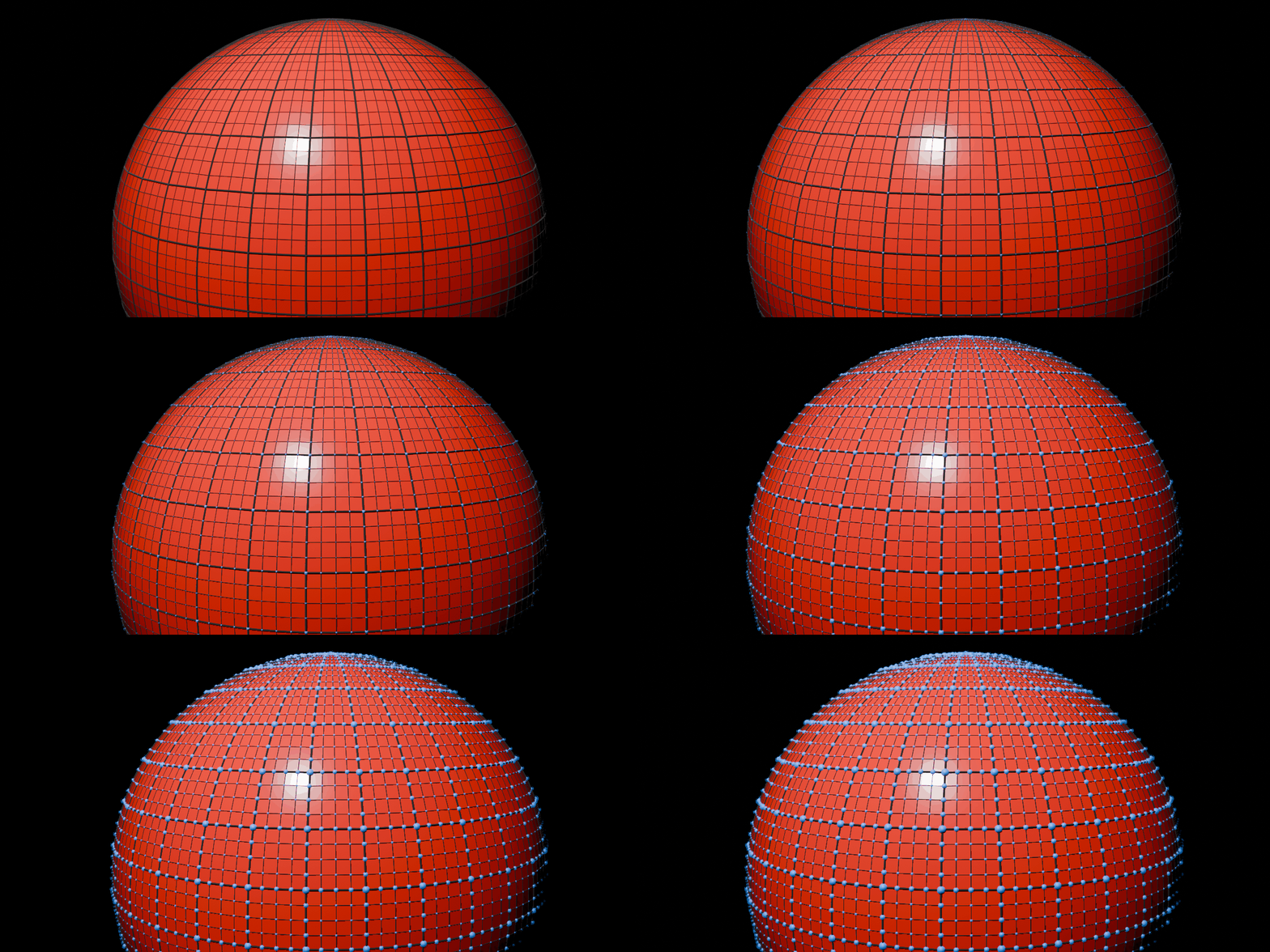
Material Control
Independently control materials for edges, subdivisions, and points.
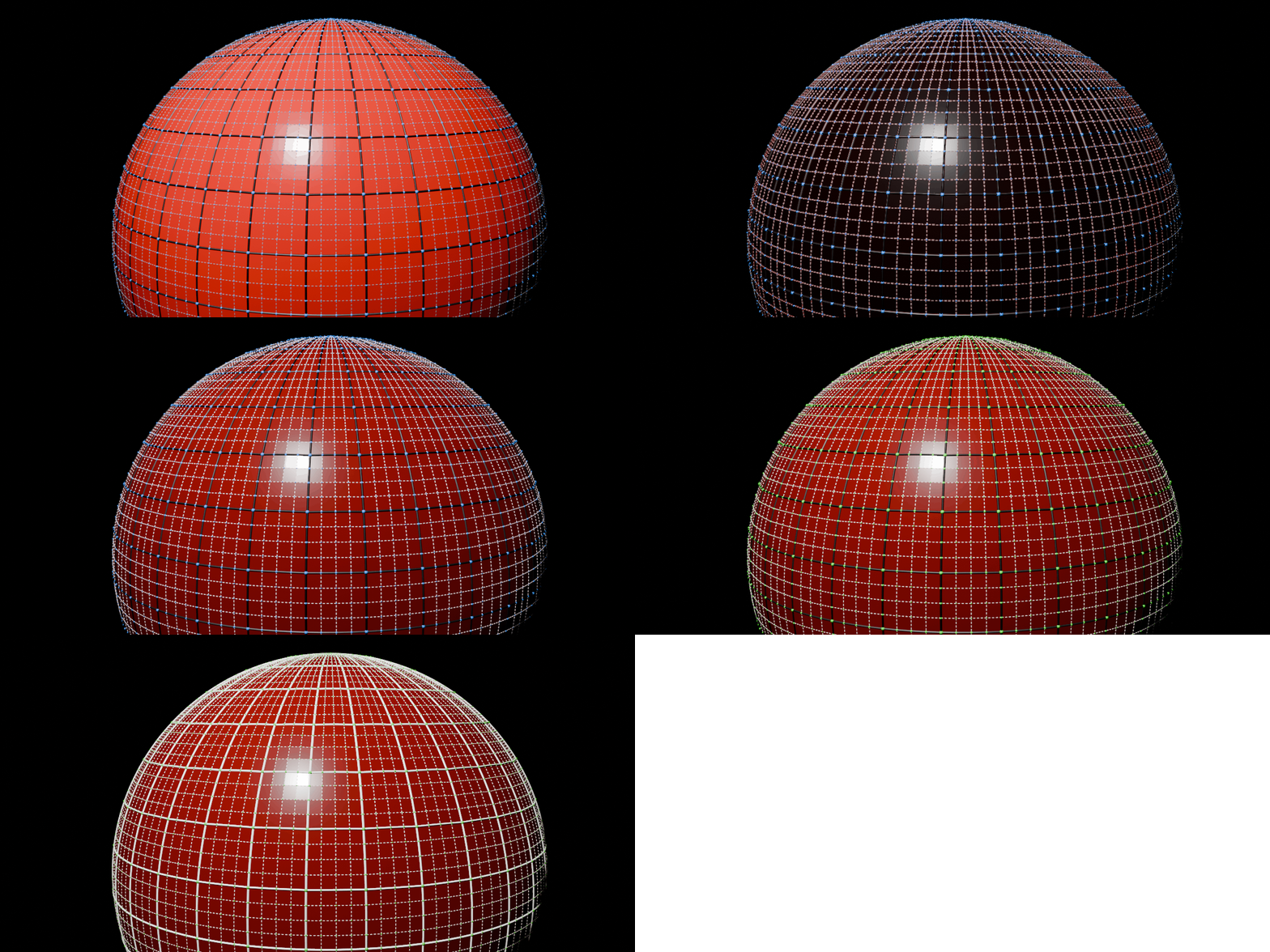
Profile Shaping
Modify the wire profile to achieve different visual styles and artistic results.
Quick Install Guide
Open Blender: Go to Edit > Preferences.
Install: Click Add-ons (or Extensions in 5.1), click the Install... (cog icon), and select your
.zipfile.Enable: Search for "Advanced Wireframe" and check the box to activate it.
Run: Press N in the 3D Viewport, find the Advanced Wireframe tab, select a mesh, and click Initialize.
Watch Demo