Aerial Skies – HDRI Pack From Above the Clouds
 MLT-Studios
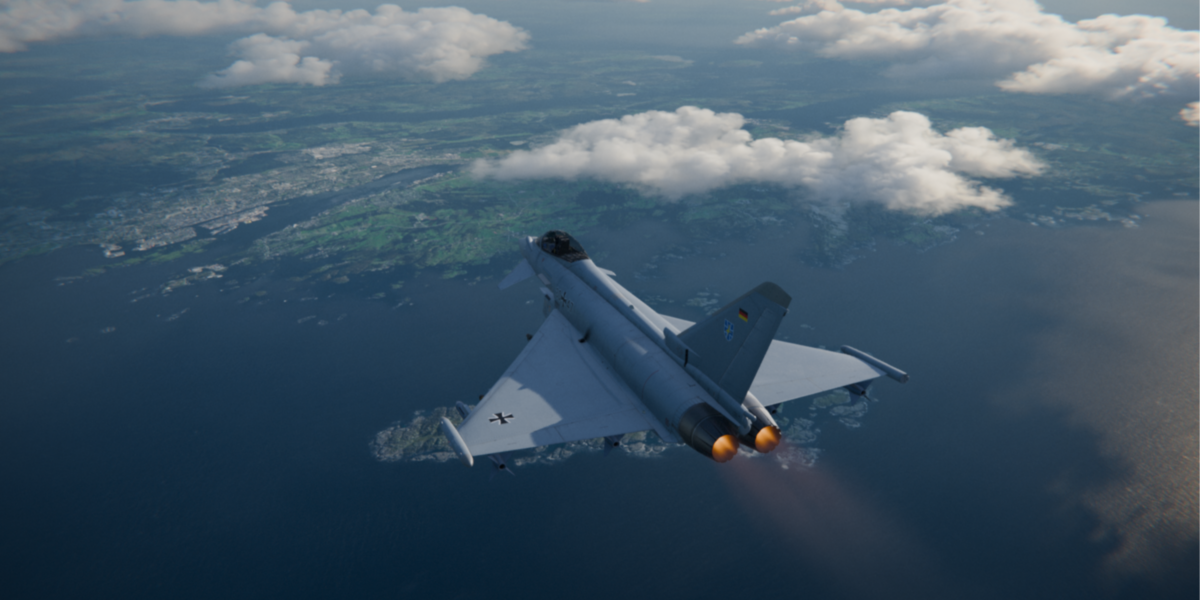
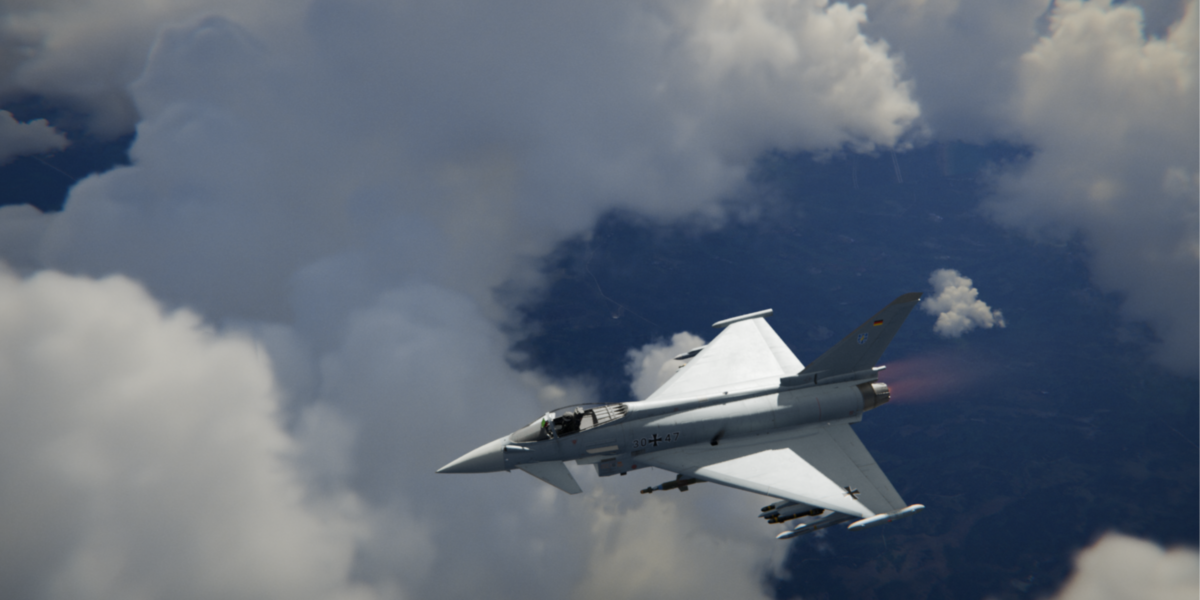
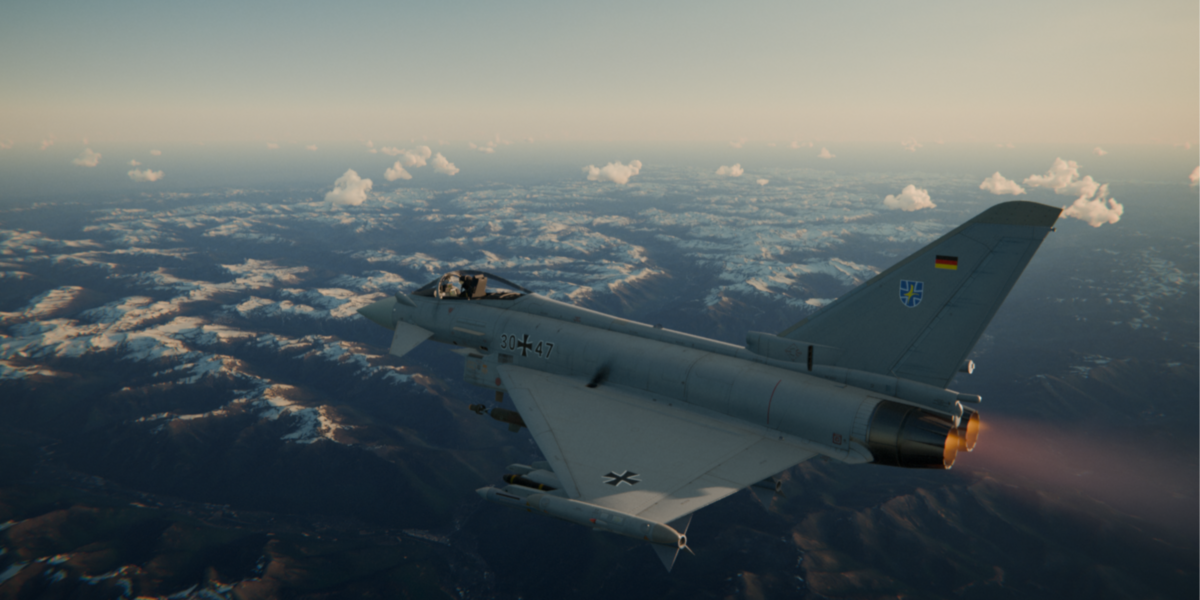
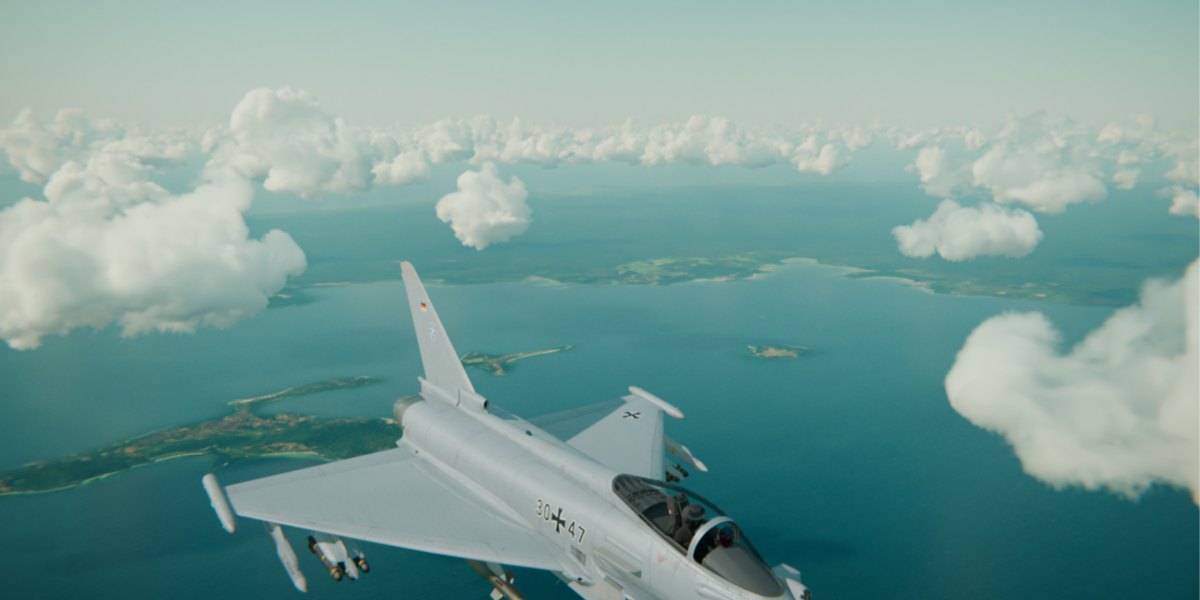
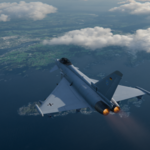
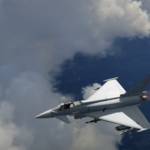
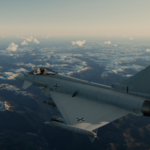
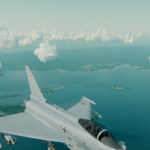
Aerial Skies Documentation & Quick Start Guide
Welcome to Aerial Skies! This guide will walk you through setting up the HDRIs, using the SkyParallax node group for animated scenes, and applying the included Geometry Nodes aircraft rig.
1. Basic HDRI Setup
If you only need static lighting and backgrounds, set up the HDRIs just like any standard environment map in Blender:
Open the World Shader Editor (switch from Object to World in the top-left dropdown of the Shader Editor).
Add an Environment Texture node (
Shift + A> Texture > Environment Texture).Click Open and select your downloaded
.exror.hdrfile.Connect the Color output of the Environment Texture to the Surface input of the World Output node.
2. Using the SkyParallax World Node Group
To create believable flight shots with stationary aircraft in the center of your scene, use the included SkyParallax node group to generate fake background parallax in real time.
How to Append the Node Group
Open your main Blender project file.
Go to File > Append...
Navigate to
AerialSkies_DemoFile.blend> NodeTree > selectSkyParallax.Click Append.
Connecting the Node Group
In the World Shader Editor, press
Shift + A> Group > SkyParallax.Connect the Vector output of the
SkyParallaxnode to the Vector input of your Environment Texture node.
Custom Settings & Controls
Loop Frames: Sets the frame interval before the motion resets. For example, if set to
250, the HDRI moves continuously from frame 1 to 250, and then snaps back to the starting position on frame 251 to repeat the cycle. (Best used for single continuous takes within your frame limit, or for quick shots under your set duration).Parallax Intensity: Controls how fast the ground/bottom environment shifts relative to the stationary horizon. Default is set to
1.0. (Note: Higher values increase speed, but extreme values may stretch the HDRI depending on your camera angle).Movement Axis: Toggle between X and Y parallax movement depending on whether your aircraft is flying forward/backward or sideways across the HDRI frame.
-
Rotation Z (Degrees): Type any angle in degrees (
0°to360°) to rotate the entire environment and align the light source/sun direction with your scene.
SkyParallax(Default / Blender 5.2+): Uses Blender's native shader Scene Time node for driver-free animation.-
SkyParallax_Pre5.2(Legacy / Older Blender Versions): Uses a#framedriver on a Value node. Use this group if you are running Blender 3.1 through 5.1 so that the time input functions properly without broken nodes.
3. Aircraft Rigging (Geometry Nodes Setup)
The demo file includes a custom Geometry Nodes setup to streamline adding subtle, natural flight dynamics (banking, micro-jitter, and float) to your aircraft.
Open
AerialSkies_DemoFile.blendor append the Geometry Nodes Modifier to an empty/path object in your scene.Select the object containing the modifier in the Properties Panel > Modifiers.
In the modifier settings, locate the Aircraft Collection input field.
Swap the default placeholder collection with your own aircraft collection.
4. Quick Start with the Demo File
If you want to jump straight into a working setup:
Open
AerialSkies_DemoFile.blend.Select the Environment Texture node in the World Shader Editor.
Browse to the directory where you unzipped your Aerial Skies HDRI files and select any HDRI.
Press Spacebar to play the animation and see the parallax effect in action!
Performance Tip
Having performance issues or lag? High-resolution HDRIs consume significant GPU memory. When switching between multiple 16K HDRIs, Blender can accumulate unused cached data. If your viewport becomes laggy:
Go to File > Clean Up > Purge Unused Data.
Alternatively, save your project and restart Blender.
Best practice: Use a lower-res version while setting up lighting/animation, then swap to 16K for final rendering.
Have questions about this product?
Login to message
| Sales | 10 |
| Published | 4 days ago |
| Blender Version | 3.1 - 5.2 |
| Render Engine Used | Cycles, Eevee |
| License | Royalty Free |
