Aerial Skies – HDRI Pack From Above the Clouds
 MLT-Studios

Why is the SkyParallax node tree red or showing an undefined node?
The primary SkyParallax node group utilizes the native Scene Time node in the World Shader Editor, which was integrated in Blender 5.2. If you open the project in Blender 5.1 or earlier, shader editors do not recognize this native node.
How to fix it: Simply use the included SkyParallax_Pre5.2 node group instead! It replaces the Scene Time node with a universally compatible #frame driver setup that works across older Blender releases.
Can I combine these HDRIs with Blender volumetric fog/clouds?
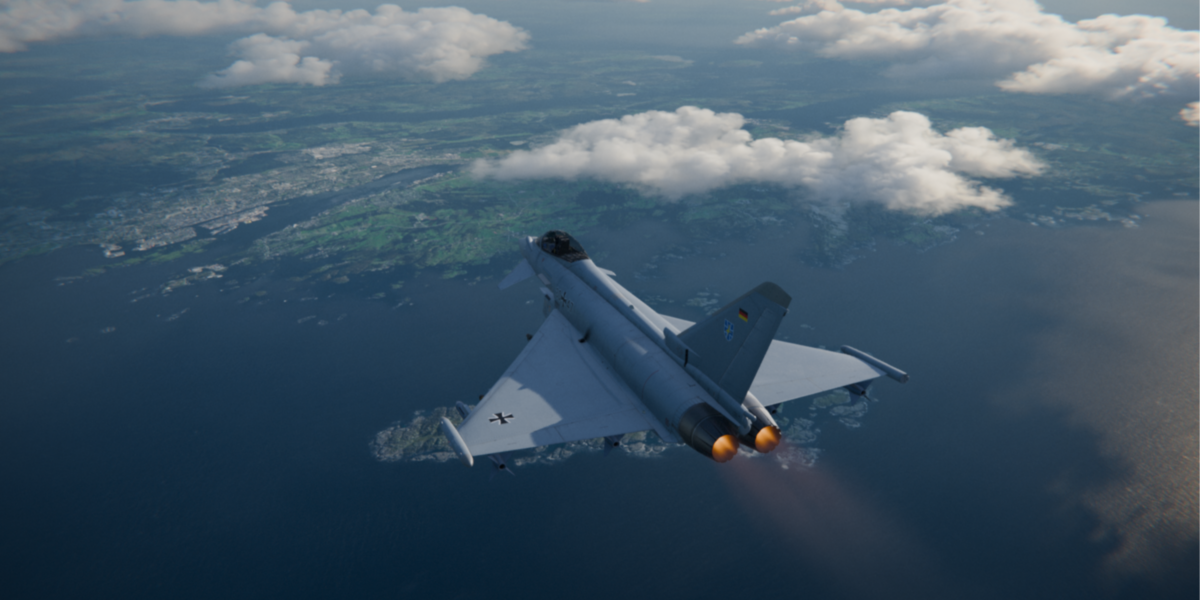
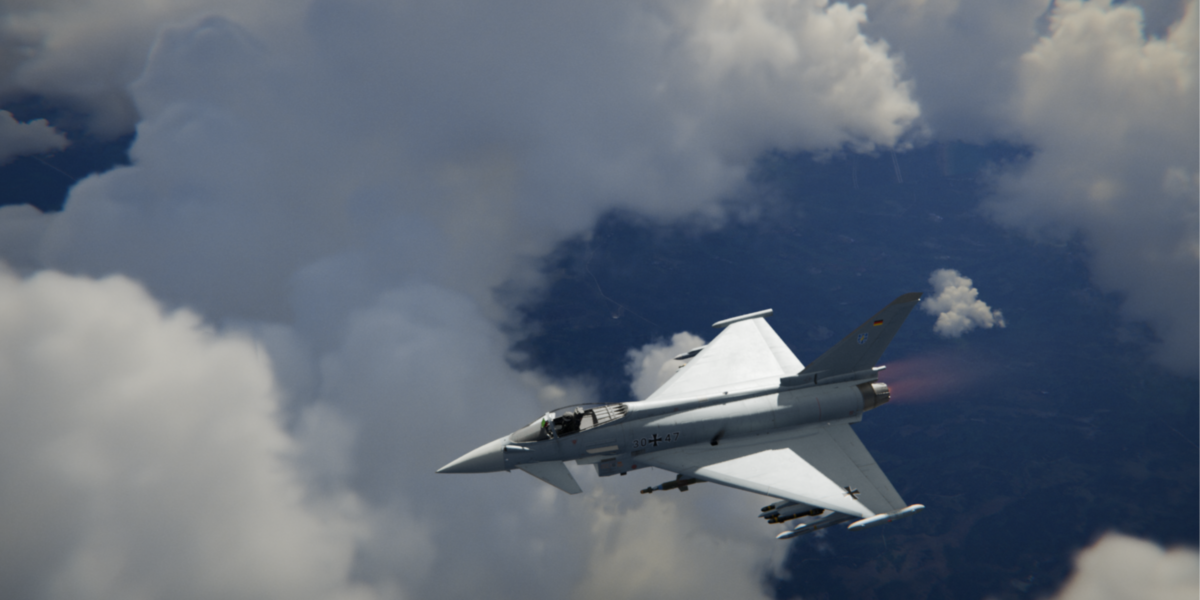
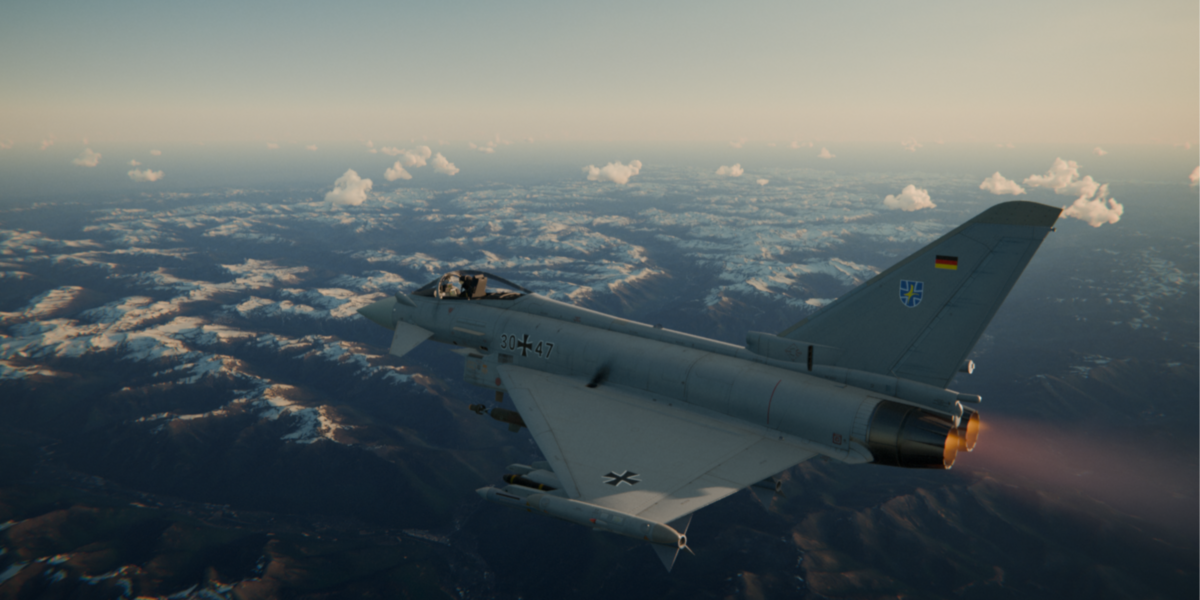
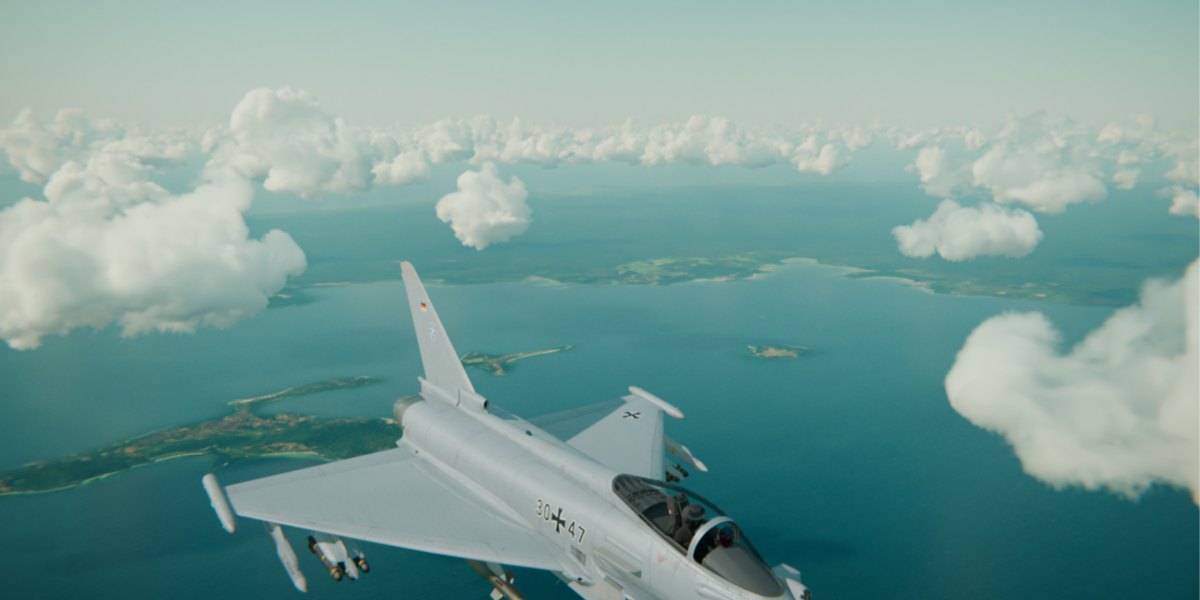
Absolutely! These HDRIs provide atmospheric lighting and background depth out of the box. For close-up cloud passes or extra dramatic depth, you can place native Blender Volume Absorption/Scatter cubes or VDB cloud grids around your aircraft, the HDRI light will illuminate them naturally.
Does the SkyParallax node group work in other 3D software (Maya, Cinema 4D, Unreal Engine)?
The .exr and .hdr images themselves work in any 3D software. However, the custom SkyParallax node group and the aircraft Geometry Nodes setup are built specifically for Blender Cycles & EEVEE. You can still achieve a similar effect in other software by using gradient masks to drive UV/texture offsets on environment maps.
Why does the background jump or reset after a certain frame?
To prevent the HDRI from stretching infinitely, the movement resets after the duration specified in Loop Frames (e.g., frame 250). The node group is designed to provide smooth, continuous motion within your target frame range for a single take, rather than a seamless forward/backward infinite loop.
How to fix it:
Option A: Increase the Loop Frames input value on the node group to match or exceed your shot length (e.g., set it to 500 if your scene is 500 frames long).
Option B: Plan a camera cut! If you are editing a sequence, align your camera switch or scene transition directly on the reset frame (e.g., switching from an exterior tracking shot to a close-up or a different angle at frame 251). The jump will be completely hidden behind the cut.
Why does the background HDRI look stretched or distorted?
The SkyParallax node group creates a real-time depth effect by driving spherical texture coordinates at uneven speeds (moving the ground faster than the horizon). Because it is a clever shader trick on a single 360° image rather than true 3D geometry, pushing the Parallax Intensity too far or viewing it from steep/unusual camera angles will eventually cause the texture to stretch.
How to fix it: Keep the Parallax Intensity close to the default value (1.0), adjust your camera focal length, or slightly rotate the Z-axis to align the parallax movement better with your camera angle.
Why is my Blender scene suddenly super laggy or slow?
Answer: Working with massive, high-resolution 16K HDRIs requires significant GPU memory (VRAM). When you switch between several large HDRIs in a single session, Blender can store the old textures in memory, slowing down your viewport.
How to fix it: Go to File > Clean Up > Purge Unused Data, or simply save and restart Blender.
Pro Tip: Use lower-resolution versions of the HDRIs while framing, lighting, and animating your shot, then swap to the 16K version right before your final render.
Have questions about this product?
Login to message
| Sales | 10 |
| Published | 4 days ago |
| Blender Version | 3.1 - 5.2 |
| Render Engine Used | Cycles, Eevee |
| License | Royalty Free |
