 Impression Sunrise


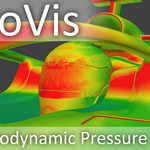
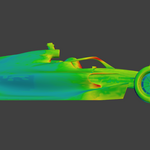
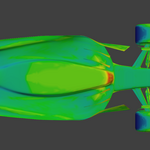
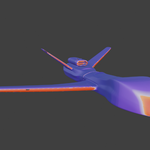
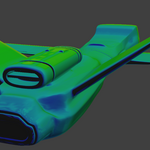
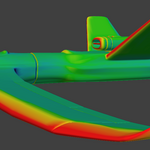
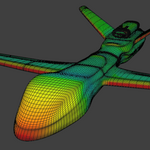
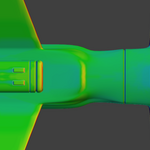
AeroVis simulates aerodynamic surface pressure maps inside Blender, producing rich visual output, working in about 2 minutes for weight maps and 18 minutes if you include the automatic texture baking feature (50k face example).
Visualize high-pressure impact zones, wake regions, and low-pressure structure directly on mesh surfaces. Generate either a baked texture heatmap for presentation or a reusable vertex-group weight map for Blender workflows. Built for fast concept exploration, technical illustration, and look development inside Blender without the weight of an engineering grade CFD.
Simply
1) Load your object inside Blender
2) Choose your settings
3) Click "Generate Heatmap"
Output can be either:
Texture Heatmap — UV-based visual result, optional transparency, auto material hookup
Vertex-Group Weight Map — mesh-domain data output, faster, no UVs required
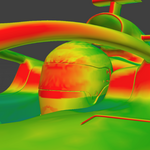
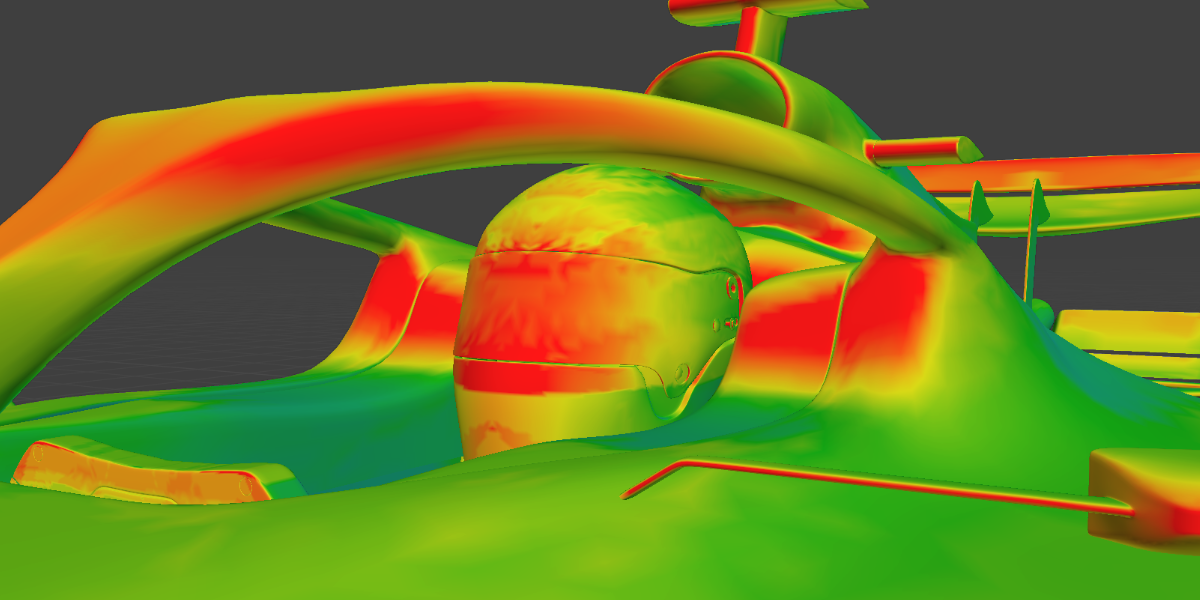
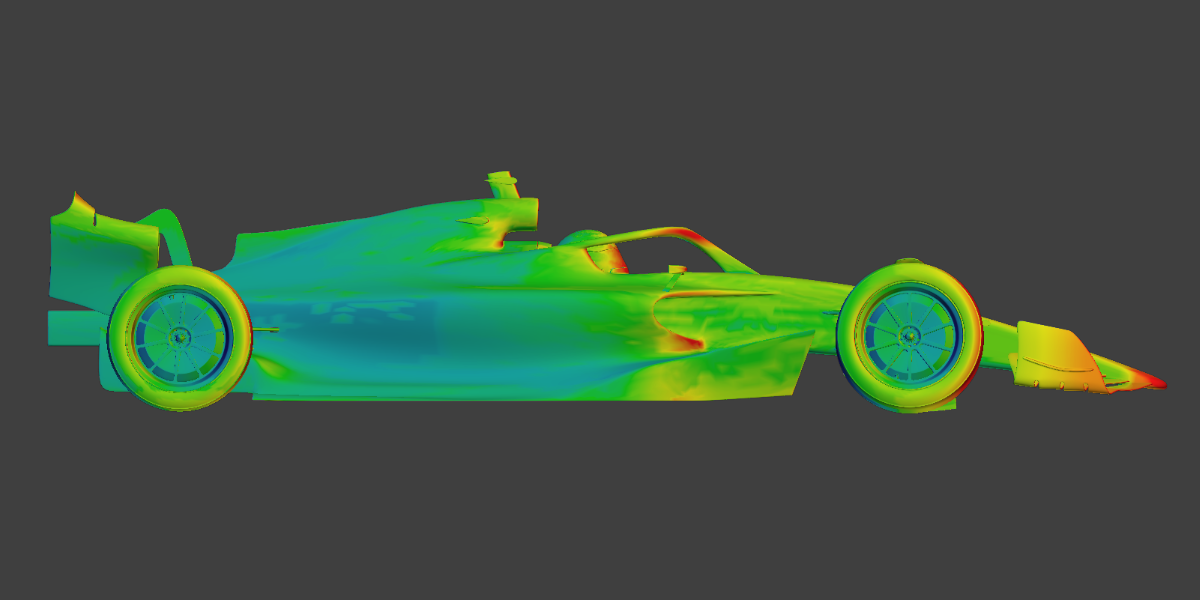
In this racing car model, we can see how the protective arch in front of the cockpit creates turbulent flow on the driver's helmet, along with high-pressure zones on the forward-facing parts of the aerofoils and mirror arm.
From the side view, AeroVis highlights the lower-pressure rear section of the car and shows just how much pressure is concentrated on the front nose.
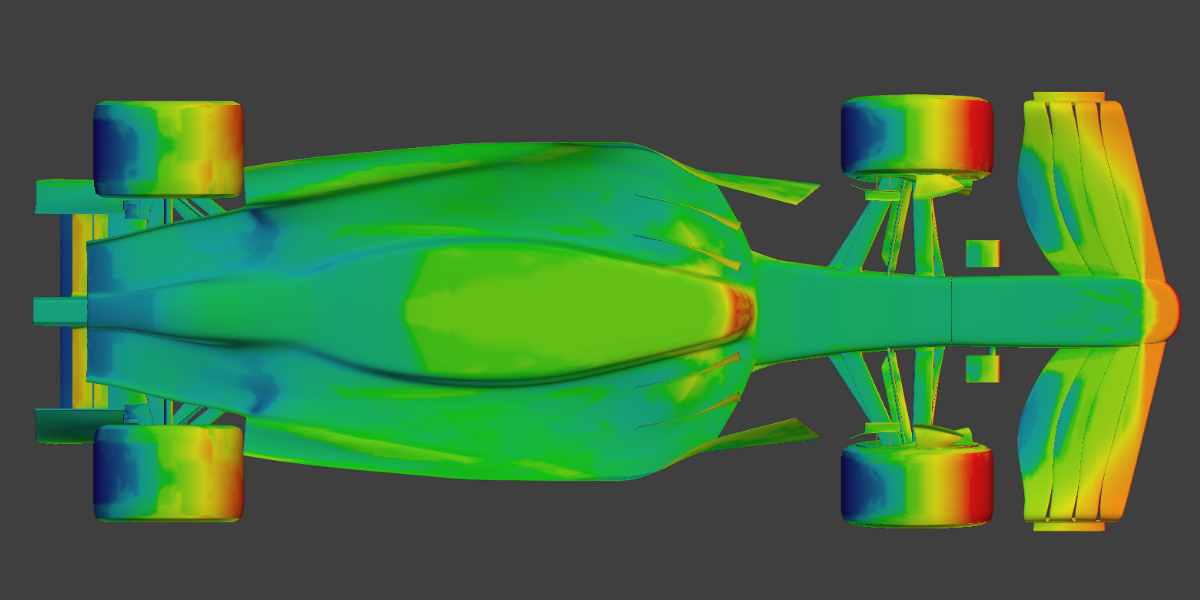
In the underside view, we again see the control surfaces doing what they are designed to do, with low-pressure zones on the underside of the front fins. We can also see the dark blue wake behind the rear side of the tyres.
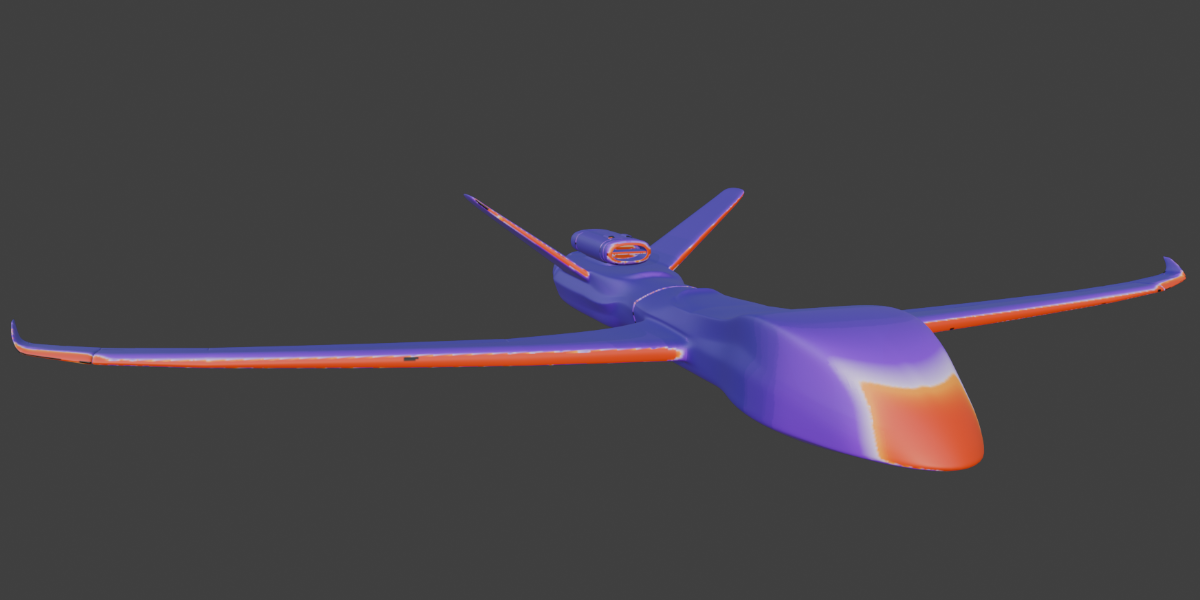
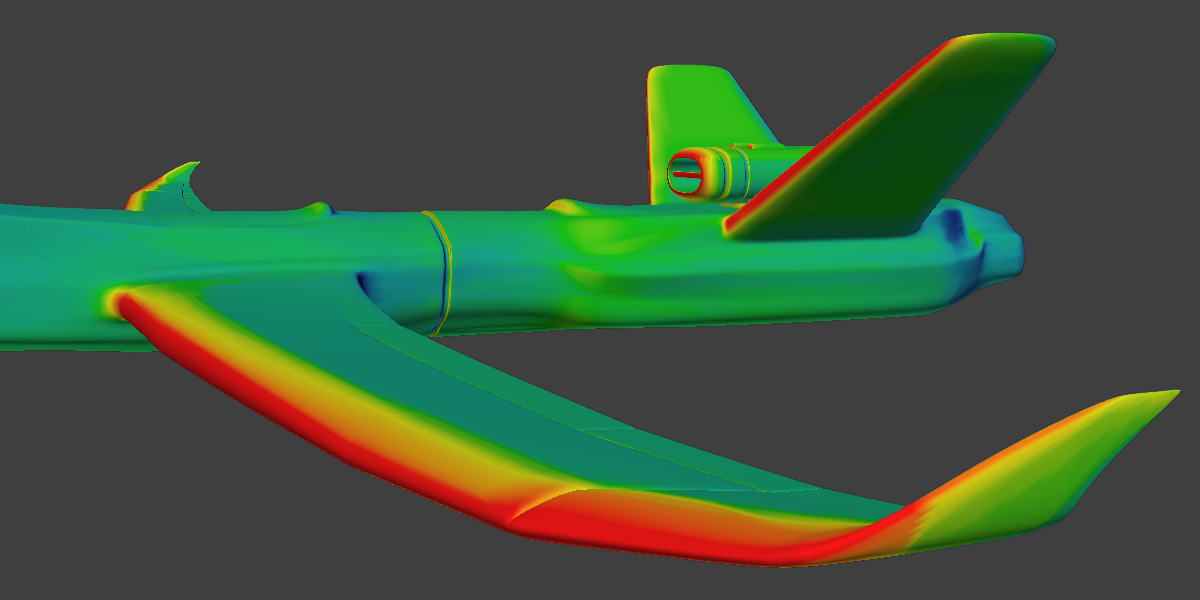
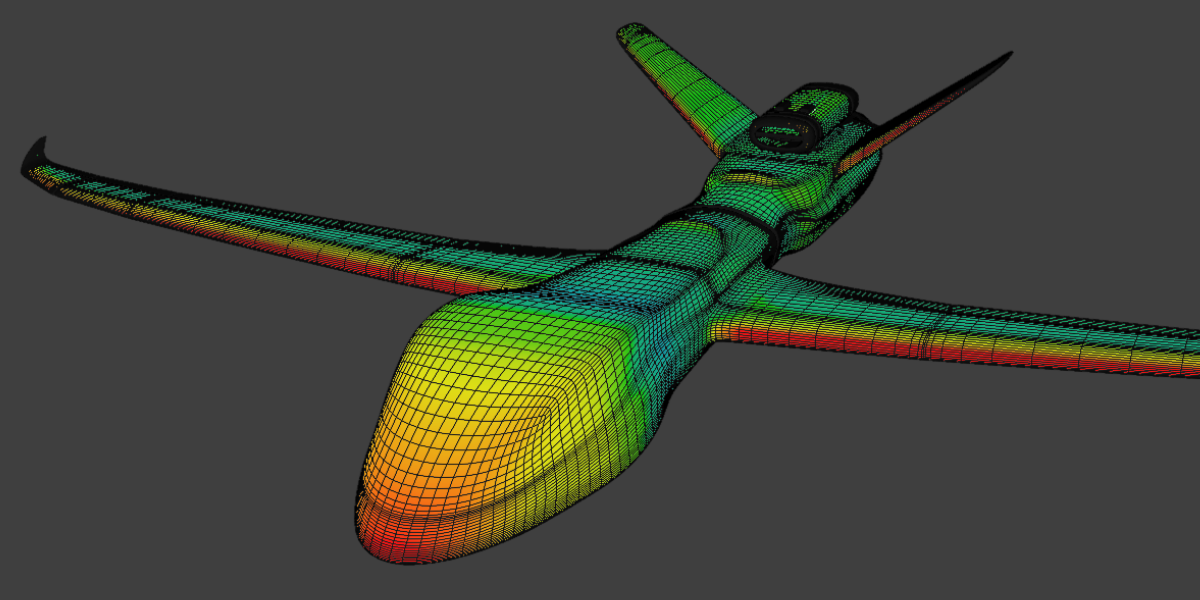
AeroVis does not only create a weight map. It can also export a texture and bake it directly onto the object using a range of colour schemes. In this drone example, the chosen scheme places more emphasis on the higher-pressure regions.
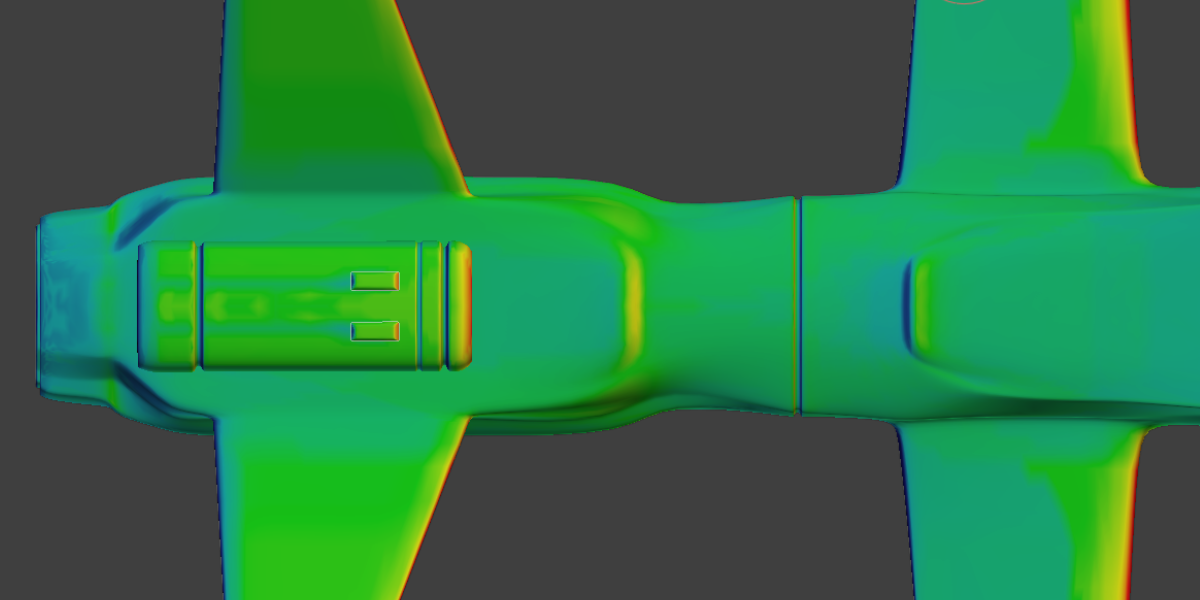
Back in Weight-Map mode, we can see how the flat rear surface of the plane acts as an area of drag.
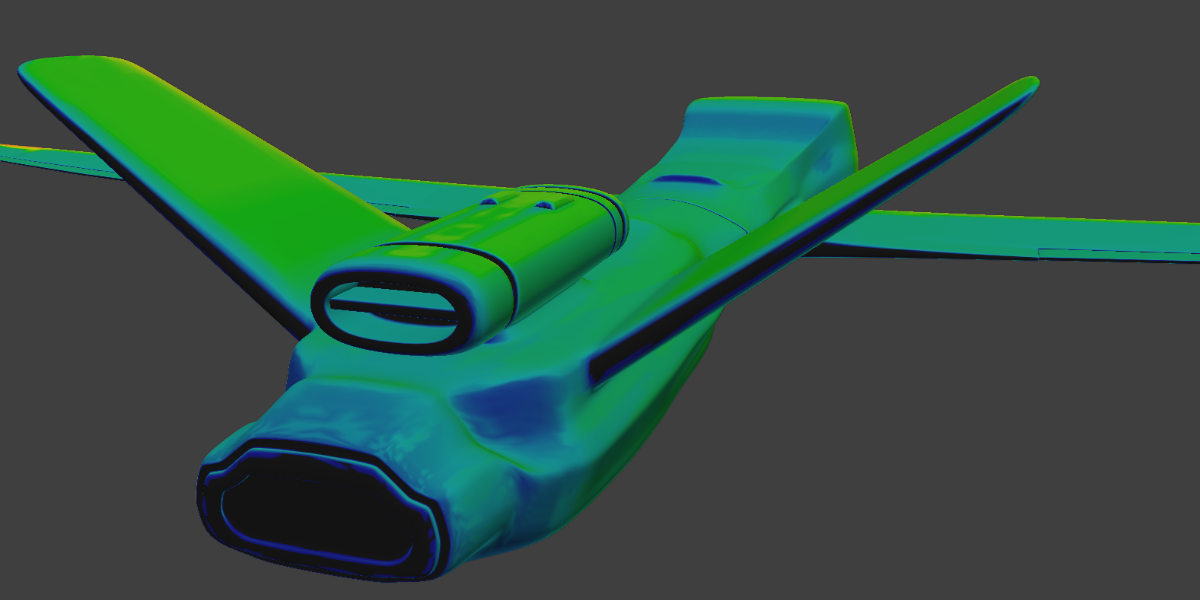
A closer view of the wing tips shows how the pressure behaviour continues across smaller aerodynamic features.
For the addon to function properly, clean geometry is important. The more faces your model has, the higher resolution the resulting weight map can be, but the trade-off is longer solve times when calculating aerodynamic pressure.
AeroVis includes a Simple mode for a more streamlined workflow.
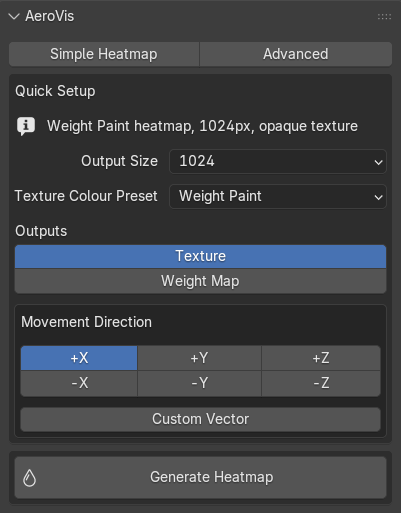
It also includes an Advanced mode for finer control when you want to tune more of the behaviour directly.