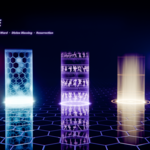
Documentation
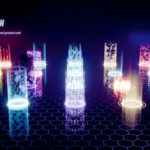
What's in AetherPillars.blend
| Data-block | Name | What it is |
|---|---|---|
| Node groups |
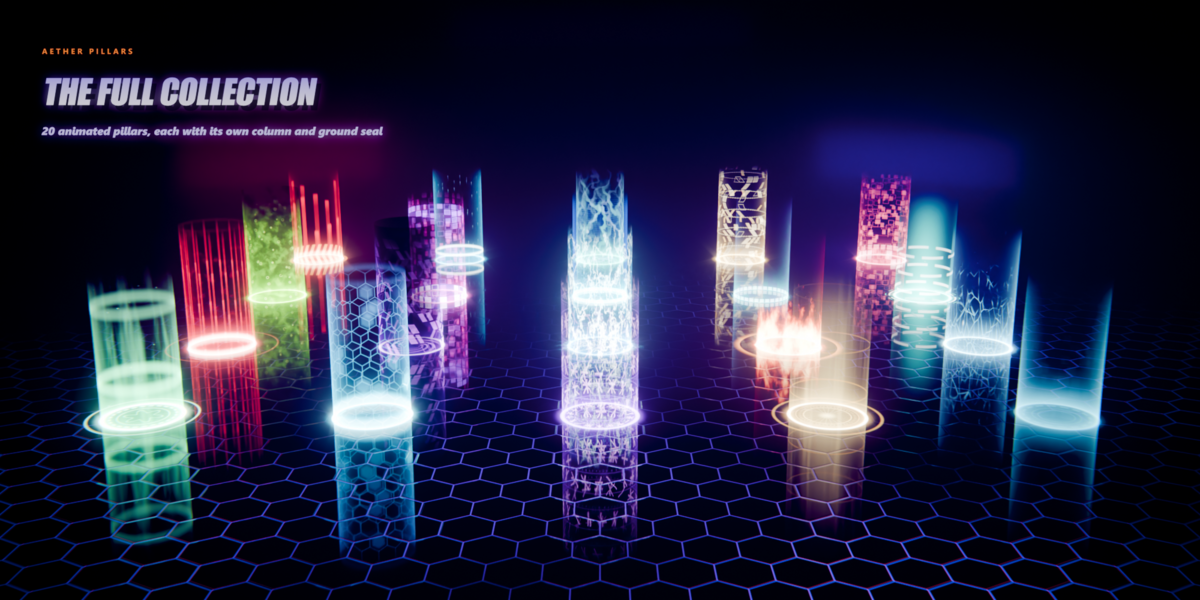
AP | 01 Healing Beacon … AP | 20 Corrupted Data Core
|
The 20 effects. Each one outputs a Column Shader and a Base Shader. |
| Helper groups |
AP | Cylinder Coords, AP | Cell Grid … |
7 shared building blocks used inside the effects (coordinates, bands, cells, motes, arcs, segments, emission). |
| Materials |
MAT_AP_01_Healing_Beacon_Column / _Base
|
40 ready materials with Time driven by the frame, set up for both EEVEE and Cycles. |
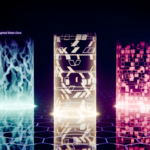
| Scene | AP Showcase | All 20 pillars on a 5 × 4 board with a board camera, a solo camera and the AP_Bloom compositor. |
| Script | aether_pillars_pack.py | Optional generator that rebuilds the whole pack. Useful if you want to remix effects in code. |
Quick start
| 1 | Try it first. Open AetherPillars.blend and press play. Switch the viewport to Rendered to see all 20 effects animate. |
| 2 |
Bring an effect into your project. The fastest way is File ▸ Append ▸ Object ▸ AP_09_Column + AP_09_Base: the pillar arrives with its mesh and materials. |
| 3 |
Or use only the materials. File ▸ Append ▸ Material ▸ MAT_AP_09_Inferno_Pillar_Column and _Base, and assign them to your own tube and disc (see Your own meshes). |
| 4 | Add the glow. In the Compositor, pick AP_Bloom as the scene's compositing node group, or add a Glare node set to Bloom (threshold about 0.85). |
Using your own meshes
The shaders read object coordinates, so UVs don't matter and there is never a seam. They expect this layout in edit mode:
| Mesh | Shape | Notes |
|---|---|---|
| Column | Open cylinder, no caps. Radius 1, base at the origin, Z up, 4 units tall. | Another height? Set Column Height to match. Use smooth shading. |
| Base | Flat disc at the origin, radius 1.8. | Ring Radius 1.0 lines up with the tube wall. The pattern fades out before r = 1.8. |
Shared inputs (on every pillar)
| Panel | Input | What it does |
|---|---|---|
| Animation | Time | Seconds. Driven by frame / 24 in the included materials. |
| Speed | Global animation speed multiplier. | |
| Mapping | Column Height | Height of your tube mesh in edit mode (default 4). |
| Seed | New random layout of fragments, motes and glitches. | |
| Color | Light Scene | Cycles only. 0 = clean glow seen by the camera and in reflections (matches EEVEE). 1 = the beam also lights nearby surfaces (more realistic, slightly noisier). |
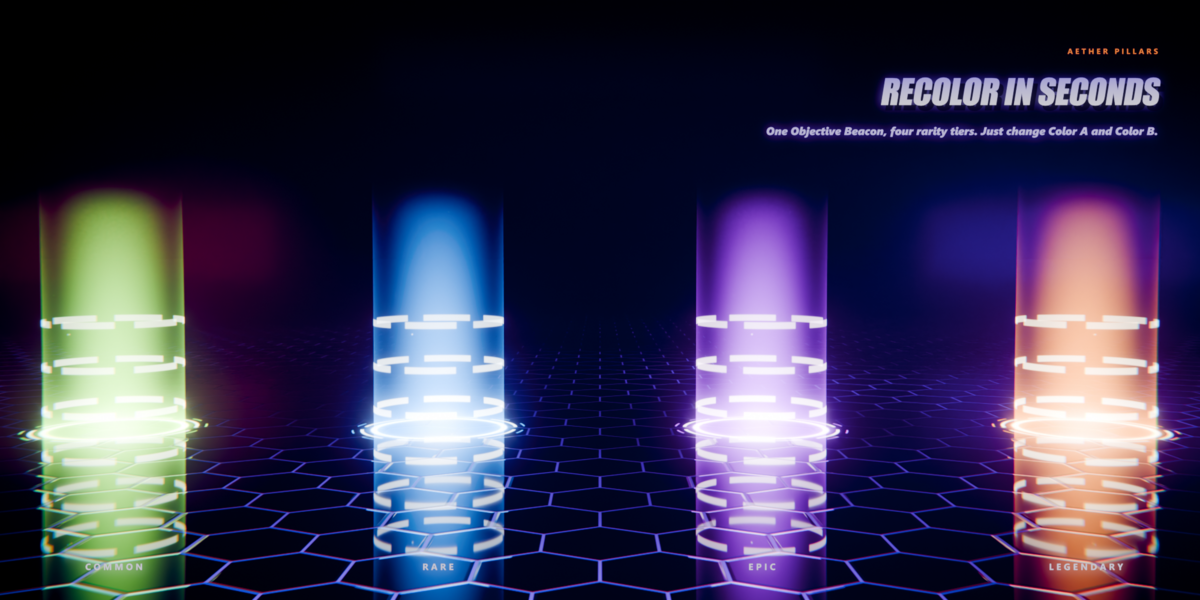
| Color | Color A / Color B | Primary and secondary colors. Each pattern blends between them. |
| Core Color · Core Boost | The brightest areas burn toward Core Color. Core Boost controls how much. | |
| Emission Strength | Overall brightness. | |
| Column Shape | Pattern Gain | Brightness of the effect's pattern. |
| Edge Glow | Glow along the silhouette of the tube for a volumetric look. | |
| Bottom Glow | Hot band where the beam meets the ground. | |
| Height Fade · Top Rim | How fast the beam fades toward the top, and an optional bright line at the top edge. | |
| Base Ring | Ring Radius · Ring Width | The main ground ring (1.0 = tube wall). |
| Halo Size · Halo Glow · Inner Gain | Soft glow around the ring, and the brightness of the seal pattern inside it. |
Outputs: Column Shader, Base Shader, plus Column Color / Intensity and Base Color / Intensity for driving particles, lights or your own shaders.
Effect-specific controls
Each group has one extra panel named after the effect. These are its inputs:
| Effect | Controls |
|---|---|
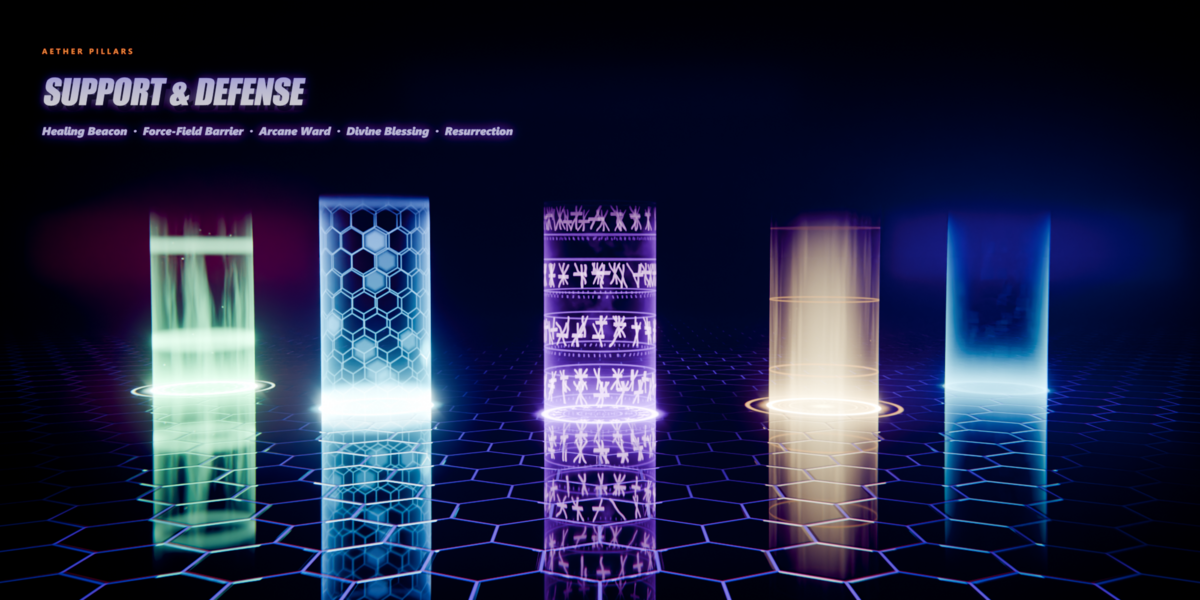
| 01 Healing Beacon | Mote Density · Mote Size · Pulse Count · Pulse Speed · Streak Scale |
| 02 Force-Field Barrier | Hex Count · Hex Line Width · Scroll Speed · Ripple Rate · Rim Strength |
| 03 Arcane Ward | Rune Rings · Glyphs Per Ring · Rotation Speed · Distortion · Pulse Speed |
| 04 Divine Blessing | Core Tightness · Ray Scale · Ember Density · Halo Speed · Ray Count |
| 05 Resurrection | Cycle Length · Fragment Cells U / V · Flash Strength |
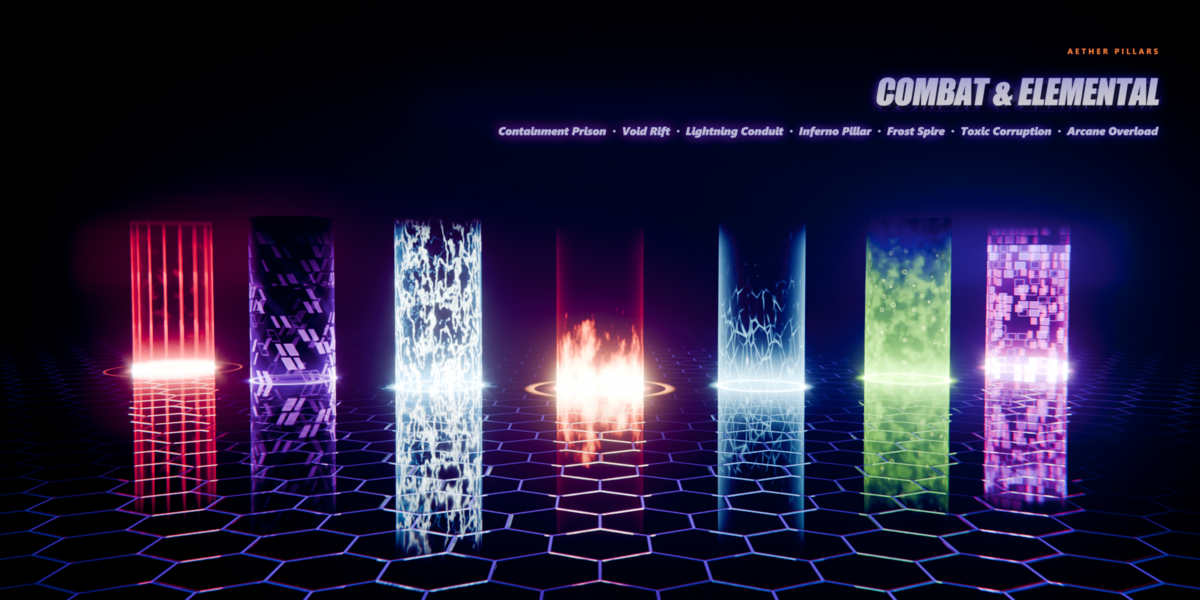
| 06 Containment Prison | Bar Count · Bar Width · Lock Speed · Pulse Rate |
| 07 Void Rift | Spiral Arms · Twist · Inflow Speed · Glitch Amount · Darkness |
| 08 Lightning Conduit | Arc Scale · Arc Width · Flicker Rate · Flash Chance · Spark Density |
| 09 Inferno Pillar | Flame Scale · Rise Speed · Turbulence · Ember Density · Flame Height |
| 10 Frost Spire | Crystal Scale · Shard Sharpness · Shimmer Speed · Snow Density |
| 11 Toxic Corruption | Fluid Scale · Flow Speed · Bubble Density · Bubble Size · Corruption |
| 12 Arcane Overload | Cells U / V · Surge Speed · Burst Rate · Chroma |
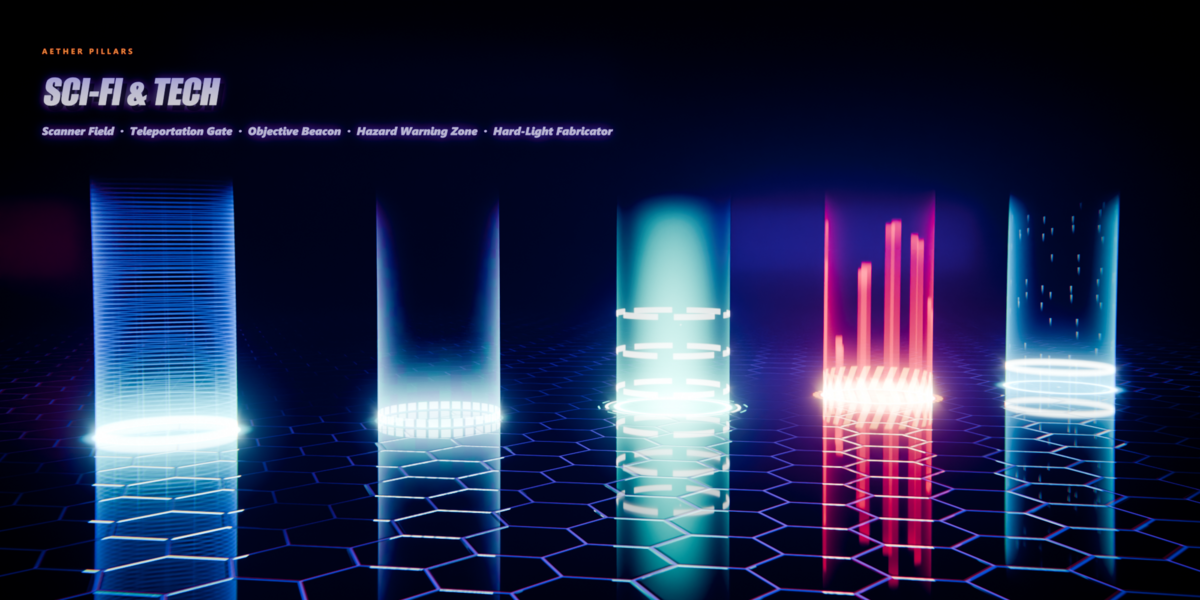
| 13 Scanner Field | Scanline Count · Scan Speed · Grid U / V · Lock Speed |
| 14 Teleportation Gate | Cycle Length · Pixel Cells U / V · Spin Max |
| 15 Objective Beacon | Shaft Tightness · Ring Segments · Ring Count · Rotation Speed · Particle Density |
| 16 Hazard Warning Zone | Blink Rate · Bar Count · Stripe Count · Sweep Speed |
| 17 Hard-Light Fabricator | Cycle Length · Grid U / V · Trace Speed · Snap Steps |
| 18 Spirit Ascension | Ribbon Count · Ribbon Waviness · Rise Speed · Wisp Softness · Mote Density |
| 19 Time Distortion Field | Fragment Cells U / V · Freeze Rhythm · Ring Speed Ratio · Distortion |
| 20 Corrupted Data Core | Cells U / V · Glitch Rate · Glitch Amount · Scanline Count |
Timed effects
Three effects play a sequence that repeats every Cycle Length seconds (default 5). Times below are fractions of the cycle:
| Effect | Timeline |
|---|---|
| 05 Resurrection | 0–0.6 fragments fall · 0.35–0.8 column fills top-down · 0.76 base ring switches on · 0.86 flash · 0.9–1 fade |
| 14 Teleportation Gate | 0–0.2 ring spins up · 0.2–0.5 column builds in 4 stages · hold · 0.78–1 pixels break up and fly away |
| 17 Hard-Light Fabricator | 0–0.75 wireframe snaps up in Snap Steps rows · hold · 0.9–1 fade |
One-shot instead of a loop: delete the driver on the material's Time node and keyframe Time from 0 to your Cycle Length.
Recommended render settings
The same materials work in EEVEE and Cycles. Switch the render engine and the look stays the same.
| EEVEE Material ▸ Settings: Render Method Blended, Backface Culling off, Transparency Overlap on (already set). Render samples 32 is plenty. | Cycles Light Paths ▸ Max Bounces ▸ Transparent: 64 (already set in the showcase) so overlapping beams never turn black. 128 samples with denoising is plenty. Use Light Scene if you want the beams to light the set. |
| ▸ | Object: Visibility ▸ Ray Visibility ▸ Shadow off, so the beam doesn't cast a shadow. |
| ▸ | Color management: AgX with the Medium High Contrast look, as in the previews. |
| ▸ | Glow: Glare node, type Bloom, threshold about 0.85, strength about 0.45. |
| ▸ | Light on the ground: a point light in Color A just above the disc sells the glow. Each showcase pillar has one. |
| ▸ | Dark backgrounds show the additive glow best. Void Rift and Toxic Corruption also darken what's behind them (the Darkness / Corruption inputs). |
Troubleshooting
| Problem | Fix |
|---|---|
| Nothing moves | Check the Time node still has its driver (purple field). Allow script execution if Blender blocked it. |
| Pattern is stretched or starts in the wrong place | The mesh doesn't match the layout (radius 1, base at origin). Fix it in edit mode, or set Column Height. |
| Black or opaque tube (EEVEE) | Render Method must be Blended. Check the material's Settings panel. |
| Black patches where beams overlap (Cycles) | Raise Render ▸ Light Paths ▸ Max Bounces ▸ Transparent (64 or more). |
| Noisy floor in Cycles | Set Light Scene back to 0, or turn on denoising. A point light under the beam gives a clean ground glow. |
| Back side of the tube is missing | Turn Backface Culling off and Transparency Overlap on. |
| Too bright / washed out | Lower Emission Strength or Core Boost, or raise the Bloom threshold. |
| Hard edge at the top of the beam | Raise Height Fade, or set Top Rim to 0. |
Have questions about this product?
Login to message
| Published | 10 days ago |
| Blender Version | 5.0 - 5.2 |
| Render Engine Used | Cycles, Eevee |
| Misc Data | Animated |
| License | Royalty Free |
Discover more products like this
magic sci fi Glow animated portal procedural Shader hologram spell VFX energy beam effect Game asset