 LarkLab

How do I get help?
Message me through Superhive with your Blender version, the effect you're using and a screenshot of your node setup, and I can help much faster.
Can I use it in commercial work?
Yes. Aether Pillars is royalty-free: use it in personal and commercial projects (games, films, ads, client work, social content) with no extra fees and no credit required. The only thing you can't do is resell or redistribute the shader files themselves.
Are they heavy to render?
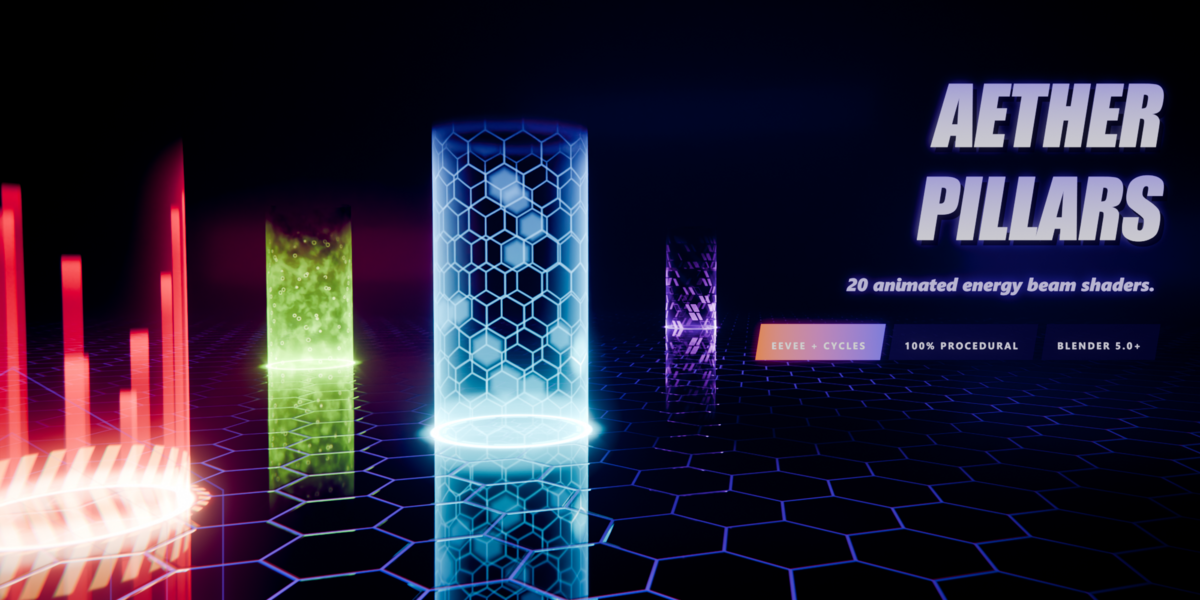
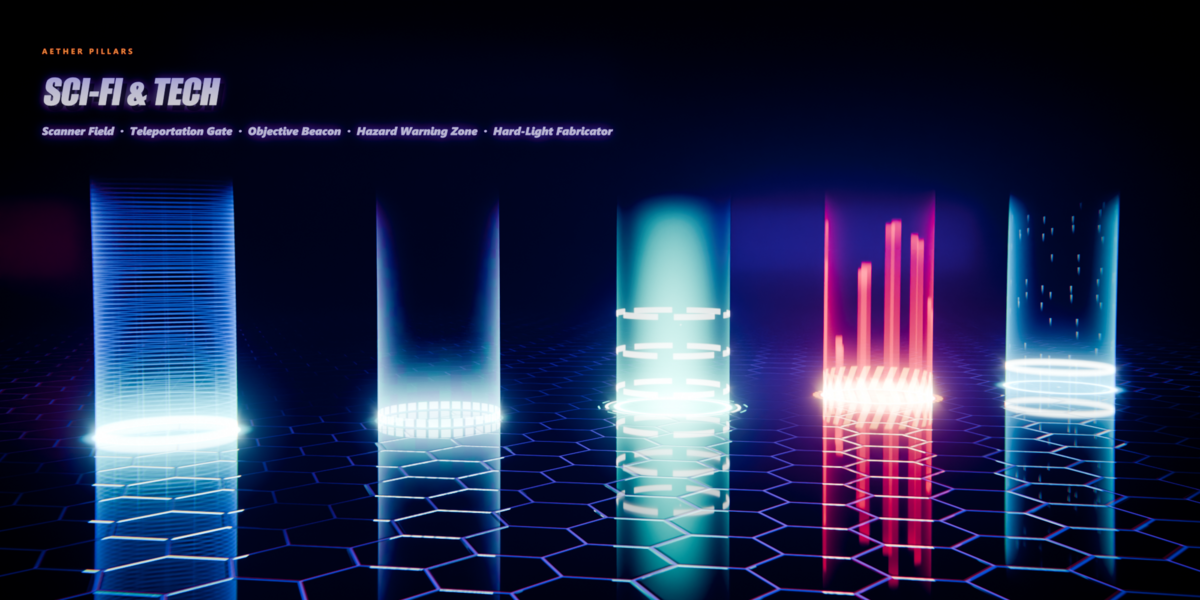
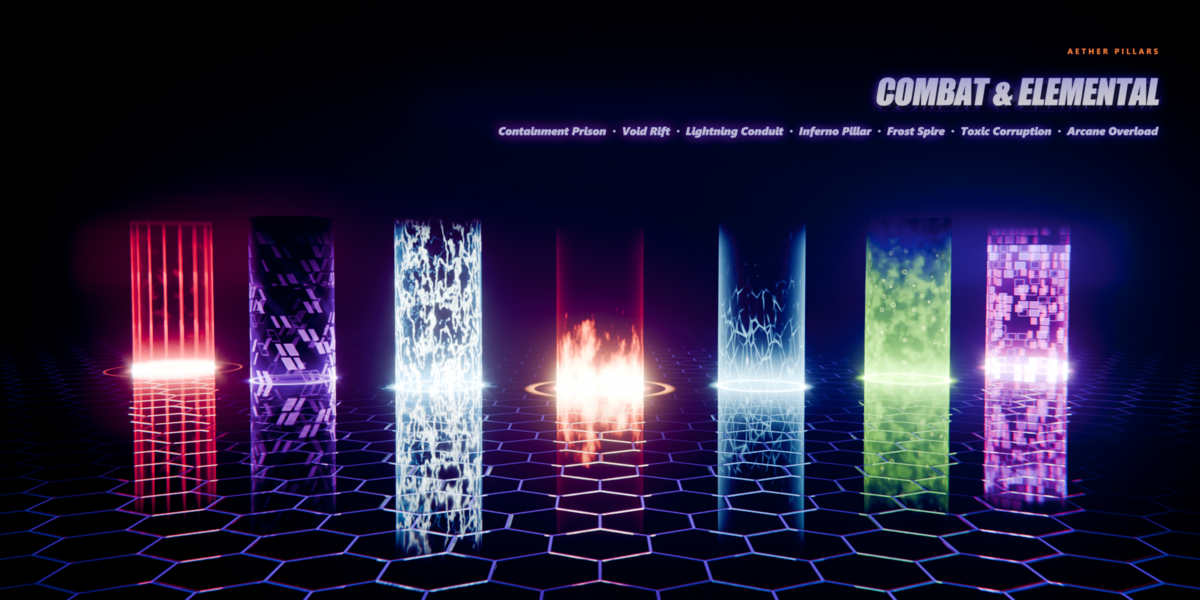
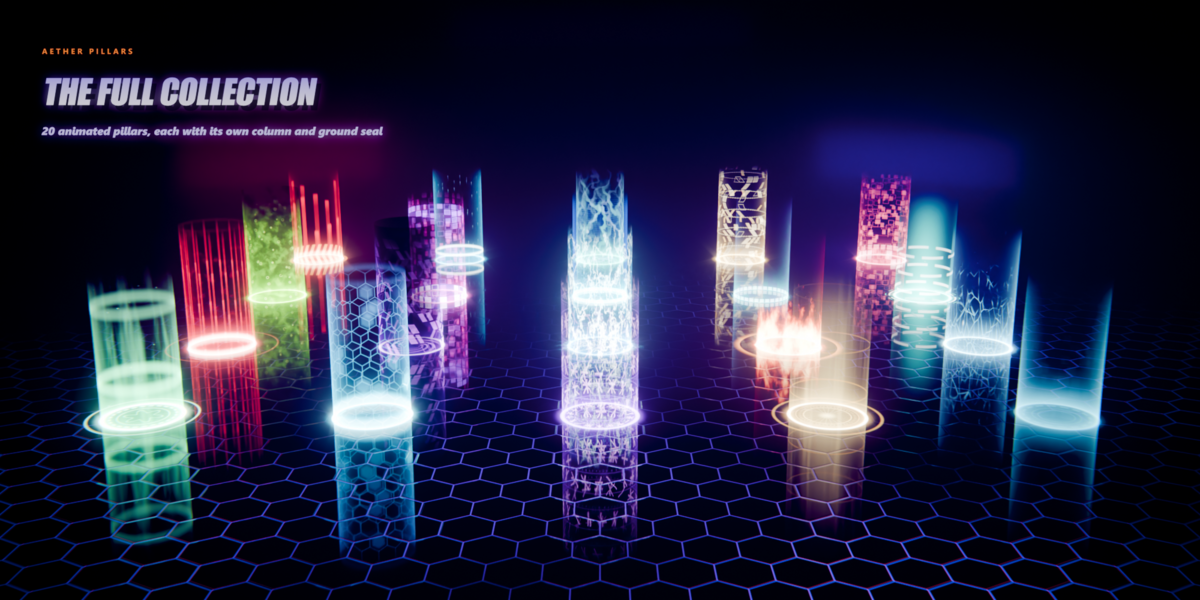
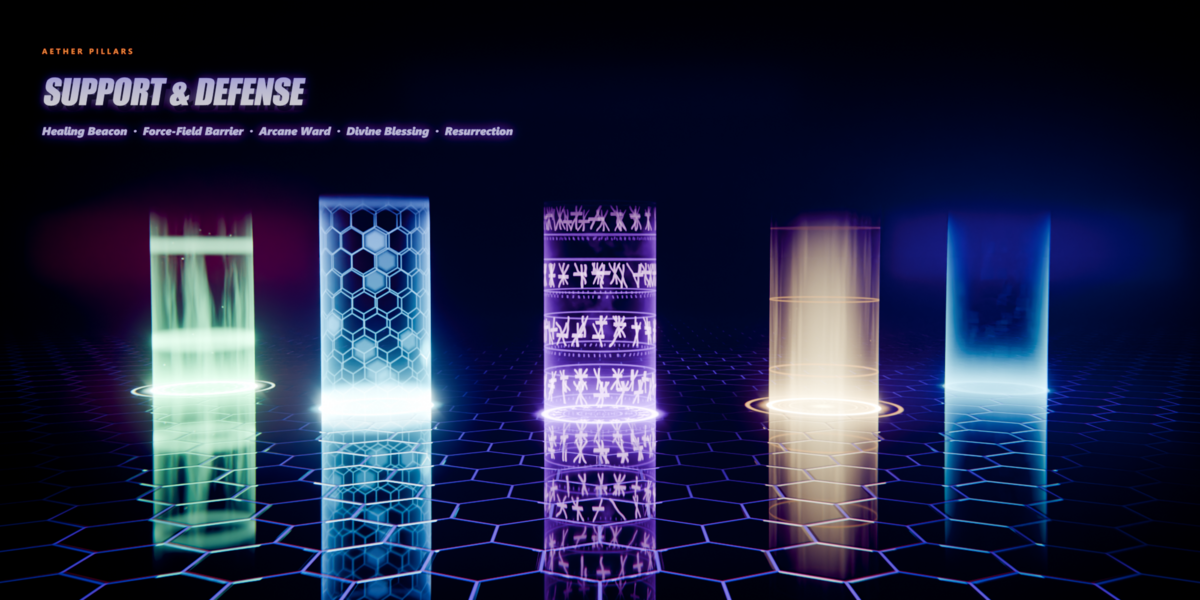
No. They are procedural math with no image textures. On the test machine, the full 20-pillar board rendered in EEVEE at about 4 frames per second at 1600 × 1484. In Cycles (GPU), a frame of the same board took a few seconds. Because the beams aren't sampled as lights by default, Cycles renders clean up quickly.
The pillar looks flat or the far side is missing.
In Material ▸ Settings, set Render Method to Blended, turn Backface Culling off and Transparency Overlap on. The included materials already have these settings. Also turn the object's Shadow visibility off. In Cycles, if overlapping pillars show black patches, raise Light Paths ▸ Transparent bounces (the showcase uses 64).
Two pillars side by side look identical. How do I vary them?
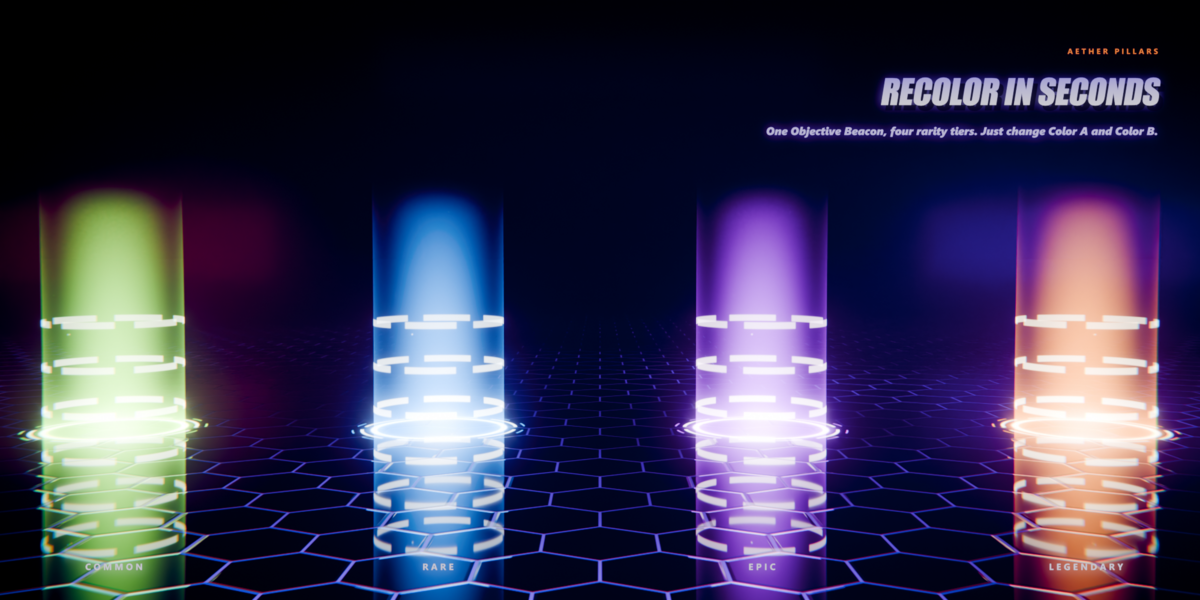
Change Seed. It reshuffles fragments, motes, glitches and impacts without changing the look.
My scene isn't 24 fps. Does that matter?
Time is driven by frame / 24. At 30 or 60 fps, change the driver's number to your frame rate, or adjust Speed.
How do I change the speed or timing?
Use Speed for everything at once. The timed effects (Resurrection, Teleportation Gate, Hard-Light Fabricator) also have Cycle Length in seconds. For a one-shot instead of a loop, remove the Time driver and keyframe Time yourself.
Can I use my own cylinder?
Yes. The shaders use object coordinates, so no UVs are needed. Model the tube with radius 1, its base at the object origin and Z pointing up. Then scale the object any way you like. If the tube isn't 4 units tall in edit mode, set Column Height to match.
Can I export the effects to Unity, Unreal or Godot?
Not directly. Blender shader nodes don't transfer to game engines. The pack is made for rendered output: stills, animations, sprite sheets and trailers made in Blender. The node notes describe every formula, so they're a solid reference if you rebuild an effect elsewhere.
Do I need an add-on?
No. Everything is regular shader node groups and materials in a .blend file. Append them like any other asset.
Does it work in Cycles?
Yes. The same materials render in both EEVEE and Cycles with a matching look, so there's nothing to convert. In Cycles the glow is visible to the camera and in reflections, which keeps renders clean. If you want the beams to cast light on nearby surfaces, set Light Scene to 1 (more realistic, slightly noisier).
Which Blender versions are supported?
Blender 5.0, 5.1 and 5.2. Older 4.x versions are not supported.
Have questions about this product?
Login to message
| Published | 10 days ago |
| Blender Version | 5.0 - 5.2 |
| Render Engine Used | Cycles, Eevee |
| Misc Data | Animated |
| License | Royalty Free |
Discover more products like this
VFX portal Glow Game asset procedural hologram spell sci fi energy beam effect animated magic Shader