AgeForge - Dust, Rust & Peeling Paint
 Voyde Procedural

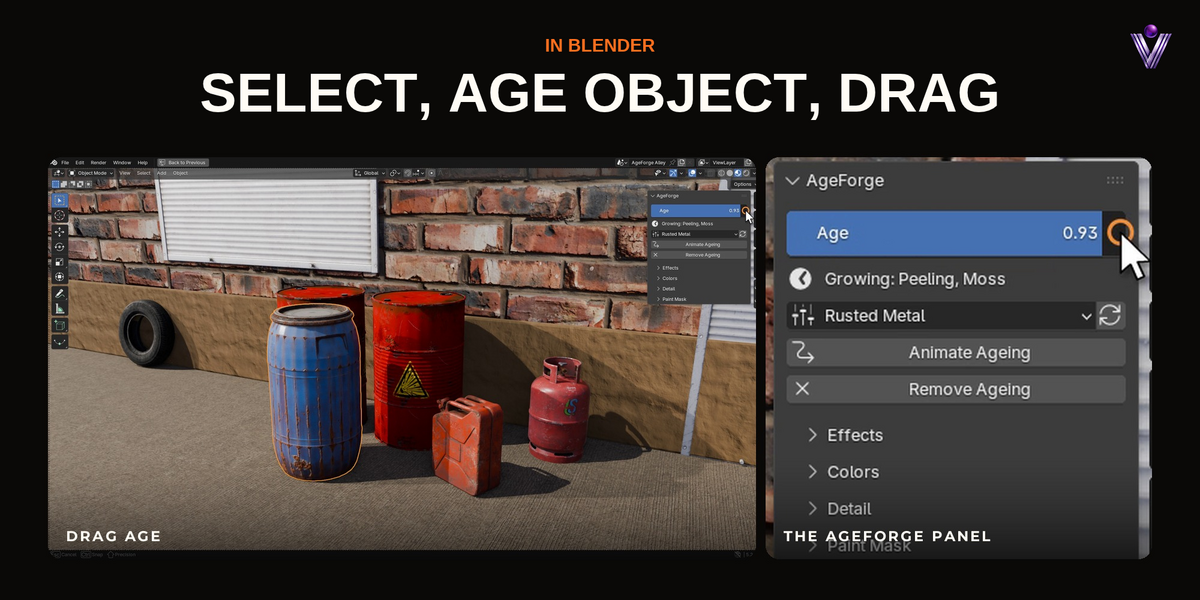
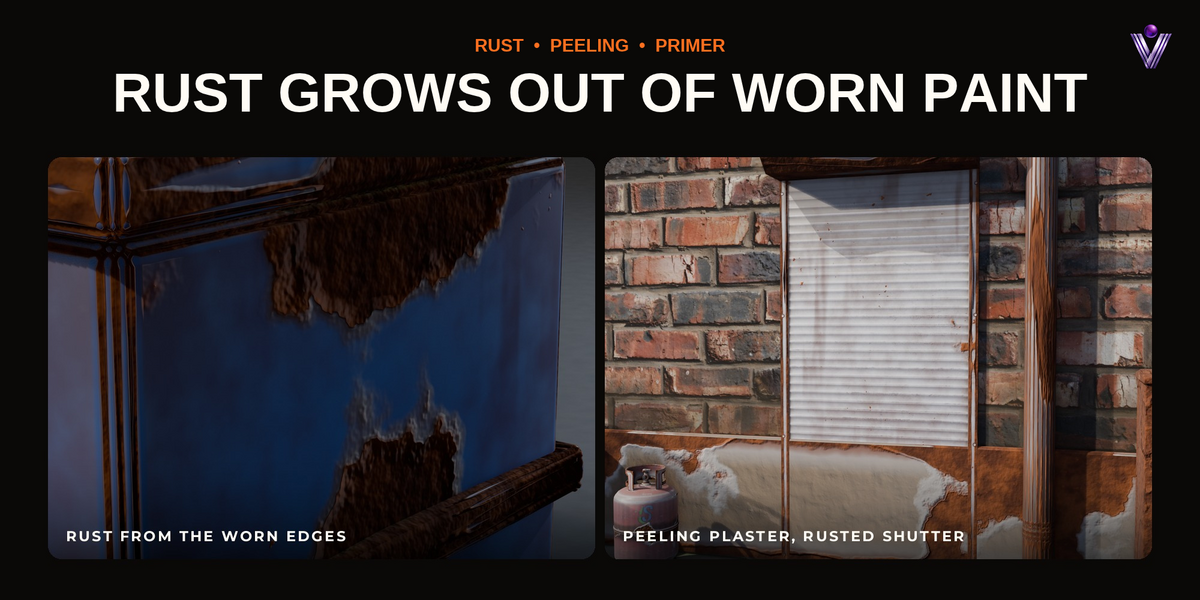
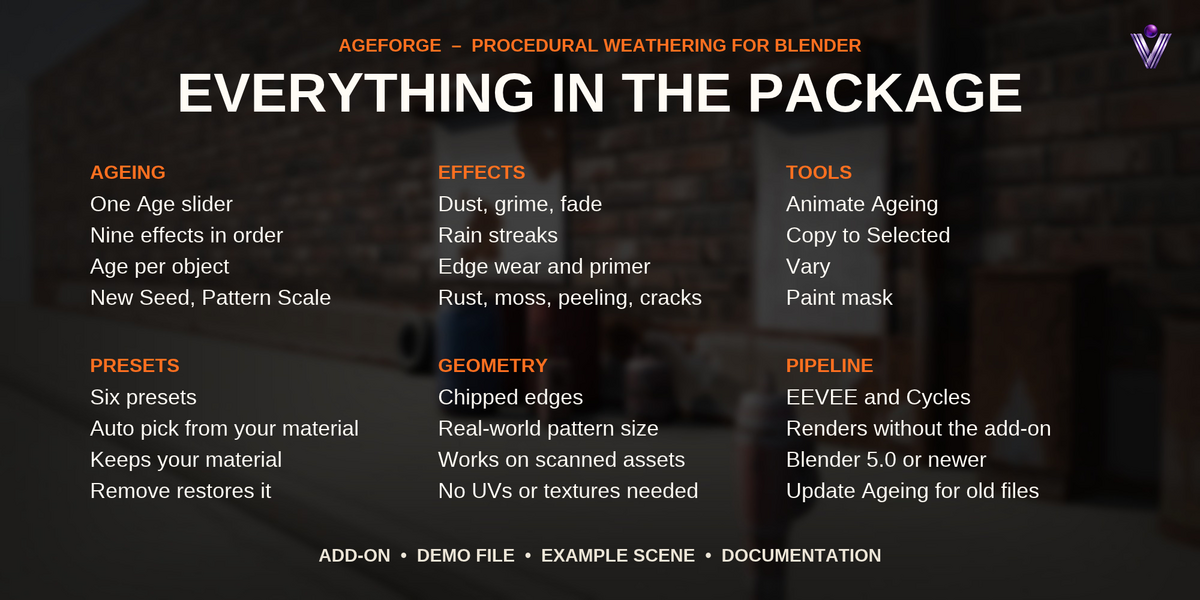
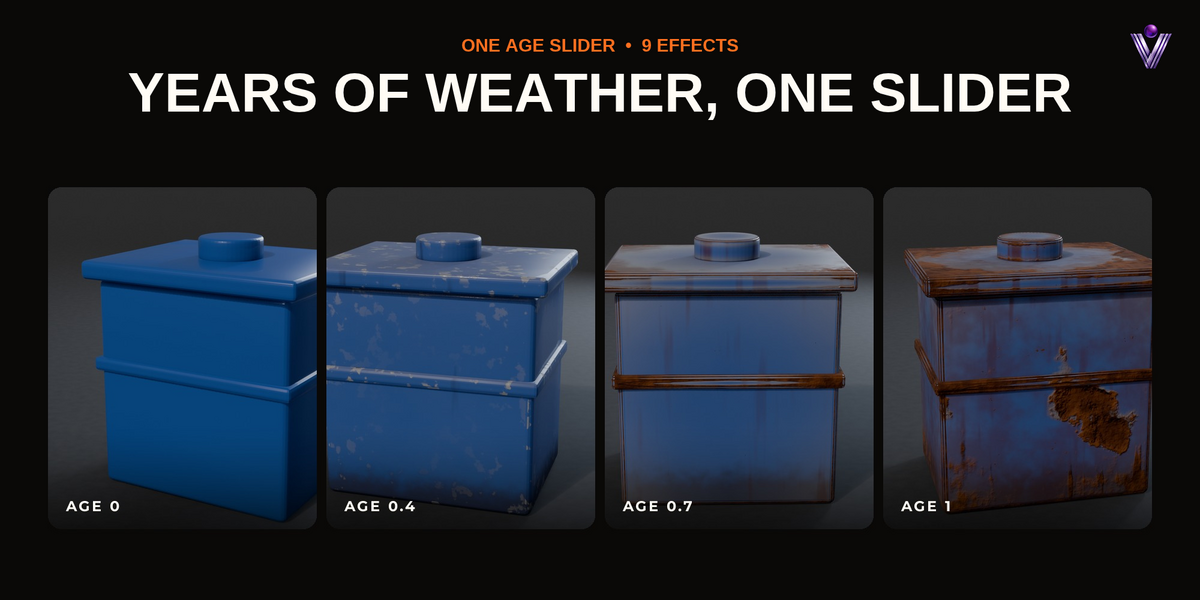

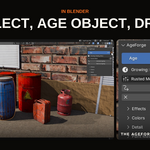
No. It adds one node group between your shader and the material output. Remove Ageing takes it out again and reconnects your shader as it was.
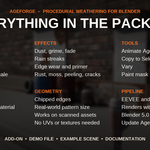
Both. The edge and corner masks come from the modifier, not from Cycles-only nodes, so EEVEE shows the same ageing.
No. Everything is procedural and sized to the object automatically. Pattern Scale makes it finer or coarser.
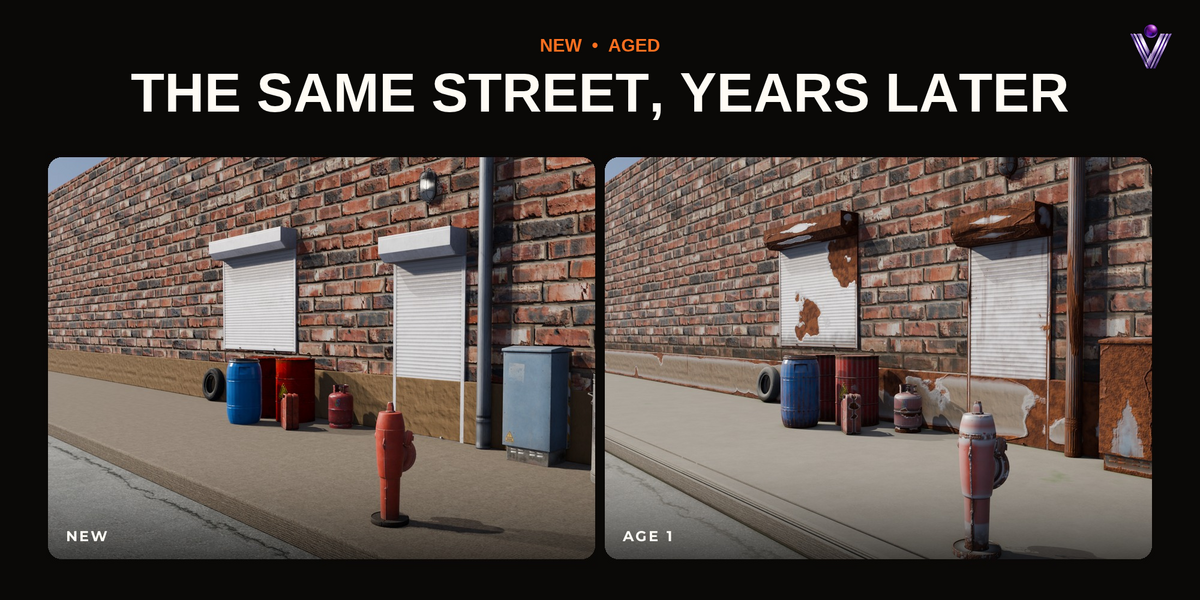
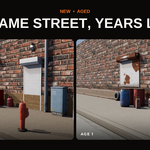
Yes. The street in the example scene is made of scanned and modelled CC0 props with their own textures; AgeForge ages them on top.
The shader is one node group shared by every aged material. The modifier subdivides small meshes so edges can chip and leaves dense meshes as they are; lower Subdivisions for very large scenes.
Yes. The node group, the modifier and the age are stored in the .blend file.
Blender 5.0 or newer. It was tested on Blender 5.0, 5.1 and 5.2.
Yes. Your renders and animations are yours to use in any project.
Make sure the add-on is enabled under Edit → Preferences → Add-ons and that the sidebar is open (N).
The viewport must be in Material Preview or Rendered shading. In Solid shading the ageing is not visible.
The age is animated (yellow on a key, green between keys). Use ✕ next to Re-animate to remove the animation, or move to another frame.
Yes. Open the material in the Shader Editor and tab into AgeForge Age. Changes affect every object that uses that group.
Have questions about this product?
Login to message
| Blender Extension Compatible | Yes |
| Dev Fund Contributor | |
| Published | about 20 hours ago |
| Blender Version | 5.0 - 5.2 |
| Extension Type | Add-on |
| Render Engine Used | Cycles, Eevee |
| License | GPL |