 ZEG
ZEG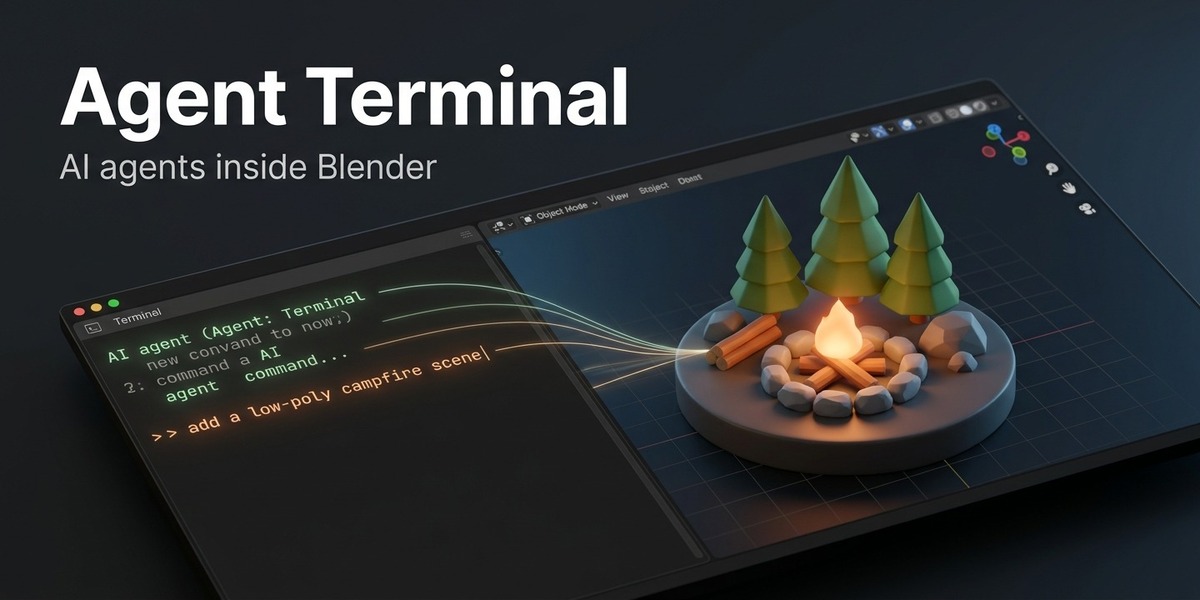
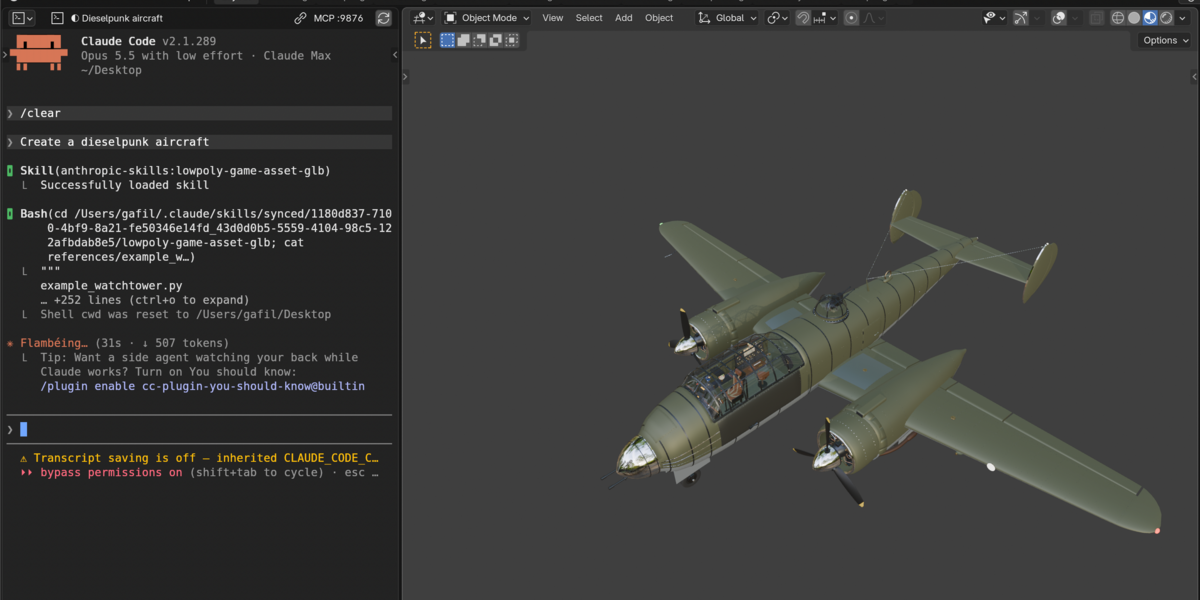
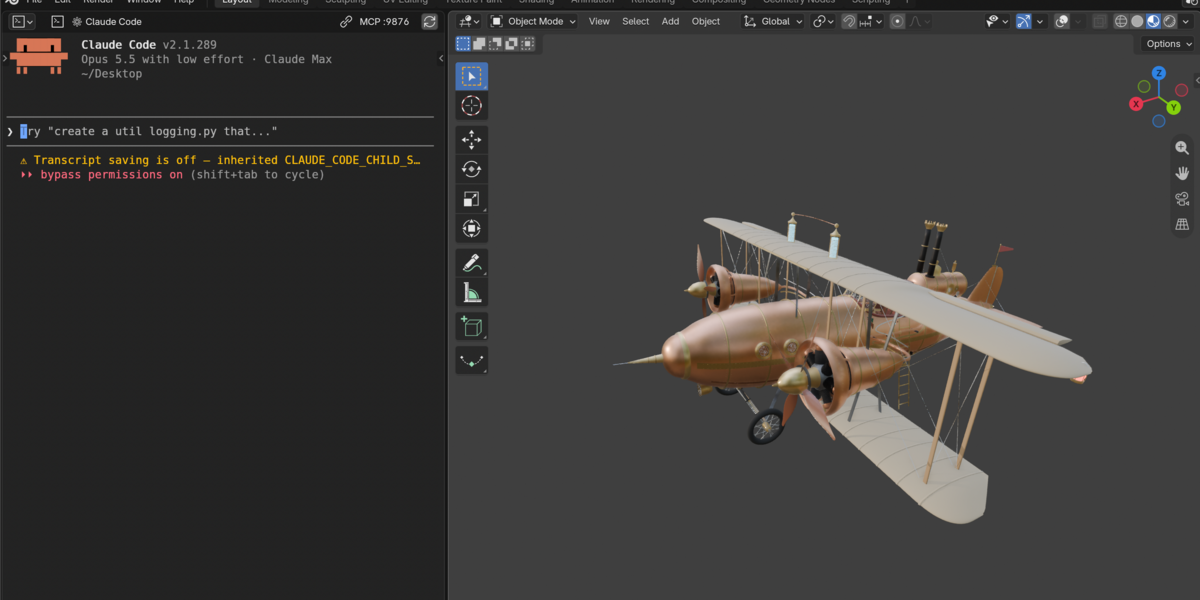
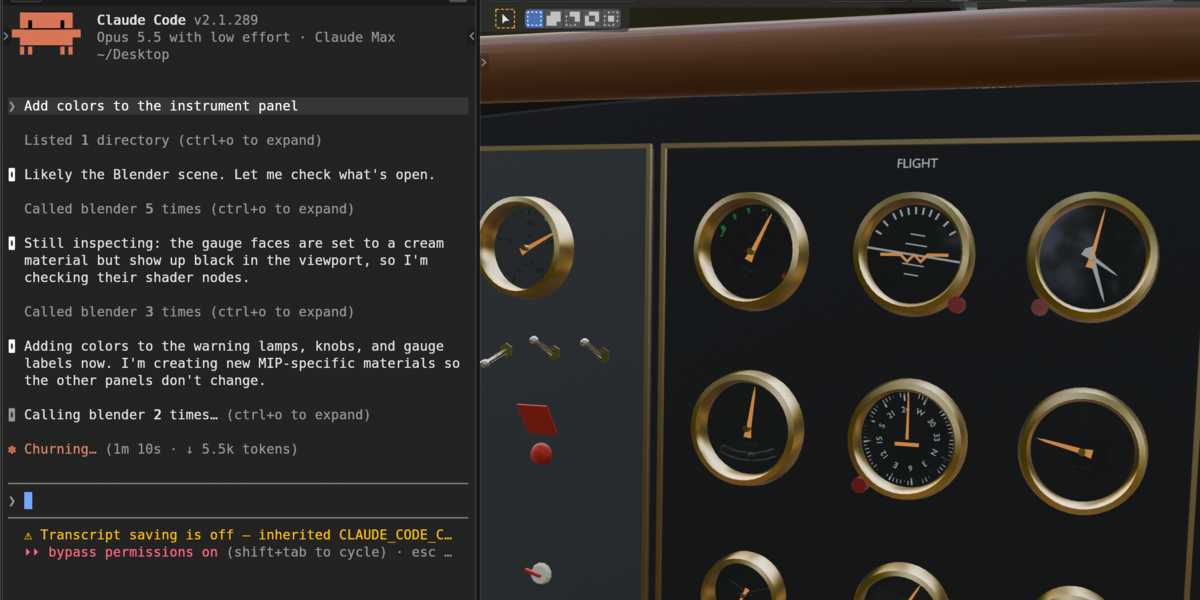
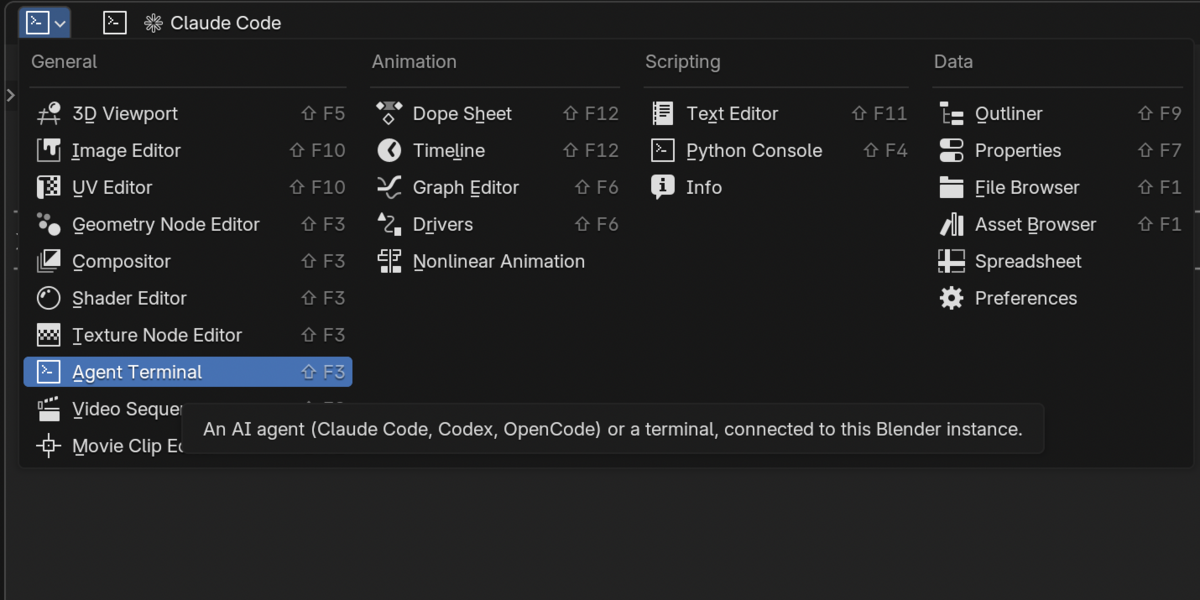


Blender Agent Terminal adds a new editor type, Agent Terminal, that runs an AI coding agent or your system terminal right in a Blender area. The agent is connected to this Blender: it can inspect your scene, run Python, take screenshots of your viewport, search the Blender manual and API reference, and import free assets while you watch it work.
Highlights
- A real terminal in any Blender area: full color, mouse selection, copy and paste, scrollback
- Open it from any area's editor-type menu, from Window > New Agent Terminal Window, or with the terminal button in the corner of every 3D Viewport
- Four Agent Modes: Claude Code (default), Codex CLI, OpenCode, or a plain Terminal (your login shell, PowerShell on Windows)
- The official Blender Lab MCP server is built in. Nothing to install and nothing downloaded at start: it runs on Blender's own Python
- Free online assets on request: models, materials, HDRIs and images from Poly Haven, ambientCG, 3DAssets.dev, BlenderKit, Sketchfab and Openverse, each credited in an Online Asset Credits text block
- Searches and imports every Asset Browser library, including Essentials and your own libraries
- Model and effort buttons for Claude Code at the bottom of the area
- Several Blenders at once: each instance gets its own bridge port, so they never control each other
- Colors from your Text Editor theme, Blender icons and Blender wording
- macOS, Windows and Linux
Important
The AI agents are not included. To use an agent mode you need that agent installed and logged in with your own account. Their use is governed by their own terms, and any usage costs are billed by their providers. Terminal mode needs nothing extra.
Requires Blender 5.1 or newer with Online Access turned on. Tested on Blender 5.2 LTS.
Blender Agent Terminal is an independent product. It is not affiliated with or endorsed by the Blender Foundation, Anthropic, OpenAI or the OpenCode project.

