AI Chat Bridge : Run Blender Python Scripts Directly From Your Browser
 Dani K Daniel
Can I use two Blender windows at once?
Only one Blender can use each port. Give the second Blender a different port and pair a browser with it.
Nothing reaches Blender. What should I check?
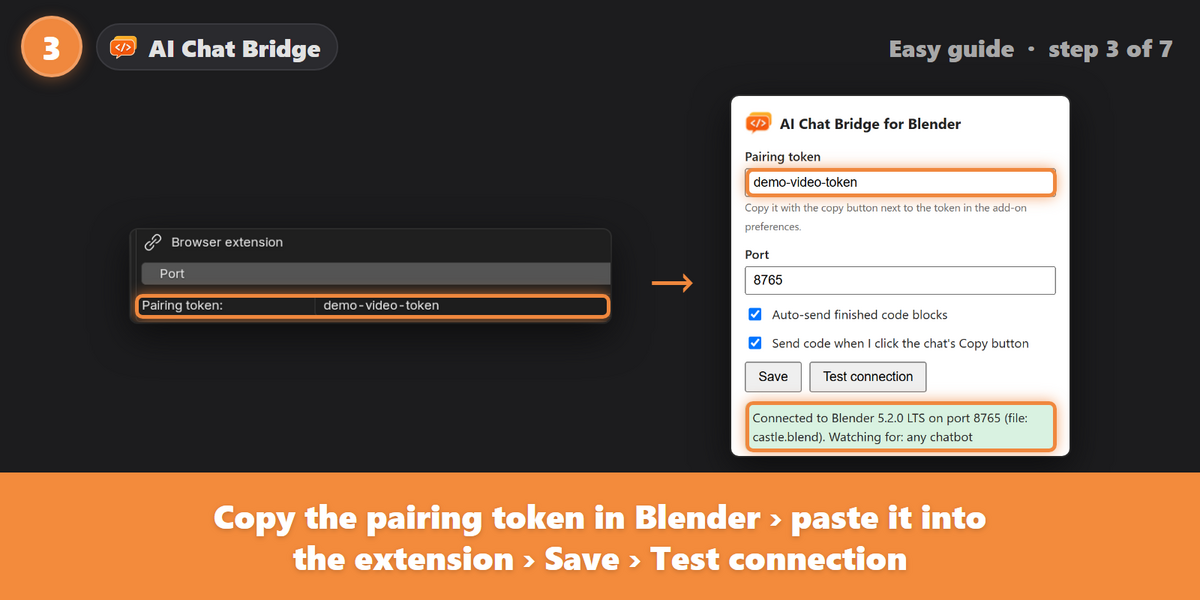
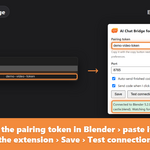
Look at the message at the bottom right of the chat page after refreshing it. It tells you whether Blender is unreachable, the token is wrong, or Blender is set to a different chatbot.
The browser says "Manifest file is missing or unreadable". Why?
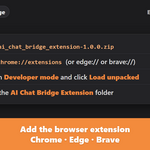
A folder inside the extension was picked, such as icons. Pick the AI Chat Bridge Extension folder itself.
Why isn't the extension in the Chrome Web Store?
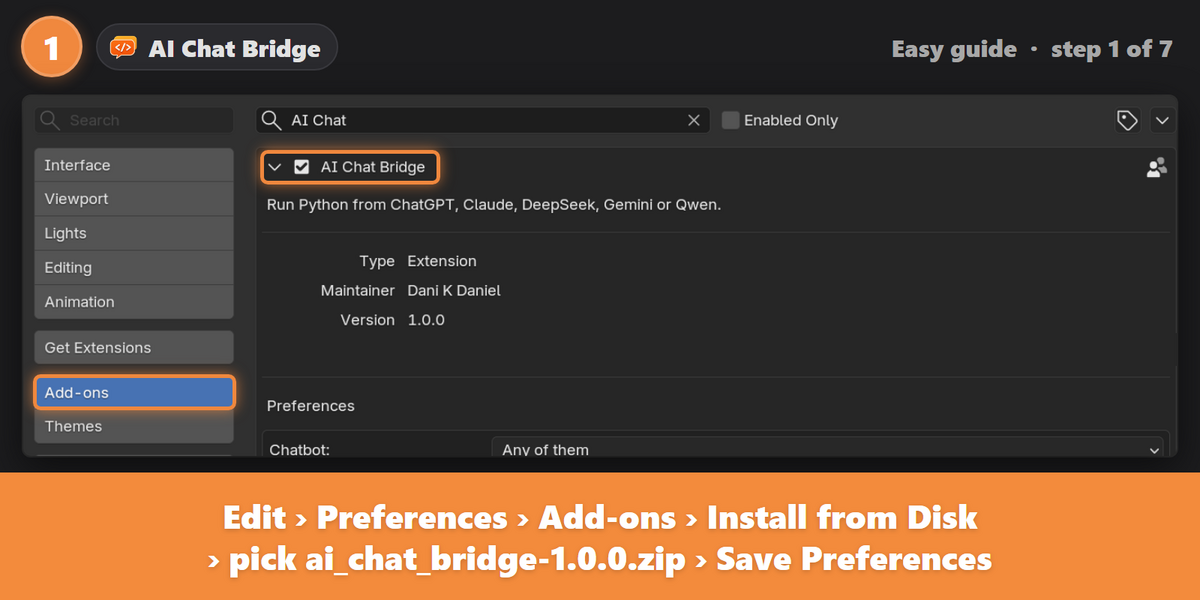
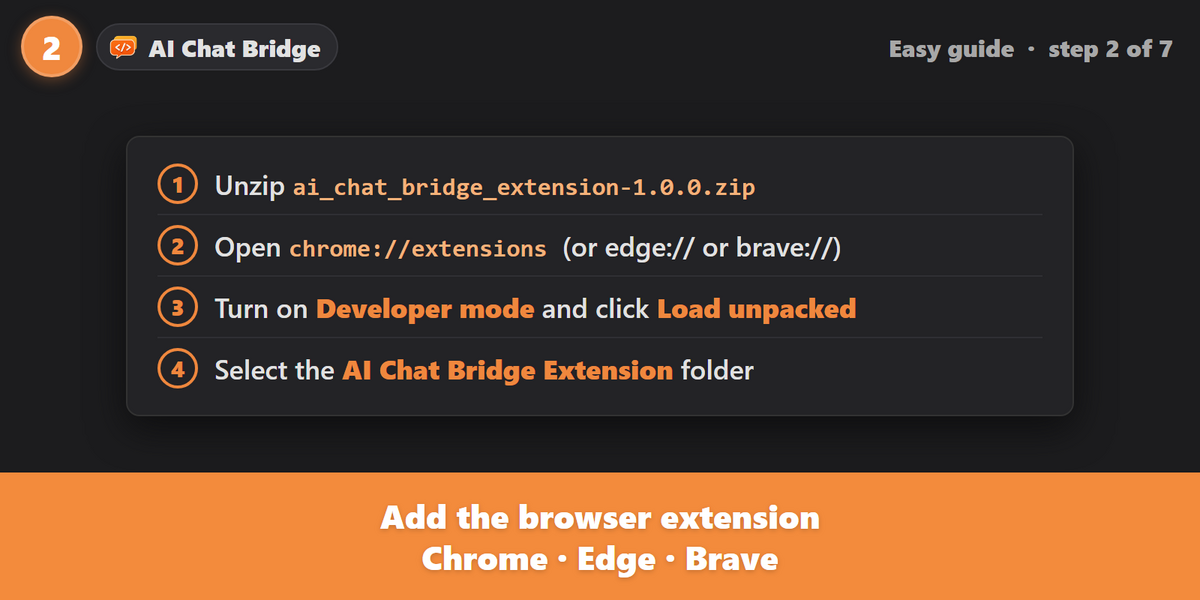
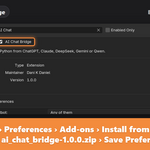
It's installed with Developer mode and Load unpacked, which takes about a minute. The documentation shows each step.
Can I undo what a script did?
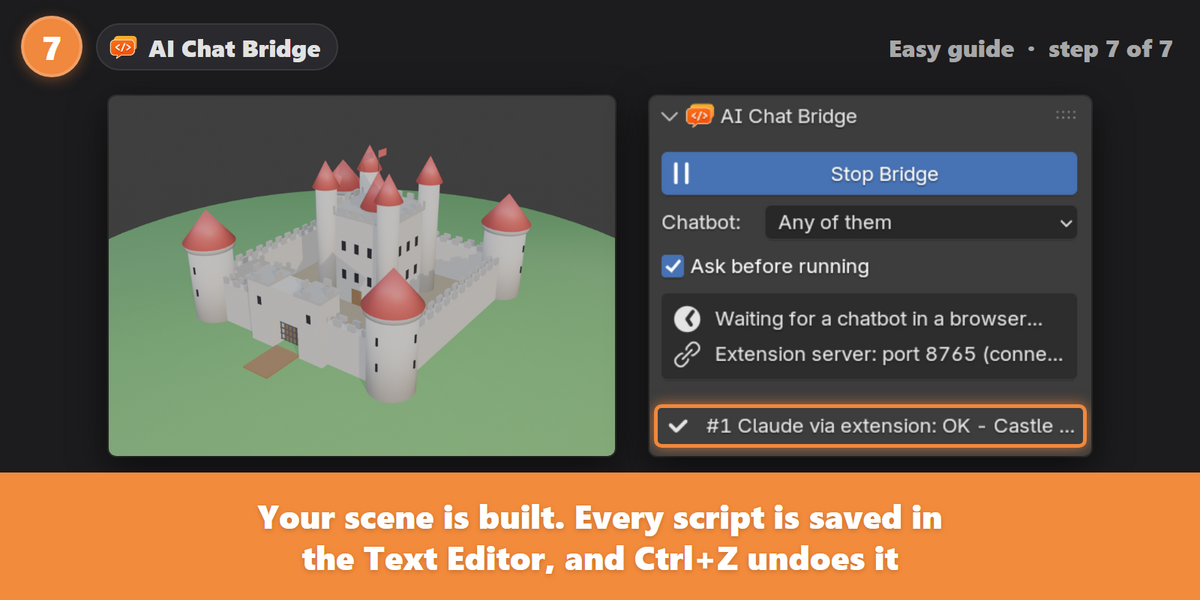
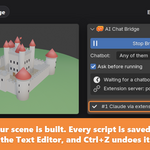
Yes. Press Ctrl+Z. Every script is also saved in the Text Editor.
The AI split the code into several boxes. What do I do?
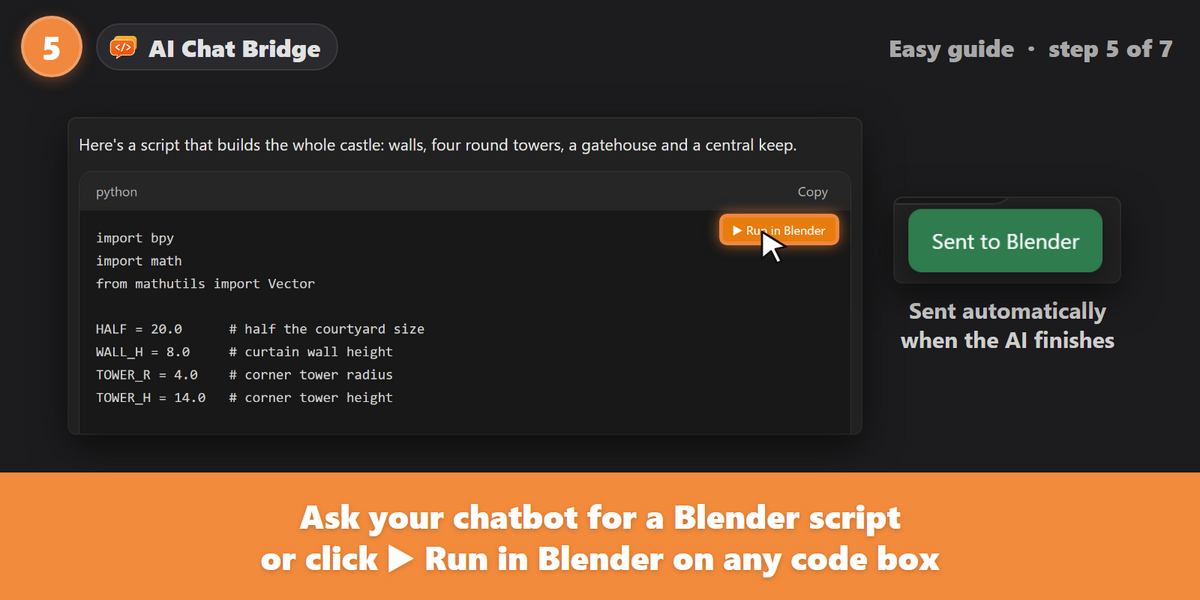
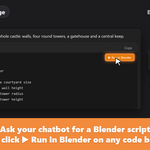
Click Run in Blender on each box from top to bottom. Later boxes can use what earlier boxes defined.
What happens when a script fails?
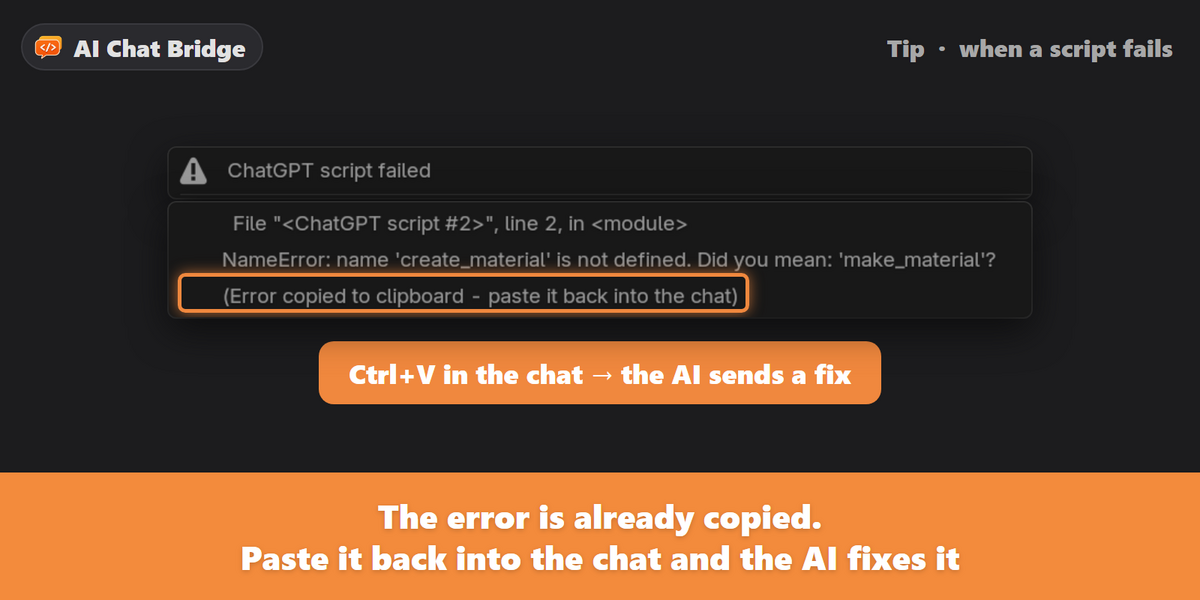
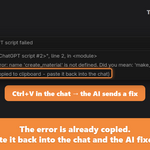
Blender shows the error and copies a ready-made "please fix it" message to your clipboard. Paste it into the chat, and the fixed script comes back to Blender.
Does it send old code from my chat history?
No. Only code the AI has just finished writing is sent automatically. Older code boxes are sent only when you click their Run in Blender button.
Is it safe?
Blender only listens on your own computer, only accepts requests carrying your private pairing token, and refuses requests from web pages. The extension only talks to Blender on your computer. AI-written code can still do anything a Blender script can, so check scripts before running them and save your work first.
Will code run in Blender without me seeing it?
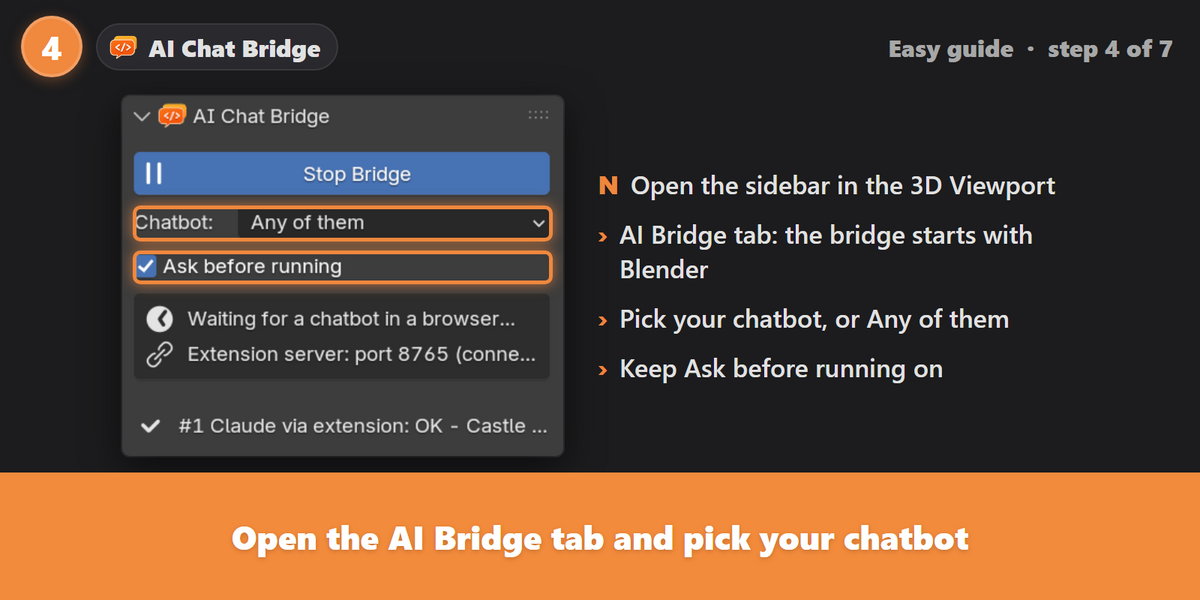
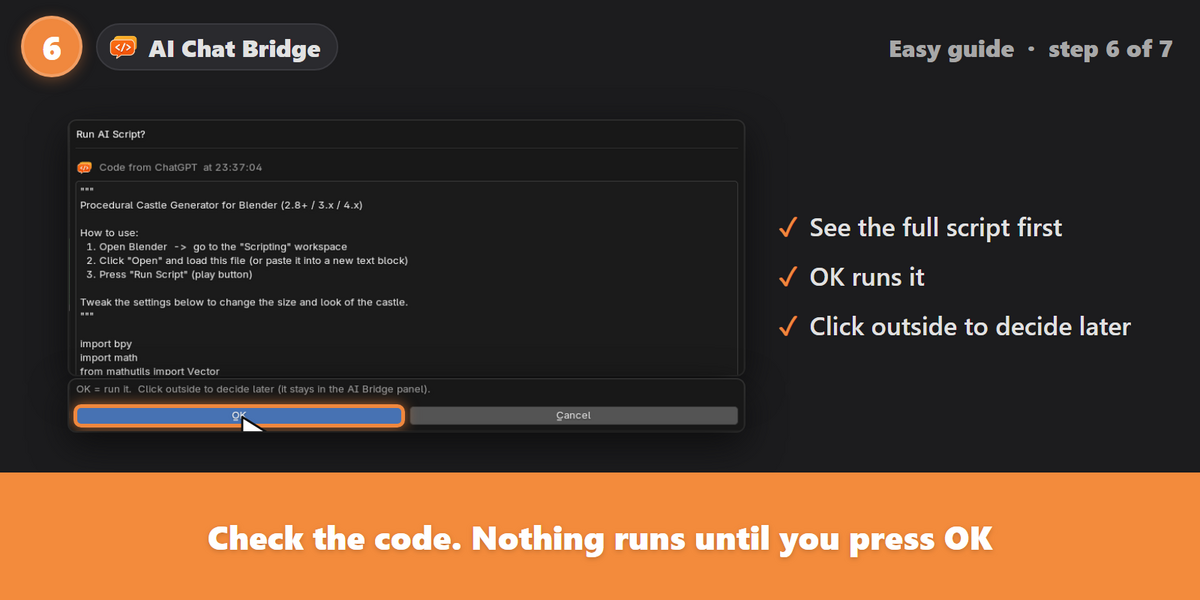
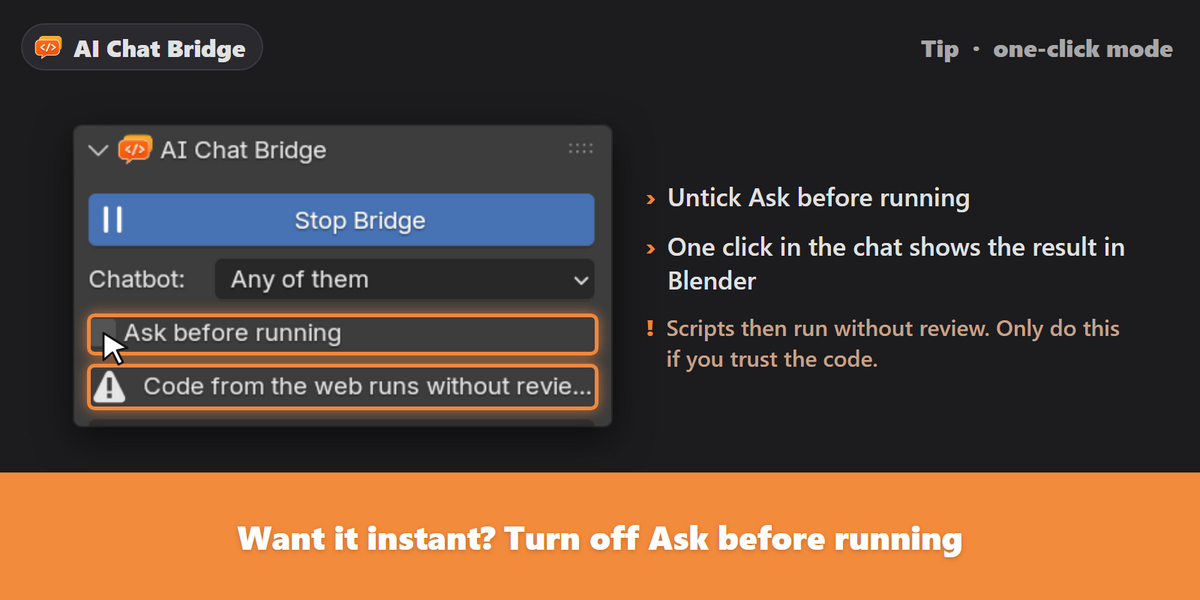
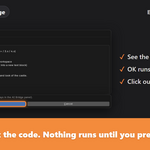
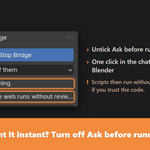
Not by default. Every script opens in a "Run AI Script?" window and only runs when you press OK. You can turn this off for one-click results.
Which Blender versions are supported?
Blender 4.2 and newer, including Blender 5.x. It's tested in 4.3 and 5.2.
Which browsers are supported?
Chrome, Edge and Brave.
Which chatbots are supported?
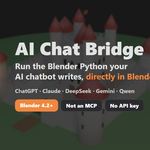
ChatGPT, Claude, DeepSeek, Gemini (including Google AI Studio) and Qwen.
Do I need an API key or a paid AI plan?
No API key is needed. It works with the chatbot websites you already use, signed in with your normal account.
Is this an MCP?
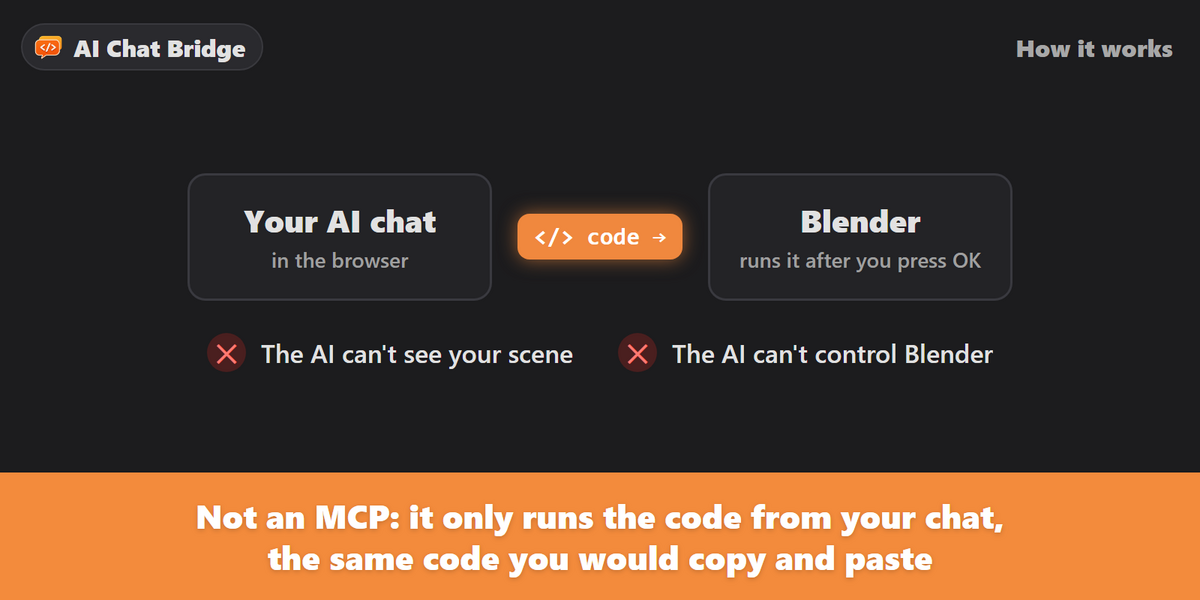
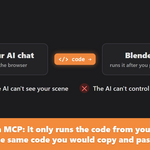
No. The AI never sees your scene and never controls Blender. The browser extension only takes the code your chatbot has already written in the chat, the same code you would copy and paste yourself, and Blender runs it.
Have questions about this product?
Login to message
| Blender Extension Compatible | Yes |
| Published | about 2 hours ago |
| Blender Version | 4.2 - 5.2 |
| Extension Type | Add-on |
| Render Engine Used | Cycles |
| License | GPL |