 Dani K Daniel

AI Chat Bridge
Run the Blender Python your AI chatbot writes, directly in Blender
Stop copying code from your AI chat, switching to Blender and pasting it into the Text Editor again and again.
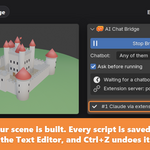
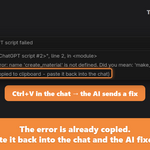
Ask ChatGPT, Claude, DeepSeek, Gemini or Qwen for a Blender script in your browser. AI Chat Bridge sends that code to Blender, shows it to you, and runs it when you press OK. If a script fails, the error is already copied, so you paste it back and the AI fixes it.
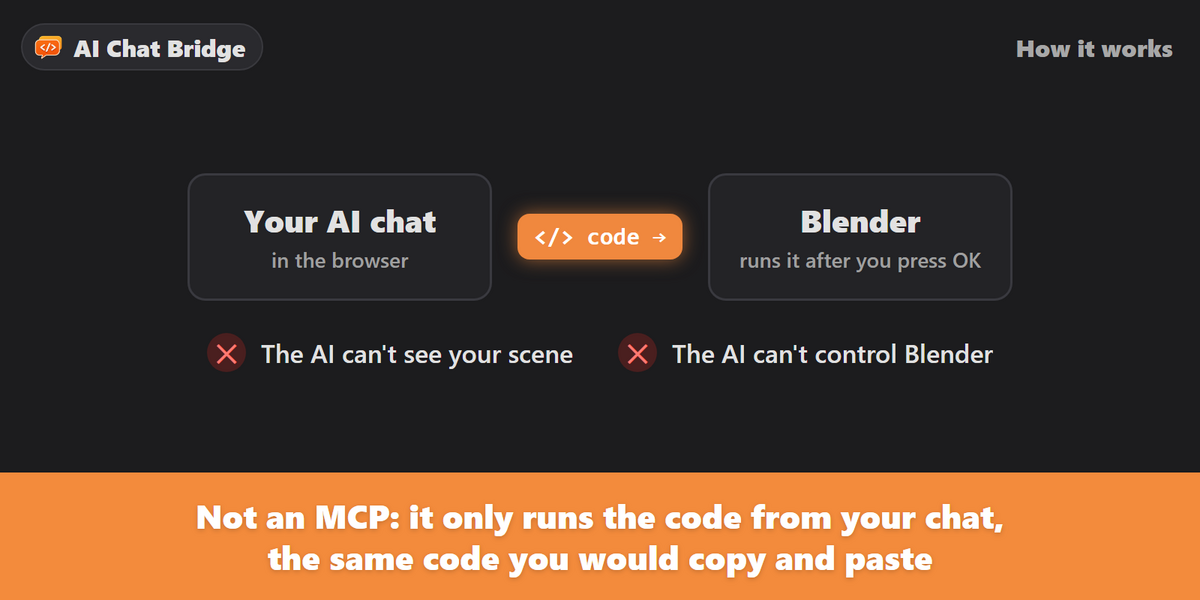
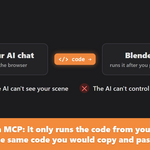
This is not an MCP. The AI never sees your scene and never controls Blender. The browser extension only takes the code from your chat, the same code you would copy and paste, and Blender runs it.
How it works
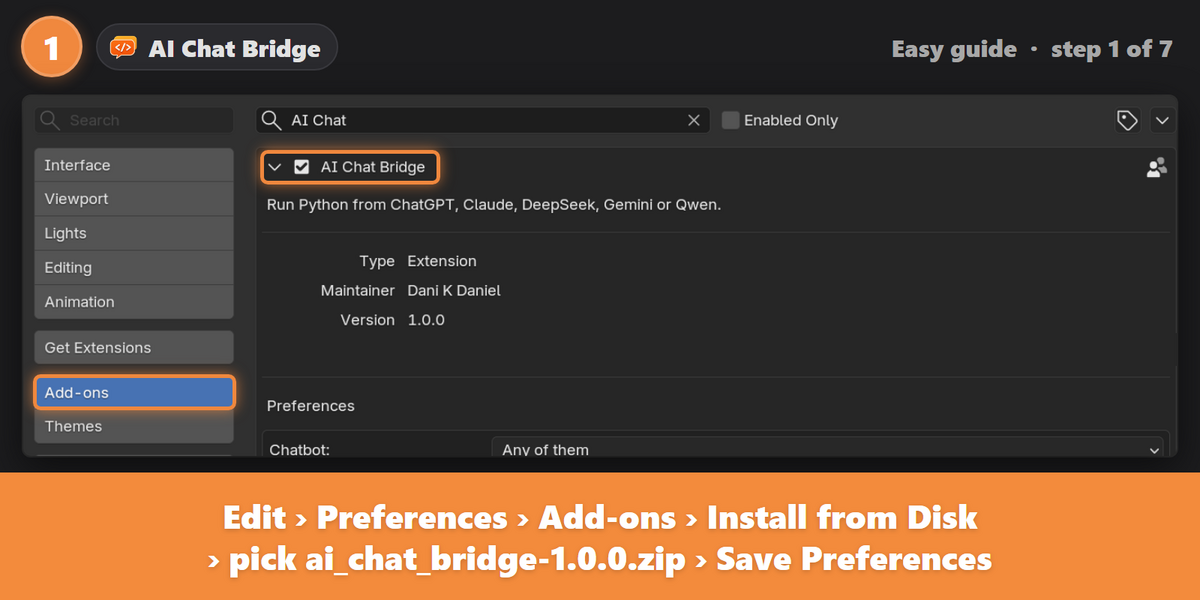
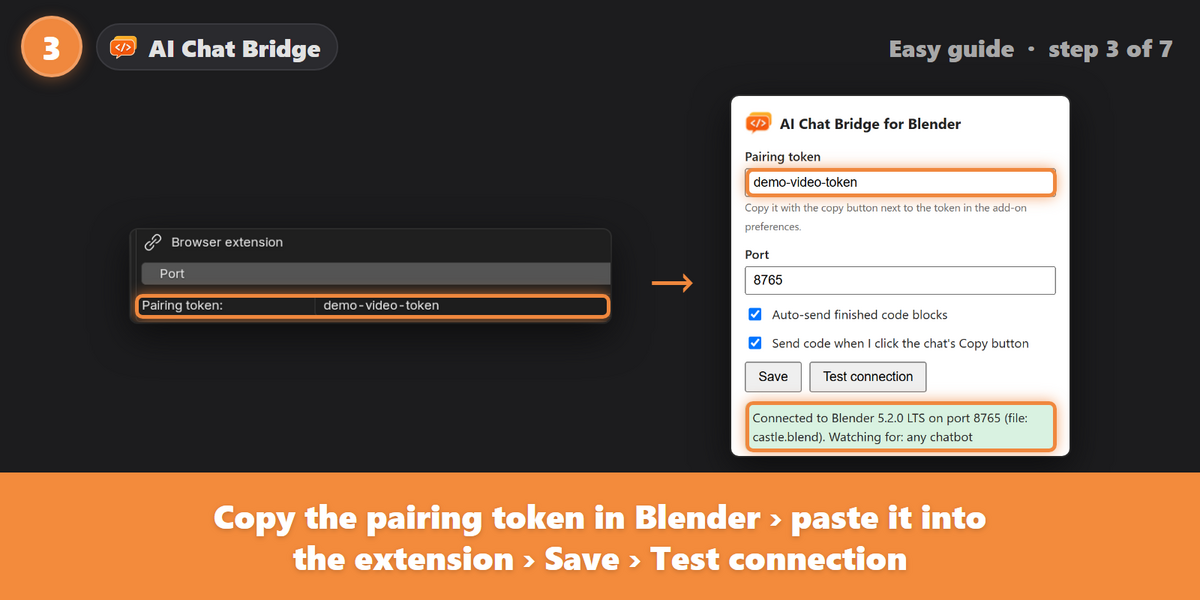
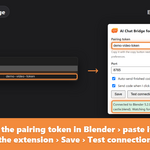
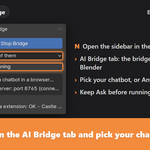
- Install the add-on and the browser extension, and pair them with your private key.
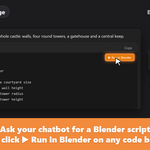
- Ask your chatbot for a Blender script as you normally would.
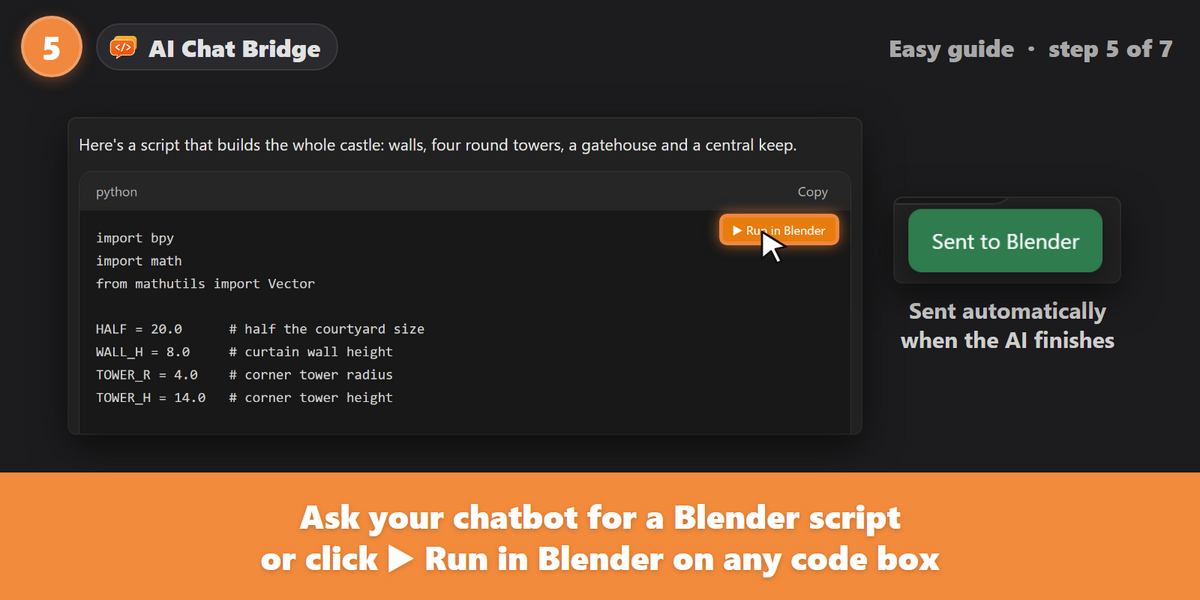
- The finished script is sent to Blender automatically, or with the ▶ Run in Blender button on any code box.
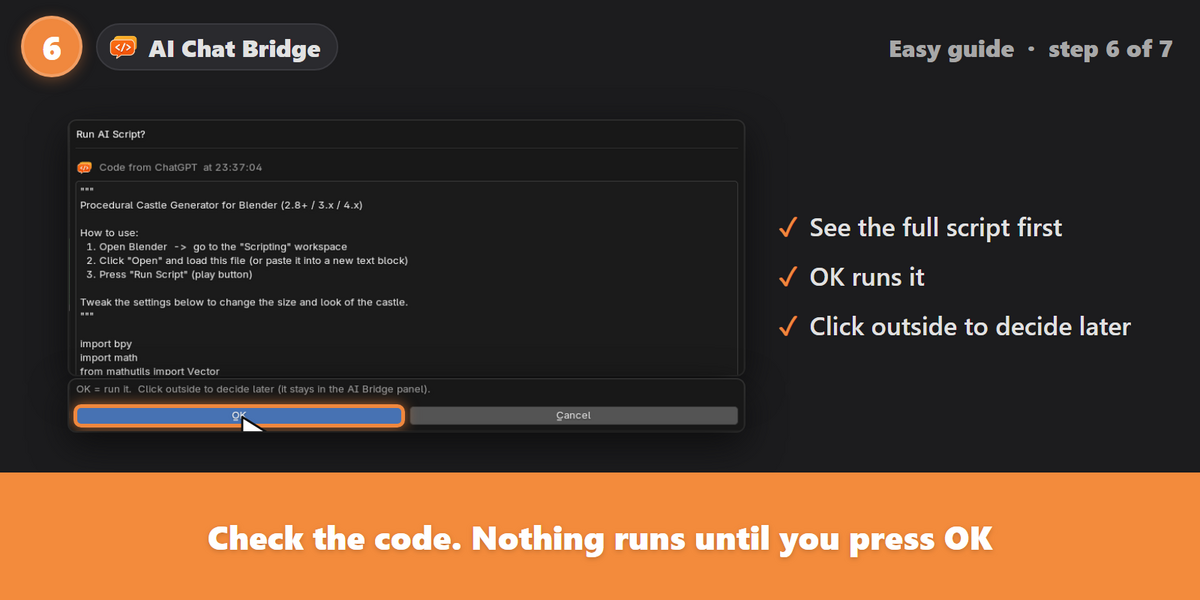
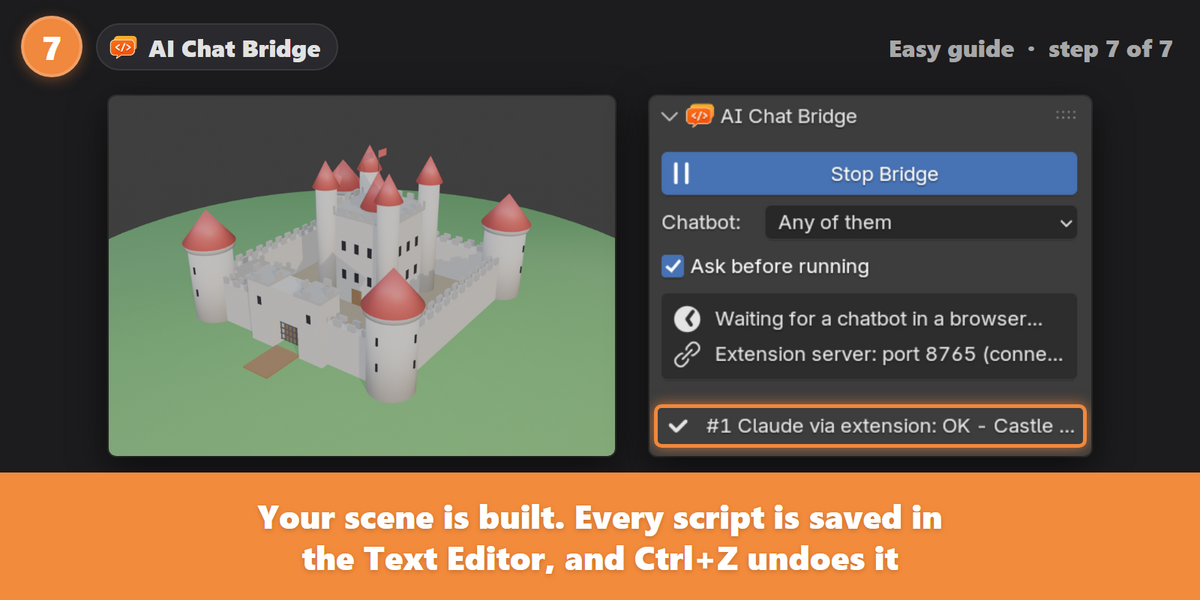
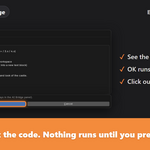
- Check the code and press OK. Your scene updates.
Features
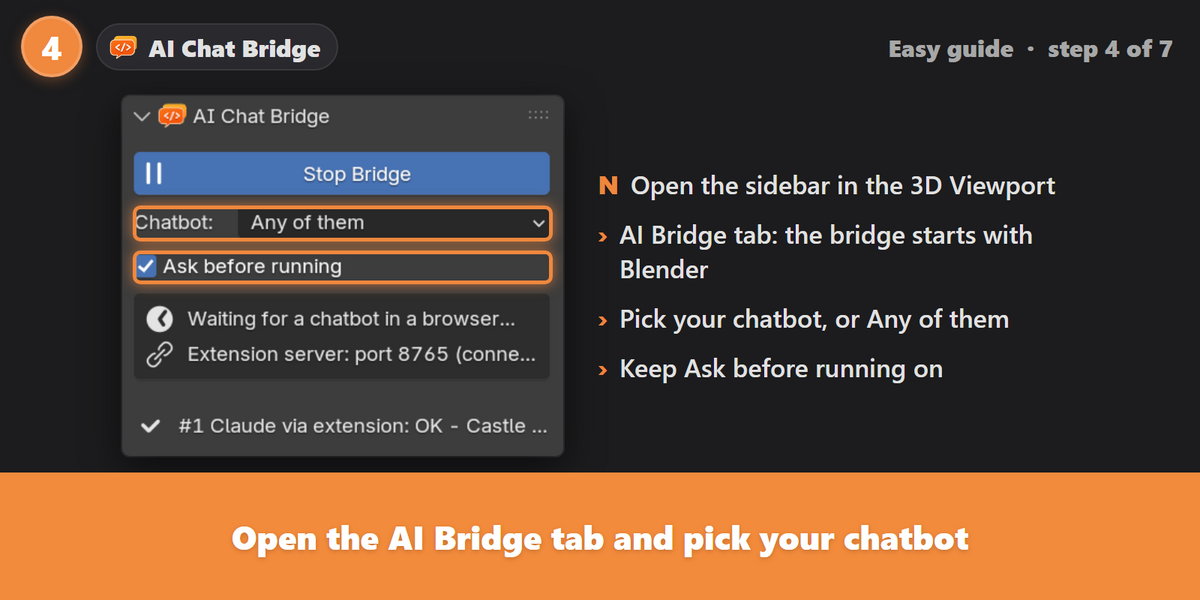
- Works with five chatbots: ChatGPT, Claude, DeepSeek, Gemini (and Google AI Studio) and Qwen.
- Automatic sending when the AI finishes writing a Blender script. Old chat history is never sent.
- A ▶ Run in Blender button on every Python code box, including Claude's file panel.
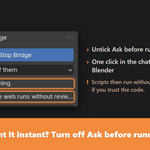
- Review before running. Every script opens in a "Run AI Script?" window first.
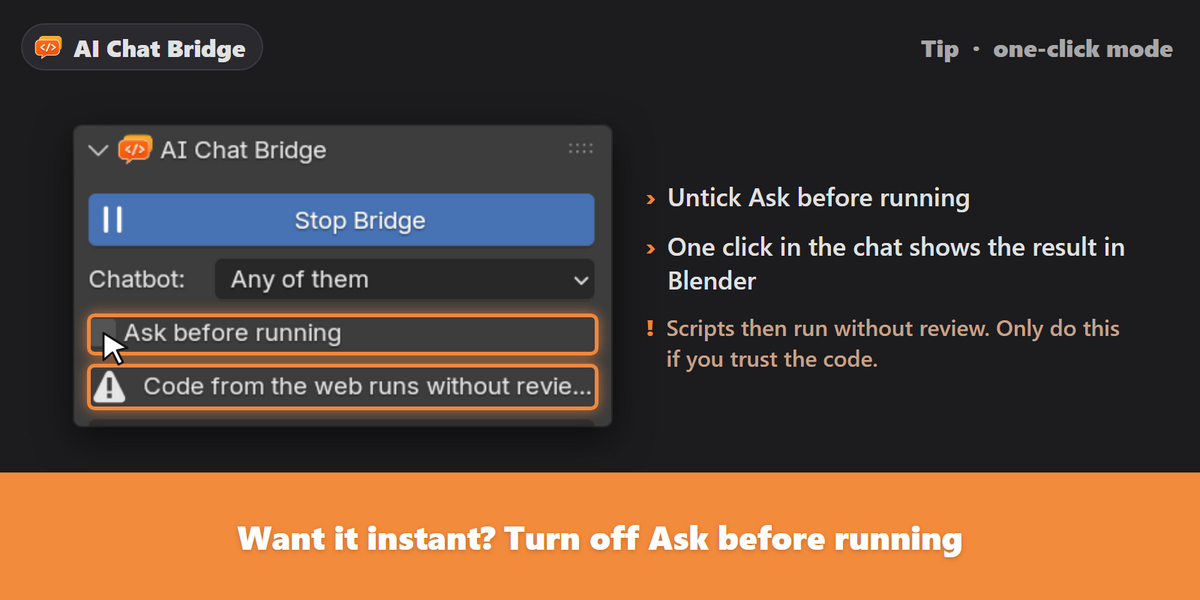
- Optional one-click mode for instant results.
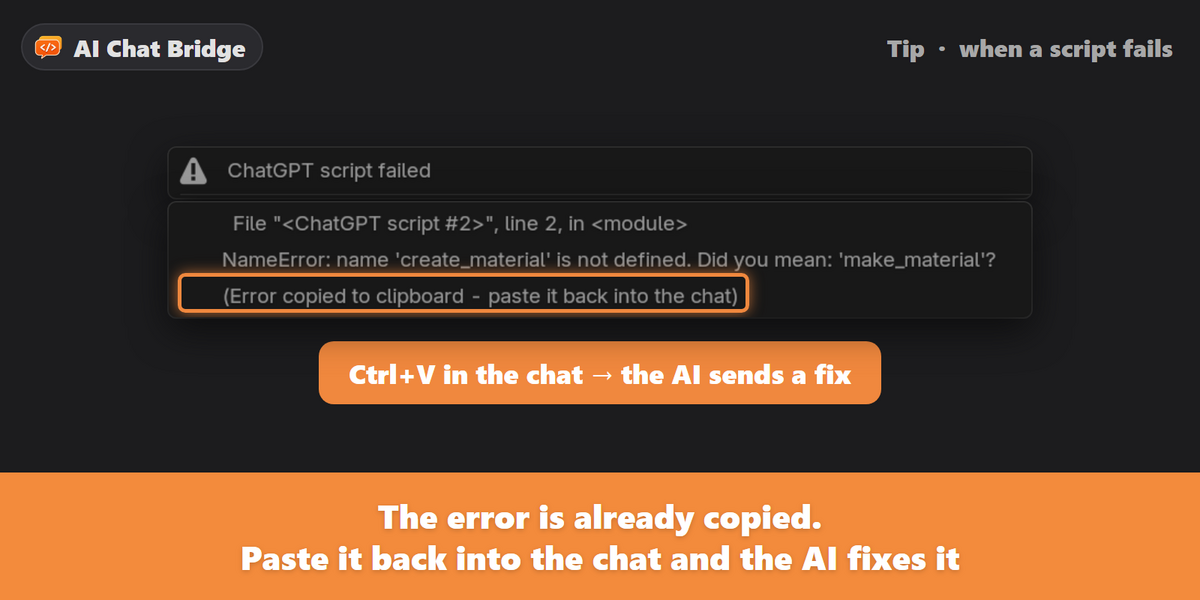
- Errors copied for you, as a ready-made message to paste back into the chat.
- Split answers work: later code boxes can use helpers from earlier ones.
- Every script saved in the Text Editor, with a log of its output, and undoable with Ctrl+Z.
- No API key needed. Use the chatbot websites you already use.
- Private by design. Blender only listens on your own computer and only accepts your paired extension.
Compatibility
- Blender: 4.2 and newer, including Blender 5.x (tested in 4.3 and 5.2). Installed as an extension.
- Browsers: Chrome, Edge and Brave.
- System: built and tested on Windows.
Good to know
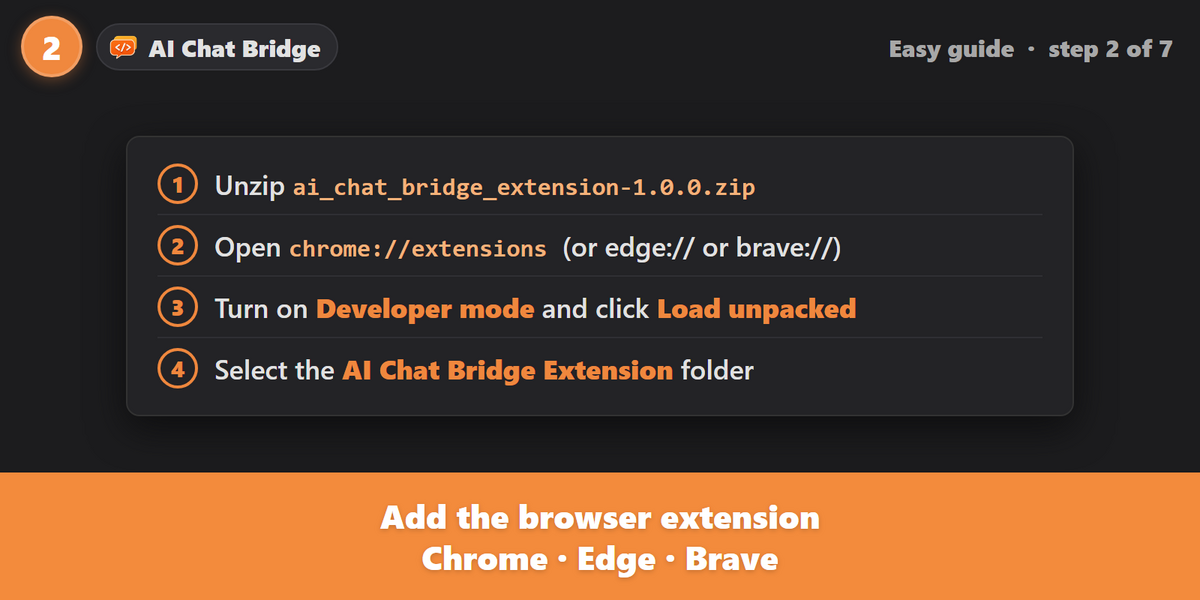
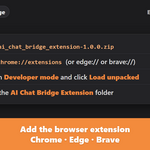
- The browser extension is installed with Developer mode and Load unpacked. Step-by-step instructions are included.
- AI-written code can do anything a Blender script can do. Keep Ask before running on unless you trust the code, and save your work first.
- Chatbot websites change their pages from time to time. If automatic sending stops on a site, the Run in Blender and Copy buttons still work.
What's included
- The Blender add-on:
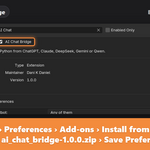
ai_chat_bridge-1.0.0.zip. Install it with Preferences › Add-ons › Install from Disk. - The browser extension:
ai_chat_bridge_extension-1.0.0.zip. - HOW TO INSTALL.txt and a README PDF guide covering installation, pairing, every setting and troubleshooting.
Version 1.0.0 · by Dani K Daniel · GPL-3.0-or-later