 DanilGOE
|
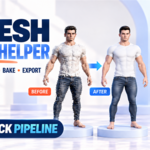
MESH PREP STUDIO TOOLKIT HELPER Clean. Optimize. Bake. Export.Prepare imported meshes for the next stage inside Blender. Bring cleanup, polygon reduction, a retopology base, UV unwrapping, texture baking and export into one organized workflow. MESH CLEANUP HP → LP PIPELINE TEXTURE BAKING FBX · GLB · OBJ |
|
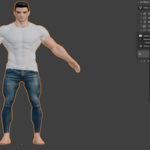
THE WORKFLOW Turn a heavy import into a useful starting point.AI-generated meshes, photogrammetry scans and other imports can arrive with millions of triangles, broken normals, missing UVs or non-manifold geometry. Mesh Prep Studio automates repetitive preparation from a single Blender N-panel. 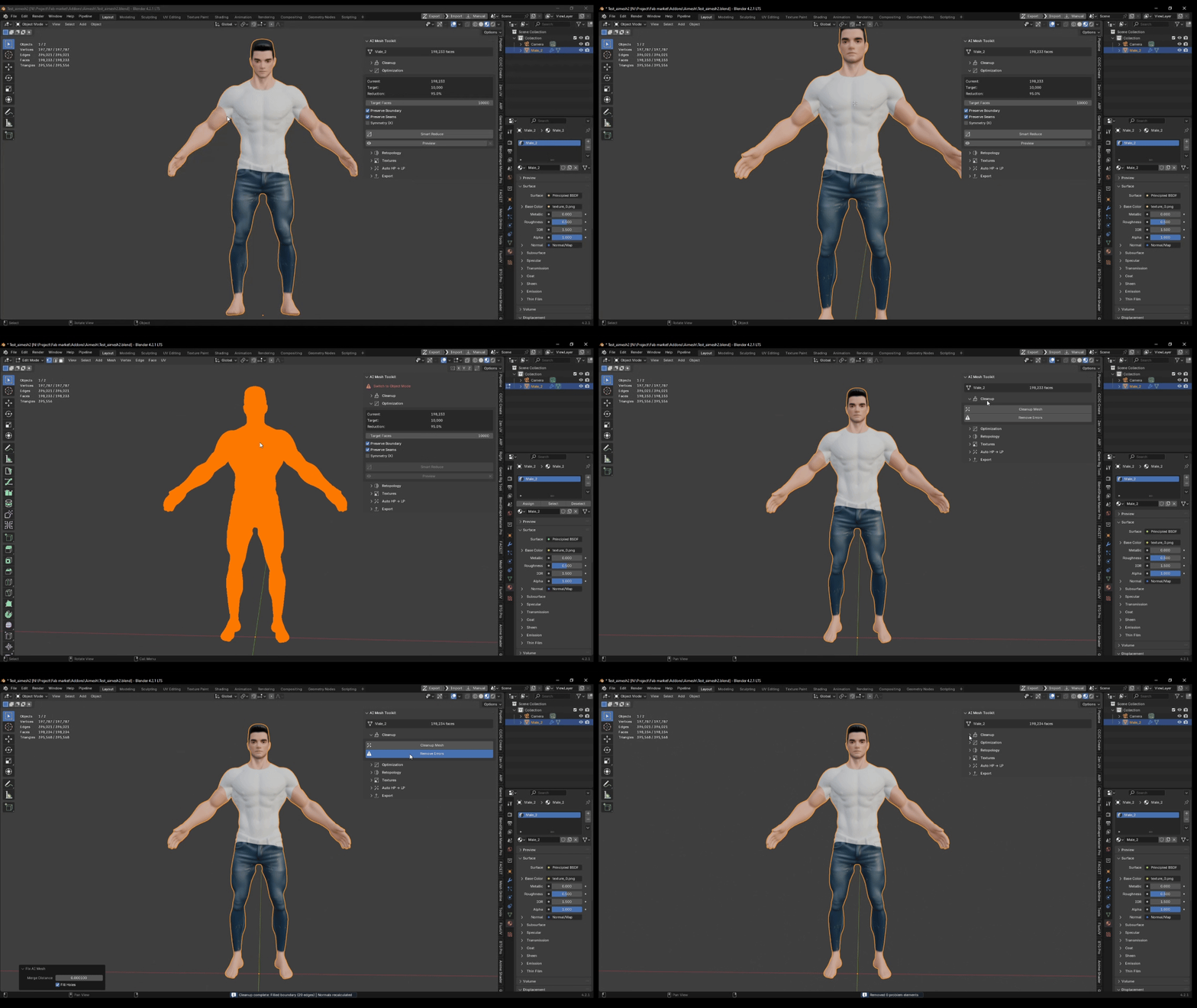 The result is a cleaner, lighter mesh with UVs and baked textures, ready for further editing or export. This is a preparation workflow, not automatic animation-ready retopology. |
|
AUTO HP → LP A complete bake pipeline from one button.
|
|
01 · CLEANUP Fix the mesh before moving forward.Use Fix Mesh for a deep cleanup: merge doubles, fill holes, recalculate normals and apply smooth shading. Remove Errors provides a lighter pass that removes duplicate faces and loose geometry without changing normals or shading. |
|
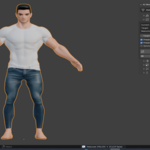
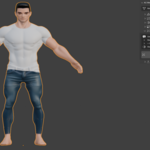
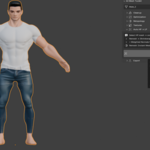
02 · POLYGON REDUCTION Reduce the weight. Preserve the silhouette.Set an exact target face count and review the current count, target and reduction percentage. Preserve Boundary and Preserve UV Seams options give you control over the reduction. 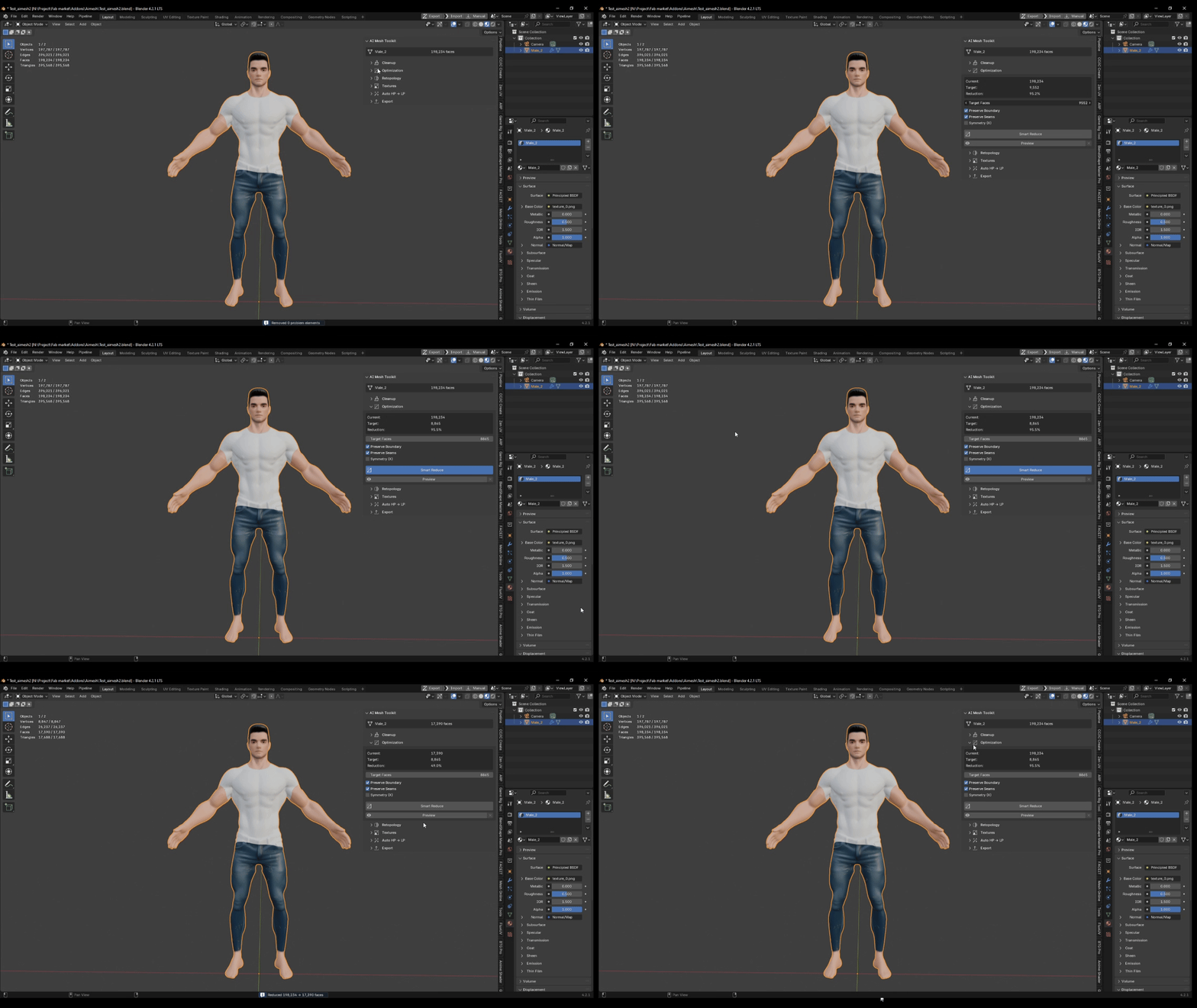
|
|
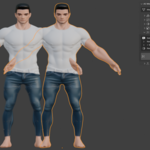
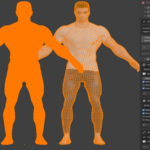
03 · RETOPOLOGY BASE Build a cleaner base for the next step.Create a remeshed base for baking, optimization or further editing. Instant Meshes support is included, with a QuadriFlow fallback when available, target face count control and post-remesh smoothing.  The source mesh is preserved: the add-on creates a separate object. For rigging and animation, plan for manual retopology on the resulting base. |
|
04 · UVs + 05 · BAKING Generate UVs and transfer surface detail.Quickly generate usable UVs for imported or remeshed assets. Bake Albedo / Base Color and Normal maps with Cycles on the GPU or CPU. Maps are saved as PNG files next to your .blend file. Save the project with Ctrl+S before baking so Blender has a destination for the images. |
|
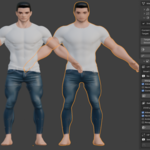
06 · TEXTURE PROJECTION Already have your own low-poly mesh?Select the high-poly mesh, then make your low-poly mesh active. Project textures from HP to LP in one click while keeping your own low-poly model. 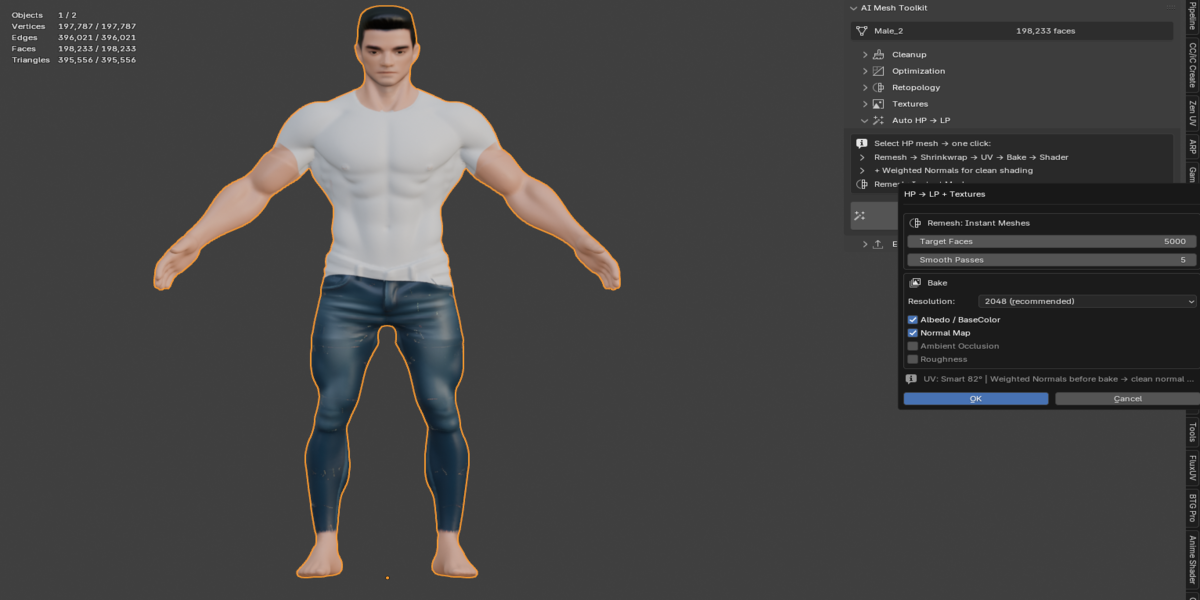 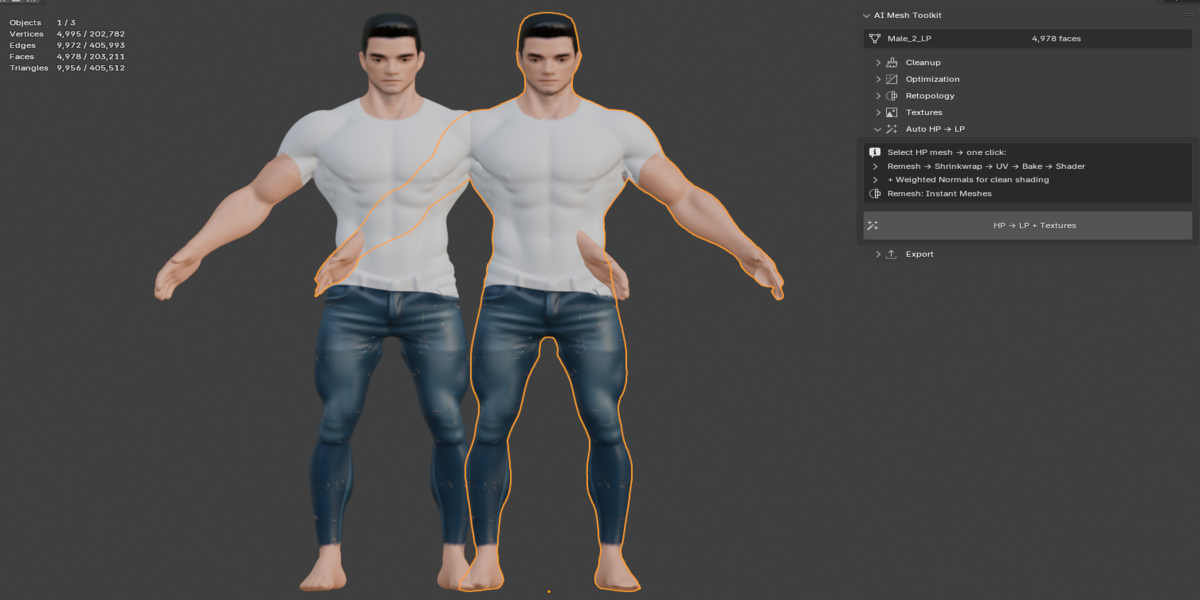 Use this workflow when you want to transfer texture information from a heavier source without replacing your low-poly geometry. |
|
07 · EXPORT Take the prepared asset into your pipeline.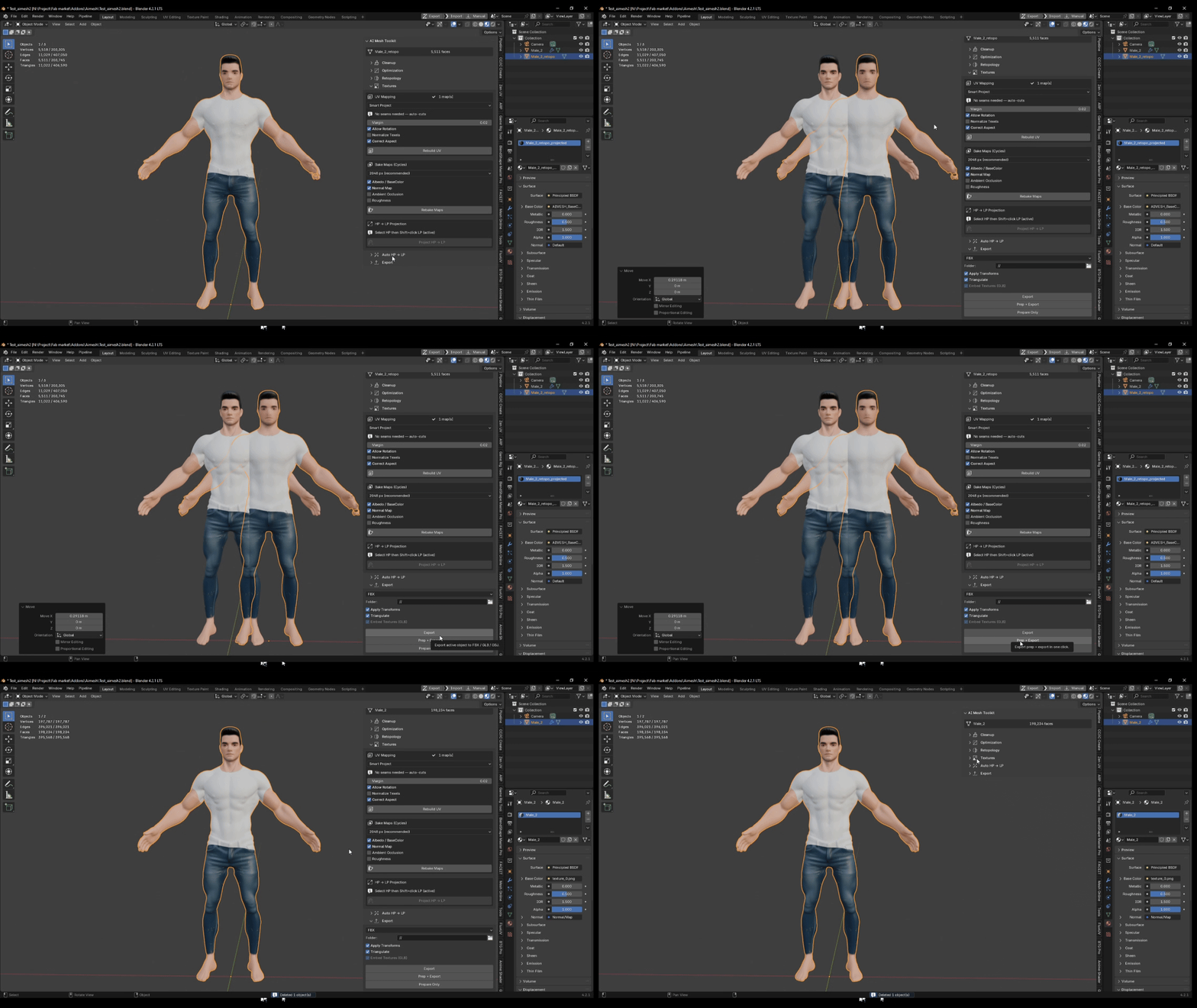 FBX GLB OBJ |
|
COMPATIBILITY Requirements and supported sources.Blender Operating systems Mesh sources Render engine |
|
BEFORE YOU START Know what the workflow produces.Is the topology animation-ready?No. Voxel Remesh produces a clean base suitable for baking, rendering and further work. Manual retopology is needed for animation and rigging. Why must the .blend file be saved?Blender needs a path for the baked PNG images. The add-on displays an error if the project has not been saved. Questions? Contact the creator through the Superhive marketplace message system. |


Discover more products like this
unwrap Sculpt Workflow uv retopology optimization cleanup remesh meshy addon game ready decimation
-
$22
For 1 individual user. Includes all features and content.
-
$44
For 1 user working for a business or client. Includes all features and content.
-
$88
For up to 10 users in one studio or company. Includes all features and content.
Have questions about this product?
Login to message