 Skava
Skava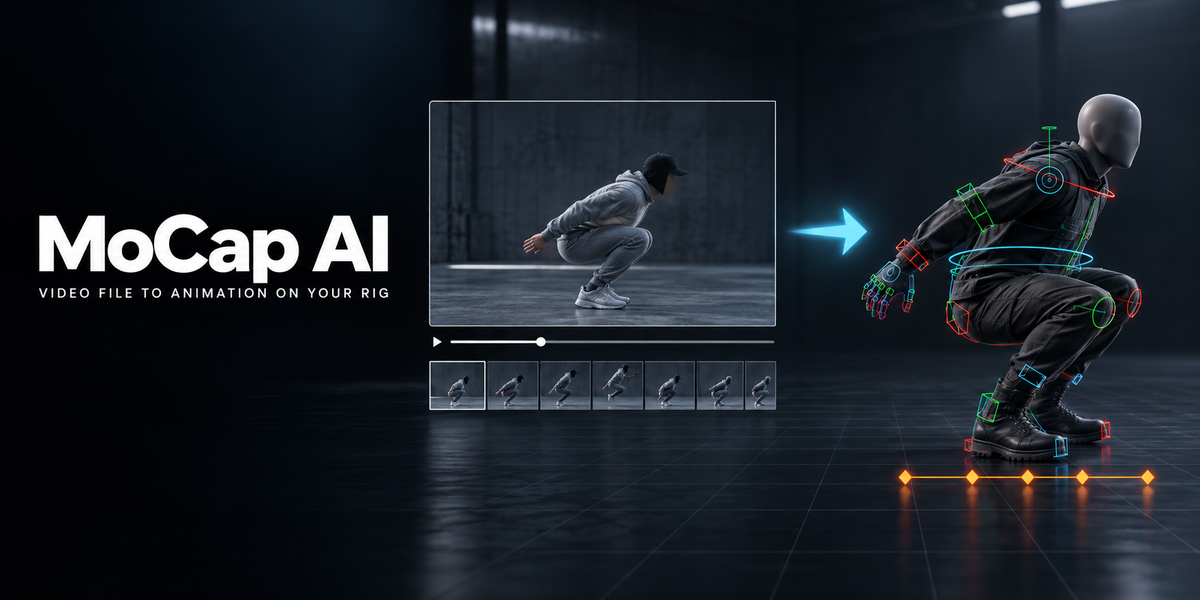
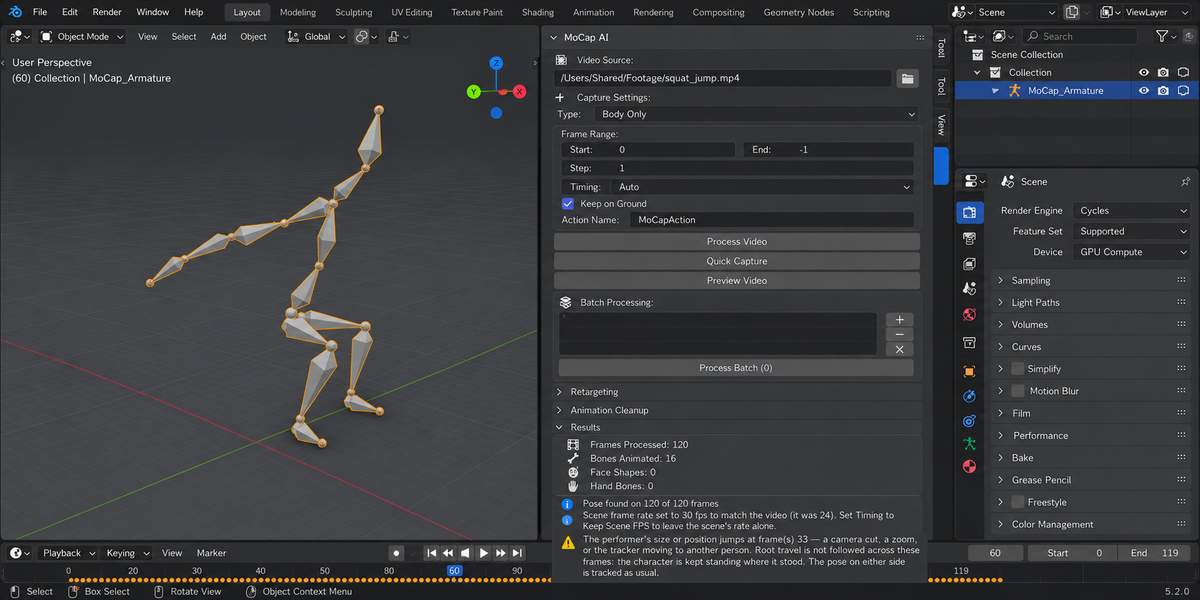
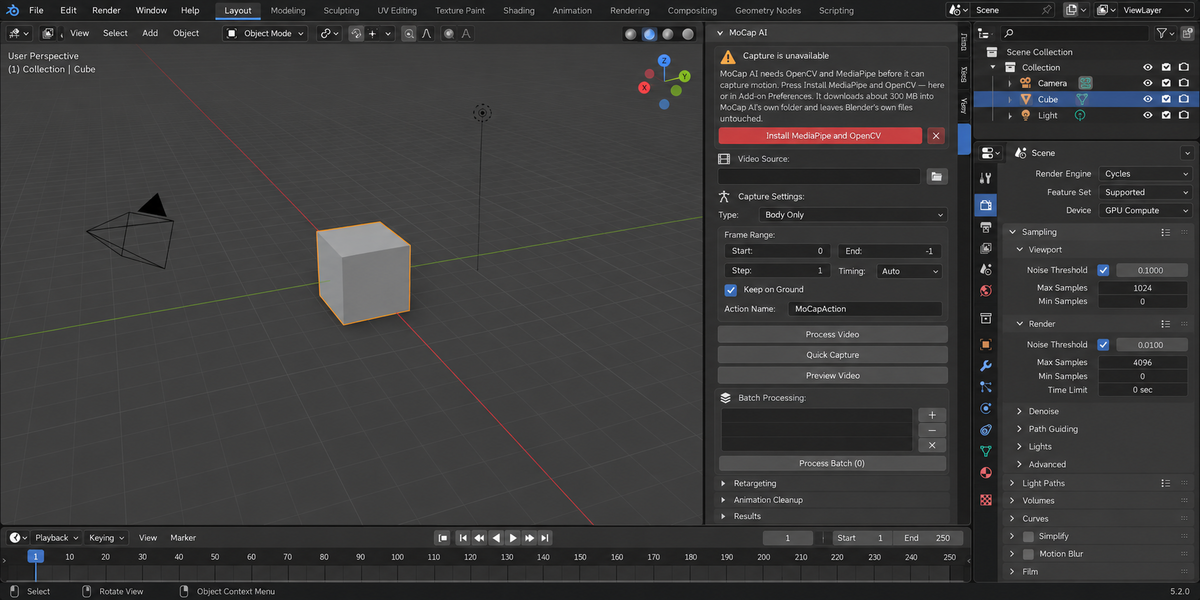
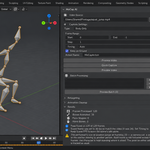
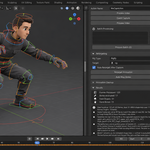
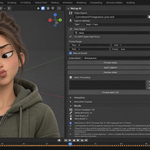
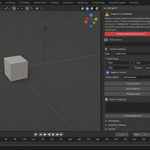
Download the ZIP, then open Edit, Preferences, Add-ons, Install from Disk, pick the ZIP, and enable MoCap AI. Press the N key to open the MoCap AI tab and press Install MediaPipe and OpenCV — it fetches both at the tested versions (about 300 MB) into a folder of the add-on's own, without changing Blender's own files. The landmark models are already inside the ZIP. The README has commands for installing by hand on a machine without internet access.
Blender 4.2 LTS, 5.1 and 5.2, capture included, on Windows and macOS. Versions of MoCap AI before 1.3.0 could capture only on 4.2.
No. MoCap AI uses MediaPipe to estimate pose from any video file (phone footage, webcam, downloaded clip). For best accuracy keep the subject well-lit, mostly visible from the front, and avoid heavy clothing that hides limbs.
No. Capture runs locally with MediaPipe, and no video or frames leave your machine. The only network access is the Install MediaPipe and OpenCV button, which downloads those two packages when you press it; the README shows how to install them by hand instead.
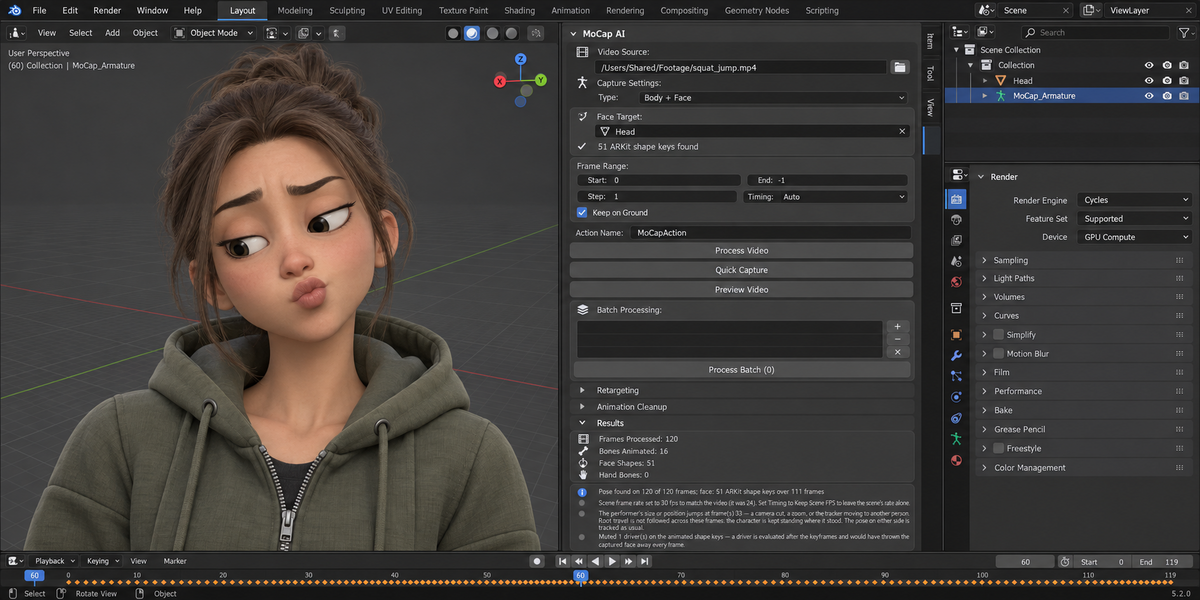
Yes. Capture types: Body (33 body landmarks), Body plus Face, Body plus Hands (21 landmarks per hand), or Full (all combined). If your character already has ARKit shape keys — what Faceit builds, and what ARKit, Live Link Face and MetaHuman exports contain — MoCap AI drives them directly by name, with nothing to map by hand. Drivers on the animated channels are muted, so a control rig cannot silently overwrite the captured face. MoCap AI never creates shape keys: a mesh without ARKit shape keys gets no face animation, and the Results panel says so. Fingers are animated on rigs that have finger bones.
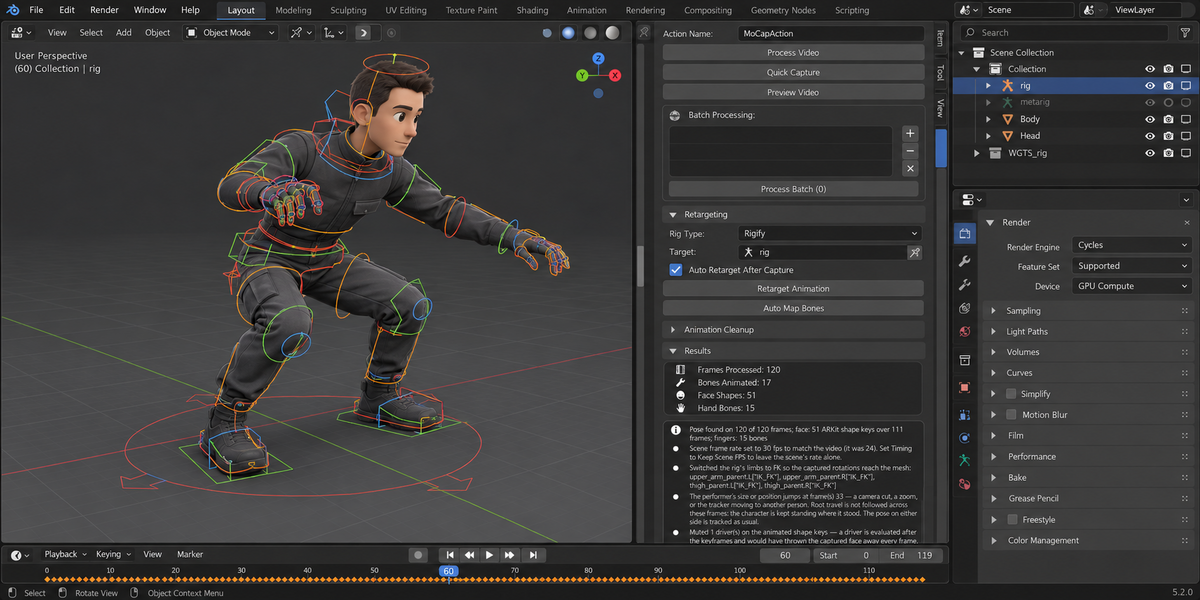
Yes. Pick the generated Rigify rig as Target and Rigify as the type. The limbs are switched to FK, the pose is solved on the rig's FK controls, and fingers go to the finger controls. Mixamo-named rigs and other humanoid rigs (type Custom, bones found by body part) work the same way. Auto-Rig Pro control names are built in, but that rig is not part of our test set.
MediaPipe inference and Blender armature keyframing run on the main thread (a Blender API constraint), so long videos do block the UI. A wait cursor and progress indicator make this visible. Tip: capture in chunks via the frame-range controls.
The feet are put on the floor by the capture itself: with Keep on Ground on, root height comes from the rig's own limbs. For sideways sliding in a shot where a foot is planted most of the time, press Fix Foot Sliding in the cleanup panel: it holds the standing foot where it touched down by correcting the root's travel and reports how many frames it held. It is not for runs — it takes their travel out.
Yes. GPL-3.0, license applies to add-on code only — the animations are yours.
Have questions about this product?
Login to message
Discover more products like this
body tracking face-tracking retarget mocap hand tracking mediapipe pose estimation animation live link vtubing webcam motion capture