 NineLine


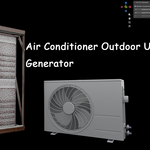
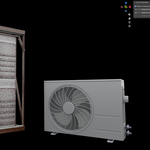
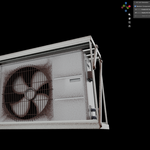
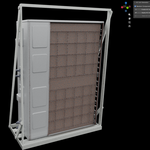
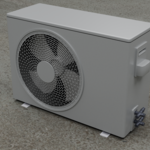
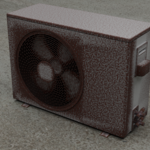
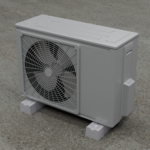
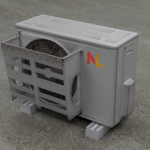
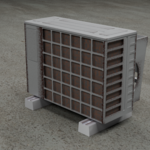
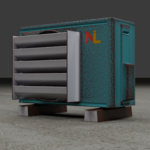
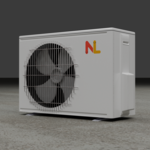
Air Conditioner Outdoor Unit Generator
Who is this for?
Tired of modeling outdoor air conditioner units by hand?
This tool is designed to remove that hassle.
Using Geometry Nodes, you can combine different top, front, back, side, and additional parts to create a wide range of outdoor AC unit variations.
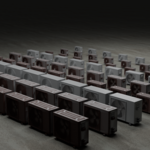
With up to 63,504 possible combinations, you can quickly generate the type of outdoor unit you need for your scene.
Create and place your own outdoor AC units with ease.
=====================================================================
Air Conditioner Outdoor Unit Generator is a Blender Geometry Nodes-based tool for creating customizable outdoor AC unit assets.
With this generator, you can create different outdoor air conditioner unit variations by adjusting multiple interchangeable parts and appearance options directly inside Blender.
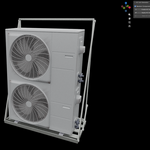
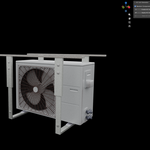
Create both single-tier and two-tier outdoor AC units with extensive customization options. With up to 63,504 possible part combinations, the generator allows you to build a wide variety of outdoor AC unit designs for different environments and use cases.
Approximate size range:
• Single-tier unit: 0.7m x 0.3m x 0.5m to 1.4m x 0.6m x 1.0m
• Two-tier unit: 0.7m x 0.3m x 0.9m to 1.4m x 0.6m x 2.0m
It also includes 12 random outdoor AC unit presets, making it easy to quickly generate diverse results.
Create outdoor AC unit assets with a simple Geometry Nodes workflow
-
Customize 8 main sections:
Front
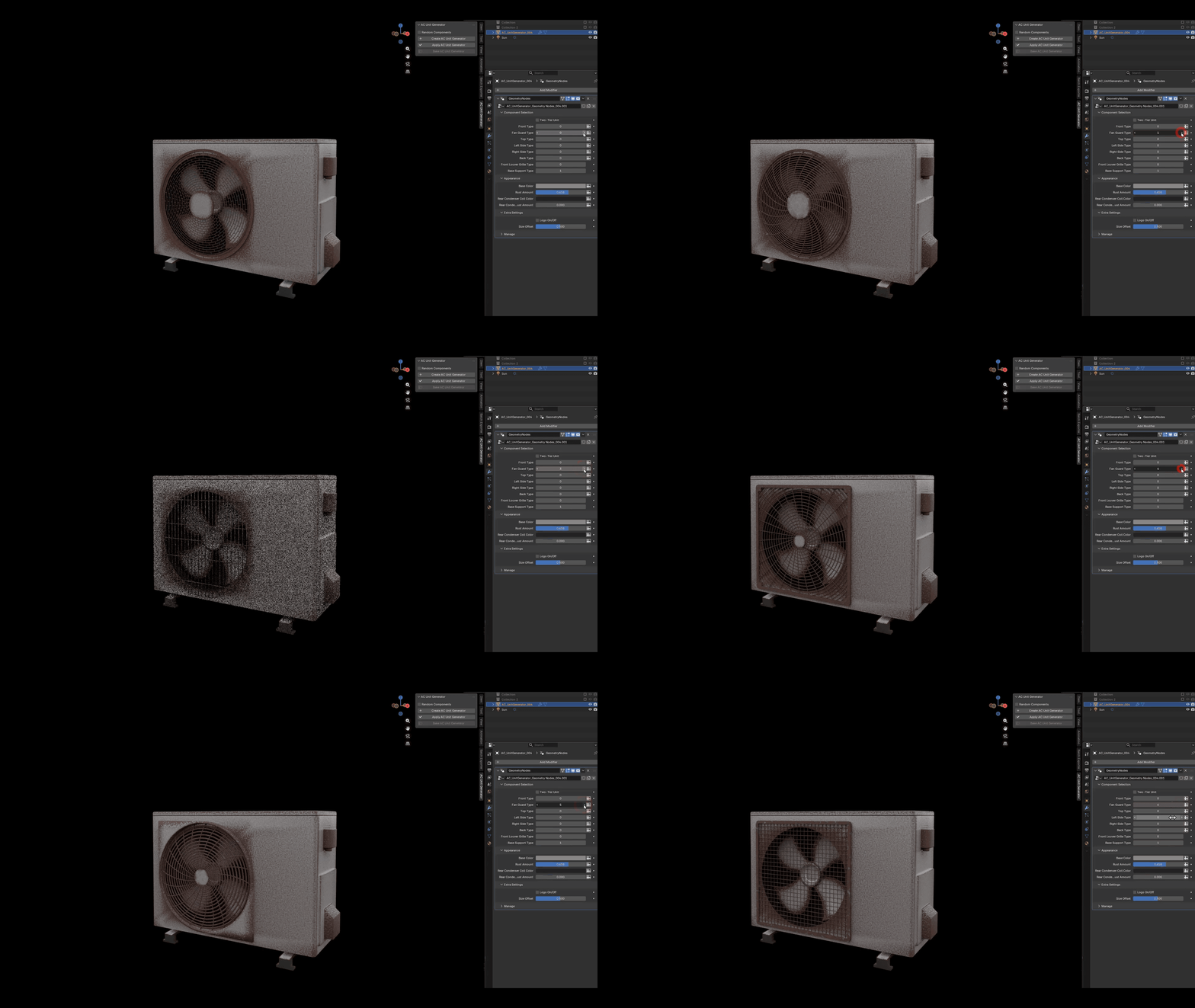
Fan Guard
Top
Left Side
Right Side
Back
Front Louver Grille
Base Support
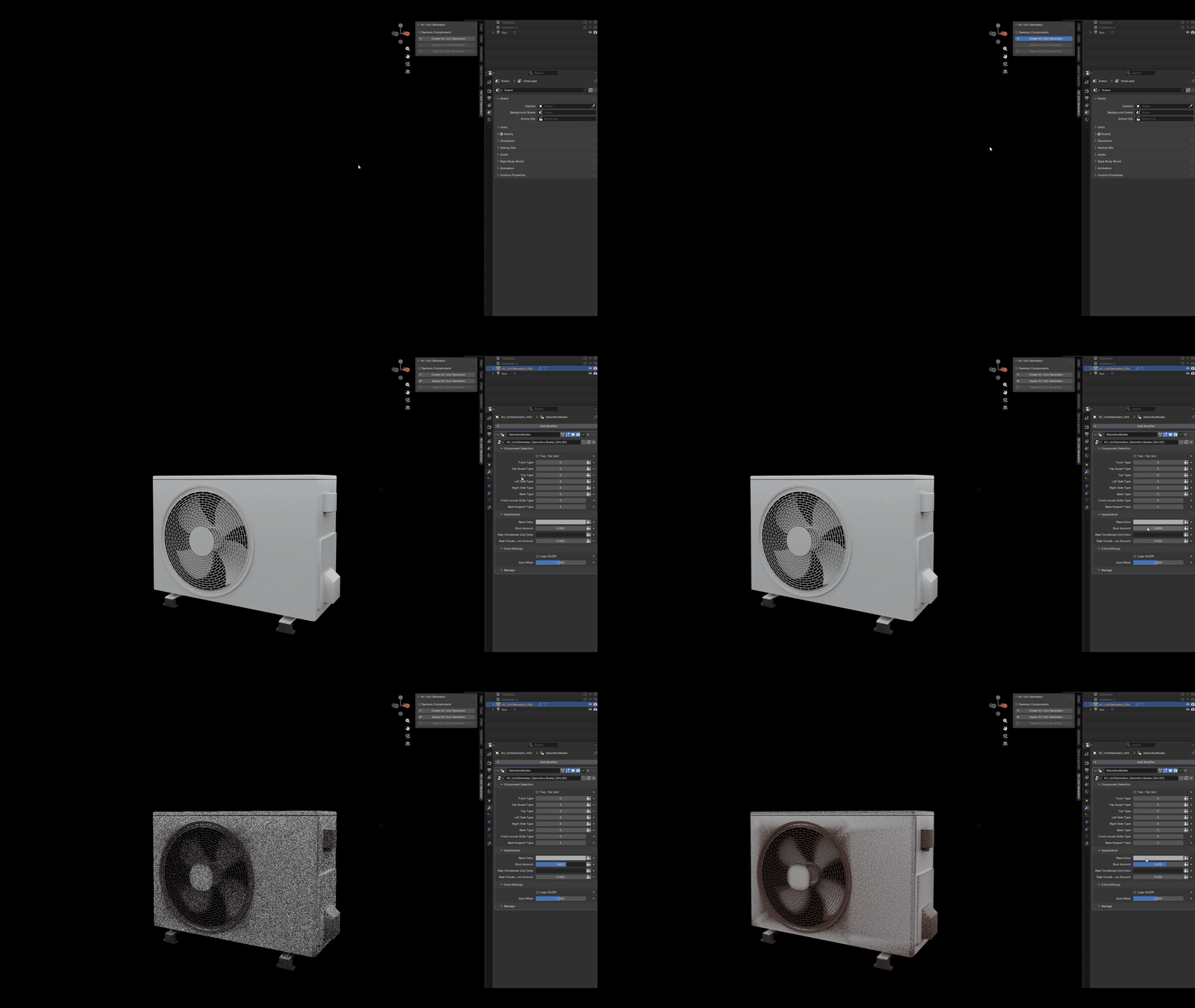
Adjust appearance options such as base color, rust amount, rear condenser coil color, and condenser coil dust amount
Enable or disable the logo
Adjust the size offset of the unit
Apply the generated Geometry Nodes result to create an editable mesh
Bake textures for export-ready assets
Automatically create a Textures folder next to the saved Blender file during baking
Workflow
Create an AC unit with the Create AC Unit Generator button.
Adjust the Geometry Nodes parameters to customize the shape and appearance.
Use Apply AC Unit Generator to apply the generated result.
Use Bake AC Unit Generator to bake the final textures and assign baked materials.
Notes
The baking process may cause Blender to pause for a while, so it is recommended to save your Blender file before baking.
Generated assets can be used in Blender scenes, Unreal Engine projects, visualization work, and general 3D environment production.