 NineLine


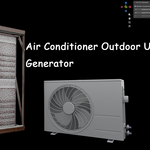
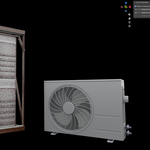
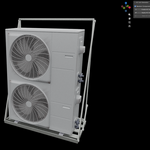
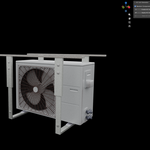
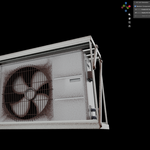
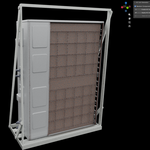
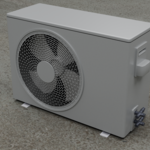
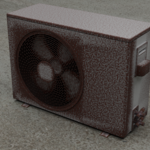
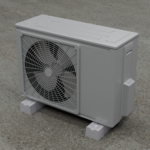
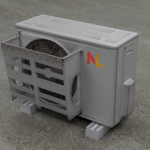
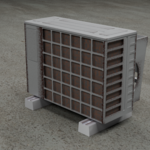
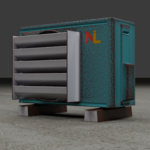
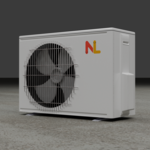
When should I change the logo image?
If you want to change the logo image, apply the AC unit first using Apply AC Unit Generator.
After applying, find the Mat_Logo material in the material slots and replace the image used in its Image Texture node.
Then use Bake AC Unit Generator to bake the final textures.
Question: Should I save my Blender file before using the Bake AC Unit Generator feature?
Yes. It is recommended to save your Blender file before baking.
The baking process may cause Blender to pause for a while, and a Textures folder will be created next to the saved Blender file to store the baked texture files.
$10
Have questions about this product?
Login to message
| Blender Extension Compatible | Yes |
| Published | 3 months ago |
| Blender Version | 5.1 - 5.2 |
| Extension Type | Add-on |
| Render Engine Used | Cycles |
| License | GPL |
Discover more products like this
prop procedual Generator geometrynode simple airconditioner outdoor