 BOSSposes


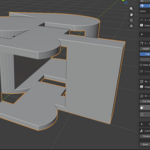
WELCOME TO MY LATEST LARGEST PROJECT YET!
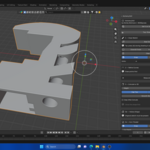
Developed an addon to bring you proper CAD Development tools similar to software such as FUSION360, Solidworks, InventorStudio. Easily create complex Parts and Designs with measurements as you build.
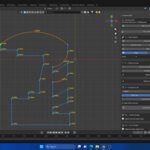
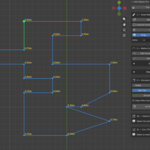
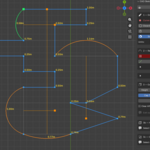
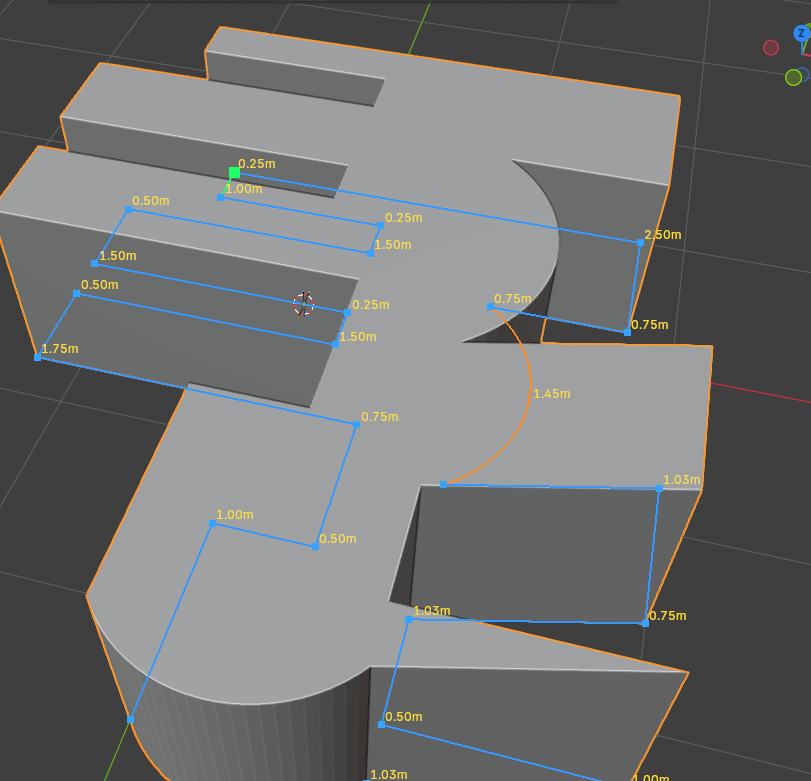
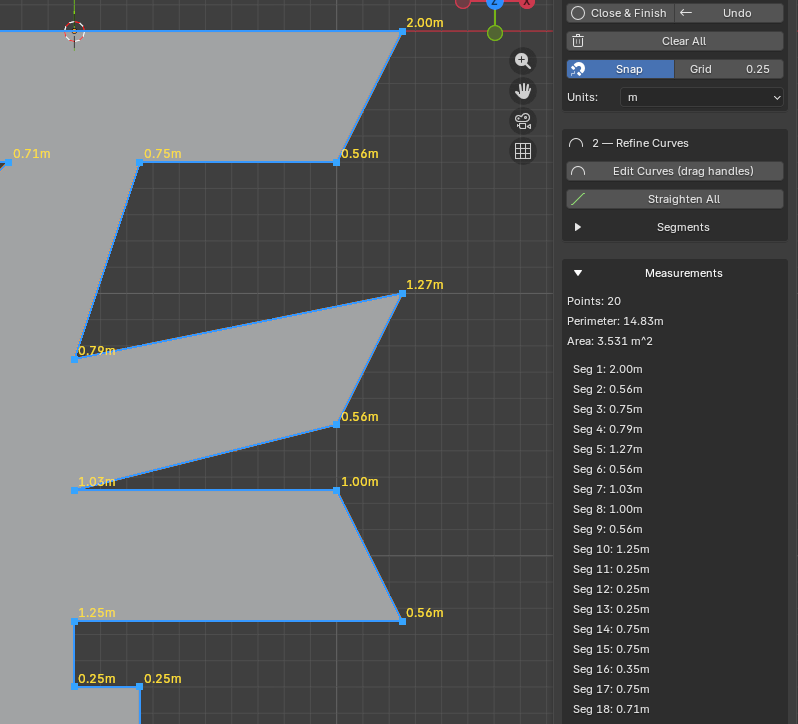
Easily draw your shape by clicking "Start Draw" and clicking your points in, and it will display your measurements right on the screen. Add curves by clicking "Add curve." Click and drag any one of your lines and pull with your mouse to create the curve you desire. "Right click to finish shape"
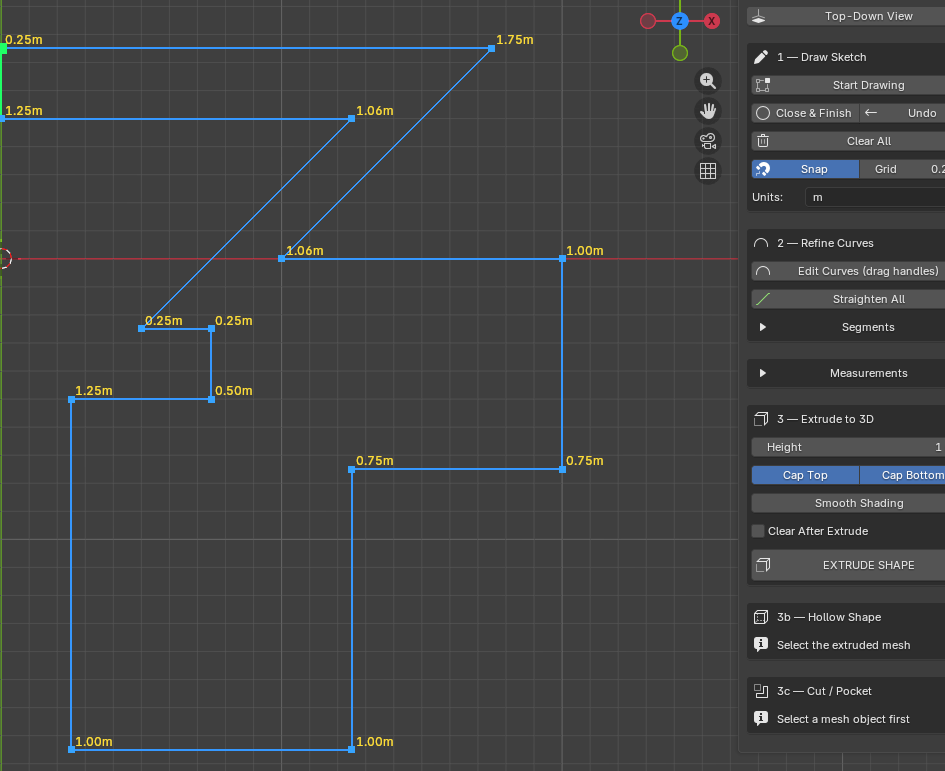
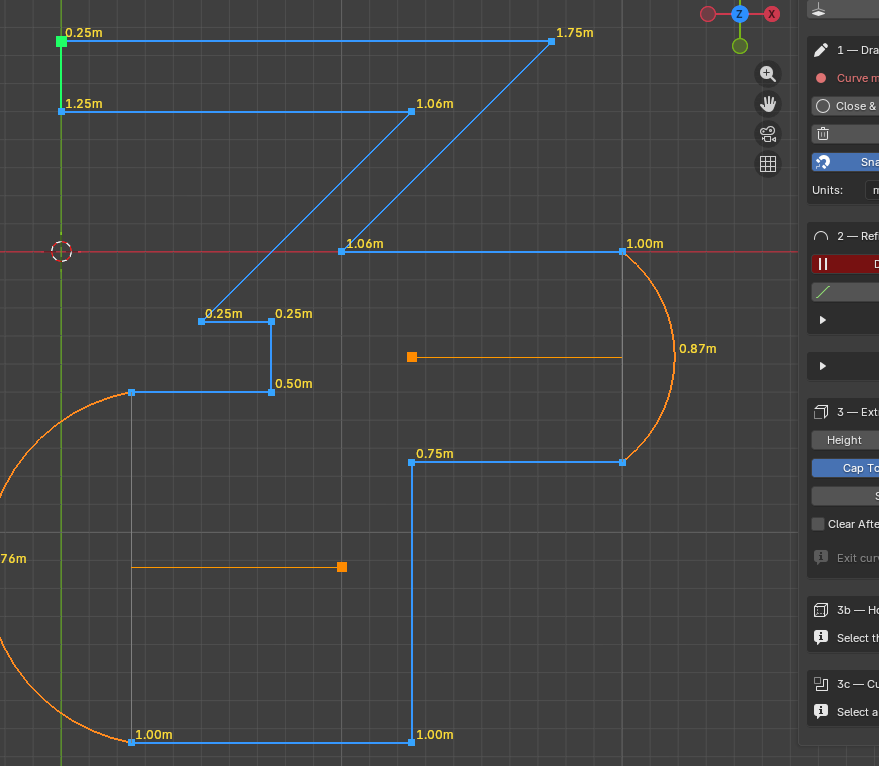
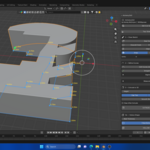
Complex shapes that once took hours to make in Blender now only take a few minutes! Click "Extrude shape" To make your drawing 3D. Scale its height with the transform tool that raises height from the ground up rather than both sides at the same time.
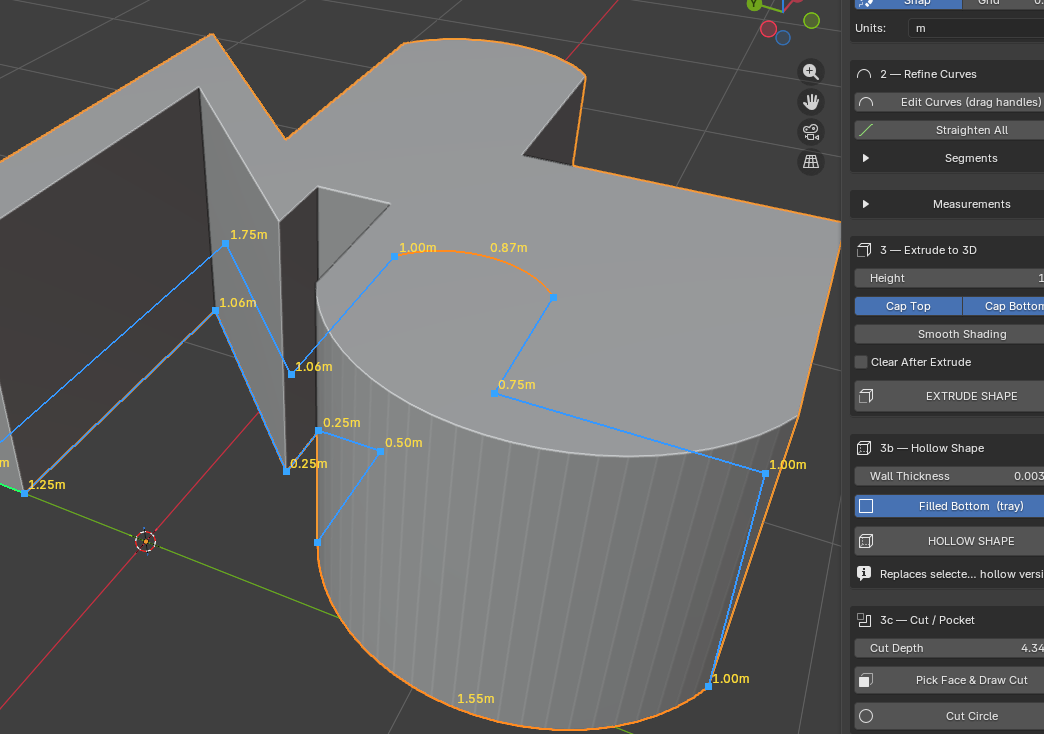
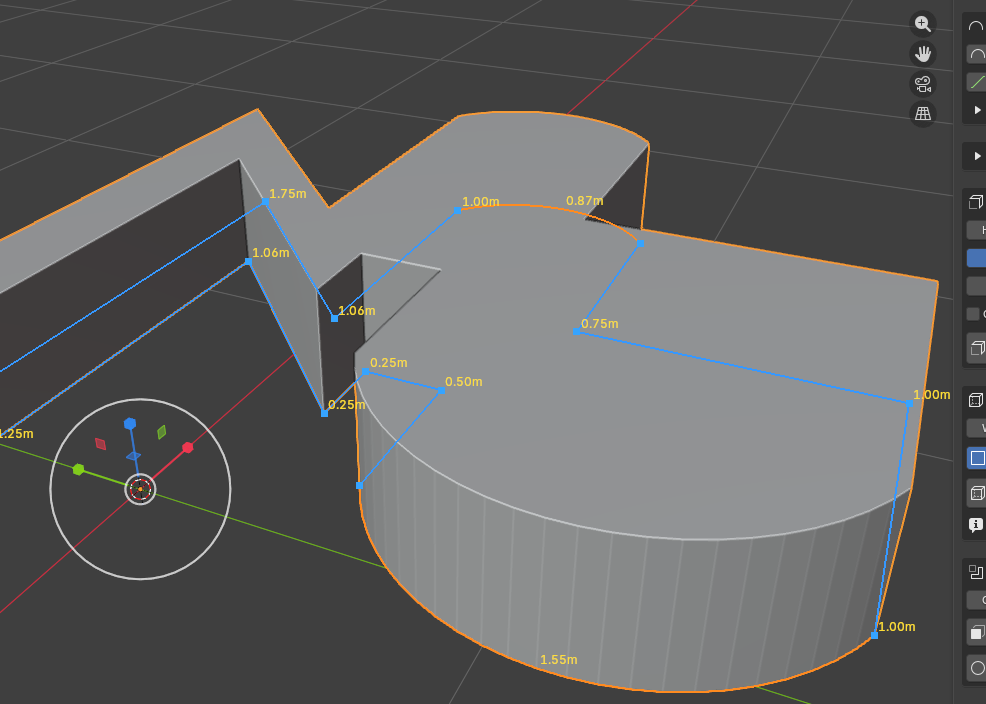 Now we can do a few different things. We can make it hollow, we can make it hollow and only have a top and leave the bottom open, or vice versa or even just make it walls with a slider to increase thickness and add Bevel & Segments!
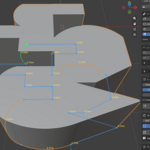
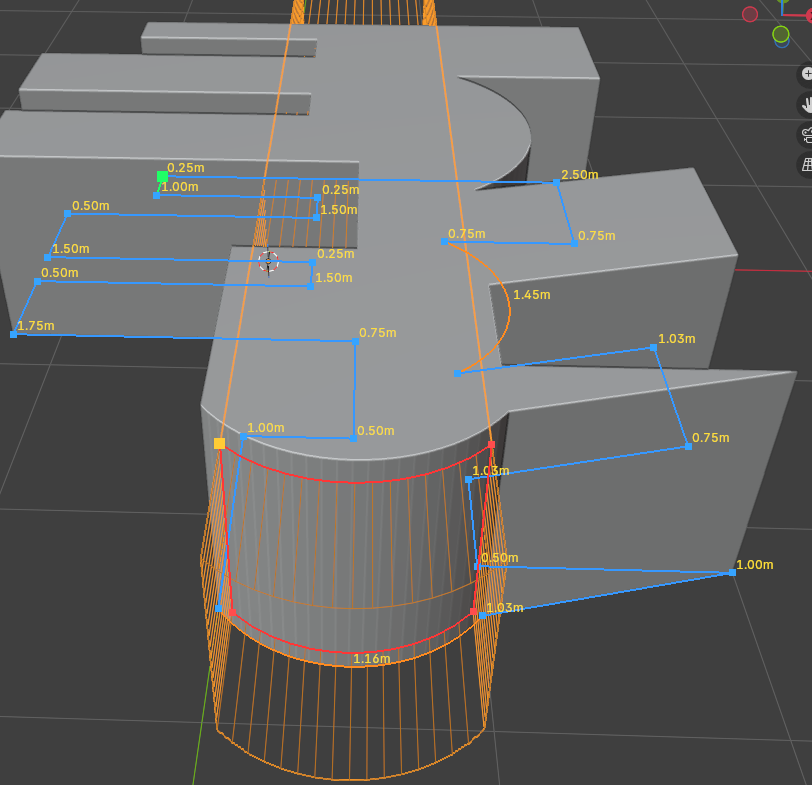
Now we can start to cut on any face by drawing points by clicking the "CUT FACES" Button and clicking on the model where you want to cut
This works based on a raycast, so if you're cutting on a curved surface, it will lay your drawn lines flat on the face automatically
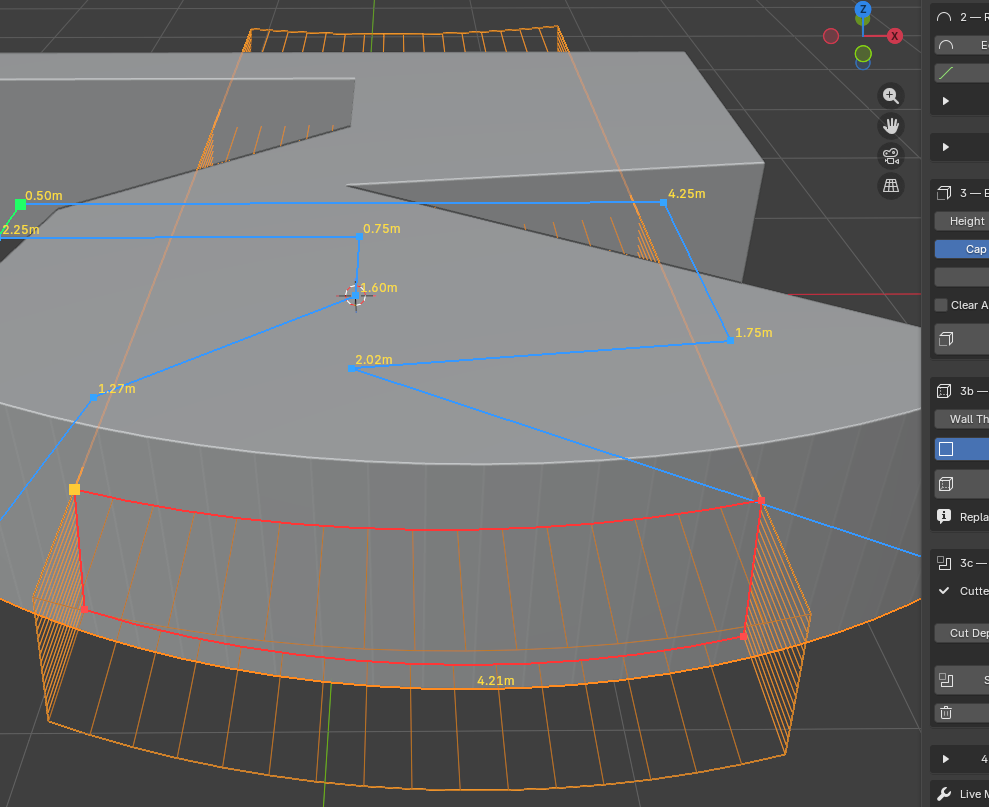
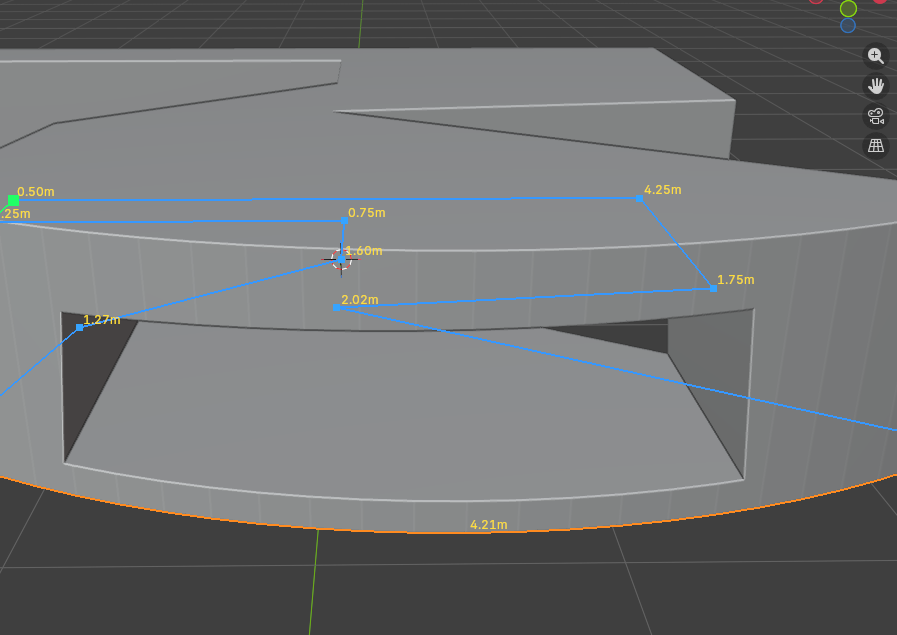
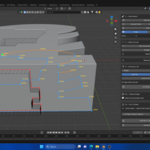
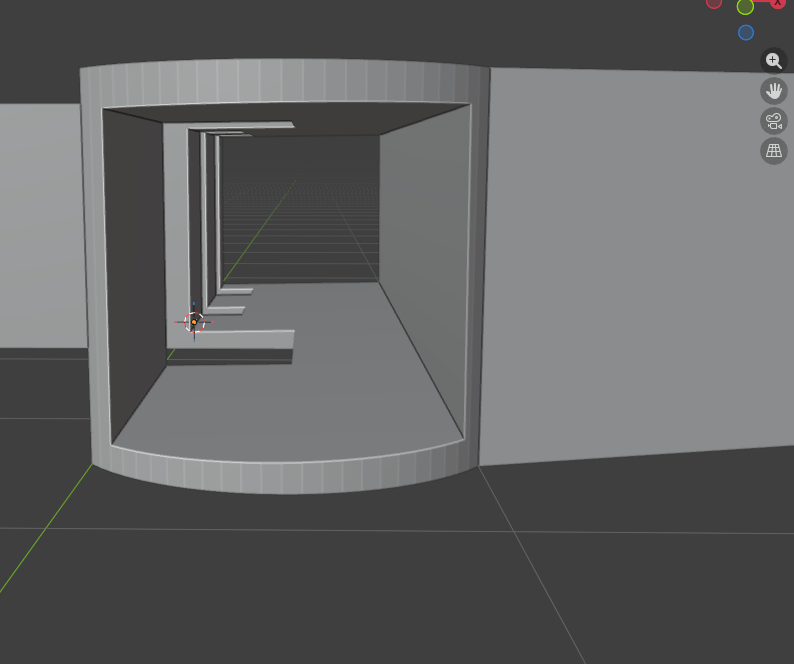
The red lines are the drawn shape you drew. The orange box going through is the CUT DEPTH visualizer, showing you how far it will cut into the model, which can be changed by dragging the slider above the cut button. Just click "Subtract" =DONE! You have now cut your created shape!
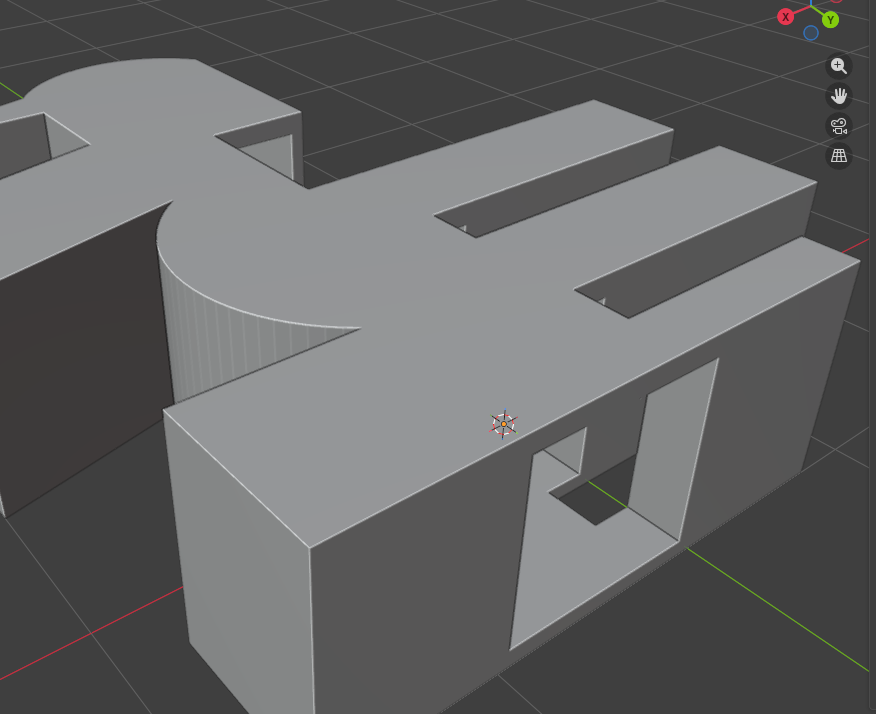
Let your mind run wild! Once you're finished, just head to the top of the addon and click " Clear measurements" To finish and remove your visuals!
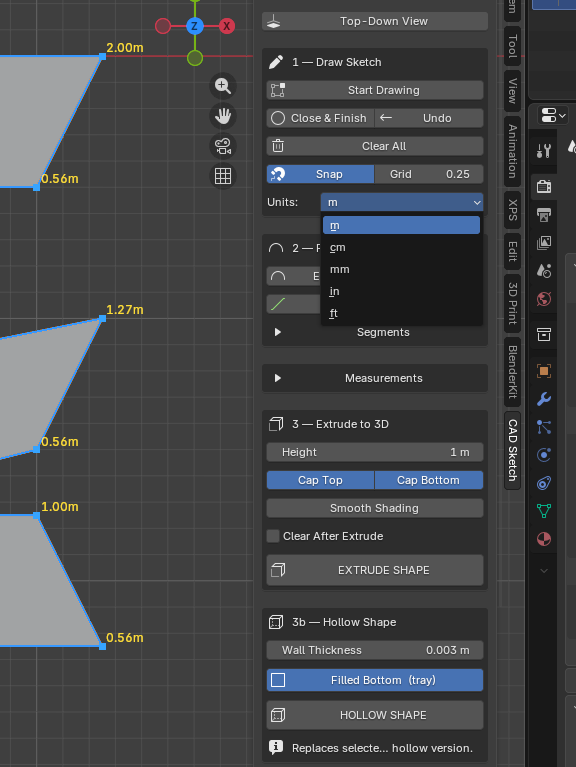
You can also change the Grid for adding points, so you can get them closer together and have a smoother click draw, or have no snap grid at all!
You can also see your previous measurements in the "Measurements dropdown, which will also show the total perimeter and area of your part aswell as "Unit scale" Can be changed incase your working on Larger or Smaller parts
FREE Updates, Next update will be Simulation, Animation as utilizing Blender's animation features can be extremely powerful for CAD, Part simulations , Motors will be added , Gears, Pistons + More keep tuned!