 BOSSposes


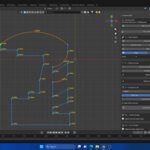
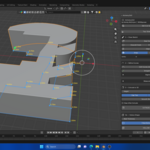
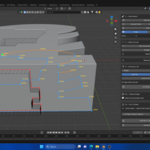
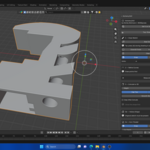
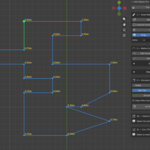
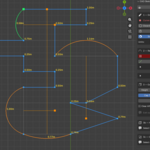
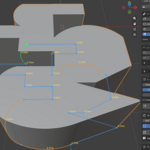
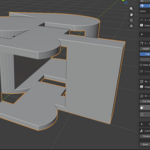
- Draw lines anywhere: after closing a shape (or ending a line on an existing point or line), the next click starts a brand new line instead of chaining from the last point. - Drawing no longer stops when you close a shape. It only finishes when you right-click, press ESC, or press C.
- Multiple lines and boxes now merge into ONE clean outline when you finish, so Extrude and Hollow work on the combined shape.
- Edit Shape button: reopen a finished sketch to add more lines, then finish to merge them back into one shape. - Section Shade slider: darkens the panel section boxes so they're easier to tell apart. Set it to 0 to restore the original colour.
FIXES - Curved (arc) segments with a bulge under 1 now draw correctly and pass through the arc handle. - Ctrl+Z now also undoes a pen lift. - Start Drawing shows a message if it can't start, instead of doing nothing.
Have questions about this product?
Login to message
| Blender Extension Compatible | Yes |
| Sales | 10+ |
| Rating | 1 ratings |
| Dev Fund Contributor | |
| Published | 3 months ago |
| Blender Version | 3.6 - 5.2 |
| Extension Type | Add-on |
| Render Engine Used | Arnold, Blender-Internal, Blender-Game-Engine, Cycles, Eevee, Freestyle, Luxrender, Mental-Ray, Octane, Vray, Yafaray |
| License | GPL |