Alpha Setter V1.0.3 for Blender
 vladislavsh


Installation:
Download the
.zipfile.-
Drag and drop the add-on
.zipinto the Blender window to install.Or manually: go to
Edit → Preferences → Add-ons → Install.
Select the downloaded file, then activate the addon.
Usage:
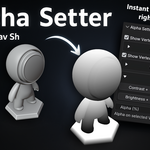
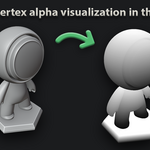
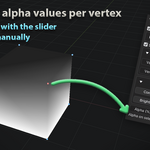
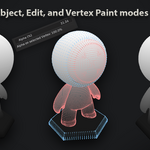
Open the N-Panel → Alpha Setter tab in Object / Edit / Vertex paint modes to visualize, inspect, and edit vertex alpha.
$8.99
 Included
Includes 12 months of
- Support from vladislavsh
- Product updates
Extend this product’s Support Period +12 months: 50% of product price
Have questions before purchasing?
Login to message
| Blender Extension Compatible | Yes |
| Dev Fund Contributor | |
| Published | about 1 year ago |
| Blender Version | 3.6 - 5.2 |
| Extension Type | Add-on |
| Render Engine Used | Cycles, Eevee |
| License | GPL |
Discover more products like this
vizualisation Shader vertex colors environment inspect-vertex-color Vertex Alpha inspect addon add-vertex-color alpha transparency blender