 Animates



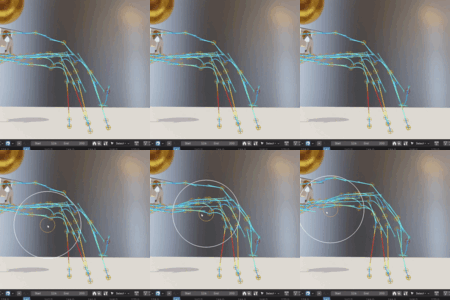
Motion Paths
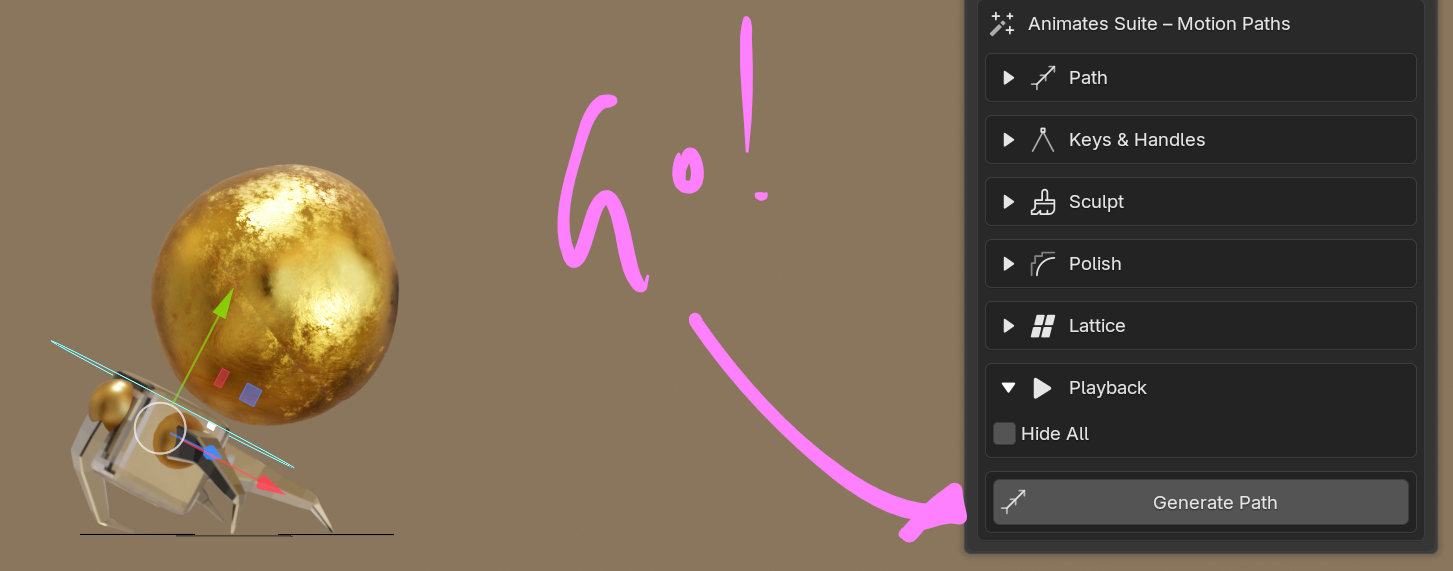
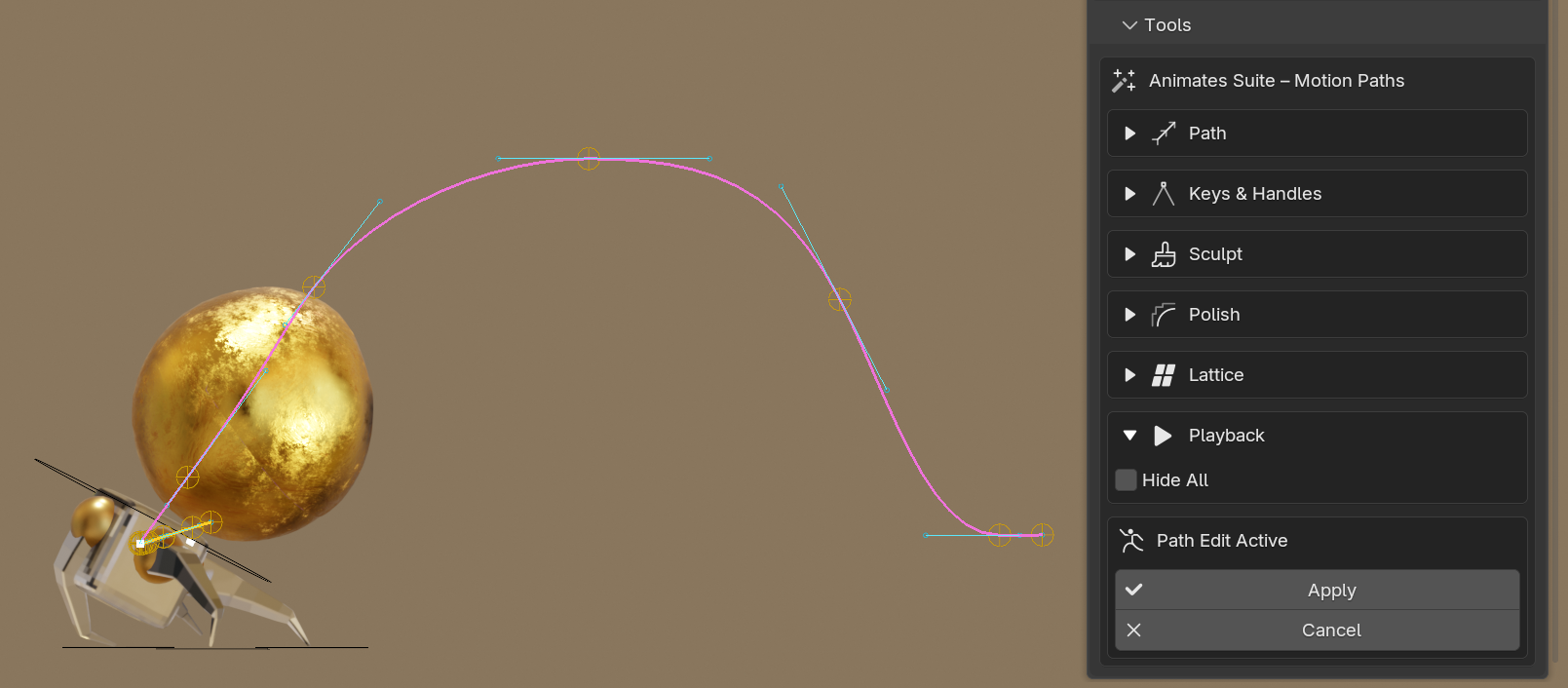
The path will auto generate a series of proxy elements for the keys and handles, joined by the path.
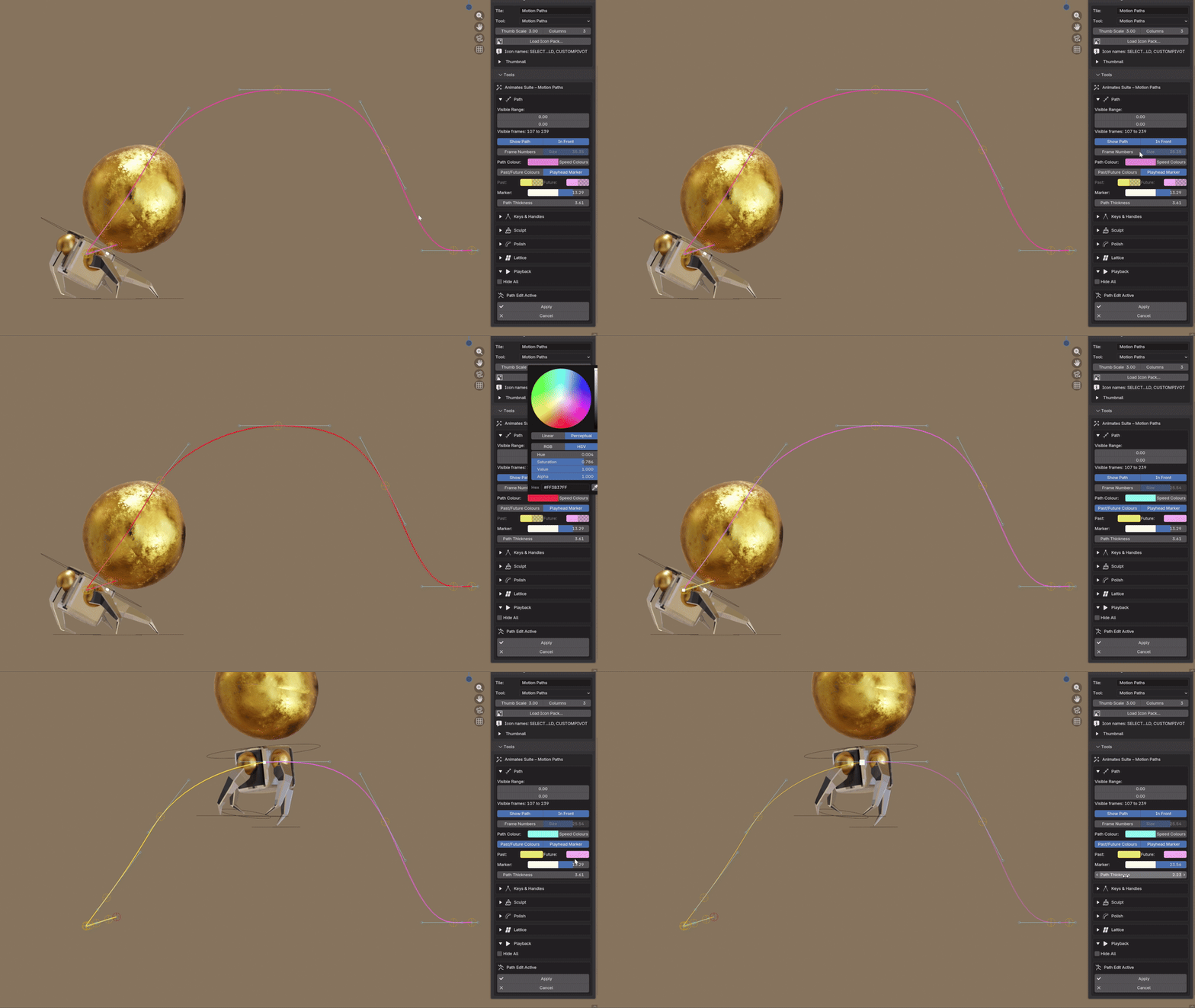
Variables include visibility of the path (it can also be muted on playback) and keys In Front of meshes. Frame Numbers and their size. Path colour toggles include flat colour, speed colours showing velocity and Past and Future. There is also a playhead marker with size and colour options.
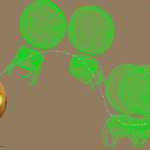
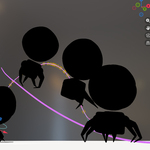
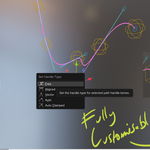
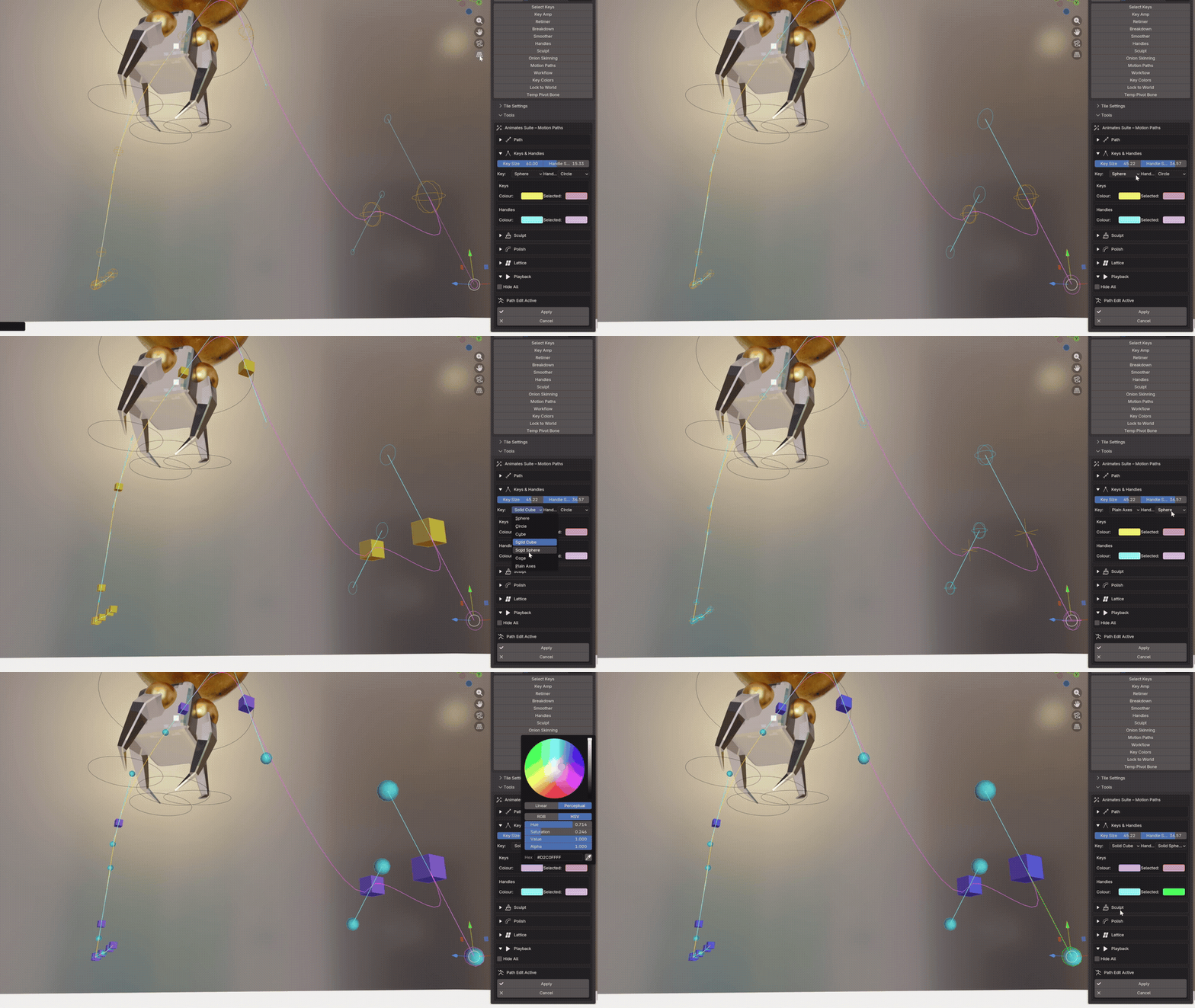
Keys and Handles a variety of edge based shapes and two solid shapes. Colour options for both in off and selected mode.
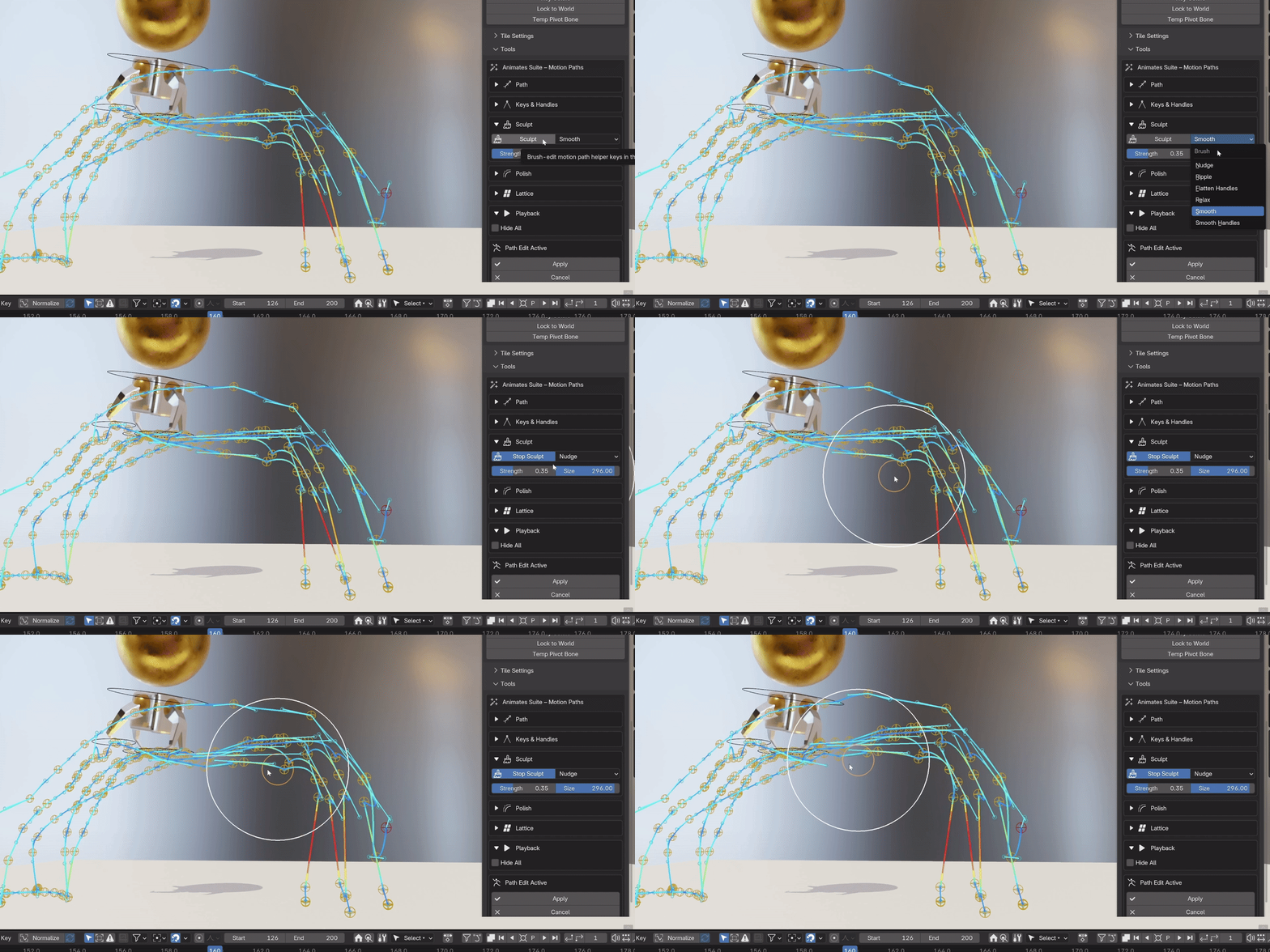
Motion Paths - Sculpt
Motion Paths - Lattice
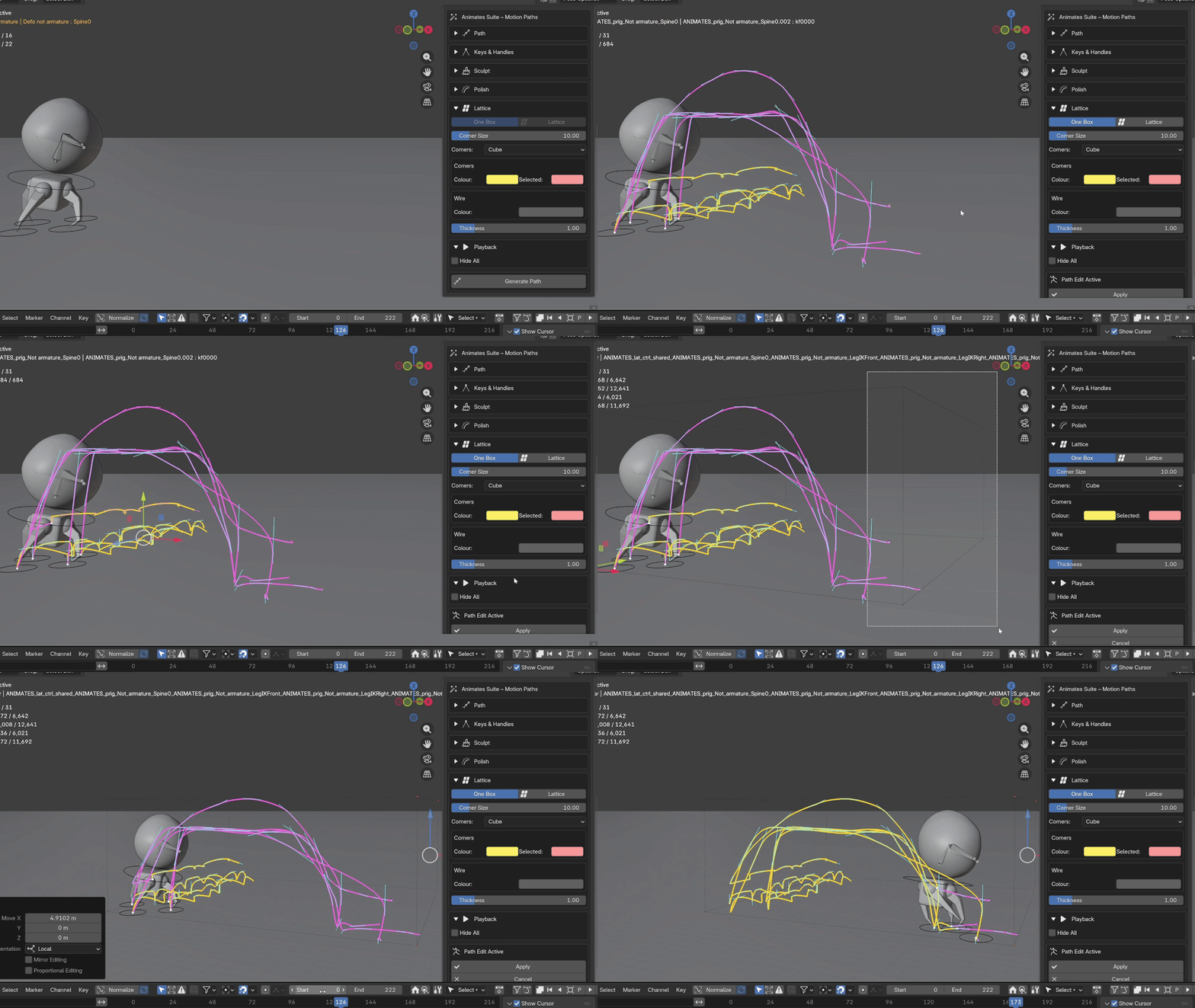
Lattice adjustments
Using the lattice bounding box, selected keys or the whole section of the path can be completely reshaped and sculpted, representing a stretching of the 3d space across any axis.
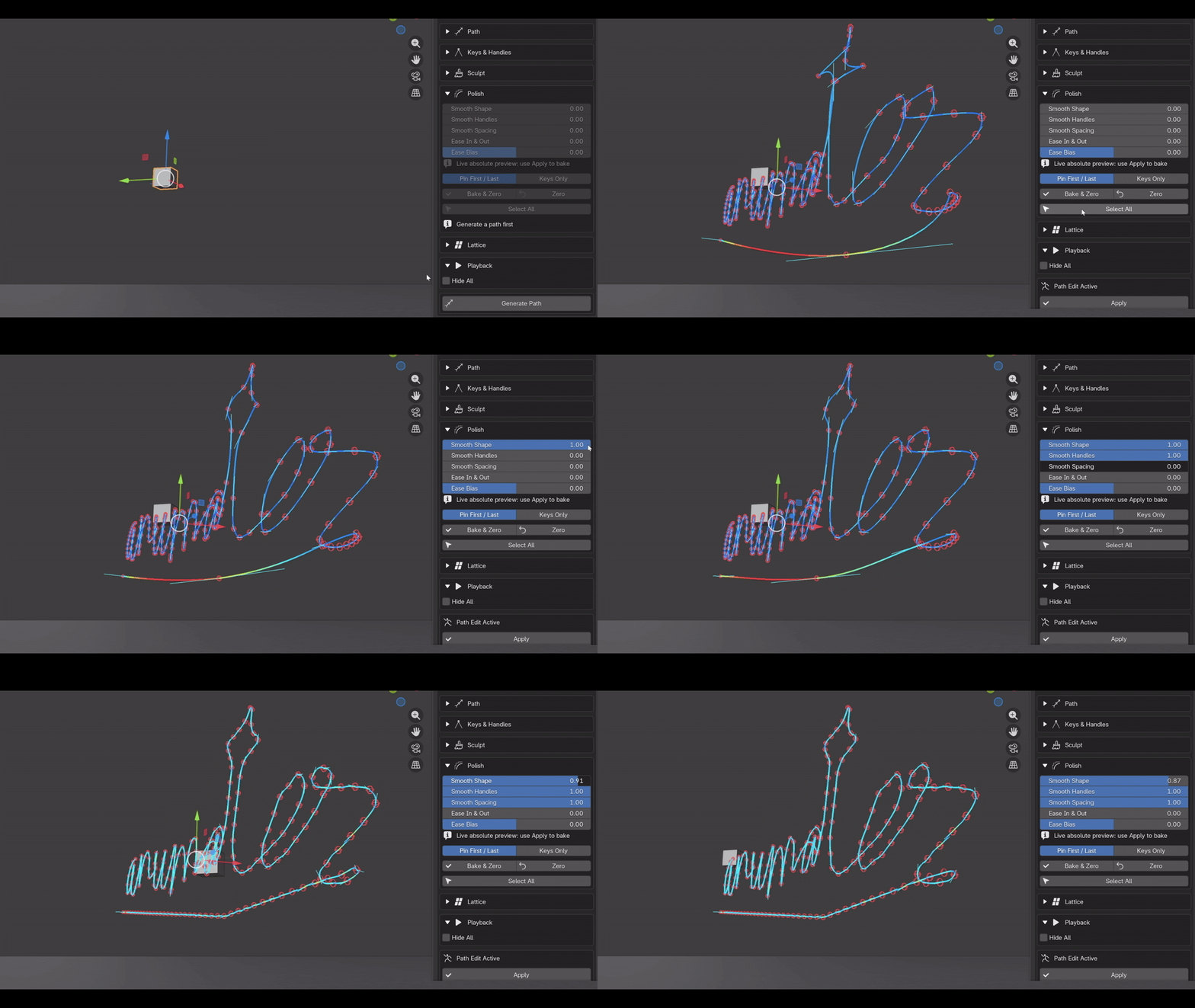
Motion Paths - Polish
Whole paths or selected sections can be easily polished with the Smoothing Sliders; keys, handles, spacing, easing and bias can all be quickly implemented with immediate responsiveness.
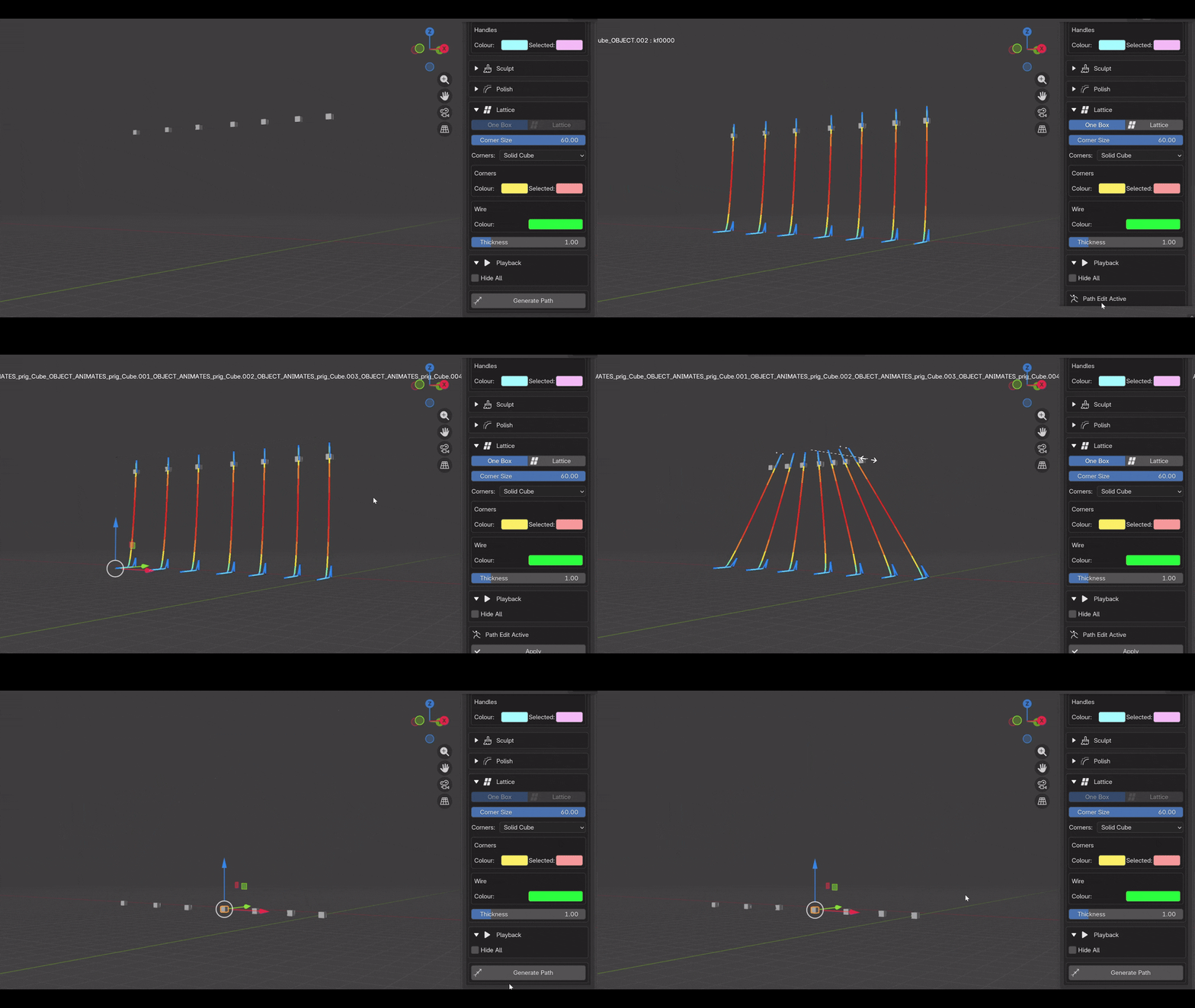
Motion Paths - Multiple objects
Multiple objects can be simultaneously manipulated, both in key manipulation and with the lattice deformer.
Onion Skins
The top of the panel shows and guides you to the Frame Range, this can be streched for upto 200 frames in either direction. The steps can alternate how many frames are delivered in this way eg - one skin per 2 frames etc. Steps can also be used when Keyframes Only is also being employed.
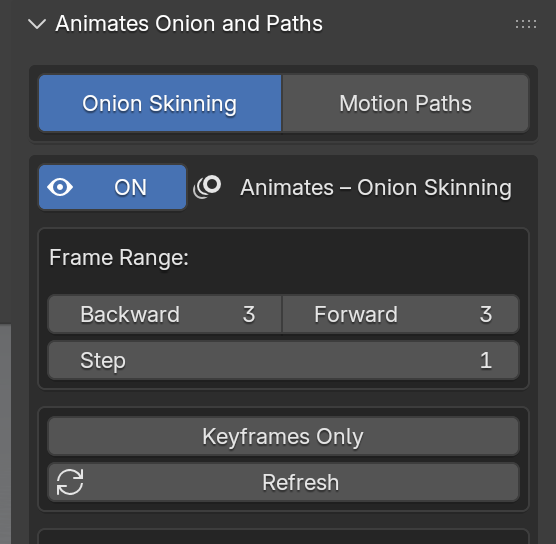
Keyframes Only will also give you the option of only showing the skins based upon the bone selected, by pressing the Active Bone Only button.
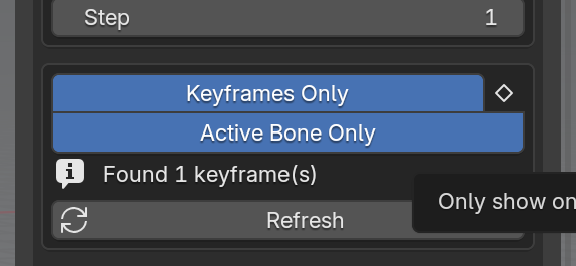
Watch the Active Bone function in the image below reduce the skins to it's keys only.
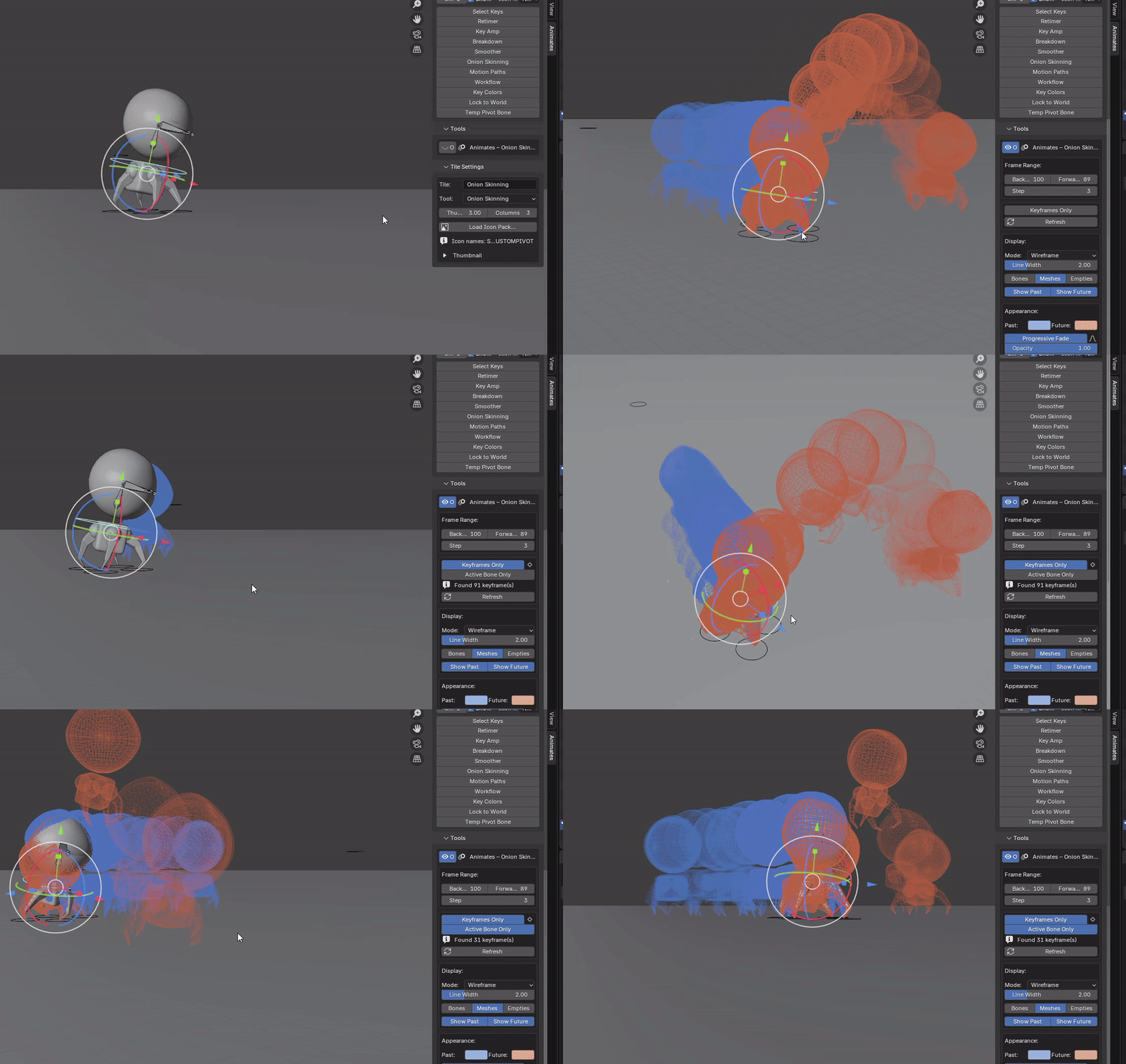
This image shows the Progressive Fade function that helps with dense or overly long shots
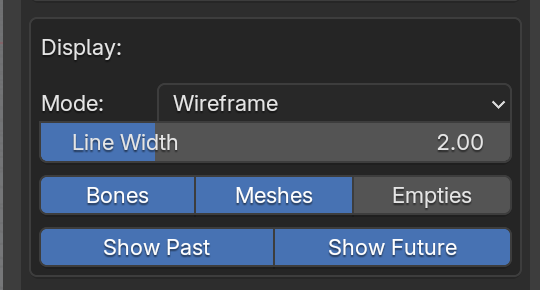
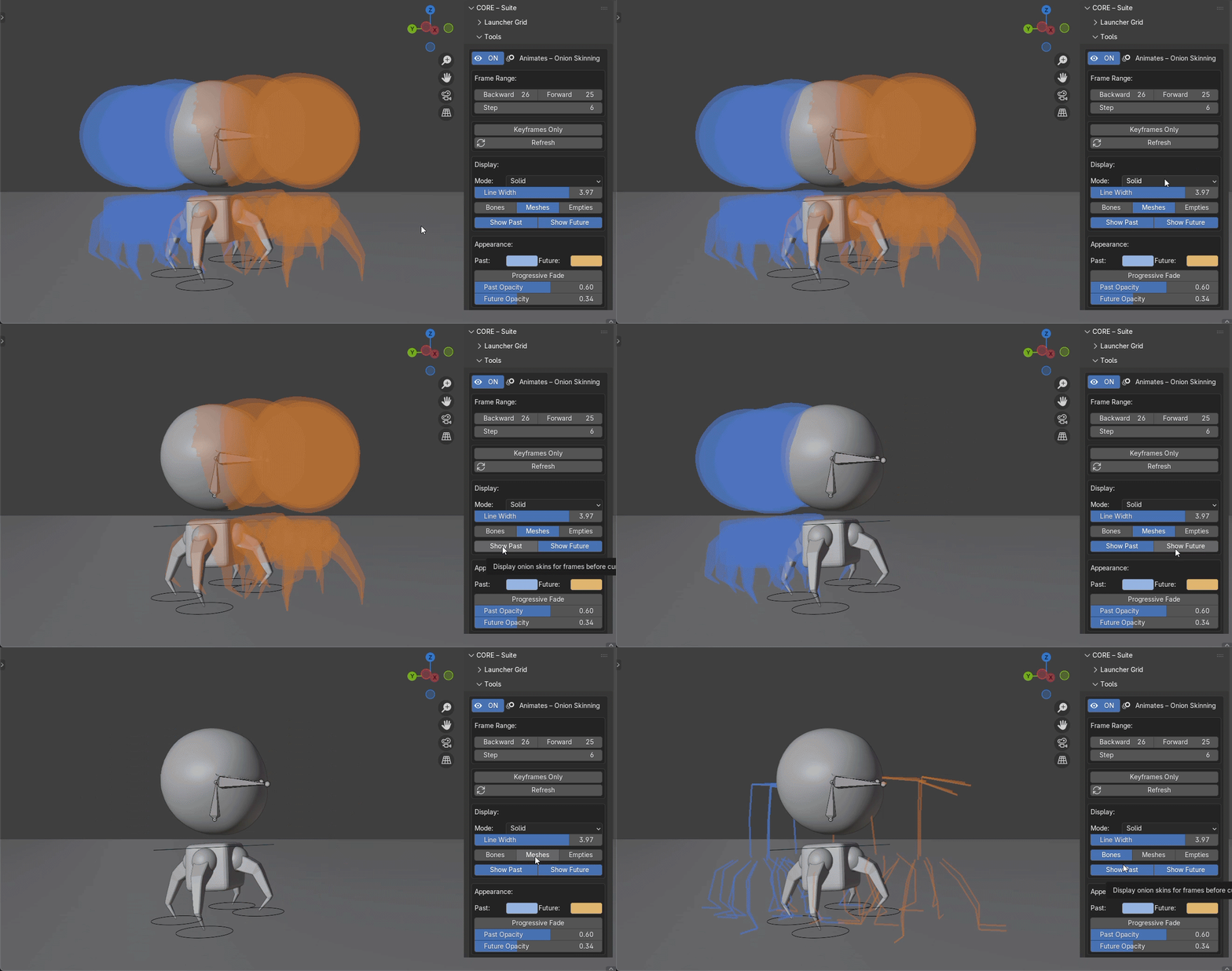
Toggle visibilty between mesh/bones/empties, visibility of past and future skins, the colours can also be changed.
Have questions about this product?
Login to message
| Blender Extension Compatible | Yes |
| Sales | 50+ |
| Published | 4 months ago |
| Blender Version | 4.2 - 5.2 |
| Extension Type | Add-on |
| Render Engine Used | Cycles, Eevee |
| License | GPL |
Discover more products like this
3DMotionGraphics AnimatedMotionTrails 3d-animated animate motion 3D Character Animation Onion Skin